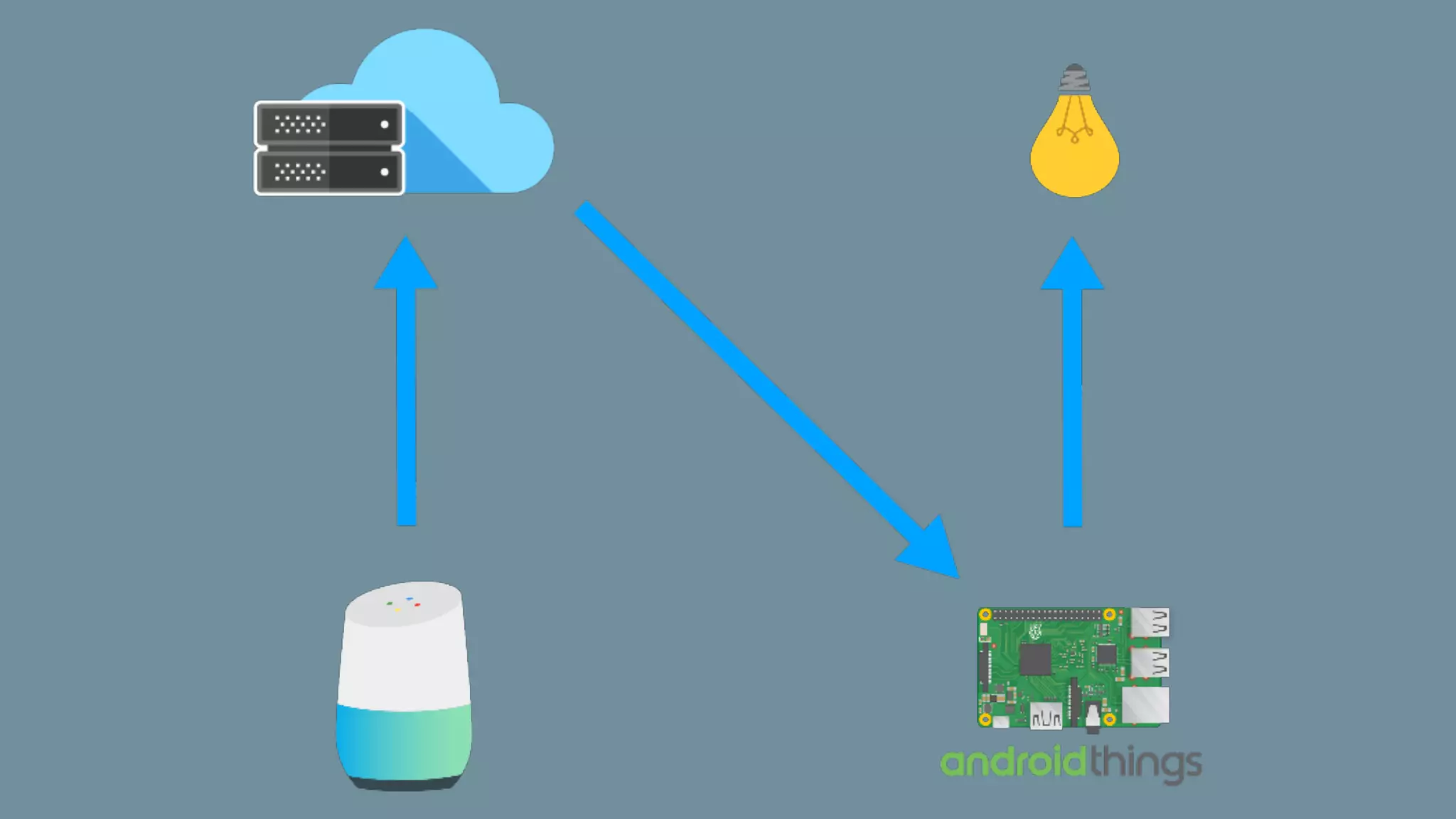
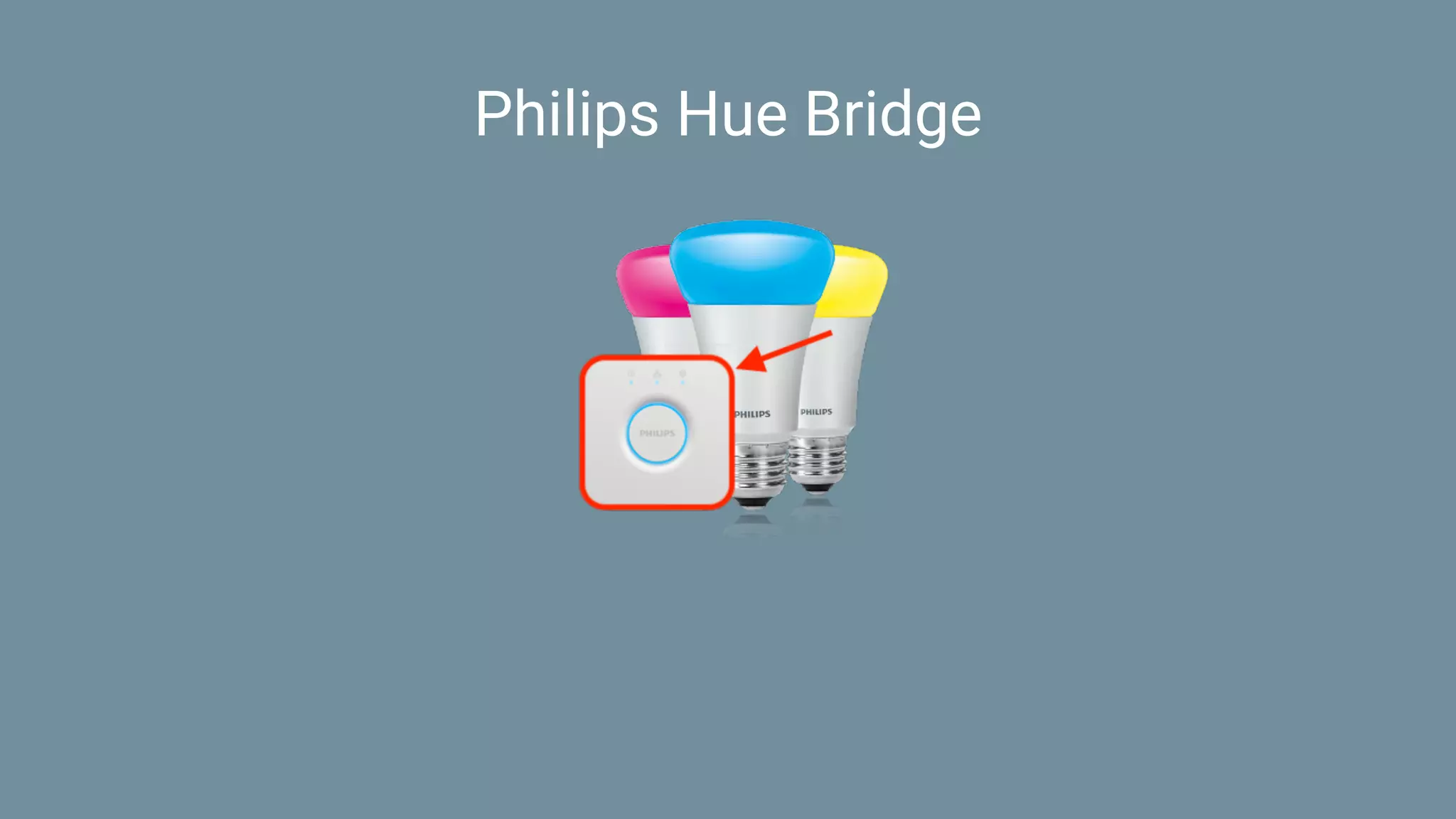
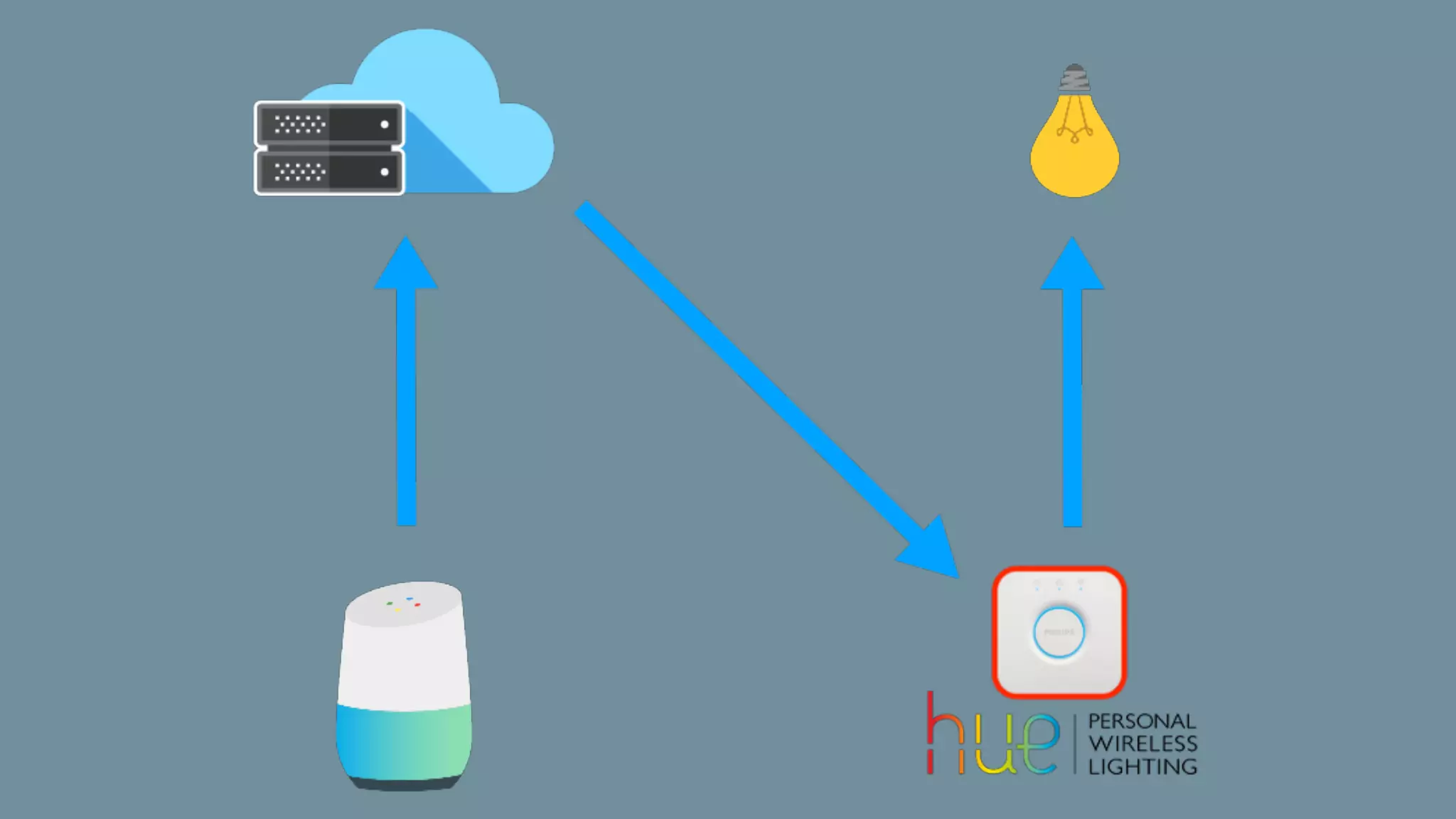
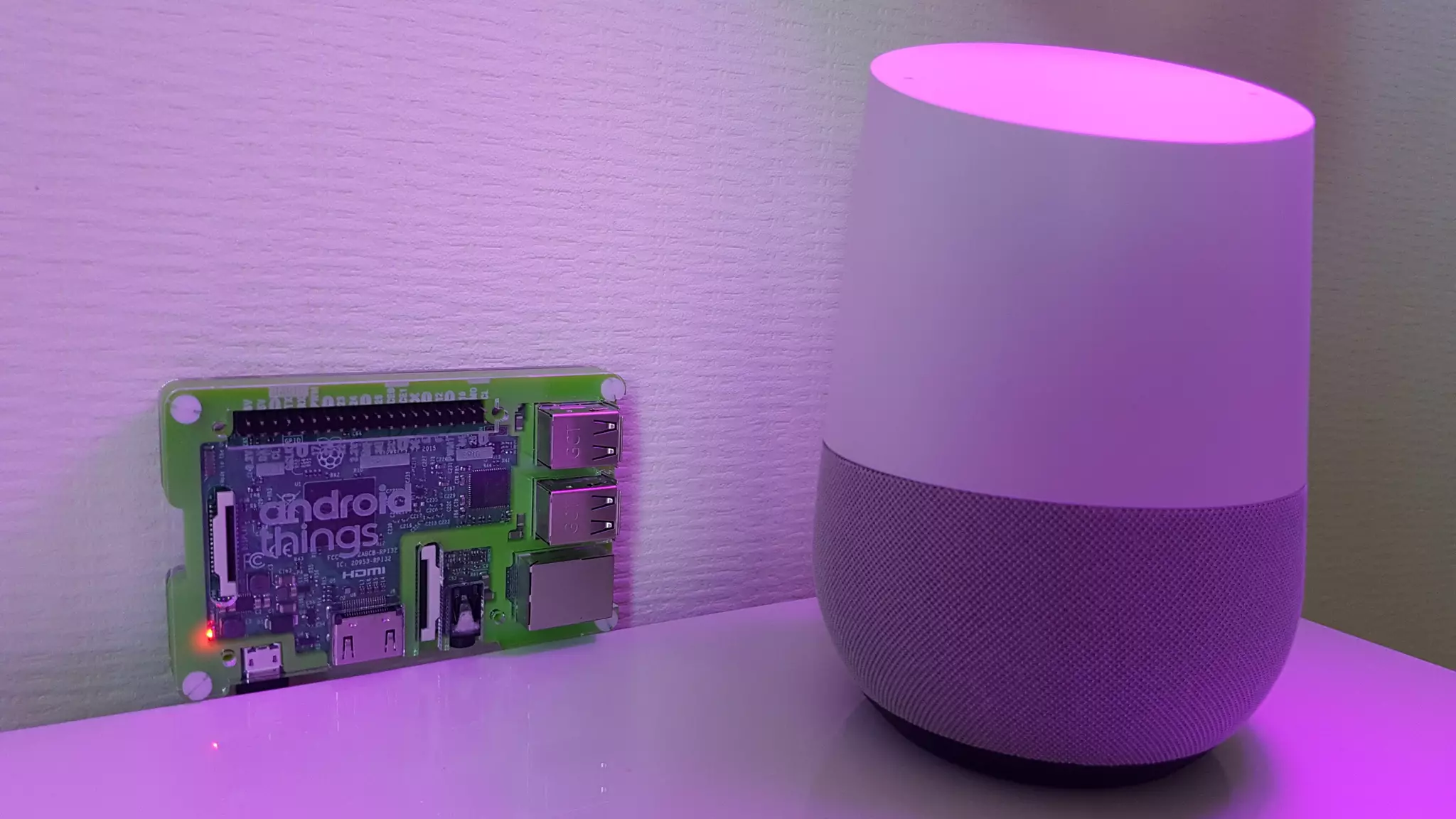
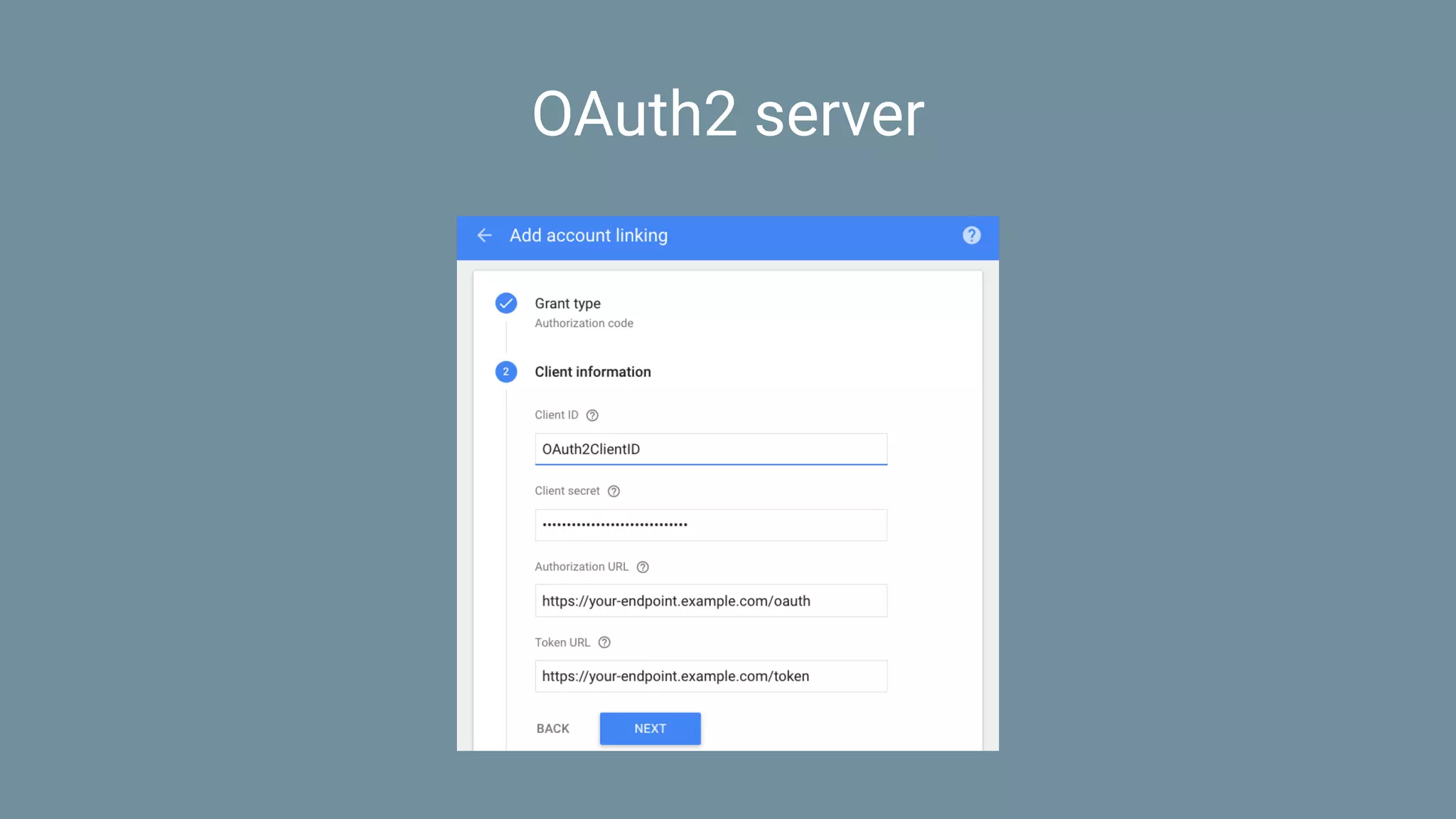
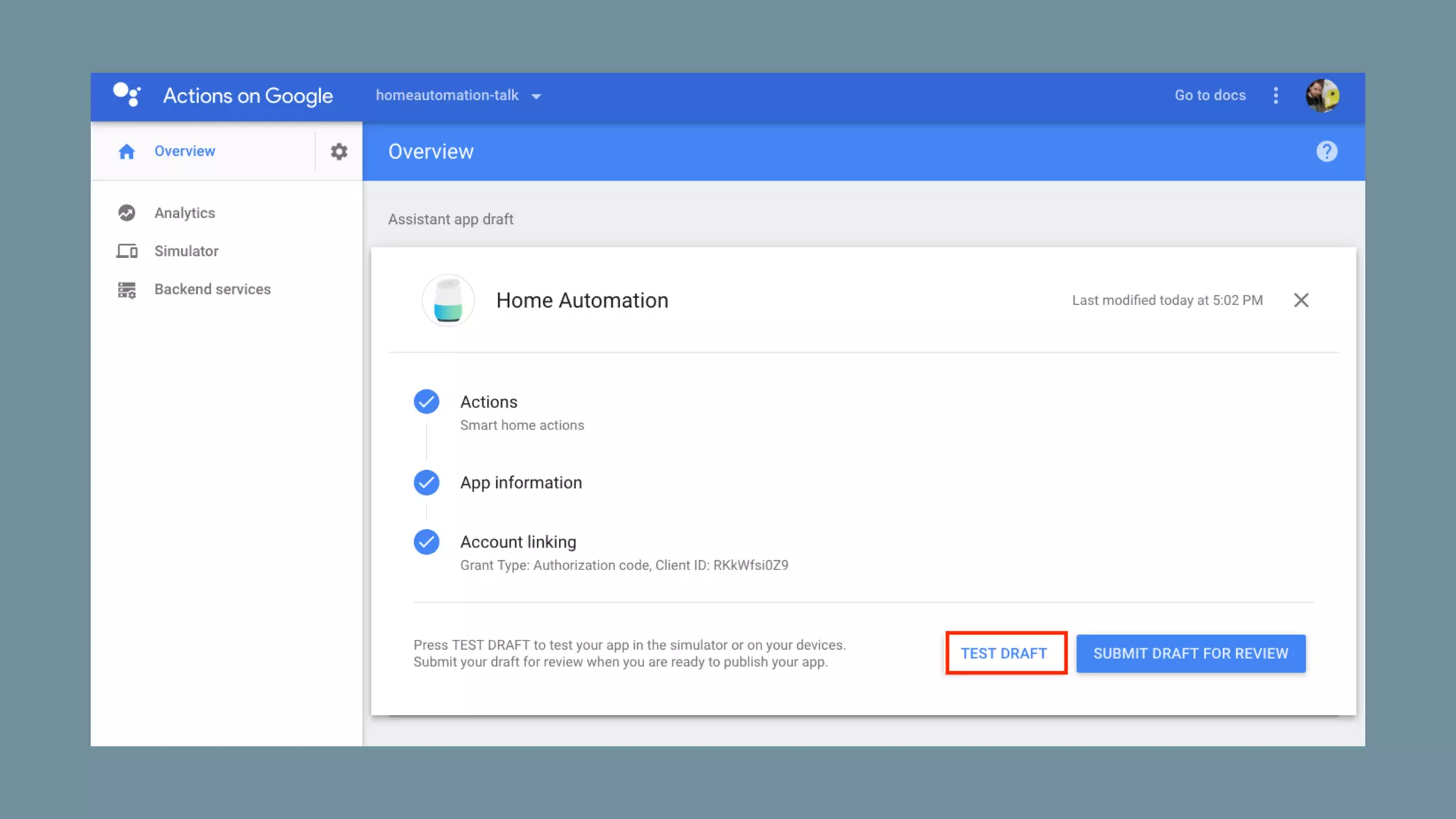
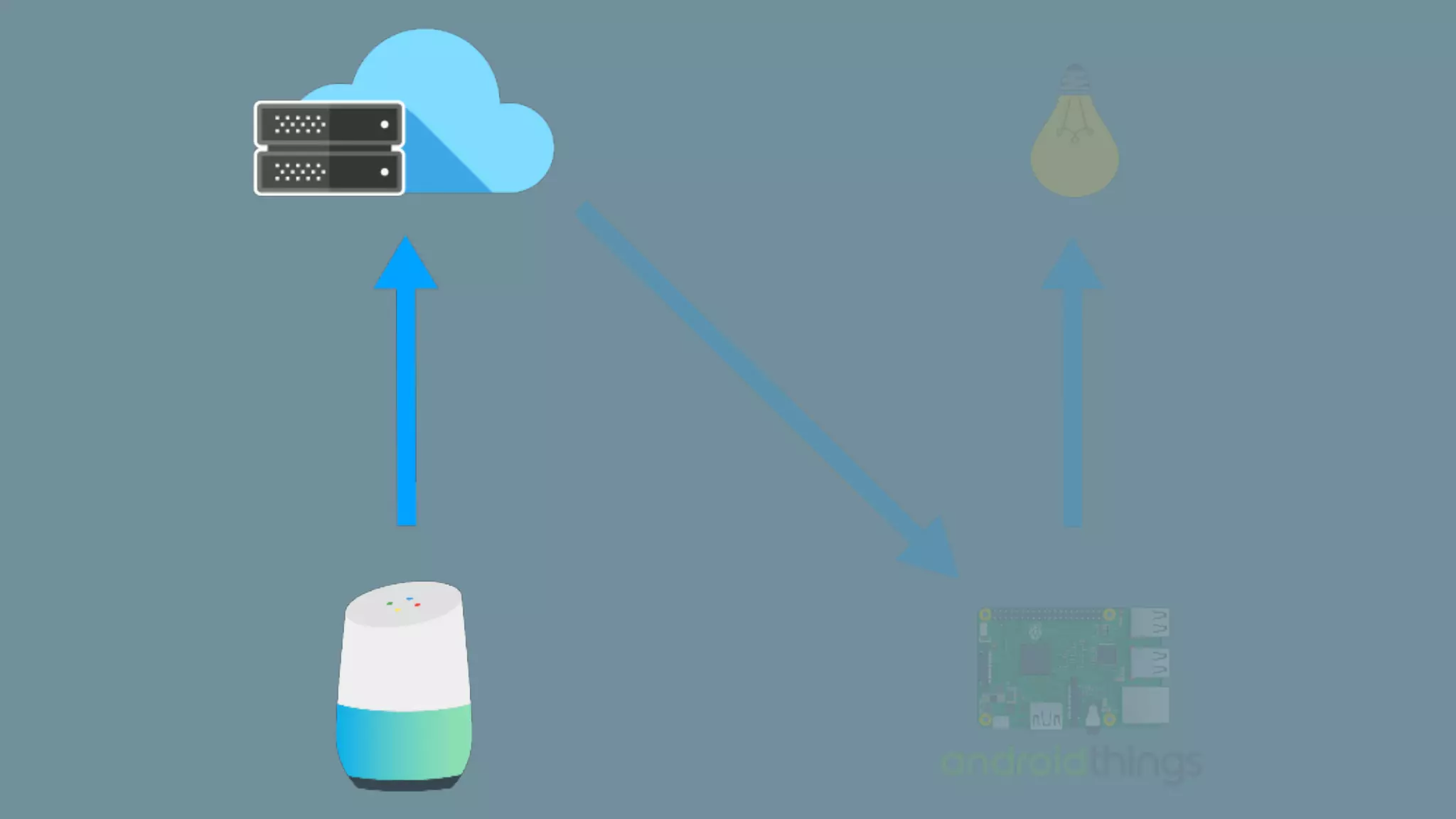
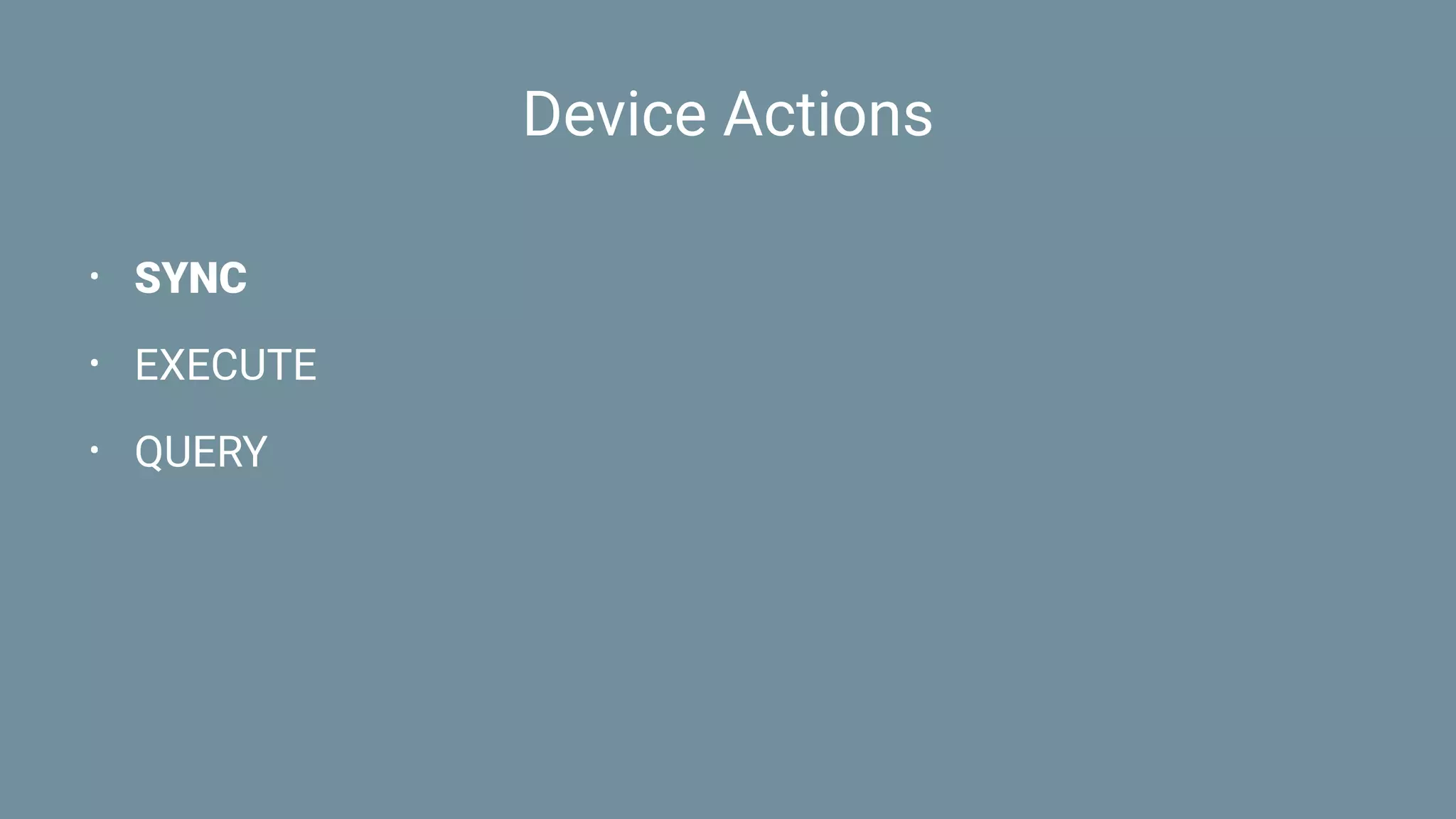
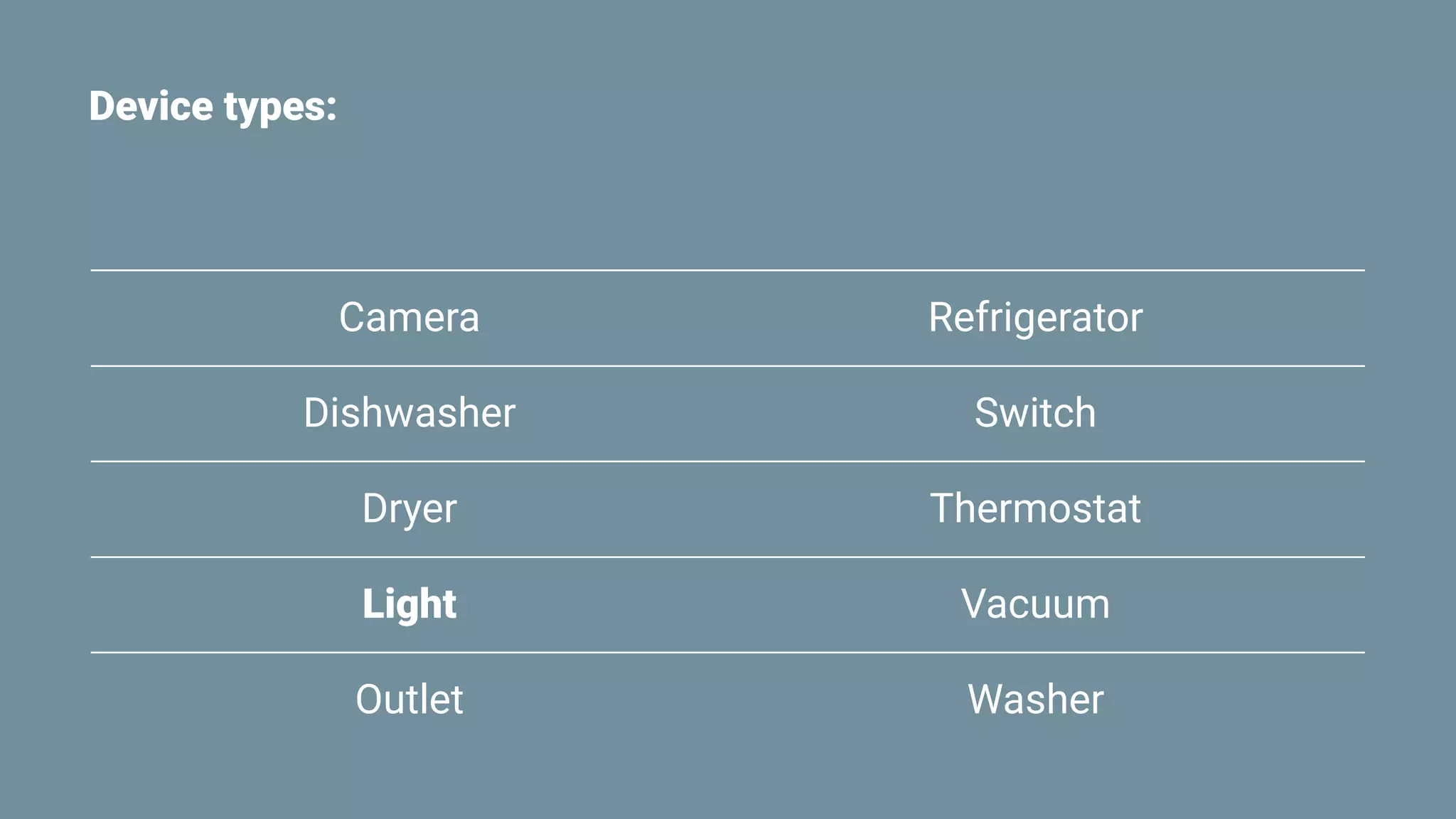
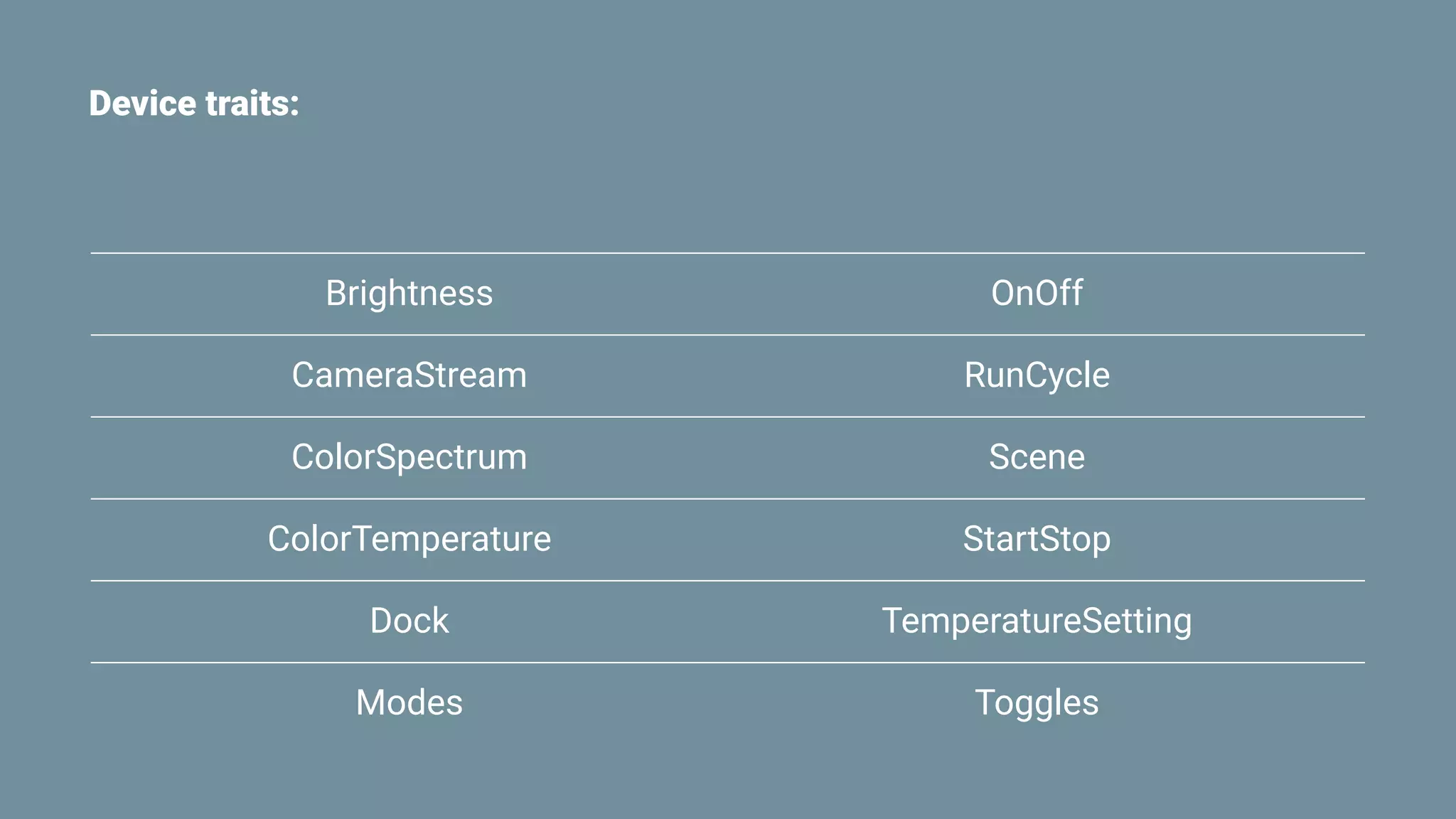
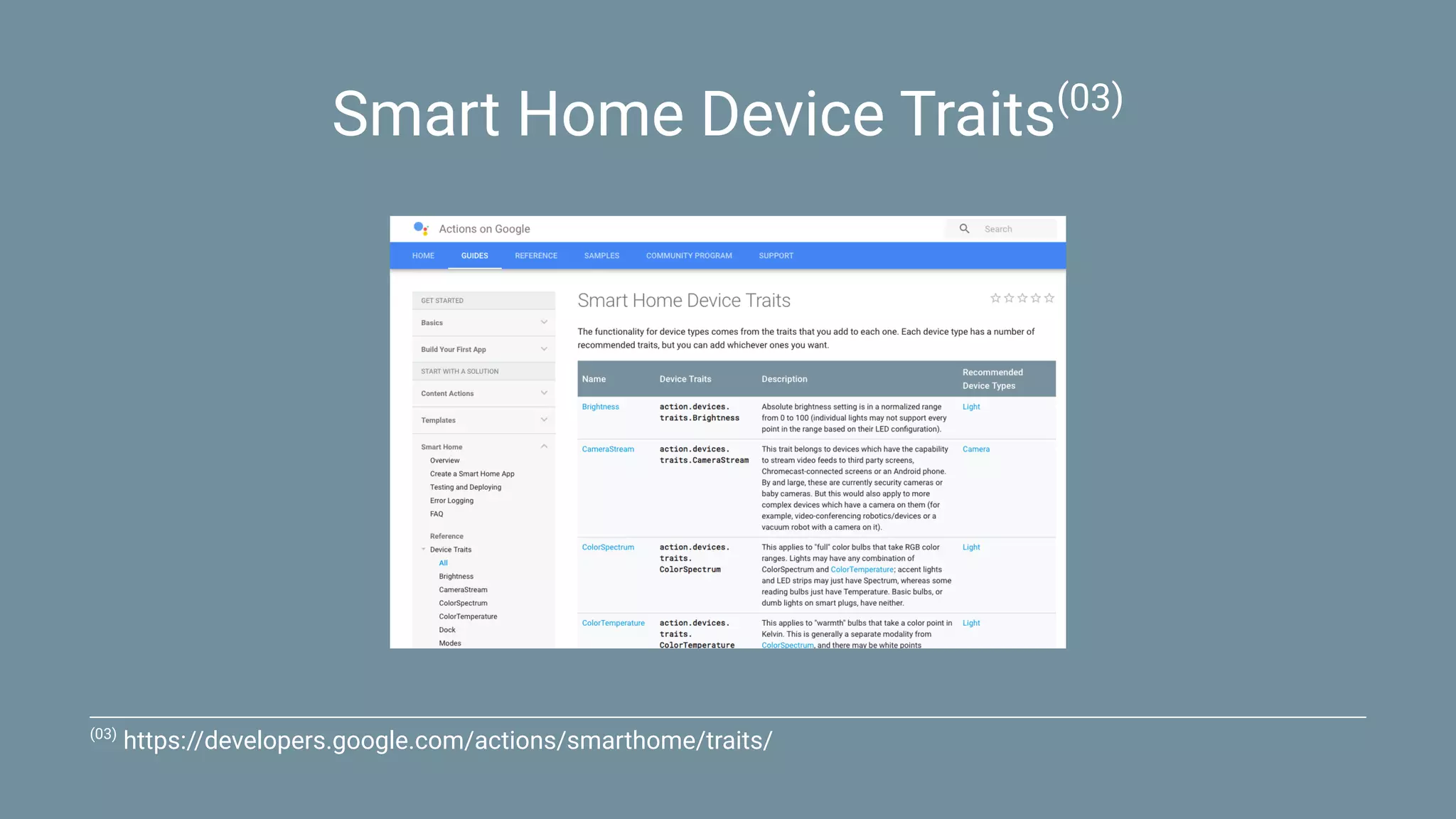
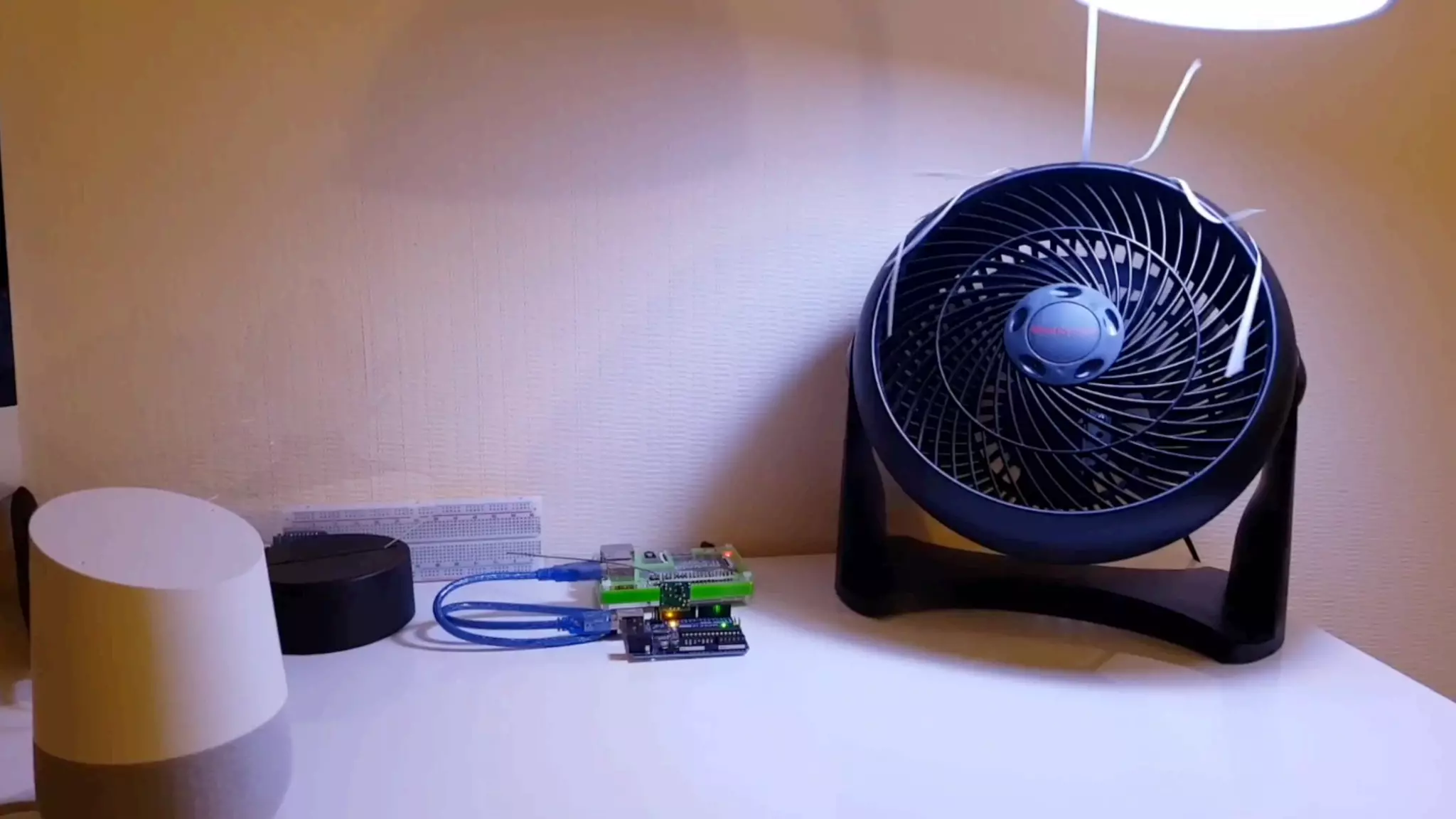
This document discusses using Android Things and the Google Assistant for home automation. It provides examples of controlling smart home devices like lights and switches through actions, traits, and device syncing. Code samples are given for communicating with devices over Bluetooth, GPIO, UART, and infrared to control lights, fans, outlets and more. Additional resources are provided on building smart home apps with Actions on Google and reverse engineering protocols for interoperability.
![SYNC Request:
{
"requestId": "ff36a3cc-ec34-11e6-b1a0-64510650abcf",
"inputs": [{
"intent": "action.devices.SYNC"
}]
}](https://image.slidesharecdn.com/homeautomation-pdf-180208135402/75/Home-Automation-with-Android-Things-and-the-Google-Assistant-21-2048.jpg)
![SYNC Response:
{
"requestId": "ff36a3cc-ec34-11e6-b1a0-64510650abcf",
"payload": {
"devices": [{
"id": "1",
"type": "action.devices.types.LIGHT",
"traits": [
"action.devices.traits.OnOff",
"action.devices.traits.ColorSpectrum"
],
"name": {
"name": "Lightbulb"
},
"willReportState": true
}]
}
}](https://image.slidesharecdn.com/homeautomation-pdf-180208135402/75/Home-Automation-with-Android-Things-and-the-Google-Assistant-22-2048.jpg)
![exports.ha = function(req, res) {
if (!isAuthTokenValid(req)) return;
let intent = req.body.inputs[0].intent;
switch (intent) {
case 'action.devices.SYNC':
sync(req, res);
break;
case 'action.devices.EXECUTE':
execute(req, res);
break;
case 'action.devices.QUERY':
query(req, res);
break;
}
};](https://image.slidesharecdn.com/homeautomation-pdf-180208135402/75/Home-Automation-with-Android-Things-and-the-Google-Assistant-28-2048.jpg)
![function sync(req, res) {
res.status(200).json({
requestId: req.body.requestId,
payload: {
devices: [{
id: 'lightbulb',
type: 'action.devices.types.LIGHT',
traits: [
'action.devices.traits.OnOff',
'action.devices.traits.ColorSpectrum'
],
name: {
name: 'Lightbulb'
},
willReportState: true
}]
}
});
}](https://image.slidesharecdn.com/homeautomation-pdf-180208135402/75/Home-Automation-with-Android-Things-and-the-Google-Assistant-29-2048.jpg)

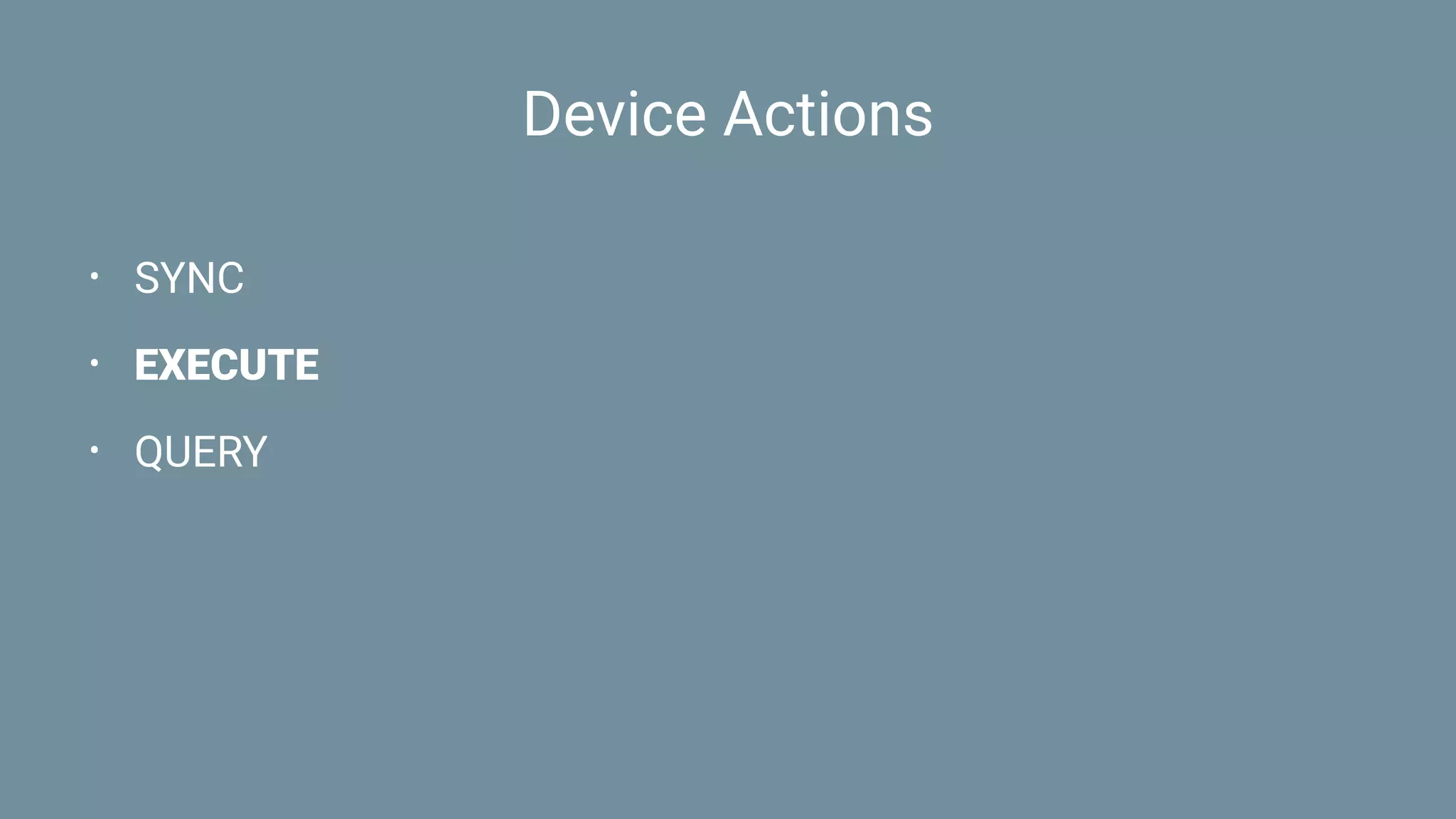
![EXECUTE Request:
{
"requestId": "ff36a3cc-ec34-11e6-b1a0-64510650abcf",
"inputs": [{
"intent": "action.devices.EXECUTE",
"payload": {
"commands": [{
"devices": [{
"id": "lightbulb"
}],
"execution": [{
"command": "action.devices.commands.OnOff",
"params": {
"on": true
}
}]
}]
}
}]
}](https://image.slidesharecdn.com/homeautomation-pdf-180208135402/75/Home-Automation-with-Android-Things-and-the-Google-Assistant-35-2048.jpg)
![EXECUTE Response:
{
"requestId": "ff36a3cc-ec34-11e6-b1a0-64510650abcf",
"payload": {
"commands": [{
"ids": ["lightbulb"],
"status": "SUCCESS",
}]
}
}](https://image.slidesharecdn.com/homeautomation-pdf-180208135402/75/Home-Automation-with-Android-Things-and-the-Google-Assistant-36-2048.jpg)
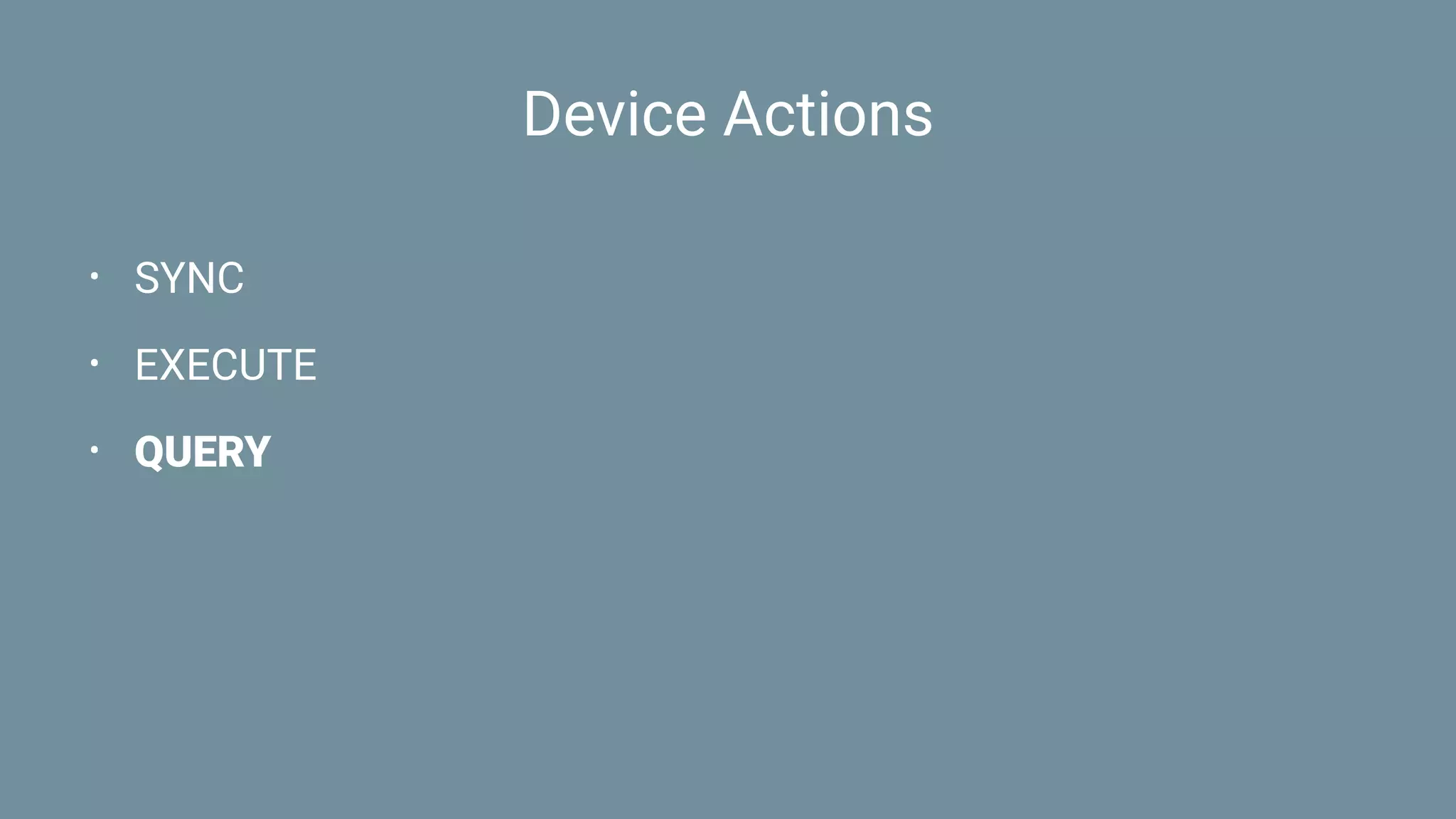
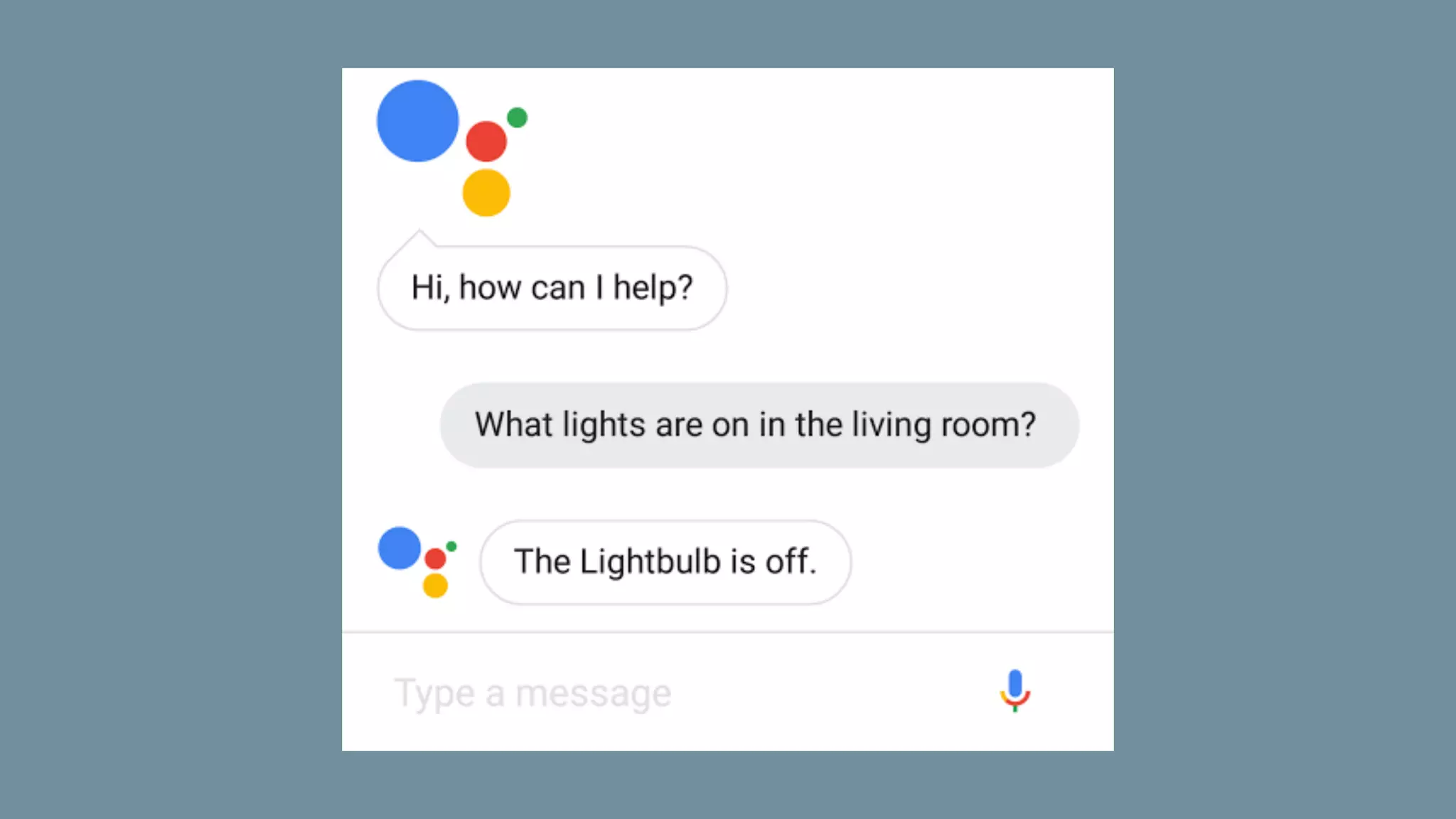
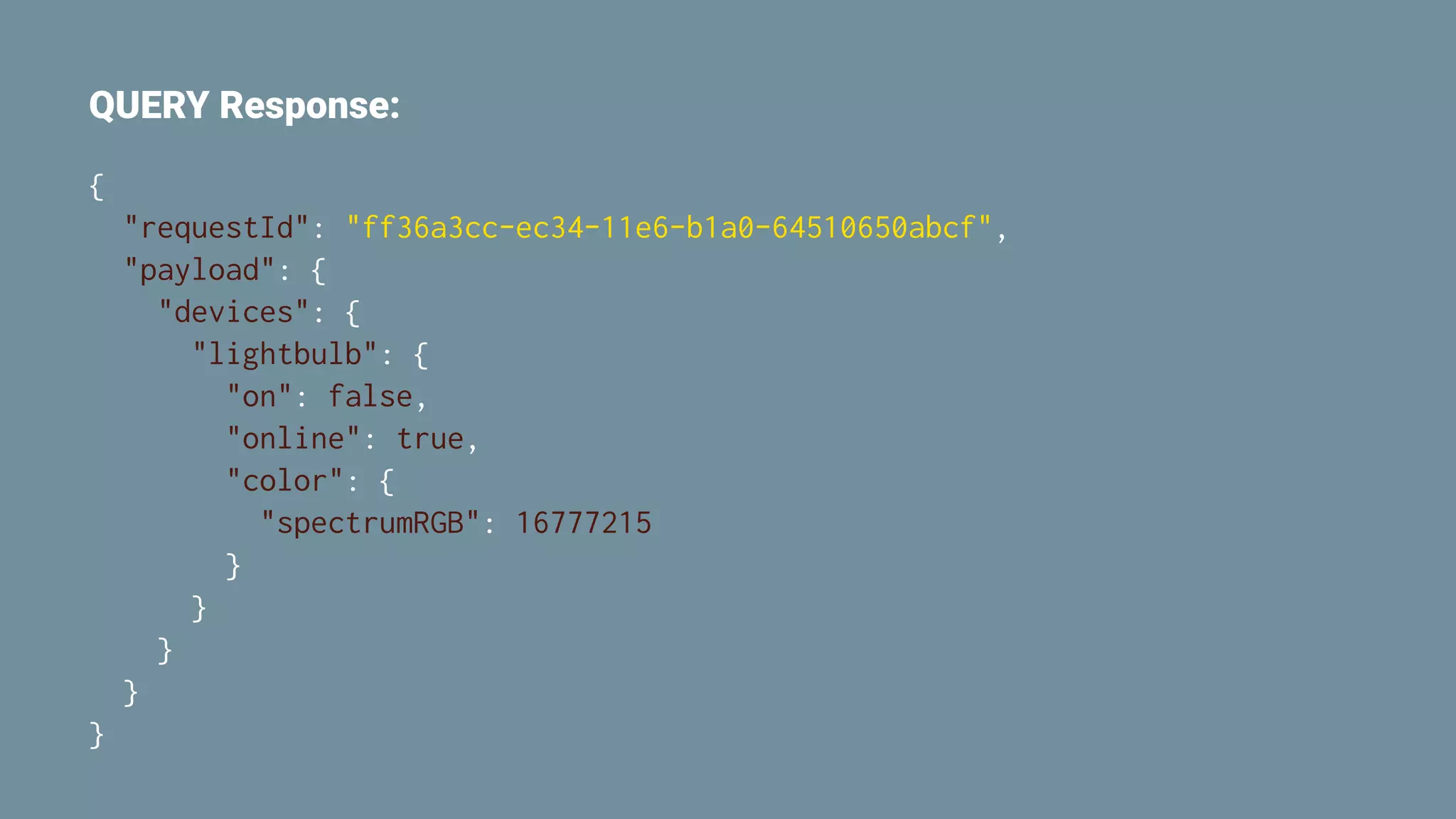
![QUERY Request:
{
"requestId": "ff36a3cc-ec34-11e6-b1a0-64510650abcf",
"inputs": [{
"intent": "action.devices.QUERY",
"payload": {
"devices": [{
"id": "lightbulb"
}]
}
}]
}](https://image.slidesharecdn.com/homeautomation-pdf-180208135402/75/Home-Automation-with-Android-Things-and-the-Google-Assistant-39-2048.jpg)
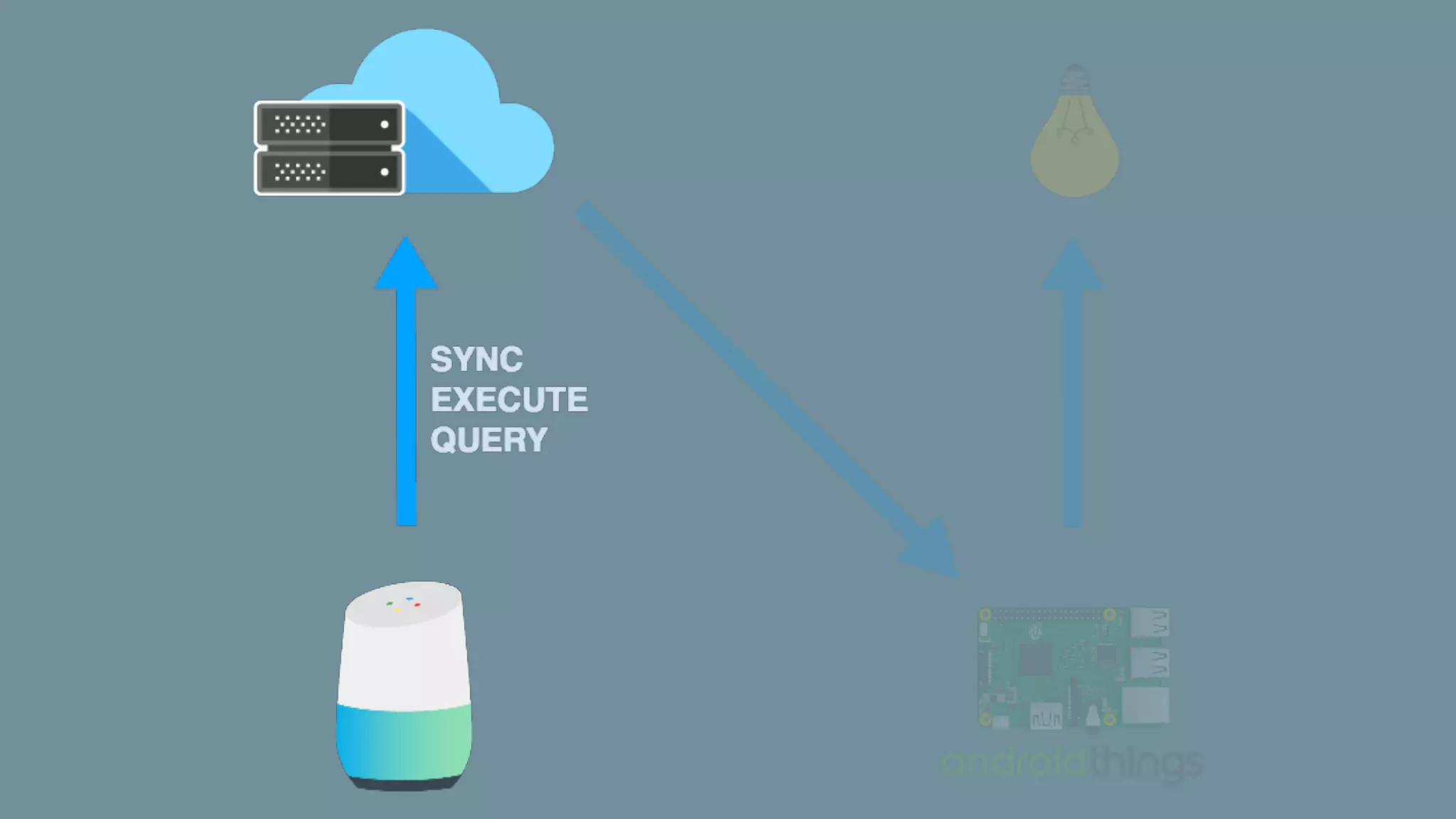
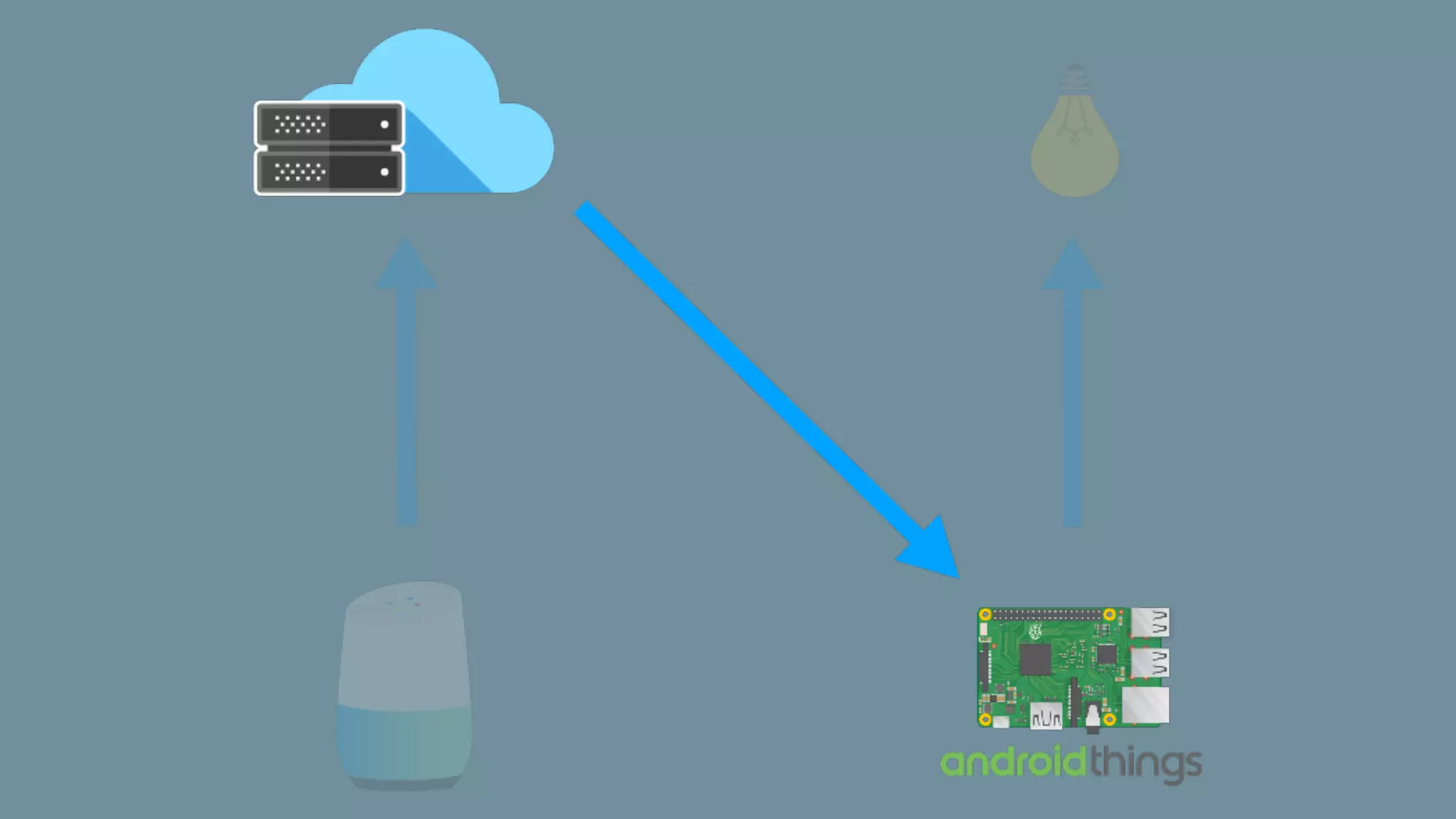
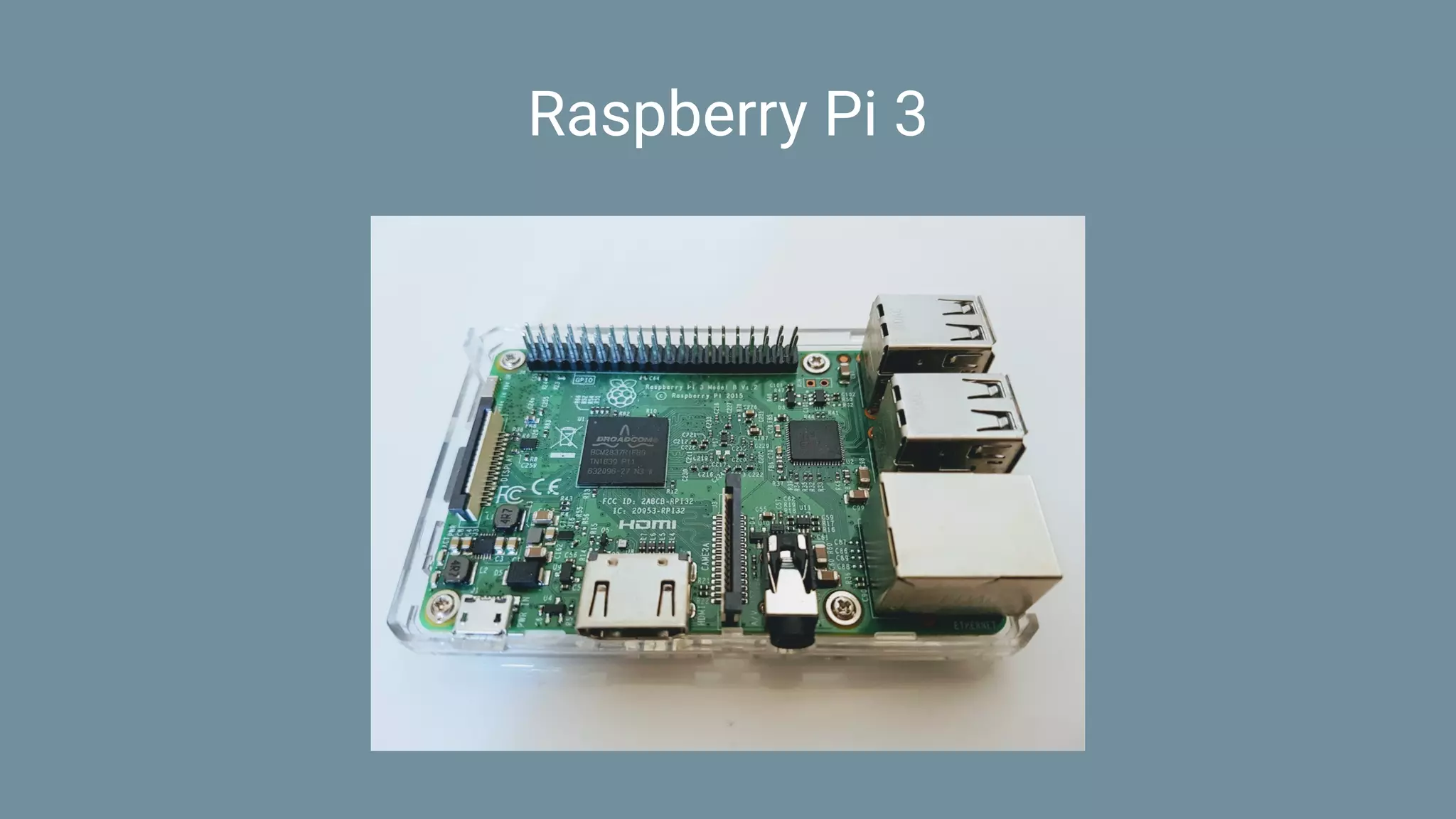

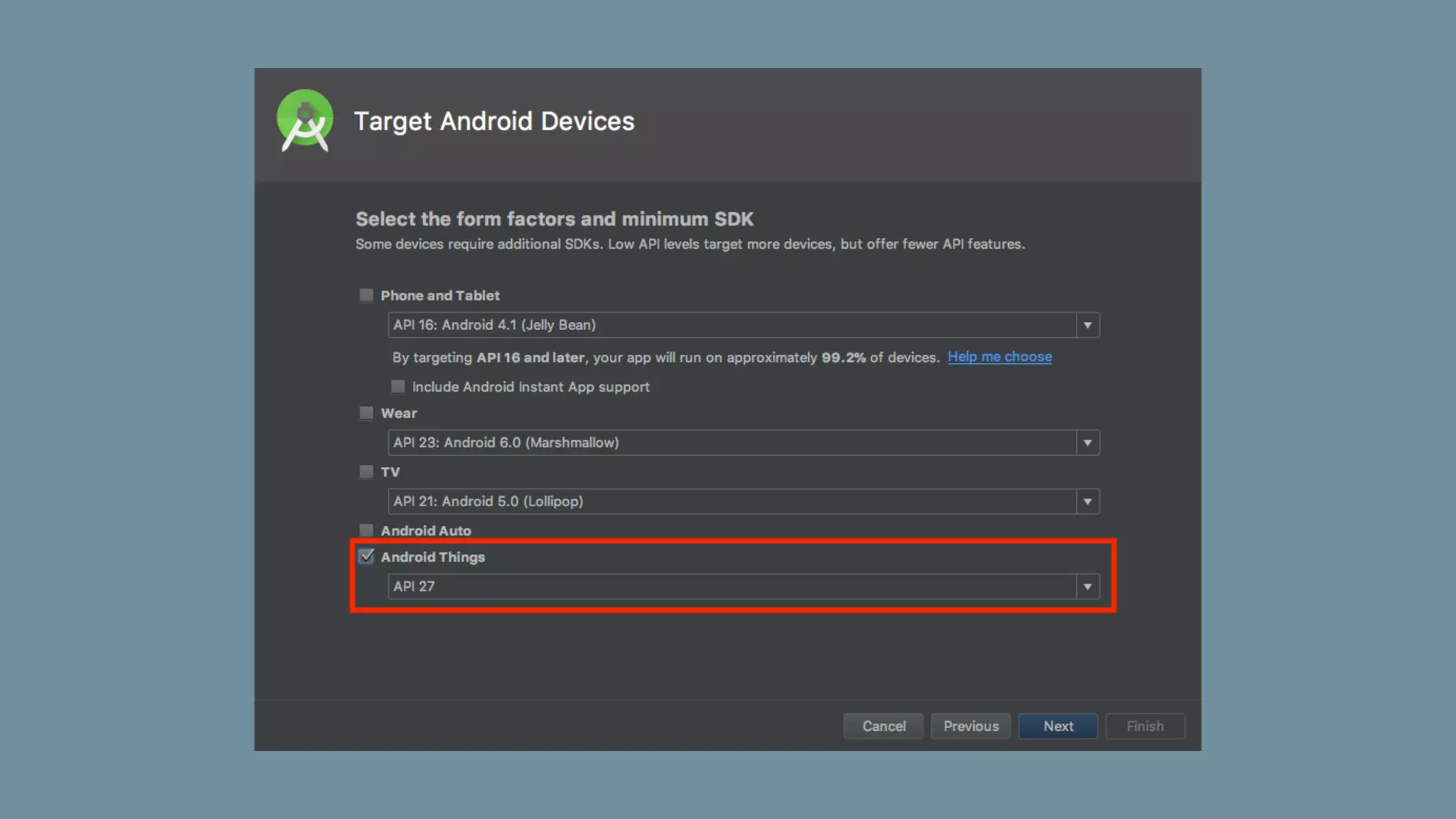



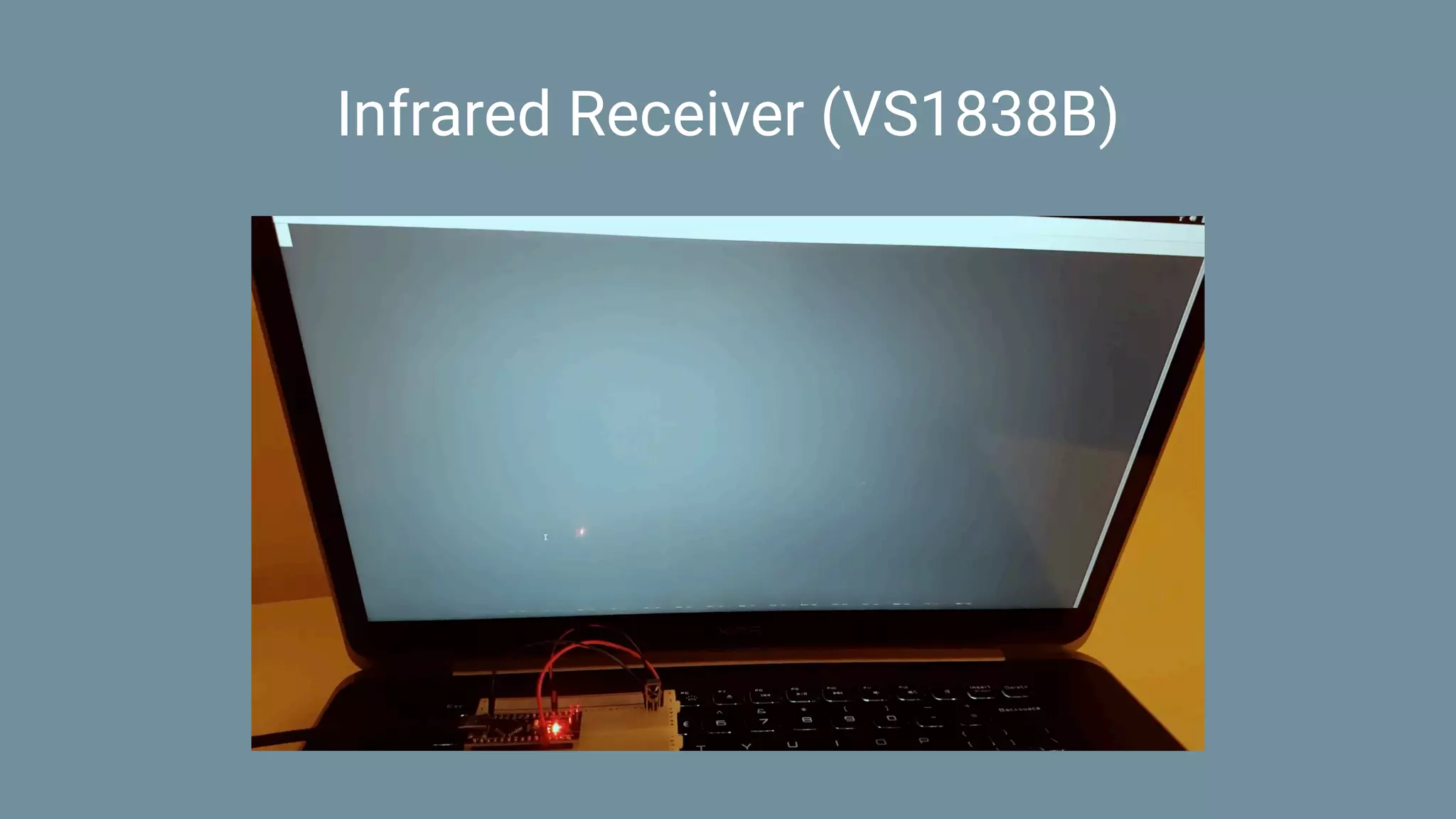
![Infrared dump
Encoding : UNKNOWN
Code : E318261B (32 bits)
Timing[67]:
+8950, -4550 + 500, - 650 + 500, - 650 + 500, - 650
+ 500, - 650 + 500, - 650 + 500, - 650 + 500, - 650
+ 500, - 650 + 500, -1750 + 500, -1700 + 500, -1800
+ 450, -1750 + 450, -1800 + 450, -1750 + 450, -1750
+ 500, -1750 + 450, -1750 + 500, - 650 + 500, -1750
+ 500, - 650 + 500, - 650 + 500, - 650 + 500, -1750
+ 450, - 700 + 450, - 700 + 450, -1750 + 500, - 700
+ 450, -1750 + 500, -1700 + 500, -1750 + 500, - 650
+ 500, -1750 + 450
unsigned int rawData[67] = {8950,4550, 500,650, 500,650, 500,650, 500,650,
500,650, 500,650, 500,650, 500,650, 500,1750, 500,1700, 500,1800, 450,1750,
450,1800, 450,1750, 450,1750, 500,1750, 450,1750, 500,650, 500,1750, 500,650,
500,650, 500,650, 500,1750, 450,700, 450,700, 450,1750, 500,700, 450,1750,
500,1700, 500,1750, 500,650, 500,1750, 450}; // UNKNOWN E318261B](https://image.slidesharecdn.com/homeautomation-pdf-180208135402/75/Home-Automation-with-Android-Things-and-the-Google-Assistant-86-2048.jpg)

![The 2016 Android Developer Toolbox [NANTES]](https://cdn.slidesharecdn.com/ss_thumbnails/presentation-161109212923-thumbnail.jpg?width=640&height=640&fit=bounds)


![The 2016 Android Developer Toolbox [MOBILIZATION]](https://cdn.slidesharecdn.com/ss_thumbnails/presentation-161018132603-thumbnail.jpg?width=640&height=640&fit=bounds)


![Vibe Coding vs. Spec-Driven Development [Free Meetup]](https://cdn.slidesharecdn.com/ss_thumbnails/vibecodingvsspecdrivendevelopment-251209105622-43f455e7-thumbnail.jpg?width=640&height=640&fit=bounds)


