SECURE DEPLOYMENTS
KEEPING YOUR
SECRETS PRIVATE
Henry Been
"Locks" (CC BY-NC-ND 2.0) by wolf4max
WONDERING WHO
IS THAT GUY?
HENRY BEEN
Independent Devops & Azure Architect
E: henry@azurespecialist.nl
T: @henry_been
L: linkedin.com/in/henrybeen
W: henrybeen.nl
So…
WHO DOES DEVOPS?
@henry_been
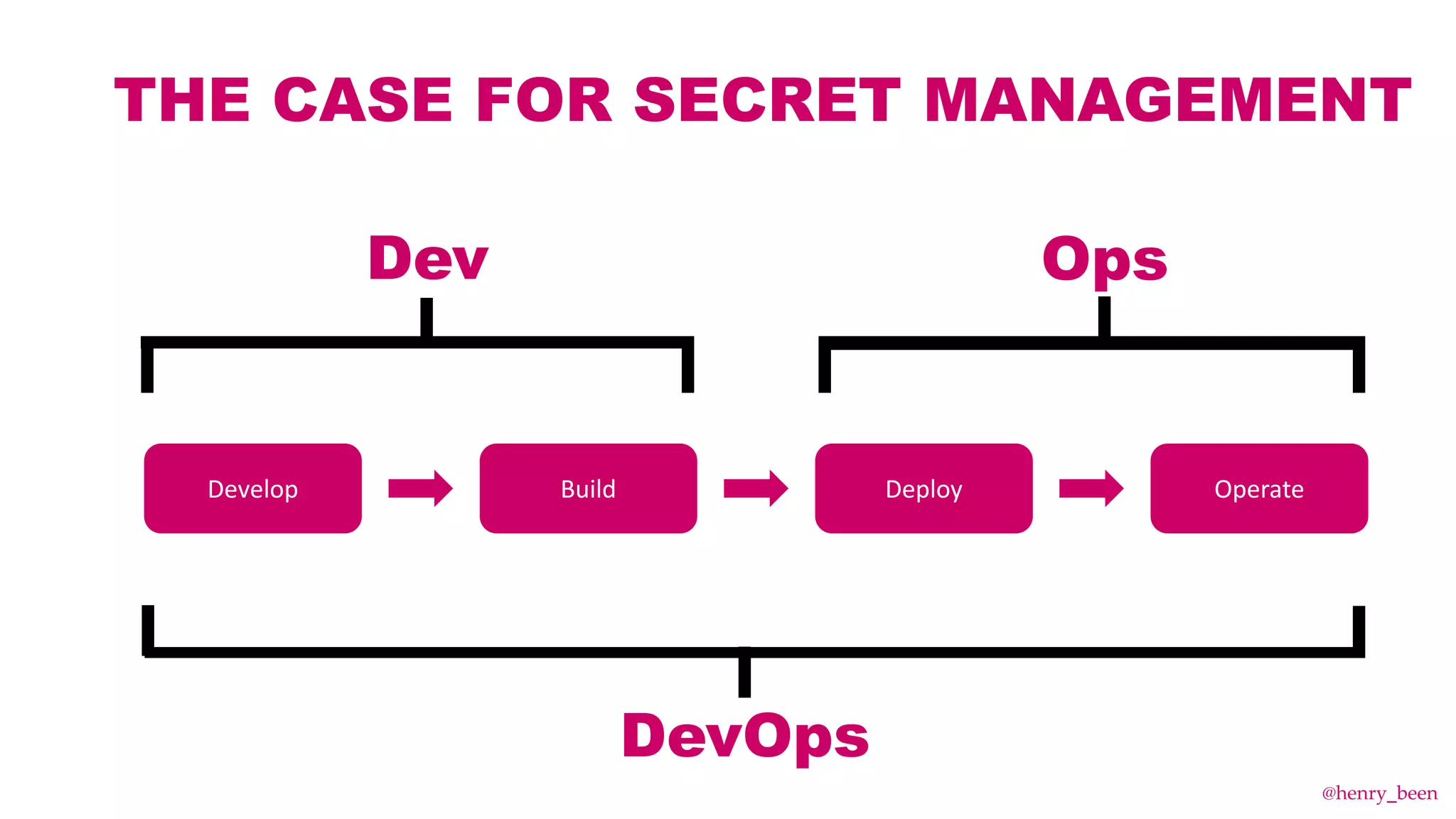
THE CASE FOR SECRET MANAGEMENT
Develop Build Deploy Operate
Dev Ops
DevOps
@henry_been
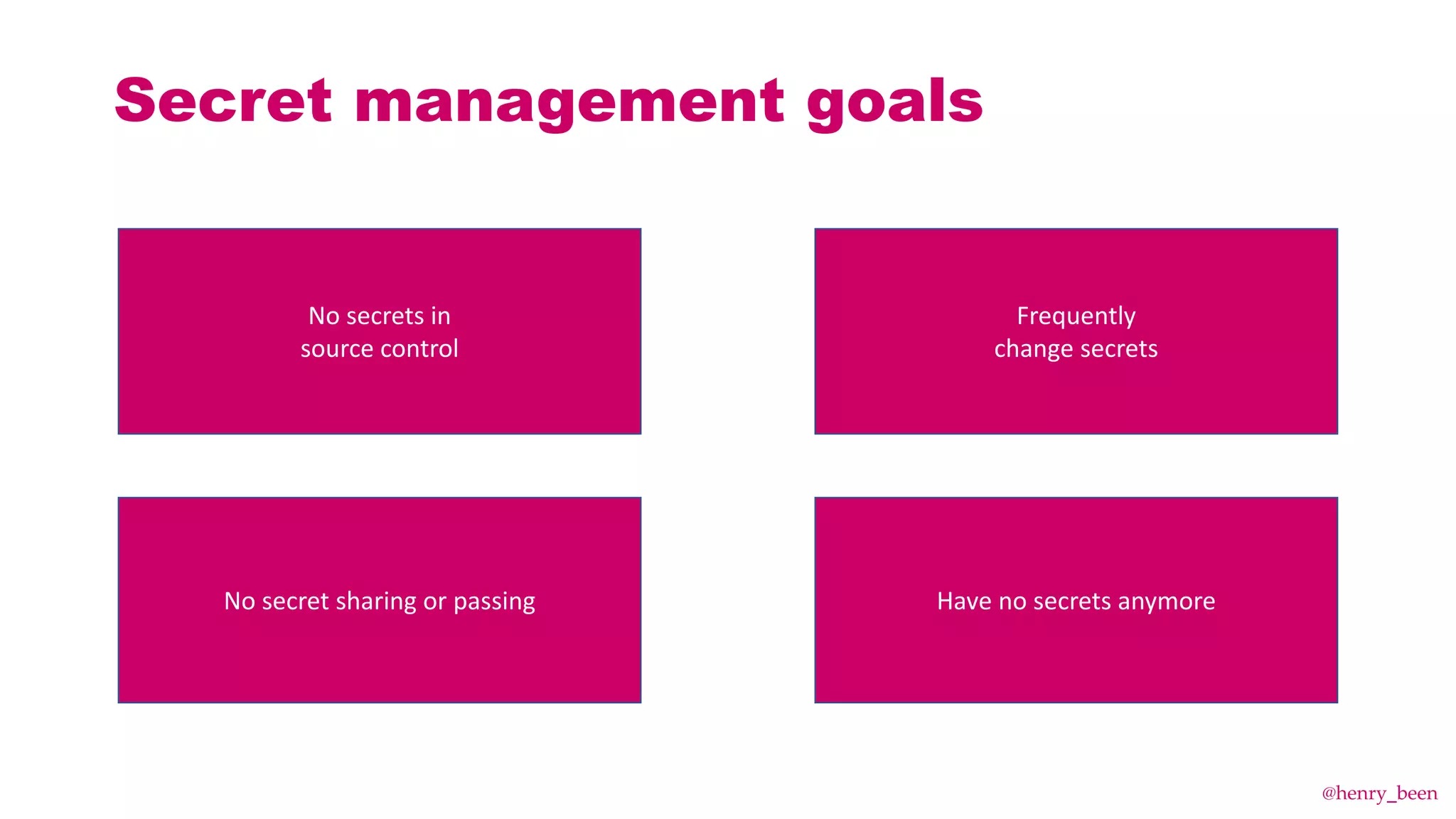
Secret management goals
No secret sharing or passing
Frequently
change secrets
Have no secrets anymore
No secrets in
source control
@henry_been
HOW NOT TO DO
SECRET MANAGEMENT
@henry_been
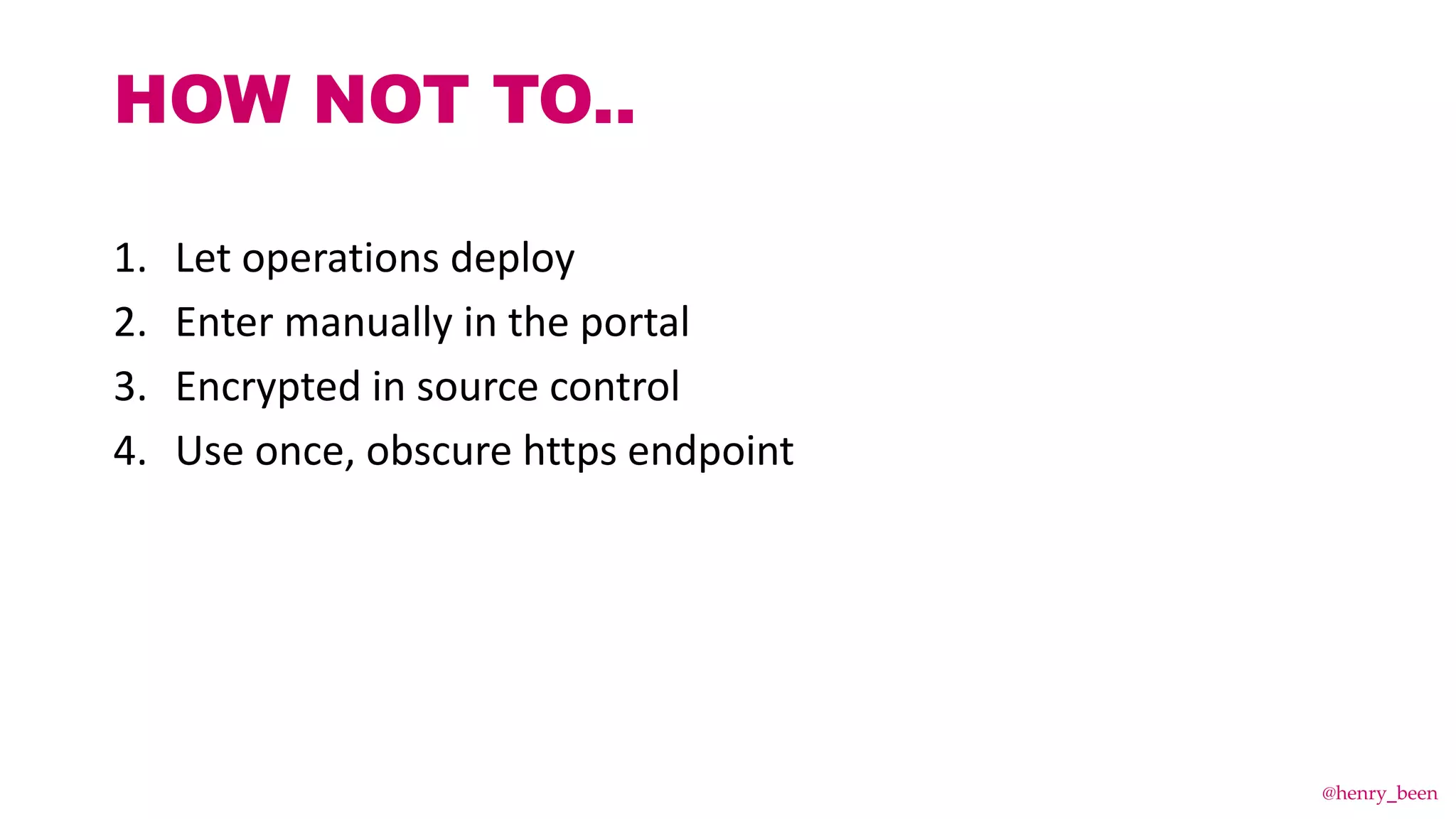
1. Let operations deploy

2. Enter manually in the portal
3. Encrypted in source control
4. Use once, obscure https endpoint
HOW NOT TO..
@henry_been
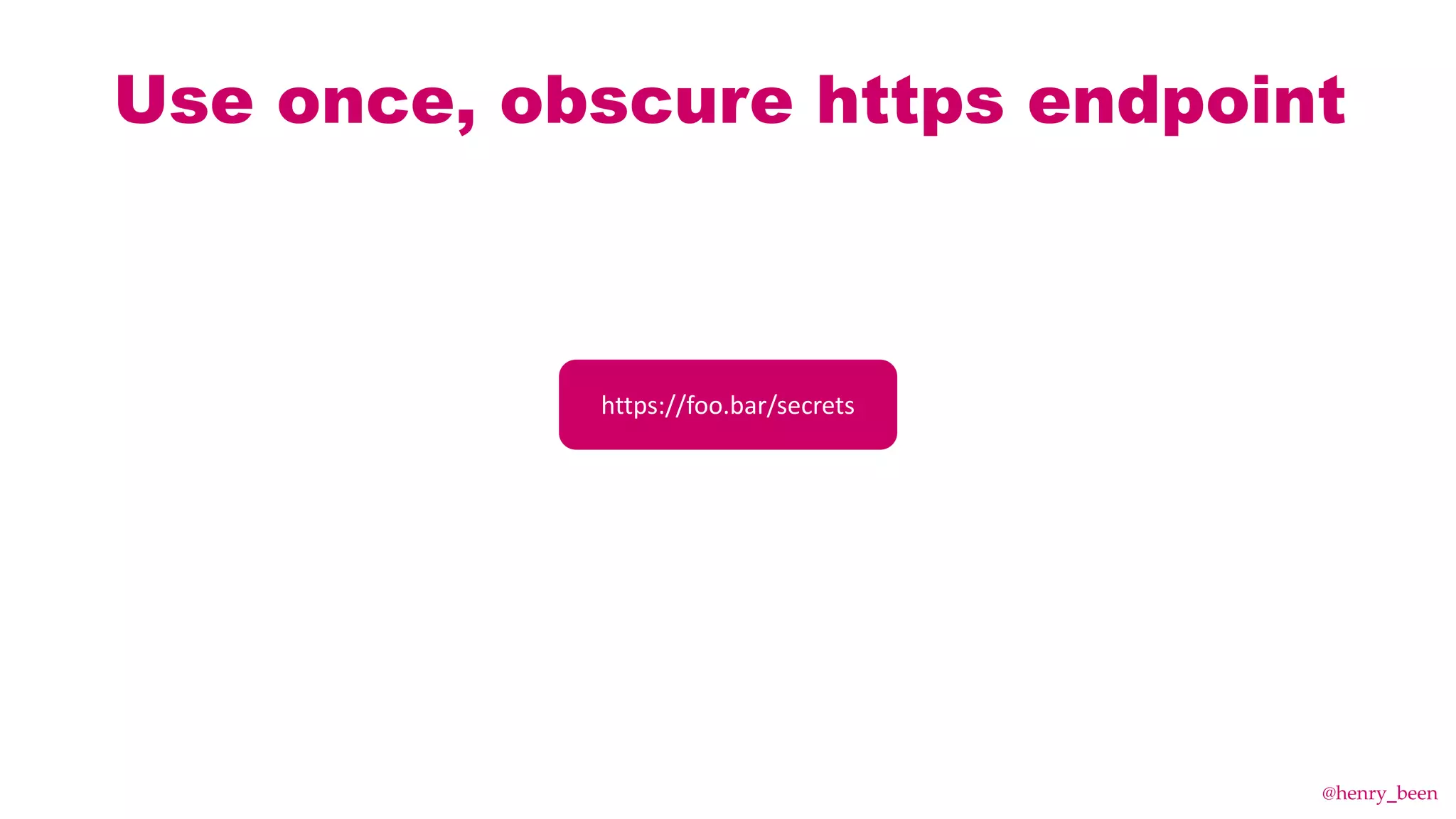
Use once, obscure https endpoint
What is that?
@henry_been
Use once, obscure https endpoint
https://foo.bar/secrets
@henry_been
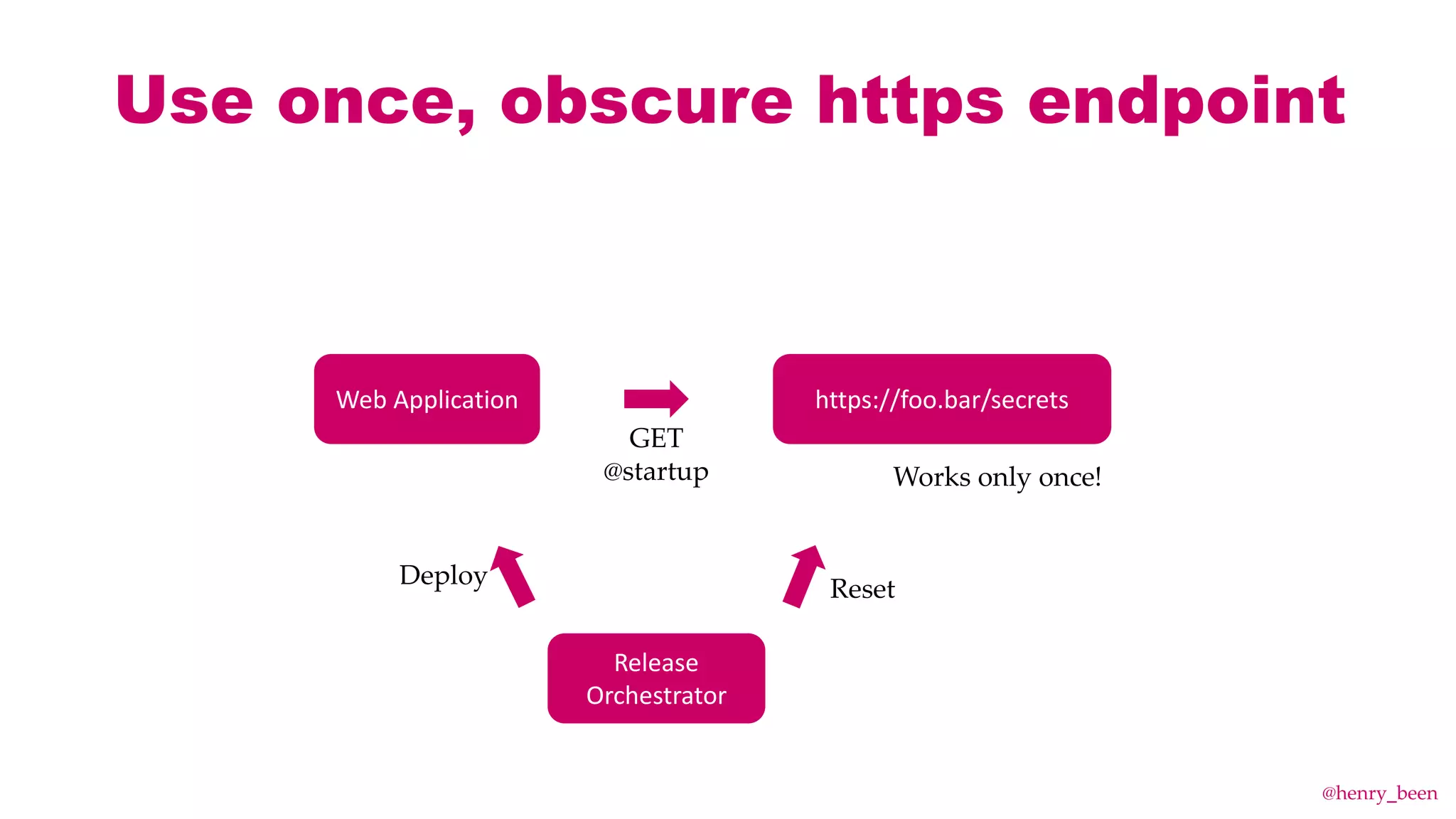
Use once, obscure https endpoint
Web Application https://foo.bar/secrets
GET
@startup Works only once!
Release
Orchestrator
Deploy Reset
@henry_been
So…
HOW THEN?
@henry_been
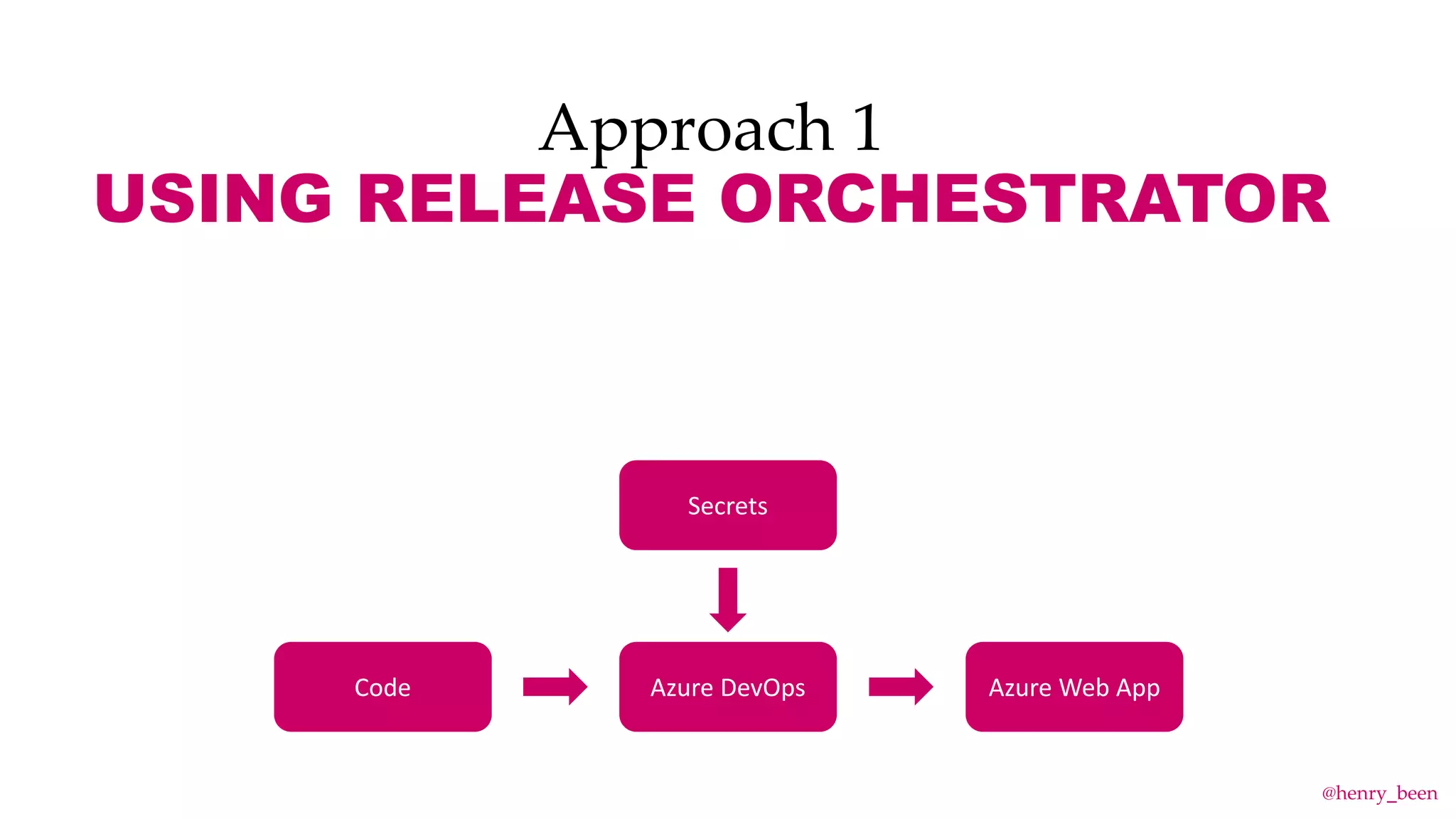
Approach 1
USING RELEASE ORCHESTRATOR
Azure DevOps
Secrets
Azure Web AppCode
@henry_been
DEMO TIME!
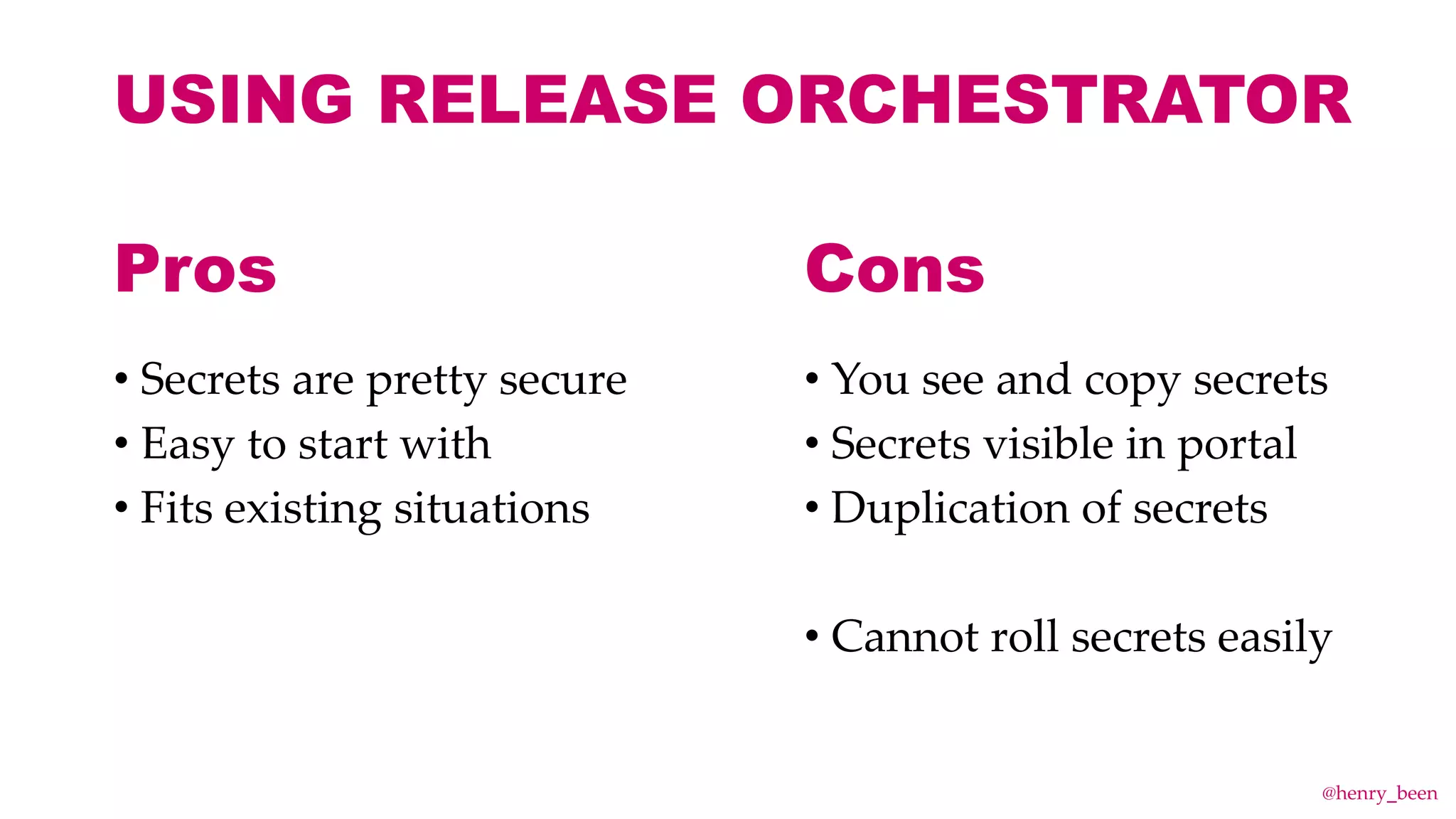
USING RELEASE ORCHESTRATOR
• Secrets are pretty secure
• Easy to start with
• Fits existing situations
• You see and copy secrets
• Secrets visible in portal
• Duplication of secrets
• Cannot roll secrets easily
Pros Cons
@henry_been
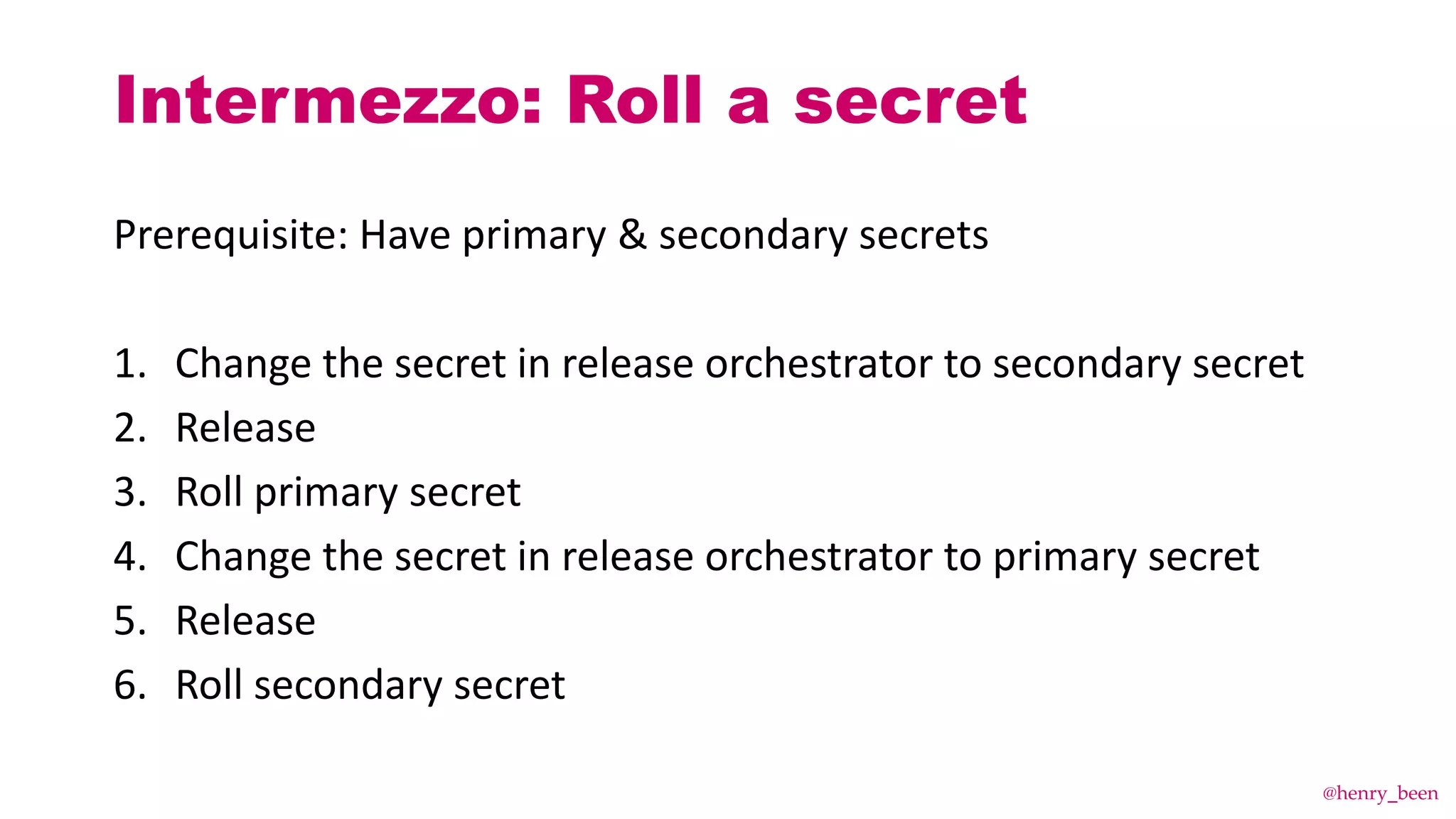
Prerequisite: Have primary & secondary secrets
1. Change the secret in release orchestrator to secondary secret
2. Release
3. Roll primary secret
4. Change the secret in release orchestrator to primary secret
5. Release
6. Roll secondary secret
Intermezzo: Roll a secret
@henry_been
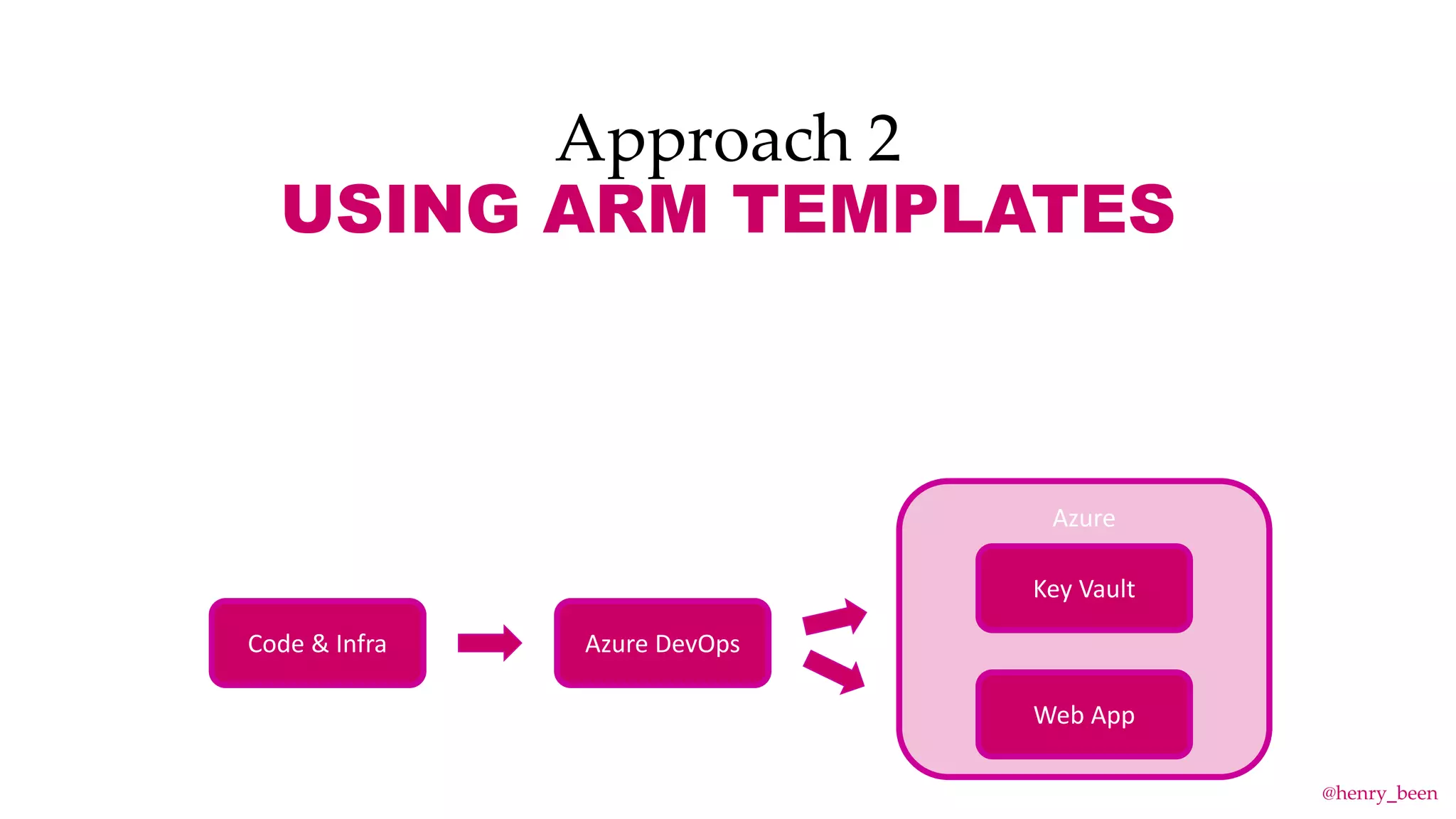
Approach 2
USING ARM TEMPLATES
Azure
Web App
Key Vault
Azure DevOpsCode & Infra
@henry_been
DEMO TIME!
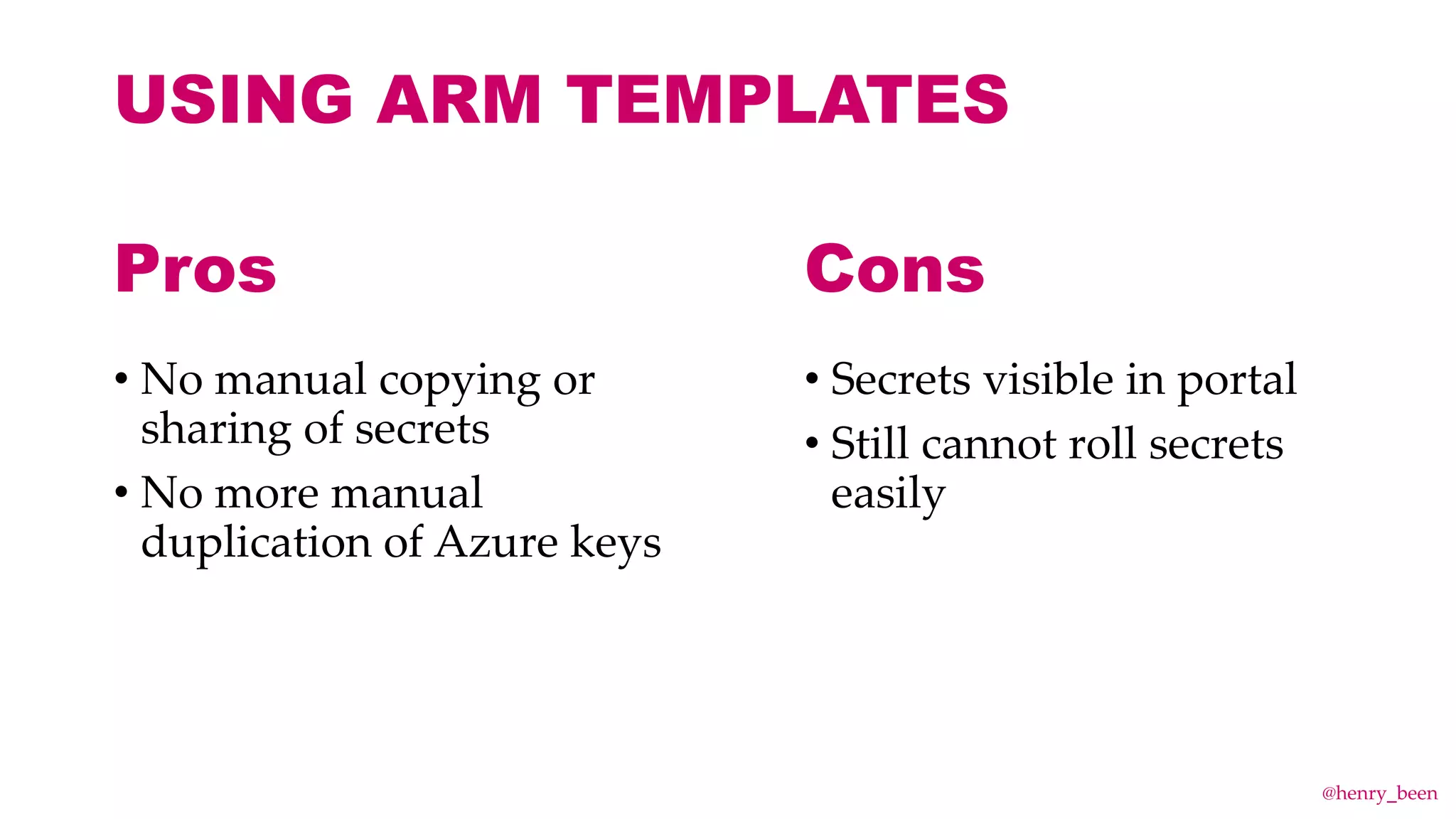
USING ARM TEMPLATES
USING ARM TEMPLATES
• No manual copying or
sharing of secrets
• No more manual
duplication of Azure keys
• Secrets visible in portal
• Still cannot roll secrets
easily
Pros Cons
@henry_been
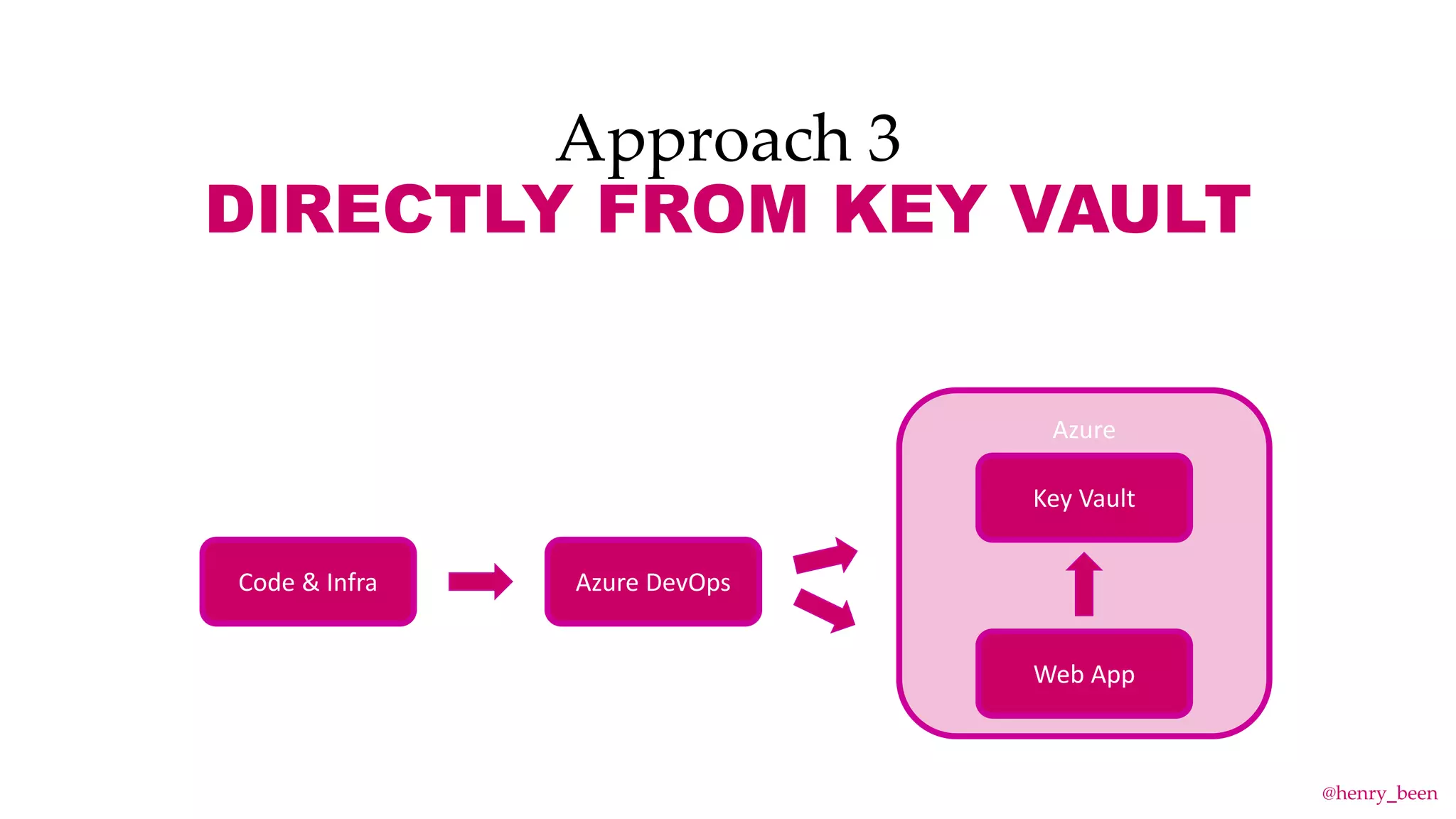
Approach 3
DIRECTLY FROM KEY VAULT
Azure DevOps
Azure
Web App
Code & Infra
Key Vault
@henry_been
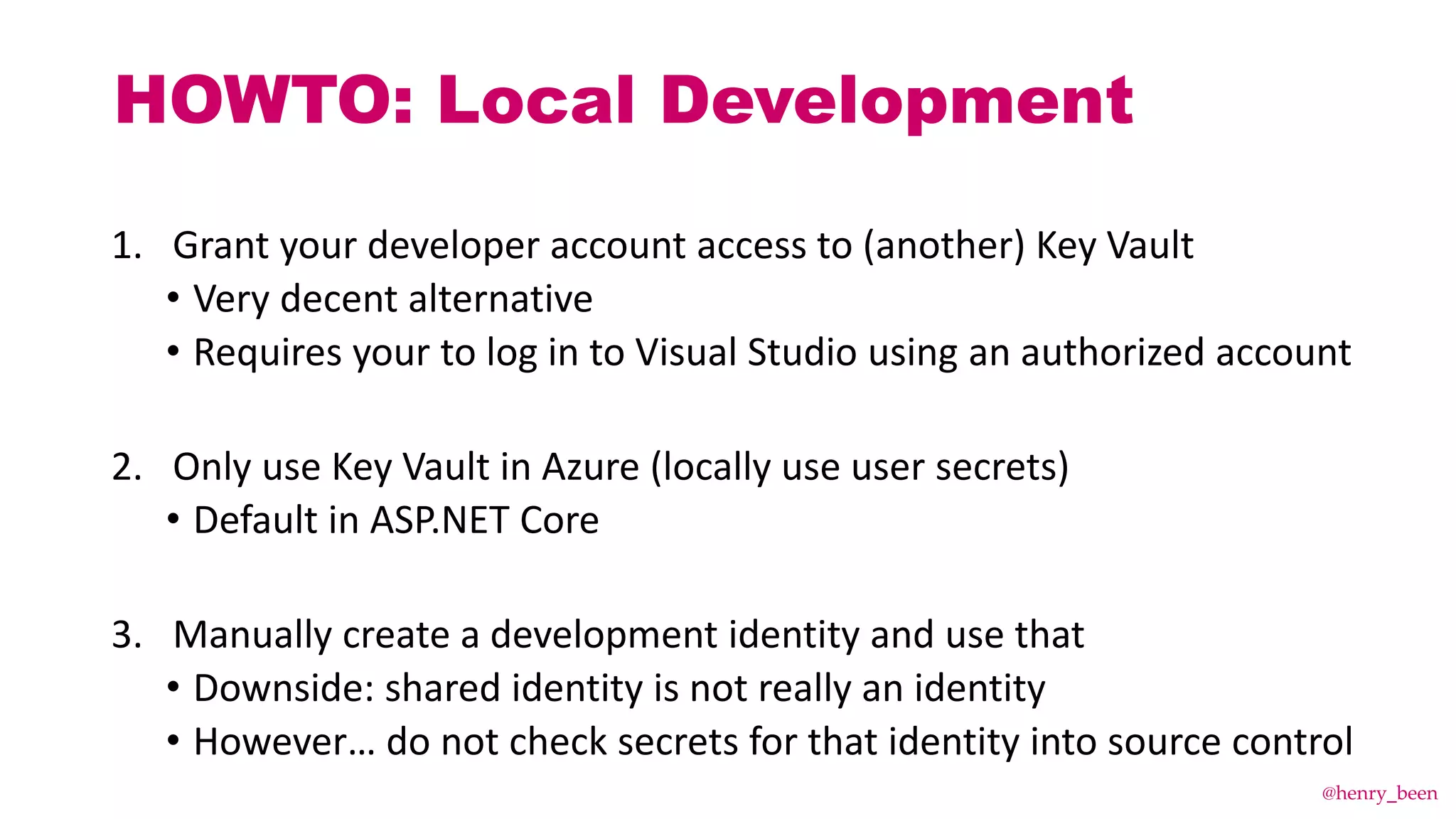
HOWTO: Local Development
1. Grant your developer account access to (another) Key Vault
• Very decent alternative
• Requires your to log in to Visual Studio using an authorized account
2. Only use Key Vault in Azure (locally use user secrets)
• Default in ASP.NET Core
3. Manually create a development identity and use that
• Downside: shared identity is not really an identity
• However… do not check secrets for that identity into source control
@henry_been
DEMO TIME!
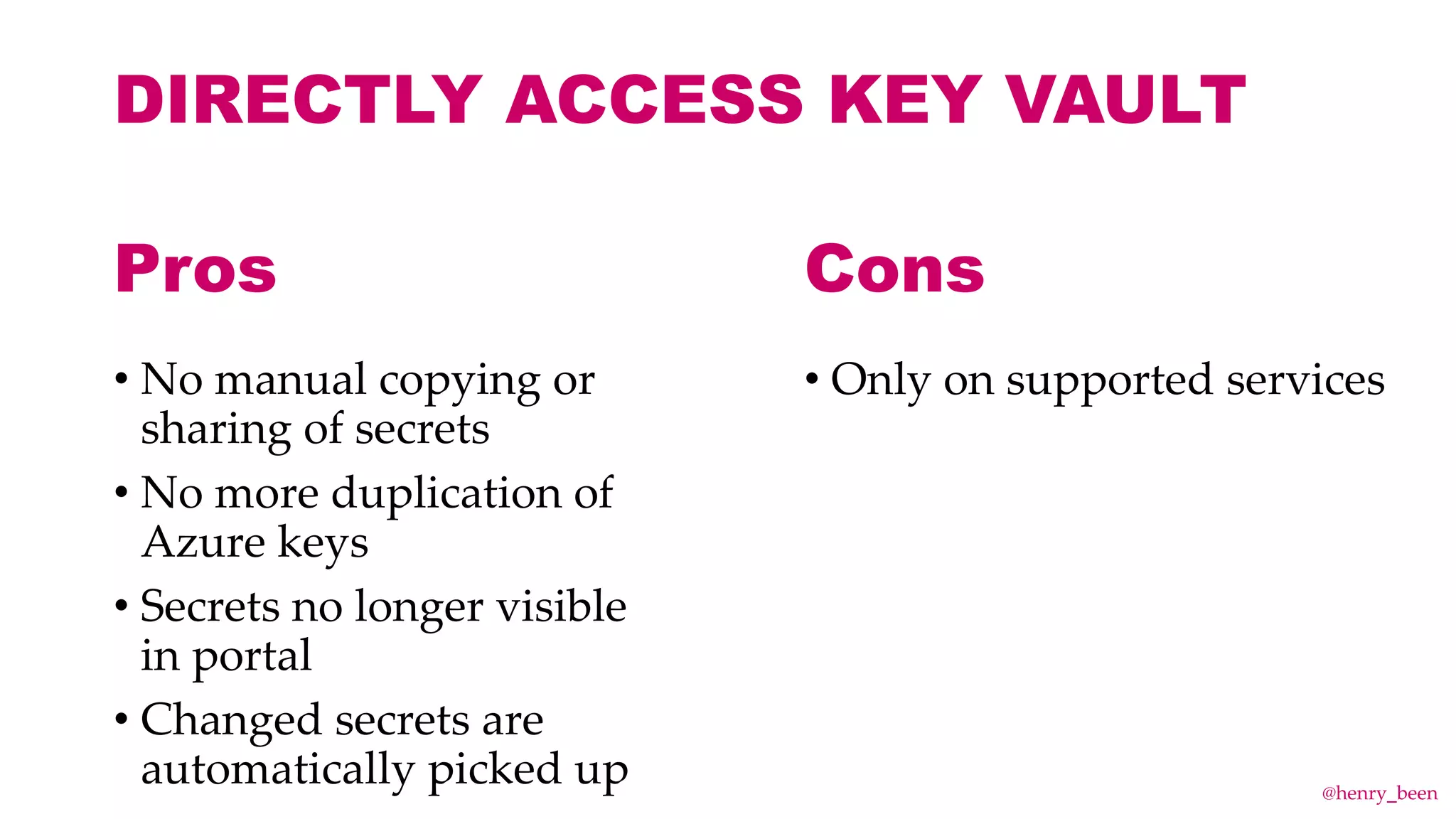
DIRECTLY ACCESS KEY VAULT
• No manual copying or
sharing of secrets
• No more duplication of
Azure keys
• Secrets no longer visible
in portal
• Changed secrets are
automatically picked up
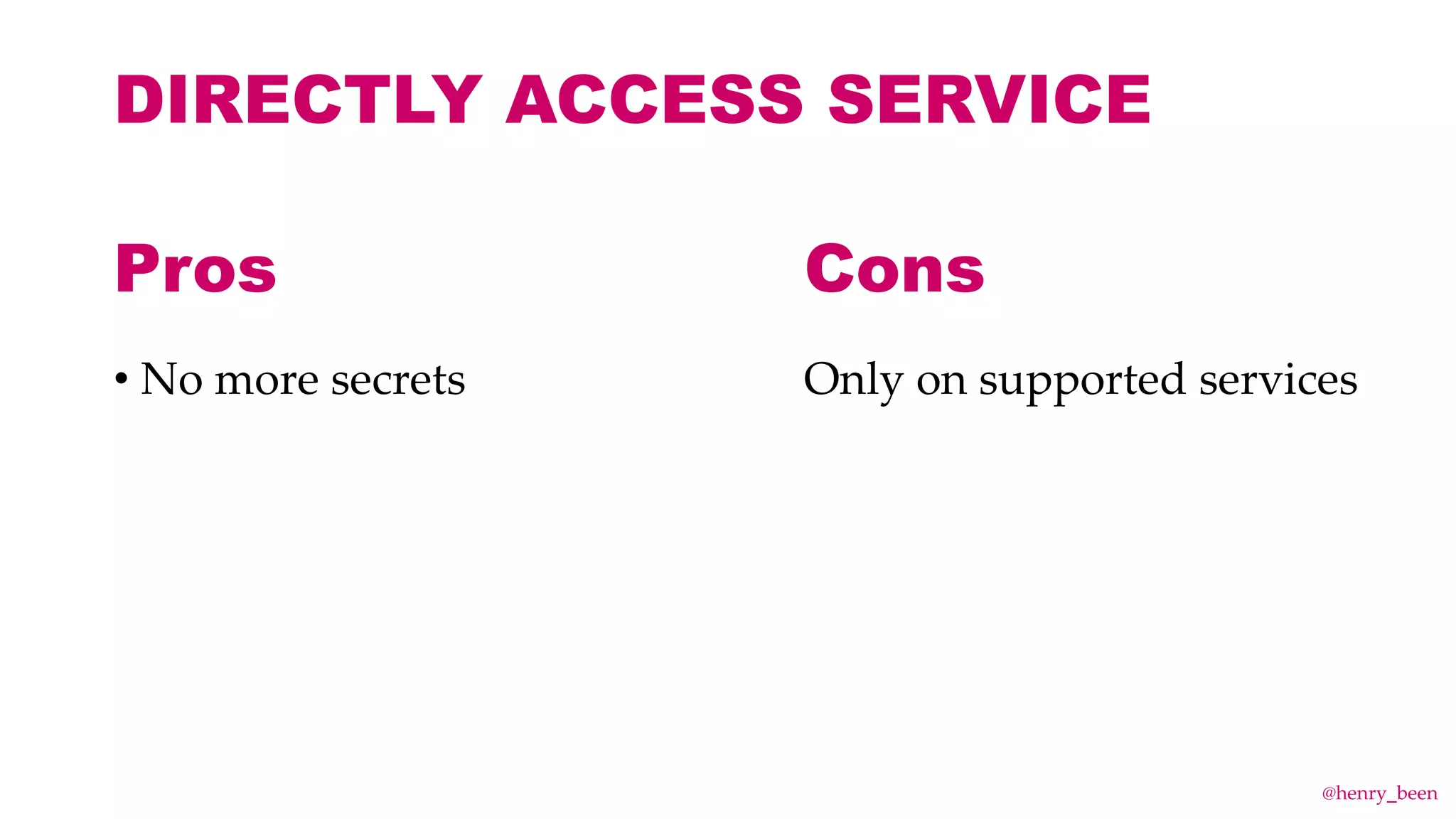
• Only on supported services
Pros Cons
@henry_been
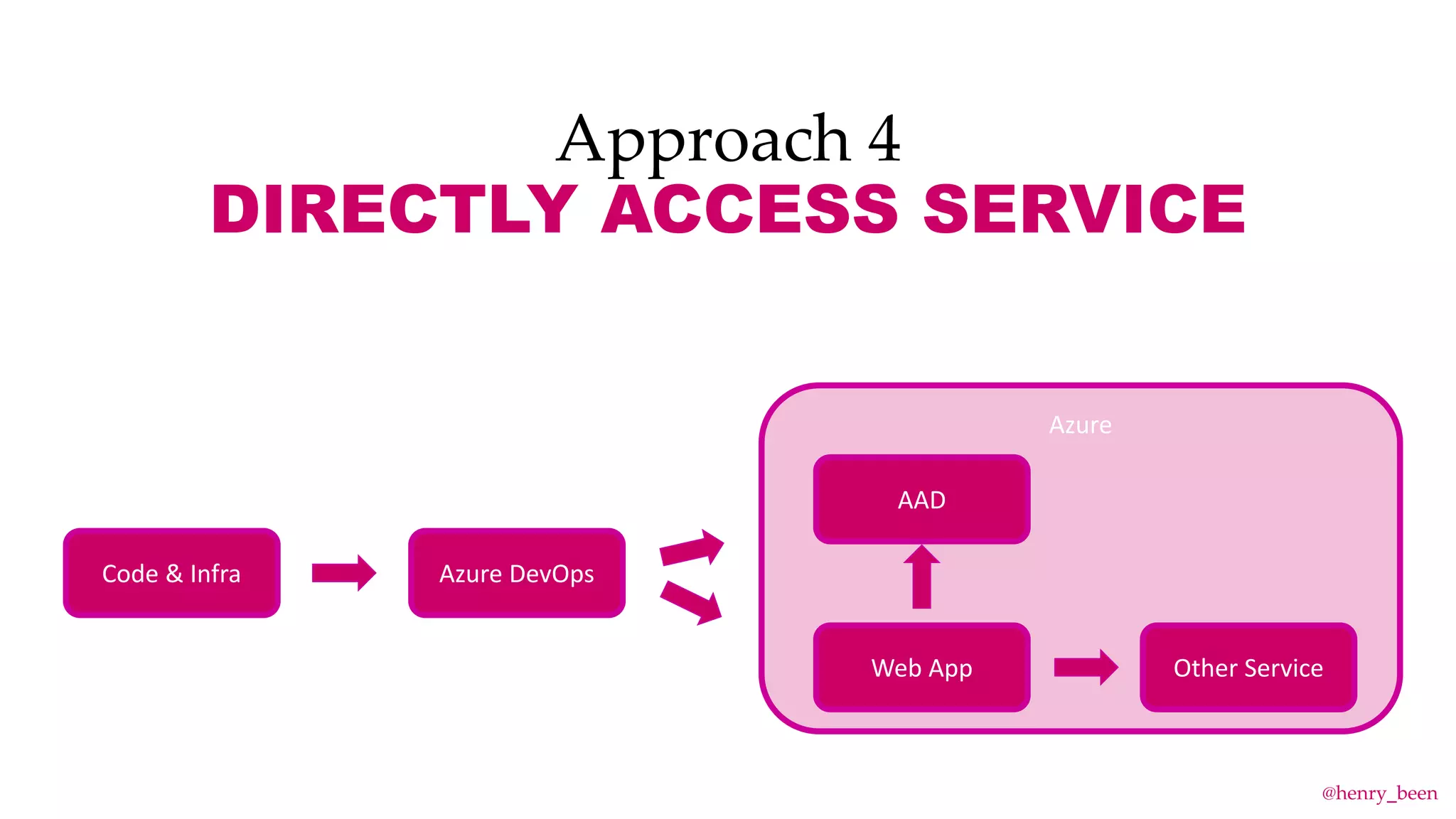
Approach 4
DIRECTLY ACCESS SERVICE
Azure DevOps
Azure
Web App
Code & Infra
AAD
Other Service
@henry_been
DEMO TIME!
DIRECTLY ACCESS SERVICE
• No more secrets Only on supported services
Pros Cons
@henry_been
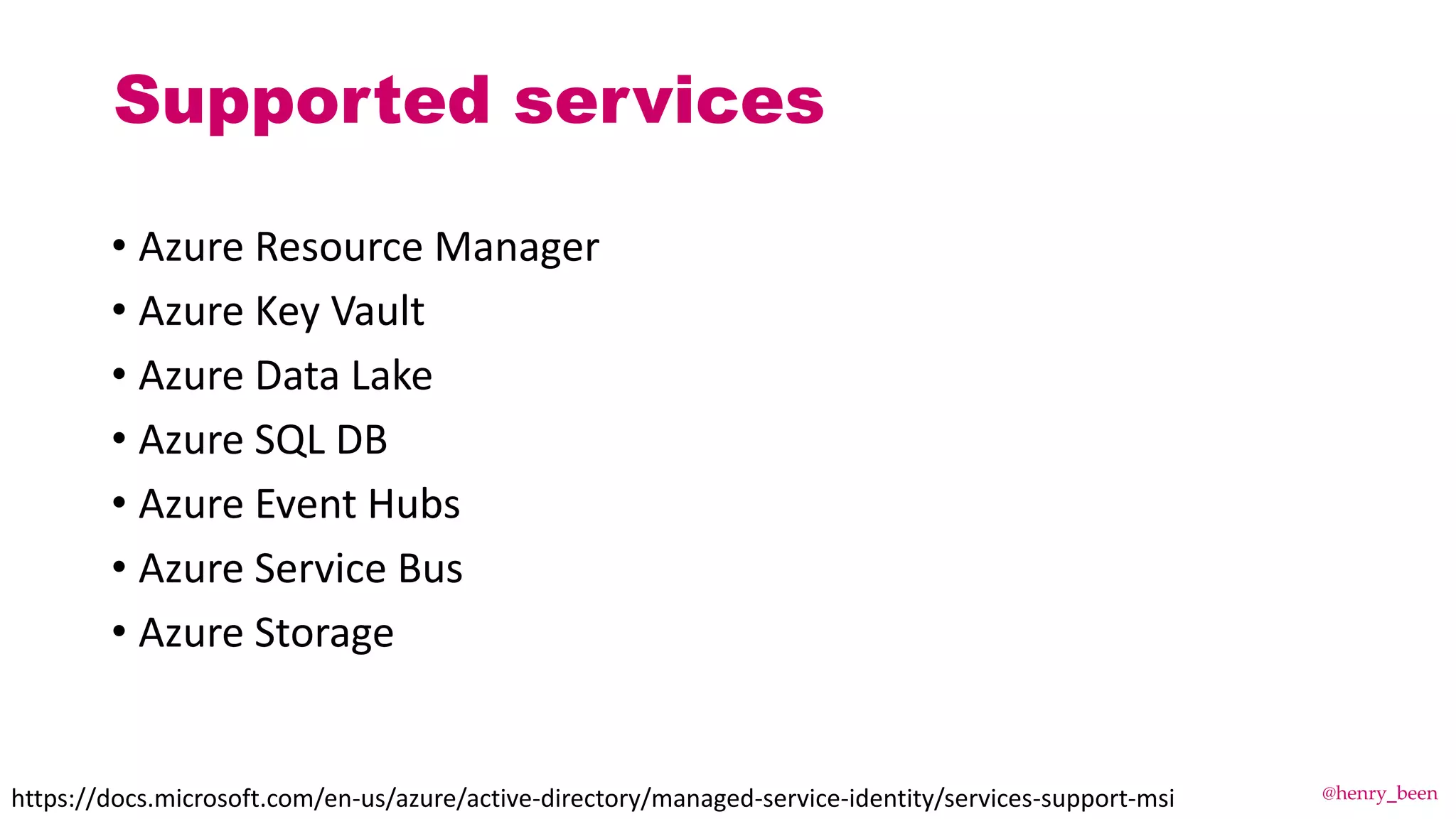
Supported services
• Azure Resource Manager
• Azure Key Vault
• Azure Data Lake
• Azure SQL DB
• Azure Event Hubs
• Azure Service Bus
• Azure Storage
https://docs.microsoft.com/en-us/azure/active-directory/managed-service-identity/services-support-msi @henry_been
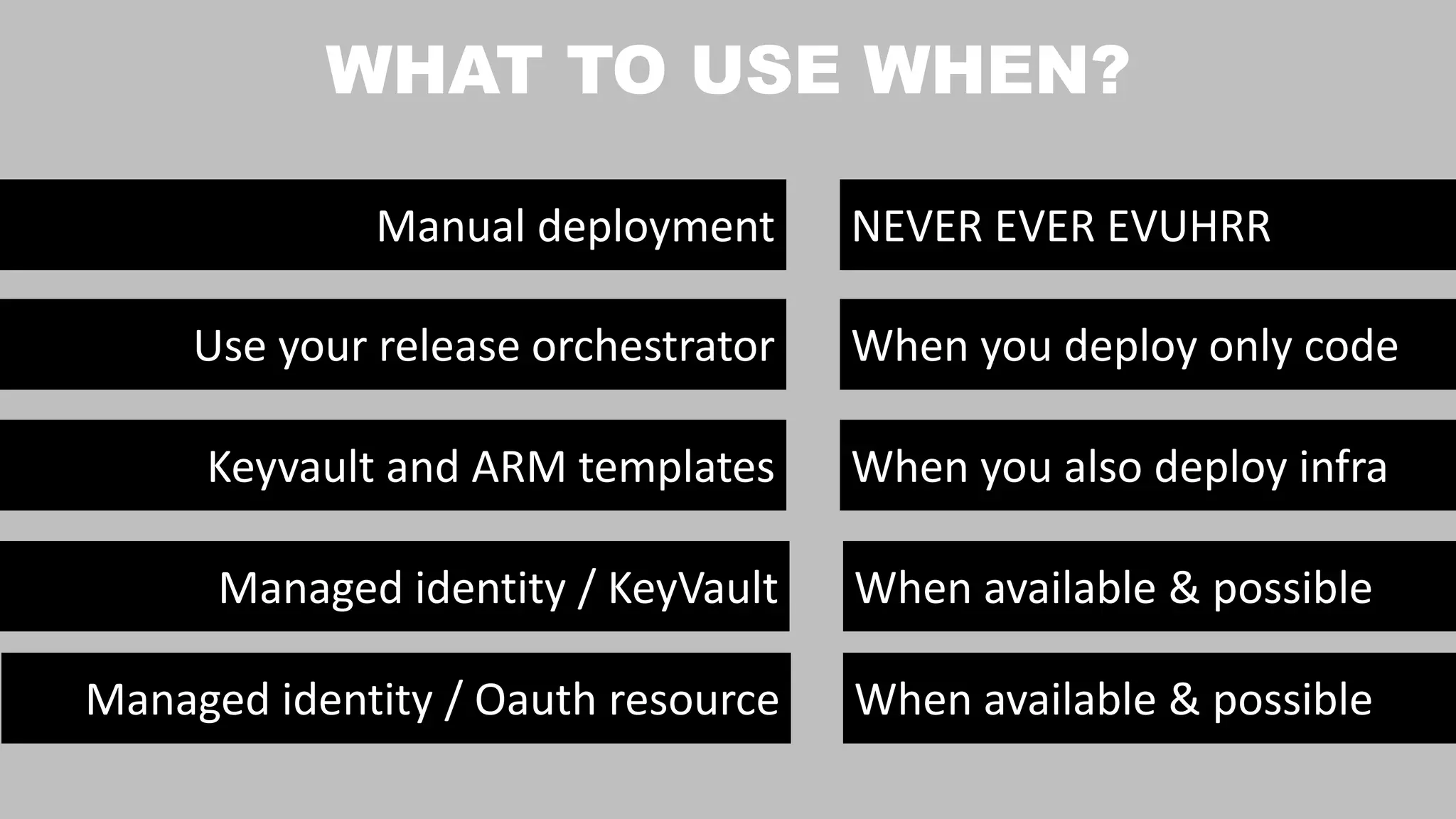
Use your release orchestrator
Manual deployment NEVER EVER EVUHRR
When you deploy only code
Keyvault and ARM templates When you also deploy infra
Managed identity / KeyVault When available & possible
Managed identity / Oauth resource When available & possible
WHAT TO USE WHEN?
WHAT IF YOU ARE
NOT ON THE LATEST
AND GREATEST?
@henry_been
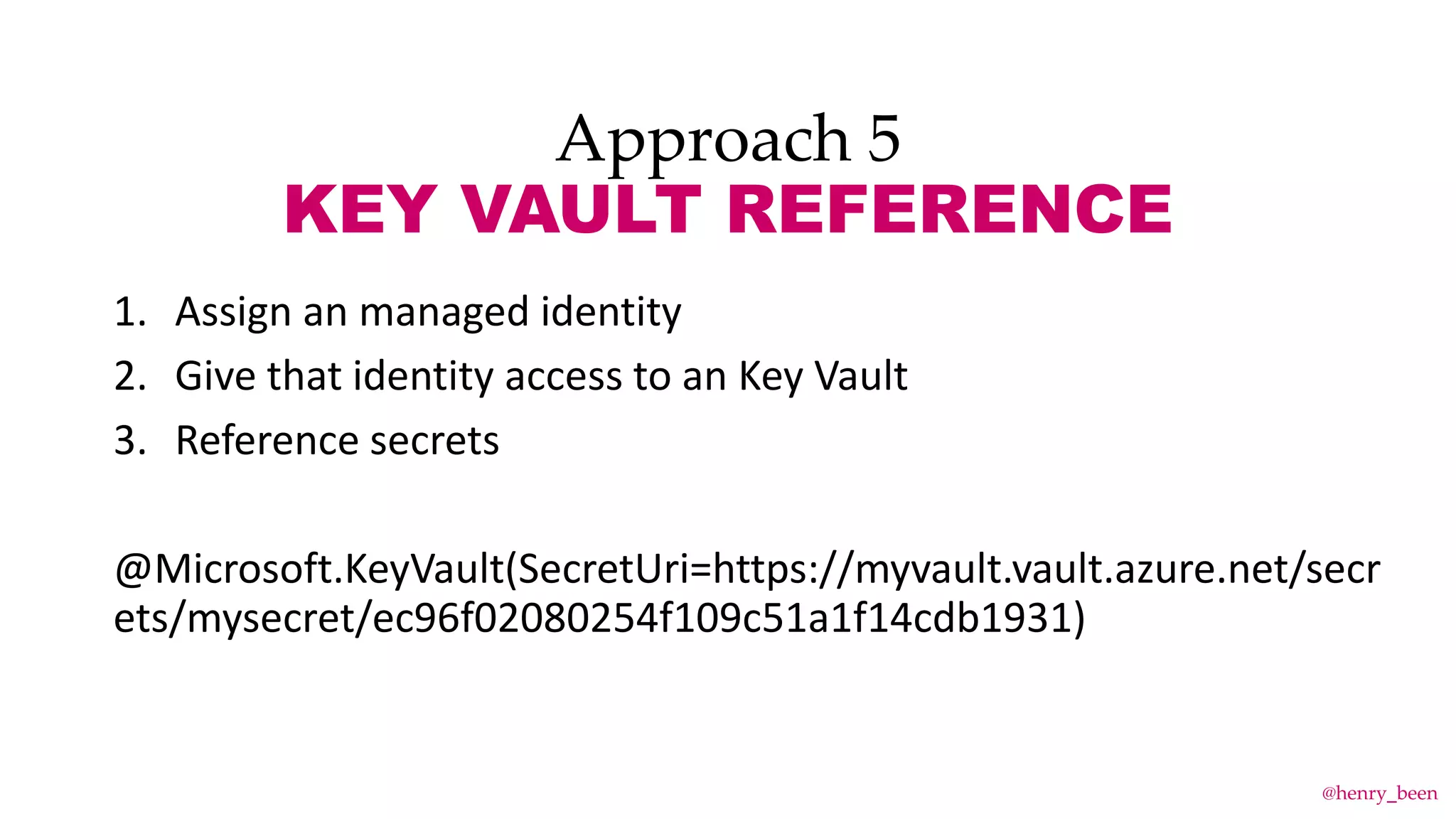
Approach 5
KEY VAULT REFERENCE
1. Assign an managed identity
2. Give that identity access to an Key Vault
3. Reference secrets
@Microsoft.KeyVault(SecretUri=https://myvault.vault.azure.net/secr
ets/mysecret/ec96f02080254f109c51a1f14cdb1931)
@henry_been
Approach 5
KEY VAULT REFERENCE
An unsupported alternative
@Microsoft.KeyVault(SecretUri=https://myvault.vault.azure.net/secr
ets/mysecret)
@henry_been
Approach 6
App Configuration
1. Dedicated configuration store
2. Also for secrets
3. Connect using a connection string (location + key)
@henry_been
Approach 6
App Configuration
App Configuration
@henry_been
Approach 6
App Configuration
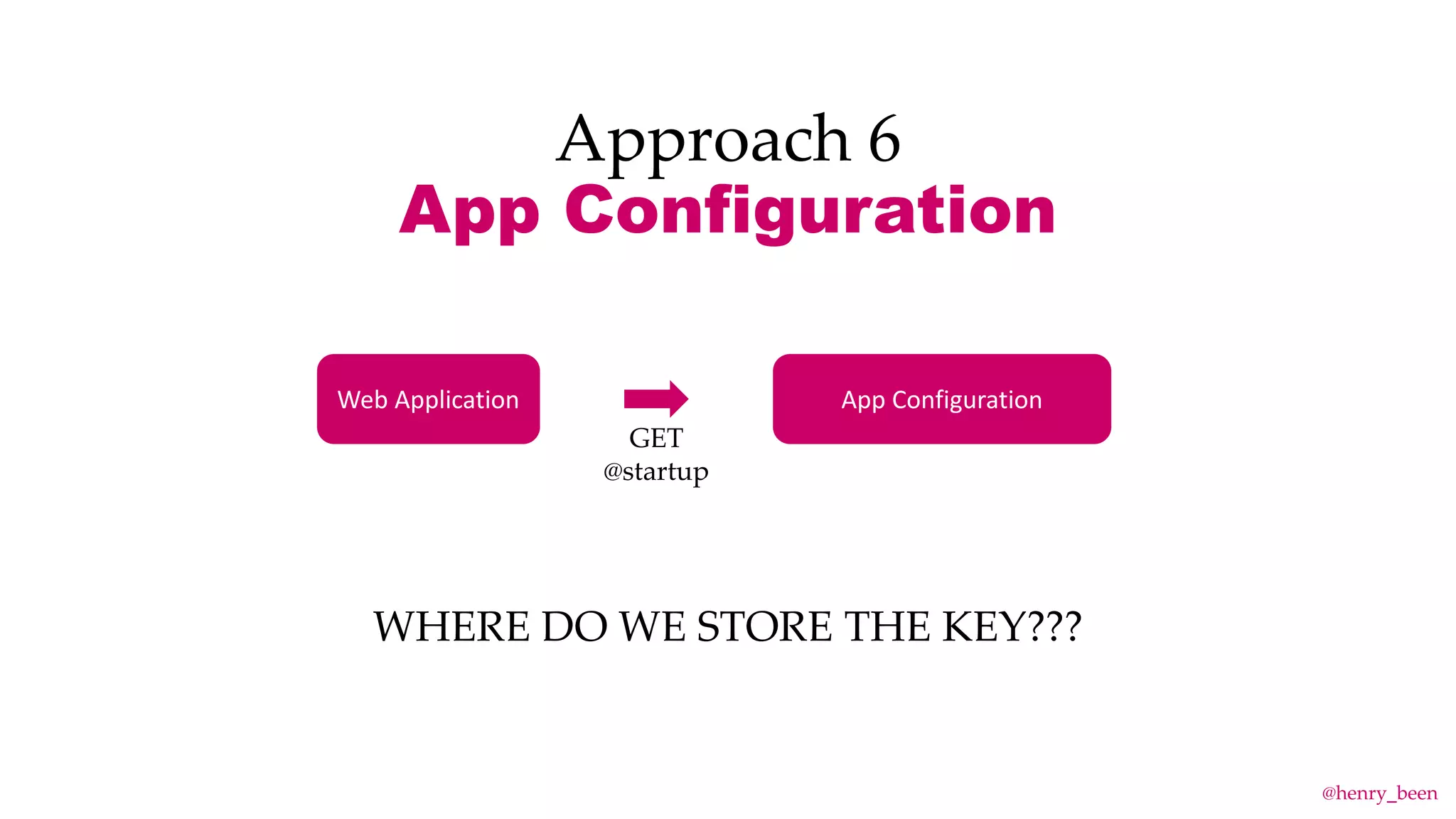
Web Application App Configuration
GET
@startup
WHERE DO WE STORE THE KEY???
@henry_been
Approach 6
App Configuration
WHERE DO WE STORE THE KEY???
YES, IT IS TURTLES ALL THE WAY DOWN…
@henry_been
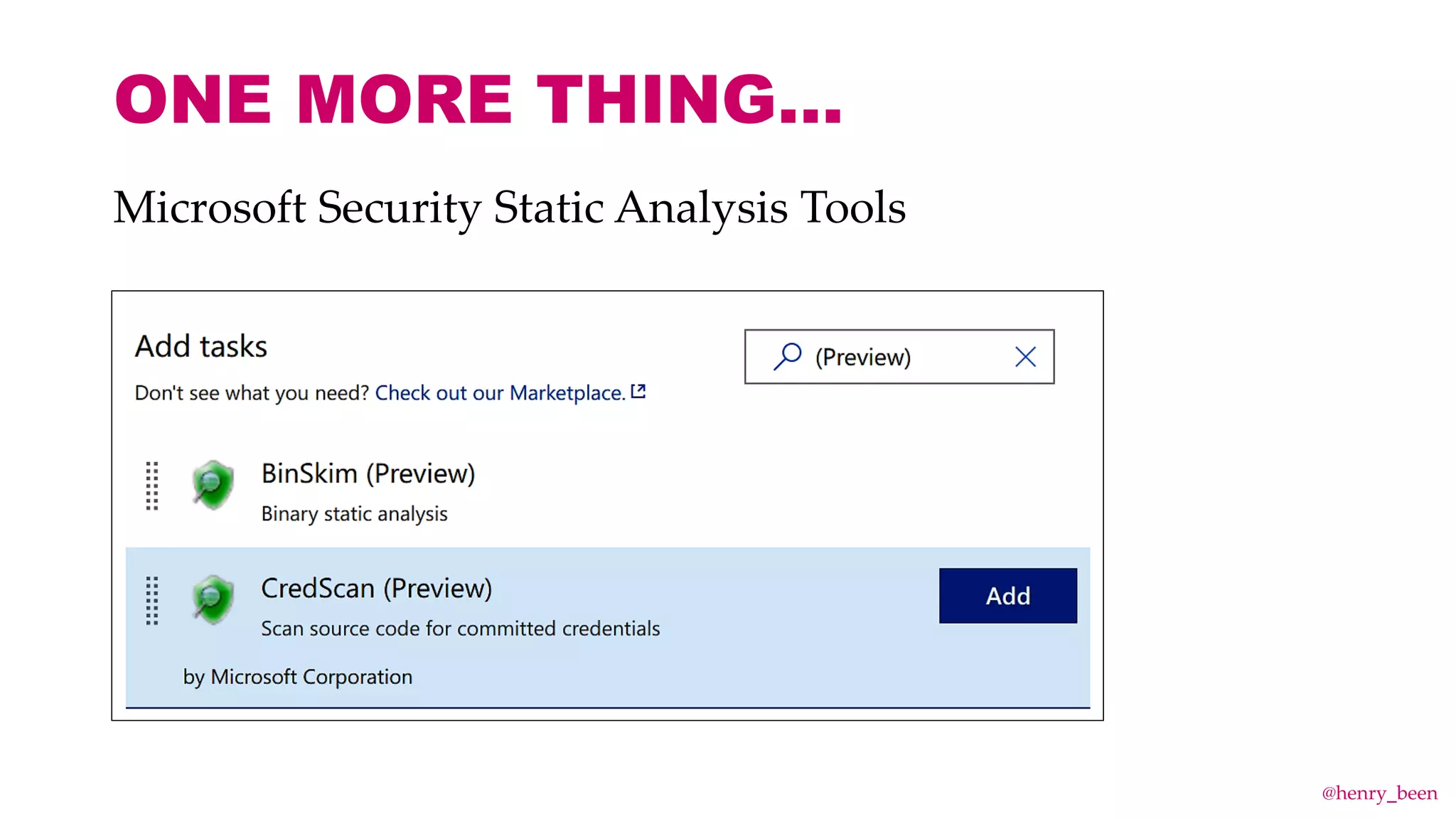
ONE MORE THING…
Microsoft Security Static Analysis Tools
@henry_been
DO TRY THIS AT HOME!
HENRY BEEN
Independent Devops & Azure Architect
E: henry@azurespecialist.nl
T: @henry_been
L: linkedin.com/in/henrybeen
W: henrybeen.nl
Questions? Use Slido!
#DVM2019
www.slido.com
@henry_been
Henry Been - Secure development: keeping your application secrets private

Henry Been - Secure development: keeping your application secrets private

  • 1.
    SECURE DEPLOYMENTS KEEPING YOUR SECRETSPRIVATE Henry Been "Locks" (CC BY-NC-ND 2.0) by wolf4max
  • 2.
    WONDERING WHO IS THATGUY? HENRY BEEN Independent Devops & Azure Architect E: henry@azurespecialist.nl T: @henry_been L: linkedin.com/in/henrybeen W: henrybeen.nl
  • 3.
  • 4.
    THE CASE FORSECRET MANAGEMENT Develop Build Deploy Operate Dev Ops DevOps @henry_been
  • 5.
    Secret management goals Nosecret sharing or passing Frequently change secrets Have no secrets anymore No secrets in source control @henry_been
  • 6.
    HOW NOT TODO SECRET MANAGEMENT @henry_been
  • 7.
    1. Let operationsdeploy 2. Enter manually in the portal 3. Encrypted in source control 4. Use once, obscure https endpoint HOW NOT TO.. @henry_been
  • 8.
    Use once, obscurehttps endpoint What is that? @henry_been
  • 9.
    Use once, obscurehttps endpoint https://foo.bar/secrets @henry_been
  • 10.
    Use once, obscurehttps endpoint Web Application https://foo.bar/secrets GET @startup Works only once! Release Orchestrator Deploy Reset @henry_been
  • 12.
  • 14.
    Approach 1 USING RELEASEORCHESTRATOR Azure DevOps Secrets Azure Web AppCode @henry_been
  • 15.
  • 16.
    USING RELEASE ORCHESTRATOR •Secrets are pretty secure • Easy to start with • Fits existing situations • You see and copy secrets • Secrets visible in portal • Duplication of secrets • Cannot roll secrets easily Pros Cons @henry_been
  • 17.
    Prerequisite: Have primary& secondary secrets 1. Change the secret in release orchestrator to secondary secret 2. Release 3. Roll primary secret 4. Change the secret in release orchestrator to primary secret 5. Release 6. Roll secondary secret Intermezzo: Roll a secret @henry_been
  • 18.
    Approach 2 USING ARMTEMPLATES Azure Web App Key Vault Azure DevOpsCode & Infra @henry_been
  • 19.
  • 20.
    USING ARM TEMPLATES •No manual copying or sharing of secrets • No more manual duplication of Azure keys • Secrets visible in portal • Still cannot roll secrets easily Pros Cons @henry_been
  • 21.
    Approach 3 DIRECTLY FROMKEY VAULT Azure DevOps Azure Web App Code & Infra Key Vault @henry_been
  • 22.
    HOWTO: Local Development 1.Grant your developer account access to (another) Key Vault • Very decent alternative • Requires your to log in to Visual Studio using an authorized account 2. Only use Key Vault in Azure (locally use user secrets) • Default in ASP.NET Core 3. Manually create a development identity and use that • Downside: shared identity is not really an identity • However… do not check secrets for that identity into source control @henry_been
  • 23.
  • 24.
    DIRECTLY ACCESS KEYVAULT • No manual copying or sharing of secrets • No more duplication of Azure keys • Secrets no longer visible in portal • Changed secrets are automatically picked up • Only on supported services Pros Cons @henry_been
  • 25.
    Approach 4 DIRECTLY ACCESSSERVICE Azure DevOps Azure Web App Code & Infra AAD Other Service @henry_been
  • 26.
  • 27.
    DIRECTLY ACCESS SERVICE •No more secrets Only on supported services Pros Cons @henry_been
  • 28.
    Supported services • AzureResource Manager • Azure Key Vault • Azure Data Lake • Azure SQL DB • Azure Event Hubs • Azure Service Bus • Azure Storage https://docs.microsoft.com/en-us/azure/active-directory/managed-service-identity/services-support-msi @henry_been
  • 29.
    Use your releaseorchestrator Manual deployment NEVER EVER EVUHRR When you deploy only code Keyvault and ARM templates When you also deploy infra Managed identity / KeyVault When available & possible Managed identity / Oauth resource When available & possible WHAT TO USE WHEN?
  • 30.
    WHAT IF YOUARE NOT ON THE LATEST AND GREATEST? @henry_been
  • 31.
    Approach 5 KEY VAULTREFERENCE 1. Assign an managed identity 2. Give that identity access to an Key Vault 3. Reference secrets @Microsoft.KeyVault(SecretUri=https://myvault.vault.azure.net/secr ets/mysecret/ec96f02080254f109c51a1f14cdb1931) @henry_been
  • 32.
    Approach 5 KEY VAULTREFERENCE An unsupported alternative @Microsoft.KeyVault(SecretUri=https://myvault.vault.azure.net/secr ets/mysecret) @henry_been
  • 33.
    Approach 6 App Configuration 1.Dedicated configuration store 2. Also for secrets 3. Connect using a connection string (location + key) @henry_been
  • 34.
    Approach 6 App Configuration AppConfiguration @henry_been
  • 35.
    Approach 6 App Configuration WebApplication App Configuration GET @startup WHERE DO WE STORE THE KEY??? @henry_been
  • 36.
    Approach 6 App Configuration WHEREDO WE STORE THE KEY??? YES, IT IS TURTLES ALL THE WAY DOWN… @henry_been
  • 37.
    ONE MORE THING… MicrosoftSecurity Static Analysis Tools @henry_been
  • 38.
    DO TRY THISAT HOME! HENRY BEEN Independent Devops & Azure Architect E: henry@azurespecialist.nl T: @henry_been L: linkedin.com/in/henrybeen W: henrybeen.nl
  • 39.