Welcome to the OIT Help Desk!This sign is designed to give you information that is important to yourComputing life!
http://www.onguardonline.gov
1. Protect your personal information.It’s valuable.  To miminize your risk of identity theft, don’t share your personal information unless you know how it will be used and protected.  Don’t reply to or click on links in any email asking for your personal information.
2. Know who you’re dealing with.When shopping online, look for a seller’s physical address and a working telephone number.  Before downloading free software, read the fine print – some downloads come with spyware.
3. Use anti-virus and anti-spyware sofware, as well as a firewall.Update them all regularly; many update automatically.  Look for anti-virus software that removes or quarantines viruses, and for anti-spyware software that can undo changes spyware makes to your system.  Make sure your firewall is on and set up properly.
4. Be sure to set up your operating system and Web browser software properly, and update them regularly.Select security settings high enough to reduce your risk of being hacked.  Make sure to regularly update your system with the latest patches.
5. Protect your passwords.Keep your passwords in a secure place, and don’t share them on the Internet, over email, or on the phone.
6. Back up important files.If you have important files stored on your computer, copy them onto a removable disc, and store it in a safe place.
7. Learn who to contact if something goes wrong online.Visit OnGuardOnline.gov and click on “File a Complaint” to learn how to respond if problems occur when you’re online.
To learn more, visit OnGuardOnline.govSTOP – THINK – CLICK
Central AlertEmergency Notification for Central Michigan University is done through Central AlertSign up at:https://myaccount.cmich.edu
Blackboard 9 @ CMU!Blackboard 9.0 is scheduled to launch August 14-15, 2010!What’s New in Blackboard 9?Redesigned interface
Integrated Control Panel
Edit Mode Feature
Assignment Improvements
Improved Group Tools
Blogs
Journals
Wikis
My PlacesQuestions? Concerns?Blackboard 9 tutorials are availableFaCIT will be offering training sessions for facultyContact the Help Desk with any questionsCall: (989) 774-3662
Click to chat: Located on My Bb Home under Tools
E-mail: helpdesk@cmich.eduDuring times of high volumetraffic, Test Scanning may require one business dayto complete.
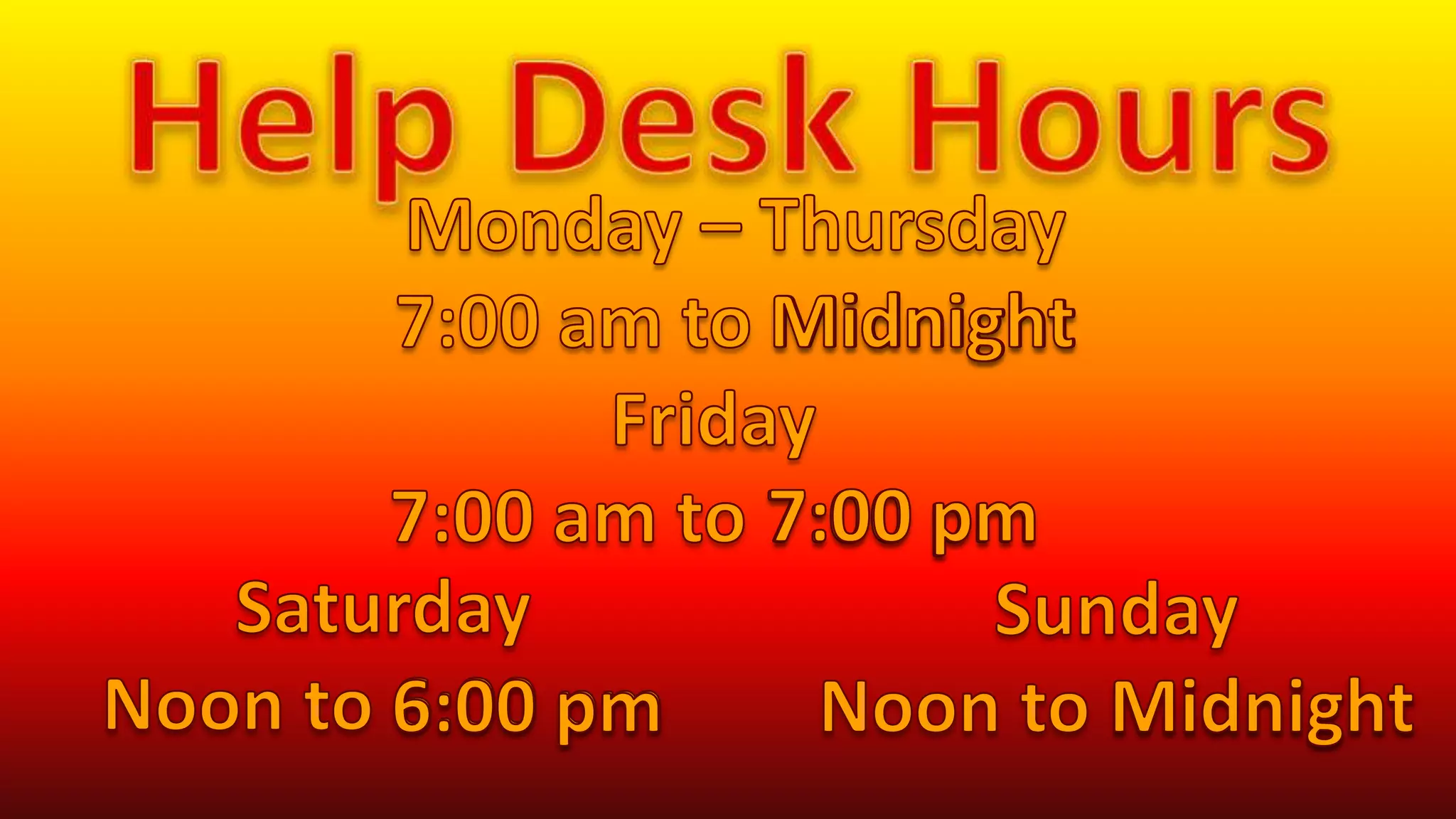
Help Desk HoursMonday – Thursday7:00 am to MidnightMidnightFriday7:00 am to 7:00 pm7:00 pmSaturdayNoon to 6:00 pmSundayNoon to Midnight6:00 pmMidnight
TheCMUMicrosoftCampus Agreementallows university employees, including student employees, to purchase media that will enable them to install specific Microsoft  software for work at home purposes, such as Microsoft Office, Visio and other titles.See one of the Help Desk Consultants for more information!
Find                            on:CMICHHELPDESKCMICH-OIT-Communicationswww.tinyurl.com/oitblog
CONNECT: CMU Cellular ServicesNEW! Blackberry Tour Now Available                   Exclusively from CMU - $99Integrated GPS and mapping        software

Help Desk Signage

  • 1.
    Welcome to theOIT Help Desk!This sign is designed to give you information that is important to yourComputing life!
  • 2.
  • 4.
    1. Protect yourpersonal information.It’s valuable. To miminize your risk of identity theft, don’t share your personal information unless you know how it will be used and protected. Don’t reply to or click on links in any email asking for your personal information.
  • 5.
    2. Know whoyou’re dealing with.When shopping online, look for a seller’s physical address and a working telephone number. Before downloading free software, read the fine print – some downloads come with spyware.
  • 6.
    3. Use anti-virusand anti-spyware sofware, as well as a firewall.Update them all regularly; many update automatically. Look for anti-virus software that removes or quarantines viruses, and for anti-spyware software that can undo changes spyware makes to your system. Make sure your firewall is on and set up properly.
  • 7.
    4. Be sureto set up your operating system and Web browser software properly, and update them regularly.Select security settings high enough to reduce your risk of being hacked. Make sure to regularly update your system with the latest patches.
  • 8.
    5. Protect yourpasswords.Keep your passwords in a secure place, and don’t share them on the Internet, over email, or on the phone.
  • 9.
    6. Back upimportant files.If you have important files stored on your computer, copy them onto a removable disc, and store it in a safe place.
  • 10.
    7. Learn whoto contact if something goes wrong online.Visit OnGuardOnline.gov and click on “File a Complaint” to learn how to respond if problems occur when you’re online.
  • 11.
    To learn more,visit OnGuardOnline.govSTOP – THINK – CLICK
  • 12.
    Central AlertEmergency Notificationfor Central Michigan University is done through Central AlertSign up at:https://myaccount.cmich.edu
  • 13.
    Blackboard 9 @CMU!Blackboard 9.0 is scheduled to launch August 14-15, 2010!What’s New in Blackboard 9?Redesigned interface
  • 14.
  • 15.
  • 16.
  • 17.
  • 18.
  • 19.
  • 20.
  • 21.
    My PlacesQuestions? Concerns?Blackboard9 tutorials are availableFaCIT will be offering training sessions for facultyContact the Help Desk with any questionsCall: (989) 774-3662
  • 22.
    Click to chat:Located on My Bb Home under Tools
  • 23.
    E-mail: helpdesk@cmich.eduDuring timesof high volumetraffic, Test Scanning may require one business dayto complete.
  • 24.
    Help Desk HoursMonday– Thursday7:00 am to MidnightMidnightFriday7:00 am to 7:00 pm7:00 pmSaturdayNoon to 6:00 pmSundayNoon to Midnight6:00 pmMidnight
  • 25.
    TheCMUMicrosoftCampus Agreementallows universityemployees, including student employees, to purchase media that will enable them to install specific Microsoft software for work at home purposes, such as Microsoft Office, Visio and other titles.See one of the Help Desk Consultants for more information!
  • 27.
    Find on:CMICHHELPDESKCMICH-OIT-Communicationswww.tinyurl.com/oitblog
  • 28.
    CONNECT: CMU CellularServicesNEW! Blackberry Tour Now Available Exclusively from CMU - $99Integrated GPS and mapping software
  • 29.
    Beautiful 2.44-inch highresolution display
  • 30.
    3.2MP Camera withimage stabilization and flash
  • 31.
    A micro SD/SDHCcard slot supporting up to 16GB of data
  • 32.
    A full QWERTYkeyboard
  • 33.
    Stereo headset andbluetoothVisit the CMU OIT Telecom OfficeLower Level, WoldtNear Woldt Computer Lab
  • 34.
  • 35.
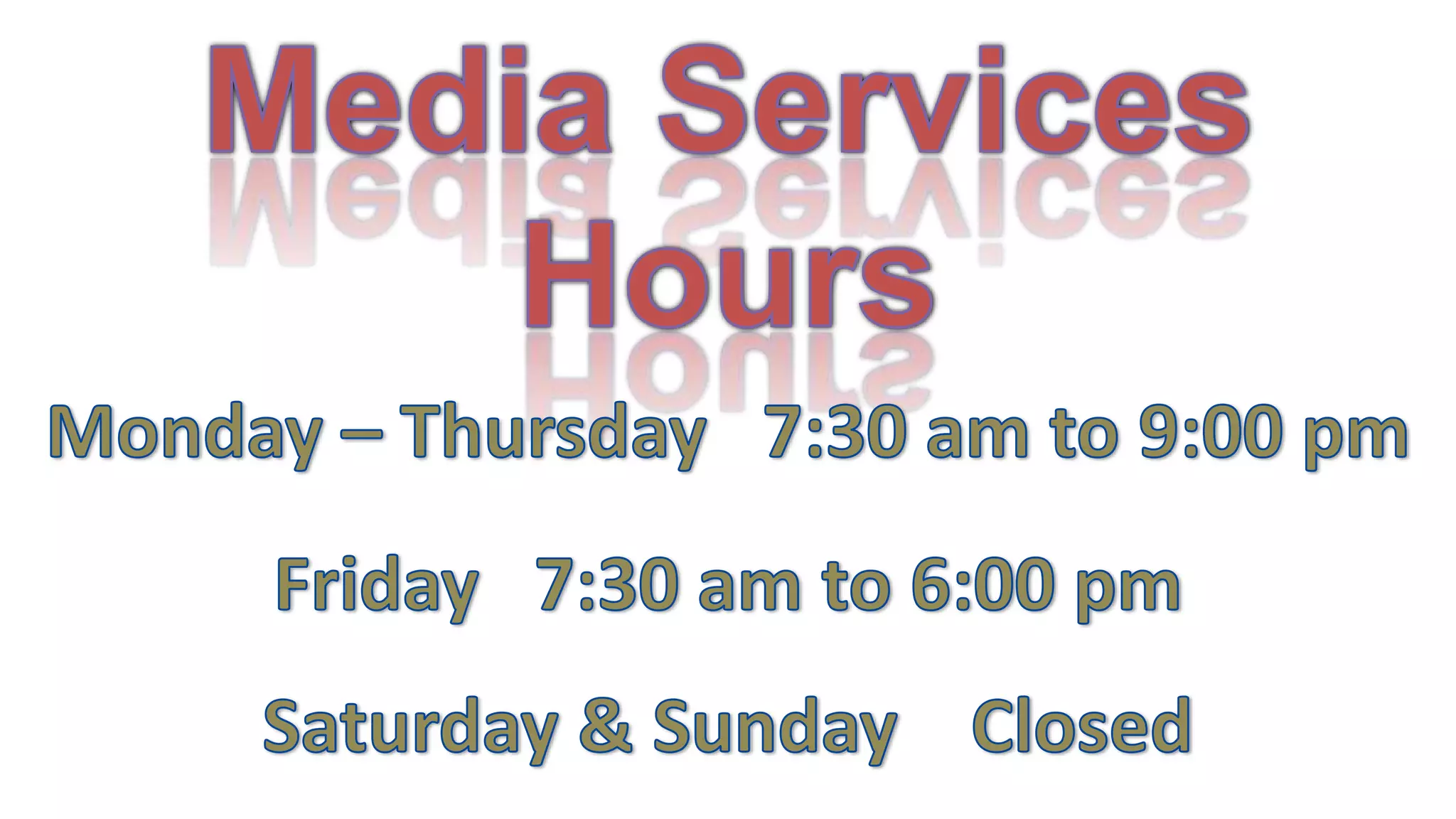
    Media ServicesHoursMonday –Thursday 7:30 am to 9:00 pmFriday 7:30 am to 6:00 pmSaturday & Sunday Closed
  • 36.
    Customers receive 10-15%off cellular plans and devices!
  • 37.
  • 38.
    Exclusive SpecialsVisit usonfacebook.com/connectcmu989-774-3087Lower Level Woldtconnect.cmich.edu
  • 39.
  • 40.
    MaintenanceWindowsWednesdays 6:00 pm to Thursday 7:00 amFor Production ReleaseSome central IT servicesMay not be available…Wednesdays3:00 am to 7:00 amFor Weekly Maintenance
  • 41.
  • 42.
    Find on:CMICHHELPDESKCMICH-OIT-Communicationswww.tinyurl.com/oitblog
  • 44.