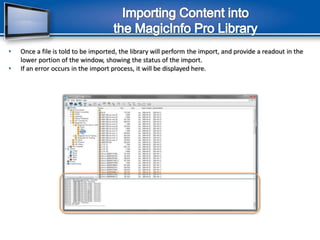
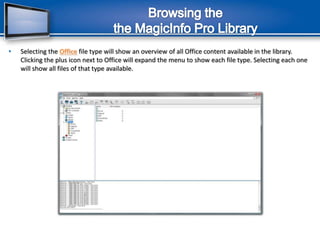
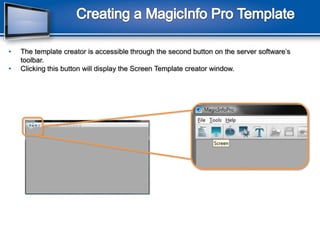
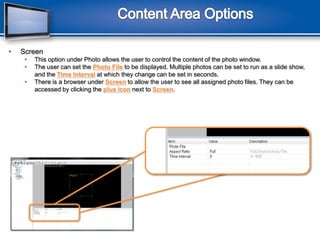
This document provides instructions for using Samsung's MagicInfo Pro digital signage system software to create and manage a digital signage network. It outlines the steps to install the server software, configure displays, import content into the library, create screen templates from the library content, and schedule templates to run on the network displays. Specific instructions are provided for logging into the server, selecting the network interface, importing files into the library, browsing the library, creating screen templates with backgrounds, content areas, and previews. Procedures for saving templates and scheduling content via the integrated scheduler are also described.