Selendroid - Selenium for Android 
Dominik Dary 
Google Test Automation Conference 2014
Who am I? 
Dominik Dary 
Engineering Manager @ 
Twitter: @dominikdary 
Github: http://github.com/dominikdary 
Disclaimer: My Opinions are my own.
Selendroid 
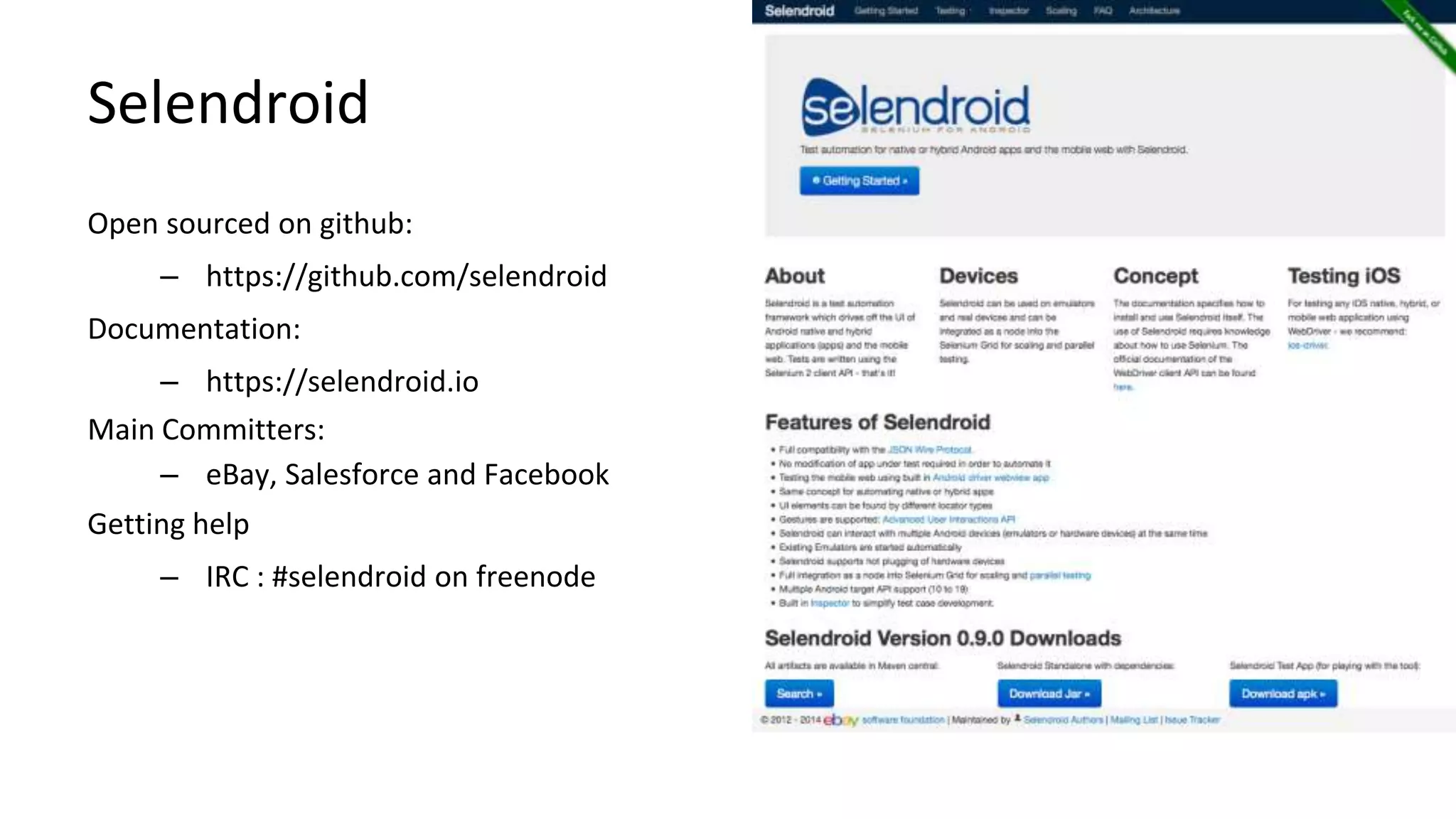
Open sourced on github: 
– https://github.com/selendroid 
Documentation: 
– https://selendroid.io 
Main Committers: 
– eBay, Salesforce and Facebook 
Getting help 
– IRC : #selendroid on freenode 
Android Test Automation
Features 
– The only mobile WebDriver that supports native & hybrid apps 
and testing the mobile web on Android versions (API 10 to 19) 
– Full compatibility with the JSON Wire Protocol. 
– The app under test must not be modified 
– No jailbreak / rooting of devices 
– Interacts simultaneously with multiple Android devices 
– Supports hot plugging of hardware devices 
– Advanced Gestures are supported
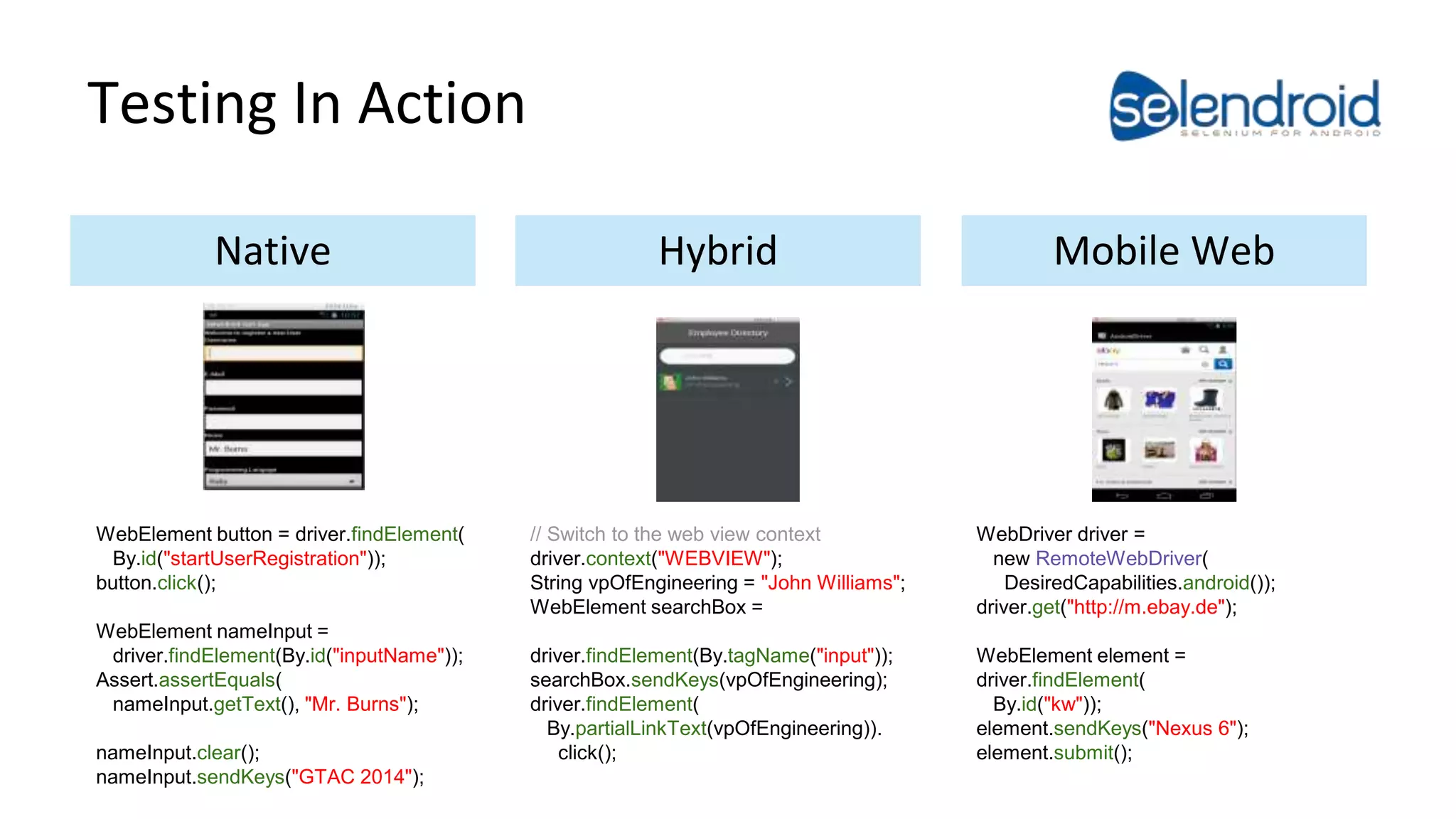
Testing In Action 
Native Hybrid Mobile Web 
WebElement button = driver.findElement( 
By.id("startUserRegistration")); 
button.click(); 
WebElement nameInput = 
driver.findElement(By.id("inputName")); 
Assert.assertEquals( 
nameInput.getText(), "Mr. Burns"); 
nameInput.clear(); 
nameInput.sendKeys("GTAC 2014"); 
// Switch to the web view context 
driver.context("WEBVIEW"); 
String vpOfEngineering = "John Williams"; 
WebElement searchBox = 
driver.findElement(By.tagName("input")); 
searchBox.sendKeys(vpOfEngineering); 
driver.findElement( 
By.partialLinkText(vpOfEngineering)). 
click(); 
WebDriver driver = 
new RemoteWebDriver( 
DesiredCapabilities.android()); 
driver.get("http://m.ebay.de"); 
WebElement element = 
driver.findElement( 
By.id("kw")); 
element.sendKeys("Nexus 6"); 
element.submit();
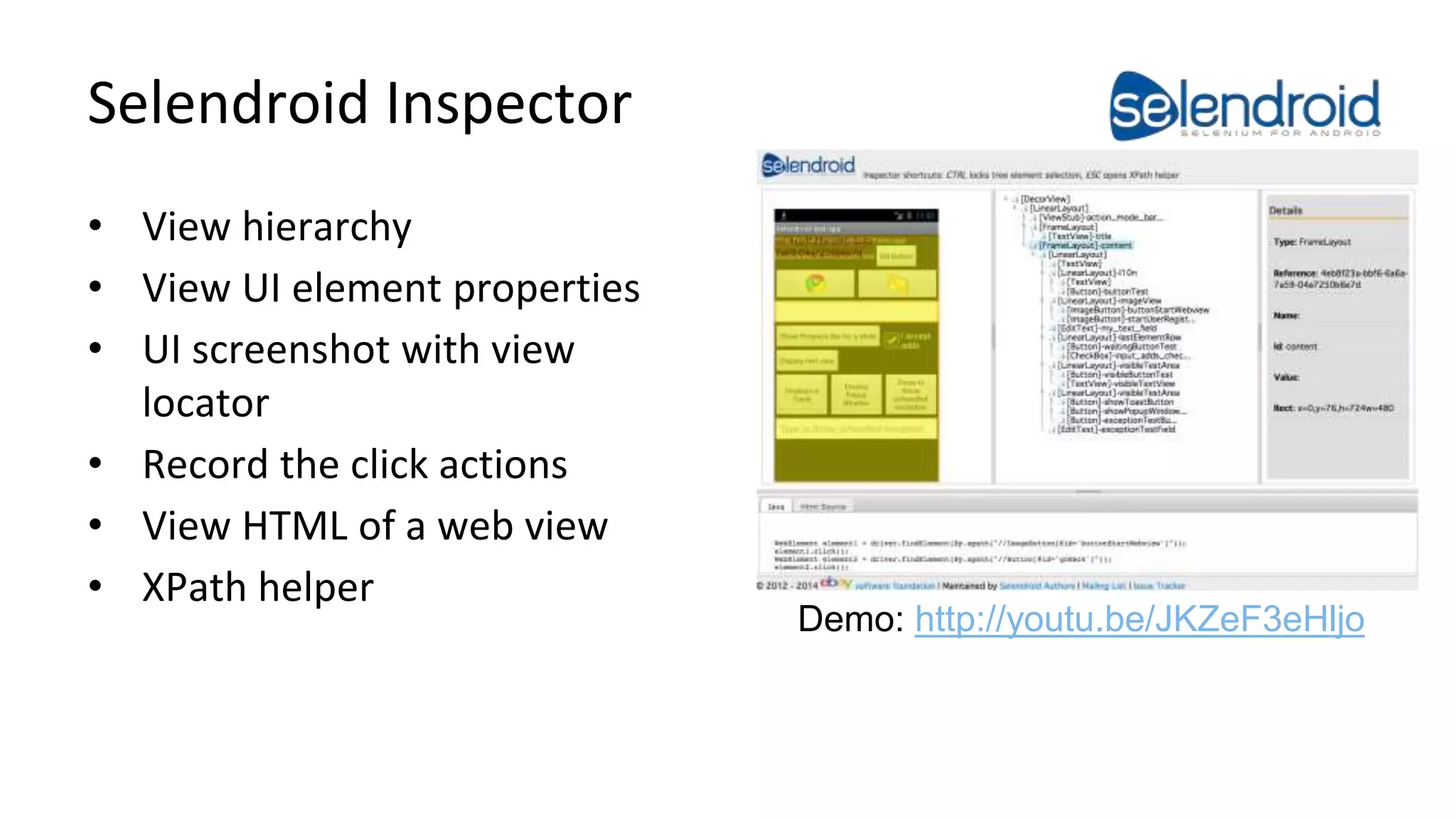
Selendroid Inspector 
• View hierarchy 
• View UI element properties 
• UI screenshot with view 
locator 
• Record the click actions 
• View HTML of a web view 
• XPath helper 
Demo: http://youtu.be/JKZeF3eHljo 
Android Test Automation
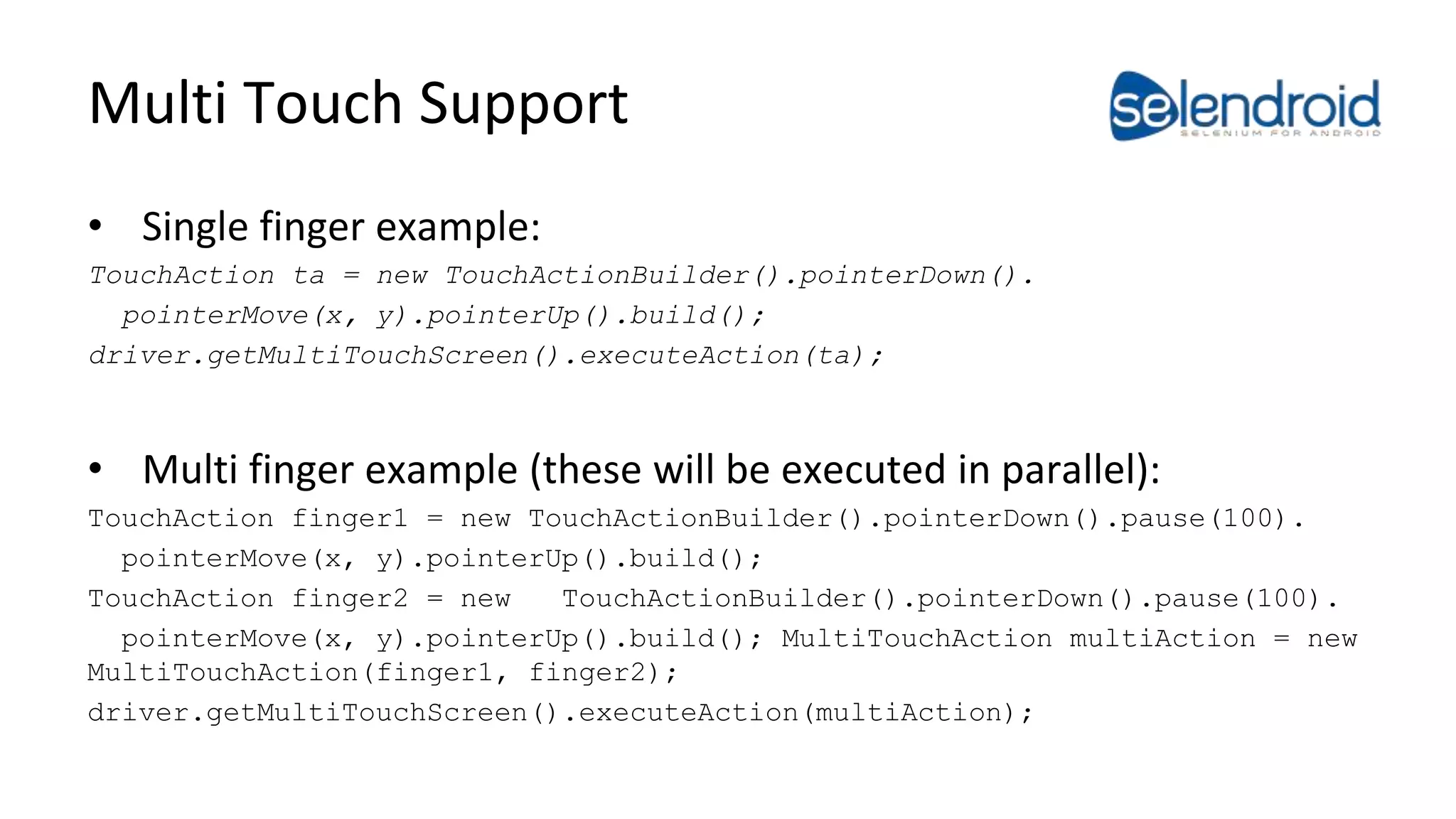
Multi Touch Support 
• Single finger example: 
TouchAction ta = new TouchActionBuilder().pointerDown(). 
pointerMove(x, y).pointerUp().build(); 
driver.getMultiTouchScreen().executeAction(ta); 
• Multi finger example (these will be executed in parallel): 
TouchAction finger1 = new TouchActionBuilder().pointerDown().pause(100). 
pointerMove(x, y).pointerUp().build(); 
TouchAction finger2 = new TouchActionBuilder().pointerDown().pause(100). 
pointerMove(x, y).pointerUp().build(); MultiTouchAction multiAction = new 
MultiTouchAction(finger1, finger2); 
driver.getMultiTouchScreen().executeAction(multiAction);
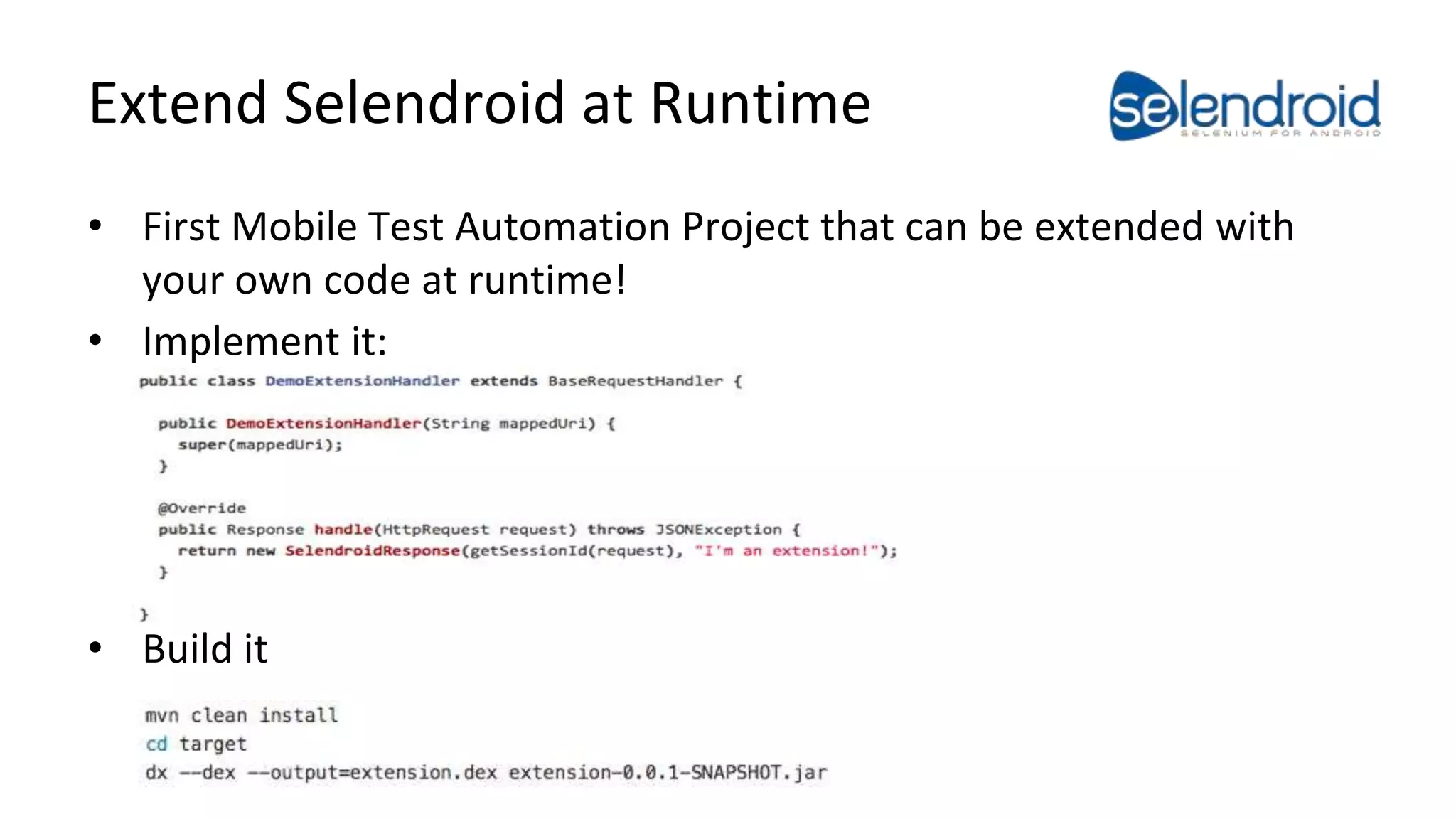
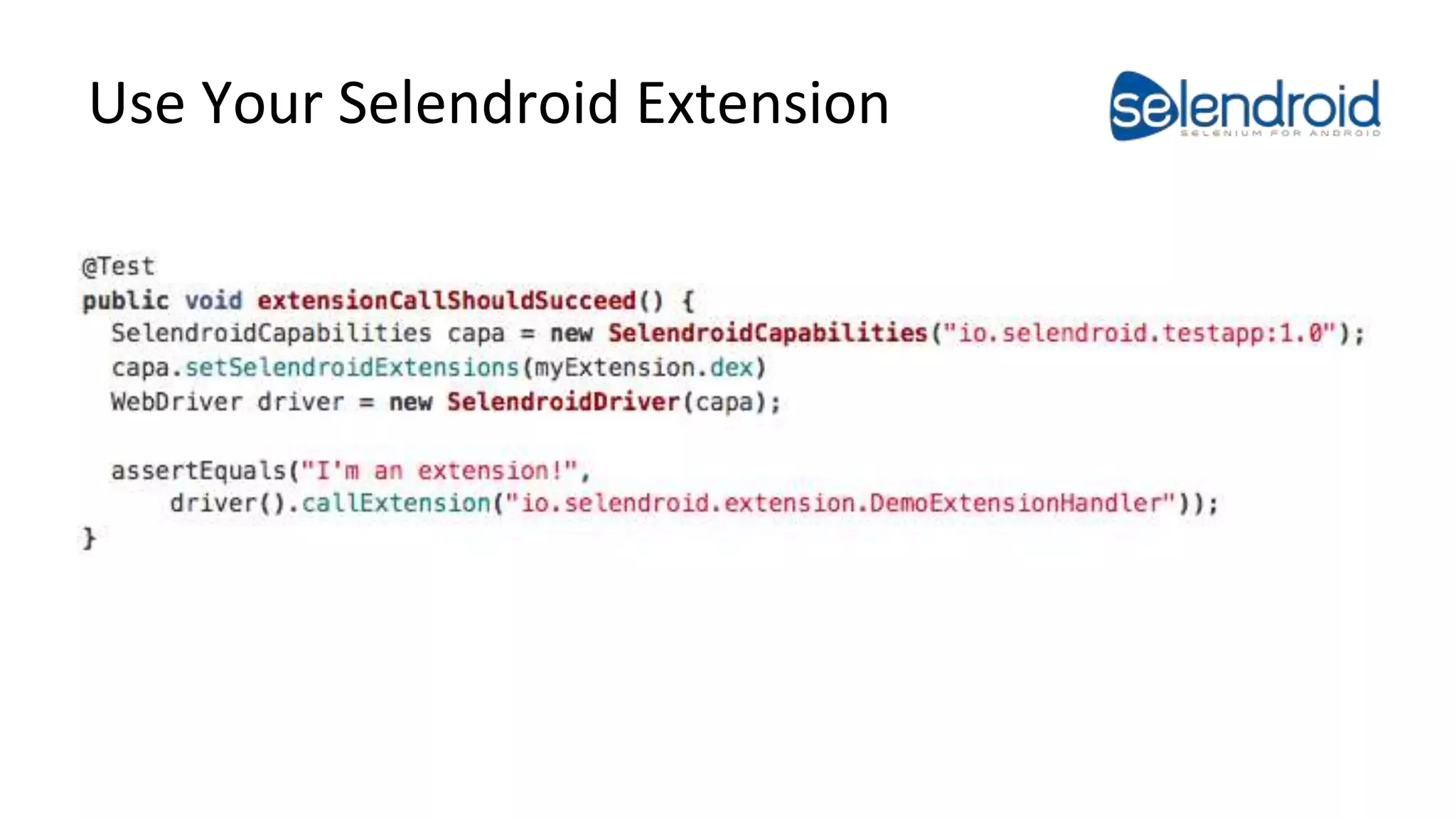
Extend Selendroid at Runtime 
• First Mobile Test Automation Project that can be extended with 
your own code at runtime! 
• Implement it: 
• Build it
Use Your Selendroid Extension
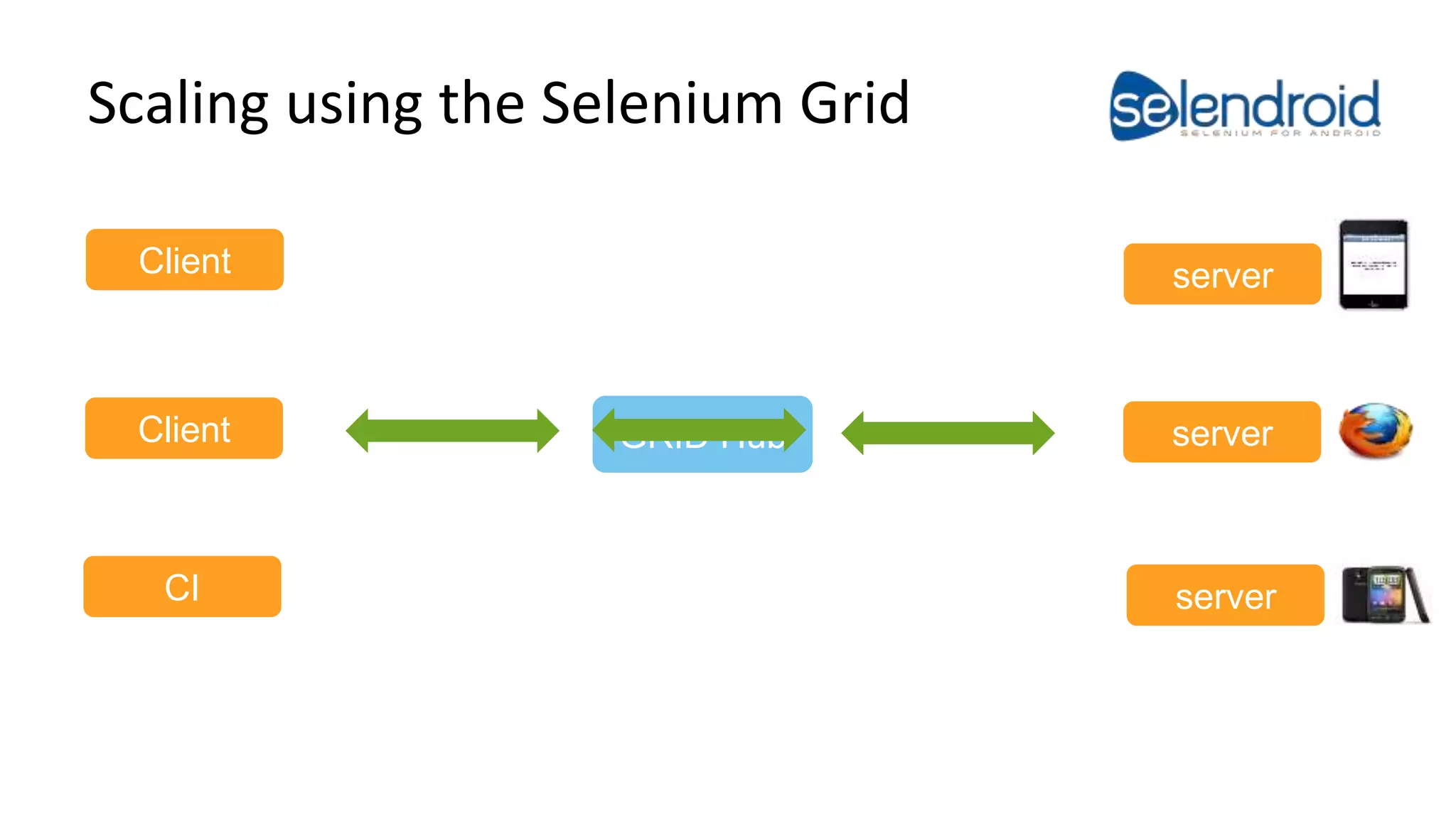
Scaling using the Selenium Grid 
Android Test Automation 
Client 
Client GRID Hub server 
CI 
server 
server
There is one more thing 
We are proud to announce that we have shipped: 
Selendroid 0.12.0
Thank You! 
Questions or Comments?
Selendroid in Action 
– Native Demo: http://youtu.be/074BnGV0mS0 
– Hybrid Demo: http://youtu.be/FGsKI6esKpw 
– Mobile Web Demo: http://goo.gl/41uvAx 
– Selendroid Article: 
http://www.methodsandtools.com/tools/selendroid.php 
Android Test Automation

Selendroid - Selenium for Android

  • 1.
    Selendroid - Seleniumfor Android Dominik Dary Google Test Automation Conference 2014
  • 2.
    Who am I? Dominik Dary Engineering Manager @ Twitter: @dominikdary Github: http://github.com/dominikdary Disclaimer: My Opinions are my own.
  • 3.
    Selendroid Open sourcedon github: – https://github.com/selendroid Documentation: – https://selendroid.io Main Committers: – eBay, Salesforce and Facebook Getting help – IRC : #selendroid on freenode Android Test Automation
  • 4.
    Features – Theonly mobile WebDriver that supports native & hybrid apps and testing the mobile web on Android versions (API 10 to 19) – Full compatibility with the JSON Wire Protocol. – The app under test must not be modified – No jailbreak / rooting of devices – Interacts simultaneously with multiple Android devices – Supports hot plugging of hardware devices – Advanced Gestures are supported
  • 5.
    Testing In Action Native Hybrid Mobile Web WebElement button = driver.findElement( By.id("startUserRegistration")); button.click(); WebElement nameInput = driver.findElement(By.id("inputName")); Assert.assertEquals( nameInput.getText(), "Mr. Burns"); nameInput.clear(); nameInput.sendKeys("GTAC 2014"); // Switch to the web view context driver.context("WEBVIEW"); String vpOfEngineering = "John Williams"; WebElement searchBox = driver.findElement(By.tagName("input")); searchBox.sendKeys(vpOfEngineering); driver.findElement( By.partialLinkText(vpOfEngineering)). click(); WebDriver driver = new RemoteWebDriver( DesiredCapabilities.android()); driver.get("http://m.ebay.de"); WebElement element = driver.findElement( By.id("kw")); element.sendKeys("Nexus 6"); element.submit();
  • 6.
    Selendroid Inspector •View hierarchy • View UI element properties • UI screenshot with view locator • Record the click actions • View HTML of a web view • XPath helper Demo: http://youtu.be/JKZeF3eHljo Android Test Automation
  • 7.
    Multi Touch Support • Single finger example: TouchAction ta = new TouchActionBuilder().pointerDown(). pointerMove(x, y).pointerUp().build(); driver.getMultiTouchScreen().executeAction(ta); • Multi finger example (these will be executed in parallel): TouchAction finger1 = new TouchActionBuilder().pointerDown().pause(100). pointerMove(x, y).pointerUp().build(); TouchAction finger2 = new TouchActionBuilder().pointerDown().pause(100). pointerMove(x, y).pointerUp().build(); MultiTouchAction multiAction = new MultiTouchAction(finger1, finger2); driver.getMultiTouchScreen().executeAction(multiAction);
  • 8.
    Extend Selendroid atRuntime • First Mobile Test Automation Project that can be extended with your own code at runtime! • Implement it: • Build it
  • 9.
  • 10.
    Scaling using theSelenium Grid Android Test Automation Client Client GRID Hub server CI server server
  • 11.
    There is onemore thing We are proud to announce that we have shipped: Selendroid 0.12.0
  • 12.
  • 13.
    Selendroid in Action – Native Demo: http://youtu.be/074BnGV0mS0 – Hybrid Demo: http://youtu.be/FGsKI6esKpw – Mobile Web Demo: http://goo.gl/41uvAx – Selendroid Article: http://www.methodsandtools.com/tools/selendroid.php Android Test Automation