QUESTION 4

              HOW DID YOU USE MEDIA
        TECHNOLOGIES IN THE CONSTRUCTION
           AND RESEARCH, PLANNING, AND
               EVALUATION STAGES?

This is the planning presentation
of how we would answer
QUESTION 4.

                                    Alexa Ranussi
                                    Dafne Caldatto
                                    Rafaella Batista
How did you use media technologies in the
            construction, research, planning and evaluation stages?


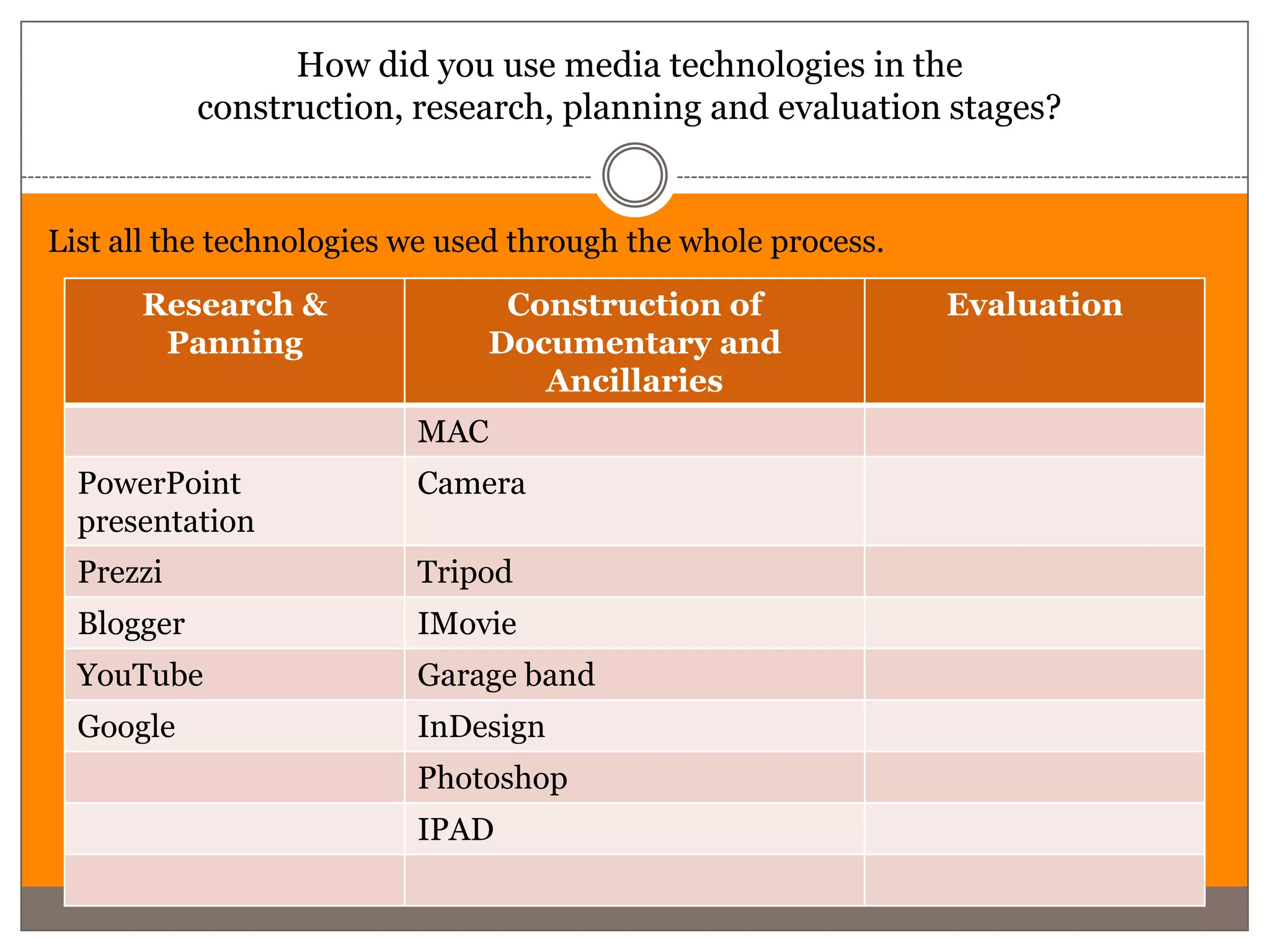
List all the technologies we used through the whole process.
      Research &                Construction of                Evaluation
       Panning                 Documentary and
                                  Ancillaries
                          MAC
  PowerPoint              Camera
  presentation
  Prezzi                  Tripod
  Blogger                 IMovie
  YouTube                 Garage band
  Google                  InDesign
                          Photoshop
                          IPAD
Research and Planning
Alexa
Blogger


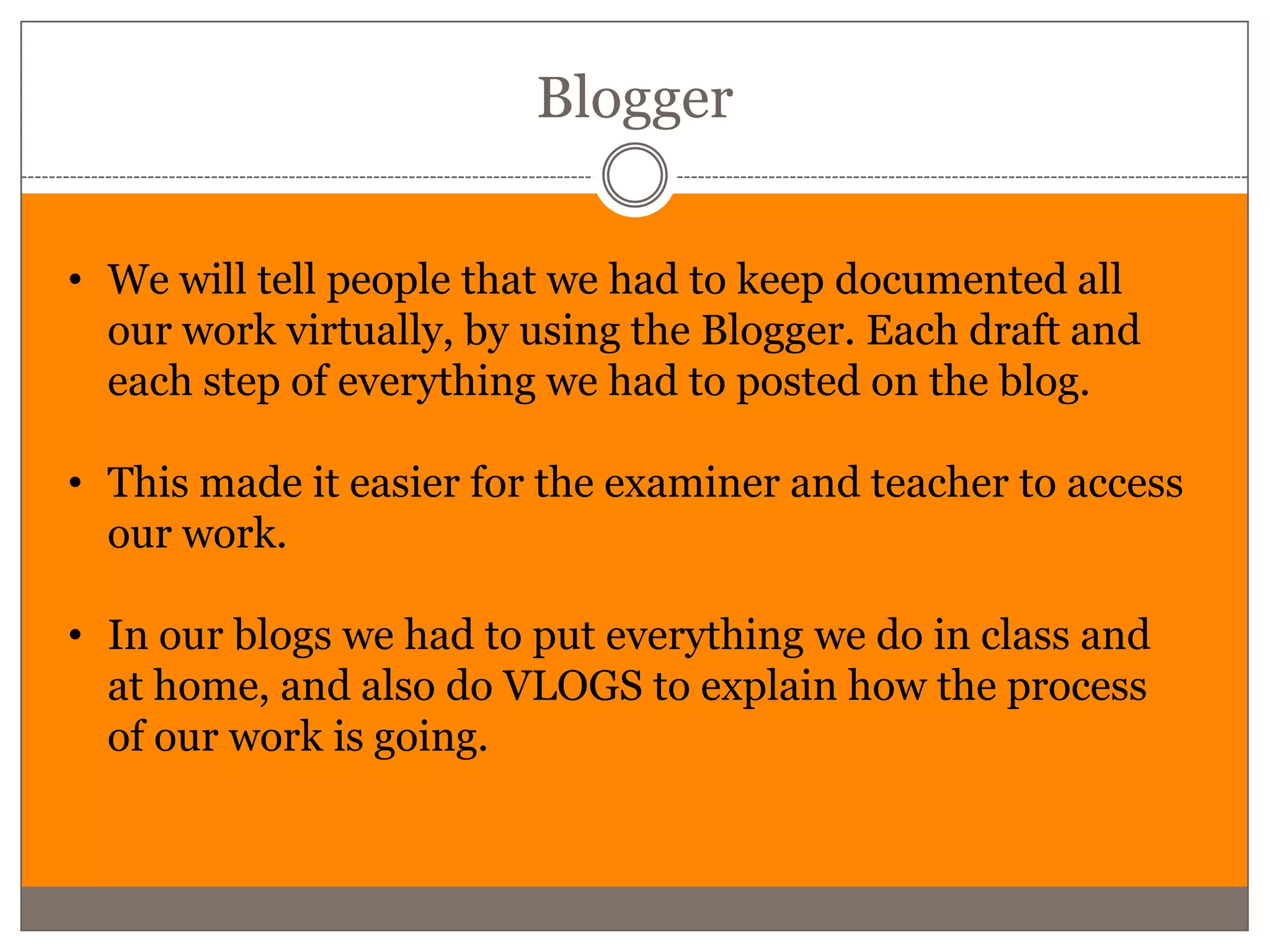
• We will tell people that we had to keep documented all
  our work virtually, by using the Blogger. Each draft and
  each step of everything we had to posted on the blog.

• This made it easier for the examiner and teacher to access
  our work.

• In our blogs we had to put everything we do in class and
  at home, and also do VLOGS to explain how the process
  of our work is going.
• Wikipedia
• YouTube
• Slide share
                Dafne
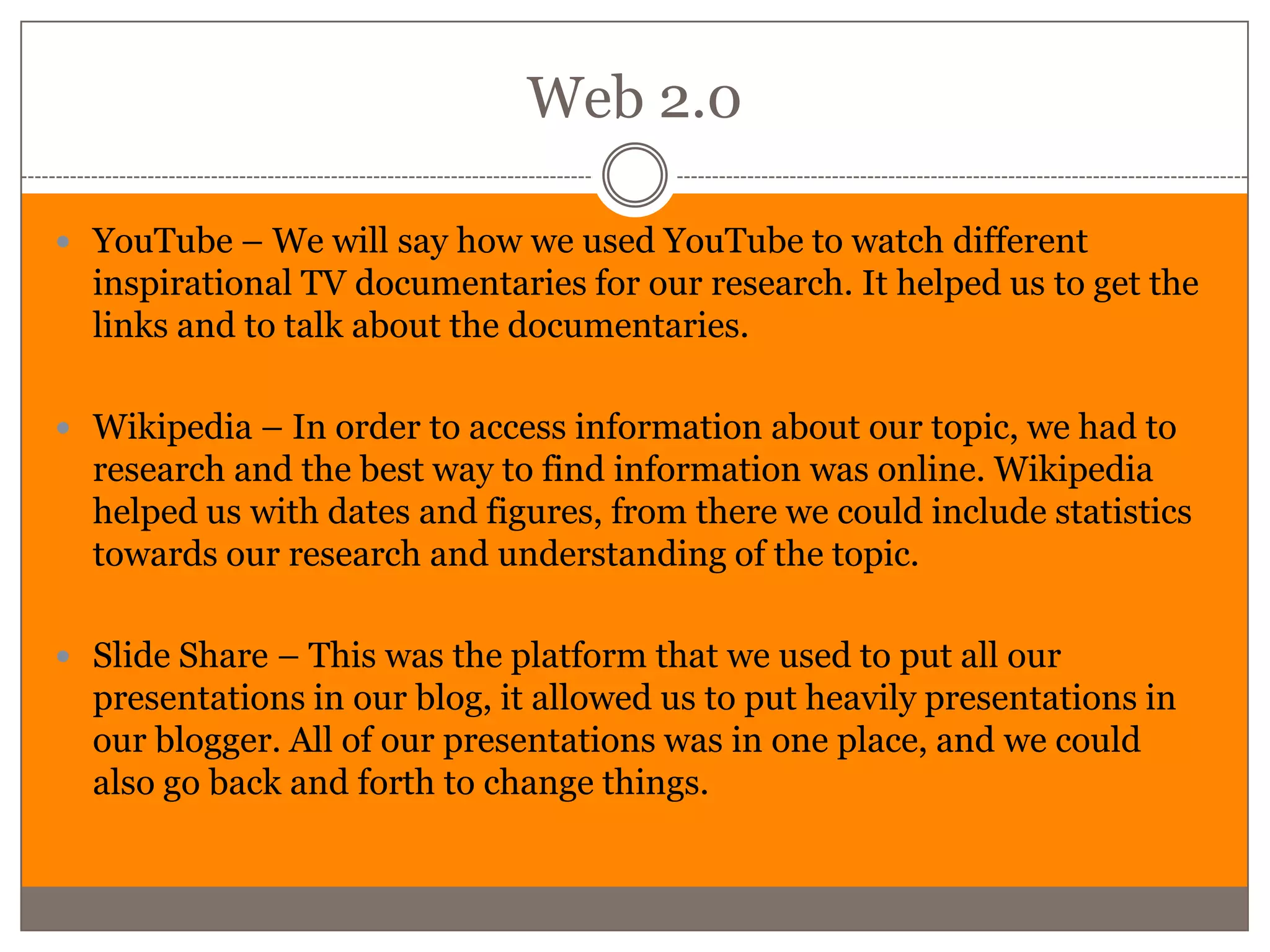
Web 2.0

 YouTube – We will say how we used YouTube to watch different
  inspirational TV documentaries for our research. It helped us to get the
  links and to talk about the documentaries.

 Wikipedia – In order to access information about our topic, we had to
  research and the best way to find information was online. Wikipedia
  helped us with dates and figures, from there we could include statistics
  towards our research and understanding of the topic.

 Slide Share – This was the platform that we used to put all our
  presentations in our blog, it allowed us to put heavily presentations in
  our blogger. All of our presentations was in one place, and we could
  also go back and forth to change things.
Rafaella
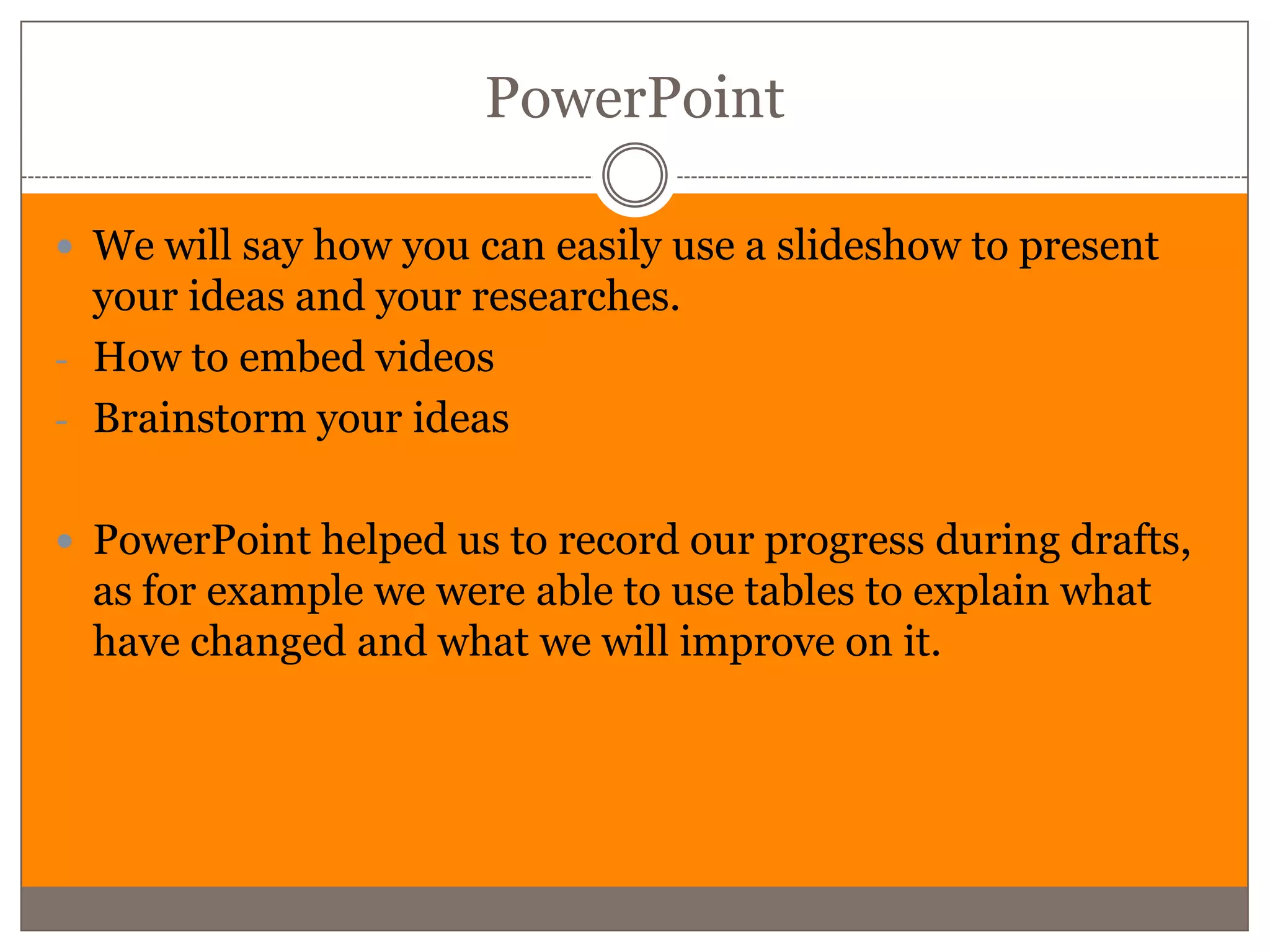
PowerPoint

 We will say how you can easily use a slideshow to present
  your ideas and your researches.
- How to embed videos
- Brainstorm your ideas


 PowerPoint helped us to record our progress during drafts,
  as for example we were able to use tables to explain what
  have changed and what we will improve on it.
Construction
Alexa
IMovie

•IMovie is one of the main software we used for our
construction. IMovie helped us edit our documentary and
Evaluation.

•Since the beginning we had to learn step by step how to use
IMovie because last year we used an older version.

•We learnt how import and export videos , how to put the
videos together in older for everything to have a meaning
when finished.
Dafne
Camera

 For this year we used a different camera, allowing us to have a better
  quality image. The camera that we used was Cannon EOS 1100D. The
  image was in HD allowing us to have a great quality

 The camera could take picture and also record, the sound was the
  weakest point from the camera because it didn’t include a
  microphone, only an internal microphone.

 The camera also had two lenses, one from 18 to 55 mm. Also another
  lenses from 70 – 300 mm. This allowed us to have extreme close ups
  with great image as well.
Rafaella
Garage Band

 We will talk about how we used garage band to record our
  voiceovers
- No effects (to be clear and real)


 We can also do our own music on it, using all the effects
  tools that is available on garage band and by doing so we
  don’t need to search for copy right free music
Ancillaries
• Framing
• Meaning
            Alexa
Composition

We used composition in a lot of thing during the process of
R&P, construction, ancillaries & evaluation, but for the
ancillaries ,composition was an important element.

We had to keep looking at framing when taking the picture
for ancillaries in older to send the right message to the
audience.

We also had to manipulate the characters in the picture so
they could act well to sent the message we wanted to send.
Dafne
Photoshop

 We used Photoshop for quick changes in our photographs.


 Photoshop allowed us to change the background and to
 make the picture have more contrast and more brightness.

 Photoshop also allowed us to change anything that we
 wanted to take away from the picture.
Rafaella
InDesign

 We will talk about page size which is very important when
  printing it.

 Also we will show how to place a picture, which you need to
  pay attention when sizing the picture because of the pixels
  and quality

 Another important tool, is how to design graphics on the
  page, for example we used the gender icons in our draft 4

Group 1 evaluation question 4

  • 1.
    QUESTION 4 HOW DID YOU USE MEDIA TECHNOLOGIES IN THE CONSTRUCTION AND RESEARCH, PLANNING, AND EVALUATION STAGES? This is the planning presentation of how we would answer QUESTION 4. Alexa Ranussi Dafne Caldatto Rafaella Batista
  • 2.
    How did youuse media technologies in the construction, research, planning and evaluation stages? List all the technologies we used through the whole process. Research & Construction of Evaluation Panning Documentary and Ancillaries MAC PowerPoint Camera presentation Prezzi Tripod Blogger IMovie YouTube Garage band Google InDesign Photoshop IPAD
  • 3.
  • 4.
  • 5.
    Blogger • We willtell people that we had to keep documented all our work virtually, by using the Blogger. Each draft and each step of everything we had to posted on the blog. • This made it easier for the examiner and teacher to access our work. • In our blogs we had to put everything we do in class and at home, and also do VLOGS to explain how the process of our work is going.
  • 6.
  • 7.
    Web 2.0  YouTube– We will say how we used YouTube to watch different inspirational TV documentaries for our research. It helped us to get the links and to talk about the documentaries.  Wikipedia – In order to access information about our topic, we had to research and the best way to find information was online. Wikipedia helped us with dates and figures, from there we could include statistics towards our research and understanding of the topic.  Slide Share – This was the platform that we used to put all our presentations in our blog, it allowed us to put heavily presentations in our blogger. All of our presentations was in one place, and we could also go back and forth to change things.
  • 8.
  • 9.
    PowerPoint  We willsay how you can easily use a slideshow to present your ideas and your researches. - How to embed videos - Brainstorm your ideas  PowerPoint helped us to record our progress during drafts, as for example we were able to use tables to explain what have changed and what we will improve on it.
  • 10.
  • 11.
  • 12.
    IMovie •IMovie is oneof the main software we used for our construction. IMovie helped us edit our documentary and Evaluation. •Since the beginning we had to learn step by step how to use IMovie because last year we used an older version. •We learnt how import and export videos , how to put the videos together in older for everything to have a meaning when finished.
  • 13.
  • 14.
    Camera  For thisyear we used a different camera, allowing us to have a better quality image. The camera that we used was Cannon EOS 1100D. The image was in HD allowing us to have a great quality  The camera could take picture and also record, the sound was the weakest point from the camera because it didn’t include a microphone, only an internal microphone.  The camera also had two lenses, one from 18 to 55 mm. Also another lenses from 70 – 300 mm. This allowed us to have extreme close ups with great image as well.
  • 15.
  • 16.
    Garage Band  Wewill talk about how we used garage band to record our voiceovers - No effects (to be clear and real)  We can also do our own music on it, using all the effects tools that is available on garage band and by doing so we don’t need to search for copy right free music
  • 17.
  • 18.
  • 19.
    Composition We used compositionin a lot of thing during the process of R&P, construction, ancillaries & evaluation, but for the ancillaries ,composition was an important element. We had to keep looking at framing when taking the picture for ancillaries in older to send the right message to the audience. We also had to manipulate the characters in the picture so they could act well to sent the message we wanted to send.
  • 20.
  • 21.
    Photoshop  We usedPhotoshop for quick changes in our photographs.  Photoshop allowed us to change the background and to make the picture have more contrast and more brightness.  Photoshop also allowed us to change anything that we wanted to take away from the picture.
  • 22.
  • 23.
    InDesign  We willtalk about page size which is very important when printing it.  Also we will show how to place a picture, which you need to pay attention when sizing the picture because of the pixels and quality  Another important tool, is how to design graphics on the page, for example we used the gender icons in our draft 4