WELCOME TO THE WEBINAR
GRAPHICS 101:
Marketing Your Message
With Graphics
WHAT WE’LL COVER TODAY
• Who is this webinar for?
• Meet your hosts
• Why use graphics?
• Where to use graphics?
• Copyright issues
• Simple graphic program you
can get started with today
• Next steps for a deeper dive
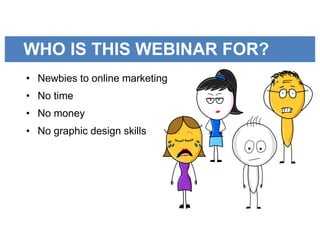
WHO IS THIS WEBINAR FOR?
GRAPHICS?• Newbies to online marketing
• No time
• No money
• No graphic design skills
MEET YOUR HOSTS
Janet
Elie
Gillian
Whitney
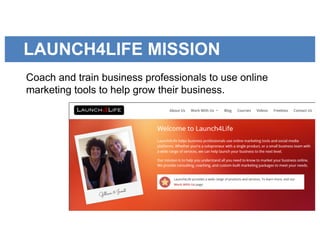
LAUNCH4LIFE MISSION
Coach and train business professionals to use online
marketing tools to help grow their business.
OUR WHY?
We want to hold the hands of online marketing newbies and
teach them in baby steps.
WHY USE GRAPHICS?
• Picture’s worth a 1000
words
• Graphics appeal to people
who scan quickly
• Graphic causes us to stop
and take a look
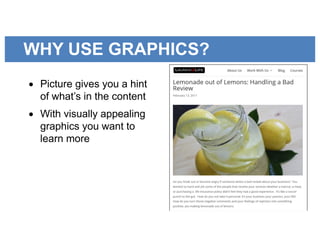
WHY USE GRAPHICS?
• Picture gives you a hint
of what’s in the content
• With visually appealing
graphics you want to
learn more
WHY USE GRAPHICS?
• 90% of information
transmitted to the brain is
visual
• Average consumer’s
attention span is 8 seconds
• Brain processes a visual
60,000 times faster than
text
WHY USE GRAPHICS?
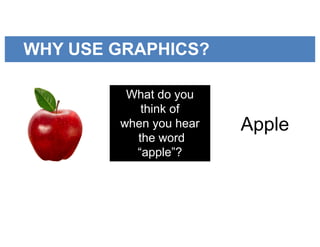
What do you
think of
when you hear
the word
“apple”?
Apple
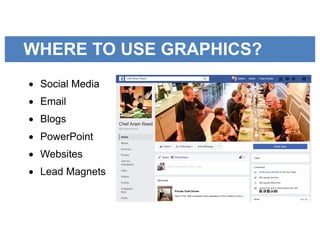
WHERE TO USE GRAPHICS?
• Social Media
• Email
• Blogs
• PowerPoint
• Websites
• Lead Magnets
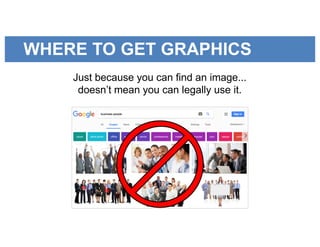
WHERE TO GET GRAPHICS
Just because you can find an image...
doesn’t mean you can legally use it.
COPYRIGHT ISSUES
• Most graphics found in
Google are copyrighted
images
• If you use them you can
be sued. Really!
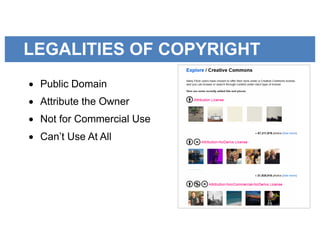
LEGALITIES OF COPYRIGHT
• Public Domain
• Attribute the Owner
• Not for Commercial Use
• Can’t Use At All
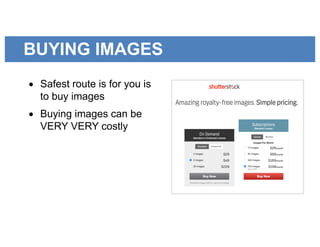
BUYING IMAGES
• Safest route is for you is
to buy images
• Buying images can be
VERY VERY costly
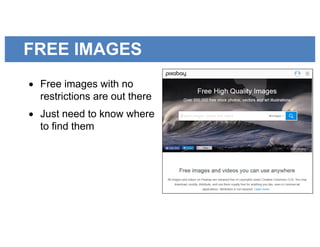
FREE IMAGES
• Free images with no
restrictions are out there
• Just need to know where
to find them
USING IMAGES
• Finding great images is
only half the battle
• Other half is knowing
how to use them to
market your message
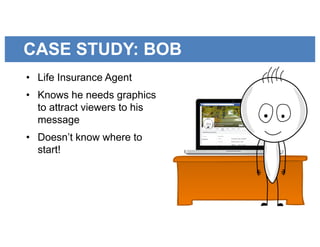
CASE STUDY: BOB
• Life Insurance Agent
• Knows he needs graphics
to attract viewers to his
message
• Doesn’t know where to
start!
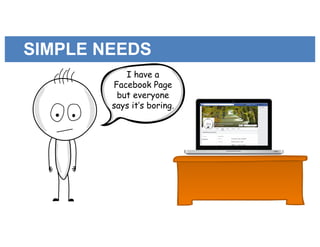
SIMPLE NEEDS
I have a
Facebook Page
but everyone
says it’s boring.
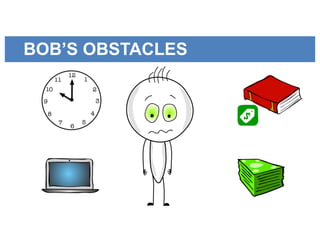
BOB’S OBSTACLES
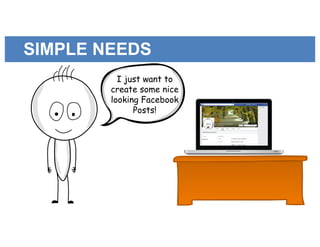
SIMPLE NEEDS
I just want to
create some nice
looking Facebook
Posts!
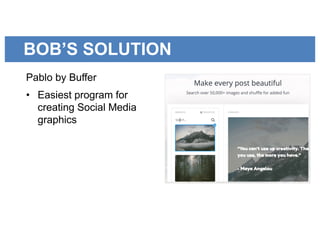
BOB’S SOLUTION
Pablo by Buffer
• Easiest program for
creating Social Media
graphics
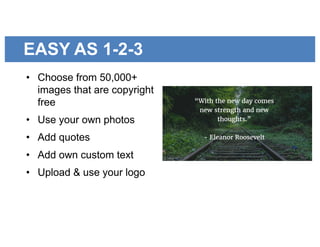
EASY AS 1-2-3
• Choose from 50,000+
images that are copyright
free
• Use your own photos
• Add quotes
• Add own custom text
• Upload & use your logo
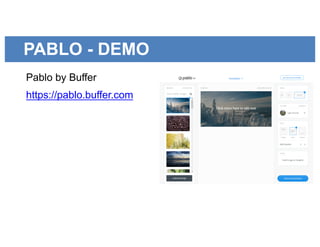
PABLO - DEMO
Pablo by Buffer
https://pablo.buffer.com
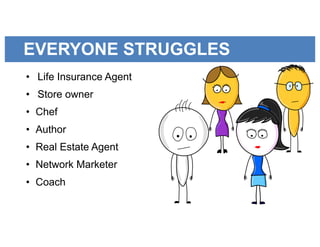
EVERYONE STRUGGLES
• Life Insurance Agent
• Store owner
• Chef
• Author
• Real Estate Agent
• Network Marketer
• Coach
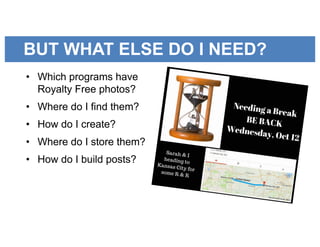
BUT WHAT ELSE DO I NEED?
• Which programs have
Royalty Free photos?
• Where do I find them?
• How do I create?
• Where do I store them?
• How do I build posts?
JUST NEED THE RIGHT TOOLS
• Programs that are free
• Tools that get the job done
quickly and efficiently
Or...
GRAPHICS 101 COURSE
You will learn how to turn mediocre
marketing material into something
worthy of being viewed.
We will teach you how to use
Graphics to enhance your marketing
message.
So people will check out your story
and buy your products/services.
WHAT YOU WILL GET
Week 1: Beginner Graphics
• Working with Graphics
• What’s a Legal Graphic
• How to create posts for
social media
• How to create graphics for
blogs, newsletters,
PowerPoint presentations,
and more
WHAT YOU WILL GET
Week 2: Intermediate Graphics
• Creating your own graphics
• Photo-editing
• How to upload graphic to
marketing pieces
• Learn about free programs
to custom design graphics
• Tips & tricks
WHAT YOU WILL GET
BONUS: Graphic Resources
• Detailed list of where to
find royalty free graphics
you can use to market your
message
COST OF THE COURSE
Week 1: Beginner Graphics
Week 2: Intermediate Graphics
All for just $49
SATISFACTION GUARANTEED
Satisfaction Guaranteed
If you are not happy with our course, we
offer a 7 day money back guarantee from
the course start date. No questions asked.
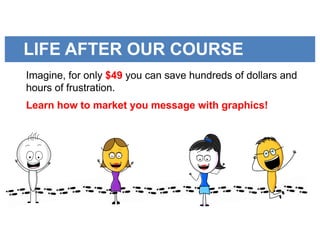
LIFE AFTER OUR COURSE
Imagine, for only $49 you can save hundreds of dollars and
hours of frustration.
Learn how to market you message with graphics!
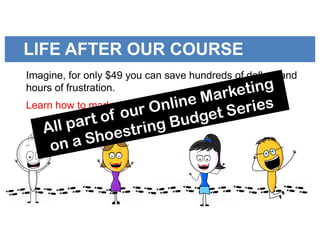
LIFE AFTER OUR COURSE
Imagine, for only $49 you can save hundreds of dollars and
hours of frustration.
Learn how to market you message with graphics!
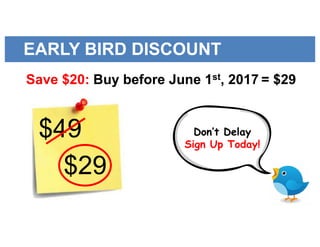
EARLY BIRD DISCOUNT
Save $20: Buy before June 1st, 2017 = $29
$29
$49 Don’t Delay
Sign Up Today!
THANKS FOR ATTENDING
• Questions?
• Enroll today by clicking the special
link in the chat: http://bit.ly/2qbDkyC
• Tomorrow will receive email with
webinar replay & link to early bird
discount

Gillian Whitney - Graphics webinar-ppt-final

  • 1.
    WELCOME TO THEWEBINAR GRAPHICS 101: Marketing Your Message With Graphics
  • 2.
    WHAT WE’LL COVERTODAY • Who is this webinar for? • Meet your hosts • Why use graphics? • Where to use graphics? • Copyright issues • Simple graphic program you can get started with today • Next steps for a deeper dive
  • 3.
    WHO IS THISWEBINAR FOR? GRAPHICS?• Newbies to online marketing • No time • No money • No graphic design skills
  • 4.
  • 5.
    LAUNCH4LIFE MISSION Coach andtrain business professionals to use online marketing tools to help grow their business.
  • 6.
    OUR WHY? We wantto hold the hands of online marketing newbies and teach them in baby steps.
  • 7.
    WHY USE GRAPHICS? •Picture’s worth a 1000 words • Graphics appeal to people who scan quickly • Graphic causes us to stop and take a look
  • 8.
    WHY USE GRAPHICS? •Picture gives you a hint of what’s in the content • With visually appealing graphics you want to learn more
  • 9.
    WHY USE GRAPHICS? •90% of information transmitted to the brain is visual • Average consumer’s attention span is 8 seconds • Brain processes a visual 60,000 times faster than text
  • 10.
    WHY USE GRAPHICS? Whatdo you think of when you hear the word “apple”? Apple
  • 11.
    WHERE TO USEGRAPHICS? • Social Media • Email • Blogs • PowerPoint • Websites • Lead Magnets
  • 12.
    WHERE TO GETGRAPHICS Just because you can find an image... doesn’t mean you can legally use it.
  • 13.
    COPYRIGHT ISSUES • Mostgraphics found in Google are copyrighted images • If you use them you can be sued. Really!
  • 14.
    LEGALITIES OF COPYRIGHT •Public Domain • Attribute the Owner • Not for Commercial Use • Can’t Use At All
  • 15.
    BUYING IMAGES • Safestroute is for you is to buy images • Buying images can be VERY VERY costly
  • 16.
    FREE IMAGES • Freeimages with no restrictions are out there • Just need to know where to find them
  • 17.
    USING IMAGES • Findinggreat images is only half the battle • Other half is knowing how to use them to market your message
  • 18.
    CASE STUDY: BOB •Life Insurance Agent • Knows he needs graphics to attract viewers to his message • Doesn’t know where to start!
  • 19.
    SIMPLE NEEDS I havea Facebook Page but everyone says it’s boring.
  • 20.
  • 21.
    SIMPLE NEEDS I justwant to create some nice looking Facebook Posts!
  • 22.
    BOB’S SOLUTION Pablo byBuffer • Easiest program for creating Social Media graphics
  • 23.
    EASY AS 1-2-3 •Choose from 50,000+ images that are copyright free • Use your own photos • Add quotes • Add own custom text • Upload & use your logo
  • 24.
    PABLO - DEMO Pabloby Buffer https://pablo.buffer.com
  • 25.
    EVERYONE STRUGGLES • LifeInsurance Agent • Store owner • Chef • Author • Real Estate Agent • Network Marketer • Coach
  • 26.
    BUT WHAT ELSEDO I NEED? • Which programs have Royalty Free photos? • Where do I find them? • How do I create? • Where do I store them? • How do I build posts?
  • 27.
    JUST NEED THERIGHT TOOLS • Programs that are free • Tools that get the job done quickly and efficiently Or...
  • 28.
    GRAPHICS 101 COURSE Youwill learn how to turn mediocre marketing material into something worthy of being viewed. We will teach you how to use Graphics to enhance your marketing message. So people will check out your story and buy your products/services.
  • 29.
    WHAT YOU WILLGET Week 1: Beginner Graphics • Working with Graphics • What’s a Legal Graphic • How to create posts for social media • How to create graphics for blogs, newsletters, PowerPoint presentations, and more
  • 30.
    WHAT YOU WILLGET Week 2: Intermediate Graphics • Creating your own graphics • Photo-editing • How to upload graphic to marketing pieces • Learn about free programs to custom design graphics • Tips & tricks
  • 31.
    WHAT YOU WILLGET BONUS: Graphic Resources • Detailed list of where to find royalty free graphics you can use to market your message
  • 32.
    COST OF THECOURSE Week 1: Beginner Graphics Week 2: Intermediate Graphics All for just $49
  • 33.
    SATISFACTION GUARANTEED Satisfaction Guaranteed Ifyou are not happy with our course, we offer a 7 day money back guarantee from the course start date. No questions asked.
  • 34.
    LIFE AFTER OURCOURSE Imagine, for only $49 you can save hundreds of dollars and hours of frustration. Learn how to market you message with graphics!
  • 35.
    LIFE AFTER OURCOURSE Imagine, for only $49 you can save hundreds of dollars and hours of frustration. Learn how to market you message with graphics!
  • 36.
    EARLY BIRD DISCOUNT Save$20: Buy before June 1st, 2017 = $29 $29 $49 Don’t Delay Sign Up Today!
  • 37.
    THANKS FOR ATTENDING •Questions? • Enroll today by clicking the special link in the chat: http://bit.ly/2qbDkyC • Tomorrow will receive email with webinar replay & link to early bird discount