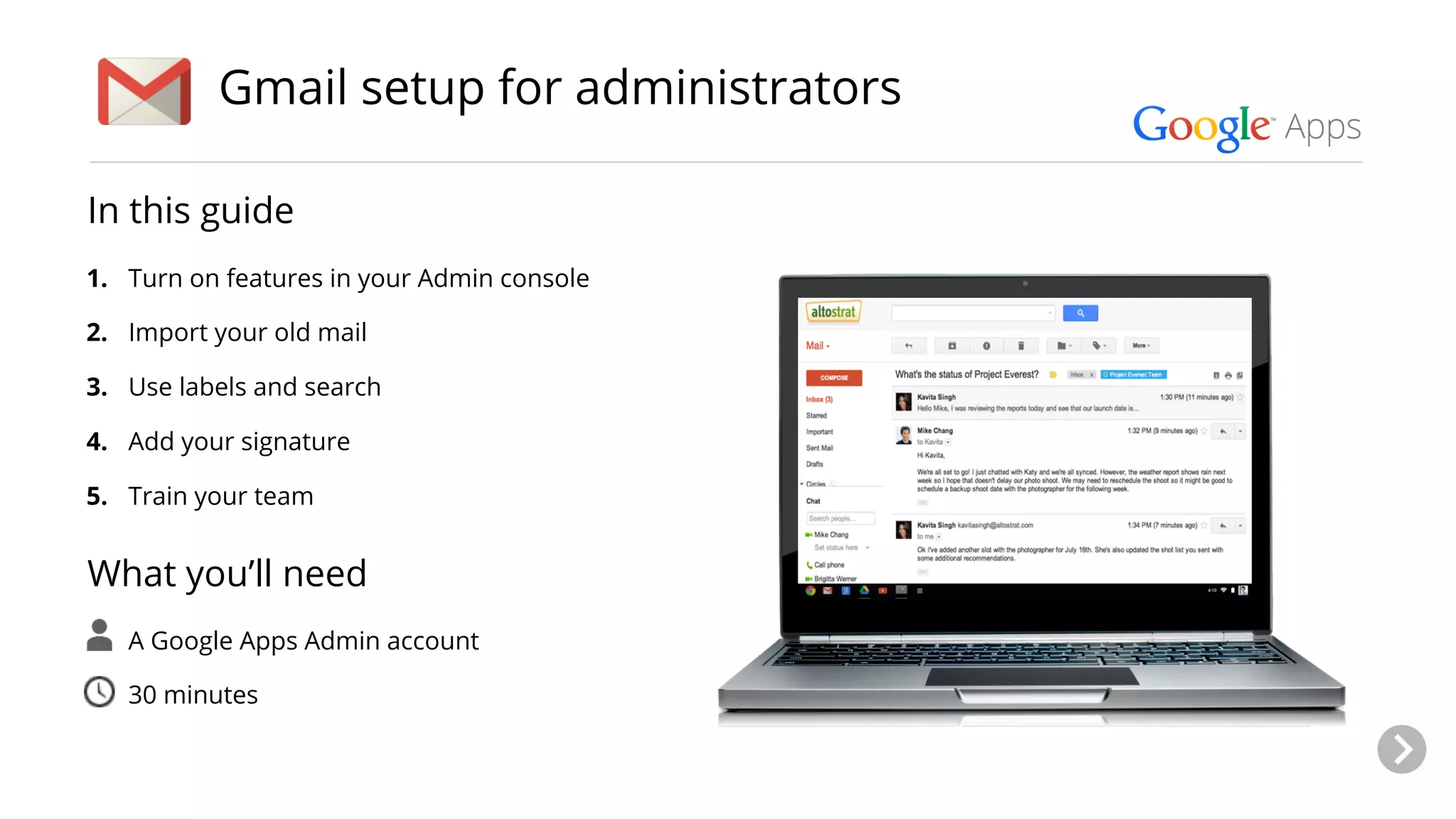
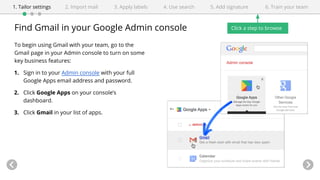
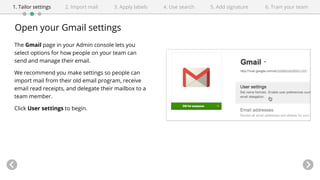
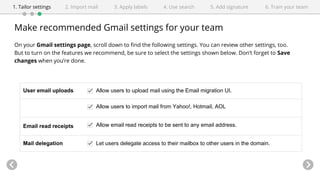
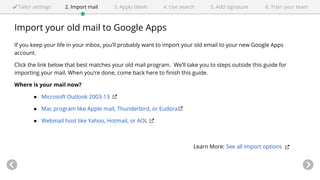
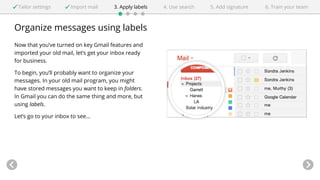
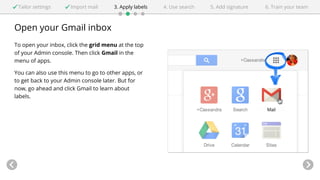
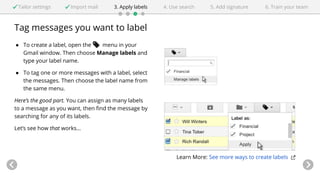
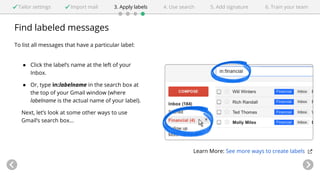
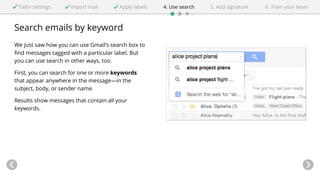
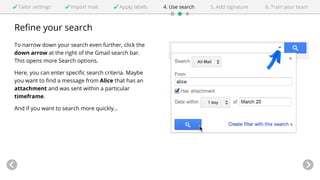
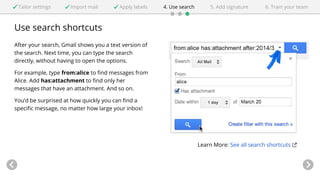
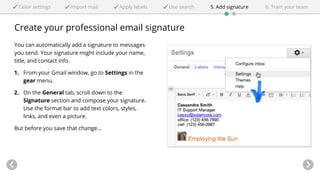
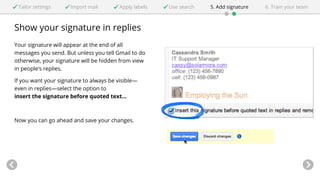
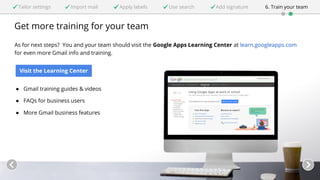
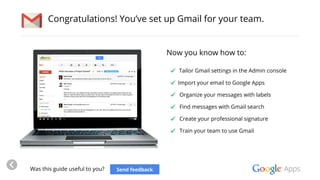
This guide provides instructions for administrators to set up Gmail for business use. It includes steps to tailor settings in the Admin console, import email from other services, organize emails using labels, search emails using keywords and filters, create a professional signature, and train the team on using Gmail's features. The guide recommends allowing email imports, read receipts, and mailbox delegation in settings, and suggests team members import old email, learn sending basics, and set up signatures, labels, and filters. It directs administrators to the Google Apps Learning Center for additional training resources.