Download to read offline
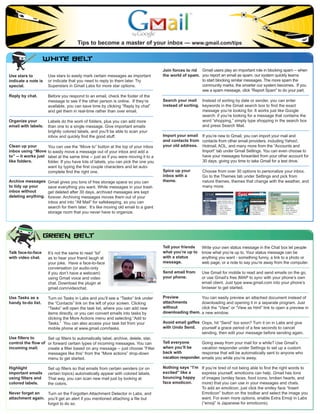
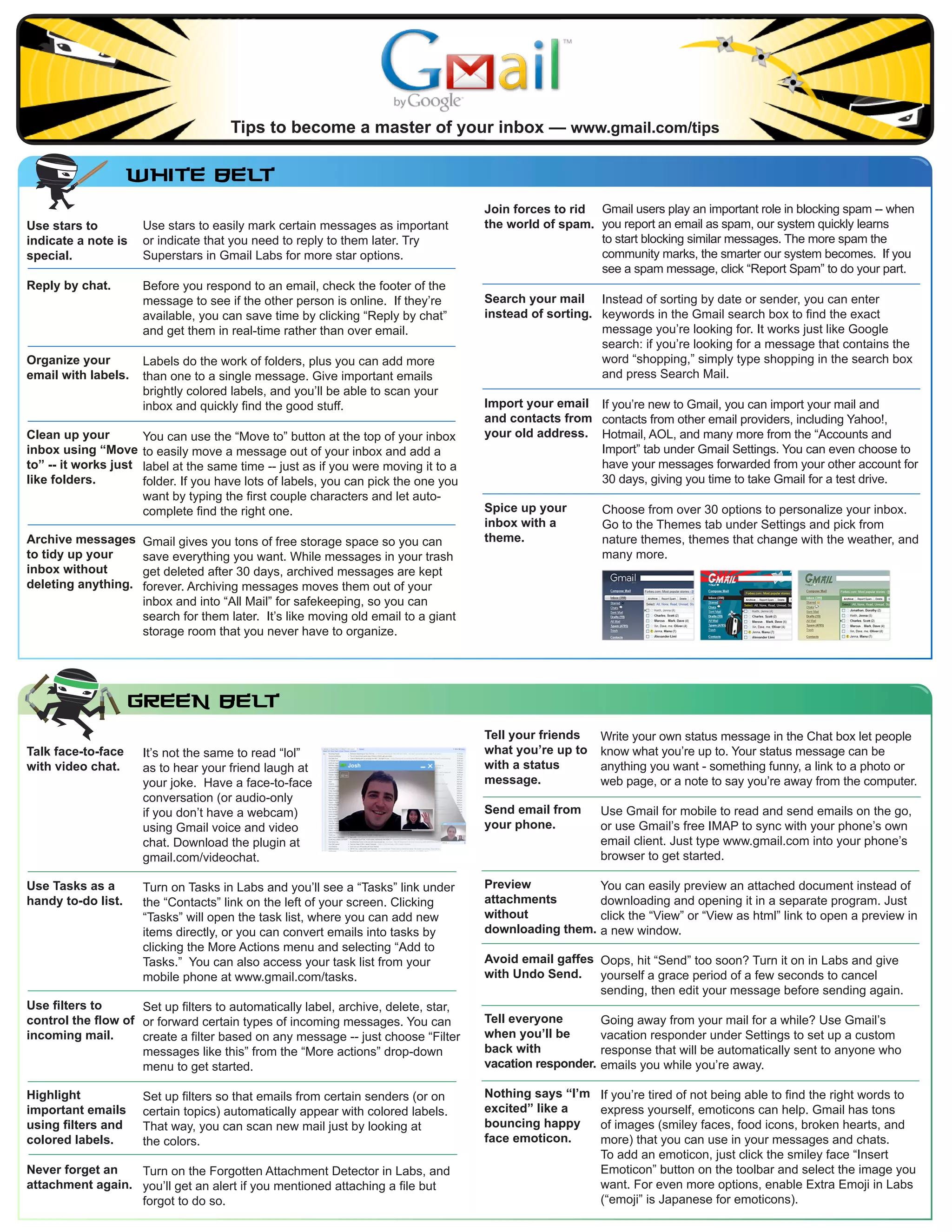
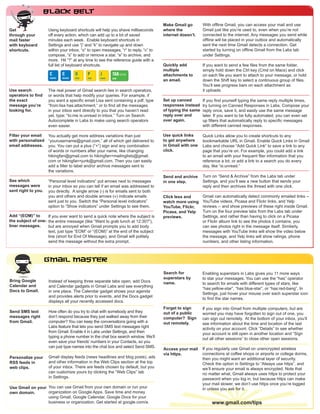

1) The document provides tips for using Gmail more efficiently, such as using stars and labels to organize emails, searching emails instead of sorting, and using keyboard shortcuts to navigate faster. 2) It recommends setting up filters to automatically label, archive, delete, or forward certain emails. Filters can be based on sender, topic, or other criteria. 3) The tips also suggest customizing Gmail with themes, vacation responders, emojis, and other features to prioritize important emails and communicate more effectively.


