Joel A. MachielaLIS 724Using Glogster in the Classroom
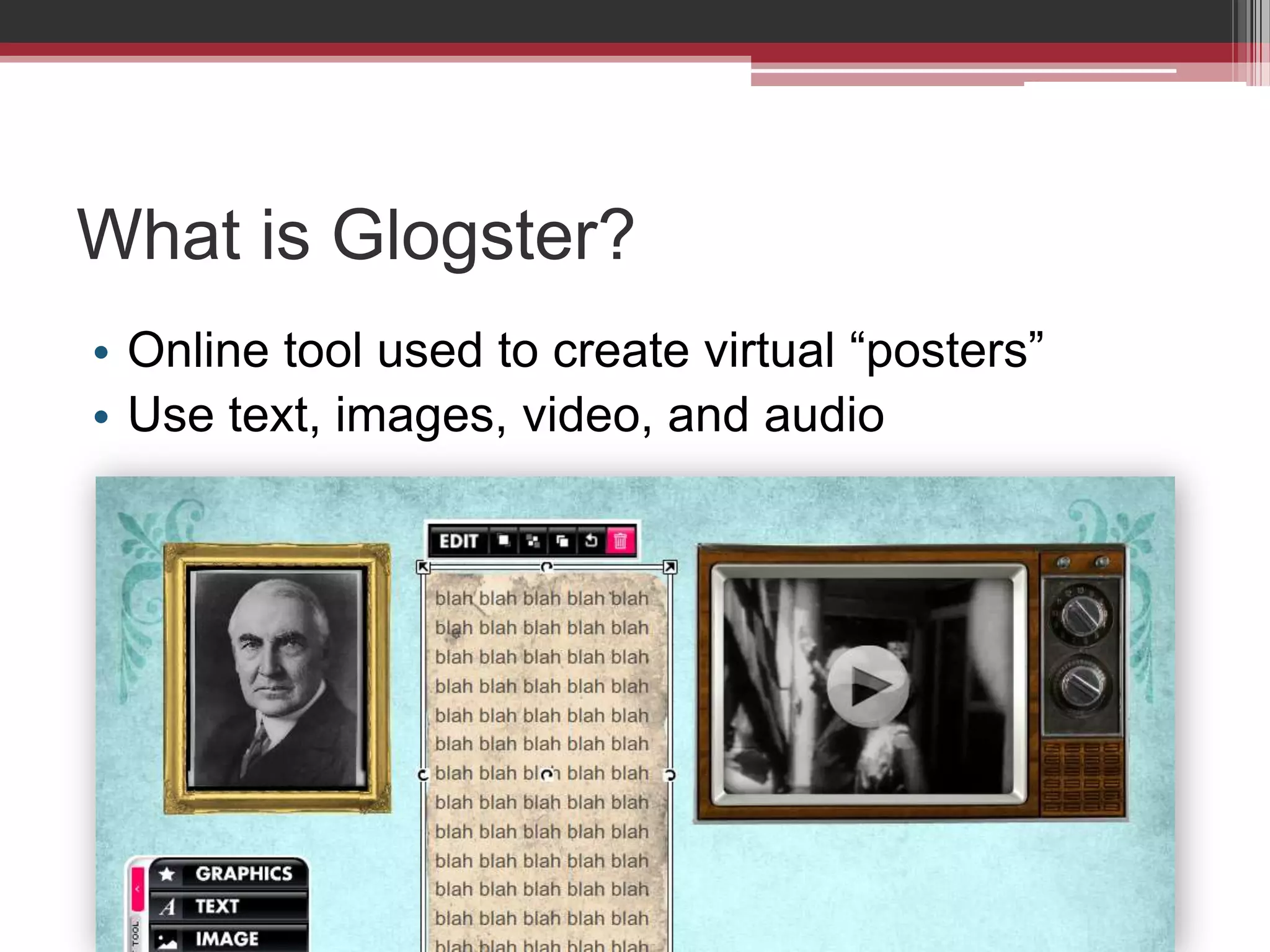
What is Glogster?Online tool used to create virtual “posters”Use text, images, video, and audio
Social Studies AssignmentCreate a biographical poster about a U.S. presidentHighlight major policies and decisionsInclude 4-6 elements
Examples of Other UsesScienceDisplay process and findings of a science projectPoetry & LiteratureShowcase written workFine ArtsCreate a gallery of creative work
Glogster.comhttp://www.edu.glogster.com
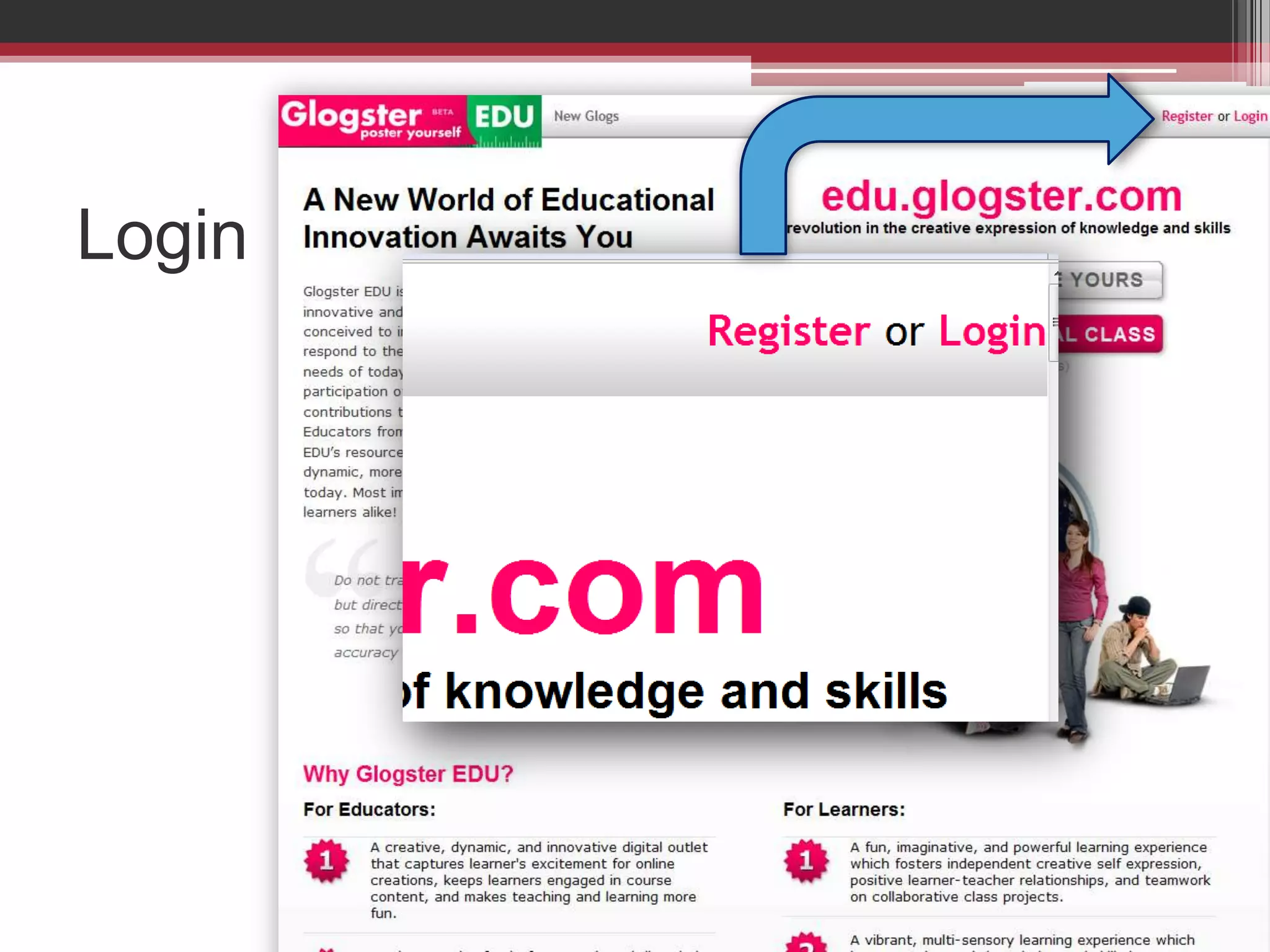
Login
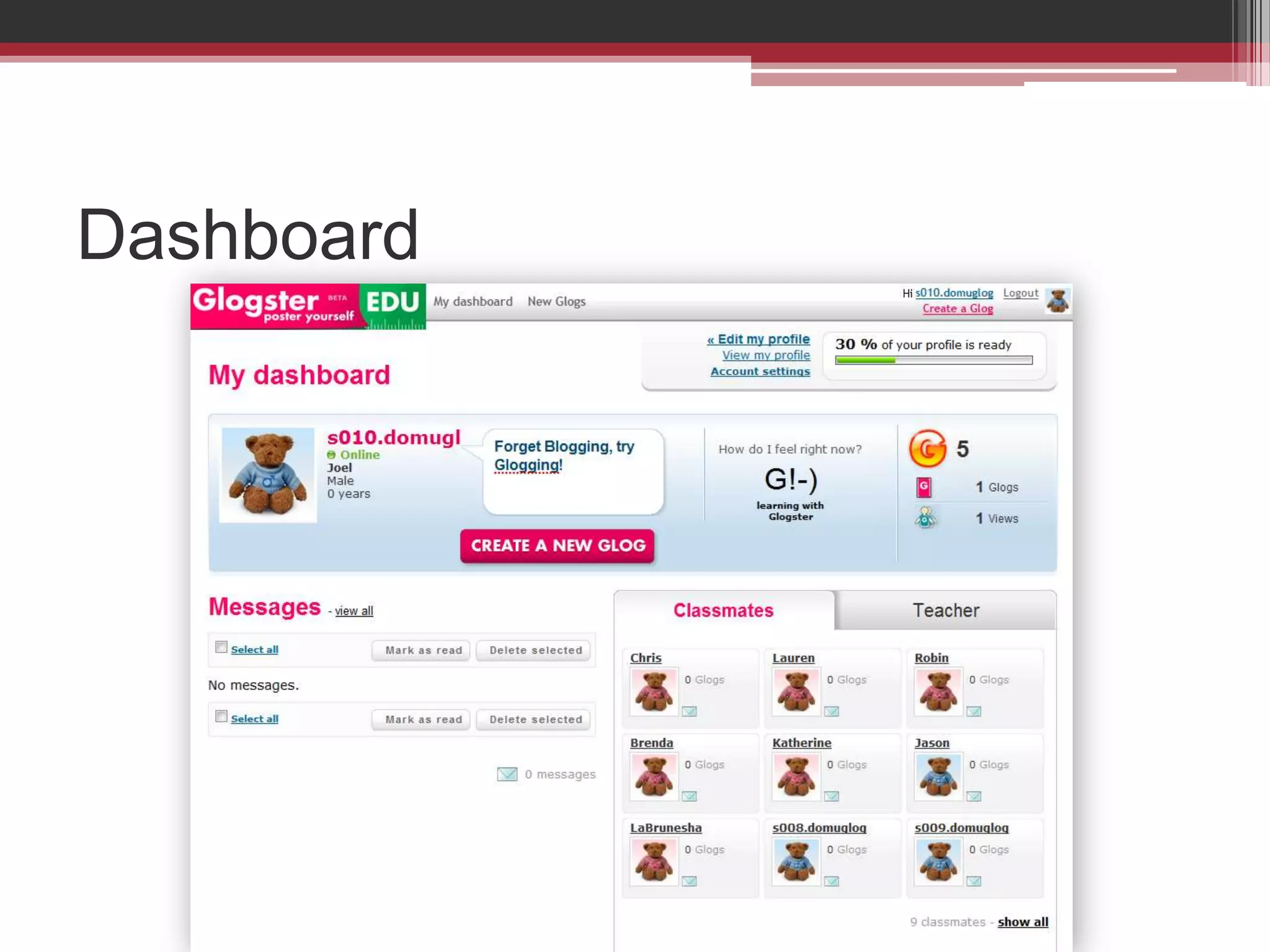
Dashboard
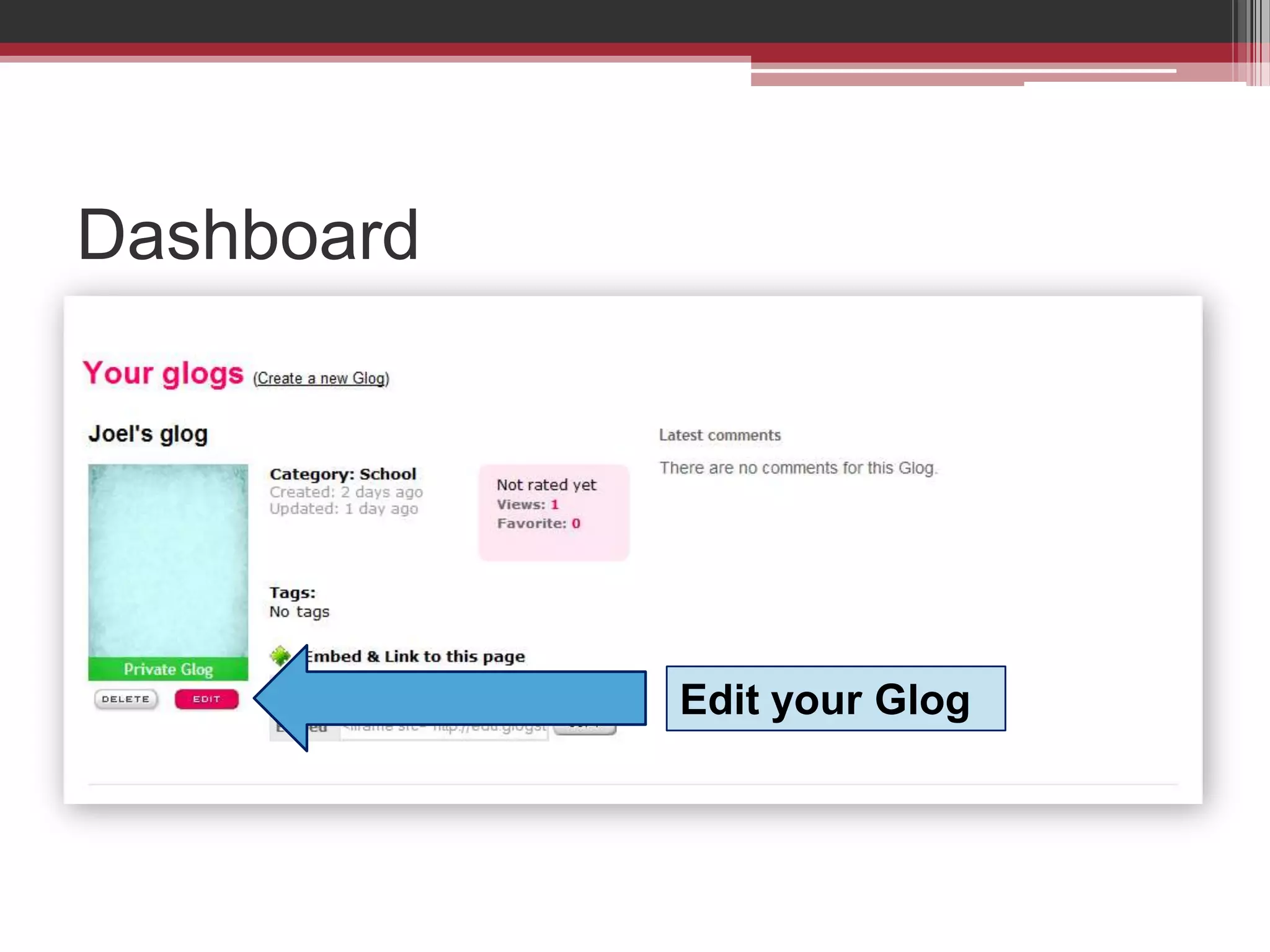
DashboardEdit your Glog
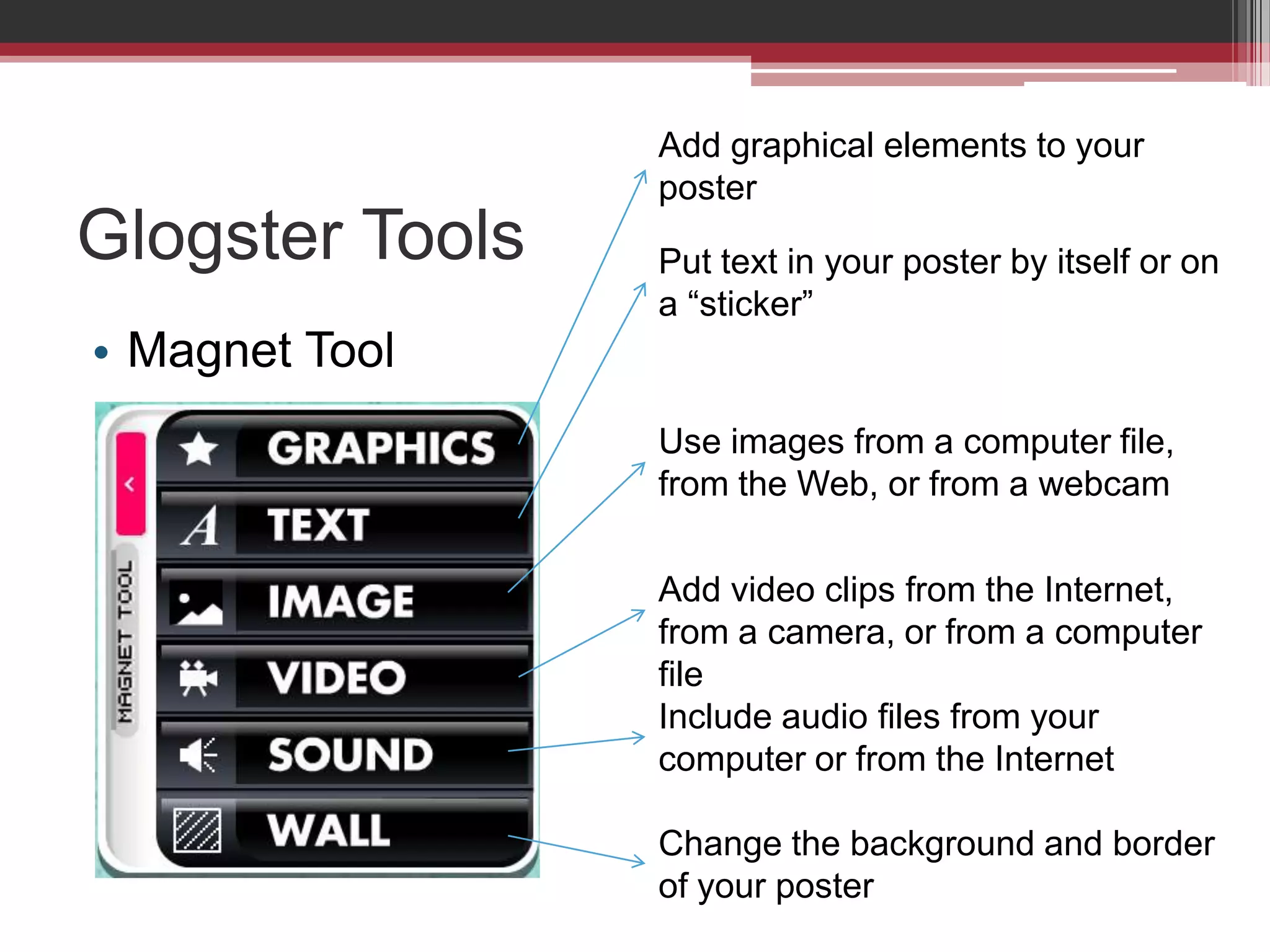
Glogster ToolsMagnet ToolAdd graphical elements to your posterPut text in your poster by itself or on a “sticker”Use images from a computer file, from the Web, or from a webcamAdd video clips from the Internet,  from a camera, or from a computer fileInclude audio files from your computer or from the InternetChange the background and border of your poster
Publish Glog
Publish Glog
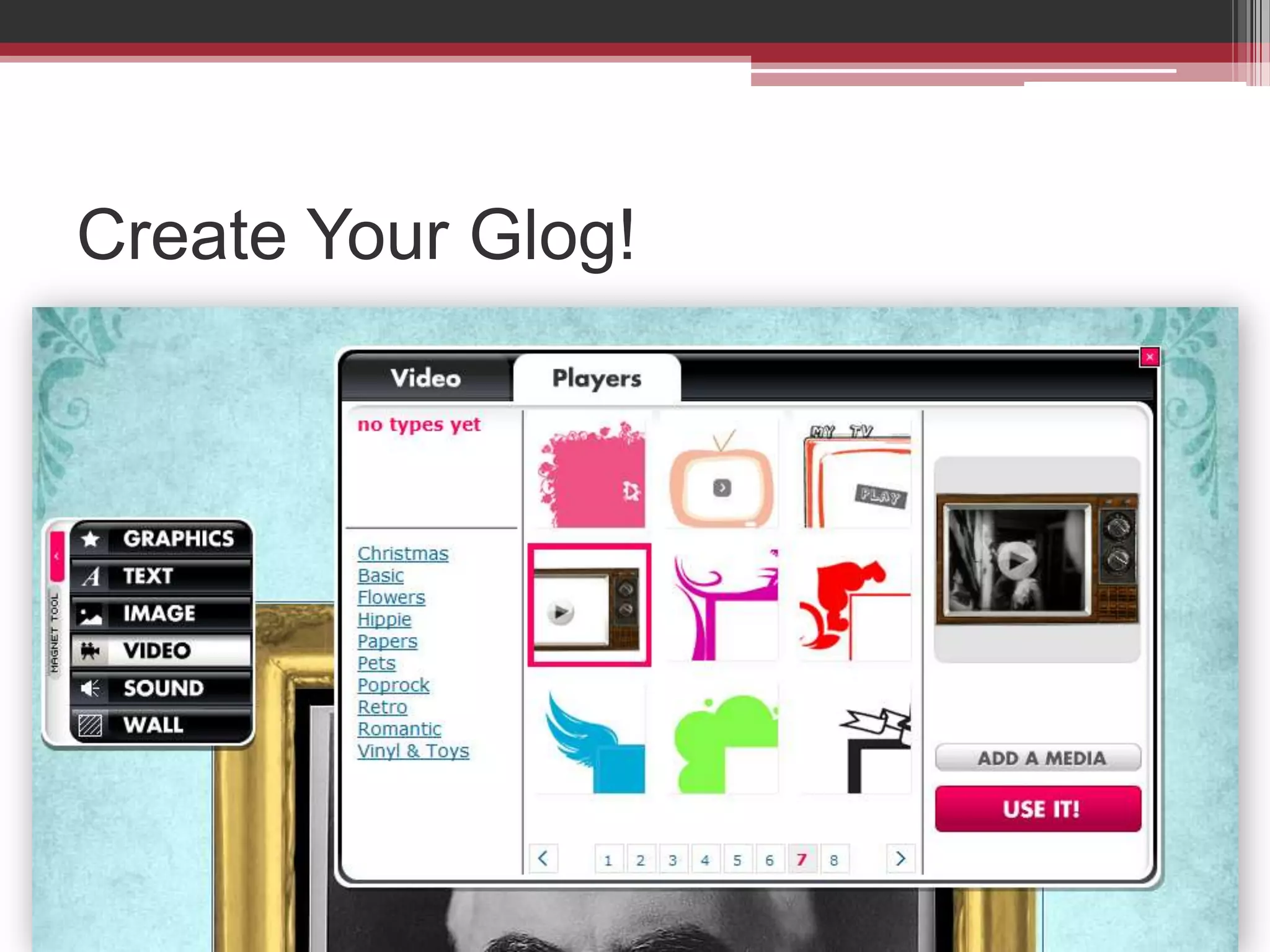
Create Your Glog!

Glogster instruction

Editor's Notes

  • #6 Show examples from bottom of page
  • #7 Use the Student usernames and passwords I gave out
  • #8 Edit profile, change the name on your account (does not change username)Change your passwordSee what your classmates are doing
  • #9 See the Glogs you’ve madeDelete your glogs or edit them from dashboard
  • #10 After showing slide, go to webAppropriate graphics, silly graphicsGo back to ppt slides
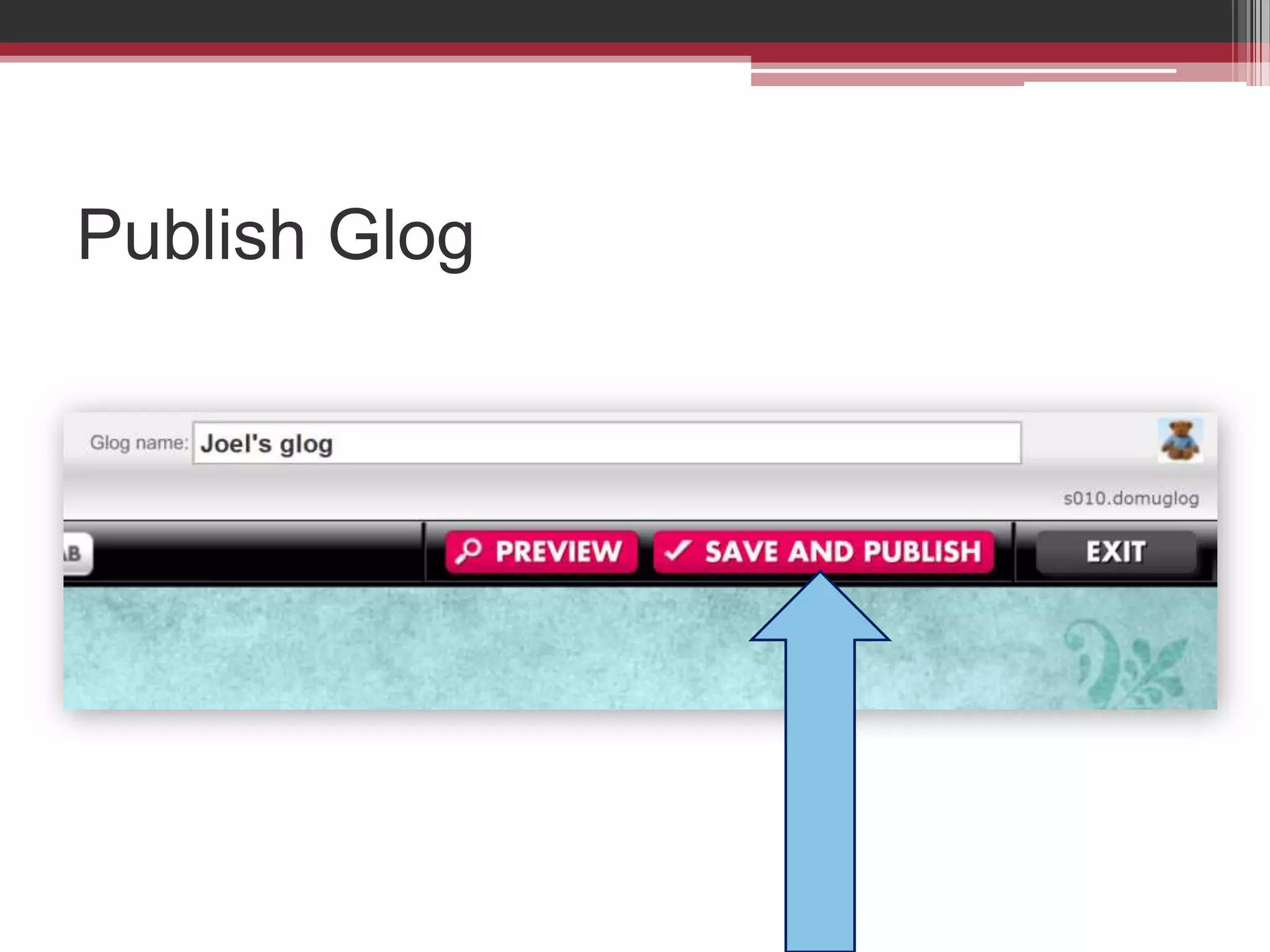
  • #11 Button at top of glog edit view
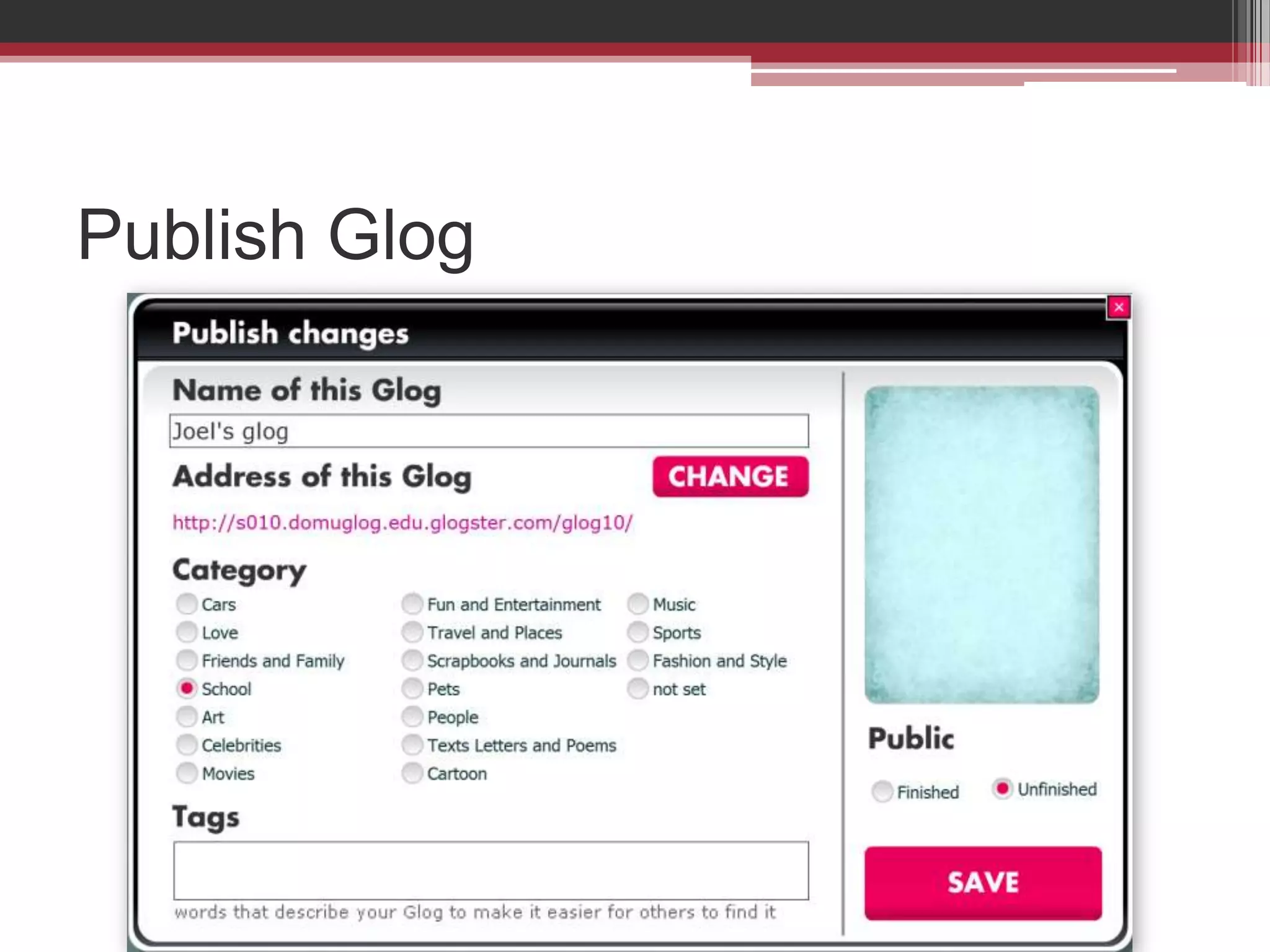
  • #12 Name the glogCategoryTagsPublic or private