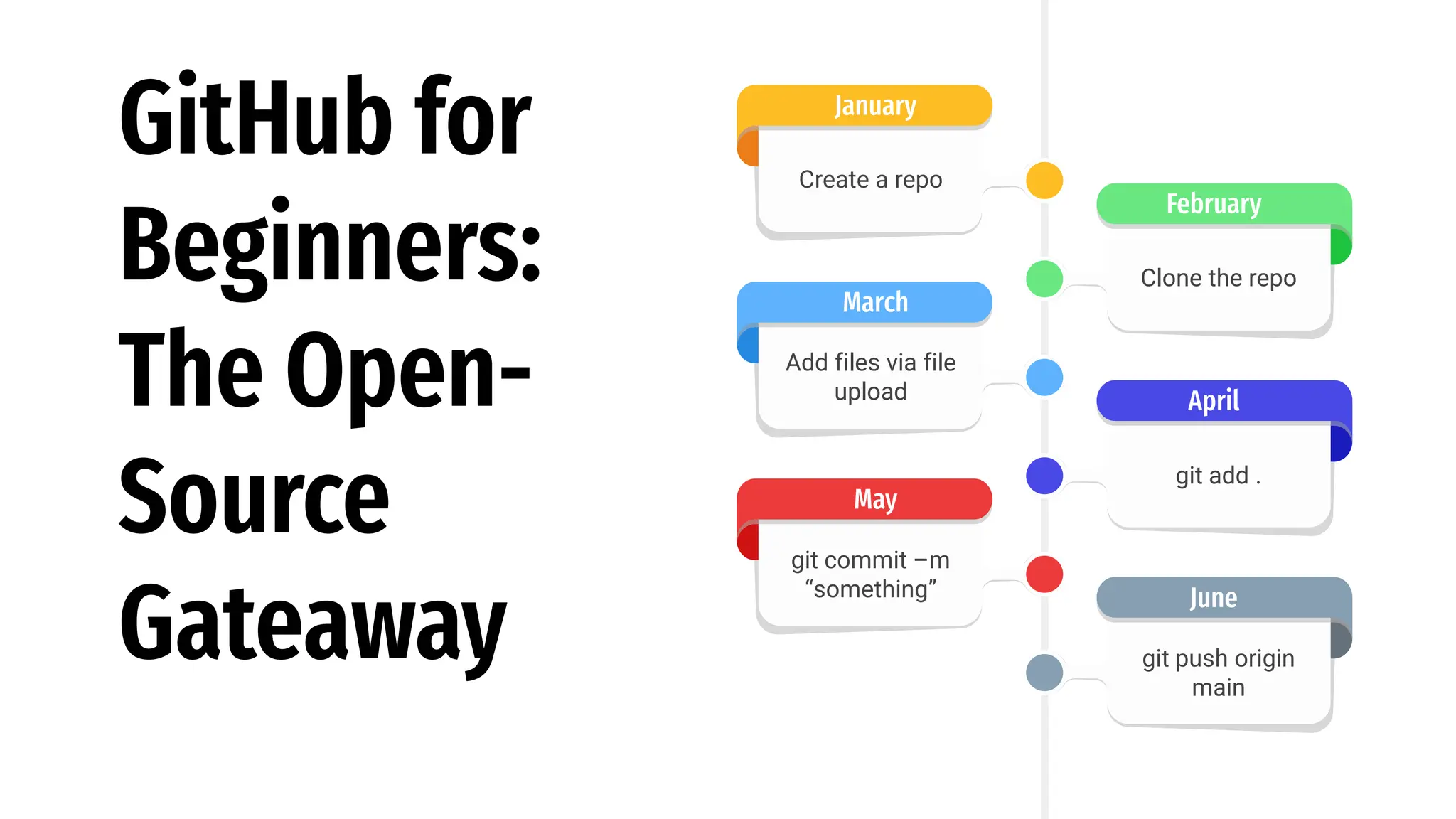
GitHub for
Beginners:
The Open-
Source
Gateaway git push origin
main
June
git add .
April
Clone the repo
February
Create a repo
January
Add files via file
upload
March
git commit –m
“something”
May
Introduction of the Speaker!
Md. Fahim Bin Amin
Instructor
United International University (Current date: 05 December 2024)
Website: fahimbinamin.com
Email: fahimbinamin@gmail.com
Twitter/X: x.com/Fahim_FBA
LinkedIn: in/fahimfba
GitHub: FahimFBA
Kaggle: mdfahimbinamin
Facebook: FahimFBA
YouTube: FahimAmin
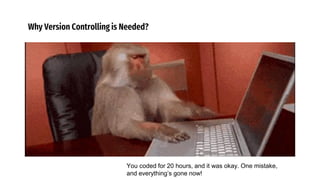
Why Version Controlling is Needed?
You are playing game with your friends…but it doesn’t
have option to save the stages!
Why Version Controlling is Needed?
You coded for 20 hours, and it was okay. One mistake,
and everything’s gone now!
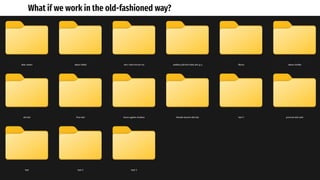
What if we work in the old-fashioned way?
Version Control System
- Software that helps track and manage changes to files over time
Primary Functions
- Tracking modifications
- Comparing with different versions
- Reverting to previous states
- Commonly used in software development, but applicable to any kind of file based project
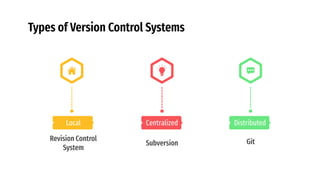
Types of Version Control Systems
Distributed
Git
Centralized
Subversion
Local
Revision Control
System
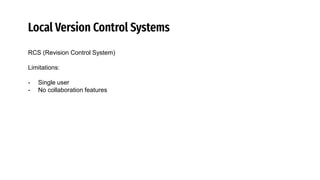
Local Version Control Systems
RCS (Revision Control System)
Limitations:
- Single user
- No collaboration features
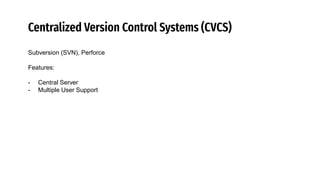
Centralized Version Control Systems (CVCS)
Subversion (SVN), Perforce
Features:
- Central Server
- Multiple User Support
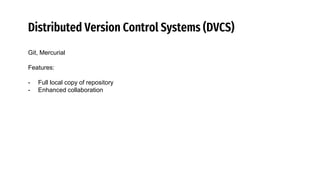
Distributed Version Control Systems (DVCS)
Git, Mercurial
Features:
- Full local copy of repository
- Enhanced collaboration
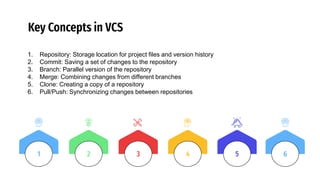
Key Concepts in VCS
1. Repository: Storage location for project files and version history
2. Commit: Saving a set of changes to the repository
3. Branch: Parallel version of the repository
4. Merge: Combining changes from different branches
5. Clone: Creating a copy of a repository
6. Pull/Push: Synchronizing changes between repositories
3 4 5
2
1 6
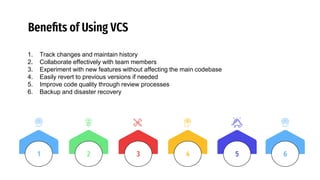
Benefits of Using VCS
1. Track changes and maintain history
2. Collaborate effectively with team members
3. Experiment with new features without affecting the main codebase
4. Easily revert to previous versions if needed
5. Improve code quality through review processes
6. Backup and disaster recovery
3 4 5
2
1 6
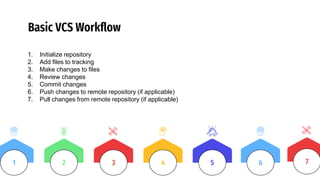
Basic VCS Workflow
1. Initialize repository
2. Add files to tracking
3. Make changes to files
4. Review changes
5. Commit changes
6. Push changes to remote repository (if applicable)
7. Pull changes from remote repository (if applicable)
3 4 5
2
1 6 7
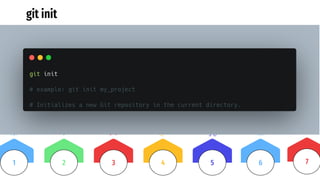
git init
3 4 5
2
1 6 7
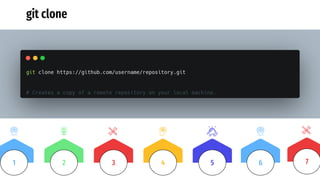
git clone
3 4 5
2
1 6 7
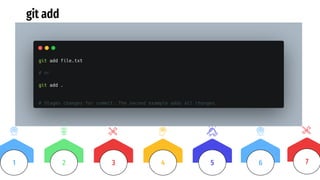
git add
3 4 5
2
1 6 7
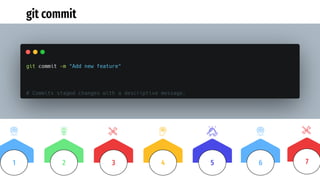
git commit
3 4 5
2
1 6 7
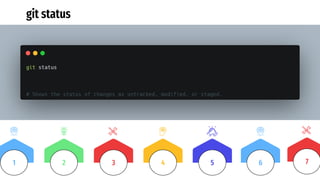
git status
3 4 5
2
1 6 7
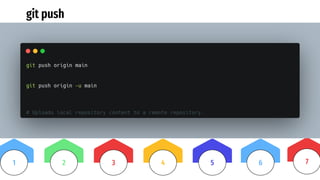
git push
3 4 5
2
1 6 7
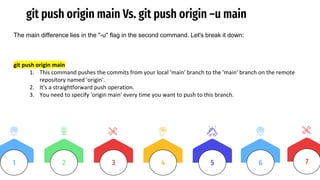
git push origin main Vs. git push origin –u main
3 4 5
2
1 6 7
The main difference lies in the "-u" flag in the second command. Let's break it down:
git push origin main
1. This command pushes the commits from your local 'main' branch to the 'main' branch on the remote
repository named 'origin'.
2. It's a straightforward push operation.
3. You need to specify 'origin main' every time you want to push to this branch.
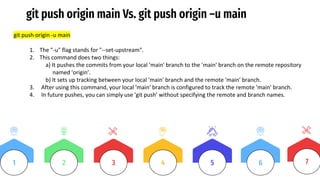
git push origin main Vs. git push origin –u main
3 4 5
2
1 6 7
git push origin -u main
1. The "-u" flag stands for "--set-upstream".
2. This command does two things:
a) It pushes the commits from your local 'main' branch to the 'main' branch on the remote repository
named 'origin’.
b) It sets up tracking between your local 'main' branch and the remote 'main' branch.
3. After using this command, your local 'main' branch is configured to track the remote 'main' branch.
4. In future pushes, you can simply use 'git push' without specifying the remote and branch names.
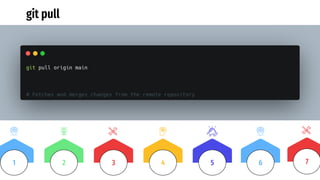
git pull
3 4 5
2
1 6 7
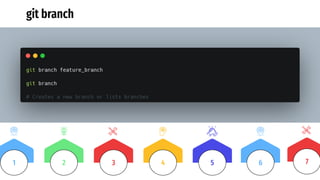
git branch
3 4 5
2
1 6 7
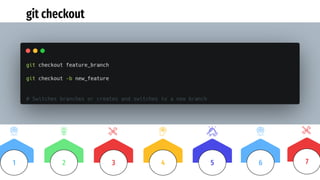
git checkout
3 4 5
2
1 6 7
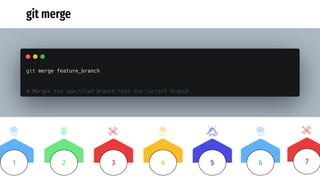
git merge
3 4 5
2
1 6 7
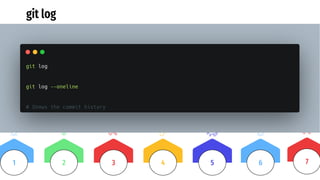
git log
3 4 5
2
1 6 7
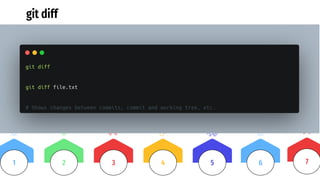
git diff
3 4 5
2
1 6 7
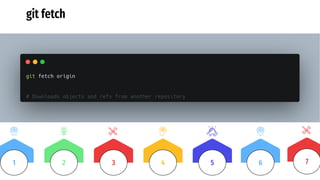
git fetch
3 4 5
2
1 6 7
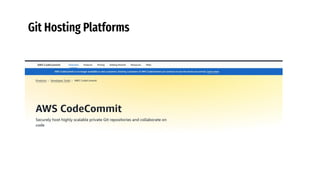
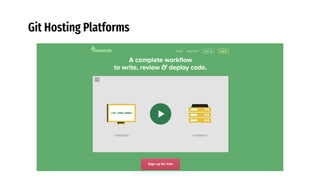
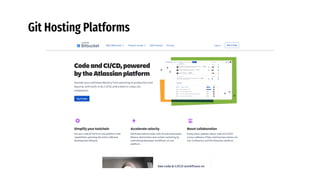
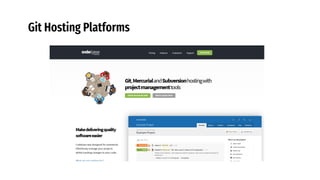
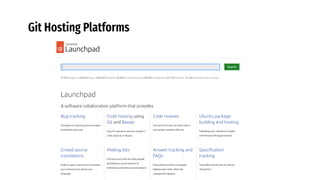
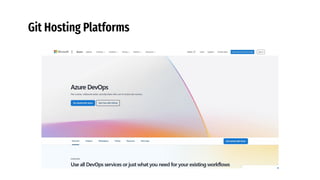
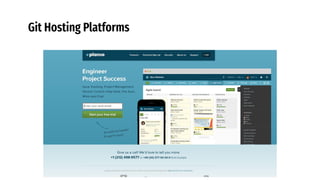
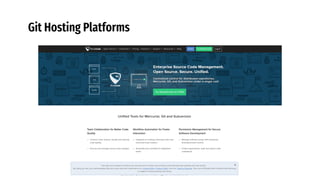
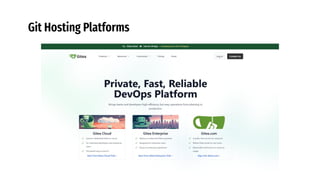
Git Hosting Platforms
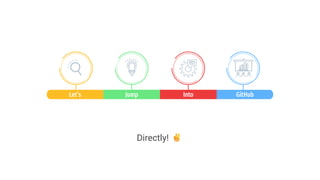
Let’s Jump Into GitHub
Directly!
Thanks!

GitHub for Beginners - The Open-Source Gateaway

  • 1.
    GitHub for Beginners: The Open- Source Gateawaygit push origin main June git add . April Clone the repo February Create a repo January Add files via file upload March git commit –m “something” May
  • 2.
    Introduction of theSpeaker! Md. Fahim Bin Amin Instructor United International University (Current date: 05 December 2024) Website: fahimbinamin.com Email: fahimbinamin@gmail.com Twitter/X: x.com/Fahim_FBA LinkedIn: in/fahimfba GitHub: FahimFBA Kaggle: mdfahimbinamin Facebook: FahimFBA YouTube: FahimAmin
  • 3.
    Why Version Controllingis Needed? You are playing game with your friends…but it doesn’t have option to save the stages!
  • 4.
    Why Version Controllingis Needed? You coded for 20 hours, and it was okay. One mistake, and everything’s gone now!
  • 5.
    What if wework in the old-fashioned way?
  • 6.
    Version Control System -Software that helps track and manage changes to files over time Primary Functions - Tracking modifications - Comparing with different versions - Reverting to previous states - Commonly used in software development, but applicable to any kind of file based project
  • 7.
    Types of VersionControl Systems Distributed Git Centralized Subversion Local Revision Control System
  • 8.
    Local Version ControlSystems RCS (Revision Control System) Limitations: - Single user - No collaboration features
  • 9.
    Centralized Version ControlSystems (CVCS) Subversion (SVN), Perforce Features: - Central Server - Multiple User Support
  • 10.
    Distributed Version ControlSystems (DVCS) Git, Mercurial Features: - Full local copy of repository - Enhanced collaboration
  • 11.
    Key Concepts inVCS 1. Repository: Storage location for project files and version history 2. Commit: Saving a set of changes to the repository 3. Branch: Parallel version of the repository 4. Merge: Combining changes from different branches 5. Clone: Creating a copy of a repository 6. Pull/Push: Synchronizing changes between repositories 3 4 5 2 1 6
  • 12.
    Benefits of UsingVCS 1. Track changes and maintain history 2. Collaborate effectively with team members 3. Experiment with new features without affecting the main codebase 4. Easily revert to previous versions if needed 5. Improve code quality through review processes 6. Backup and disaster recovery 3 4 5 2 1 6
  • 13.
    Basic VCS Workflow 1.Initialize repository 2. Add files to tracking 3. Make changes to files 4. Review changes 5. Commit changes 6. Push changes to remote repository (if applicable) 7. Pull changes from remote repository (if applicable) 3 4 5 2 1 6 7
  • 14.
    git init 3 45 2 1 6 7
  • 15.
    git clone 3 45 2 1 6 7
  • 16.
    git add 3 45 2 1 6 7
  • 17.
    git commit 3 45 2 1 6 7
  • 18.
    git status 3 45 2 1 6 7
  • 19.
    git push 3 45 2 1 6 7
  • 20.
    git push originmain Vs. git push origin –u main 3 4 5 2 1 6 7 The main difference lies in the "-u" flag in the second command. Let's break it down: git push origin main 1. This command pushes the commits from your local 'main' branch to the 'main' branch on the remote repository named 'origin'. 2. It's a straightforward push operation. 3. You need to specify 'origin main' every time you want to push to this branch.
  • 21.
    git push originmain Vs. git push origin –u main 3 4 5 2 1 6 7 git push origin -u main 1. The "-u" flag stands for "--set-upstream". 2. This command does two things: a) It pushes the commits from your local 'main' branch to the 'main' branch on the remote repository named 'origin’. b) It sets up tracking between your local 'main' branch and the remote 'main' branch. 3. After using this command, your local 'main' branch is configured to track the remote 'main' branch. 4. In future pushes, you can simply use 'git push' without specifying the remote and branch names.
  • 22.
    git pull 3 45 2 1 6 7
  • 23.
    git branch 3 45 2 1 6 7
  • 24.
  • 25.
    git merge 3 45 2 1 6 7
  • 26.
    git log 3 45 2 1 6 7
  • 27.
    git diff 3 45 2 1 6 7
  • 28.
    git fetch 3 45 2 1 6 7
  • 29.
  • 30.
  • 31.
  • 32.
  • 33.
  • 34.
  • 35.
  • 36.
  • 37.
  • 38.
  • 39.
  • 40.
  • 41.
  • 42.
  • 43.
    Let’s Jump IntoGitHub Directly!
  • 44.