Govt First Grade College Chikkabasur
Department of Computer Applications
CLASS : Bcom III Year
SUBJECT : Computer Applications In Business
TOPIC NAME : DDL (Data Definition Language) Commands
Presented By : Prof. Rakesh Shettar
Dept of Computer Applications
DDL (Data Definition Language) Commands
It is used to create objects (tables), alter the structure of the objects (tables) and
also to drop the objects (tables) created. The concept creating to the DDL is explained
below.
TABLE DEFINITION: A table is a unit of storage that holds the data in the rows and
columns.
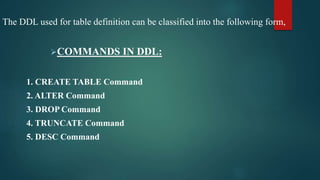
The DDL used for table definition can be classified into the following form,
COMMANDS IN DDL:
1. CREATE TABLE Command
2. ALTER Command
3. DROP Command
4. TRUNCATE Command
5. DESC Command
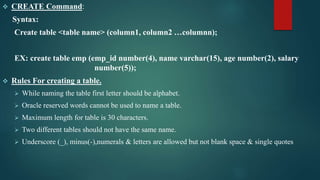
 CREATE Command:
Syntax:
Create table <table name> (column1, column2 …columnn);
EX: create table emp (emp_id number(4), name varchar(15), age number(2), salary
number(5));
 Rules For creating a table.
 While naming the table first letter should be alphabet.
 Oracle reserved words cannot be used to name a table.
 Maximum length for table is 30 characters.
 Two different tables should not have the same name.
 Underscore (_), minus(-),numerals & letters are allowed but not blank space & single quotes
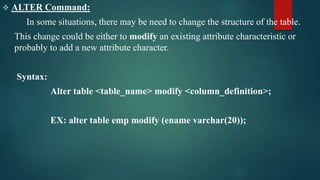
 ALTER Command:
In some situations, there may be need to change the structure of the table.
This change could be either to modify an existing attribute characteristic or
probably to add a new attribute character.
Syntax:
Alter table <table_name> modify <column_definition>;
EX: alter table emp modify (ename varchar(20));
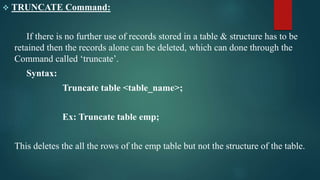
 TRUNCATE Command:
If there is no further use of records stored in a table & structure has to be
retained then the records alone can be deleted, which can done through the
Command called ‘truncate’.
Syntax:
Truncate table <table_name>;
Ex: Truncate table emp;
This deletes the all the rows of the emp table but not the structure of the table.
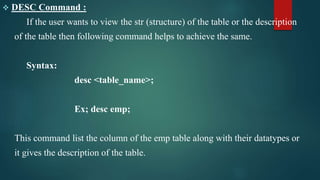
 DESC Command :
If the user wants to view the str (structure) of the table or the description
of the table then following command helps to achieve the same.
Syntax:
desc <table_name>;
Ex; desc emp;
This command list the column of the emp table along with their datatypes or
it gives the description of the table.
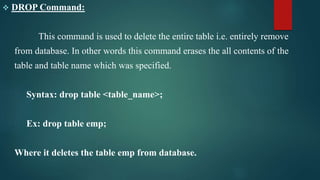
 DROP Command:
This command is used to delete the entire table i.e. entirely remove
from database. In other words this command erases the all contents of the
table and table name which was specified.
Syntax: drop table <table_name>;
Ex: drop table emp;
Where it deletes the table emp from database.
GFGC CHIKKABASUR ( DDL COMMANDS )

GFGC CHIKKABASUR ( DDL COMMANDS )

  • 1.
    Govt First GradeCollege Chikkabasur Department of Computer Applications CLASS : Bcom III Year SUBJECT : Computer Applications In Business TOPIC NAME : DDL (Data Definition Language) Commands Presented By : Prof. Rakesh Shettar Dept of Computer Applications
  • 2.
    DDL (Data DefinitionLanguage) Commands It is used to create objects (tables), alter the structure of the objects (tables) and also to drop the objects (tables) created. The concept creating to the DDL is explained below. TABLE DEFINITION: A table is a unit of storage that holds the data in the rows and columns.
  • 3.
    The DDL usedfor table definition can be classified into the following form, COMMANDS IN DDL: 1. CREATE TABLE Command 2. ALTER Command 3. DROP Command 4. TRUNCATE Command 5. DESC Command
  • 4.
     CREATE Command: Syntax: Createtable <table name> (column1, column2 …columnn); EX: create table emp (emp_id number(4), name varchar(15), age number(2), salary number(5));  Rules For creating a table.  While naming the table first letter should be alphabet.  Oracle reserved words cannot be used to name a table.  Maximum length for table is 30 characters.  Two different tables should not have the same name.  Underscore (_), minus(-),numerals & letters are allowed but not blank space & single quotes
  • 5.
     ALTER Command: Insome situations, there may be need to change the structure of the table. This change could be either to modify an existing attribute characteristic or probably to add a new attribute character. Syntax: Alter table <table_name> modify <column_definition>; EX: alter table emp modify (ename varchar(20));
  • 6.
     TRUNCATE Command: Ifthere is no further use of records stored in a table & structure has to be retained then the records alone can be deleted, which can done through the Command called ‘truncate’. Syntax: Truncate table <table_name>; Ex: Truncate table emp; This deletes the all the rows of the emp table but not the structure of the table.
  • 7.
     DESC Command: If the user wants to view the str (structure) of the table or the description of the table then following command helps to achieve the same. Syntax: desc <table_name>; Ex; desc emp; This command list the column of the emp table along with their datatypes or it gives the description of the table.
  • 8.
     DROP Command: Thiscommand is used to delete the entire table i.e. entirely remove from database. In other words this command erases the all contents of the table and table name which was specified. Syntax: drop table <table_name>; Ex: drop table emp; Where it deletes the table emp from database.