
Getting Hired UsingGetting Hired UsingGetting Hired UsingGetting Hired Using
Social MediaSocial MediaSocial MediaSocial Media
March 10, 2015
Nathan Aaron Rosen
All the opinions and statements
within this presentation are mine
alone and do not in any way,
shape or form, reflect the opinion
or position of any of my past or
current employers, or New York
Public Library - the sponsor of this
program.
“About 1.7 million1.7 million1.7 million1.7 million people, on average,
lose their jobs every month.”
New York Times, February 27, 2015
Making money decisions when you lose your job.
“93% of recruiters use social media
for recruitment.”
Jobvite, Social Recruiting Survey, 2014
Where am I
now?
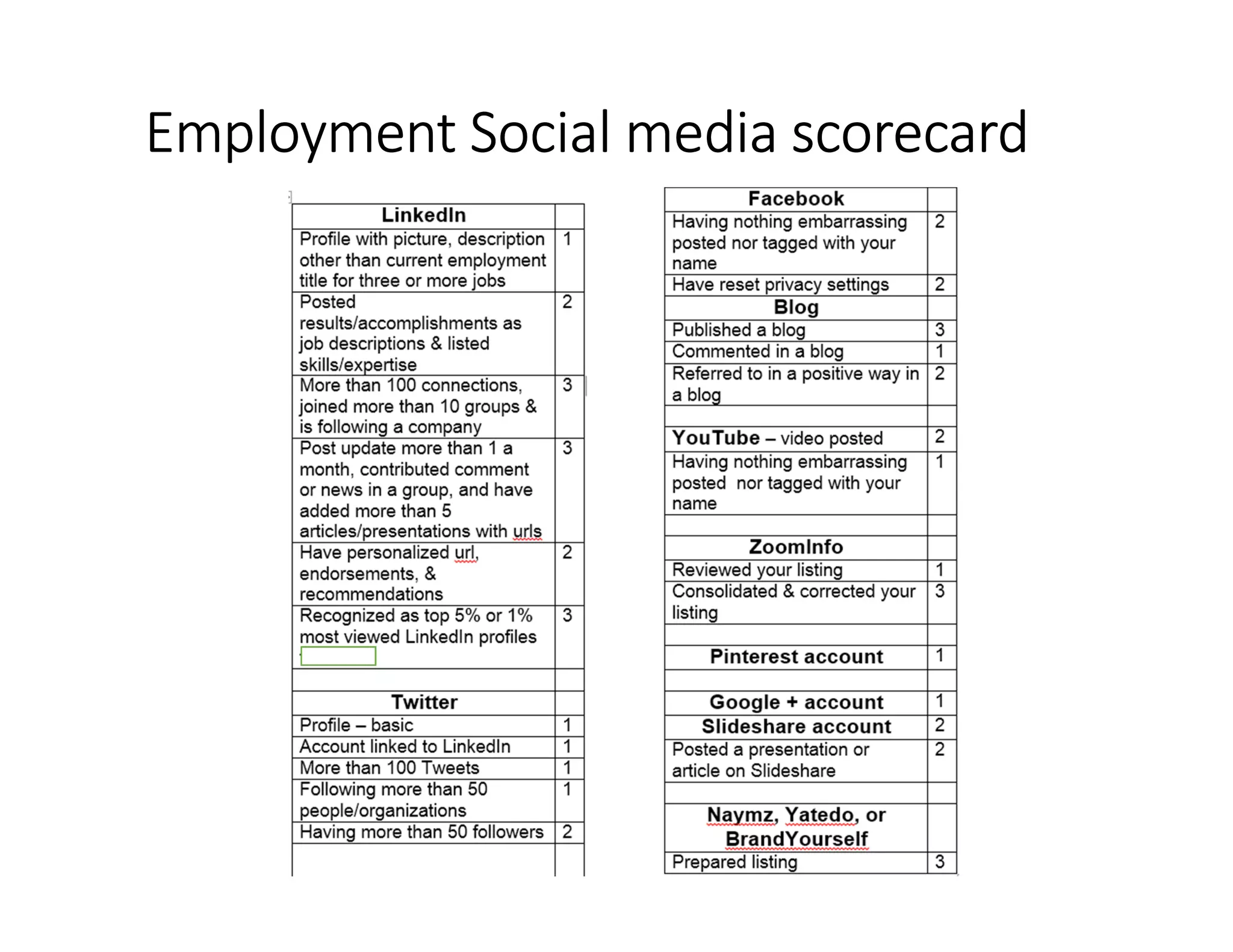
Employment Social mediaEmployment Social mediaEmployment Social mediaEmployment Social media scorecardscorecardscorecardscorecard
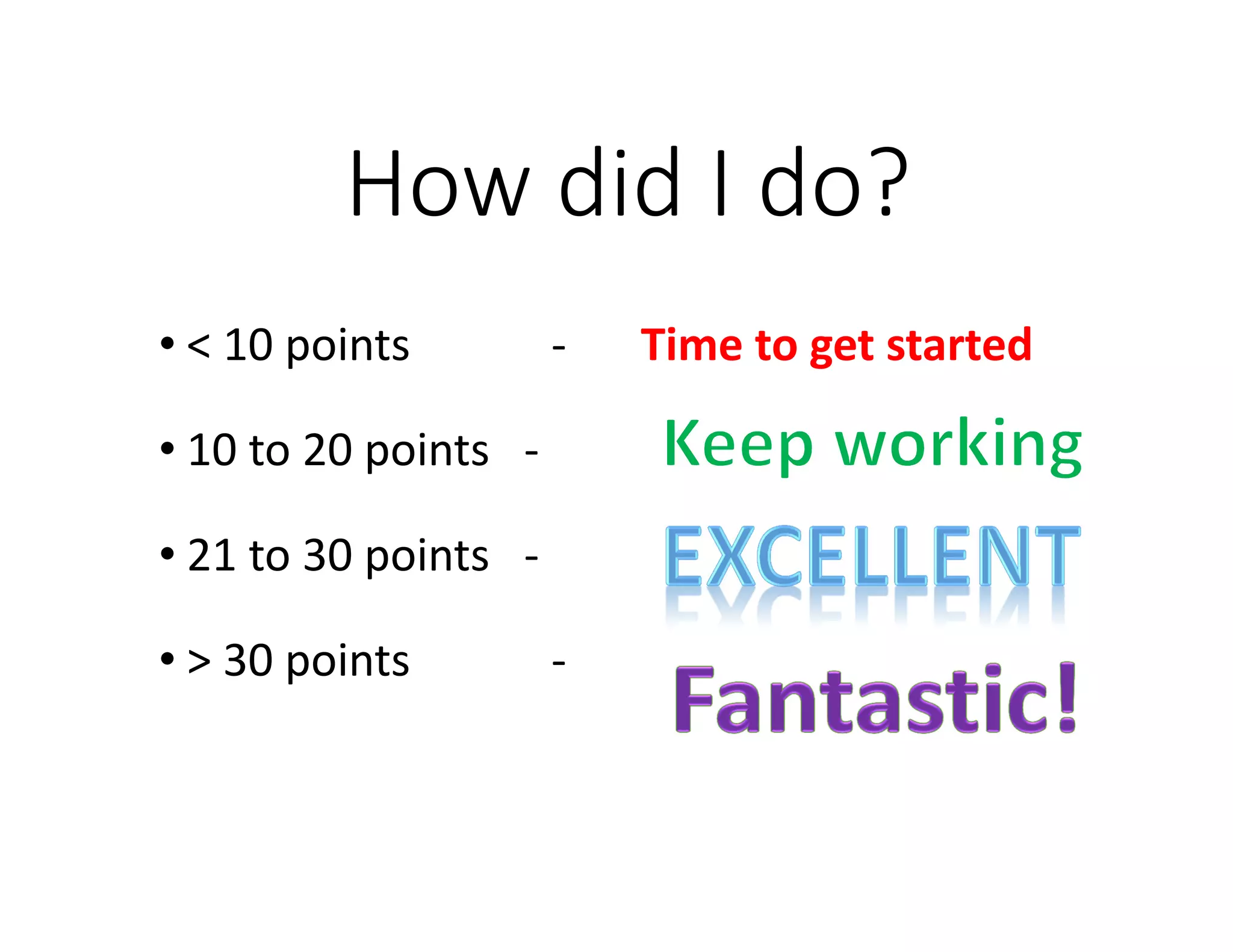
How did I do?
• < 10 points - Time to get started
• 10 to 20 points -
• 21 to 30 points -
• > 30 points -
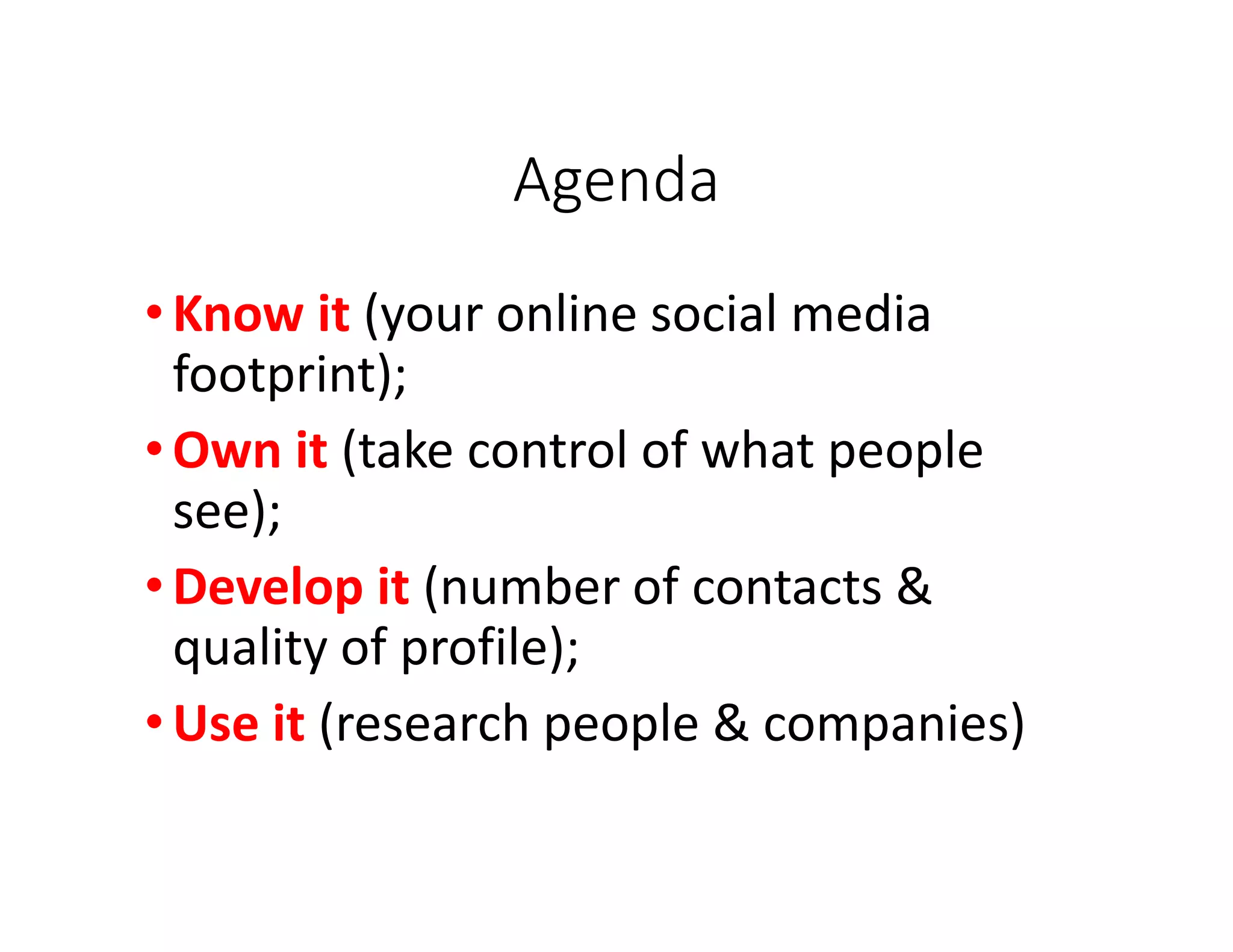
Agenda
•Know it (your online social media
footprint);
•Own it (take control of what people
see);
•Develop it (number of contacts &
quality of profile);
•Use it (research people & companies)
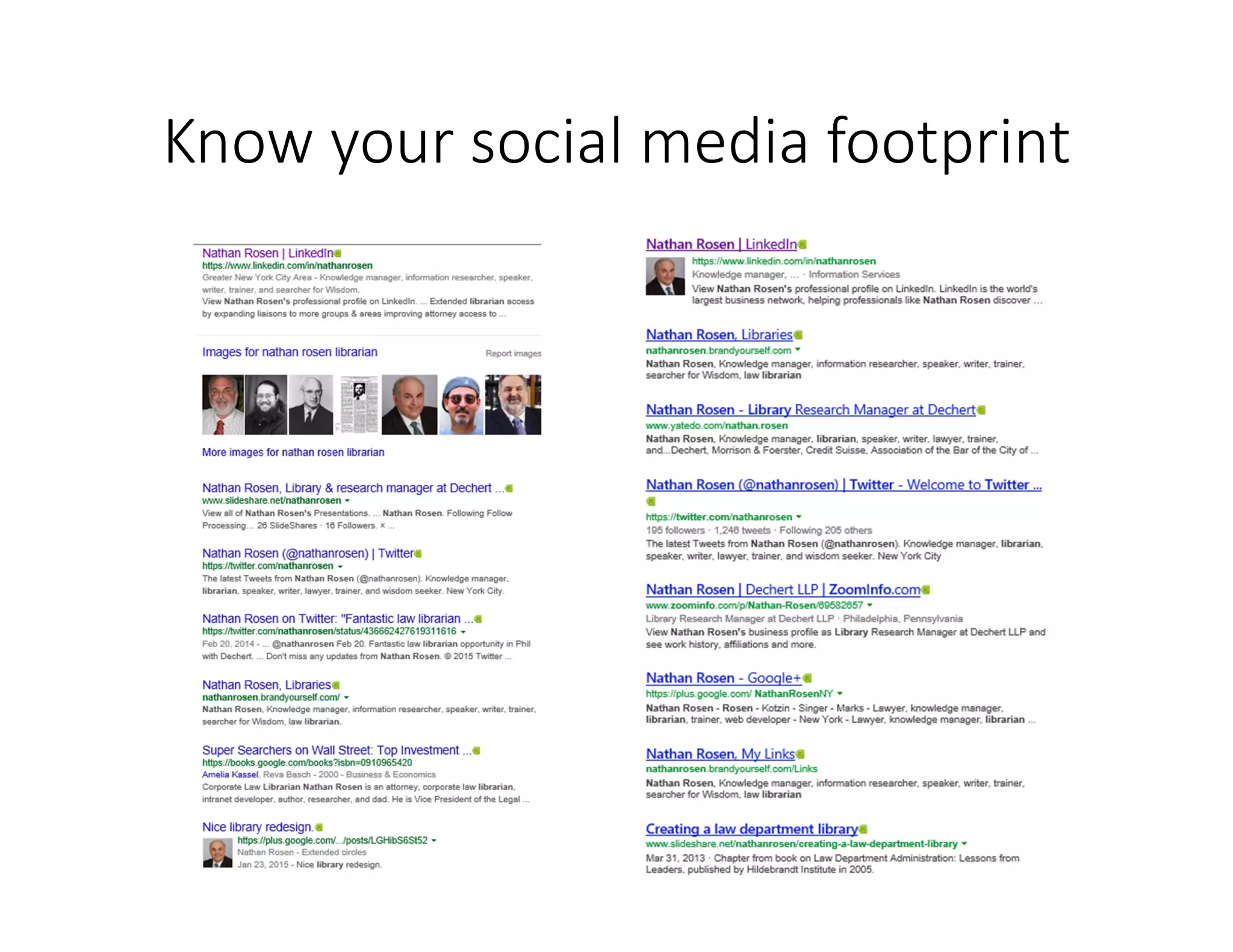
Know your social media footprint
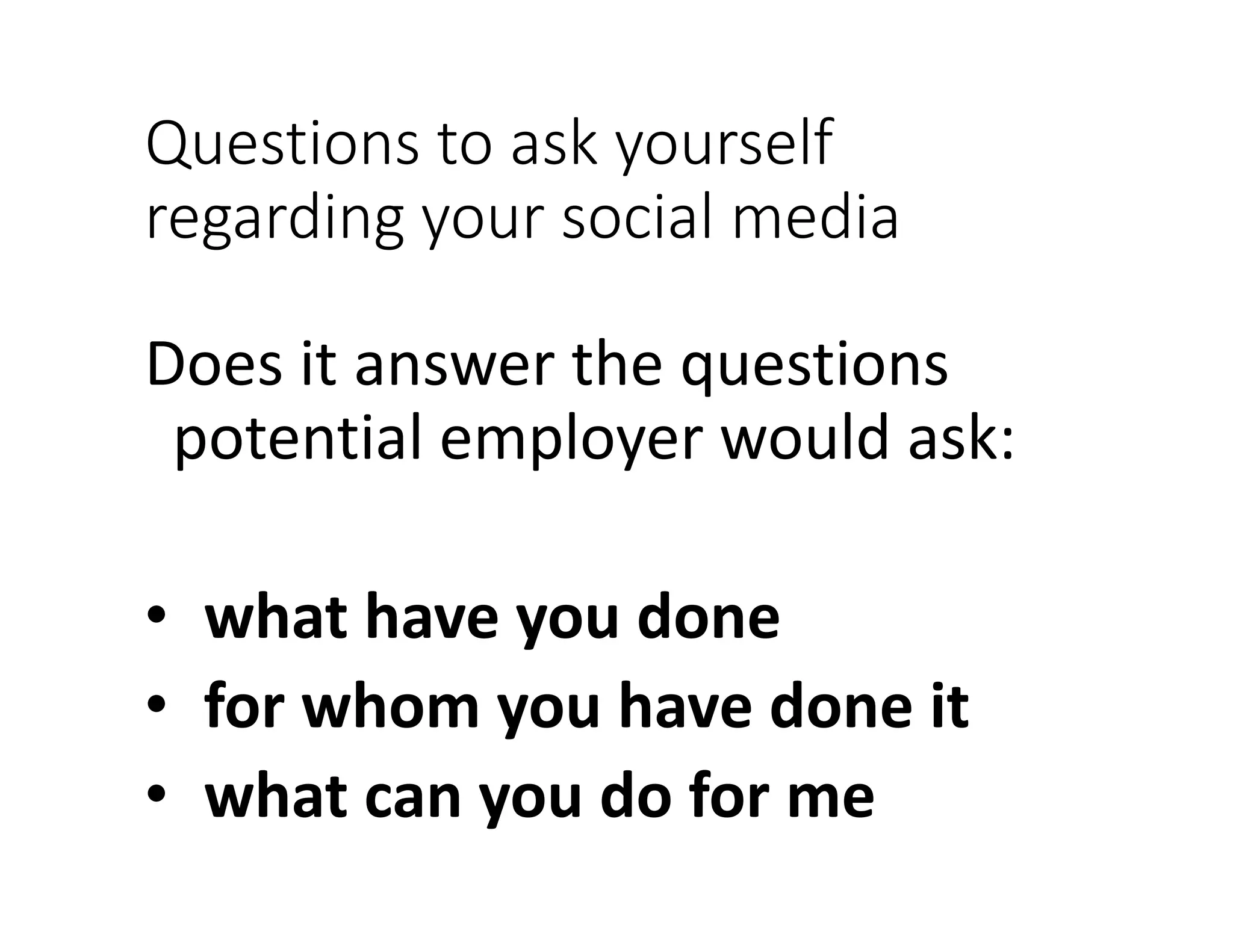
Questions to ask yourself
regarding your social media
Does it answer the questions
potential employer would ask:
• what have you done
• for whom you have done it
• what can you do for me
Agenda
• Know it (your online social media footprint);
•Own it (take control of
what people see);
• Develop it (number of contacts & quality of
profile);
• Use it (research people & companies)
Own your social media footprintOwn your social media footprintOwn your social media footprintOwn your social media footprint
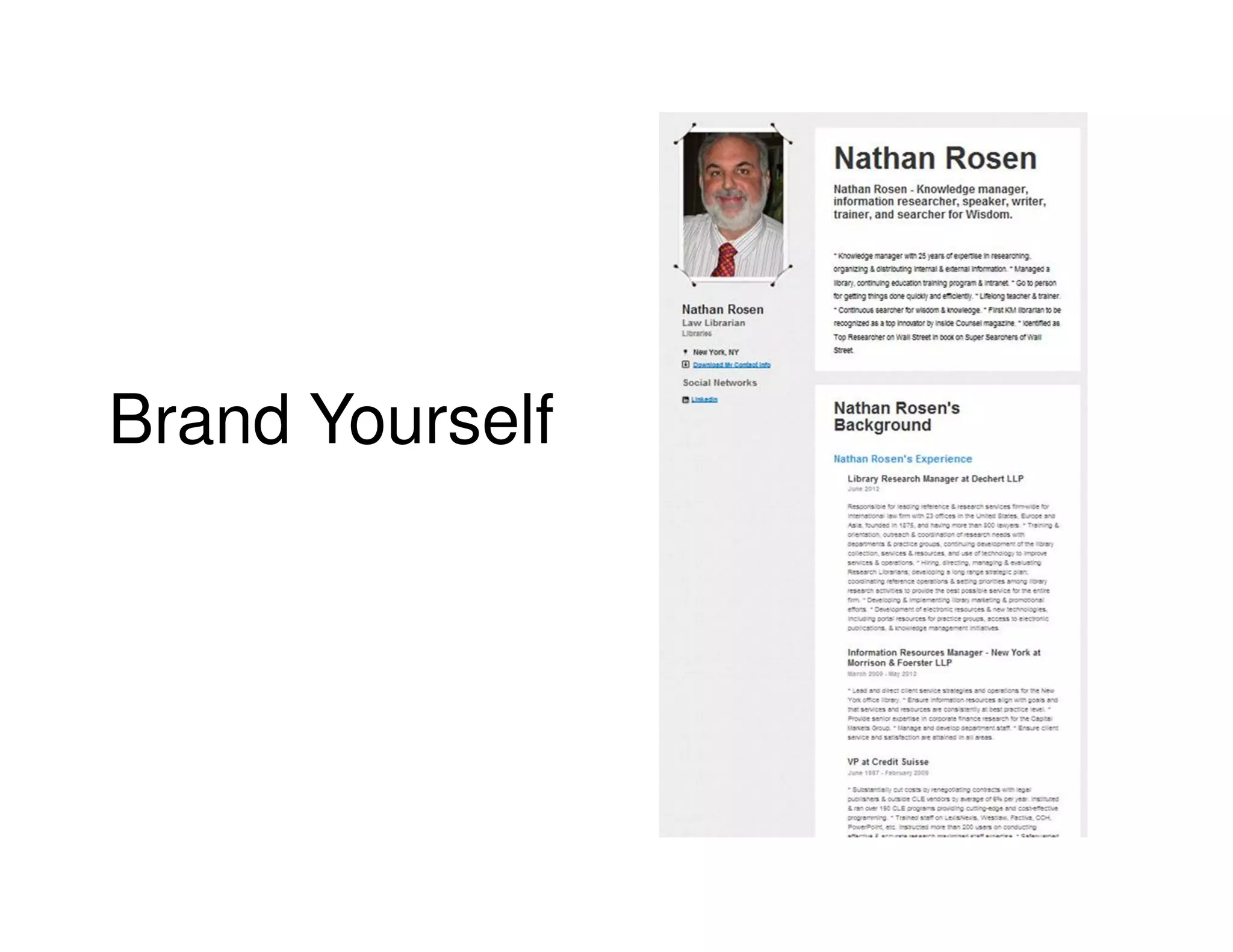
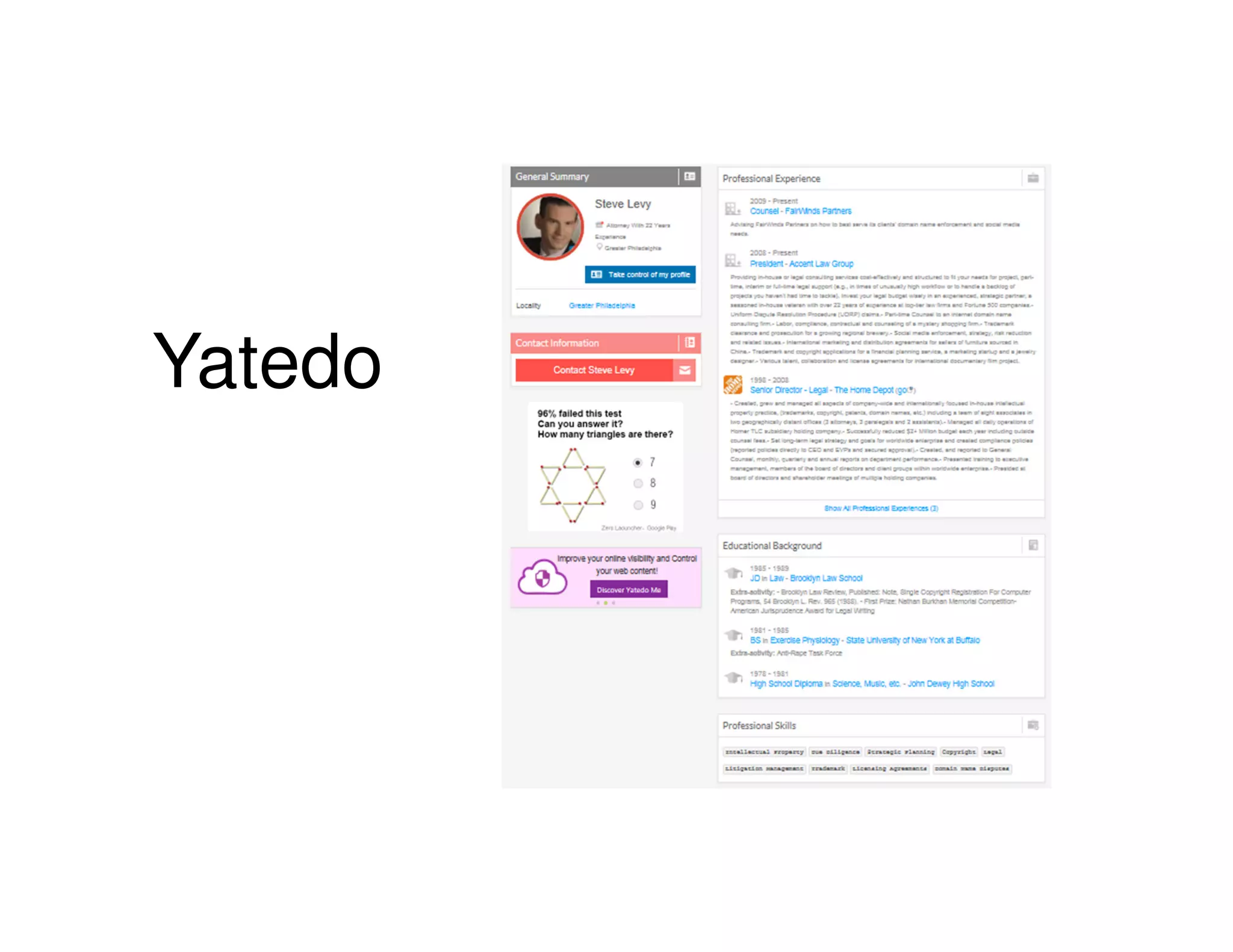
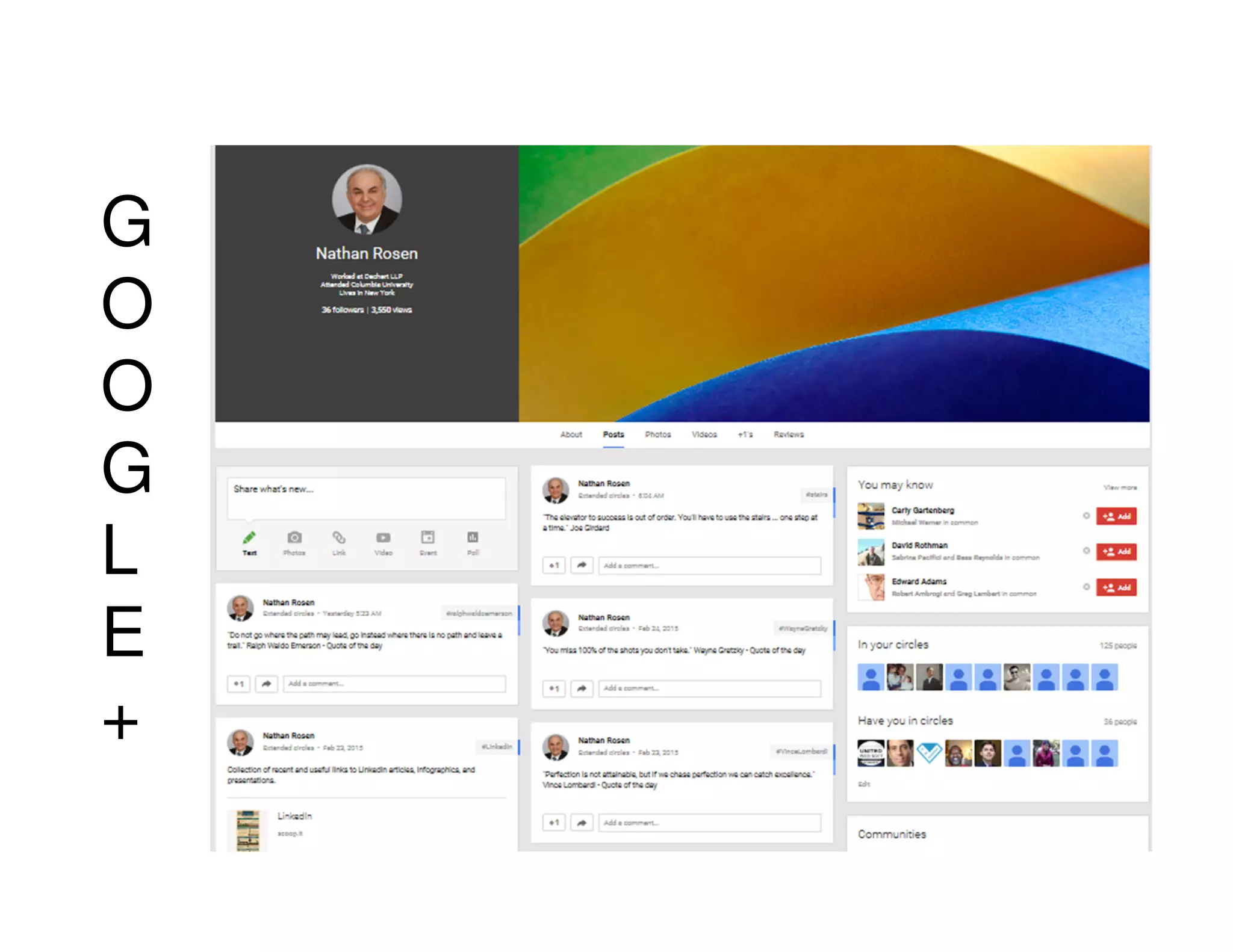
• ZoomInfo
• Naymz
• Brand Yourself
• Yatedo
• Google+
• LinkedIn
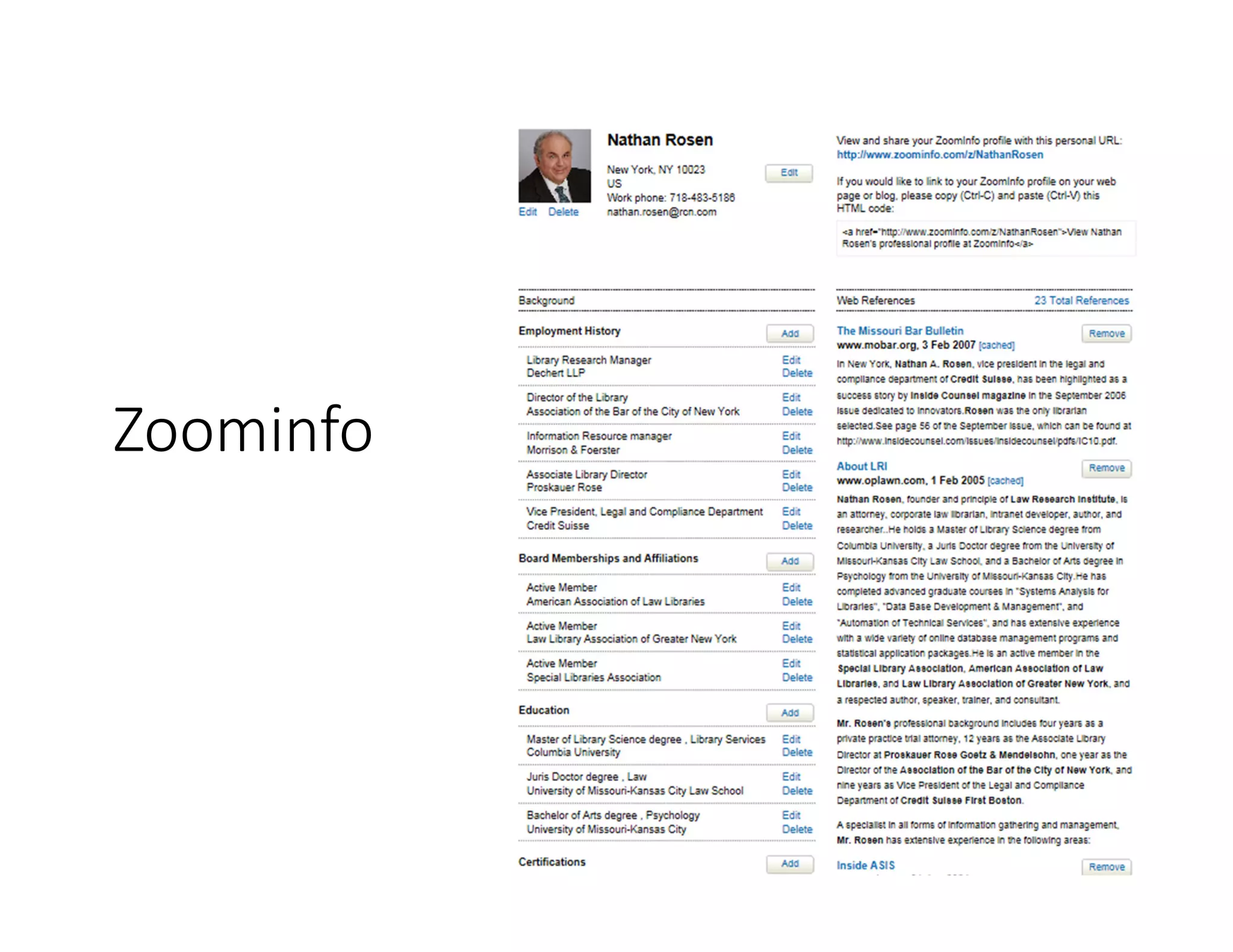
Zoominfo
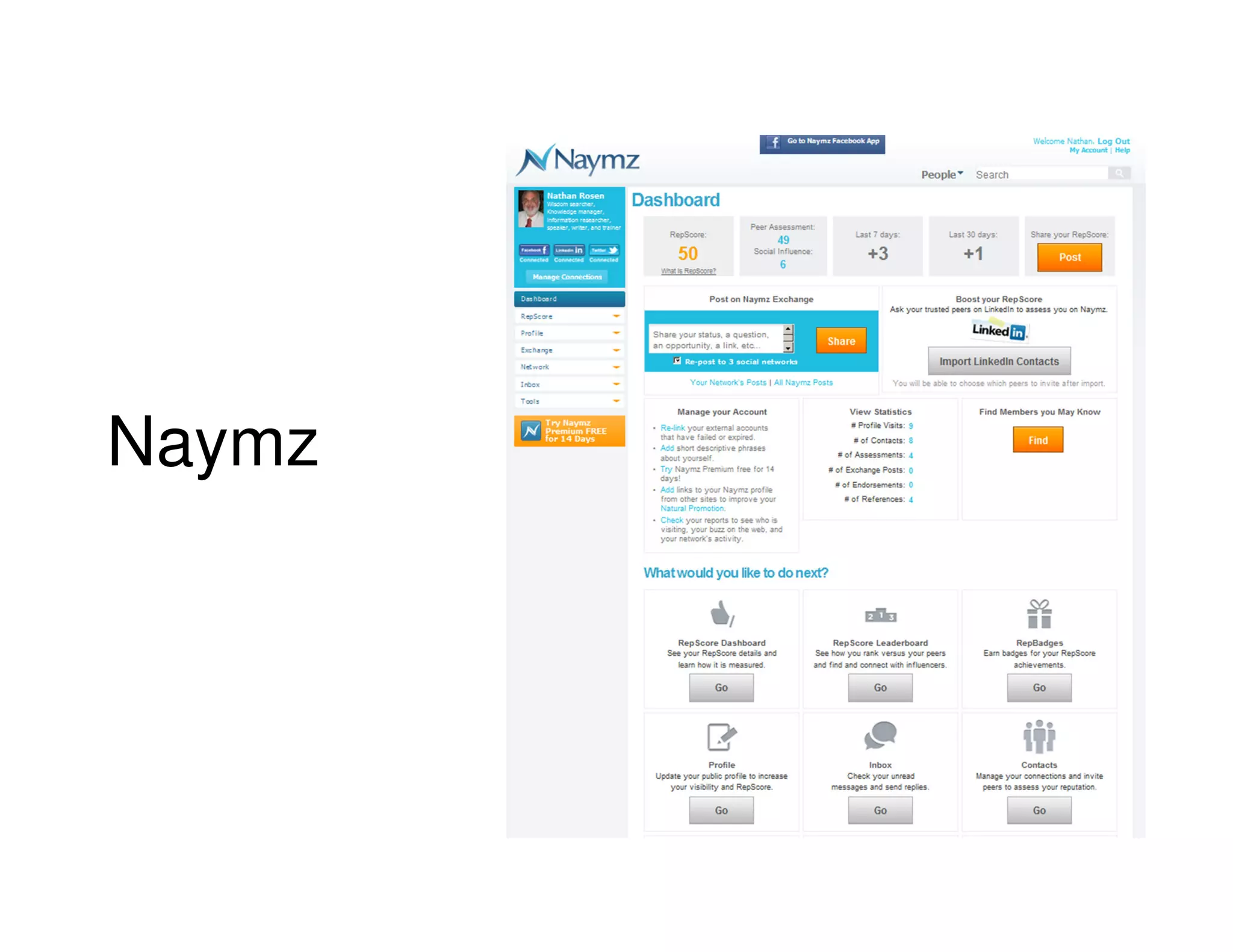
Naymz
Brand Yourself
Yatedo
G
O
O
G
L
E
+
Reduce negative search results
•Delete what you can – clean up your
sites
•Reach out to get owner to ask them
to take it down
•File Digital Millennium Copyright
Act (DMCA) takedown
•Try to bump it off the first page
•Only effective way – actively build a
positive online presence
LinkedIn
• Create complete
compelling profile
• Craft settings
• Connect
• Contribute
• Congratulate
ONE – Create complete
compelling profile
Capture/codify/chronicle your
accomplishments & successes
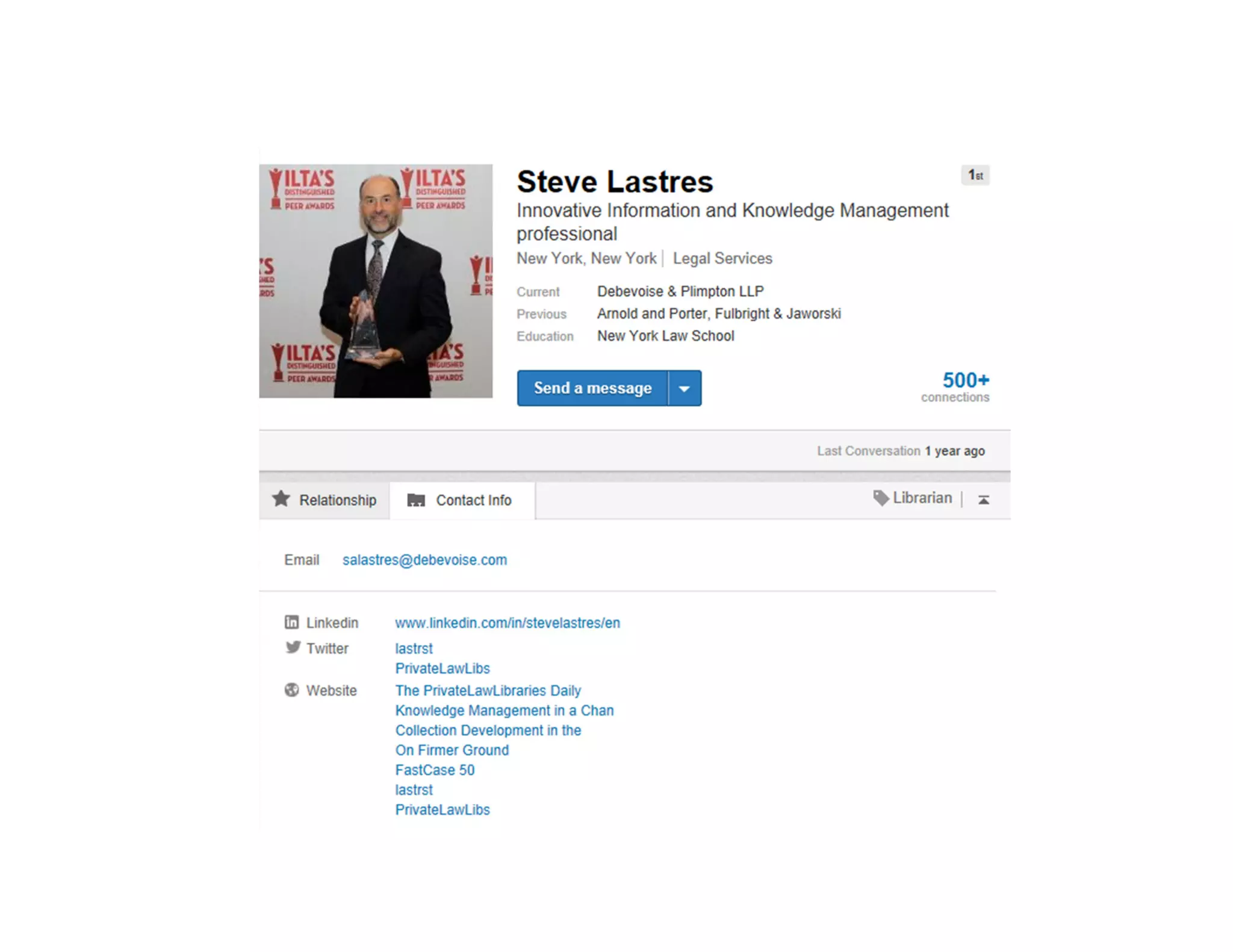
Personalized your url
Speak in 1st person
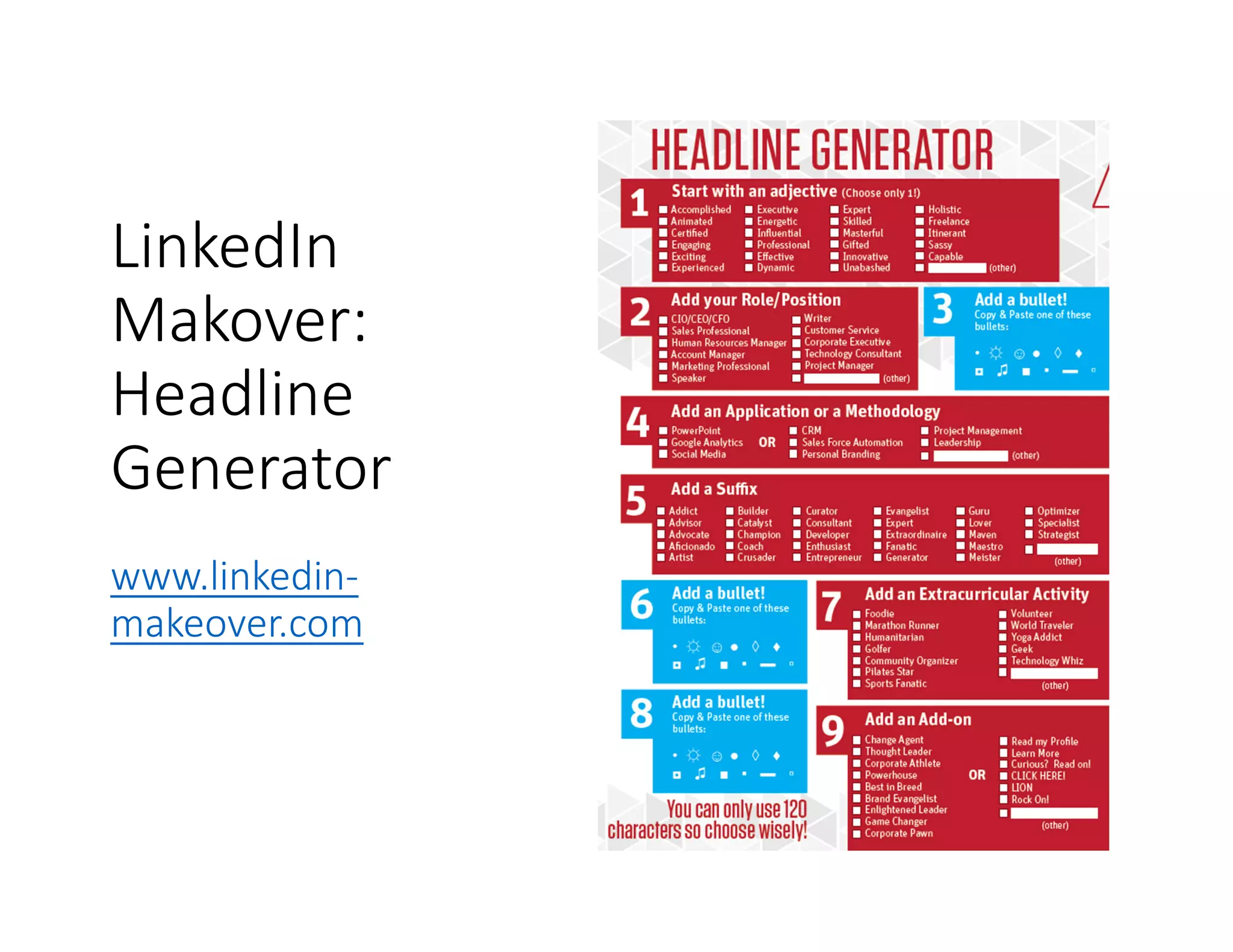
LinkedIn
Makover:
Headline
Generator
www.linkedin-
makeover.com
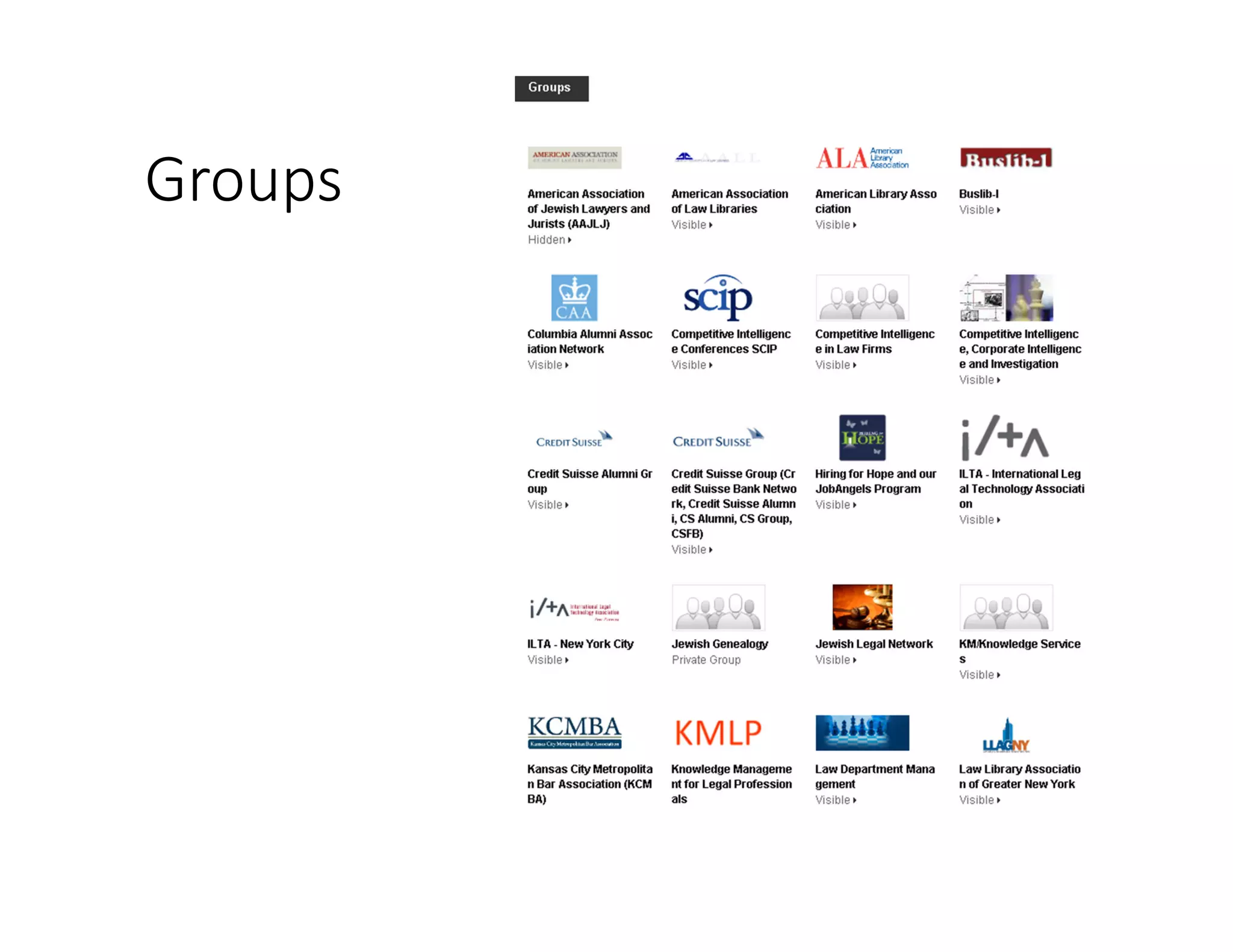
Groups
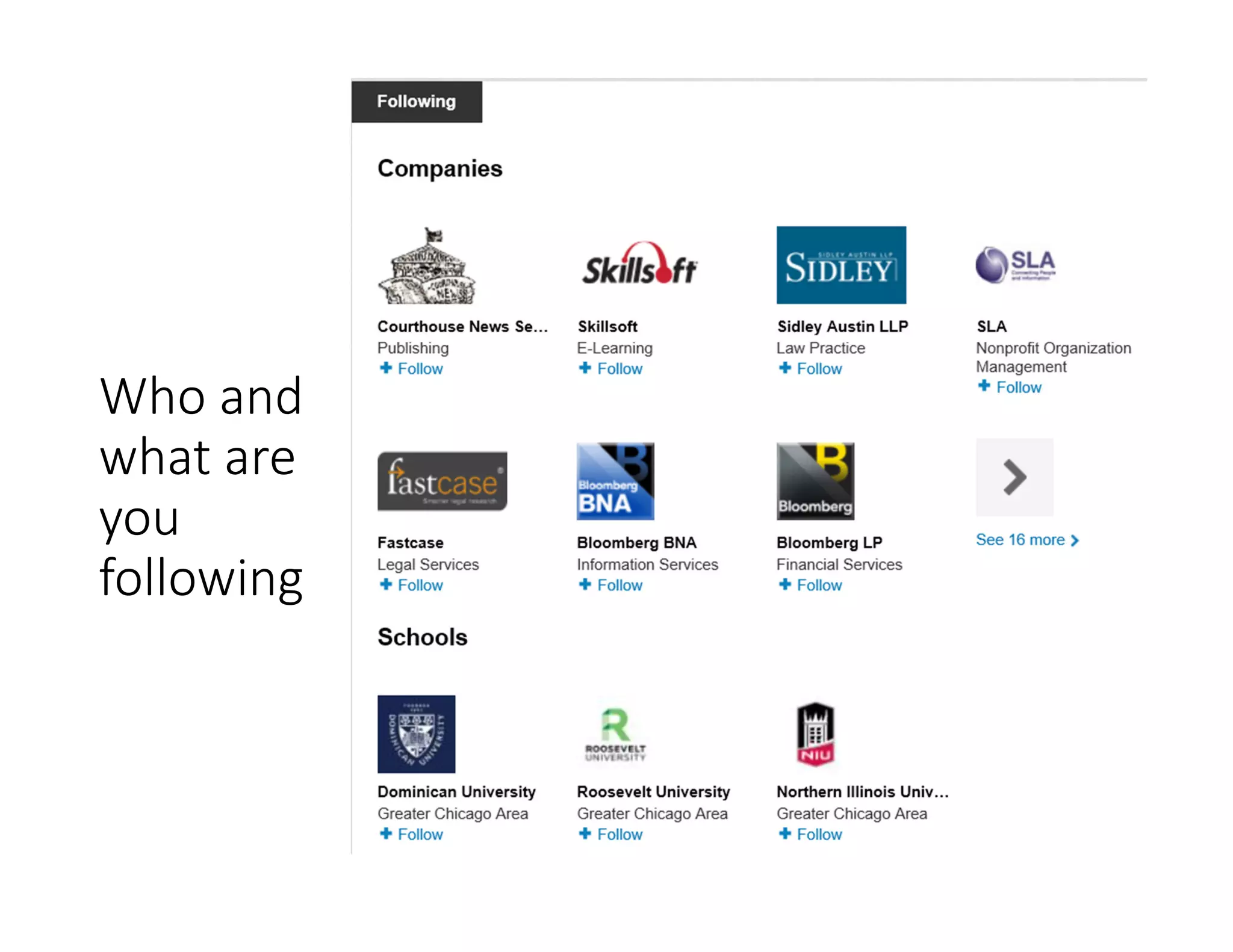
Who and
what are
you
following
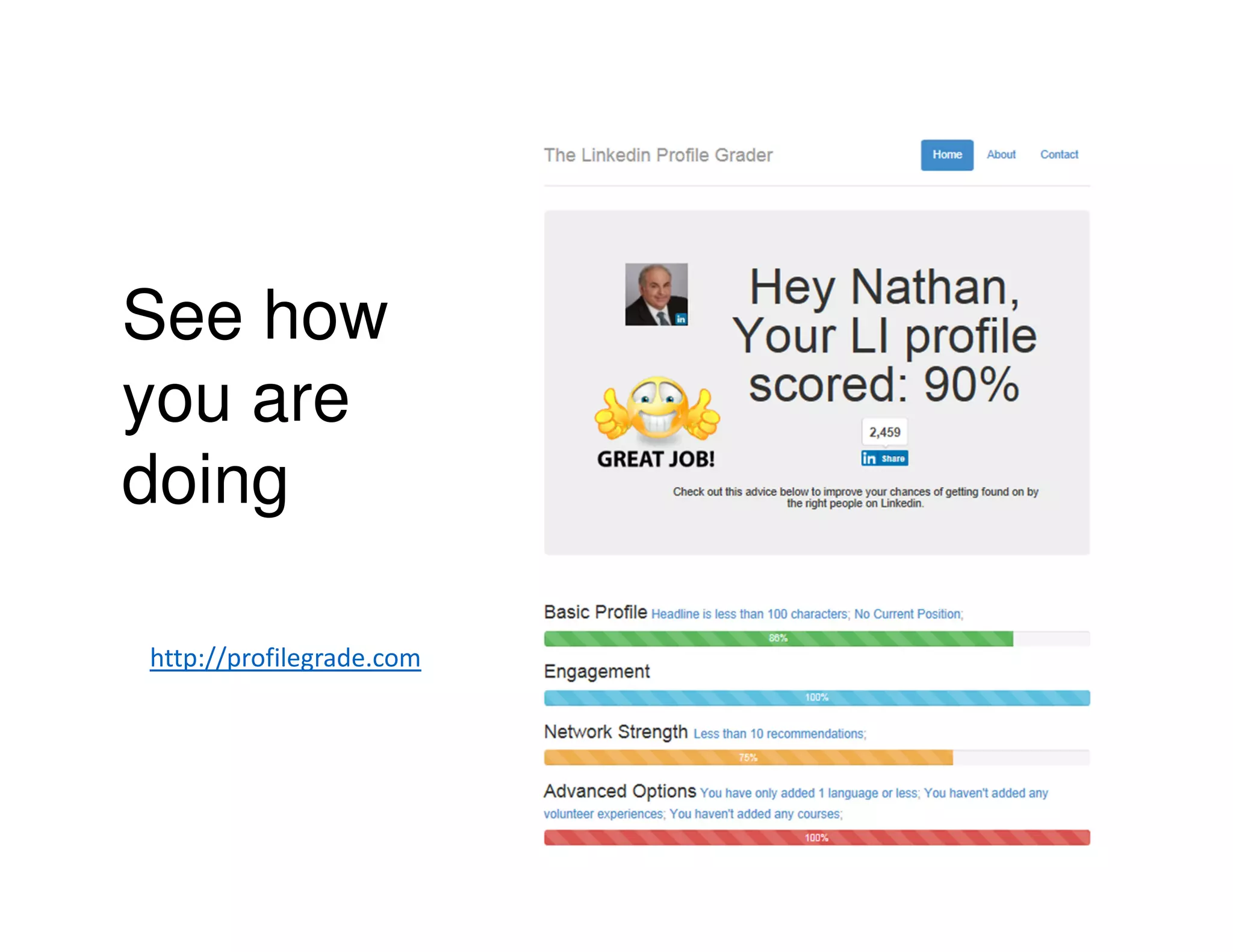
See how
you are
doing
http://profilegrade.com
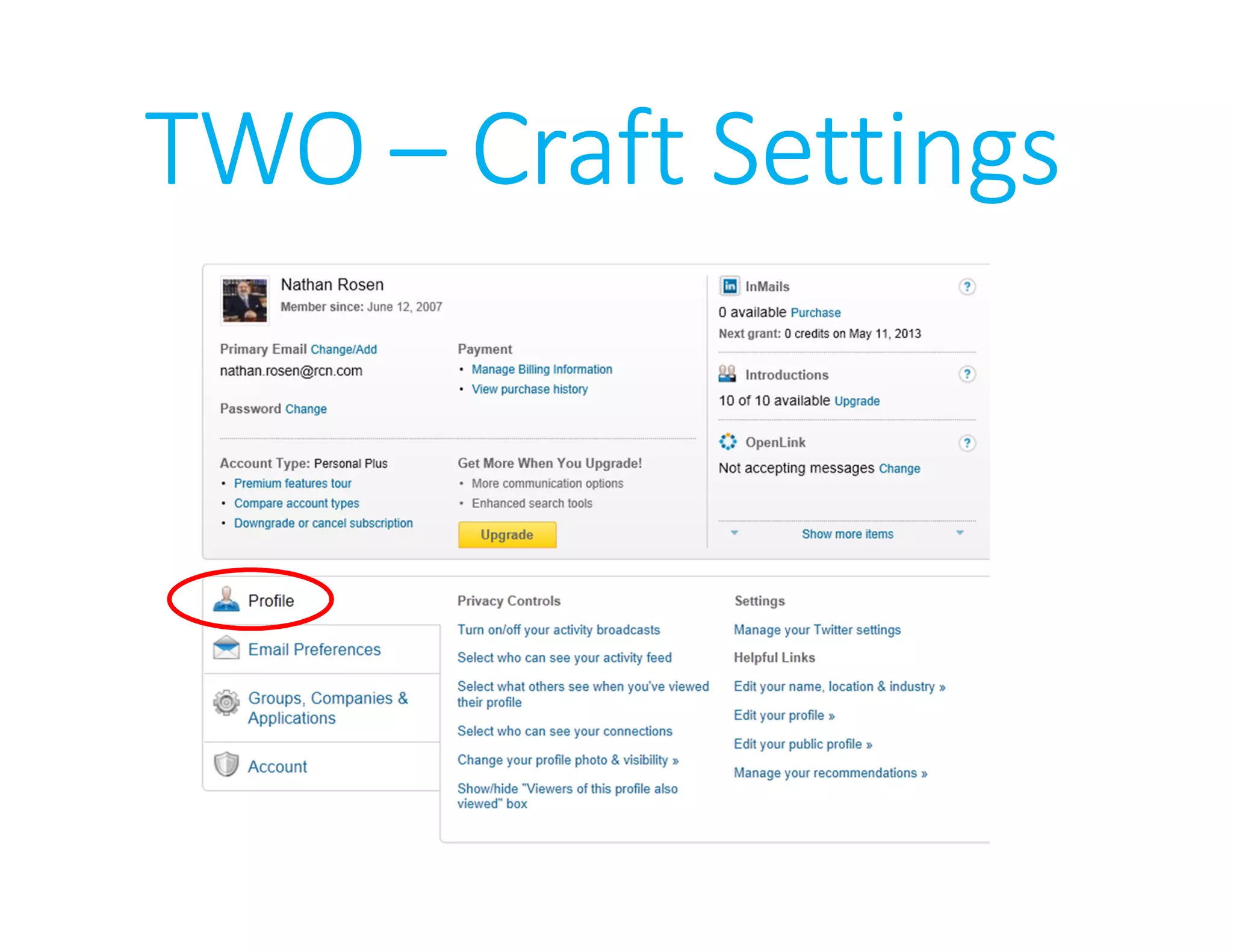
TWOTWOTWOTWO –––– Craft SettingsCraft SettingsCraft SettingsCraft Settings
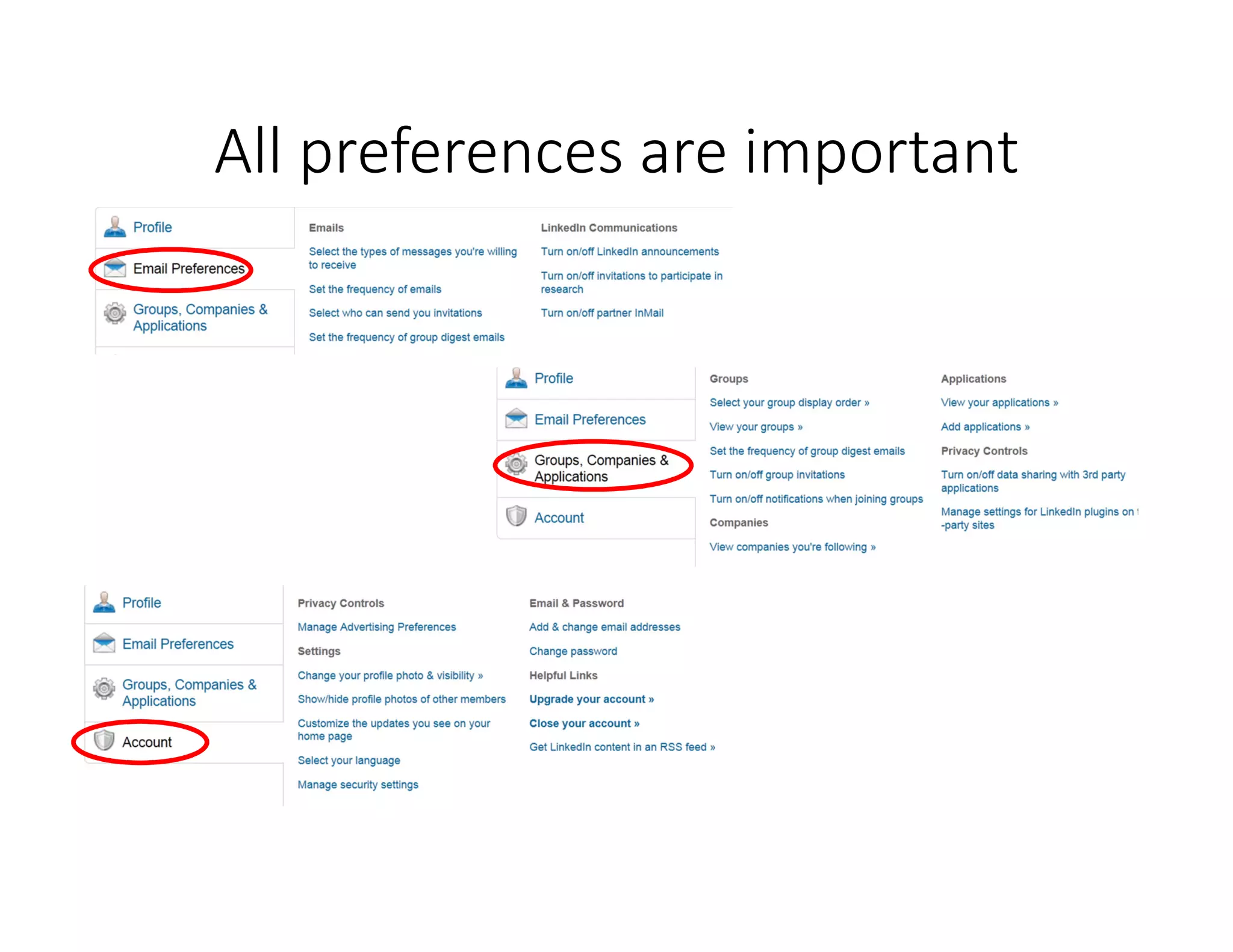
All preferences are important
Agenda
• Know it (your online social media footprint);
• Own it (take control of what people see);
• Develop it (number of
contacts & quality of profile);
• Use it (research people & companies)
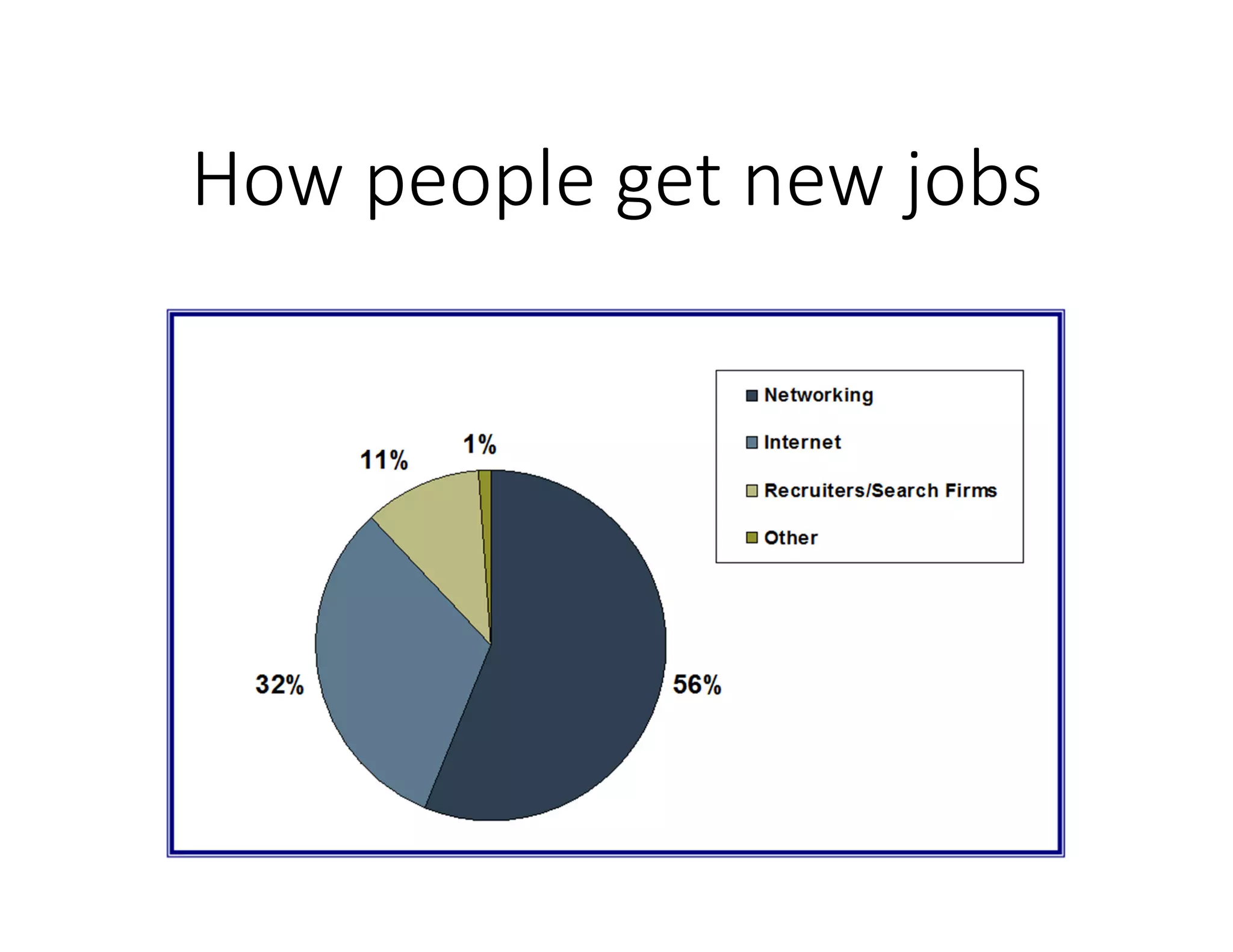
How people get new jobs
Connect - increase contacts
People you know
• School or work
• Personal interests
• Professional associations
People who would like to
know
Utilize the power of LinkedIn
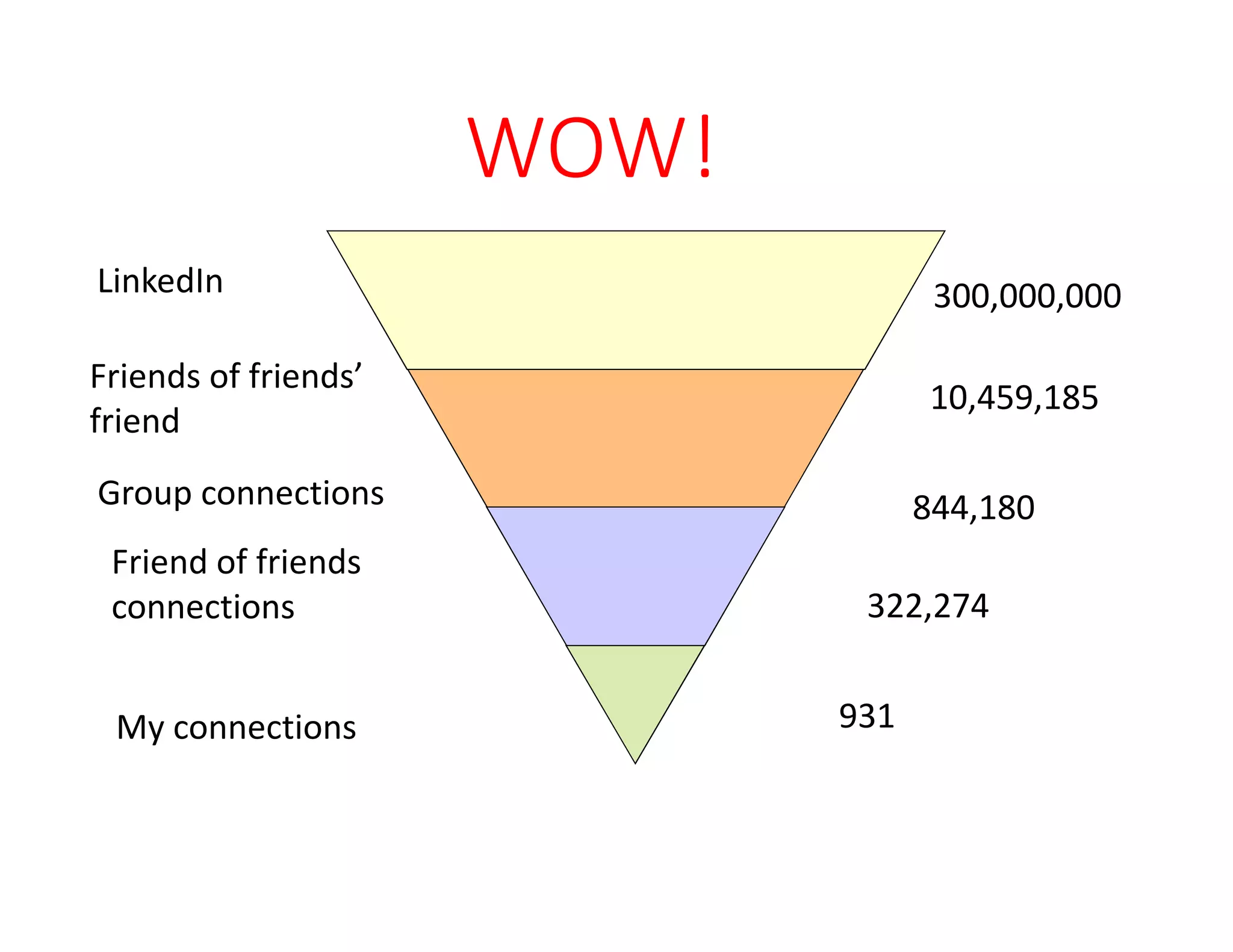
WOW!
My connections 931
Friend of friends
connections
Group connections
LinkedIn
322,274
844,180
300,000,000
Friends of friends’
friend
10,459,185
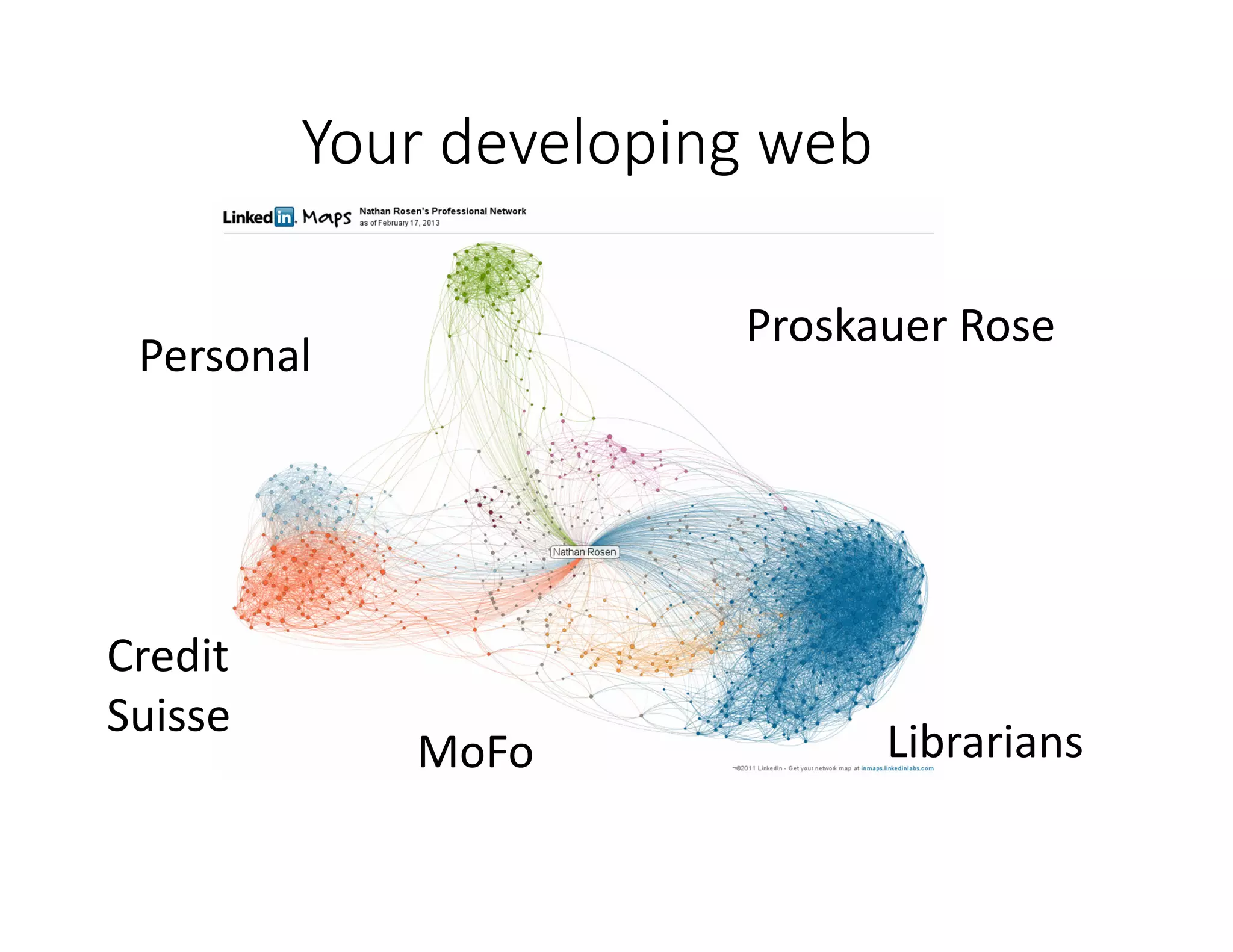
Your developing web
Personal
Credit
Suisse
MoFo Librarians
Proskauer Rose
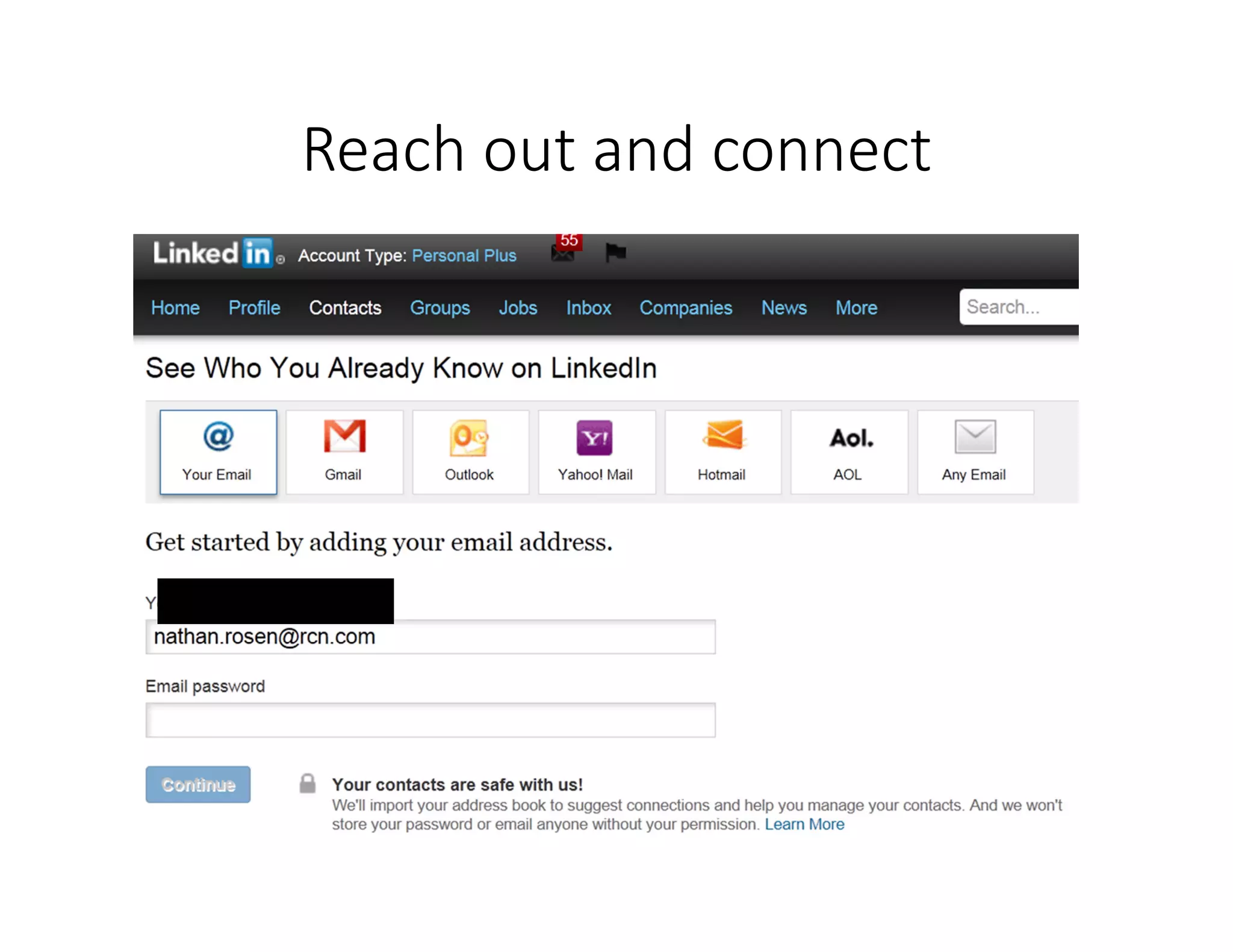
Reach out and connect
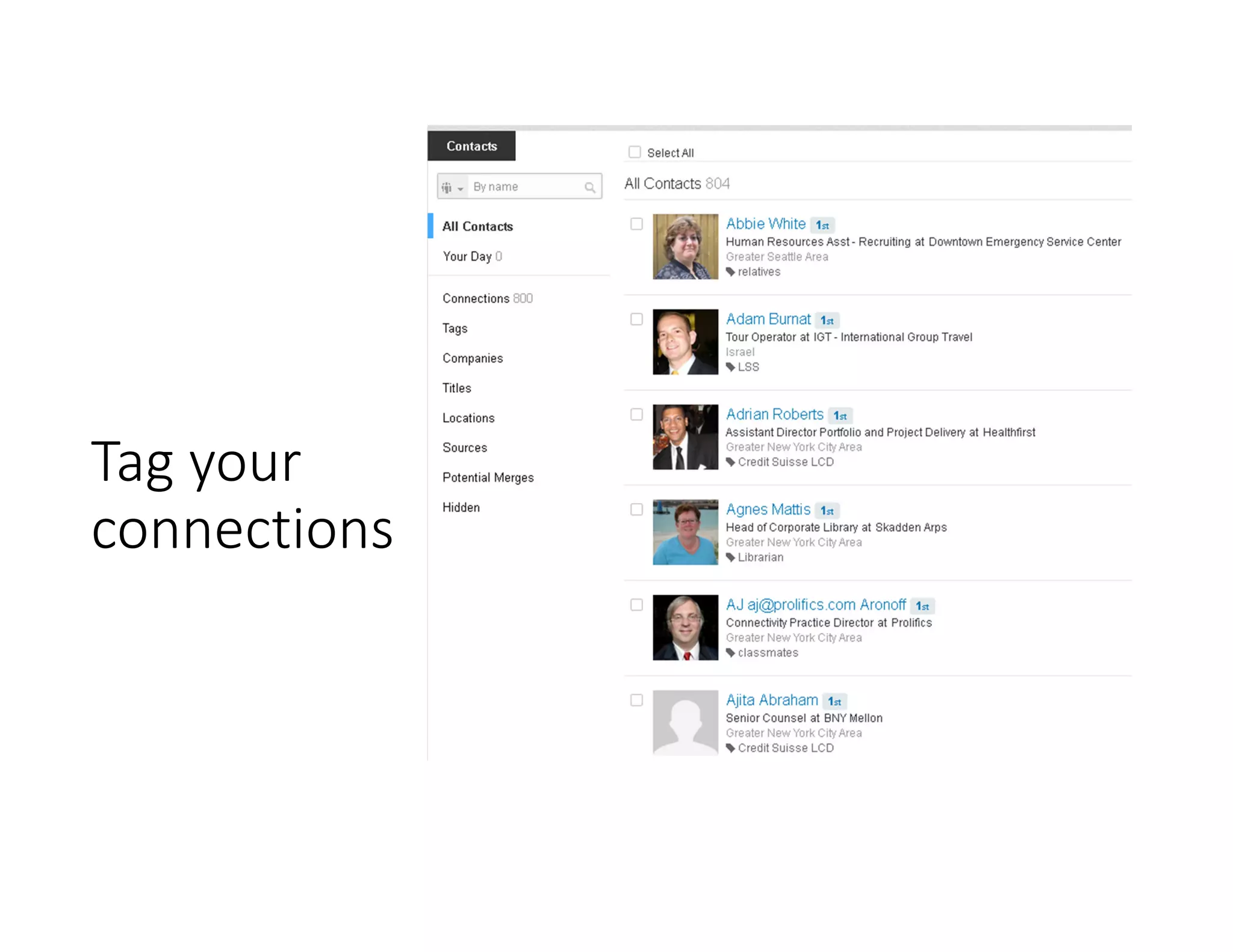
Tag your
connections
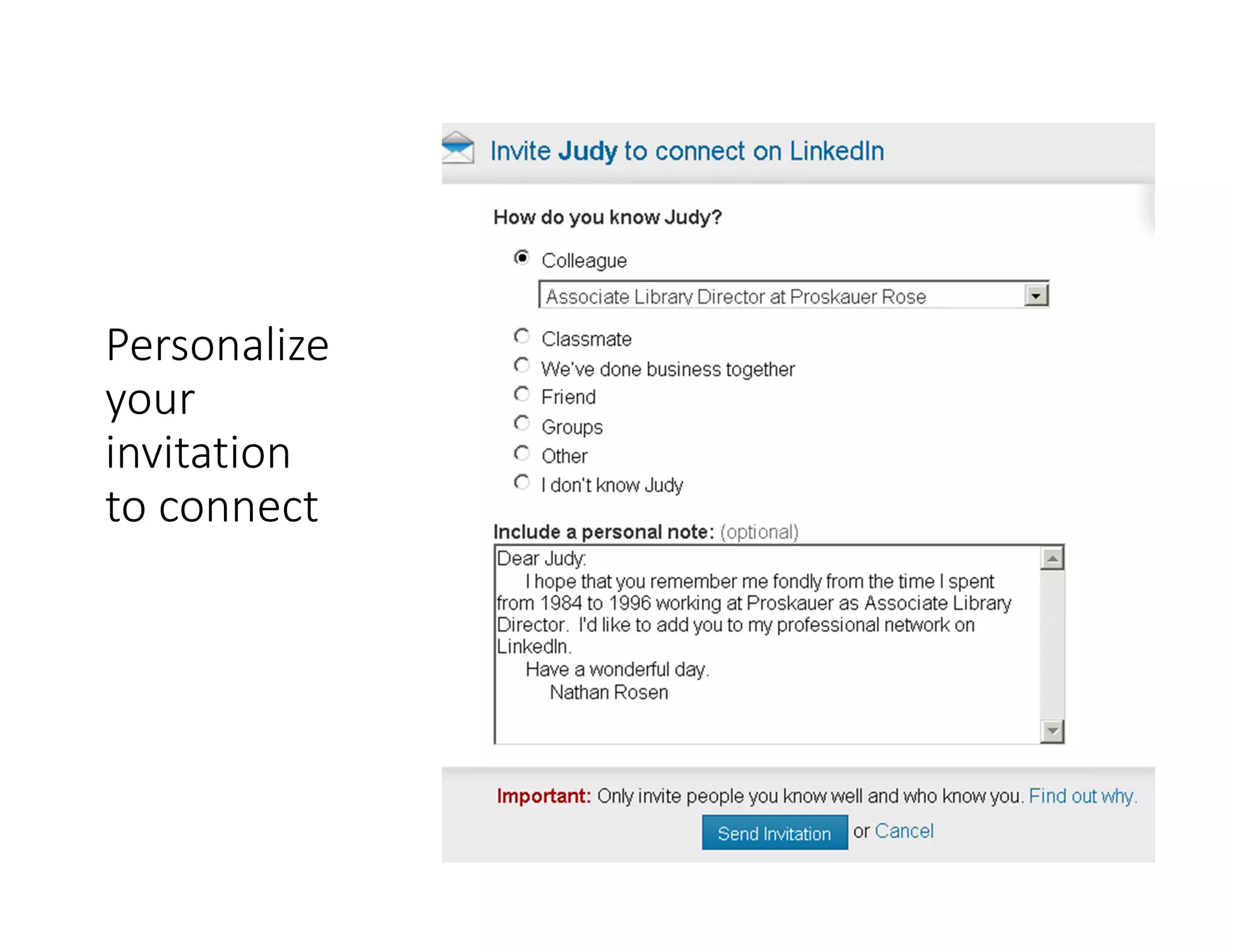
Personalize
your
invitation
to connect
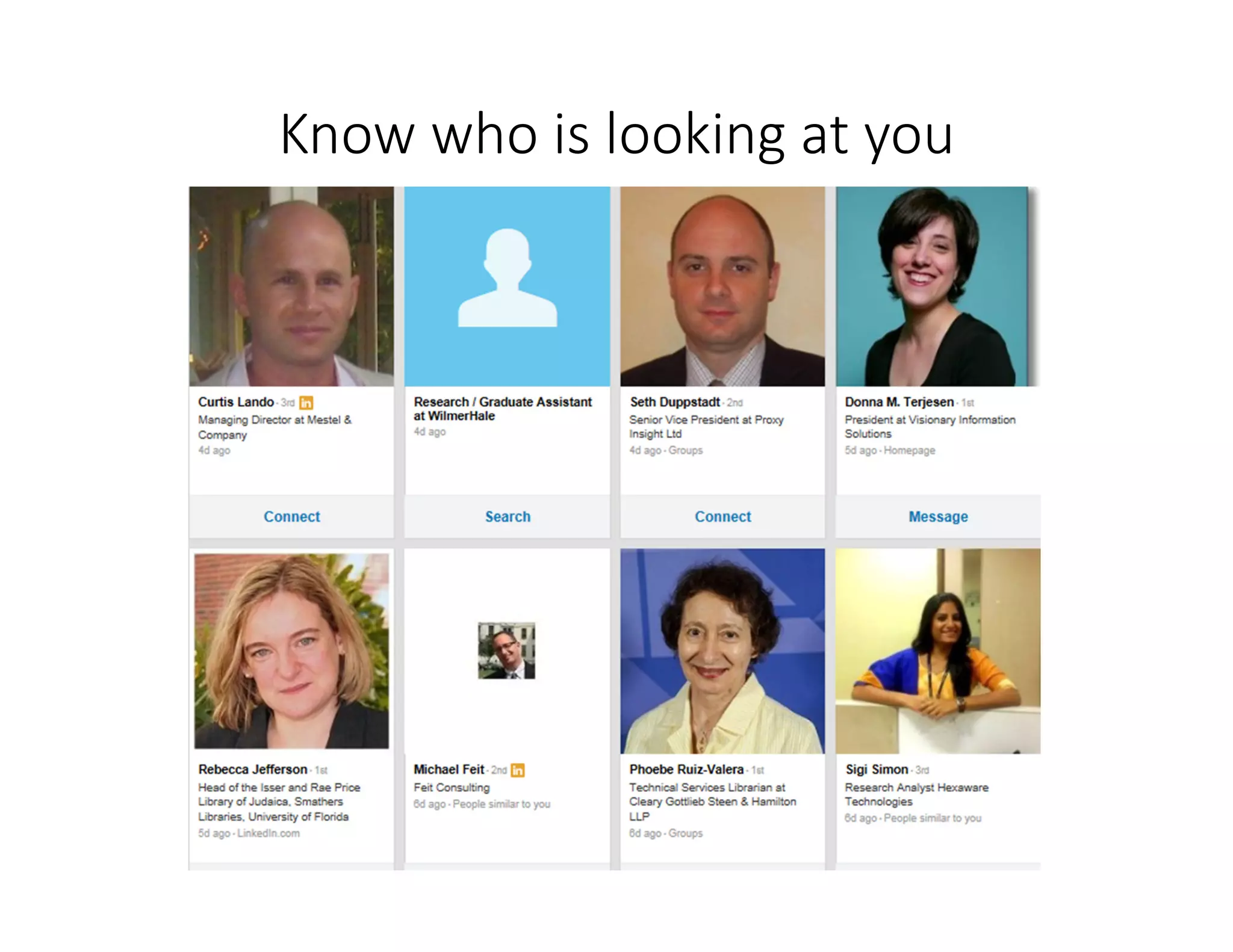
Know who is looking at you
Increase quality of profile
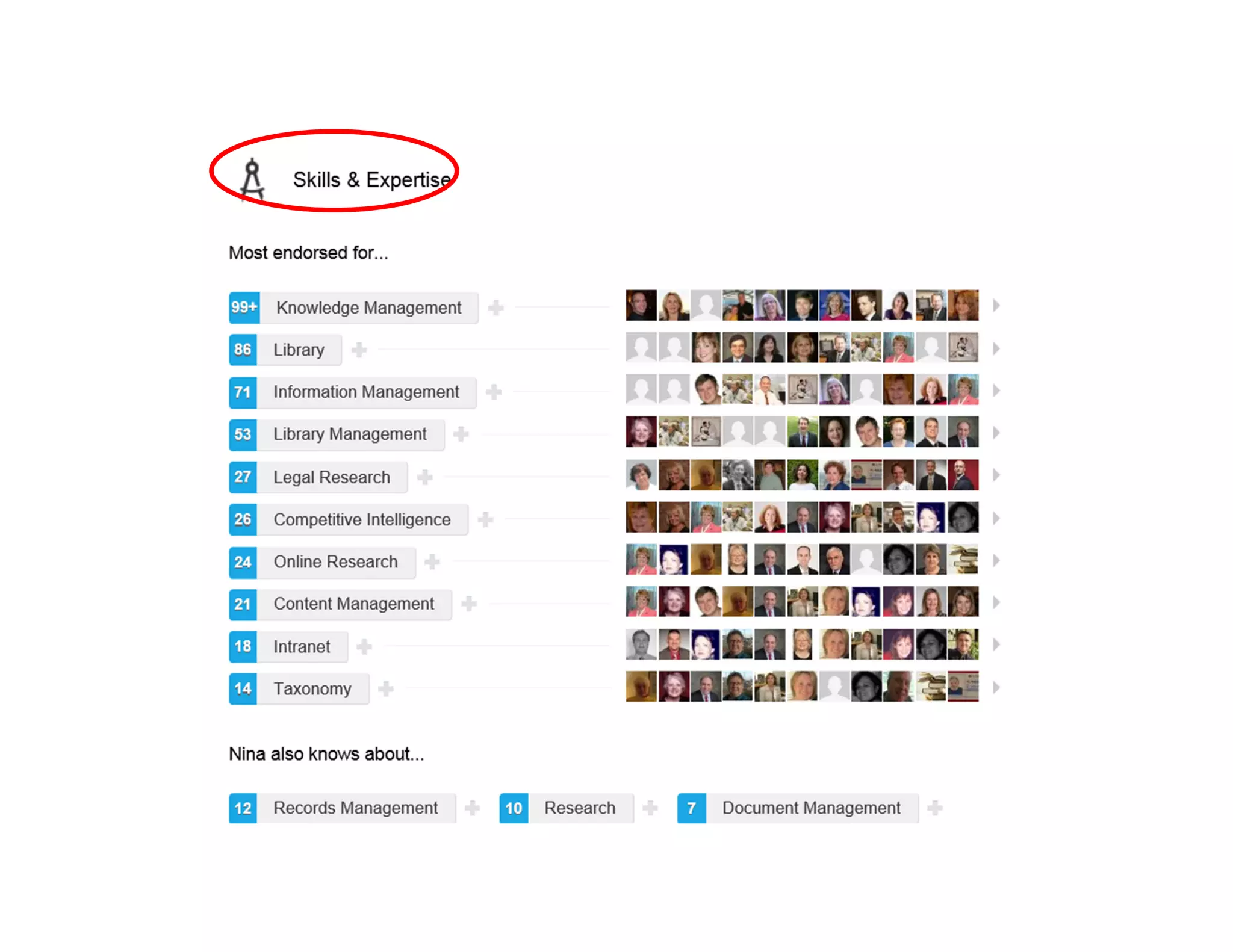
• Skills, Recommendations
& endorsements
• Contribute
• Congratulate
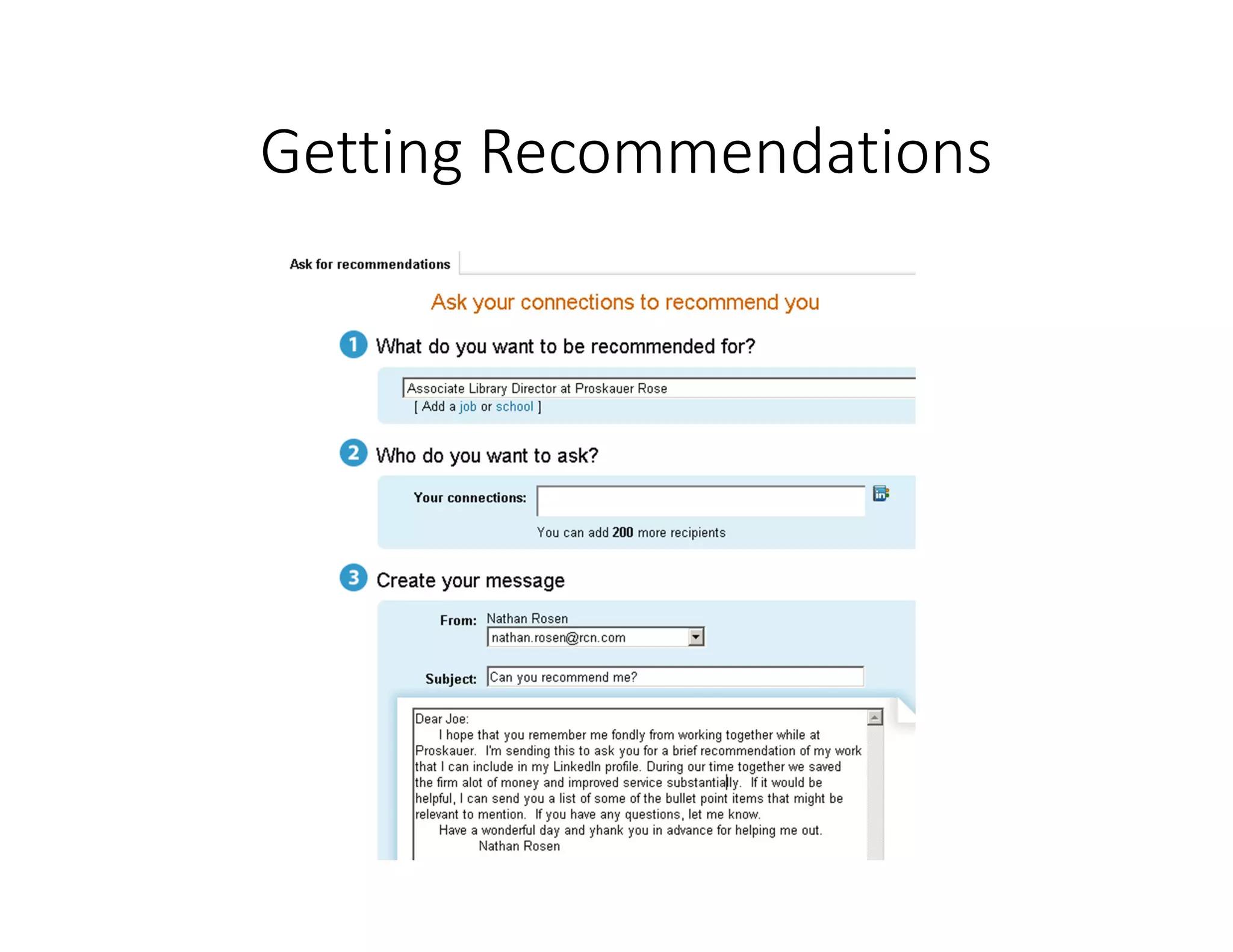
Getting Recommendations
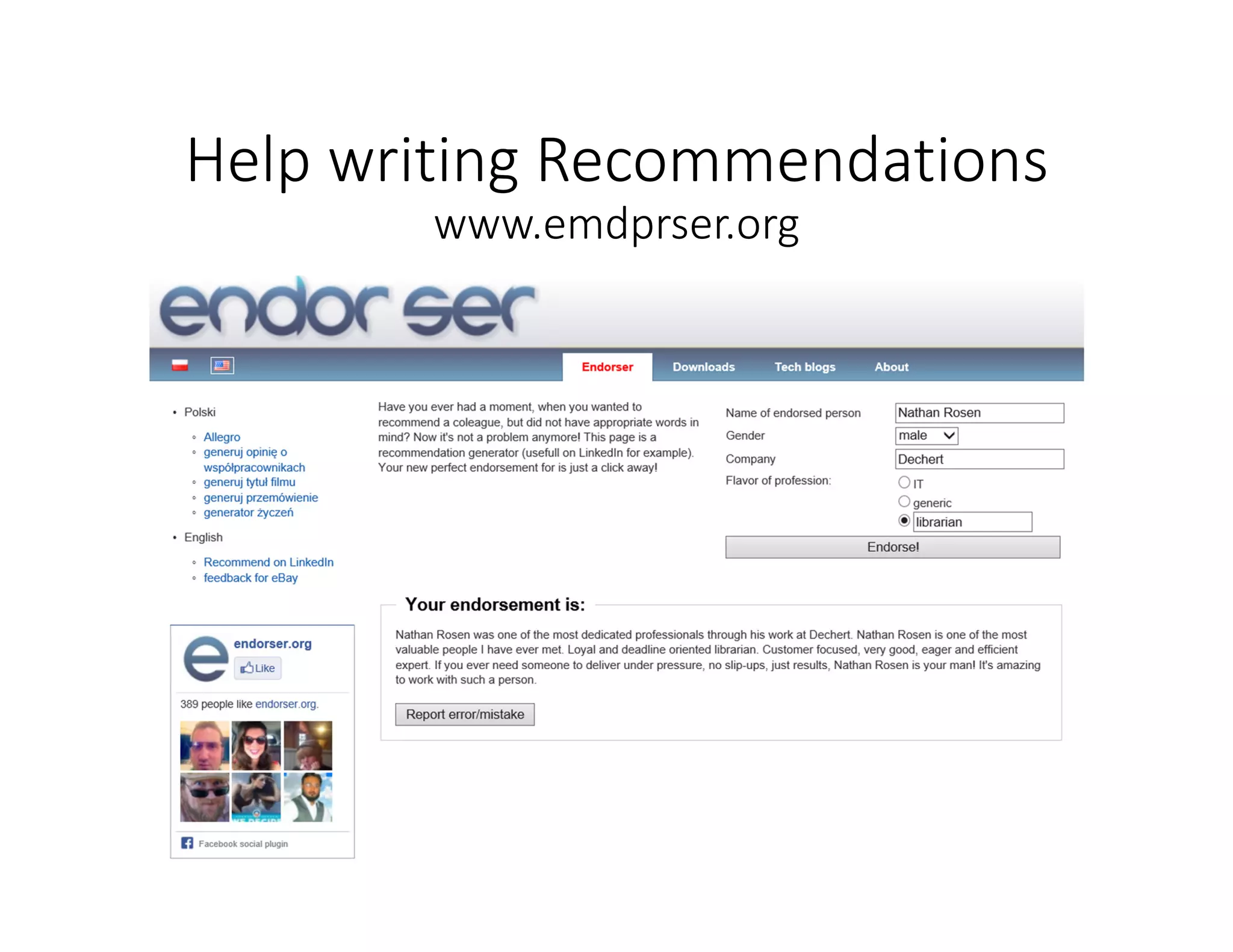
Help writing Recommendations
www.emdprser.org
Contribute
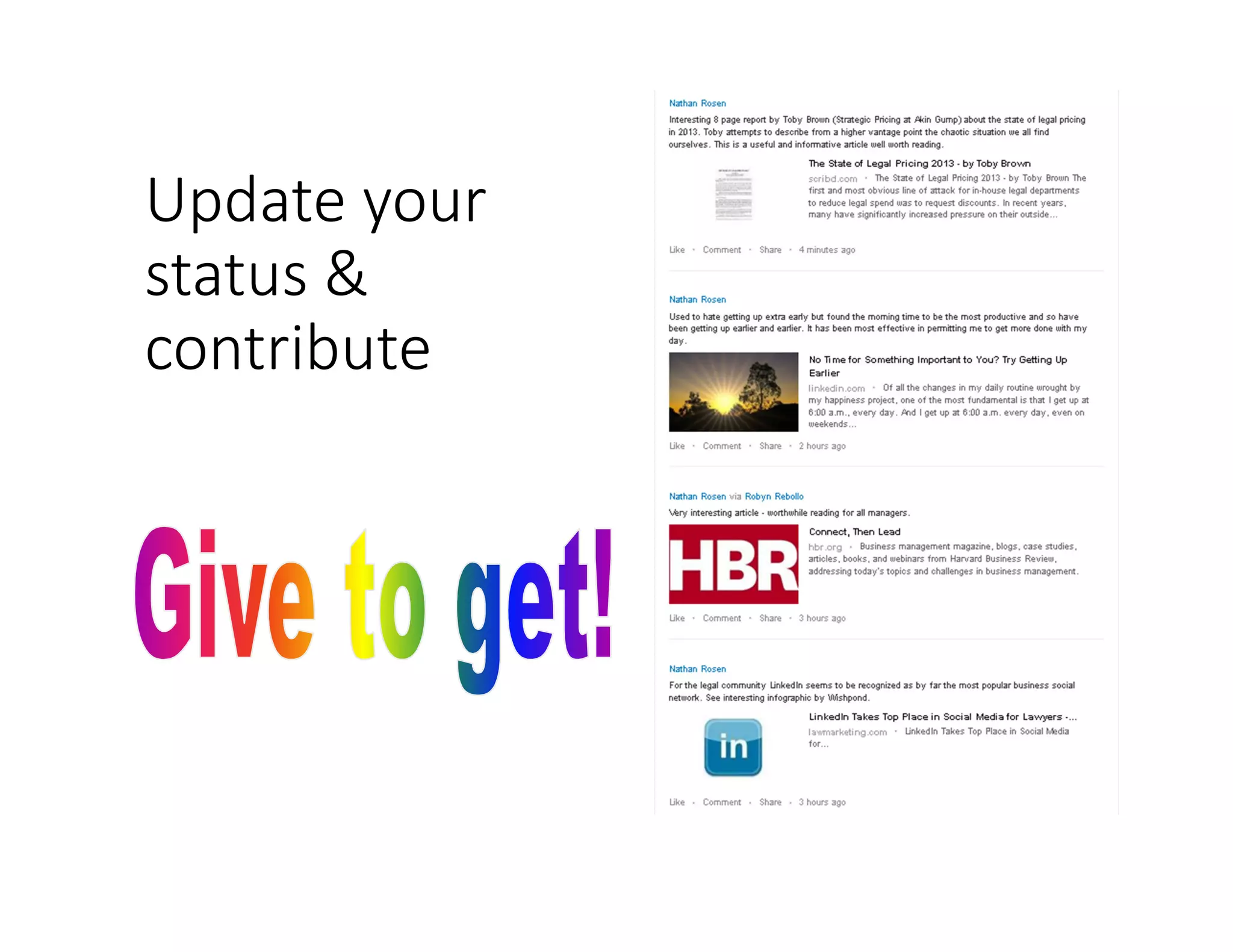
Communicate – Give to get
Comment on news,
decisions, & articles
Share insights from your
work
Update your
status &
contribute
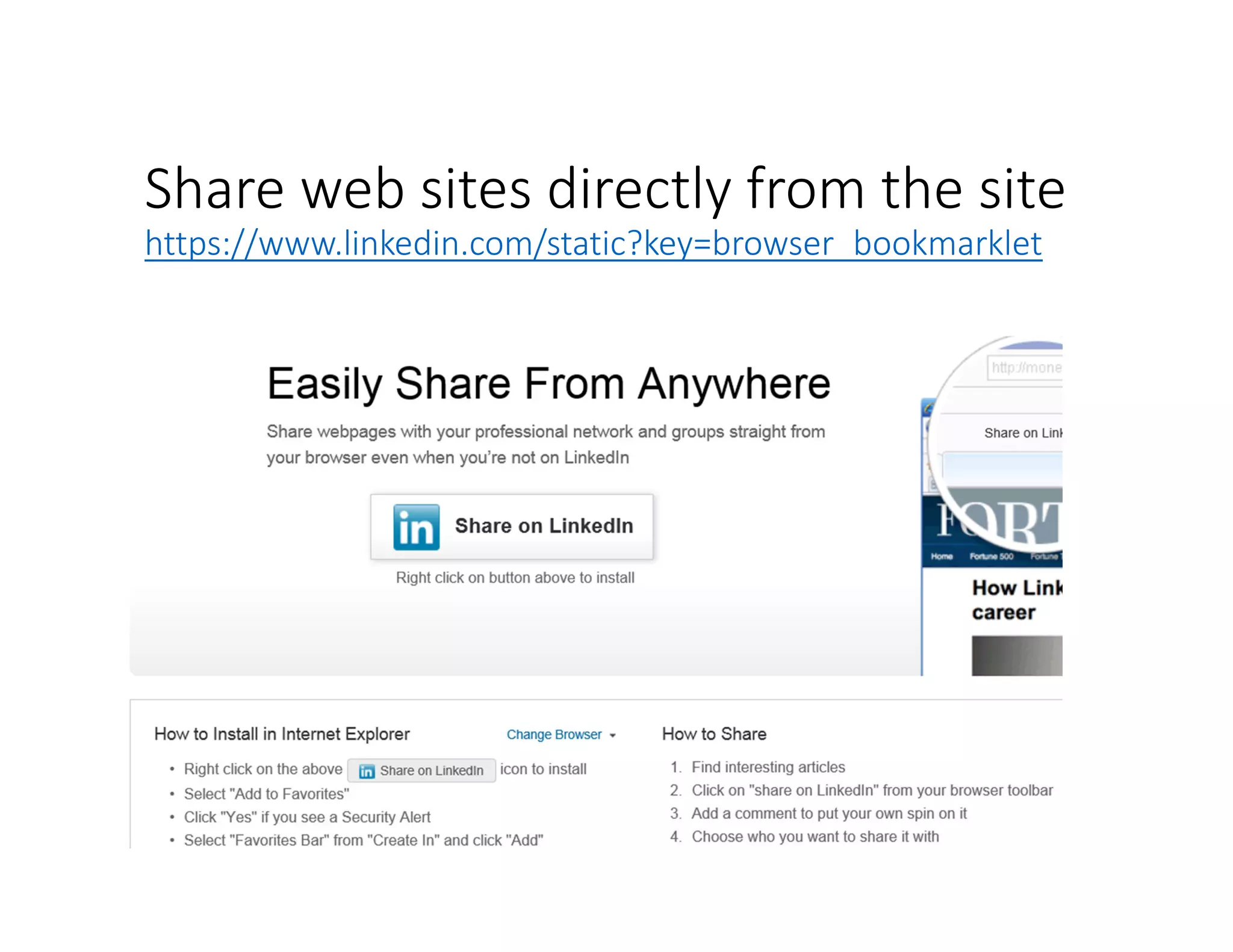
Share web sites directly from the site
https://www.linkedin.com/static?key=browser_bookmarklet
Congratulate
Recognize other people’s
successes
Applaud colleagues
accomplishments
Cheer friends milestones
Agenda
• Know it (your online social media footprint);
• Own it (take control of what people see);
• Develop it (number of contacts & quality of
profile);
• Use it (research people
& companies)
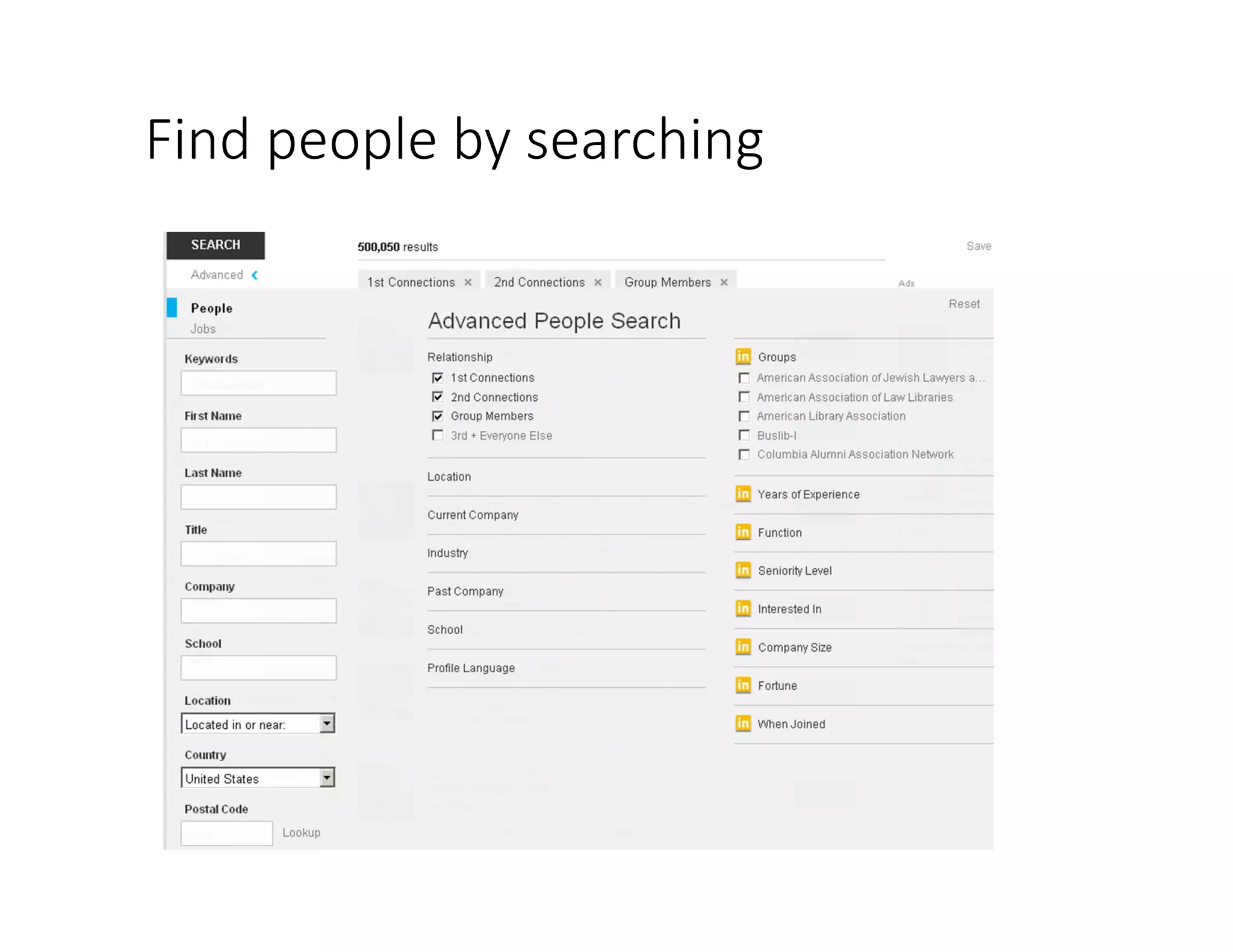
Find people by searching
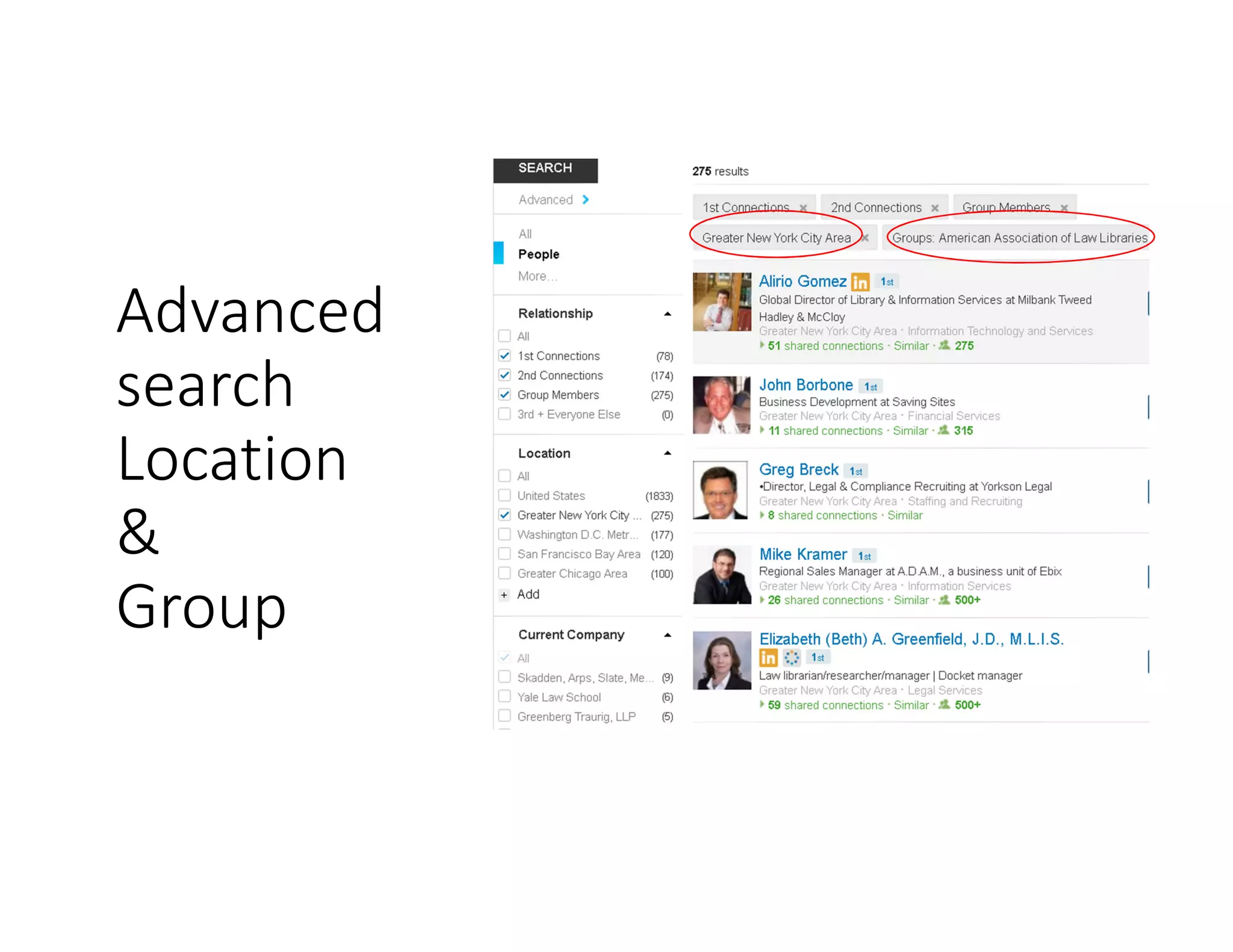
Advanced
search
Location
&
Group
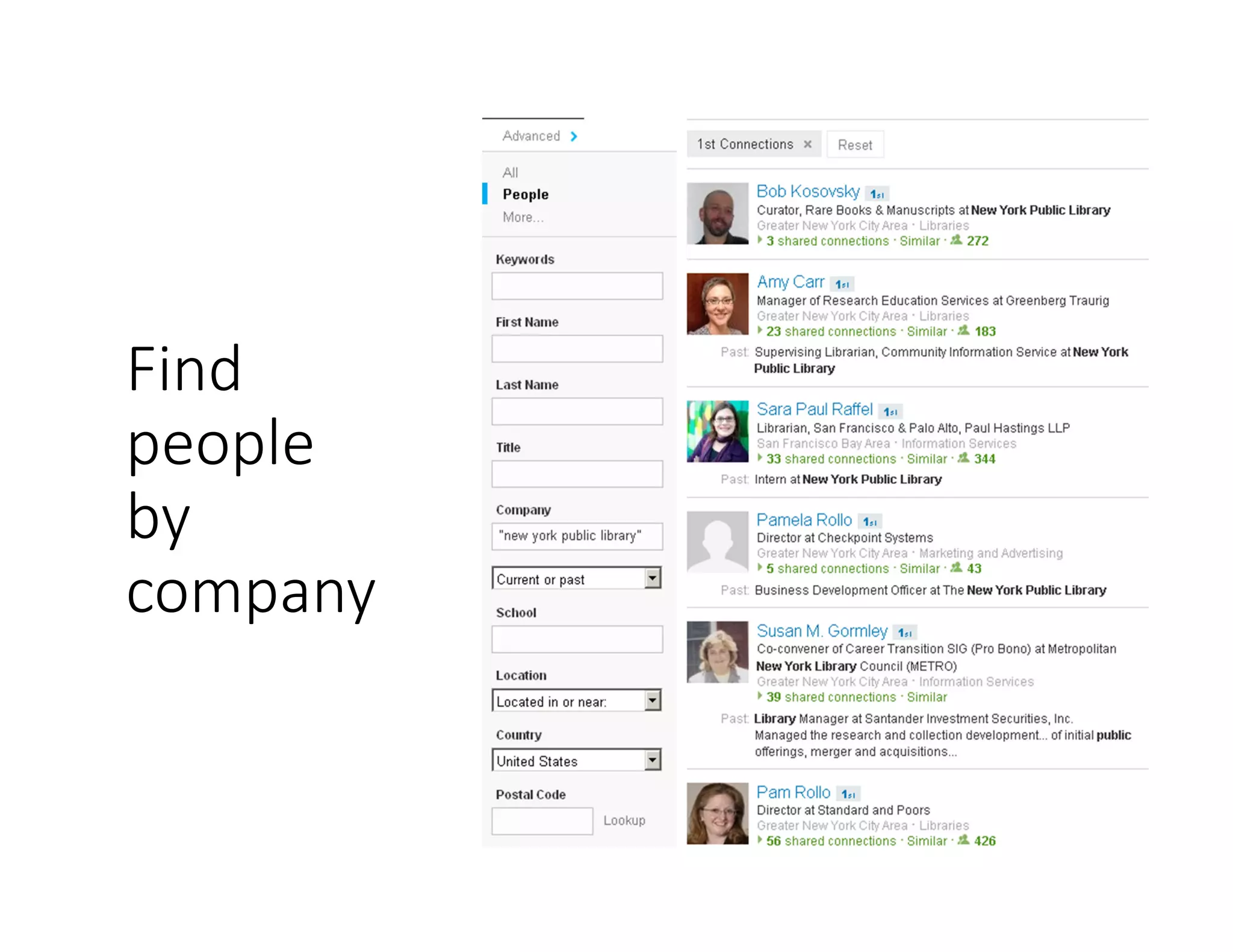
Find
people
by
company
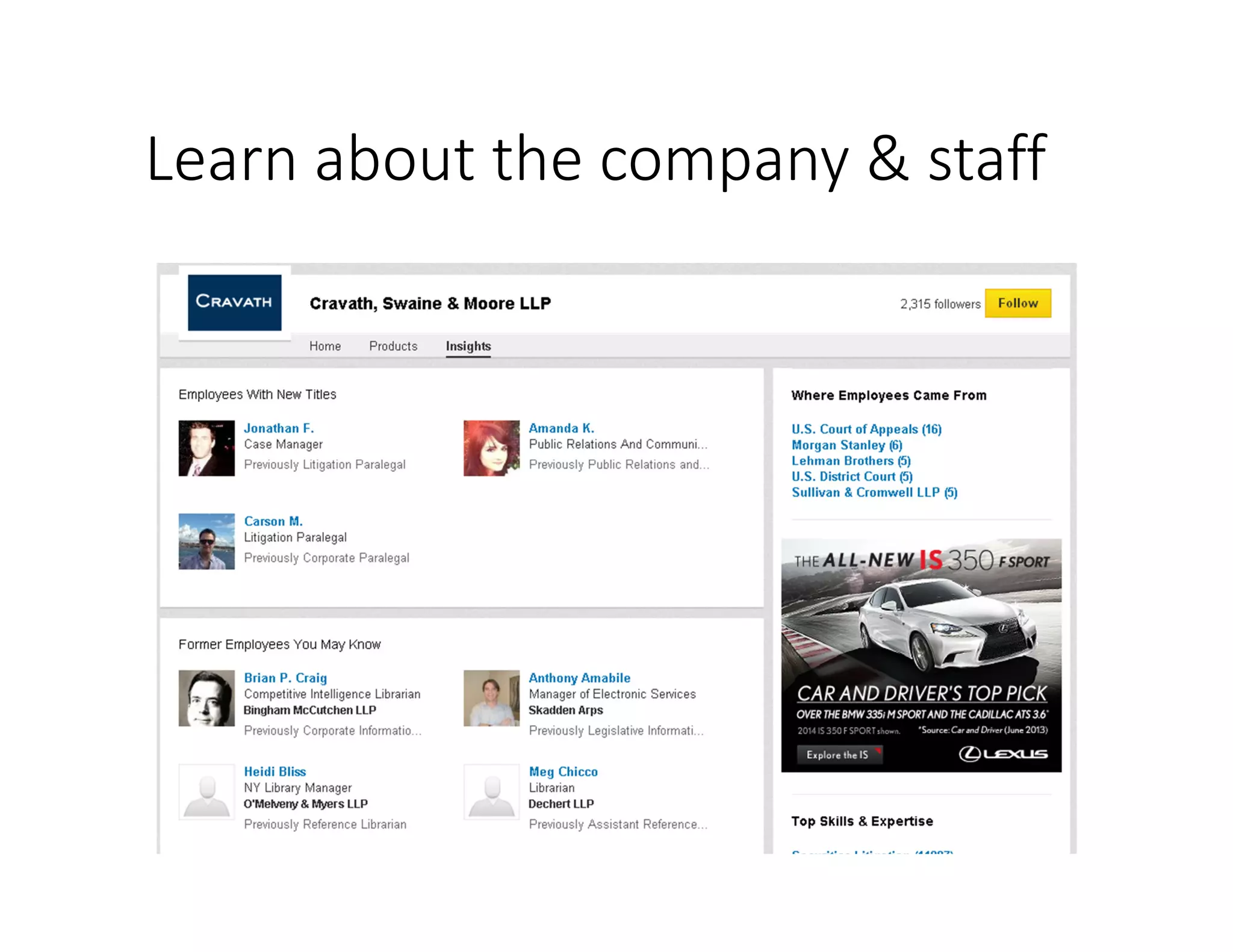
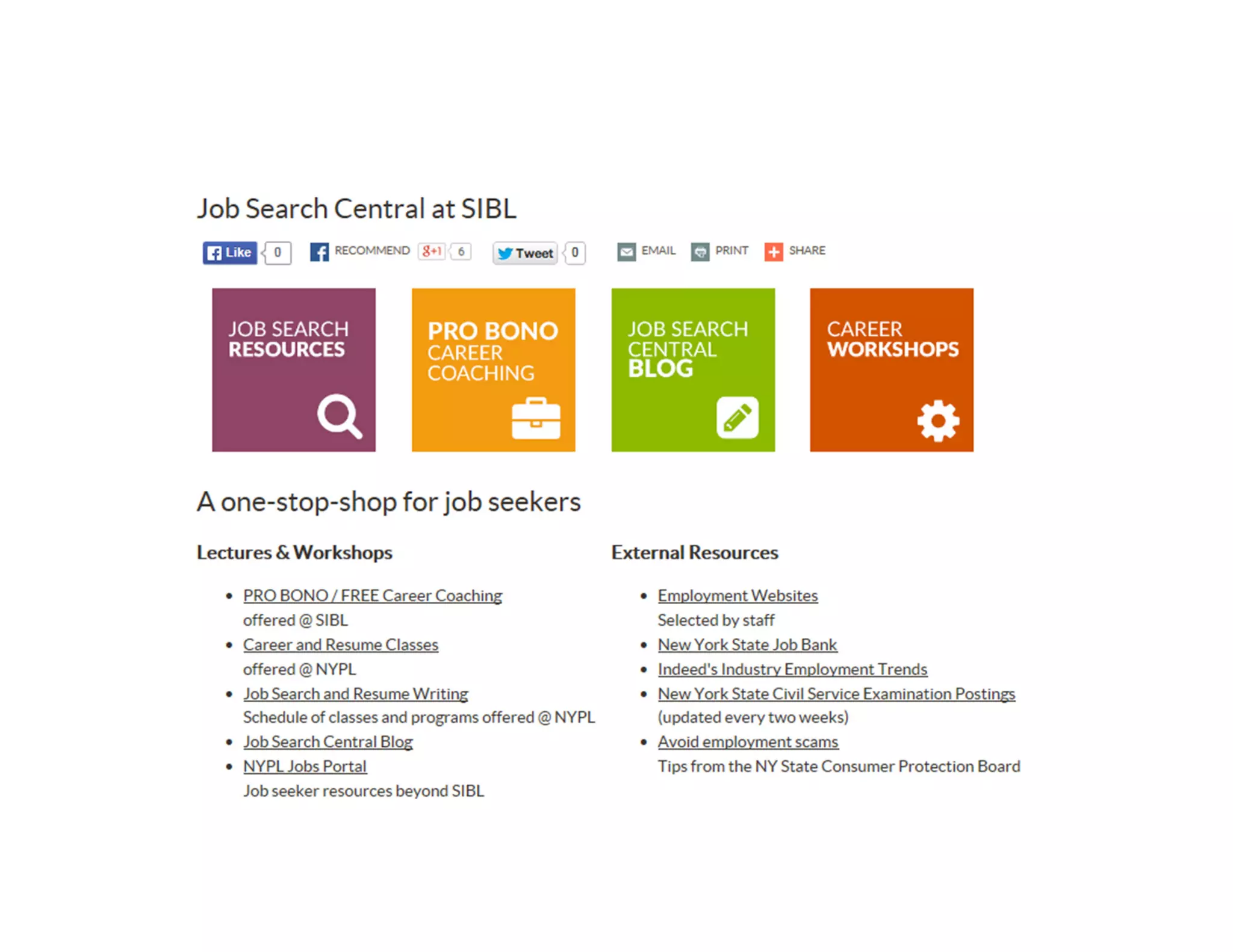
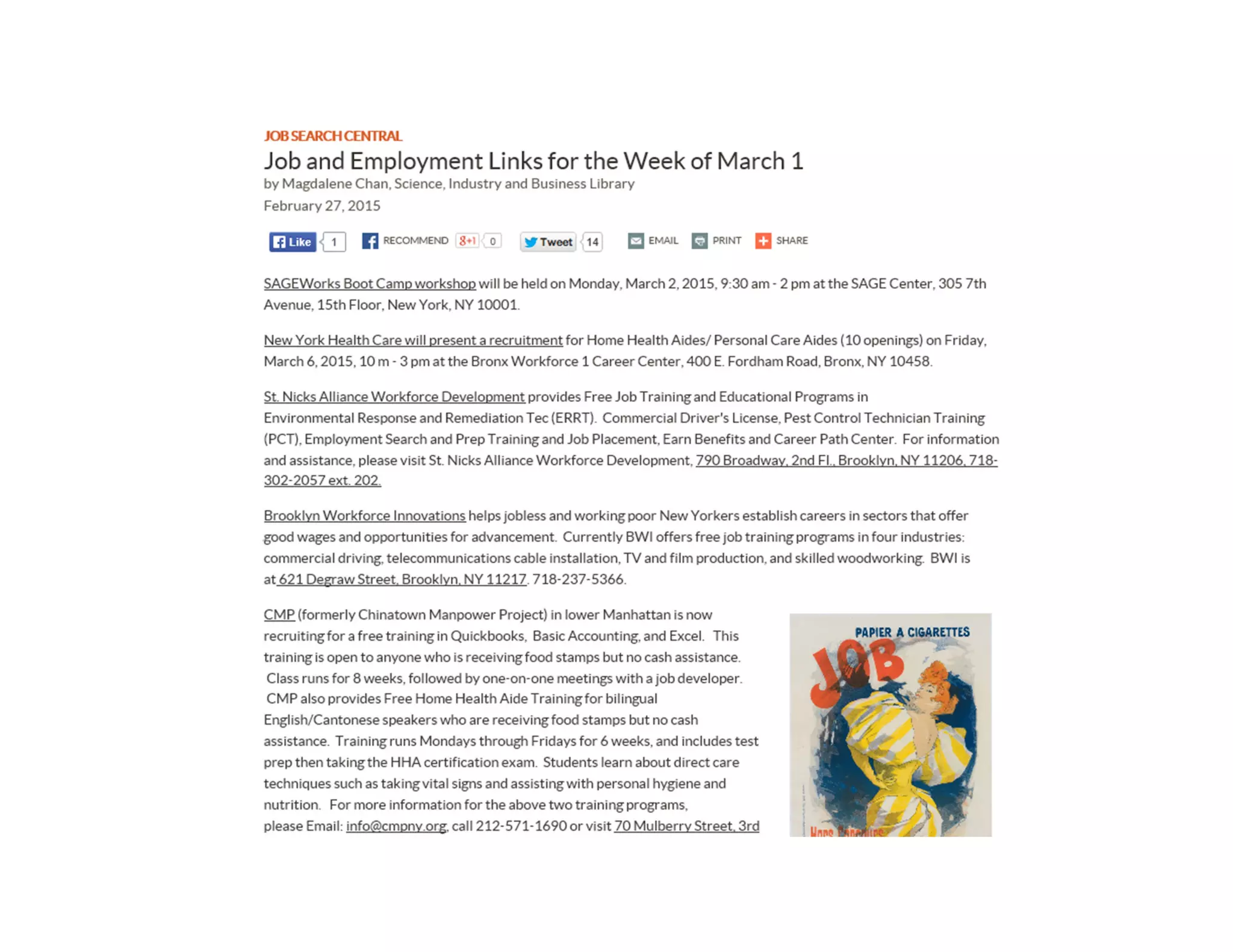
Learn about the company & staff
Utilize available resources
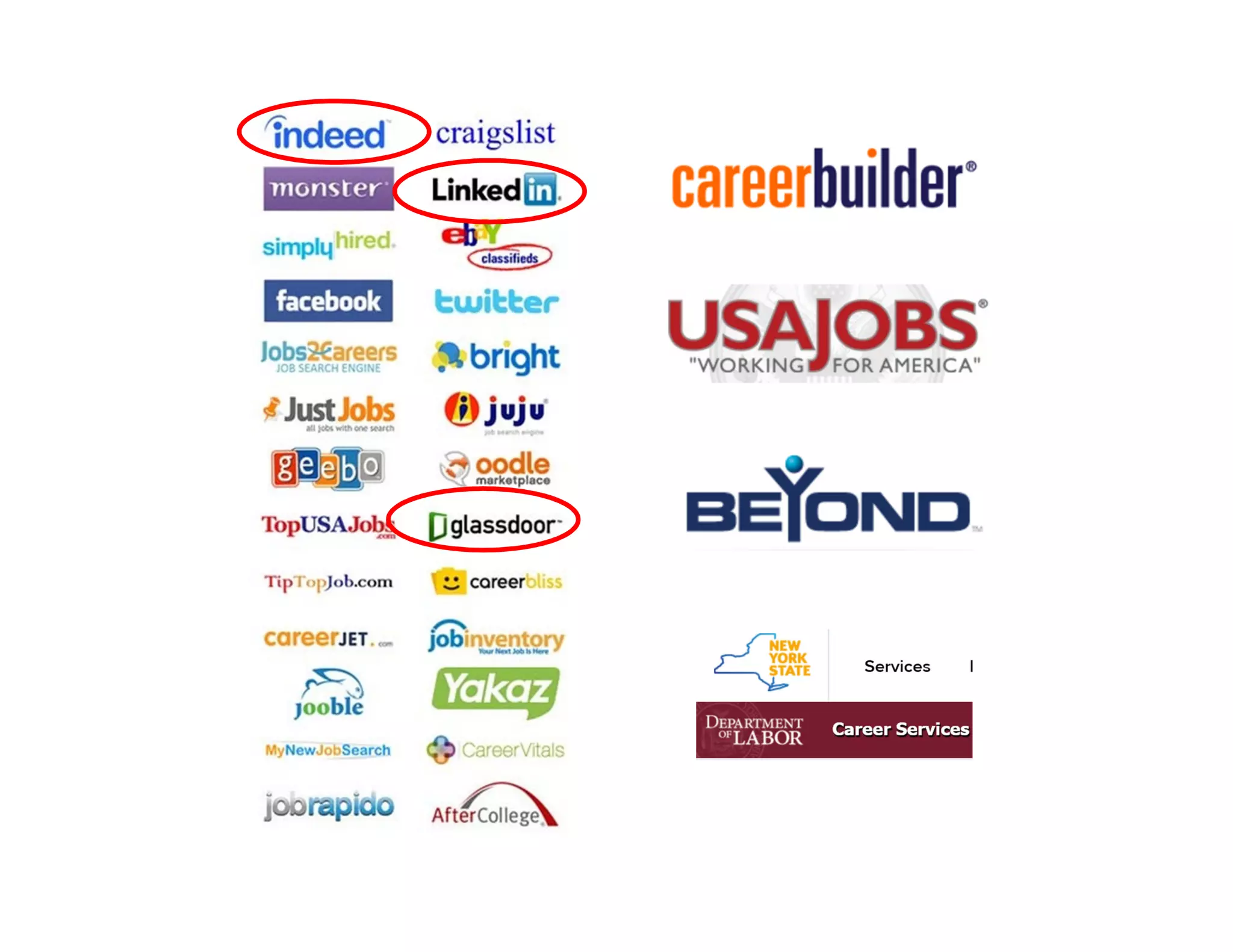
• NYPL - Science, Industry
and Business Library (SIBL)
• Job web sites
• NY State DOL
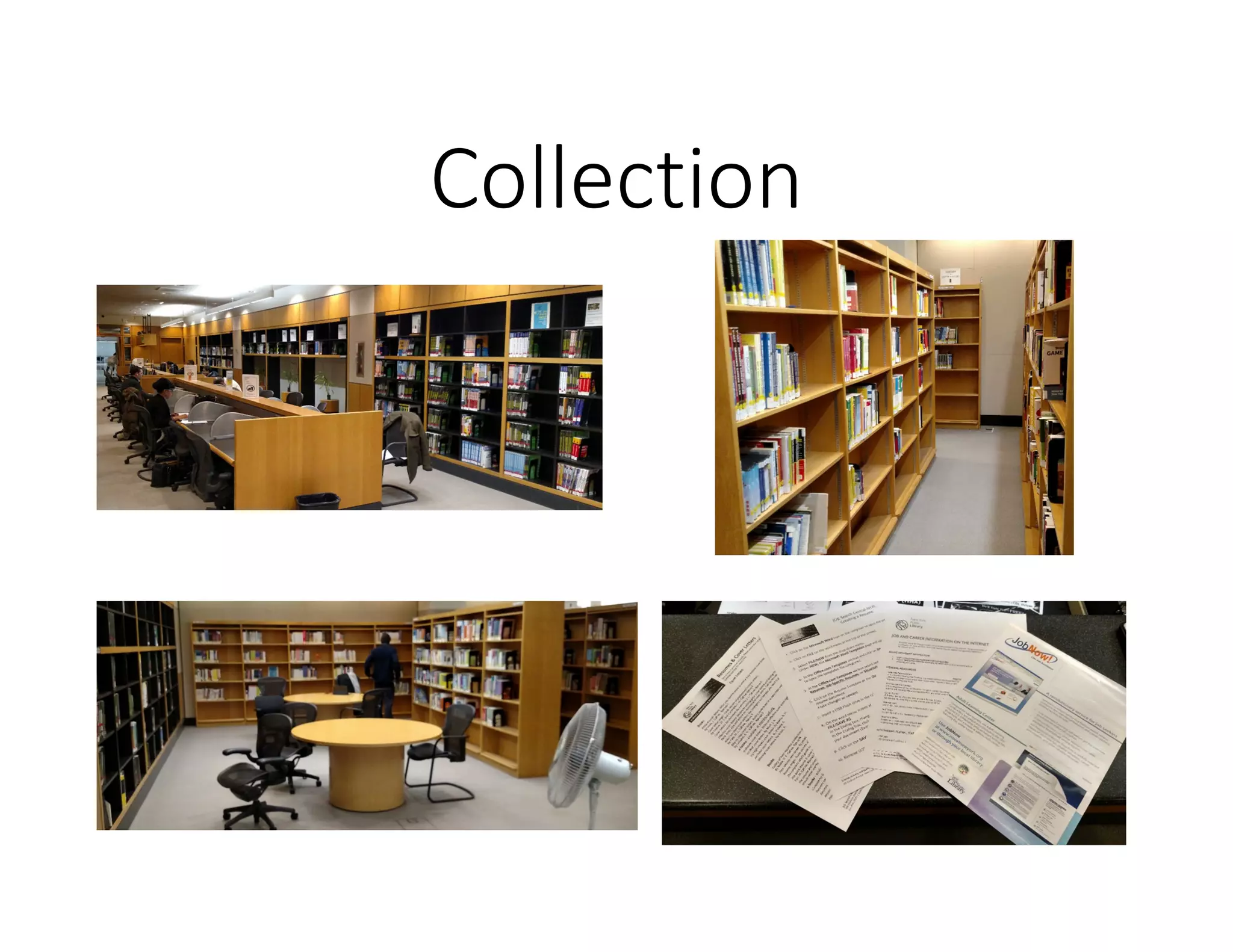
Collection
Advanced Tip
Commit to daily progress
– slow & steady
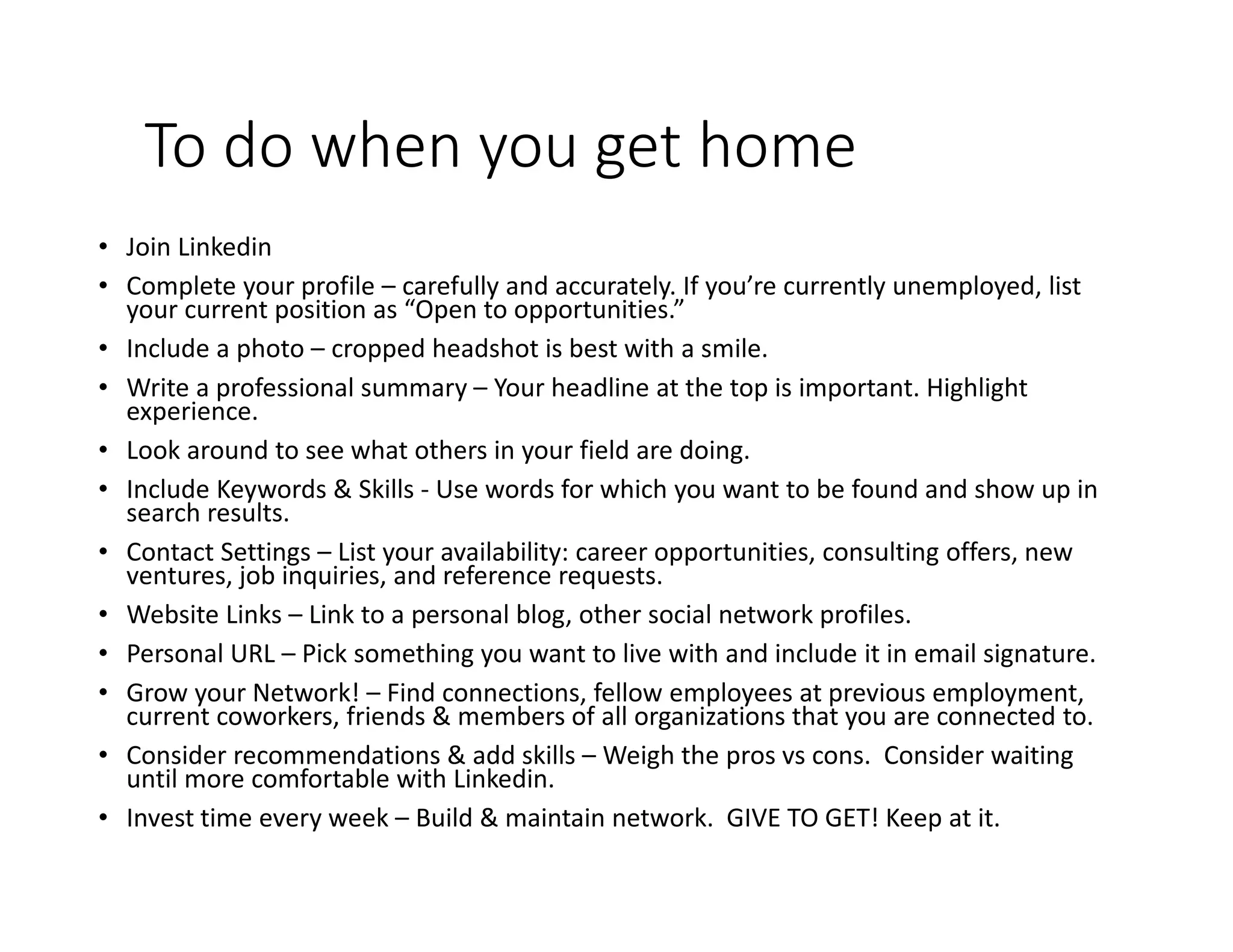
To do when you get home
• Join Linkedin
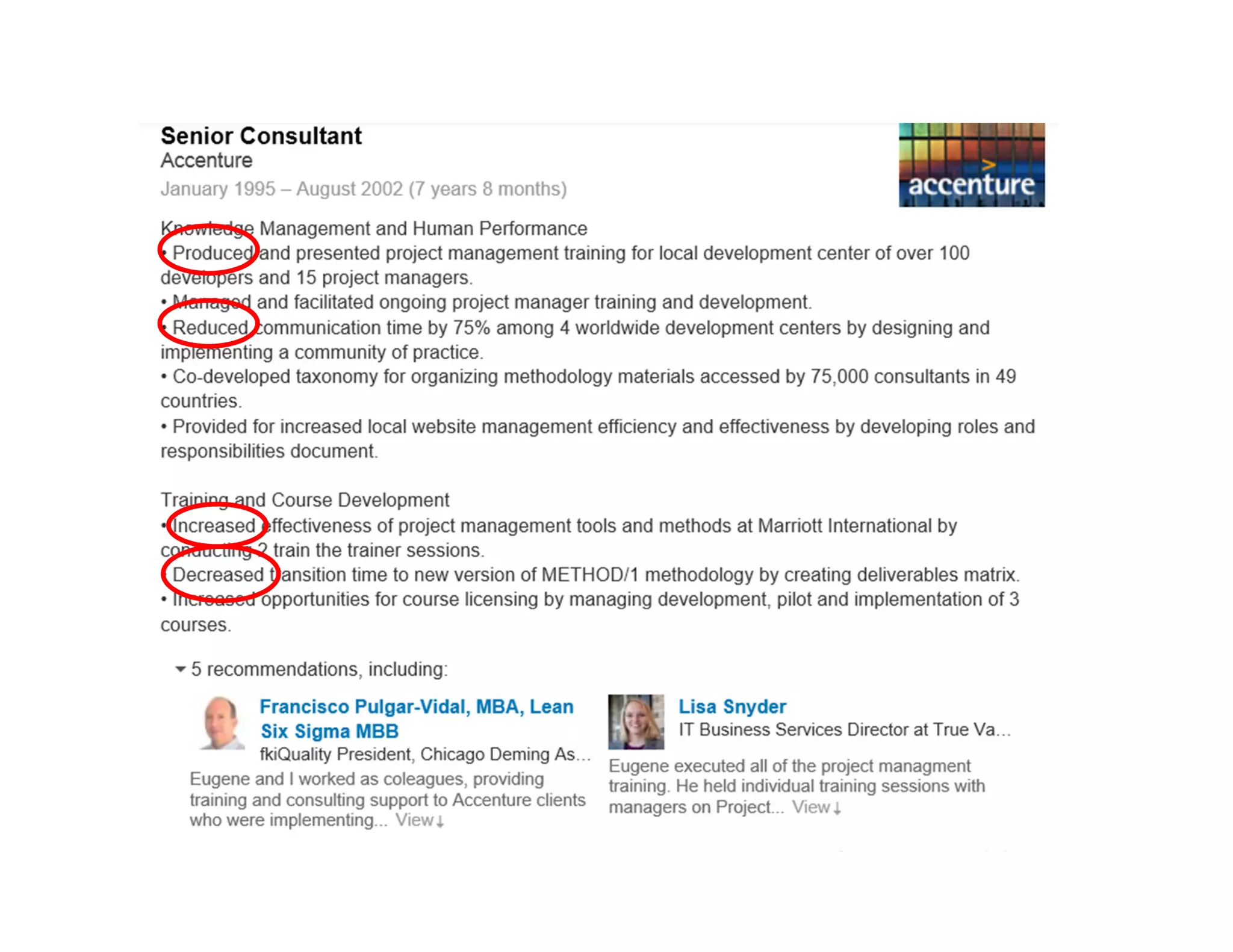
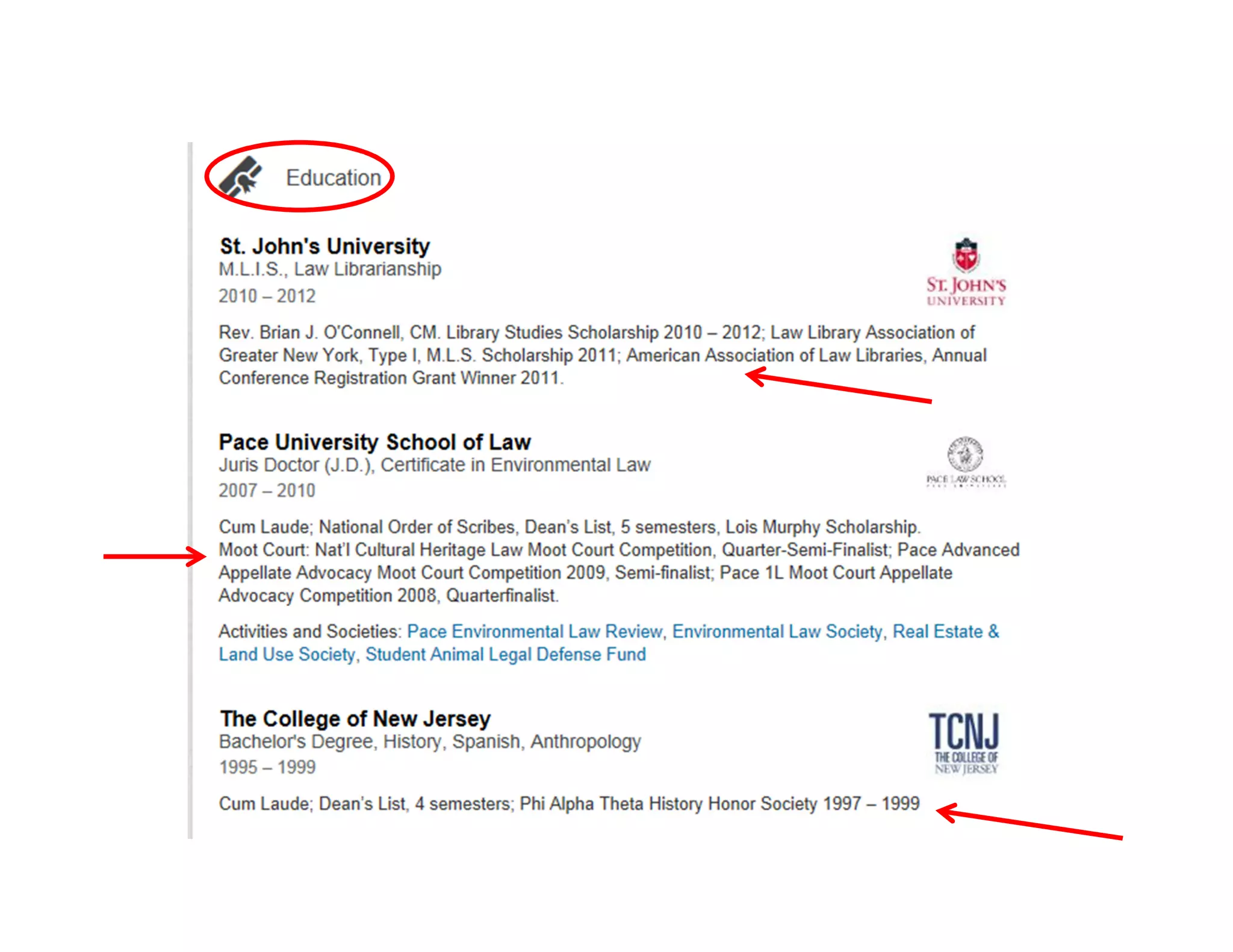
• Complete your profile – carefully and accurately. If you’re currently unemployed, list
your current position as “Open to opportunities.”
• Include a photo – cropped headshot is best with a smile.
• Write a professional summary – Your headline at the top is important. Highlight
experience.
• Look around to see what others in your field are doing.
• Include Keywords & Skills - Use words for which you want to be found and show up in
search results.
• Contact Settings – List your availability: career opportunities, consulting offers, new
ventures, job inquiries, and reference requests.
• Website Links – Link to a personal blog, other social network profiles.
• Personal URL – Pick something you want to live with and include it in email signature.
• Grow your Network! – Find connections, fellow employees at previous employment,
current coworkers, friends & members of all organizations that you are connected to.
• Consider recommendations & add skills – Weigh the pros vs cons. Consider waiting
until more comfortable with Linkedin.
• Invest time every week – Build & maintain network. GIVE TO GET! Keep at it.
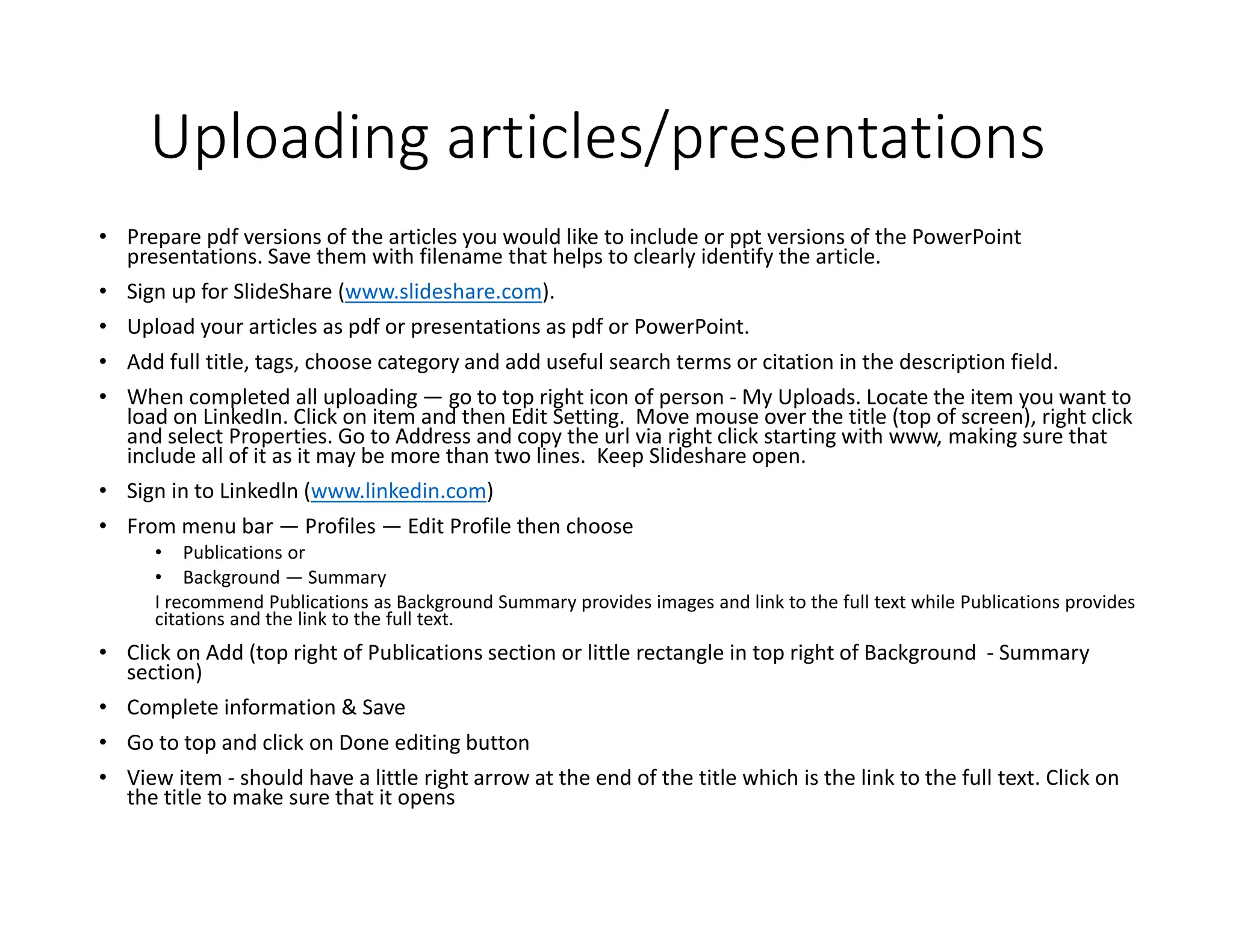
Uploading articles/presentations
• Prepare pdf versions of the articles you would like to include or ppt versions of the PowerPoint
presentations. Save them with filename that helps to clearly identify the article.
• Sign up for SlideShare (www.slideshare.com).
• Upload your articles as pdf or presentations as pdf or PowerPoint.
• Add full title, tags, choose category and add useful search terms or citation in the description field.
• When completed all uploading — go to top right icon of person - My Uploads. Locate the item you want to
load on LinkedIn. Click on item and then Edit Setting. Move mouse over the title (top of screen), right click
and select Properties. Go to Address and copy the url via right click starting with www, making sure that
include all of it as it may be more than two lines. Keep Slideshare open.
• Sign in to Linkedln (www.linkedin.com)
• From menu bar — Profiles — Edit Profile then choose
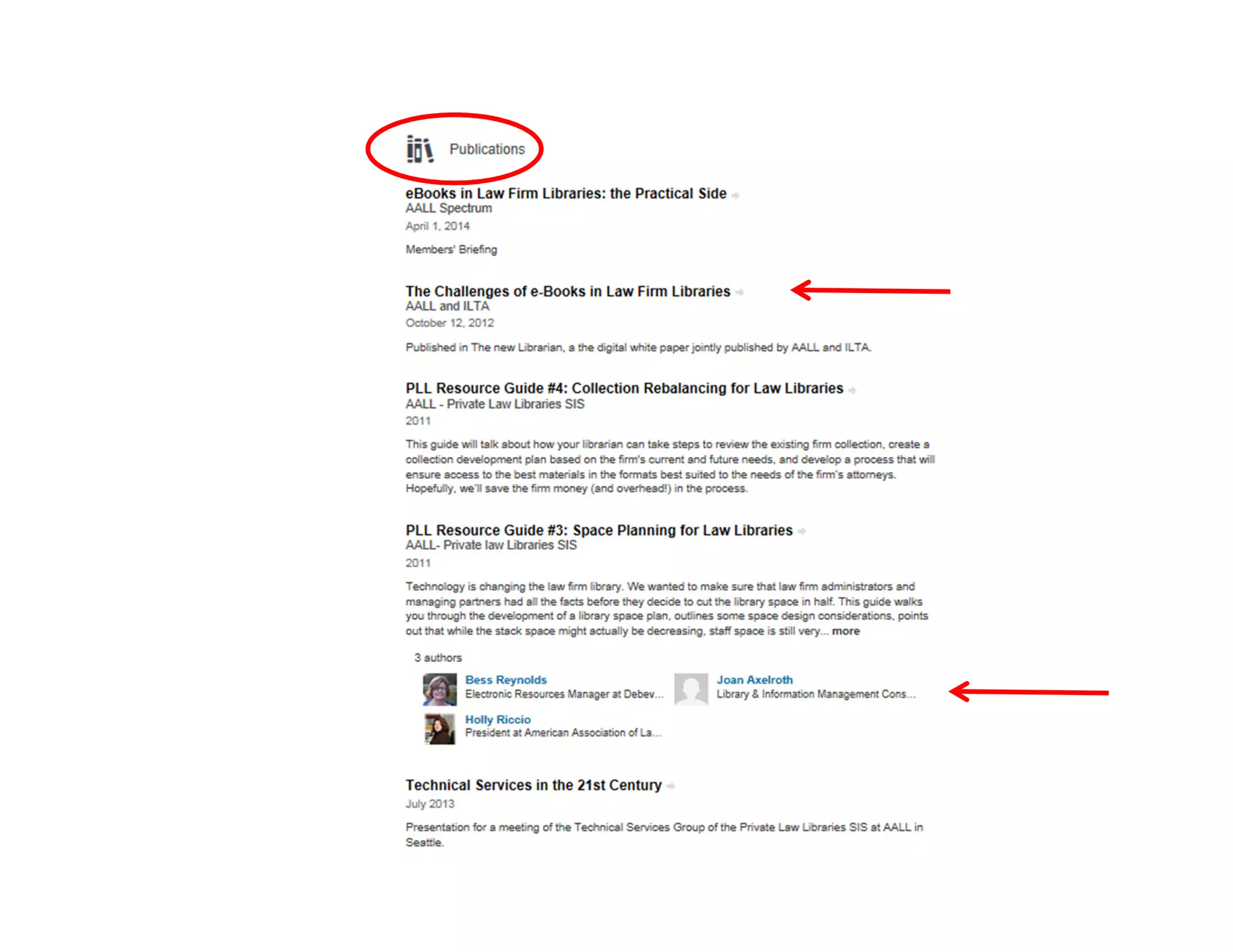
• Publications or
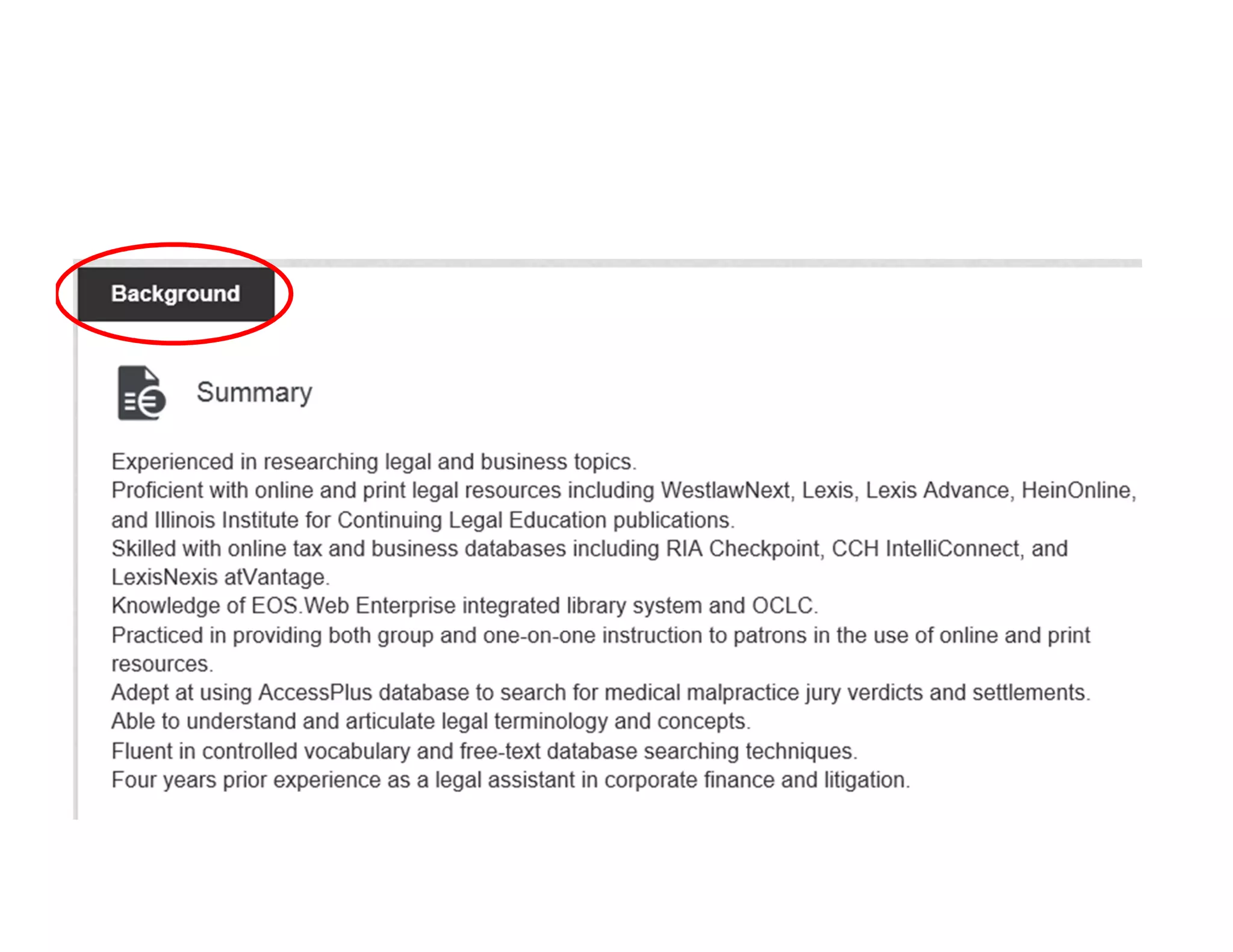
• Background — Summary
I recommend Publications as Background Summary provides images and link to the full text while Publications provides
citations and the link to the full text.
• Click on Add (top right of Publications section or little rectangle in top right of Background - Summary
section)
• Complete information & Save
• Go to top and click on Done editing button
• View item - should have a little right arrow at the end of the title which is the link to the full text. Click on
the title to make sure that it opens
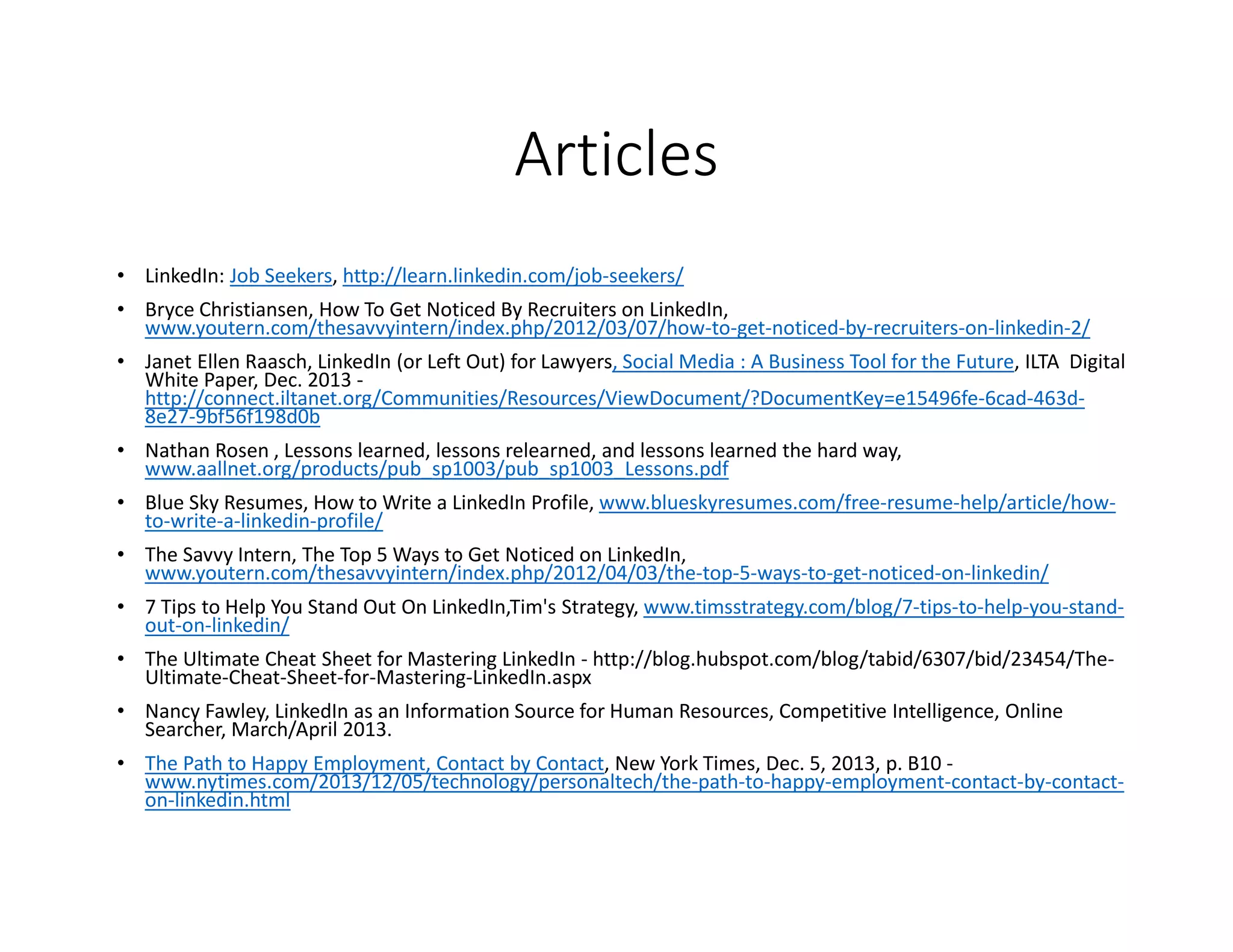
Articles
• LinkedIn: Job Seekers, http://learn.linkedin.com/job-seekers/
• Bryce Christiansen, How To Get Noticed By Recruiters on LinkedIn,
www.youtern.com/thesavvyintern/index.php/2012/03/07/how-to-get-noticed-by-recruiters-on-linkedin-2/
• Janet Ellen Raasch, LinkedIn (or Left Out) for Lawyers, Social Media : A Business Tool for the Future, ILTA Digital
White Paper, Dec. 2013 -
http://connect.iltanet.org/Communities/Resources/ViewDocument/?DocumentKey=e15496fe-6cad-463d-
8e27-9bf56f198d0b
• Nathan Rosen , Lessons learned, lessons relearned, and lessons learned the hard way,
www.aallnet.org/products/pub_sp1003/pub_sp1003_Lessons.pdf
• Blue Sky Resumes, How to Write a LinkedIn Profile, www.blueskyresumes.com/free-resume-help/article/how-
to-write-a-linkedin-profile/
• The Savvy Intern, The Top 5 Ways to Get Noticed on LinkedIn,
www.youtern.com/thesavvyintern/index.php/2012/04/03/the-top-5-ways-to-get-noticed-on-linkedin/
• 7 Tips to Help You Stand Out On LinkedIn,Tim's Strategy, www.timsstrategy.com/blog/7-tips-to-help-you-stand-
out-on-linkedin/
• The Ultimate Cheat Sheet for Mastering LinkedIn - http://blog.hubspot.com/blog/tabid/6307/bid/23454/The-
Ultimate-Cheat-Sheet-for-Mastering-LinkedIn.aspx
• Nancy Fawley, LinkedIn as an Information Source for Human Resources, Competitive Intelligence, Online
Searcher, March/April 2013.
• The Path to Happy Employment, Contact by Contact, New York Times, Dec. 5, 2013, p. B10 -
www.nytimes.com/2013/12/05/technology/personaltech/the-path-to-happy-employment-contact-by-contact-
on-linkedin.html
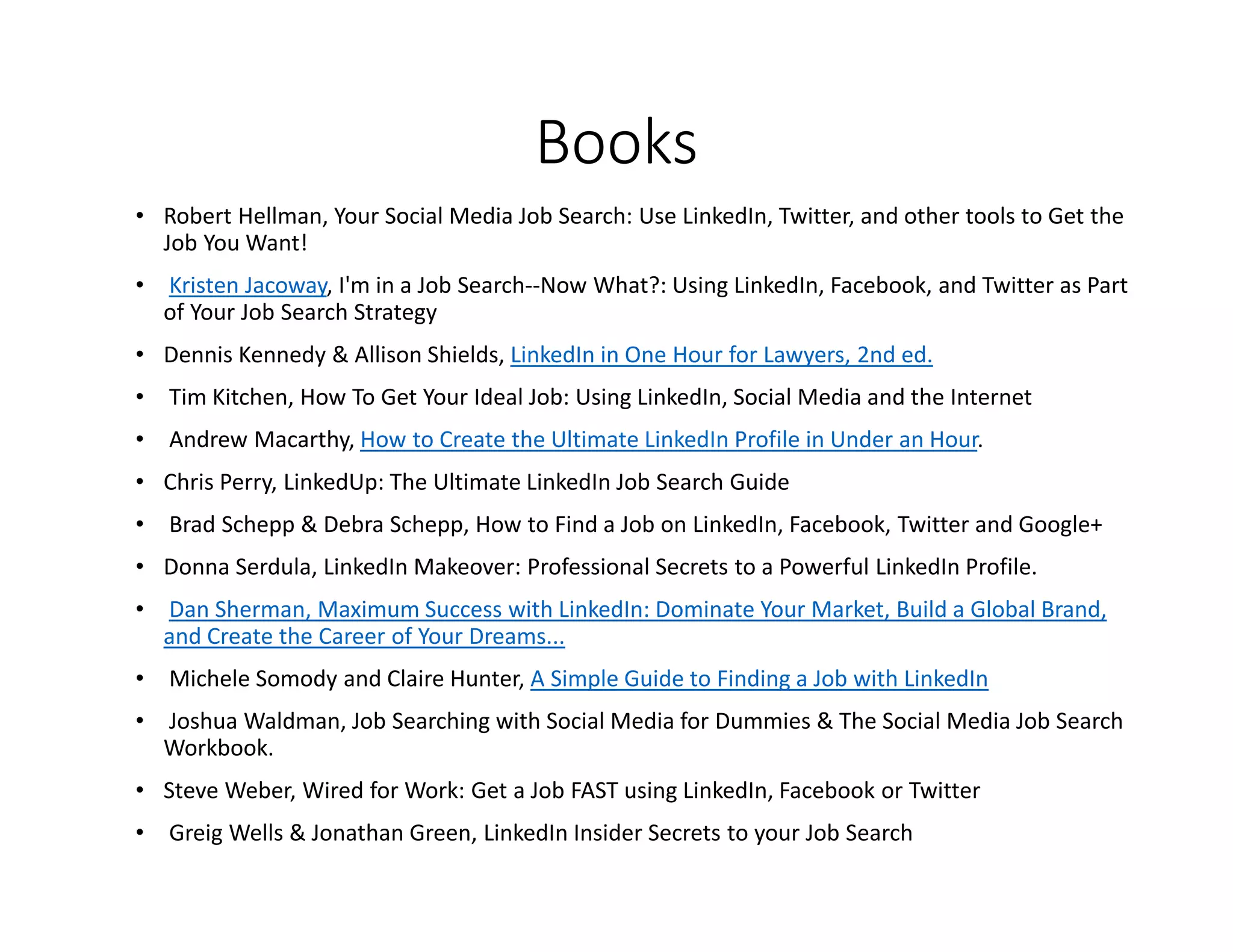
Books
• Robert Hellman, Your Social Media Job Search: Use LinkedIn, Twitter, and other tools to Get the
Job You Want!
• Kristen Jacoway, I'm in a Job Search--Now What?: Using LinkedIn, Facebook, and Twitter as Part
of Your Job Search Strategy
• Dennis Kennedy & Allison Shields, LinkedIn in One Hour for Lawyers, 2nd ed.
• Tim Kitchen, How To Get Your Ideal Job: Using LinkedIn, Social Media and the Internet
• Andrew Macarthy, How to Create the Ultimate LinkedIn Profile in Under an Hour.
• Chris Perry, LinkedUp: The Ultimate LinkedIn Job Search Guide
• Brad Schepp & Debra Schepp, How to Find a Job on LinkedIn, Facebook, Twitter and Google+
• Donna Serdula, LinkedIn Makeover: Professional Secrets to a Powerful LinkedIn Profile.
• Dan Sherman, Maximum Success with LinkedIn: Dominate Your Market, Build a Global Brand,
and Create the Career of Your Dreams...
• Michele Somody and Claire Hunter, A Simple Guide to Finding a Job with LinkedIn
• Joshua Waldman, Job Searching with Social Media for Dummies & The Social Media Job Search
Workbook.
• Steve Weber, Wired for Work: Get a Job FAST using LinkedIn, Facebook or Twitter
• Greig Wells & Jonathan Green, LinkedIn Insider Secrets to your Job Search
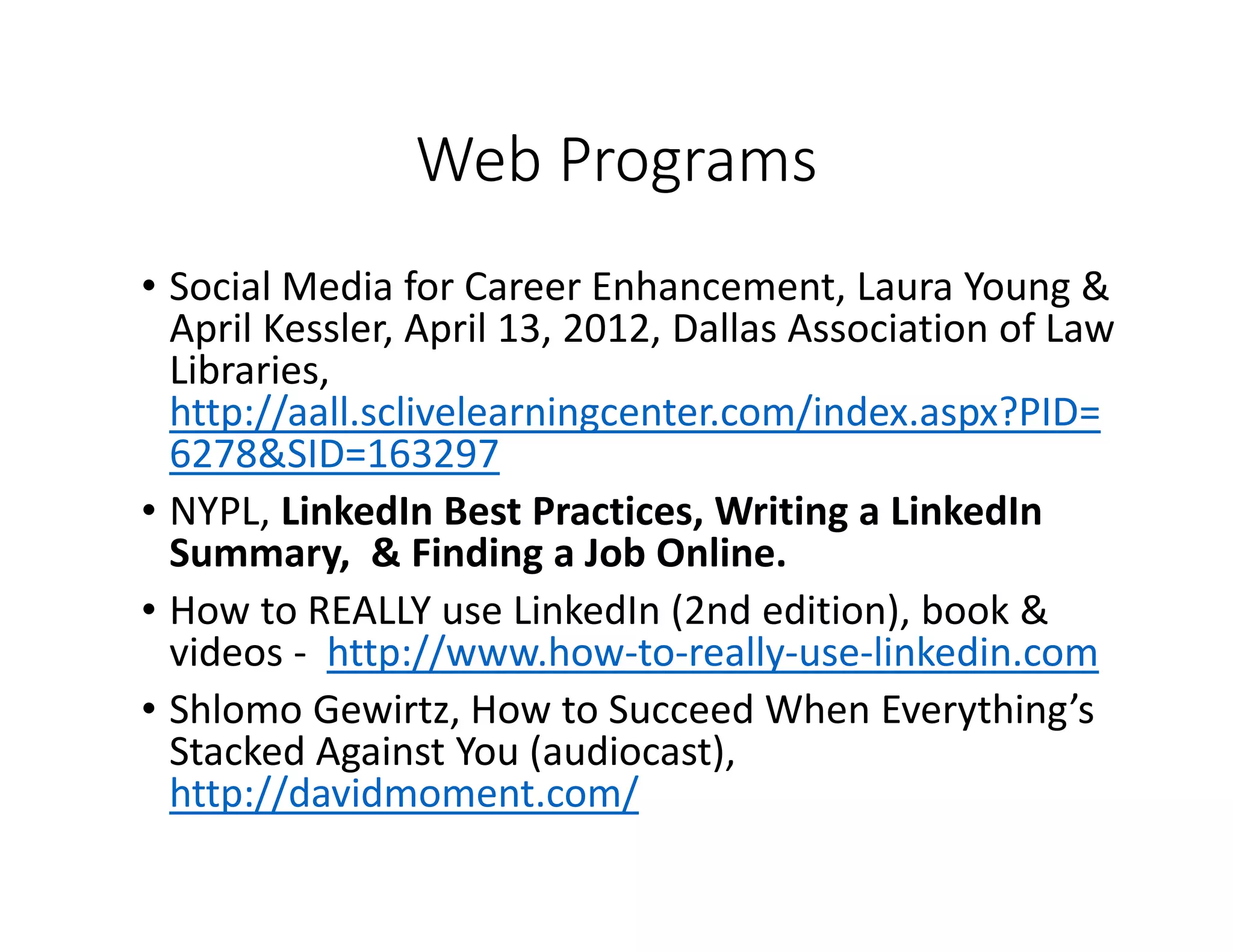
Web Programs
• Social Media for Career Enhancement, Laura Young &
April Kessler, April 13, 2012, Dallas Association of Law
Libraries,
http://aall.sclivelearningcenter.com/index.aspx?PID=
6278&SID=163297
• NYPL, LinkedIn Best Practices, Writing a LinkedIn
Summary, & Finding a Job Online.
• How to REALLY use LinkedIn (2nd edition), book &
videos - http://www.how-to-really-use-linkedin.com
• Shlomo Gewirtz, How to Succeed When Everything’s
Stacked Against You (audiocast),
http://davidmoment.com/
Questions and Answers
Nathan Rosen
• Email: nathan.rosen@rcn.com
• LinkedIn: www.linkedin.com/in/nathanrosen
• Twitter: nathanrosen

Getting hired using social media presentation by Nathan Rosen at New York Public Library March 10 2015

  • 1.
    Getting Hired UsingGettingHired UsingGetting Hired UsingGetting Hired Using Social MediaSocial MediaSocial MediaSocial Media March 10, 2015 Nathan Aaron Rosen
  • 2.
    All the opinionsand statements within this presentation are mine alone and do not in any way, shape or form, reflect the opinion or position of any of my past or current employers, or New York Public Library - the sponsor of this program.
  • 3.
    “About 1.7 million1.7million1.7 million1.7 million people, on average, lose their jobs every month.” New York Times, February 27, 2015 Making money decisions when you lose your job. “93% of recruiters use social media for recruitment.” Jobvite, Social Recruiting Survey, 2014
  • 4.
  • 5.
    Employment Social mediaEmploymentSocial mediaEmployment Social mediaEmployment Social media scorecardscorecardscorecardscorecard
  • 6.
    How did Ido? • < 10 points - Time to get started • 10 to 20 points - • 21 to 30 points - • > 30 points -
  • 7.
    Agenda •Know it (youronline social media footprint); •Own it (take control of what people see); •Develop it (number of contacts & quality of profile); •Use it (research people & companies)
  • 8.
    Know your socialmedia footprint
  • 9.
    Questions to askyourself regarding your social media Does it answer the questions potential employer would ask: • what have you done • for whom you have done it • what can you do for me
  • 10.
    Agenda • Know it(your online social media footprint); •Own it (take control of what people see); • Develop it (number of contacts & quality of profile); • Use it (research people & companies)
  • 11.
    Own your socialmedia footprintOwn your social media footprintOwn your social media footprintOwn your social media footprint • ZoomInfo • Naymz • Brand Yourself • Yatedo • Google+ • LinkedIn
  • 12.
  • 13.
  • 14.
  • 15.
  • 16.
  • 17.
    Reduce negative searchresults •Delete what you can – clean up your sites •Reach out to get owner to ask them to take it down •File Digital Millennium Copyright Act (DMCA) takedown •Try to bump it off the first page •Only effective way – actively build a positive online presence
  • 18.
    LinkedIn • Create complete compellingprofile • Craft settings • Connect • Contribute • Congratulate
  • 19.
    ONE – Createcomplete compelling profile Capture/codify/chronicle your accomplishments & successes Personalized your url Speak in 1st person
  • 21.
  • 26.
  • 27.
  • 28.
  • 29.
    TWOTWOTWOTWO –––– CraftSettingsCraft SettingsCraft SettingsCraft Settings
  • 30.
  • 31.
    Agenda • Know it(your online social media footprint); • Own it (take control of what people see); • Develop it (number of contacts & quality of profile); • Use it (research people & companies)
  • 32.
  • 33.
    Connect - increasecontacts People you know • School or work • Personal interests • Professional associations People who would like to know
  • 34.
    Utilize the powerof LinkedIn
  • 35.
    WOW! My connections 931 Friendof friends connections Group connections LinkedIn 322,274 844,180 300,000,000 Friends of friends’ friend 10,459,185
  • 36.
  • 37.
  • 38.
  • 39.
  • 40.
    Know who islooking at you
  • 41.
    Increase quality ofprofile • Skills, Recommendations & endorsements • Contribute • Congratulate
  • 43.
  • 44.
  • 45.
    Contribute Communicate – Giveto get Comment on news, decisions, & articles Share insights from your work
  • 46.
  • 47.
    Share web sitesdirectly from the site https://www.linkedin.com/static?key=browser_bookmarklet
  • 48.
    Congratulate Recognize other people’s successes Applaudcolleagues accomplishments Cheer friends milestones
  • 49.
    Agenda • Know it(your online social media footprint); • Own it (take control of what people see); • Develop it (number of contacts & quality of profile); • Use it (research people & companies)
  • 50.
    Find people bysearching
  • 51.
  • 52.
  • 53.
    Learn about thecompany & staff
  • 54.
    Utilize available resources •NYPL - Science, Industry and Business Library (SIBL) • Job web sites • NY State DOL
  • 55.
  • 59.
    Advanced Tip Commit todaily progress – slow & steady
  • 60.
    To do whenyou get home • Join Linkedin • Complete your profile – carefully and accurately. If you’re currently unemployed, list your current position as “Open to opportunities.” • Include a photo – cropped headshot is best with a smile. • Write a professional summary – Your headline at the top is important. Highlight experience. • Look around to see what others in your field are doing. • Include Keywords & Skills - Use words for which you want to be found and show up in search results. • Contact Settings – List your availability: career opportunities, consulting offers, new ventures, job inquiries, and reference requests. • Website Links – Link to a personal blog, other social network profiles. • Personal URL – Pick something you want to live with and include it in email signature. • Grow your Network! – Find connections, fellow employees at previous employment, current coworkers, friends & members of all organizations that you are connected to. • Consider recommendations & add skills – Weigh the pros vs cons. Consider waiting until more comfortable with Linkedin. • Invest time every week – Build & maintain network. GIVE TO GET! Keep at it.
  • 61.
    Uploading articles/presentations • Preparepdf versions of the articles you would like to include or ppt versions of the PowerPoint presentations. Save them with filename that helps to clearly identify the article. • Sign up for SlideShare (www.slideshare.com). • Upload your articles as pdf or presentations as pdf or PowerPoint. • Add full title, tags, choose category and add useful search terms or citation in the description field. • When completed all uploading — go to top right icon of person - My Uploads. Locate the item you want to load on LinkedIn. Click on item and then Edit Setting. Move mouse over the title (top of screen), right click and select Properties. Go to Address and copy the url via right click starting with www, making sure that include all of it as it may be more than two lines. Keep Slideshare open. • Sign in to Linkedln (www.linkedin.com) • From menu bar — Profiles — Edit Profile then choose • Publications or • Background — Summary I recommend Publications as Background Summary provides images and link to the full text while Publications provides citations and the link to the full text. • Click on Add (top right of Publications section or little rectangle in top right of Background - Summary section) • Complete information & Save • Go to top and click on Done editing button • View item - should have a little right arrow at the end of the title which is the link to the full text. Click on the title to make sure that it opens
  • 62.
    Articles • LinkedIn: JobSeekers, http://learn.linkedin.com/job-seekers/ • Bryce Christiansen, How To Get Noticed By Recruiters on LinkedIn, www.youtern.com/thesavvyintern/index.php/2012/03/07/how-to-get-noticed-by-recruiters-on-linkedin-2/ • Janet Ellen Raasch, LinkedIn (or Left Out) for Lawyers, Social Media : A Business Tool for the Future, ILTA Digital White Paper, Dec. 2013 - http://connect.iltanet.org/Communities/Resources/ViewDocument/?DocumentKey=e15496fe-6cad-463d- 8e27-9bf56f198d0b • Nathan Rosen , Lessons learned, lessons relearned, and lessons learned the hard way, www.aallnet.org/products/pub_sp1003/pub_sp1003_Lessons.pdf • Blue Sky Resumes, How to Write a LinkedIn Profile, www.blueskyresumes.com/free-resume-help/article/how- to-write-a-linkedin-profile/ • The Savvy Intern, The Top 5 Ways to Get Noticed on LinkedIn, www.youtern.com/thesavvyintern/index.php/2012/04/03/the-top-5-ways-to-get-noticed-on-linkedin/ • 7 Tips to Help You Stand Out On LinkedIn,Tim's Strategy, www.timsstrategy.com/blog/7-tips-to-help-you-stand- out-on-linkedin/ • The Ultimate Cheat Sheet for Mastering LinkedIn - http://blog.hubspot.com/blog/tabid/6307/bid/23454/The- Ultimate-Cheat-Sheet-for-Mastering-LinkedIn.aspx • Nancy Fawley, LinkedIn as an Information Source for Human Resources, Competitive Intelligence, Online Searcher, March/April 2013. • The Path to Happy Employment, Contact by Contact, New York Times, Dec. 5, 2013, p. B10 - www.nytimes.com/2013/12/05/technology/personaltech/the-path-to-happy-employment-contact-by-contact- on-linkedin.html
  • 63.
    Books • Robert Hellman,Your Social Media Job Search: Use LinkedIn, Twitter, and other tools to Get the Job You Want! • Kristen Jacoway, I'm in a Job Search--Now What?: Using LinkedIn, Facebook, and Twitter as Part of Your Job Search Strategy • Dennis Kennedy & Allison Shields, LinkedIn in One Hour for Lawyers, 2nd ed. • Tim Kitchen, How To Get Your Ideal Job: Using LinkedIn, Social Media and the Internet • Andrew Macarthy, How to Create the Ultimate LinkedIn Profile in Under an Hour. • Chris Perry, LinkedUp: The Ultimate LinkedIn Job Search Guide • Brad Schepp & Debra Schepp, How to Find a Job on LinkedIn, Facebook, Twitter and Google+ • Donna Serdula, LinkedIn Makeover: Professional Secrets to a Powerful LinkedIn Profile. • Dan Sherman, Maximum Success with LinkedIn: Dominate Your Market, Build a Global Brand, and Create the Career of Your Dreams... • Michele Somody and Claire Hunter, A Simple Guide to Finding a Job with LinkedIn • Joshua Waldman, Job Searching with Social Media for Dummies & The Social Media Job Search Workbook. • Steve Weber, Wired for Work: Get a Job FAST using LinkedIn, Facebook or Twitter • Greig Wells & Jonathan Green, LinkedIn Insider Secrets to your Job Search
  • 64.
    Web Programs • SocialMedia for Career Enhancement, Laura Young & April Kessler, April 13, 2012, Dallas Association of Law Libraries, http://aall.sclivelearningcenter.com/index.aspx?PID= 6278&SID=163297 • NYPL, LinkedIn Best Practices, Writing a LinkedIn Summary, & Finding a Job Online. • How to REALLY use LinkedIn (2nd edition), book & videos - http://www.how-to-really-use-linkedin.com • Shlomo Gewirtz, How to Succeed When Everything’s Stacked Against You (audiocast), http://davidmoment.com/
  • 65.
    Questions and Answers NathanRosen • Email: nathan.rosen@rcn.com • LinkedIn: www.linkedin.com/in/nathanrosen • Twitter: nathanrosen