SNIPPING TOOL
There are 2 ways to get to your
  snipping tool in windows 7
Where is my Windows 7

    Snipping Tool?????
In Windows Features check to see if
Tablet PC components is checked off
STEP 1 Go to Start Menu
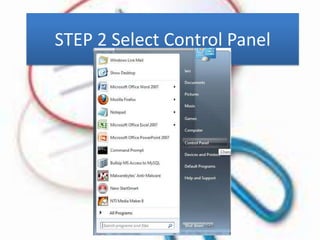
STEP 2 Select Control Panel
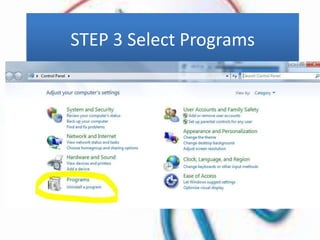
STEP 3 Select Programs
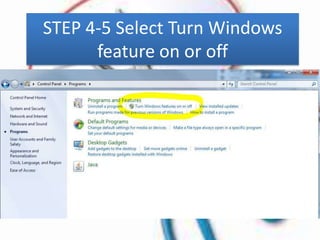
STEP 4-5 Select Turn Windows
      feature on or off
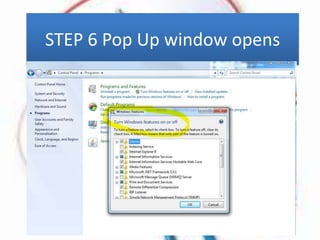
STEP 6 Pop Up window opens
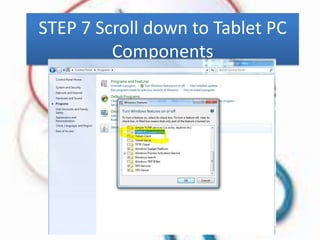
STEP 7 Scroll down to Tablet PC
         Components
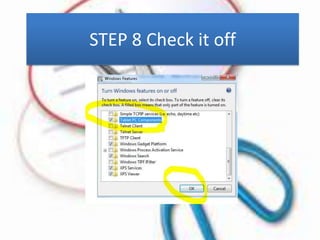
STEP 8 Check it off
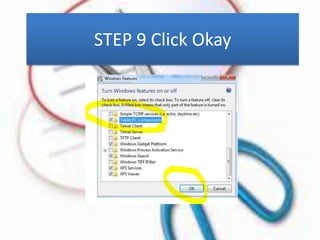
STEP 9 Click Okay
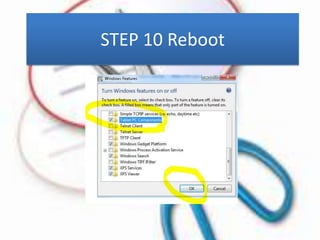
STEP 10 Reboot
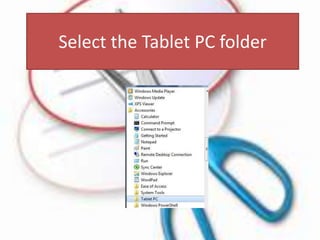
Open your Accessories in the
      Programs menu
Select the Tablet PC folder
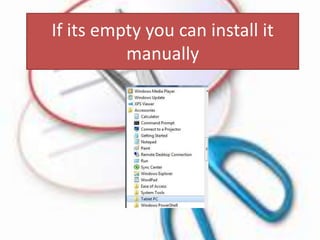
If its empty you can install it
          manually
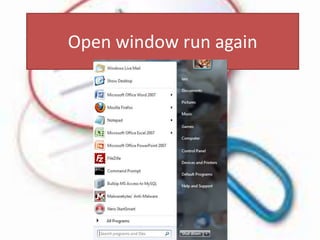
Open window run again
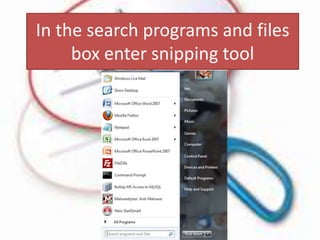
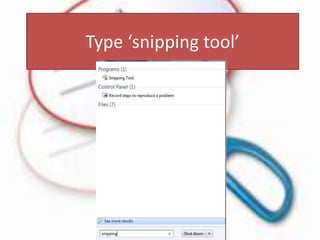
In the search programs and files
     box enter snipping tool
Type ‘snipping tool’
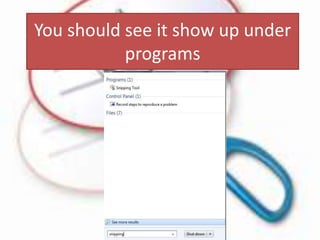
You should see it show up under
           programs
Still don’t see it?????
Its on you system in the system
            directory
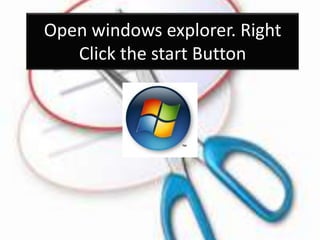
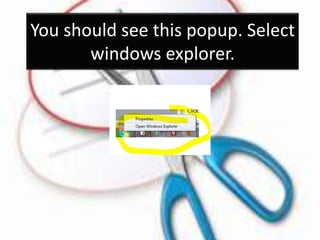
Open windows explorer. Right
   Click the start Button
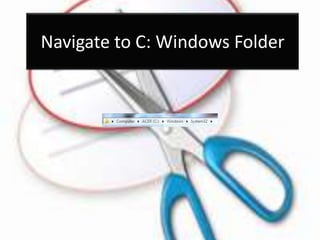
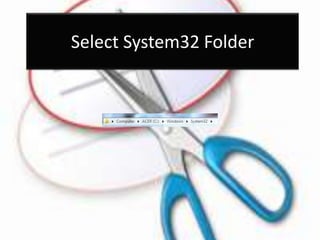
Navigate to C: Windows Folder
You should see this popup. Select
       windows explorer.
Select System32 Folder
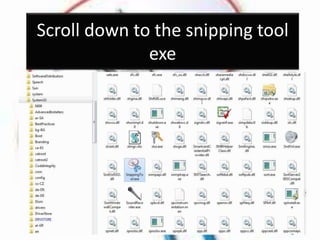
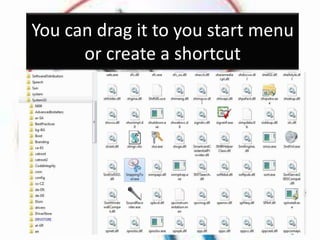
Scroll down to the snipping tool
              exe
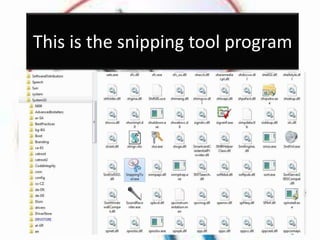
This is the snipping tool program
You can drag it to you start menu
      or create a shortcut
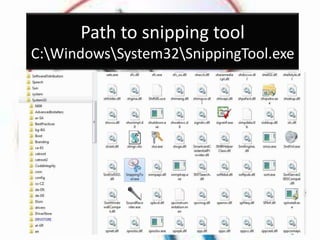
Path to snipping tool
C:WindowsSystem32SnippingTool.exe
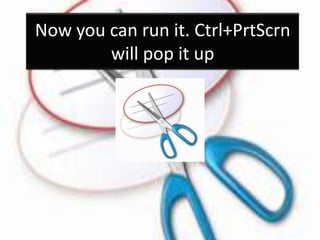
Now you can run it. Ctrl+PrtScrn
        will pop it up
Thanks to the snipping tool for
helping make this presentation
More help tips and tutorials
Please visit discoveryvip.com
     DISCOVERYVIP.com
Please don’t forget to favorite
        and add me.

Get windows Snipping Tool