Find your Youtube RSS feed URL


RSS feeds are a great way to promote
            your channel
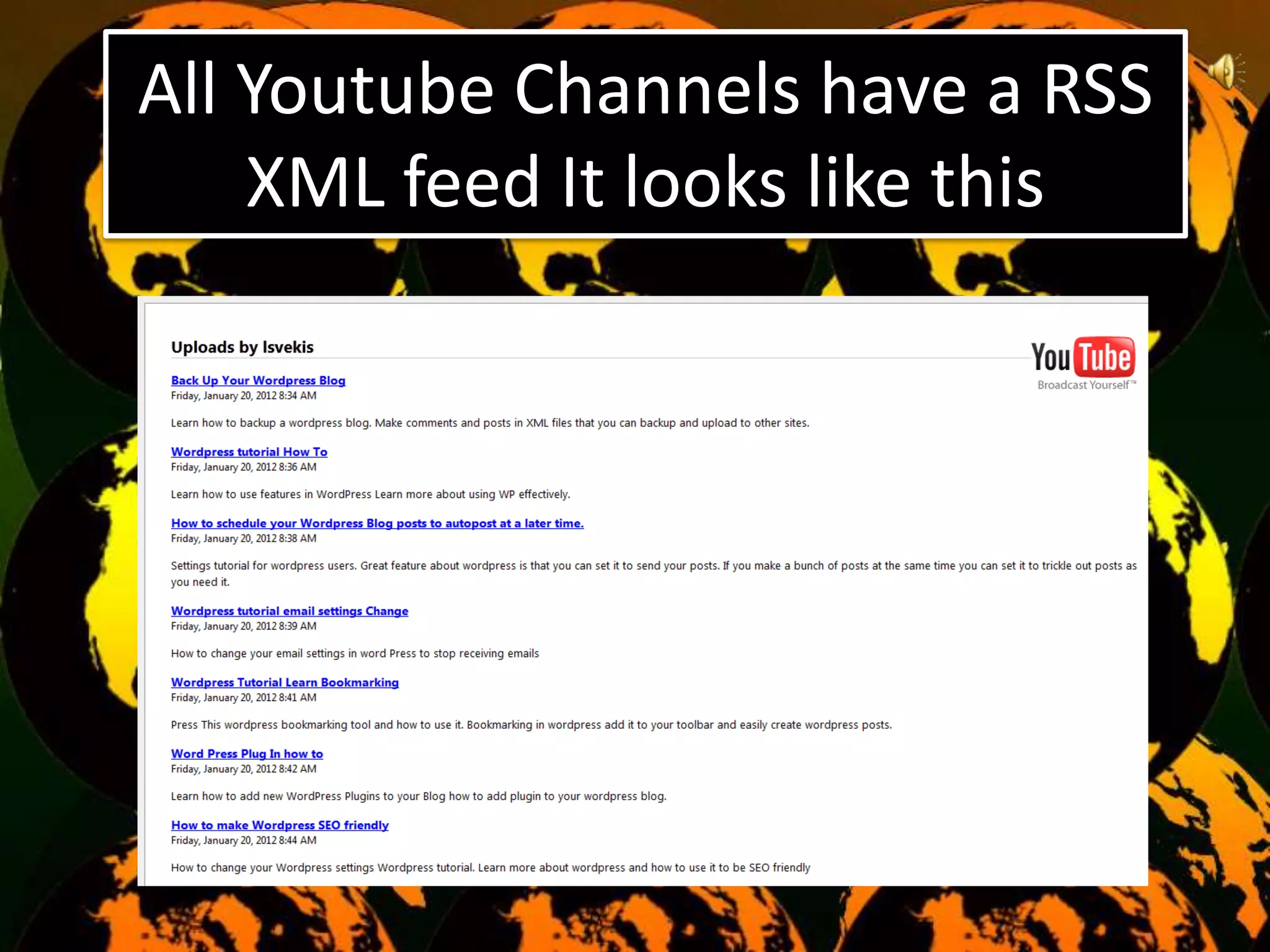
All Youtube Channels have a RSS
    XML feed It looks like this
Enter your Youtube Feed
       information which is
http://gdata.youtube.com/feeds/
   api/users/Youtube/uploads

 Replace the Youtube with your
         channel name
That’s It again the address is
http://gdata.youtube.com/feeds/
   api/users/Youtube/uploads

 Replace the Youtube with your
         channel name
Thanks for watching, don’t forget to

         comment
          favorite
         Subscribe
   Visit www BlogAboutWeb.com
     For Games gameysite.com
    Mobile Games Site Play Free

How to get your youtube rss feed

  • 1.
    Find your YoutubeRSS feed URL RSS feeds are a great way to promote your channel
  • 2.
    All Youtube Channelshave a RSS XML feed It looks like this
  • 3.
    Enter your YoutubeFeed information which is http://gdata.youtube.com/feeds/ api/users/Youtube/uploads Replace the Youtube with your channel name
  • 4.
    That’s It againthe address is http://gdata.youtube.com/feeds/ api/users/Youtube/uploads Replace the Youtube with your channel name
  • 5.
    Thanks for watching,don’t forget to comment favorite Subscribe Visit www BlogAboutWeb.com For Games gameysite.com Mobile Games Site Play Free