Download to read offline
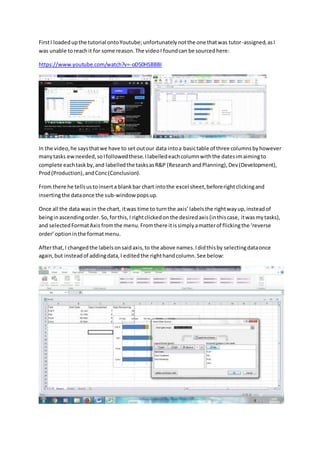
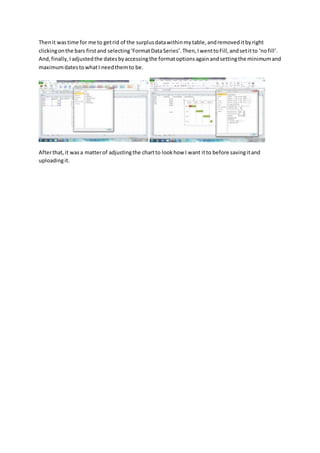

The document describes the steps taken to create a basic Gantt chart in Excel based on a YouTube tutorial video. Key steps included: 1) Setting out data into a three column table with task names, planned dates, and task types. 2) Inserting a blank bar chart and adding the table data. 3) Reversing the axis order and changing axis labels to match the task names and types. 4) Removing surplus data from the table and bars, adjusting date ranges, and formatting the final chart.


![GanttChartGantt Chart© 2008 Vertex42 LLC0HELP[Project Name][Compan.docx](https://cdn.slidesharecdn.com/ss_thumbnails/ganttchartganttchart2008vertex42llc0helpprojectnamecompan-221101070955-4e6ea5dc-thumbnail.jpg?width=640&height=640&fit=bounds)


