Make Your Mobile Apps
Strong With Functional Testing
Adam Hill
Sr. Mobile Developer
MV Transportation
adam.hill@gmail.com
@adamhill
We all know about testing
• Unit testing (testing we should be doing)
• Integration testing (the testing that is harder to do)
• What's functional testing?
(In my mind) Functional
testing is:
• Testing an app "live"
• Possibly real data / possibly mock data
• Almost always involves some kind of UI automation
• Easy to connect to acceptance tests / traditional
human QA testing
Functional Testing Elsewhere
• Desktop Apps
• MS Test Recorder (in VS Enterprise)
• Web
• Selenium
• Canopy (local devs! - @amirajan & @lefthandedgoat)
• Protractor
Xamarin.UI.Test
• Lets you write tests in C#
• Uses Unit 2.6.2
• Xamarin Test Runner
• Can run in simulator or on physical devices.
• Limitations
• No NUnit 3.0.
• Only run iOS tests on iOS on Mac
• No support for UWP.
Testing Details
• Classical steps
• ARRANGE - Setup fake data, mocks, etc.
• ACT - Perform the test.
• ASSERT - See if you got the expected results.
• The catch is you are testing via poking the UI
programmatically.
• Still code, but with complications.
Complications
• You must name the controls you wish to test against and
assert, then access events & properties
• OR
• You must find the control / contents via LINQ like queries.
• The first one is easier but problematic for controls that
have lists of things (ListView, Picker). You have to find by
text or ordinal (1st, 2nd or Nth in the list)
• UI’s change frequently, even after deployment.
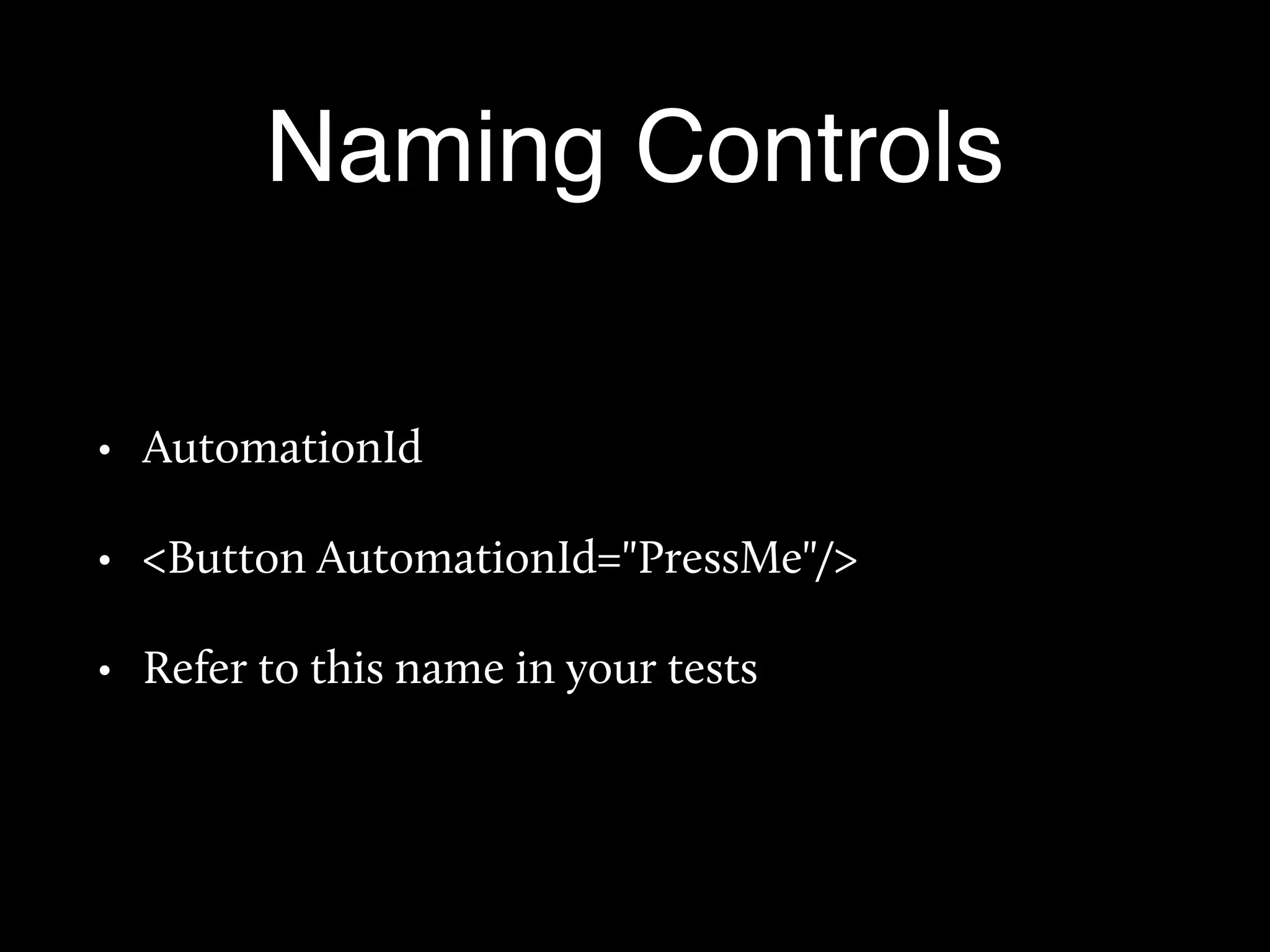
Naming Controls
• AutomationId
• <Button AutomationId="PressMe"/>
• Refer to this name in your tests
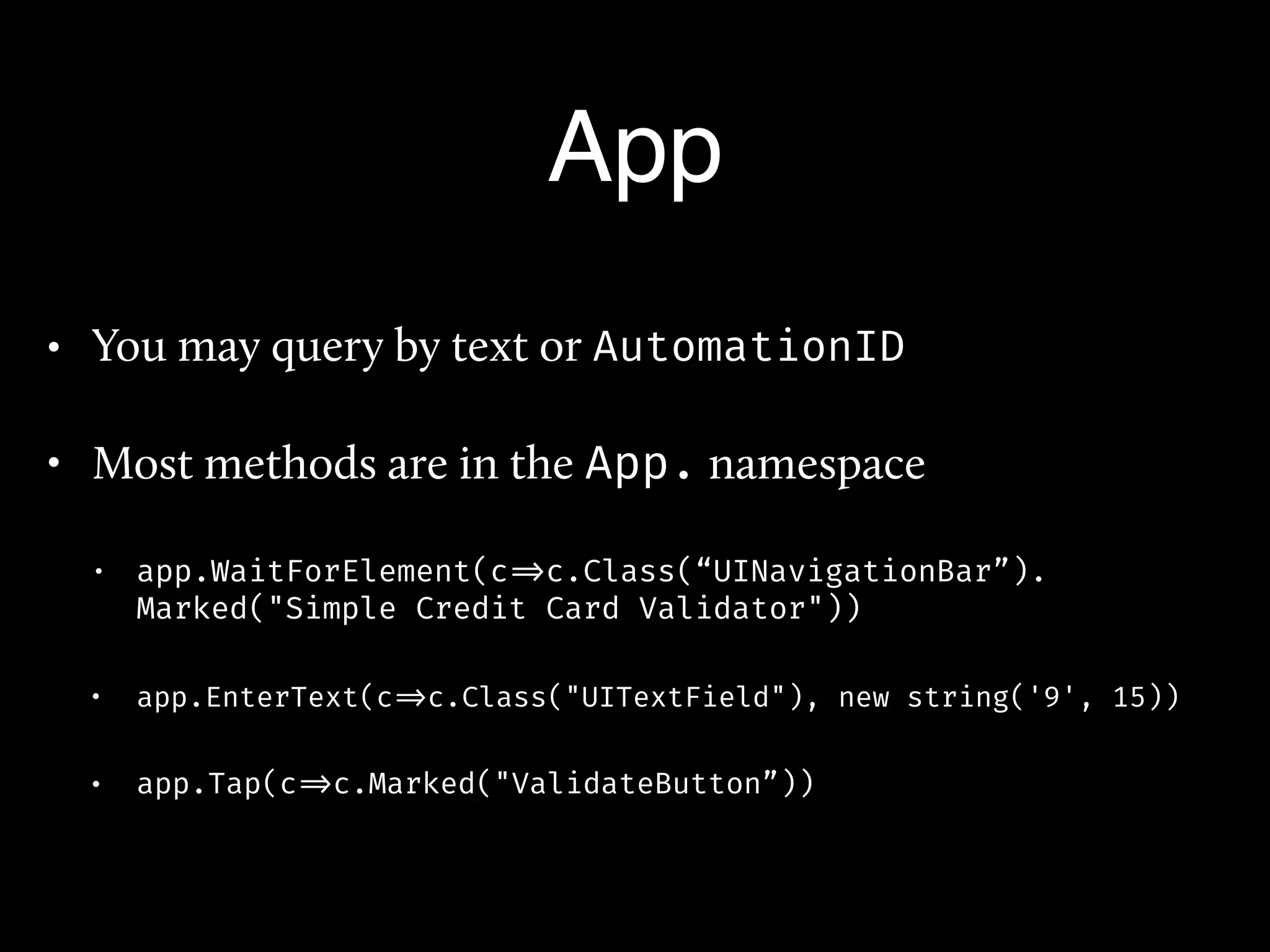
App
• You may query by text or AutomationID
• Most methods are in the App. namespace
• app.WaitForElement(c =>c.Class(“UINavigationBar”).
Marked("Simple Credit Card Validator"))
• app.EnterText(c =>c.Class("UITextField"), new string('9', 15))
• app.Tap(c =>c.Marked("ValidateButton”))
(demo)
Advanced Things
• Grouping tests [Category(“Foo”)]
• Backdoors - Device Native methods you can call from tests
[Export(“MyNativeBackdoor”])
• Gestures - Simulates Pinch, DoubleTap, DragToCoordinates, Swipe L/R
• REPL - Terminal to let you explore the app.
• Native Views ?
• <ios:UIButton />
• <android:Button/>
•
Any Questions
Thanks!

Functional Testing

  • 1.
    Make Your MobileApps Strong With Functional Testing Adam Hill Sr. Mobile Developer MV Transportation adam.hill@gmail.com @adamhill
  • 2.
    We all knowabout testing • Unit testing (testing we should be doing) • Integration testing (the testing that is harder to do) • What's functional testing?
  • 3.
    (In my mind)Functional testing is: • Testing an app "live" • Possibly real data / possibly mock data • Almost always involves some kind of UI automation • Easy to connect to acceptance tests / traditional human QA testing
  • 4.
    Functional Testing Elsewhere •Desktop Apps • MS Test Recorder (in VS Enterprise) • Web • Selenium • Canopy (local devs! - @amirajan & @lefthandedgoat) • Protractor
  • 5.
    Xamarin.UI.Test • Lets youwrite tests in C# • Uses Unit 2.6.2 • Xamarin Test Runner • Can run in simulator or on physical devices. • Limitations • No NUnit 3.0. • Only run iOS tests on iOS on Mac • No support for UWP.
  • 6.
    Testing Details • Classicalsteps • ARRANGE - Setup fake data, mocks, etc. • ACT - Perform the test. • ASSERT - See if you got the expected results. • The catch is you are testing via poking the UI programmatically. • Still code, but with complications.
  • 7.
    Complications • You mustname the controls you wish to test against and assert, then access events & properties • OR • You must find the control / contents via LINQ like queries. • The first one is easier but problematic for controls that have lists of things (ListView, Picker). You have to find by text or ordinal (1st, 2nd or Nth in the list) • UI’s change frequently, even after deployment.
  • 8.
    Naming Controls • AutomationId •<Button AutomationId="PressMe"/> • Refer to this name in your tests
  • 9.
    App • You mayquery by text or AutomationID • Most methods are in the App. namespace • app.WaitForElement(c =>c.Class(“UINavigationBar”). Marked("Simple Credit Card Validator")) • app.EnterText(c =>c.Class("UITextField"), new string('9', 15)) • app.Tap(c =>c.Marked("ValidateButton”))
  • 10.
  • 11.
    Advanced Things • Groupingtests [Category(“Foo”)] • Backdoors - Device Native methods you can call from tests [Export(“MyNativeBackdoor”]) • Gestures - Simulates Pinch, DoubleTap, DragToCoordinates, Swipe L/R • REPL - Terminal to let you explore the app. • Native Views ? • <ios:UIButton /> • <android:Button/> •
  • 12.