
Frida
Runtime Debugging
By: Bhargav Gajera,
Vitthal Shinde
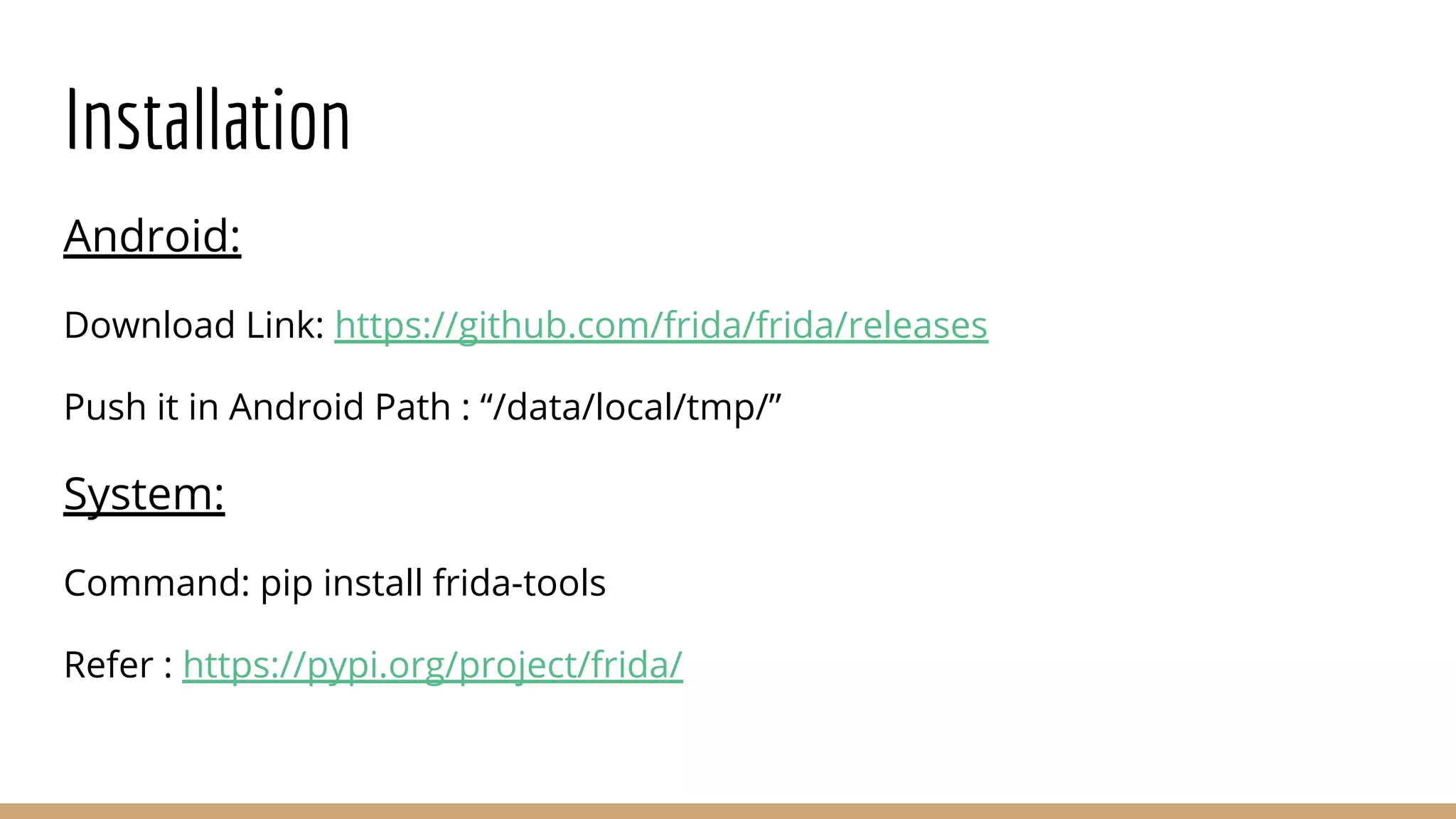
Installation
Android:
Download Link: https://github.com/frida/frida/releases
Push it in Android Path : “/data/local/tmp/”
System:
Command: pip install frida-tools
Refer : https://pypi.org/project/frida/
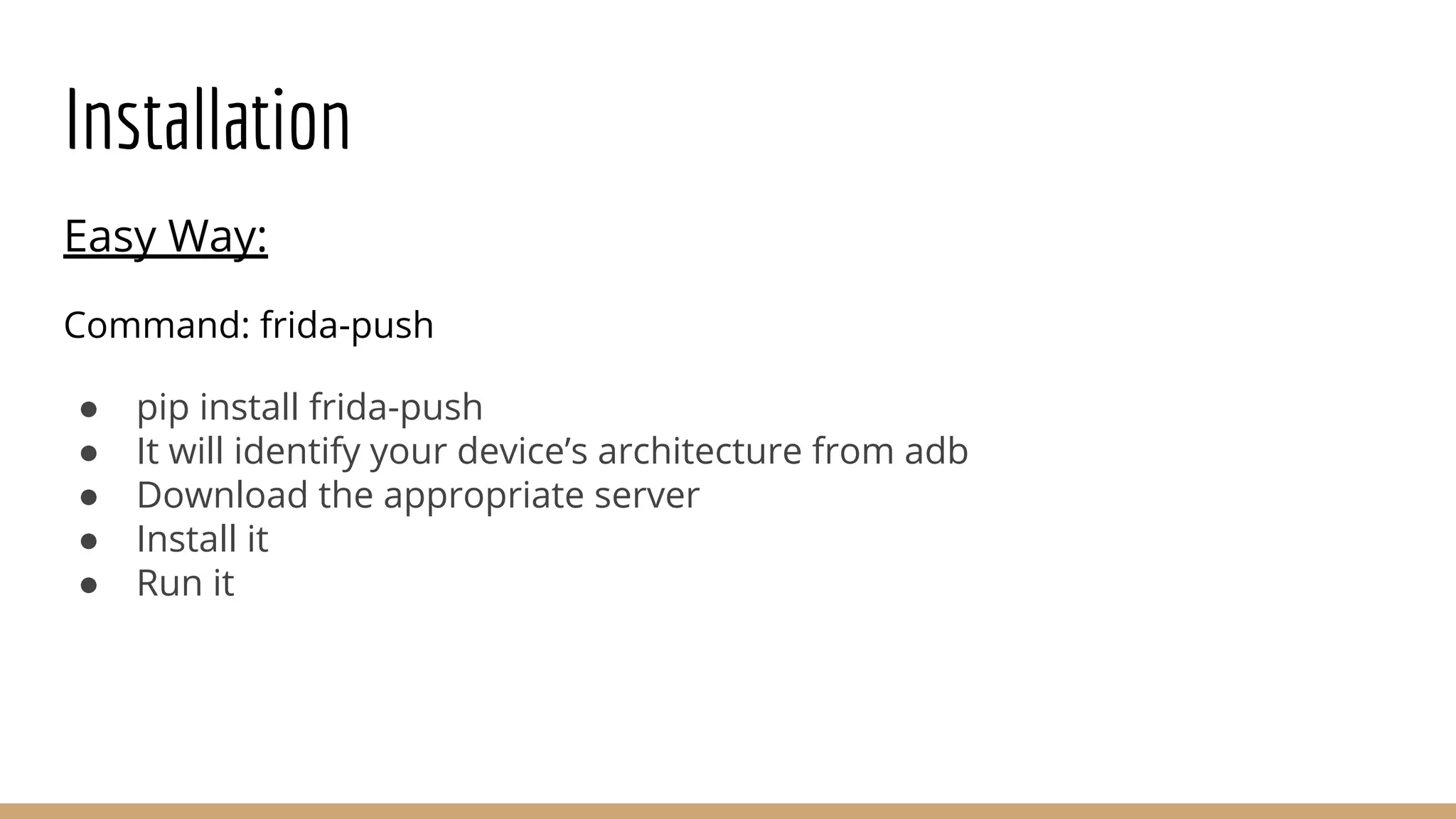
Installation
Easy Way:
Command: frida-push
● pip install frida-push
● It will identify your device’s architecture from adb
● Download the appropriate server
● Install it
● Run it
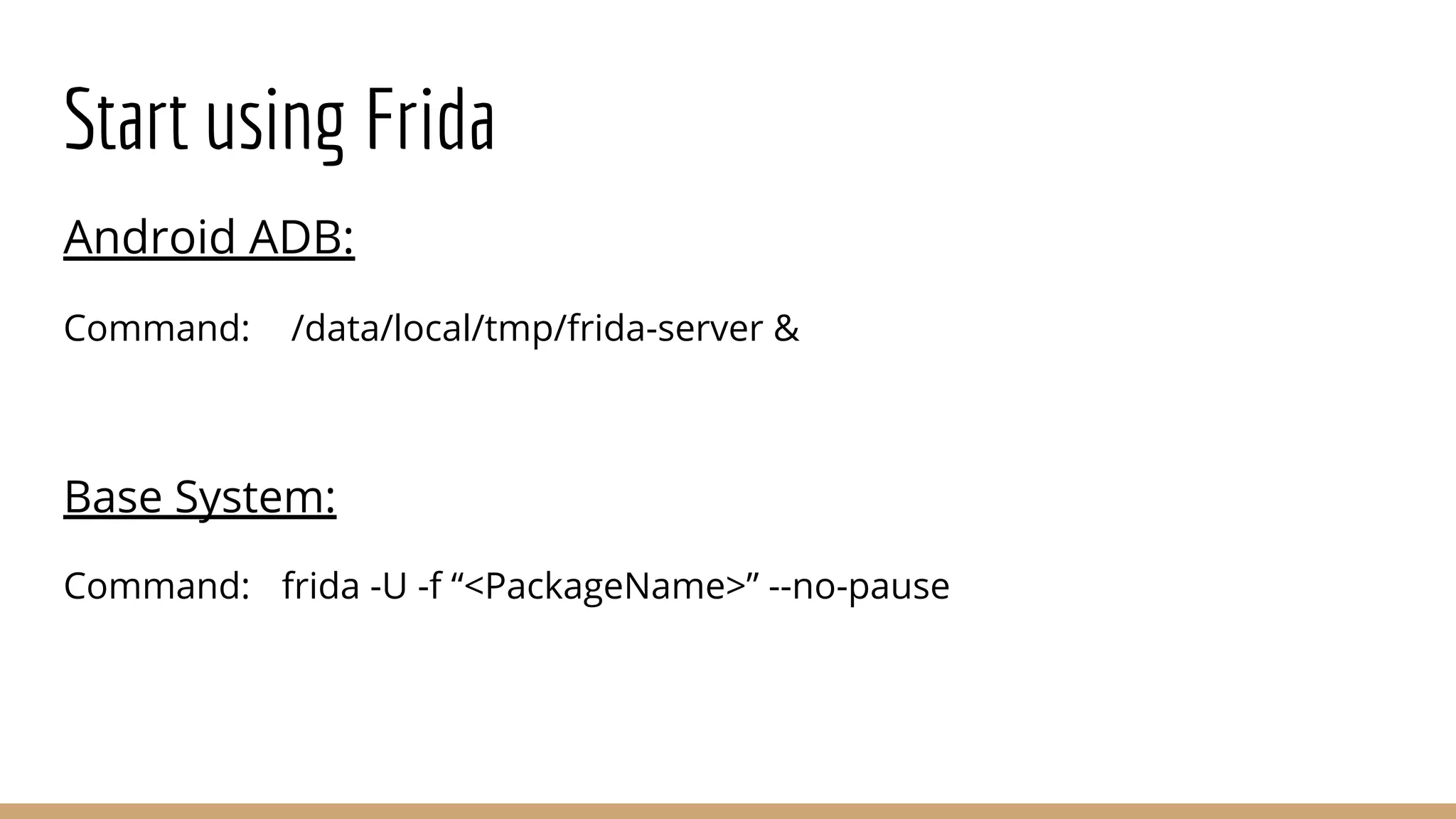
Start using Frida
Android ADB:
Command: /data/local/tmp/frida-server &
Base System:
Command: frida -U -f “<PackageName>” --no-pause
Start using Frida
Want to attach Quickly on whatever is running on screen ?
Base System:
Command: frida -U -F
Codeshare
What is it ?
Ans: Repo for universal method hooks & bypass
URL: https://codeshare.frida.re/browse
How do I use it ?
Command: frida -U -f “<PackageName>” --codeshare <URI> --no-pause
Docs
All the documentation is listed under:
● URL: https://frida.re/docs/home/
Javascript API docs are available under:
● URL: https://frida.re/docs/javascript-api/
Frida and Scripts
1. Interactive way
➢ Write scripts inside terminal.
2. Attach scripts
➢ Write scripts in file and pass it as argument.
3. Python
➢ Create python file to do the same
Frida Interactive
Command: frida -U -f “<PackageName>” --no-pause
➢ An interactive shell will spawn
➢ Write your code in shell
Frida with JS File
Command: frida -U -f “<PackageName>” -l “<JSFile>” --no-pause
➢ Write your javascript code in a file.
➢ Use “-l” option to provide file in argument.
➢ Code will execute side by side of the application execution.
Frida with Python File
Command: python <PythonFile>.py
➢ Import frida in python code.
➢ Use inbuilt frida functions to:
○ Get USB device
○ Spawn targeted application
○ Attach to it’s PID
○ Create script
○ Load the script
○ Resume the application execution
Setup Vulnerable Environment
● App : InsecureBankv2
○ Link: https://github.com/dineshshetty/Android-InsecureBankv2
● Server : Inside Directory “AndroLabServer”
○ Install pip requirements
○ # python app.py
Setup Vulnerable Environment
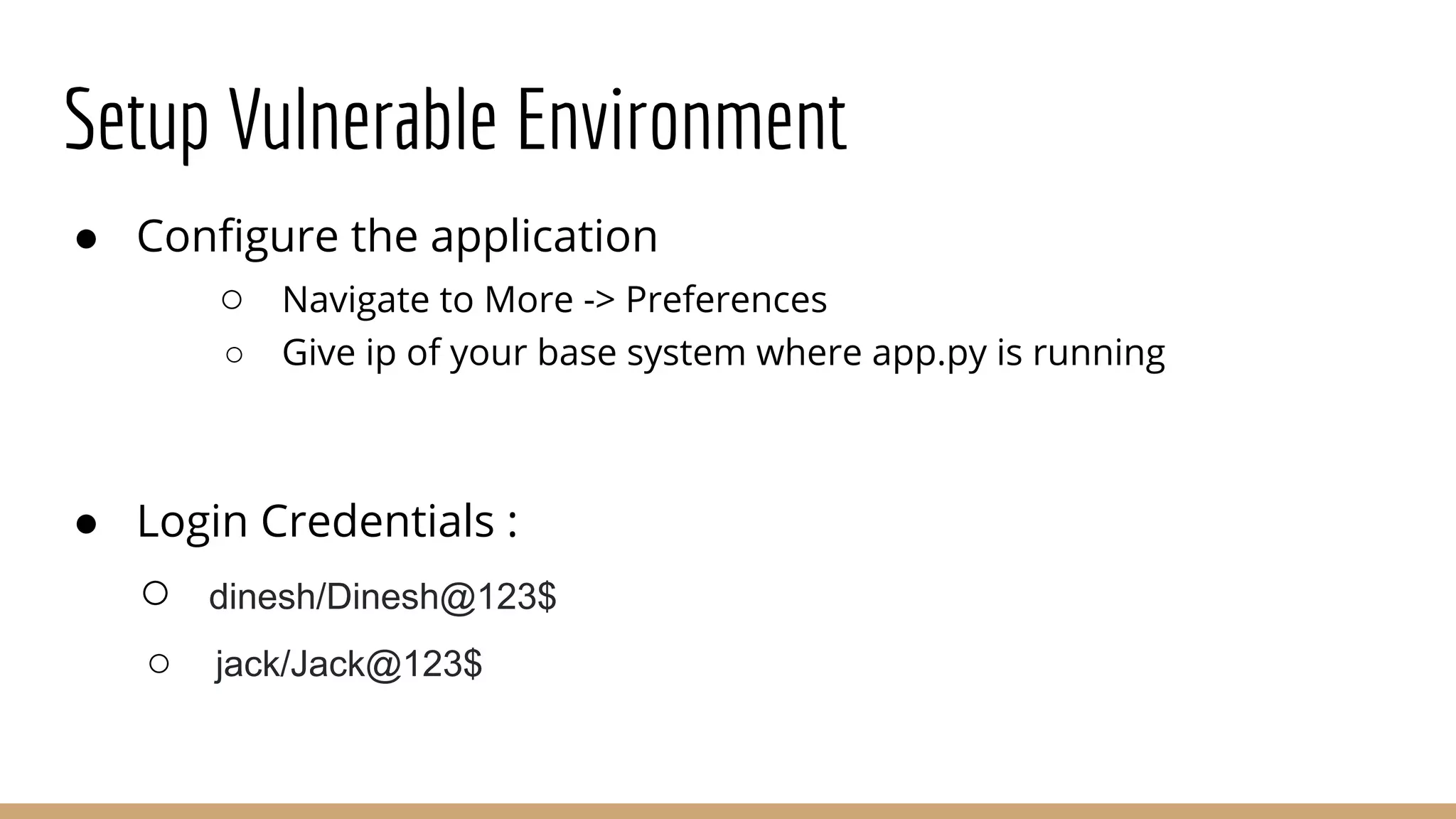
● Configure the application
○ Navigate to More -> Preferences
○ Give ip of your base system where app.py is running
● Login Credentials :
○ dinesh/Dinesh@123$
○ jack/Jack@123$
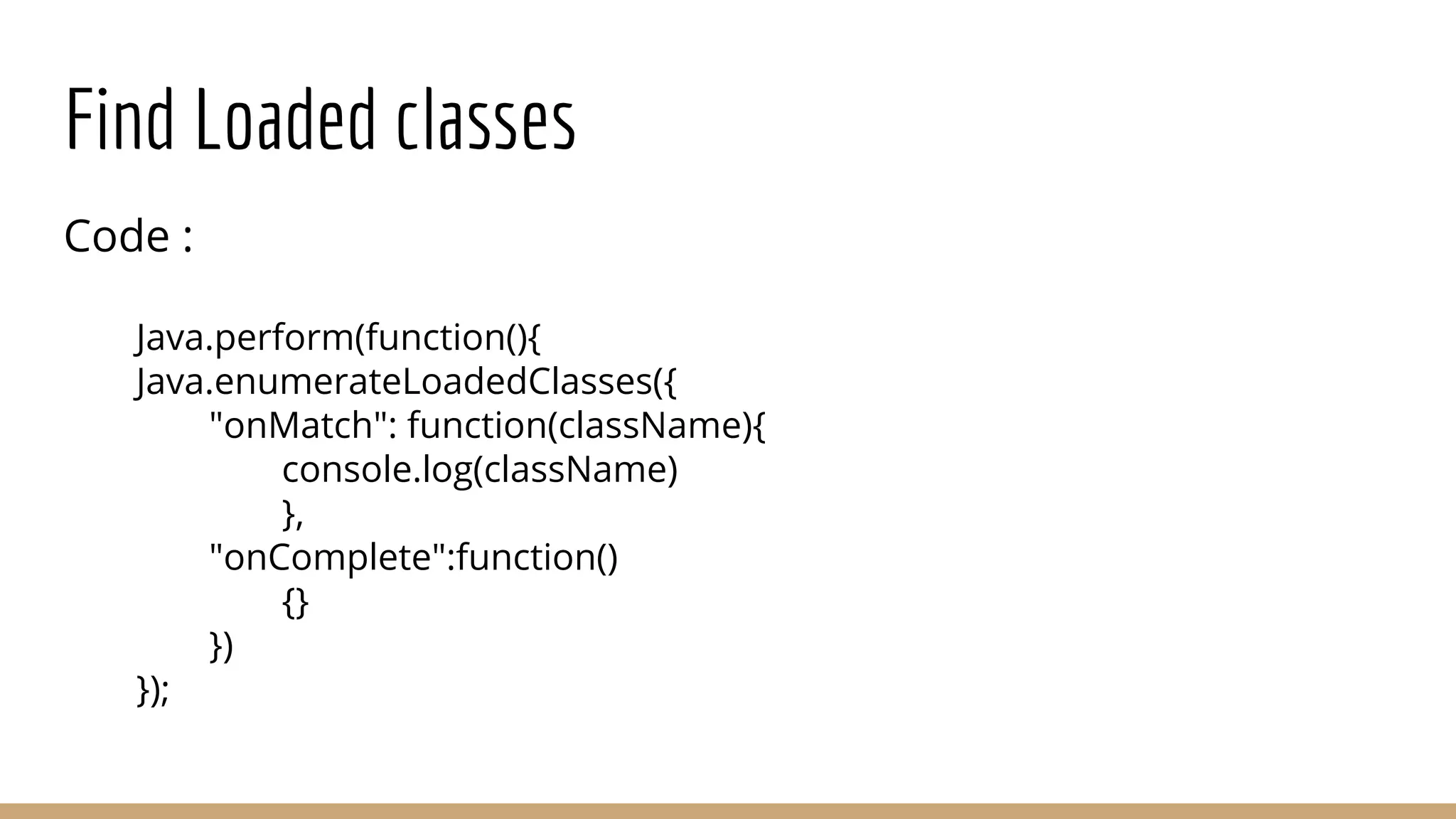
Find Loaded classes
Code :
Java.perform(function(){
Java.enumerateLoadedClasses({
"onMatch": function(className){
console.log(className)
},
"onComplete":function()
{}
})
});
Find Loaded classes
These many classes ? Really ??
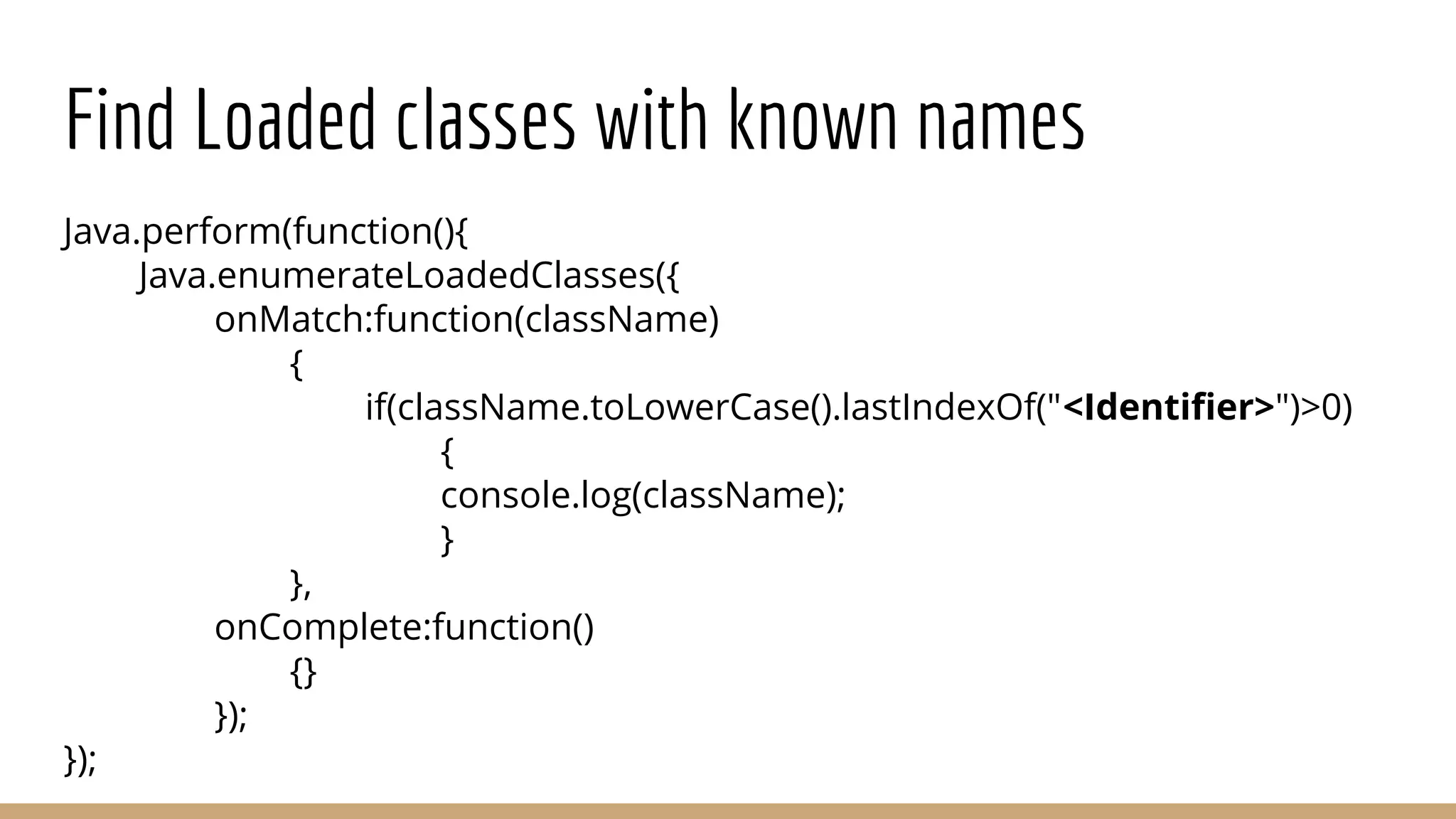
Find Loaded classes with known names
Java.perform(function(){
Java.enumerateLoadedClasses({
onMatch:function(className)
{
if(className.toLowerCase().lastIndexOf("<Identifier>")>0)
{
console.log(className);
}
},
onComplete:function()
{}
});
});
Find Loaded classes with known names
Identify Classes being used
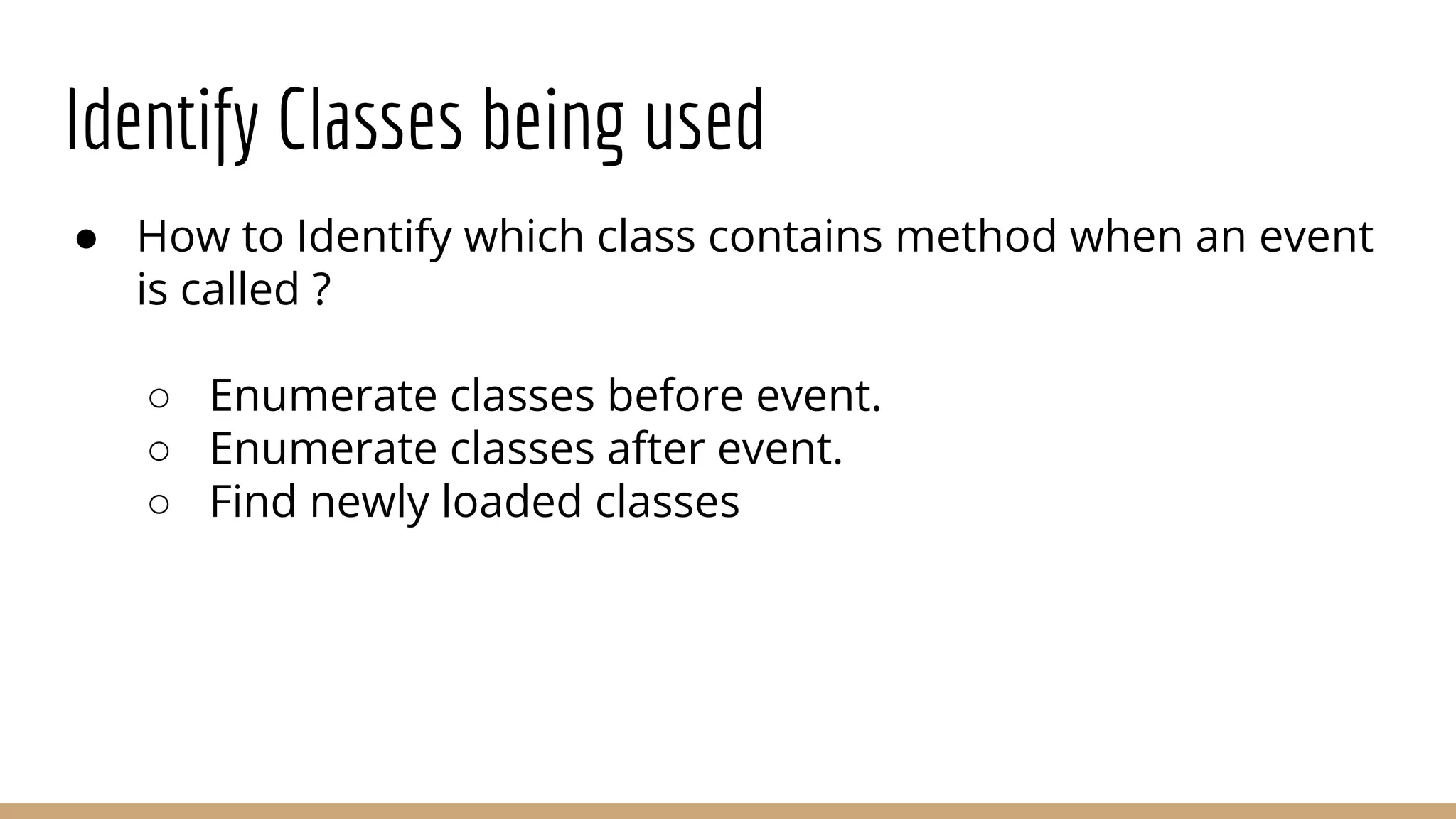
● How to Identify which class contains method when an event
is called ?
○ Enumerate classes before event.
○ Enumerate classes after event.
○ Find newly loaded classes
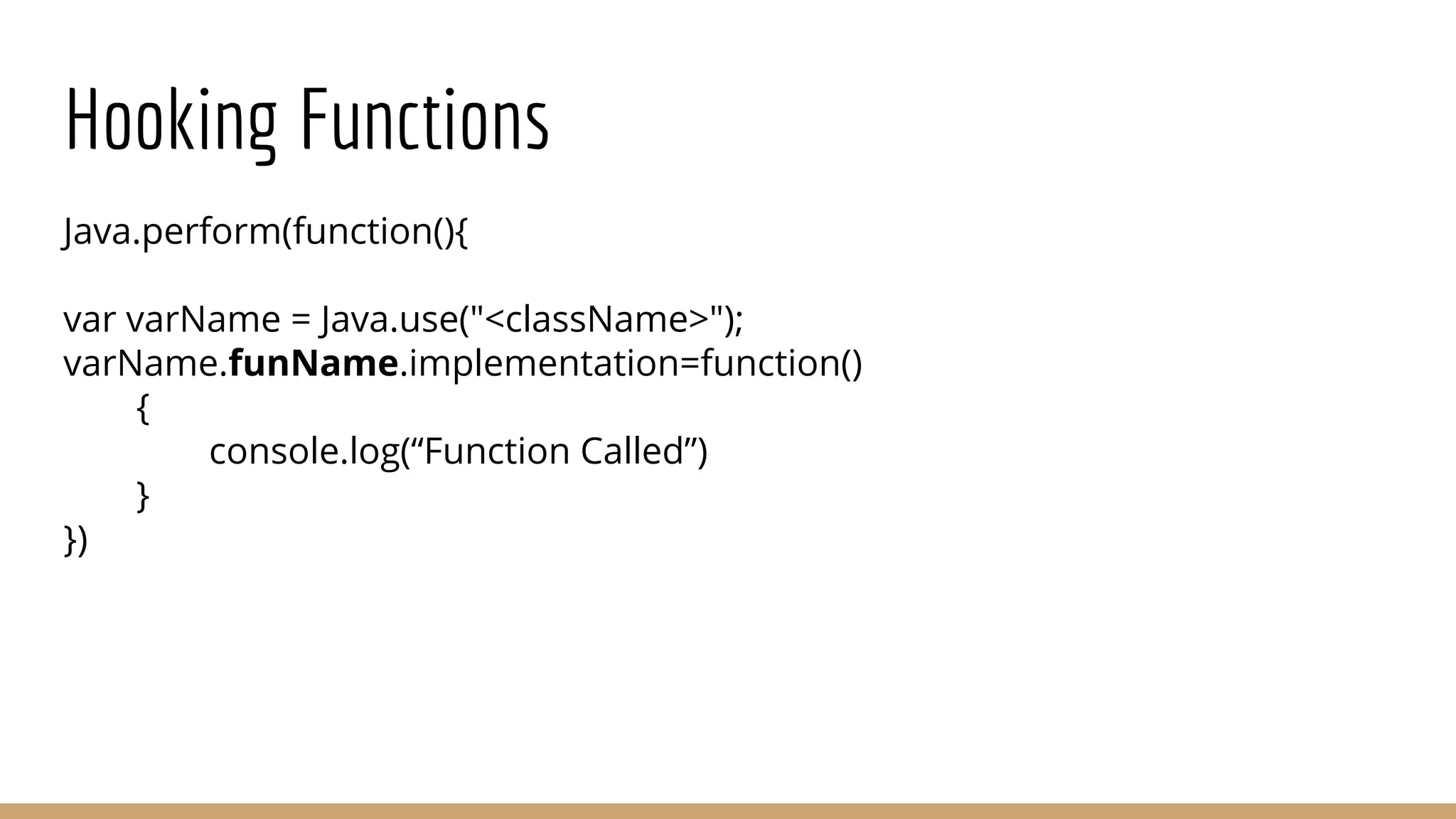
Hooking Functions
Java.perform(function(){
var varName = Java.use("<className>");
varName.funName.implementation=function()
{
console.log(“Function Called”)
}
})
Identify Functions being called
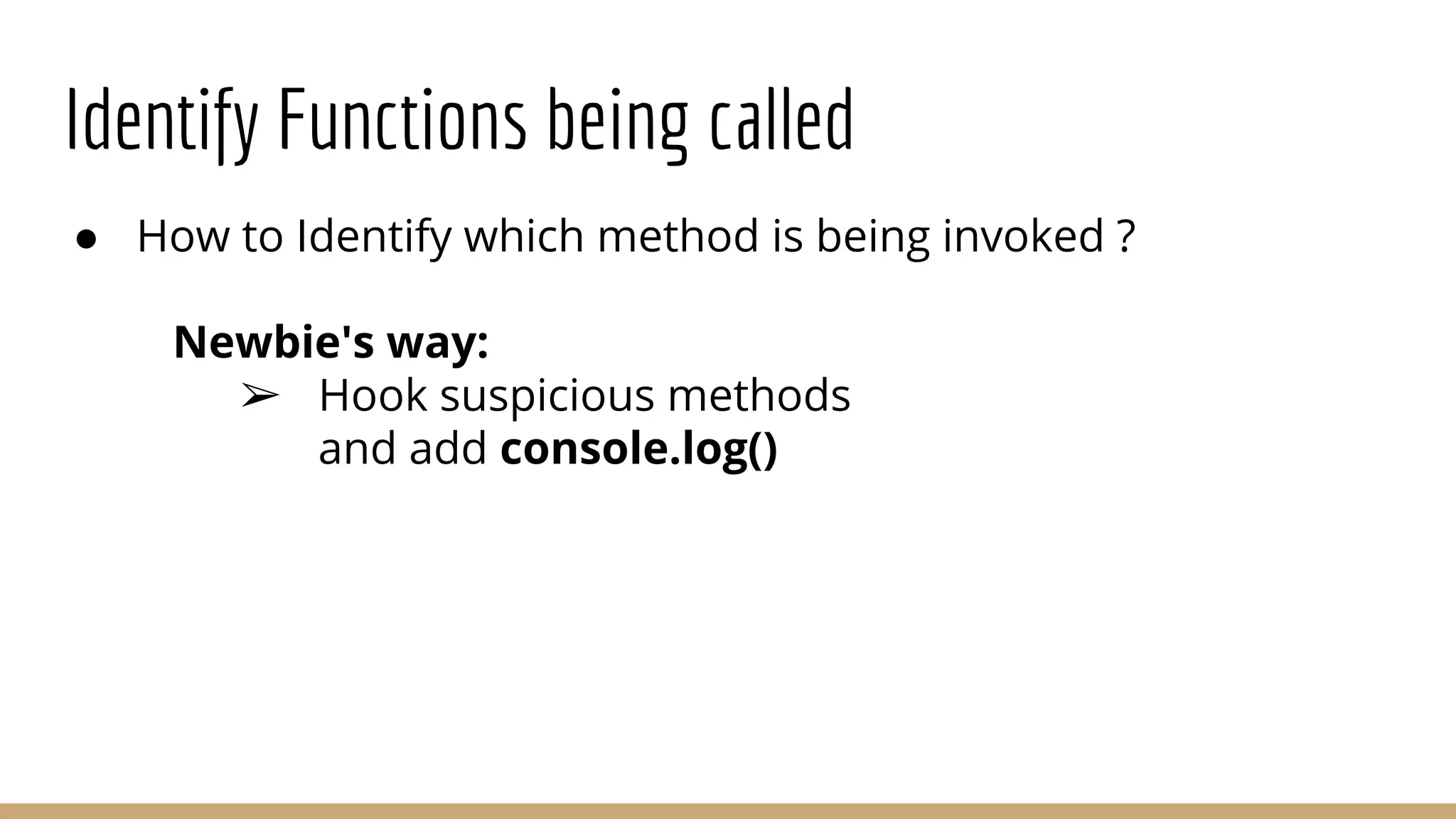
● How to Identify which method is being invoked ?
Newbie's way:
➢ Hook suspicious methods
and add console.log()
Identify Functions being called
If you are hooking all suspicious functions...
Identify Functions being called
● How to Identify which method is being invoked ?
Professional’s way:
➢ Hook all methods of a class and
○ Log whenever it is being called
○ Log all Arguments
○ Log Return value
Identify Functions being called
● Script be Like...
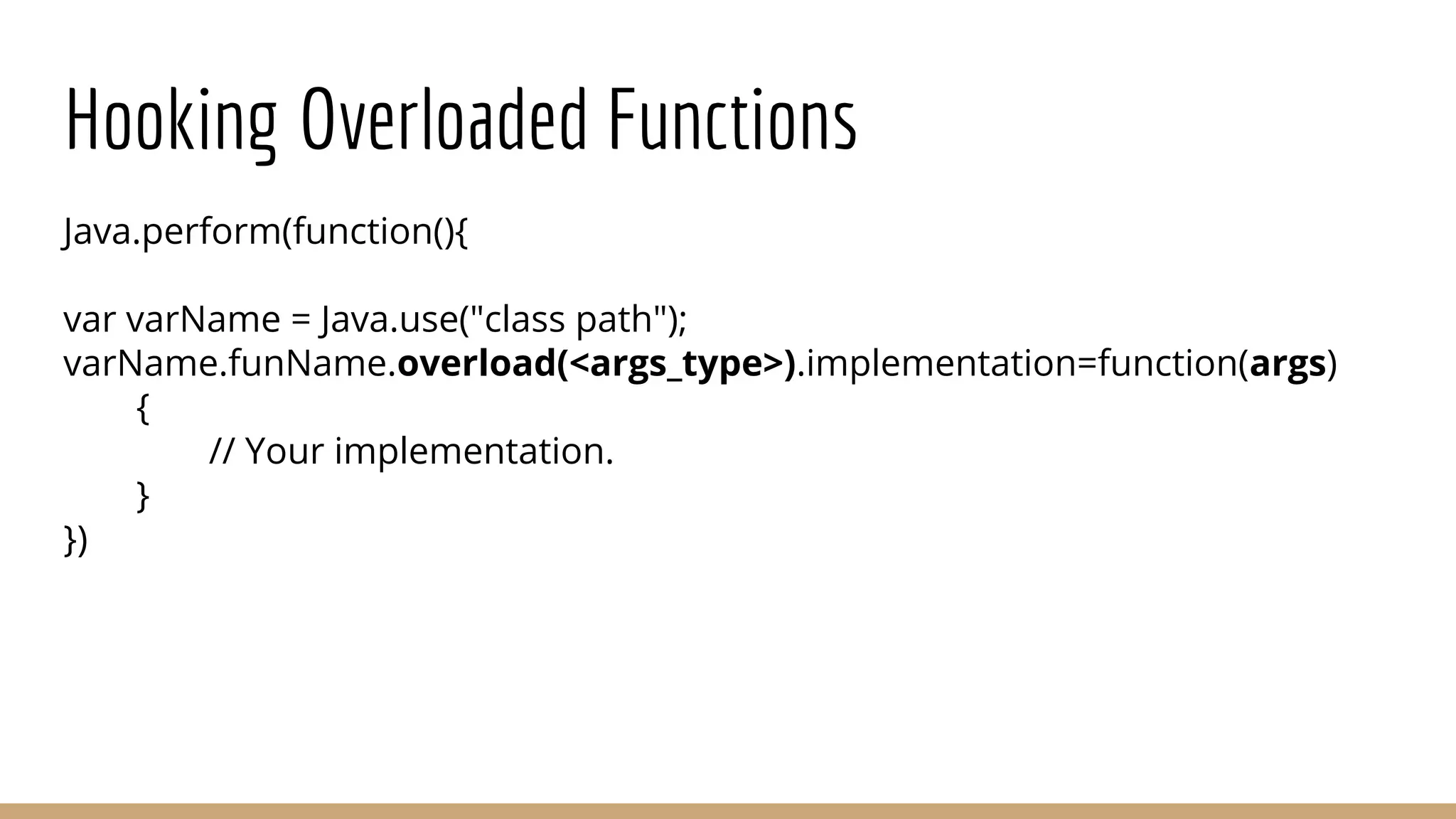
Hooking Overloaded Functions
Java.perform(function(){
var varName = Java.use("class path");
varName.funName.overload(<args_type>).implementation=function(args)
{
// Your implementation.
}
})
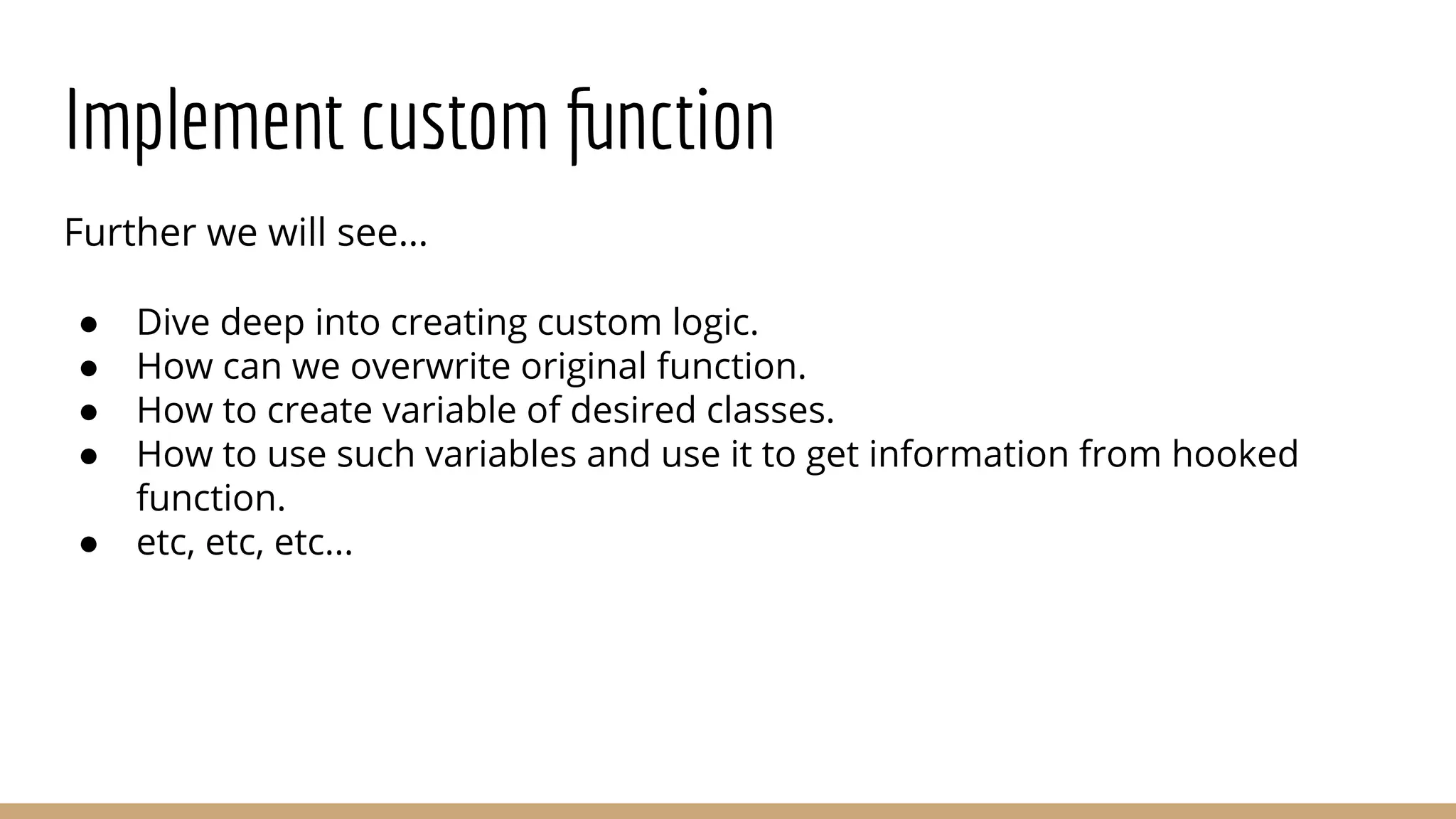
Implement custom function
Further we will see…
● Dive deep into creating custom logic.
● How can we overwrite original function.
● How to create variable of desired classes.
● How to use such variables and use it to get information from hooked
function.
● etc, etc, etc...
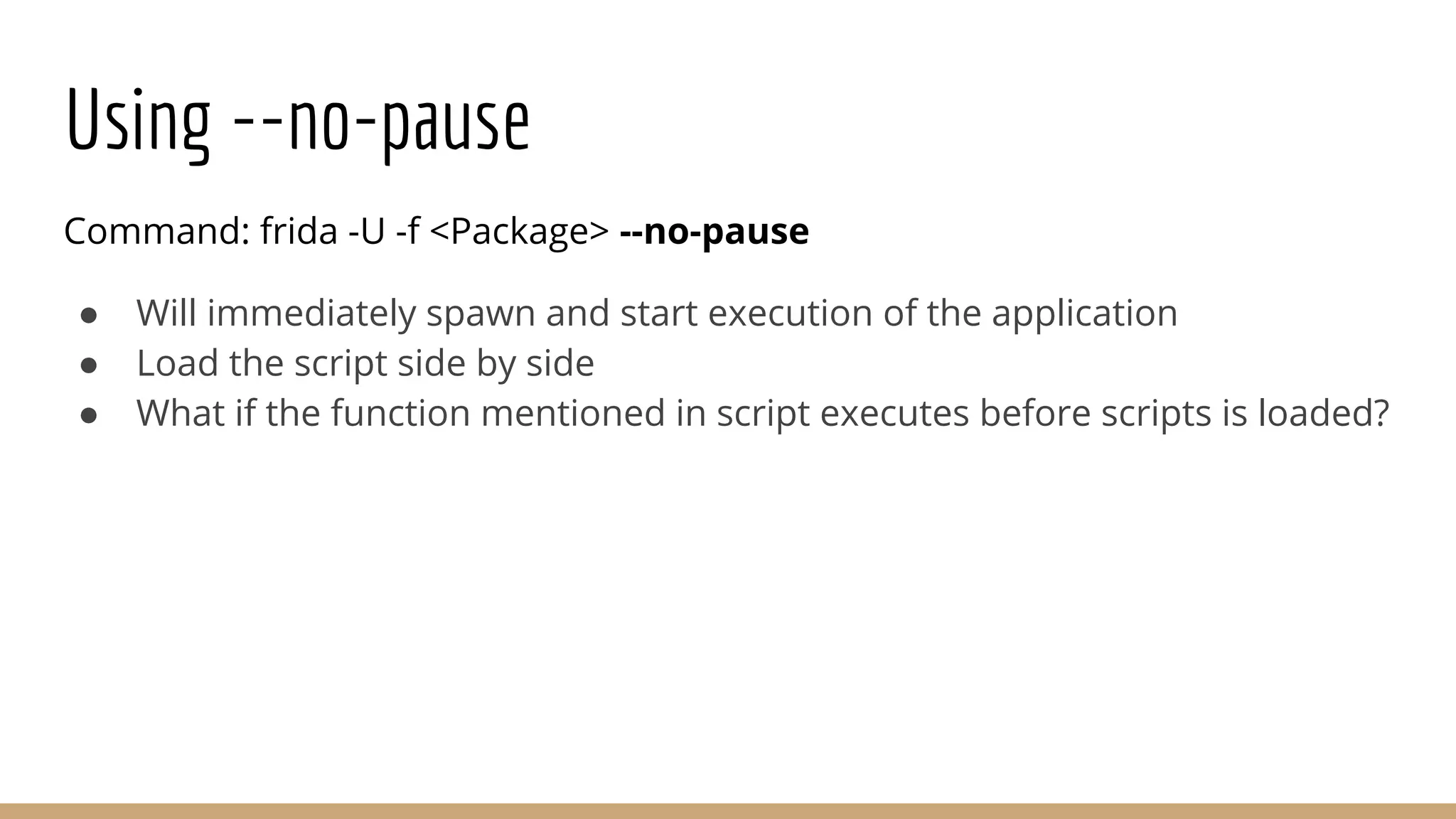
Using --no-pause
Command: frida -U -f <Package> --no-pause
● Will immediately spawn and start execution of the application
● Load the script side by side
● What if the function mentioned in script executes before scripts is loaded?
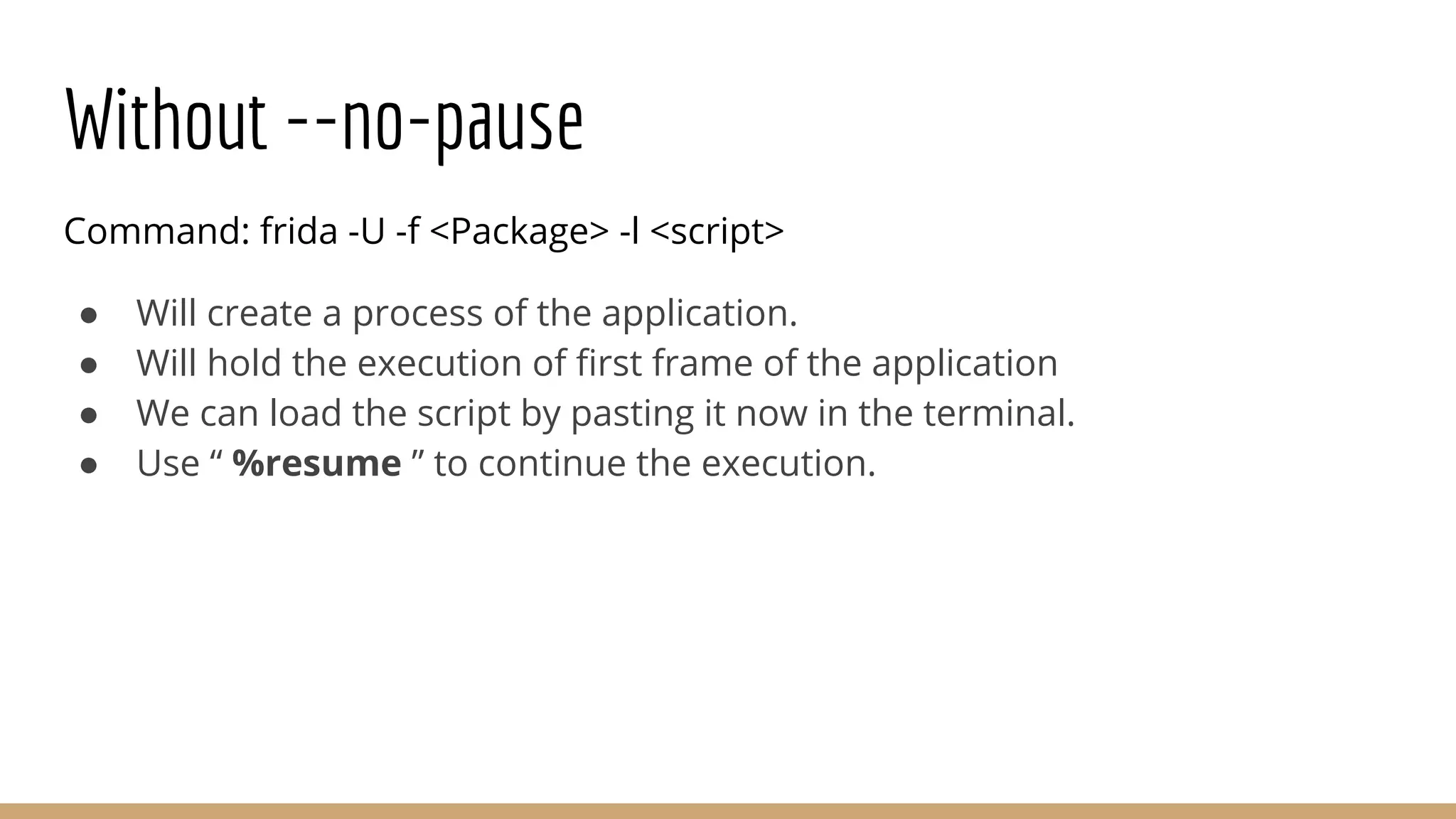
Without --no-pause
Command: frida -U -f <Package> -l <script>
● Will create a process of the application.
● Will hold the execution of first frame of the application
● We can load the script by pasting it now in the terminal.
● Use “ %resume ” to continue the execution.
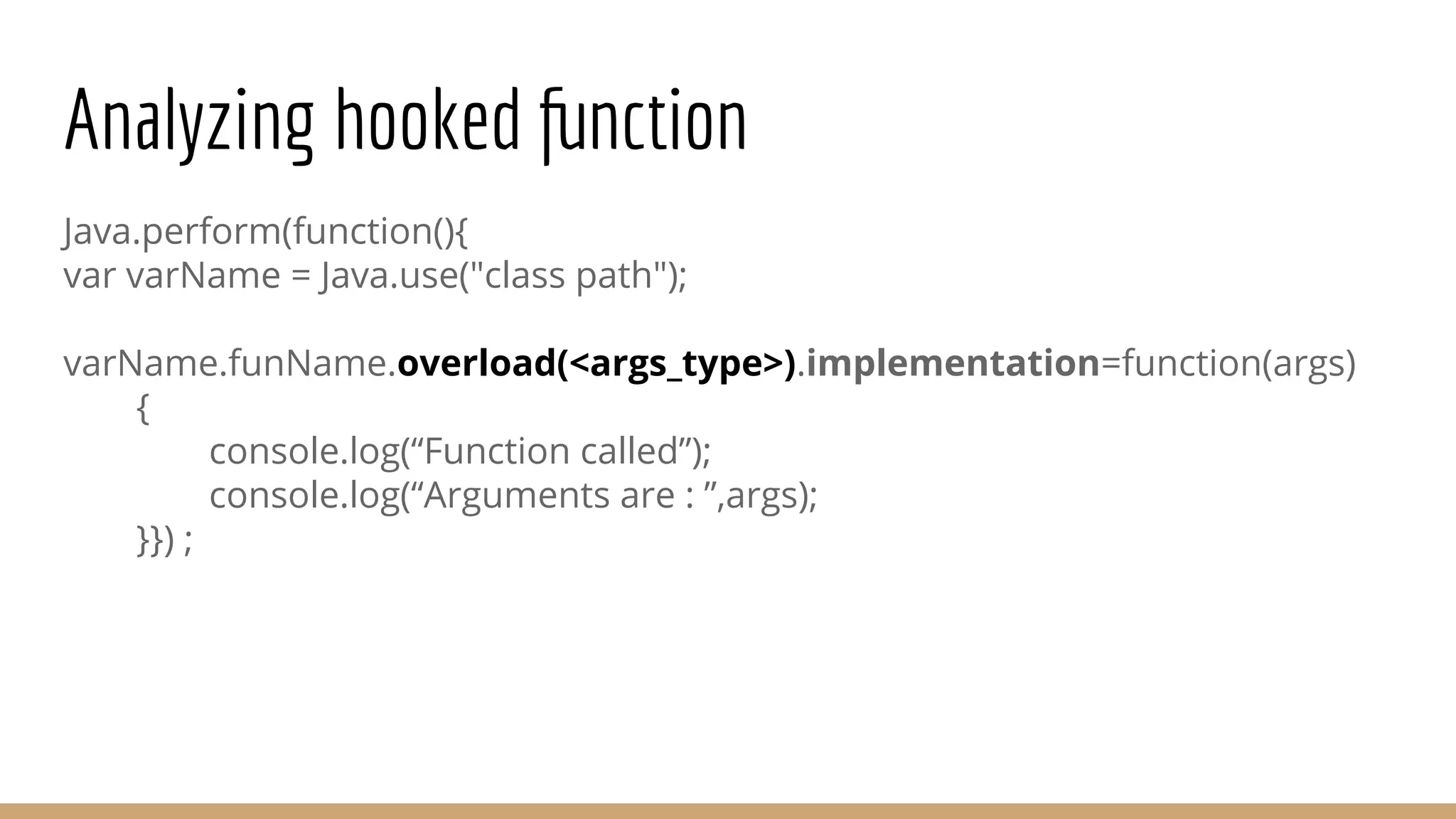
Analyzing hooked function
Java.perform(function(){
var varName = Java.use("class path");
varName.funName.overload(<args_type>).implementation=function(args)
{
console.log(“Function called”);
console.log(“Arguments are : ”,args);
}}) ;
Show Time...
● DEMO...

Frida Android run time hooking - Bhargav Gajera & Vitthal Shinde

  • 1.
  • 2.
    Installation Android: Download Link: https://github.com/frida/frida/releases Pushit in Android Path : “/data/local/tmp/” System: Command: pip install frida-tools Refer : https://pypi.org/project/frida/
  • 3.
    Installation Easy Way: Command: frida-push ●pip install frida-push ● It will identify your device’s architecture from adb ● Download the appropriate server ● Install it ● Run it
  • 4.
    Start using Frida AndroidADB: Command: /data/local/tmp/frida-server & Base System: Command: frida -U -f “<PackageName>” --no-pause
  • 5.
    Start using Frida Wantto attach Quickly on whatever is running on screen ? Base System: Command: frida -U -F
  • 6.
    Codeshare What is it? Ans: Repo for universal method hooks & bypass URL: https://codeshare.frida.re/browse How do I use it ? Command: frida -U -f “<PackageName>” --codeshare <URI> --no-pause
  • 7.
    Docs All the documentationis listed under: ● URL: https://frida.re/docs/home/ Javascript API docs are available under: ● URL: https://frida.re/docs/javascript-api/
  • 8.
    Frida and Scripts 1.Interactive way ➢ Write scripts inside terminal. 2. Attach scripts ➢ Write scripts in file and pass it as argument. 3. Python ➢ Create python file to do the same
  • 9.
    Frida Interactive Command: frida-U -f “<PackageName>” --no-pause ➢ An interactive shell will spawn ➢ Write your code in shell
  • 10.
    Frida with JSFile Command: frida -U -f “<PackageName>” -l “<JSFile>” --no-pause ➢ Write your javascript code in a file. ➢ Use “-l” option to provide file in argument. ➢ Code will execute side by side of the application execution.
  • 11.
    Frida with PythonFile Command: python <PythonFile>.py ➢ Import frida in python code. ➢ Use inbuilt frida functions to: ○ Get USB device ○ Spawn targeted application ○ Attach to it’s PID ○ Create script ○ Load the script ○ Resume the application execution
  • 12.
    Setup Vulnerable Environment ●App : InsecureBankv2 ○ Link: https://github.com/dineshshetty/Android-InsecureBankv2 ● Server : Inside Directory “AndroLabServer” ○ Install pip requirements ○ # python app.py
  • 13.
    Setup Vulnerable Environment ●Configure the application ○ Navigate to More -> Preferences ○ Give ip of your base system where app.py is running ● Login Credentials : ○ dinesh/Dinesh@123$ ○ jack/Jack@123$
  • 14.
    Find Loaded classes Code: Java.perform(function(){ Java.enumerateLoadedClasses({ "onMatch": function(className){ console.log(className) }, "onComplete":function() {} }) });
  • 15.
    Find Loaded classes Thesemany classes ? Really ??
  • 16.
    Find Loaded classeswith known names Java.perform(function(){ Java.enumerateLoadedClasses({ onMatch:function(className) { if(className.toLowerCase().lastIndexOf("<Identifier>")>0) { console.log(className); } }, onComplete:function() {} }); });
  • 17.
    Find Loaded classeswith known names
  • 18.
    Identify Classes beingused ● How to Identify which class contains method when an event is called ? ○ Enumerate classes before event. ○ Enumerate classes after event. ○ Find newly loaded classes
  • 19.
    Hooking Functions Java.perform(function(){ var varName= Java.use("<className>"); varName.funName.implementation=function() { console.log(“Function Called”) } })
  • 20.
    Identify Functions beingcalled ● How to Identify which method is being invoked ? Newbie's way: ➢ Hook suspicious methods and add console.log()
  • 21.
    Identify Functions beingcalled If you are hooking all suspicious functions...
  • 22.
    Identify Functions beingcalled ● How to Identify which method is being invoked ? Professional’s way: ➢ Hook all methods of a class and ○ Log whenever it is being called ○ Log all Arguments ○ Log Return value
  • 23.
    Identify Functions beingcalled ● Script be Like...
  • 24.
    Hooking Overloaded Functions Java.perform(function(){ varvarName = Java.use("class path"); varName.funName.overload(<args_type>).implementation=function(args) { // Your implementation. } })
  • 25.
    Implement custom function Furtherwe will see… ● Dive deep into creating custom logic. ● How can we overwrite original function. ● How to create variable of desired classes. ● How to use such variables and use it to get information from hooked function. ● etc, etc, etc...
  • 26.
    Using --no-pause Command: frida-U -f <Package> --no-pause ● Will immediately spawn and start execution of the application ● Load the script side by side ● What if the function mentioned in script executes before scripts is loaded?
  • 27.
    Without --no-pause Command: frida-U -f <Package> -l <script> ● Will create a process of the application. ● Will hold the execution of first frame of the application ● We can load the script by pasting it now in the terminal. ● Use “ %resume ” to continue the execution.
  • 28.
    Analyzing hooked function Java.perform(function(){ varvarName = Java.use("class path"); varName.funName.overload(<args_type>).implementation=function(args) { console.log(“Function called”); console.log(“Arguments are : ”,args); }}) ;
  • 29.