FREE
                                       PRESENTATION
                                               TIPS
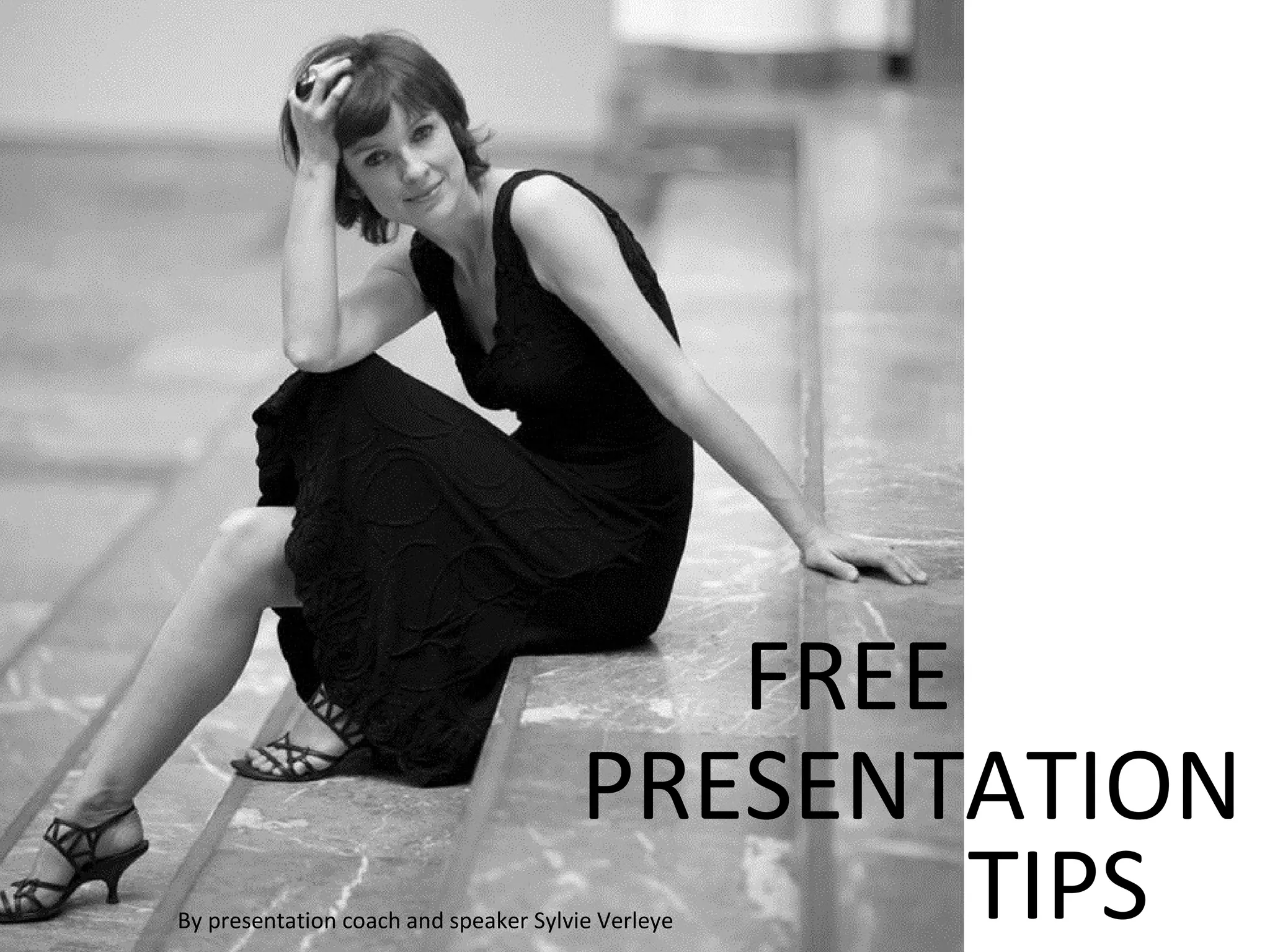
By presentation coach and speaker Sylvie Verleye
You are about to discover my golden presentation
rules to make your next presentation an unforgettable
experience for you and your audience…
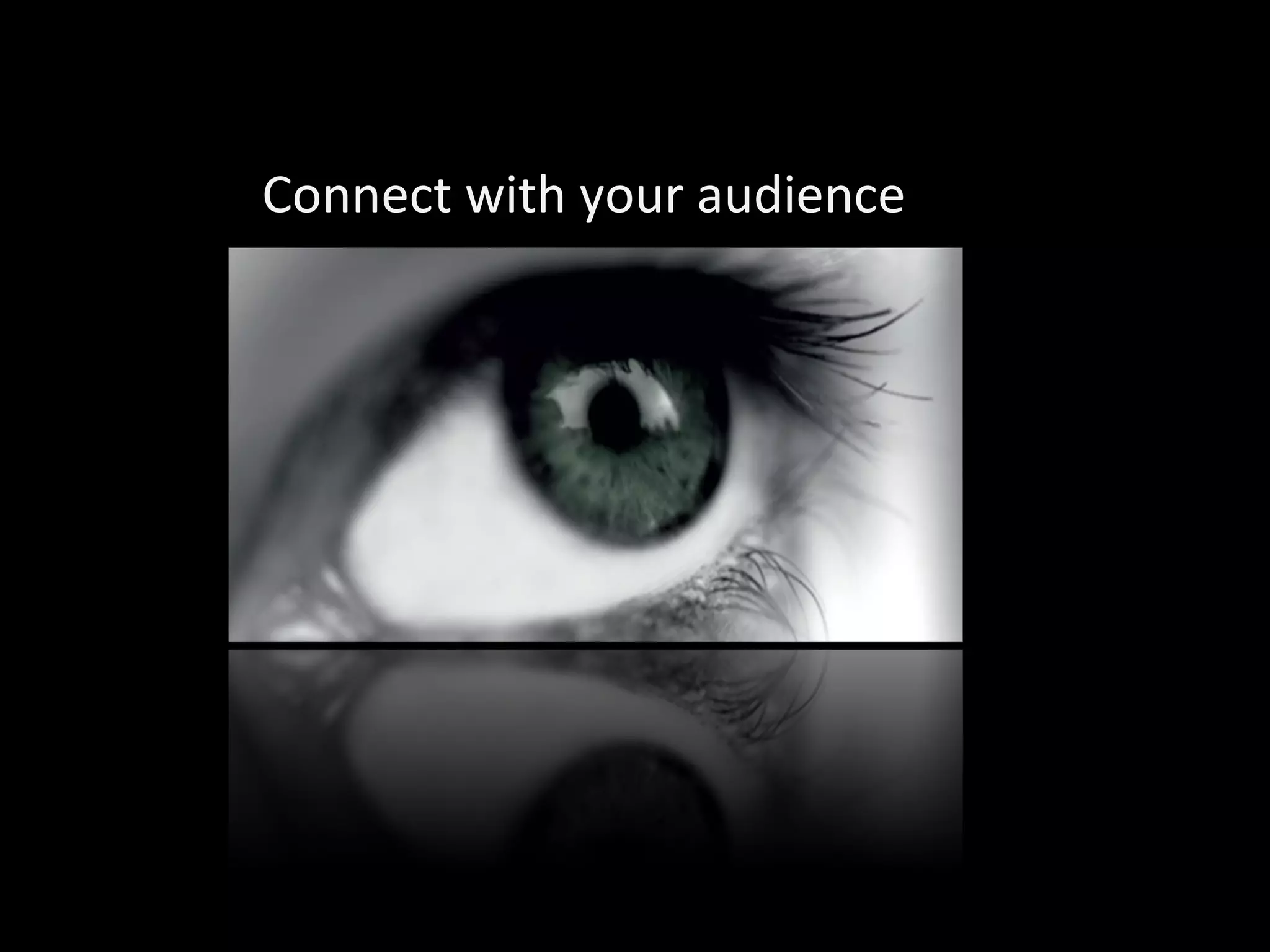
Connect with your audience
TALK WITH THEM… NOT TO THEM
The distance between you and the audience is of utmost importance
To really connect with the audience you need
       to stand close to them because it feels
                     like you bond with them.
YOU have the lead, not the slides
YOU             are in controle, not the slideshow
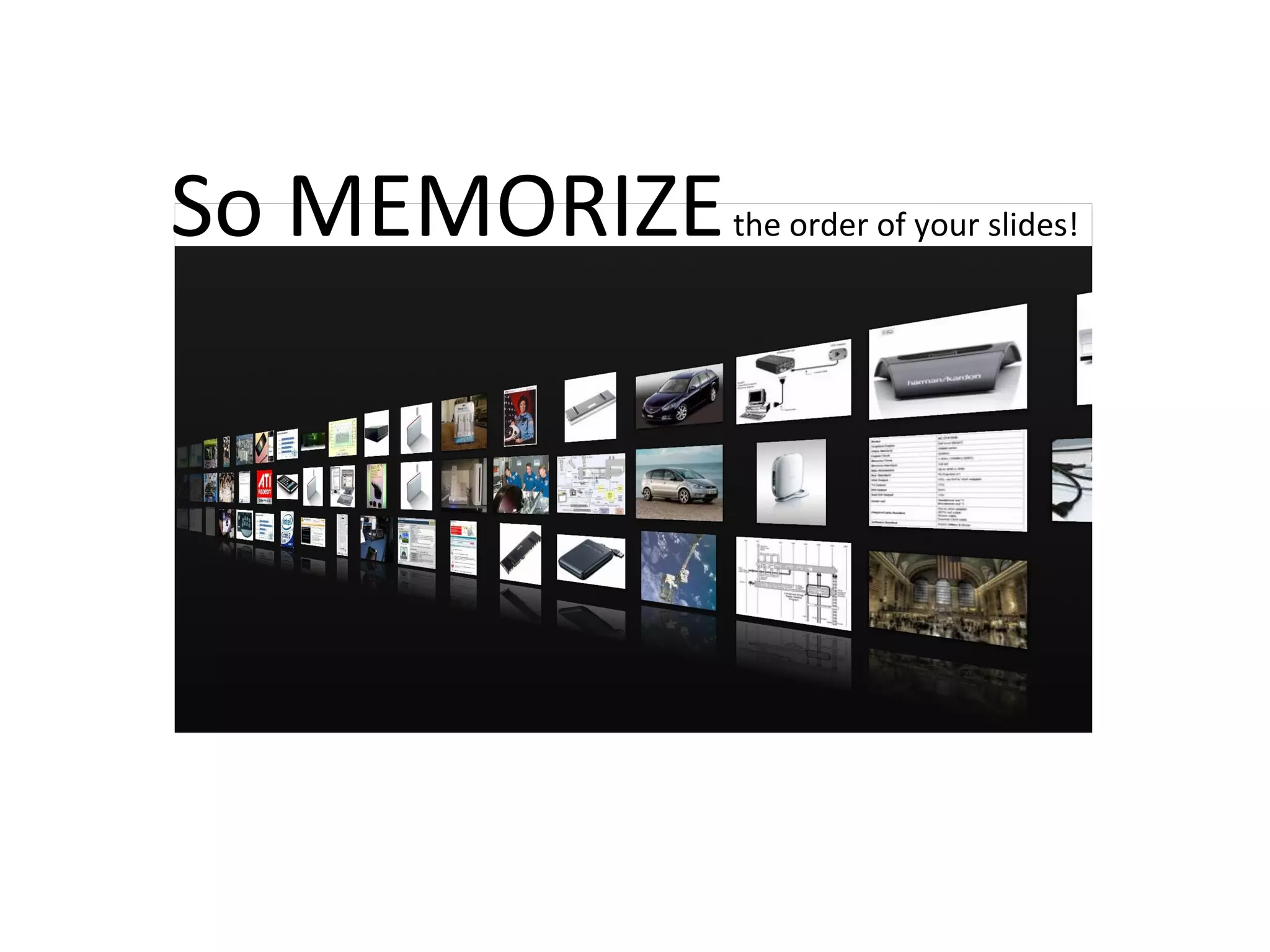
So MEMORIZE   the order of your slides!
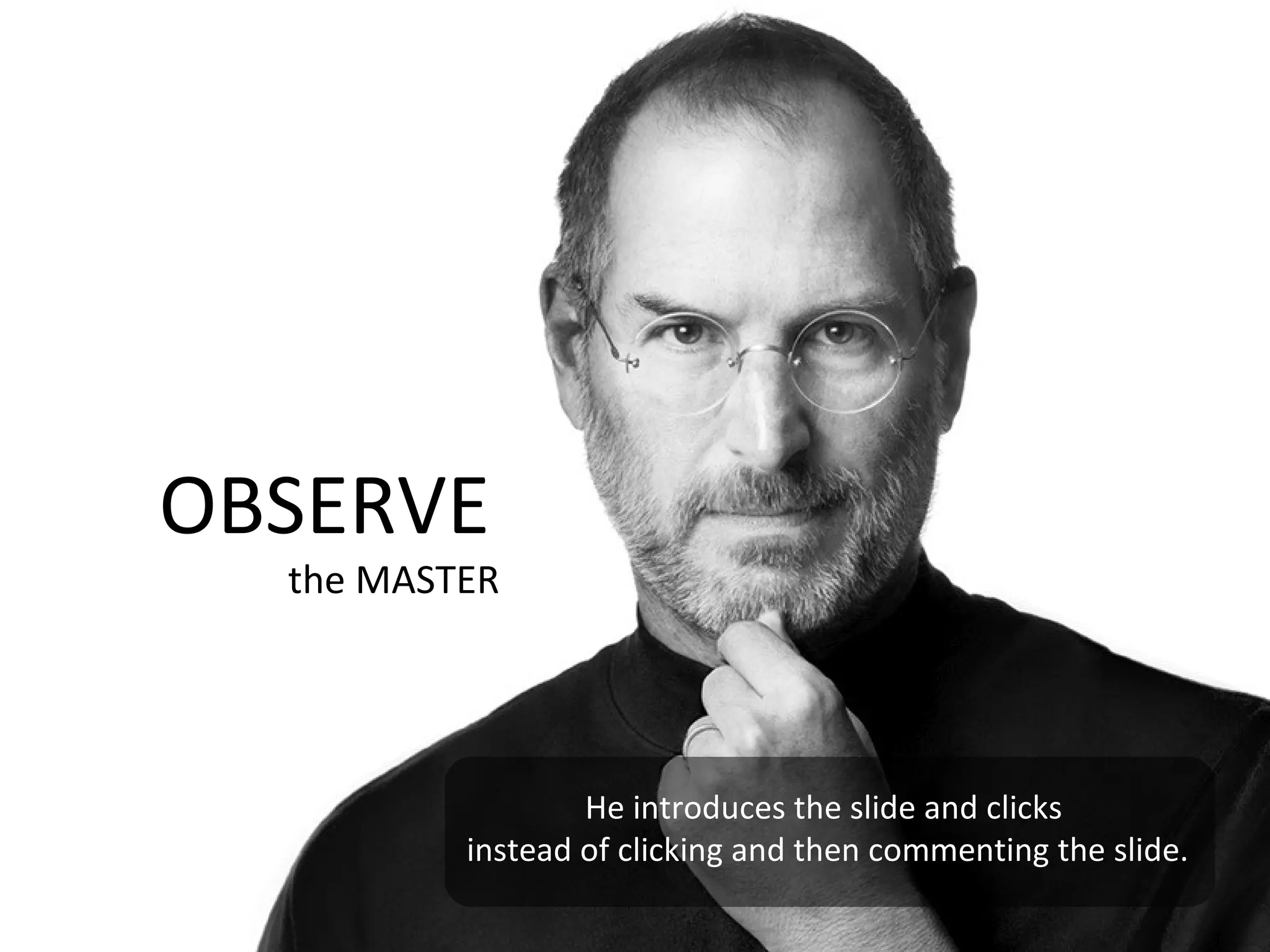
OBSERVE
  the MASTER


                  He introduces the slide and clicks
          instead of clicking and then commenting the slide.
BIG
You have a big screen, make it
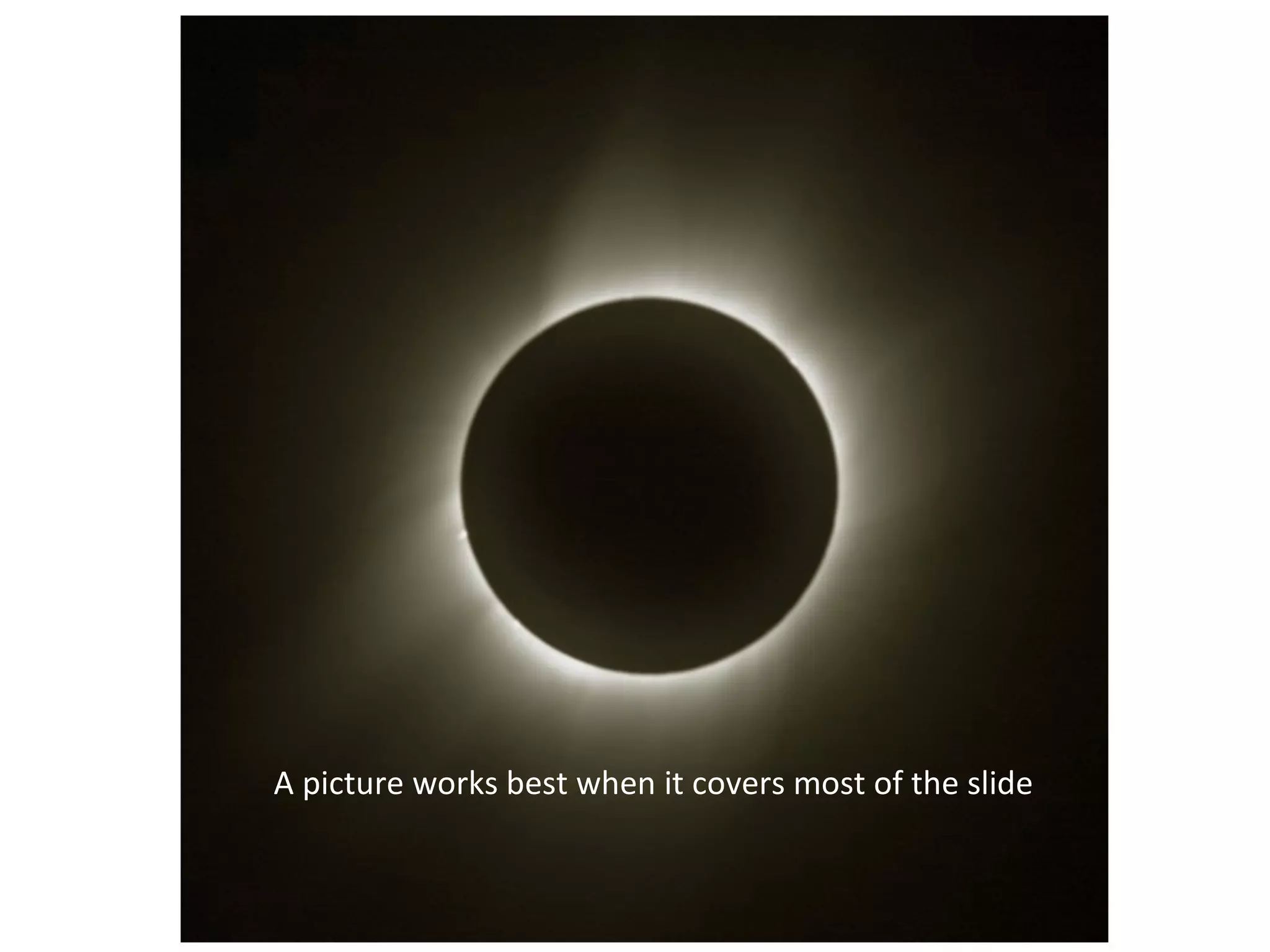
A picture works best when it covers most of the slide
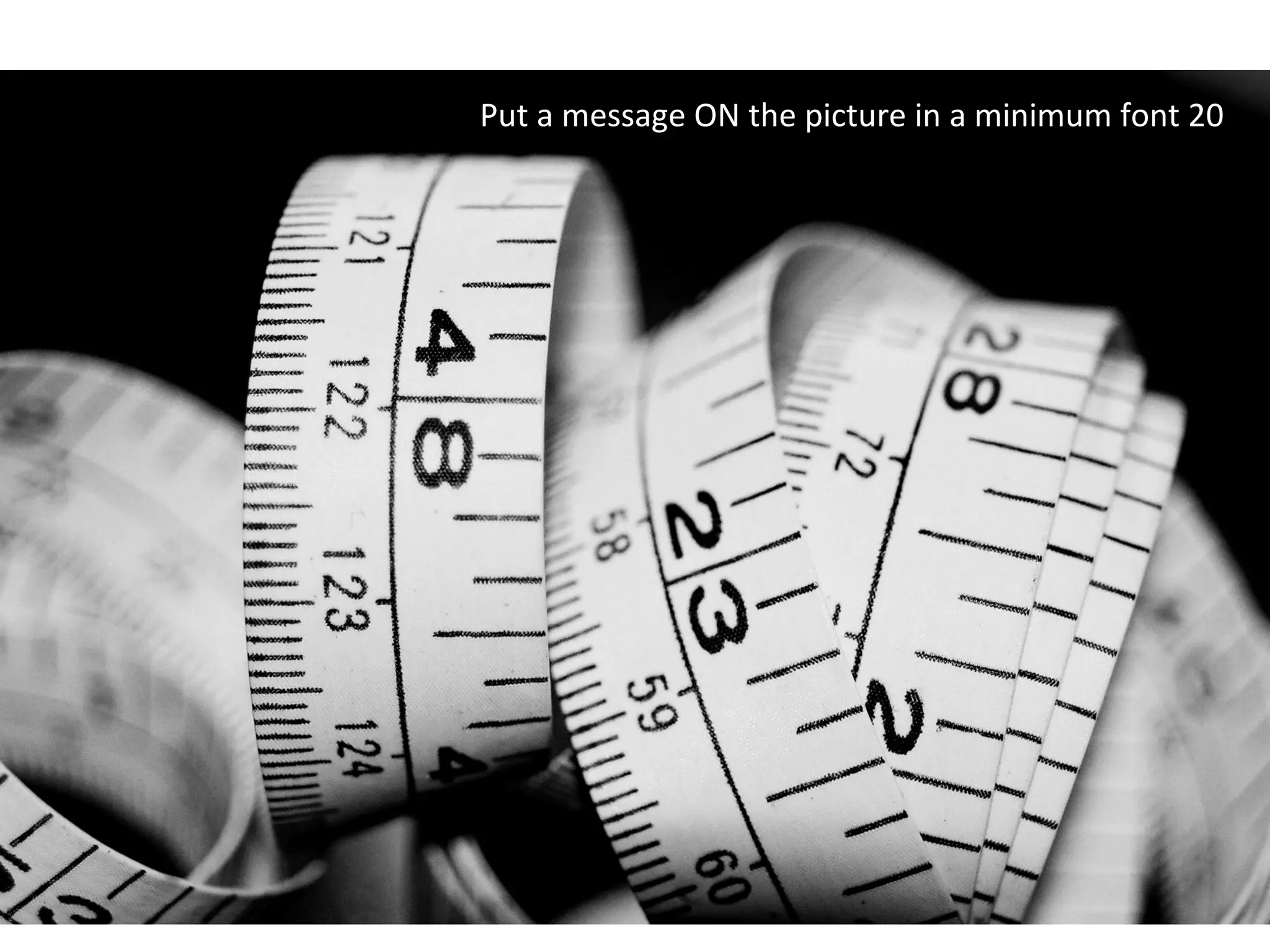
Put a message ON the picture in a minimum font 20
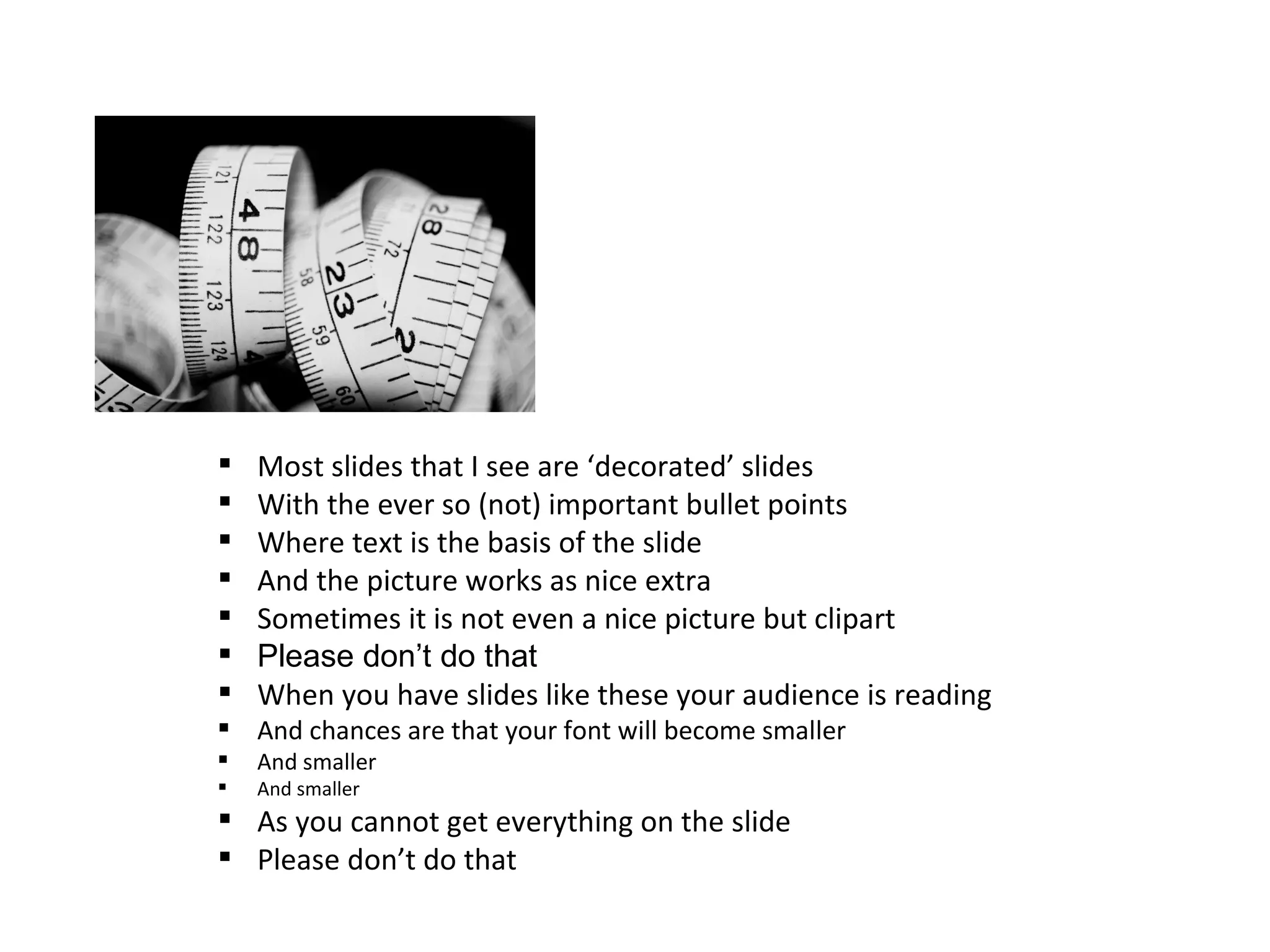
   Most slides that I see are ‘decorated’ slides
   With the ever so (not) important bullet points
   Where text is the basis of the slide
   And the picture works as nice extra
   Sometimes it is not even a nice picture but clipart
   Please don’t do that
   When you have slides like these your audience is reading
 And chances are that your font will become smaller
   And smaller
   And smaller
 As you cannot get everything on the slide
 Please don’t do that
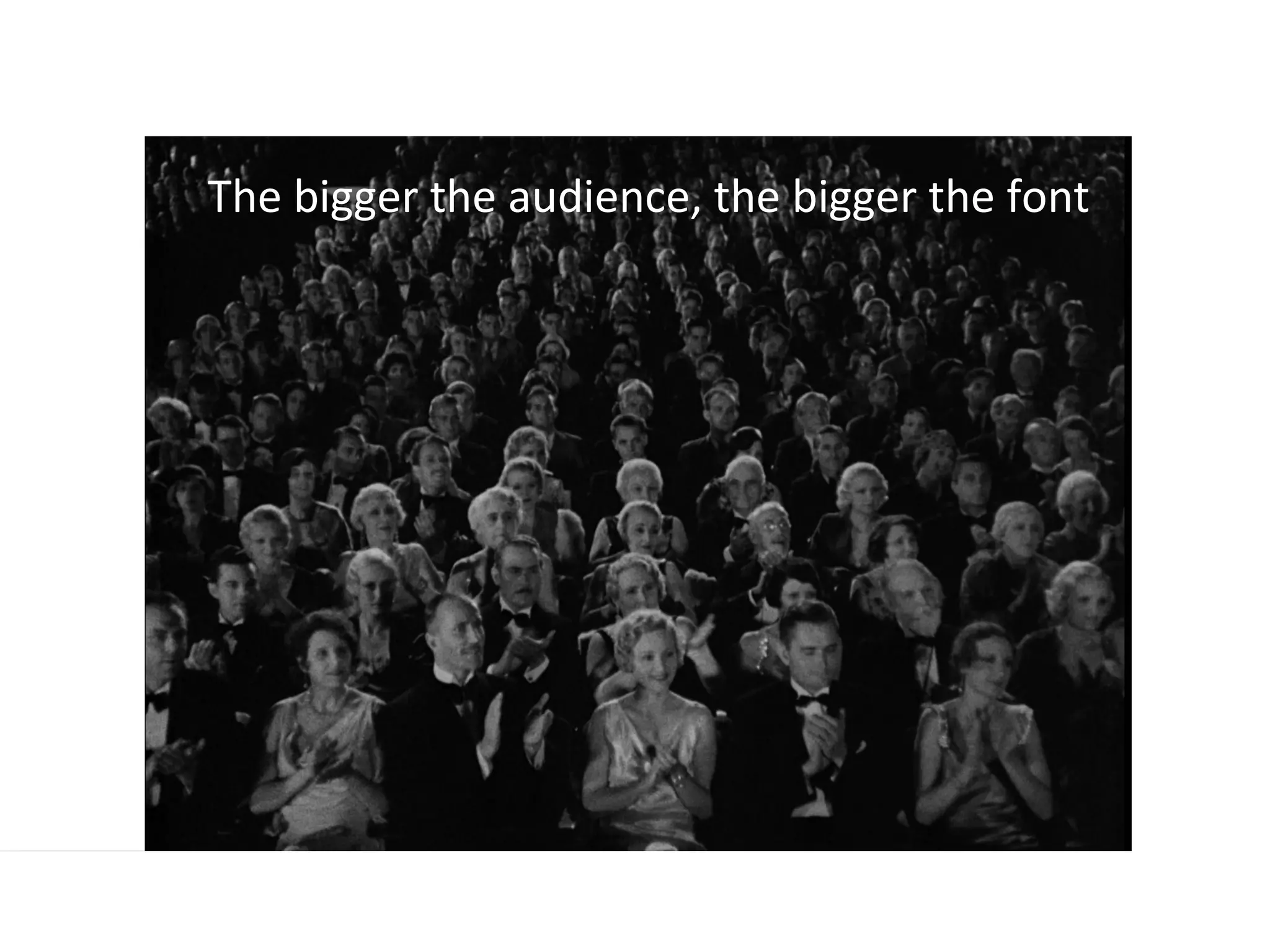
The bigger the audience, the bigger the font
Never ever send your slides, only show them during a presentation
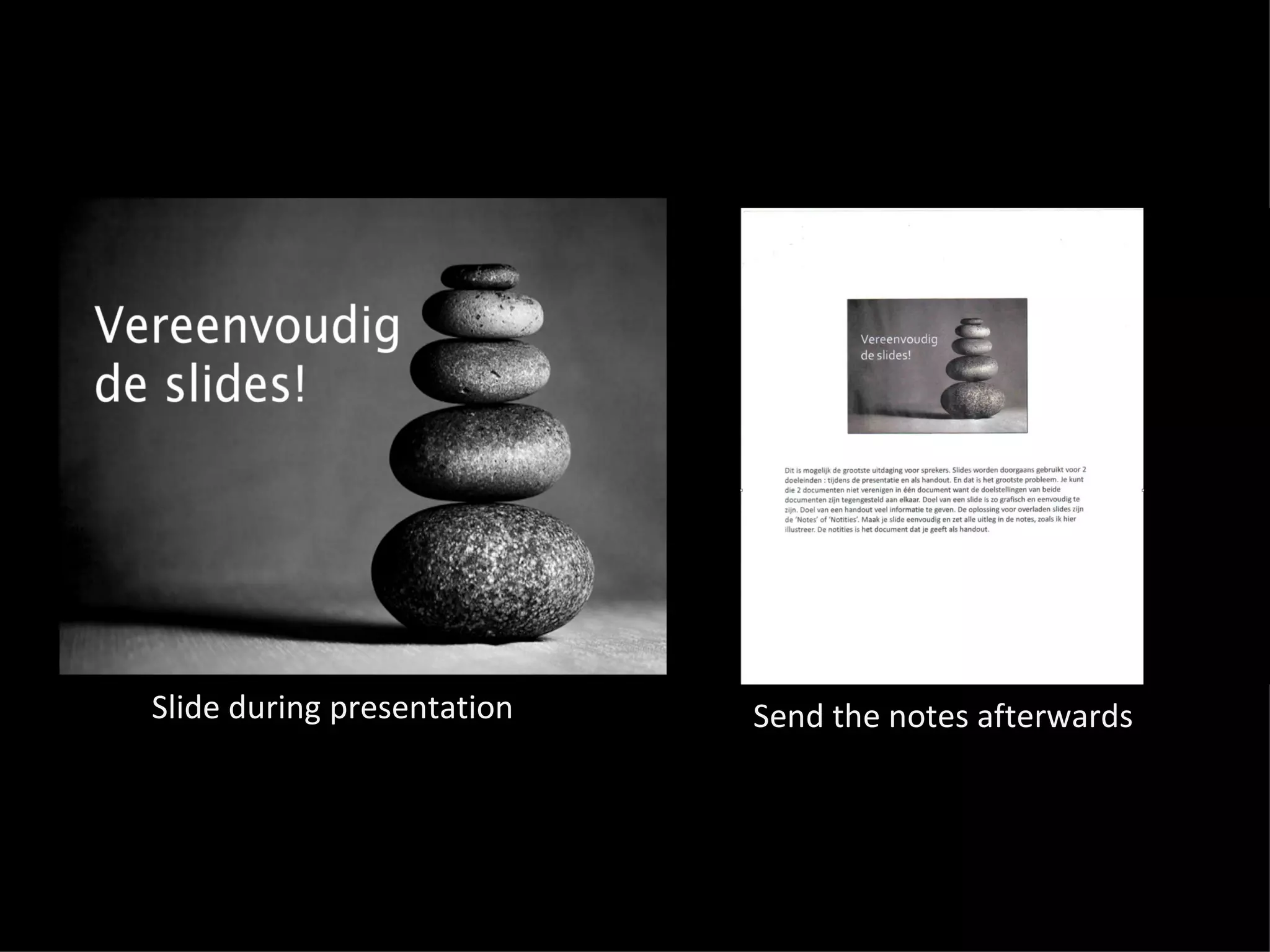
Slide during presentation   Send the notes afterwards
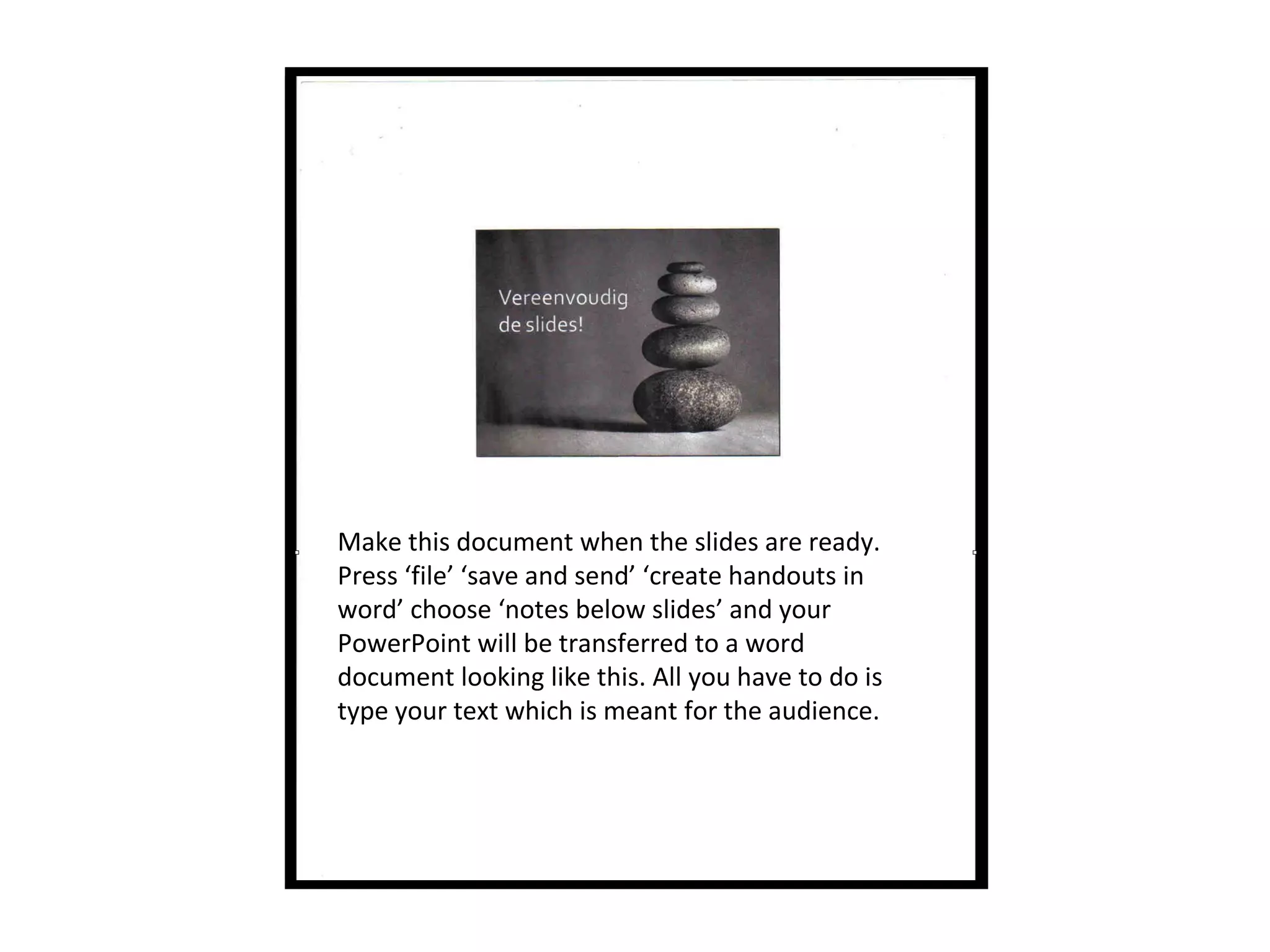
Make this document when the slides are ready.
Press ‘file’ ‘save and send’ ‘create handouts in
word’ choose ‘notes below slides’ and your
PowerPoint will be transferred to a word
document looking like this. All you have to do is
type your text which is meant for the audience.
Come to think of it….do you really need
slides
‘
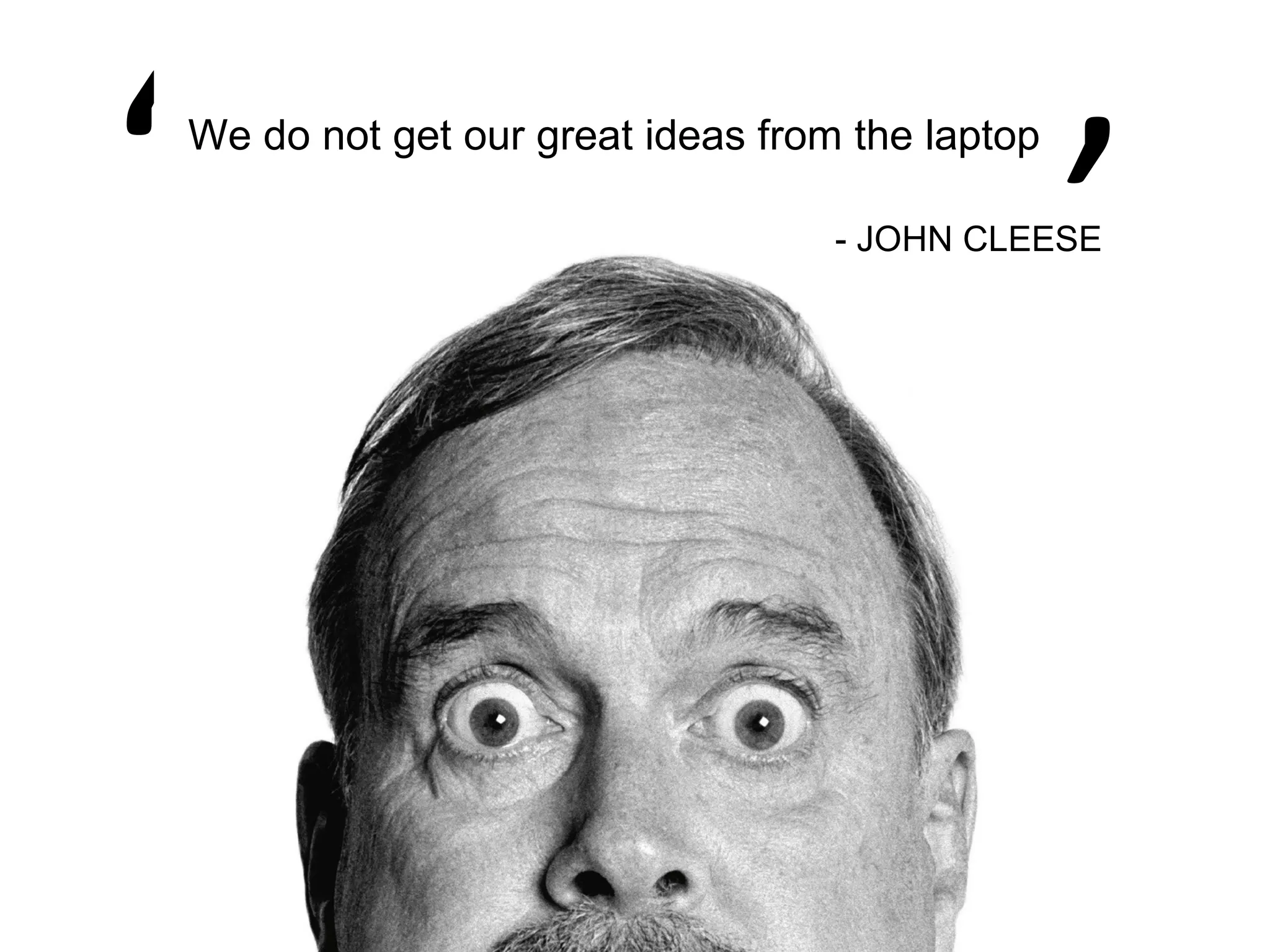
‘   We do not get our great ideas from the laptop

                                      - JOHN CLEESE
Before you start designing slides
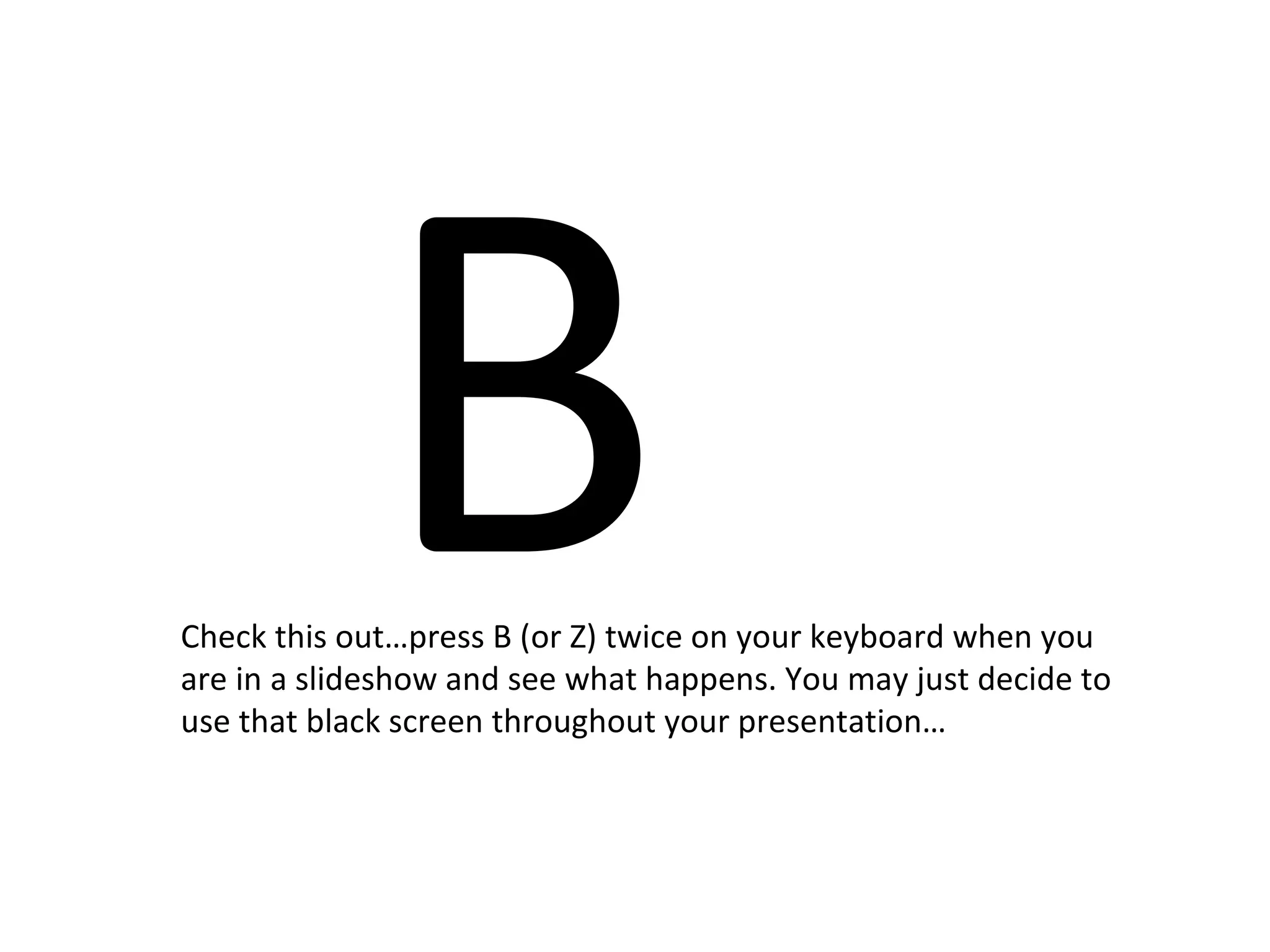
B
Check this out…press B (or Z) twice on your keyboard when you
are in a slideshow and see what happens. You may just decide to
use that black screen throughout your presentation…
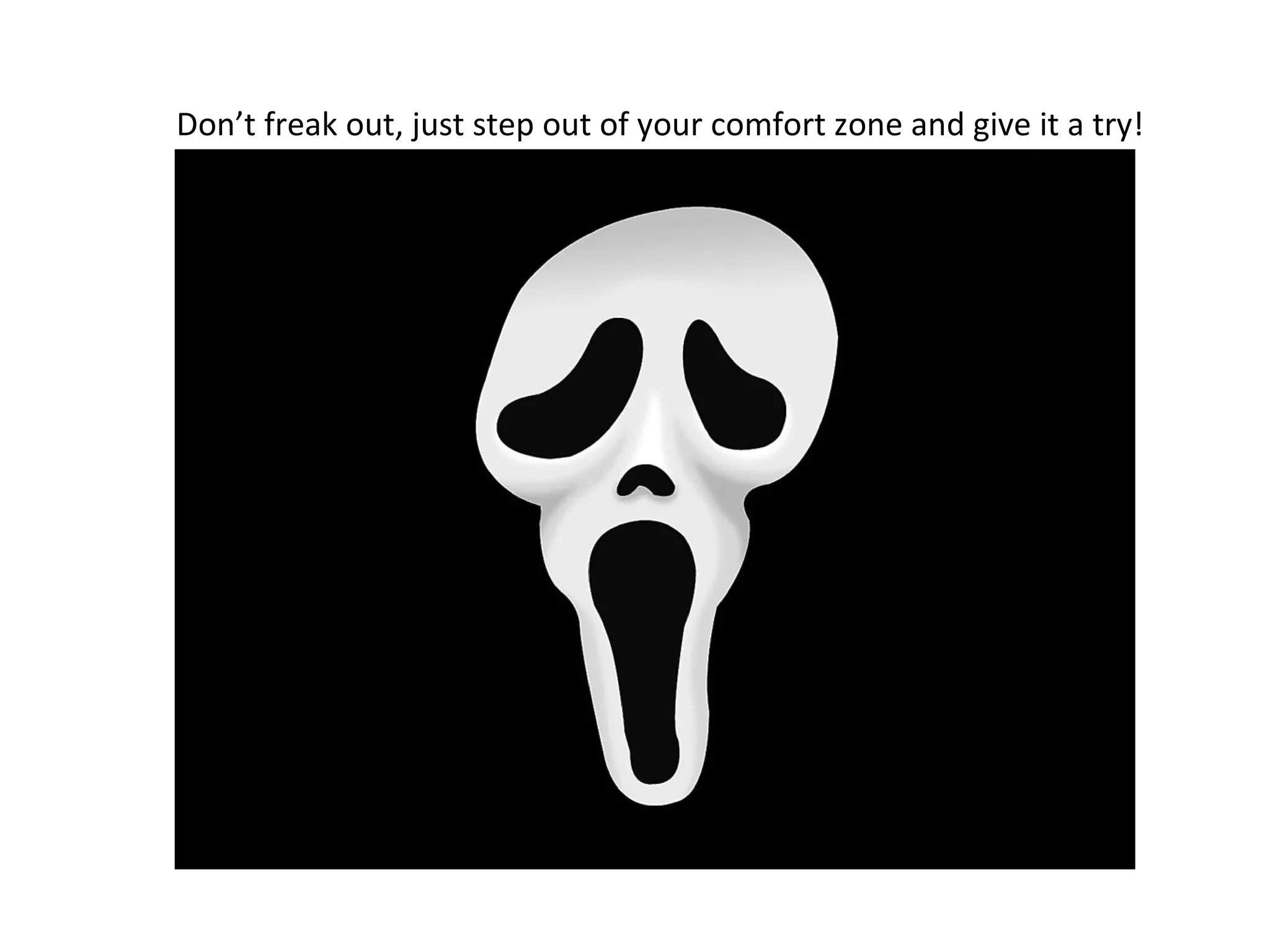
Don’t freak out, just step out of your comfort zone and give it a try!
This slideshare was made by presentation expert Sylvie
       Verleye of presentation academy Simply Talking!
                Surf to www.simplytalking.be for more…

Free presentation tips by presentation expert Sylvie Verleye

  • 1.
    FREE PRESENTATION TIPS By presentation coach and speaker Sylvie Verleye
  • 2.
    You are aboutto discover my golden presentation rules to make your next presentation an unforgettable experience for you and your audience…
  • 3.
  • 4.
    TALK WITH THEM…NOT TO THEM The distance between you and the audience is of utmost importance
  • 5.
    To really connectwith the audience you need to stand close to them because it feels like you bond with them.
  • 6.
    YOU have thelead, not the slides YOU are in controle, not the slideshow
  • 7.
    So MEMORIZE the order of your slides!
  • 8.
    OBSERVE theMASTER He introduces the slide and clicks instead of clicking and then commenting the slide.
  • 9.
    BIG You have abig screen, make it
  • 10.
    A picture worksbest when it covers most of the slide
  • 11.
    Put a messageON the picture in a minimum font 20
  • 12.
    Most slides that I see are ‘decorated’ slides  With the ever so (not) important bullet points  Where text is the basis of the slide  And the picture works as nice extra  Sometimes it is not even a nice picture but clipart  Please don’t do that  When you have slides like these your audience is reading  And chances are that your font will become smaller  And smaller  And smaller  As you cannot get everything on the slide  Please don’t do that
  • 13.
    The bigger theaudience, the bigger the font
  • 14.
    Never ever sendyour slides, only show them during a presentation
  • 15.
    Slide during presentation Send the notes afterwards
  • 16.
    Make this documentwhen the slides are ready. Press ‘file’ ‘save and send’ ‘create handouts in word’ choose ‘notes below slides’ and your PowerPoint will be transferred to a word document looking like this. All you have to do is type your text which is meant for the audience.
  • 17.
    Come to thinkof it….do you really need slides
  • 18.
    ‘ ‘ We do not get our great ideas from the laptop - JOHN CLEESE
  • 19.
    Before you startdesigning slides
  • 20.
    B Check this out…pressB (or Z) twice on your keyboard when you are in a slideshow and see what happens. You may just decide to use that black screen throughout your presentation…
  • 21.
    Don’t freak out,just step out of your comfort zone and give it a try!
  • 22.
    This slideshare wasmade by presentation expert Sylvie Verleye of presentation academy Simply Talking! Surf to www.simplytalking.be for more…