Frederick Highbaugh Jr Art 2830 Meta Tag presentation
Meta tags are metadata about data.  Metadata quite simply is a set of data that describes and gives information about other data.
Meta tags specify page description and keywords in an HTML document. Meta tags are used to provide information about a web page.  The meta tags are optional and easy to use.
The <meta> tag always goes inside the <head> element. The metadata can be used by browsers (how to display content or reload page), search engines (keywords), or other web services.
Metadata is always passed as name/value pairs. There are differences between HTML and XHTML meta tag use. In HTML the <meta> tag has no end tag. In XHTML the <meta> tag must be properly closed.
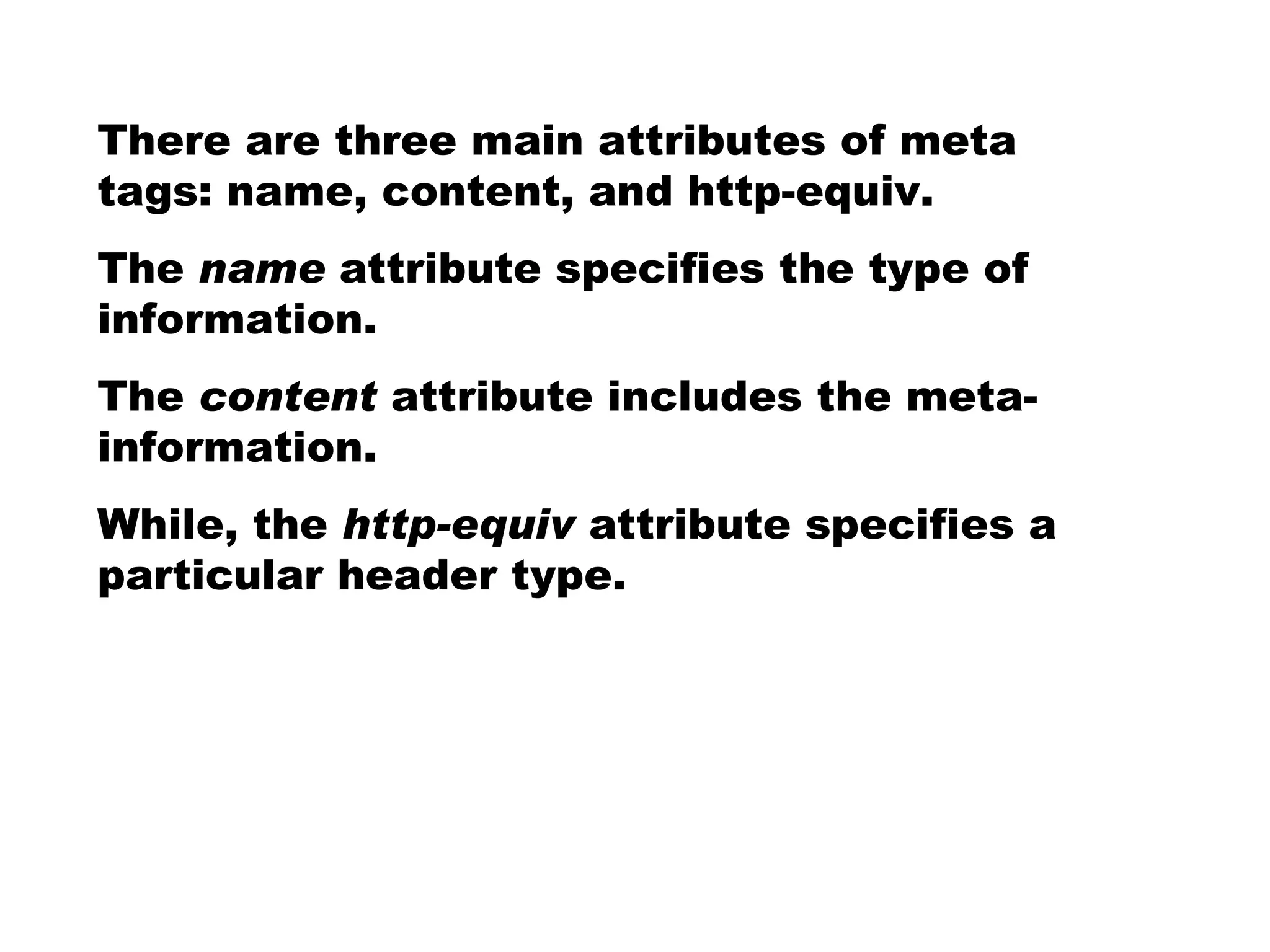
There are three main attributes of meta tags: name, content, and http-equiv.  The  name  attribute specifies the type of information.  The  content  attribute includes the meta-information.  While, the  http-equiv  attribute specifies a particular header type.
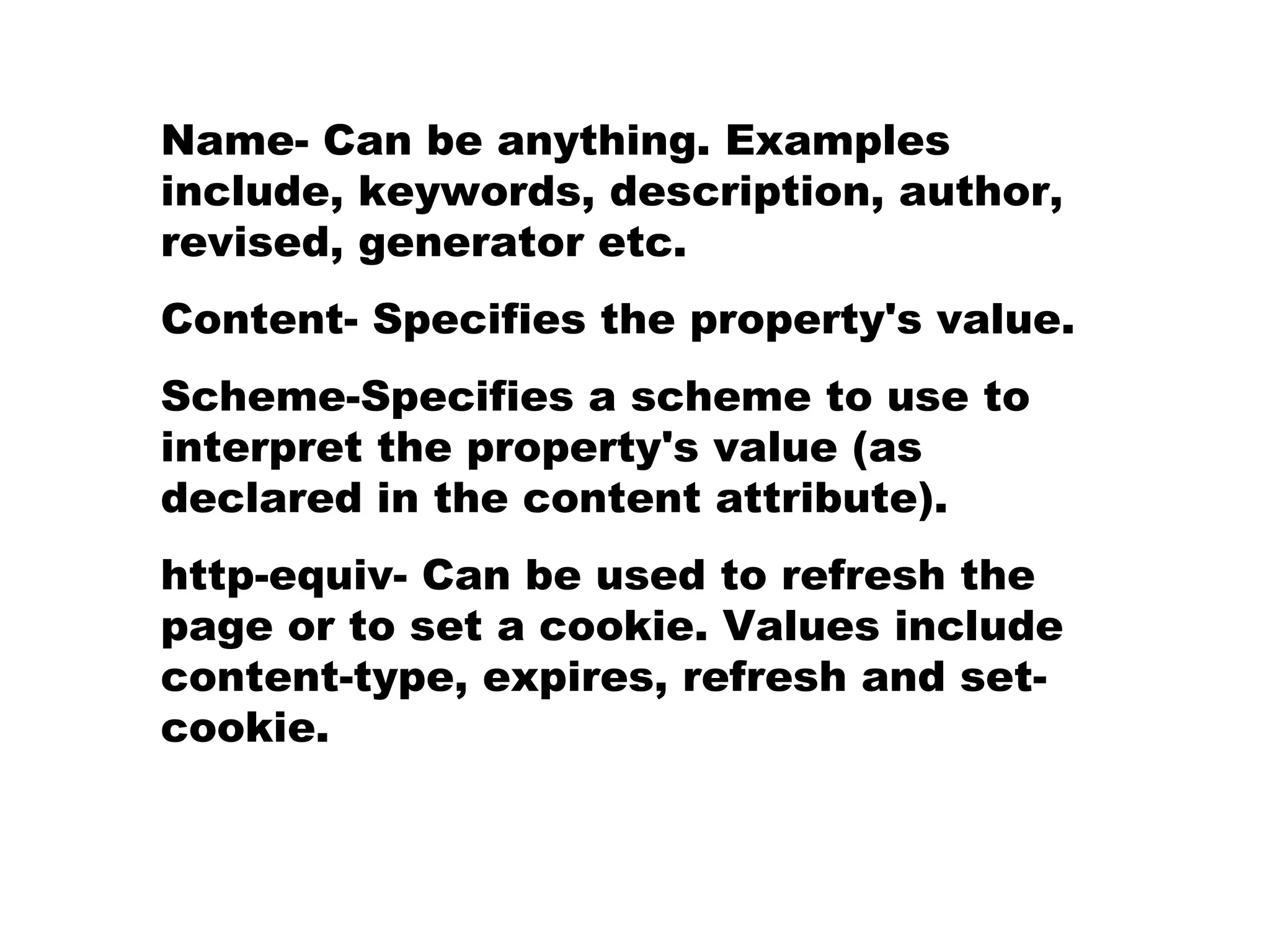
Name- Can be anything. Examples include, keywords, description, author, revised, generator etc. Content- Specifies the property's value. Scheme-Specifies a scheme to use to interpret the property's value (as declared in the content attribute). http-equiv- Can be used to refresh the page or to set a cookie. Values include content-type, expires, refresh and set-cookie.
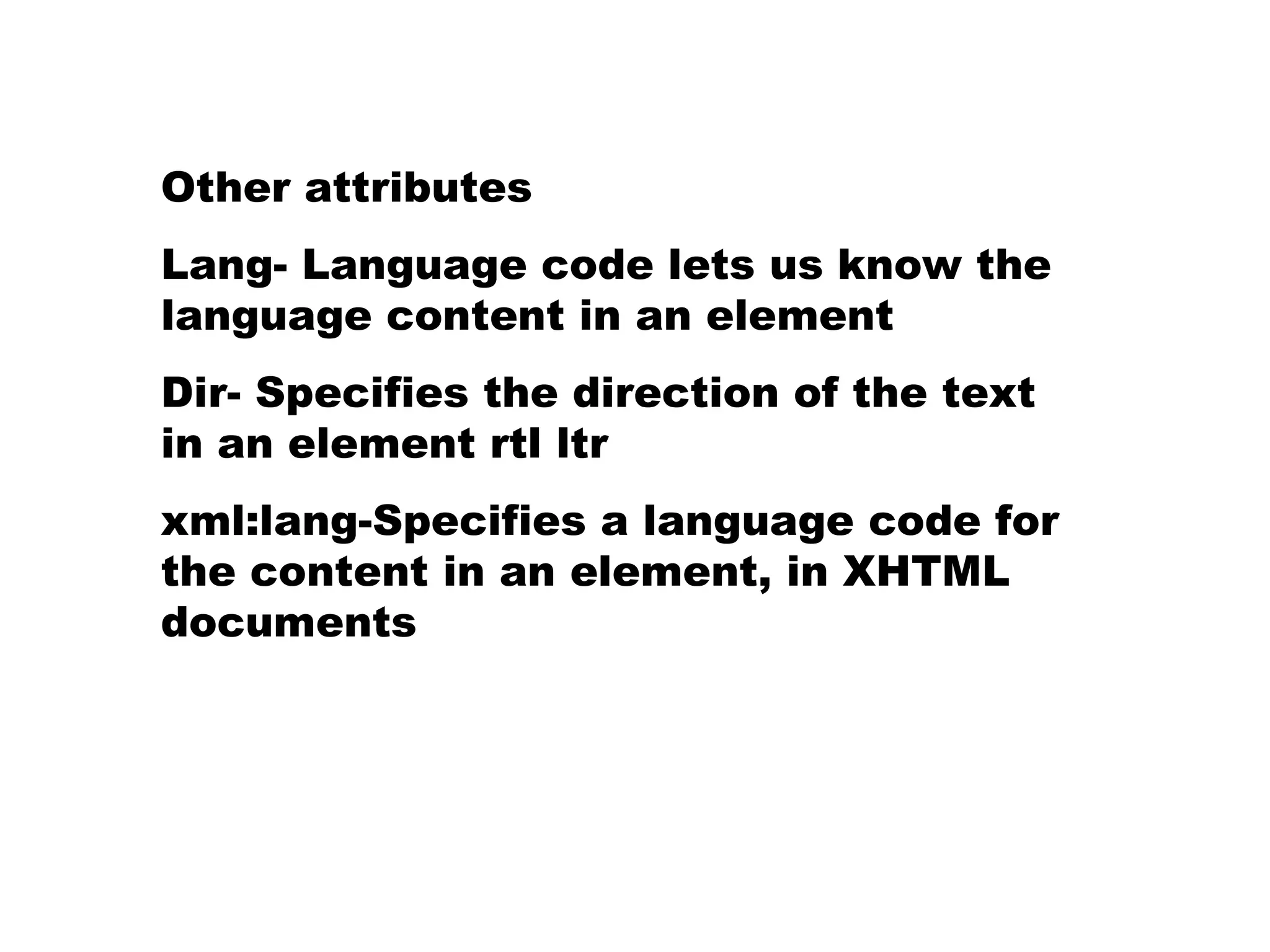
Other attributes Lang- Language code lets us know the language content in an element Dir- Specifies the direction of the text in an element rtl ltr xml:lang-Specifies a language code for the content in an element, in XHTML documents
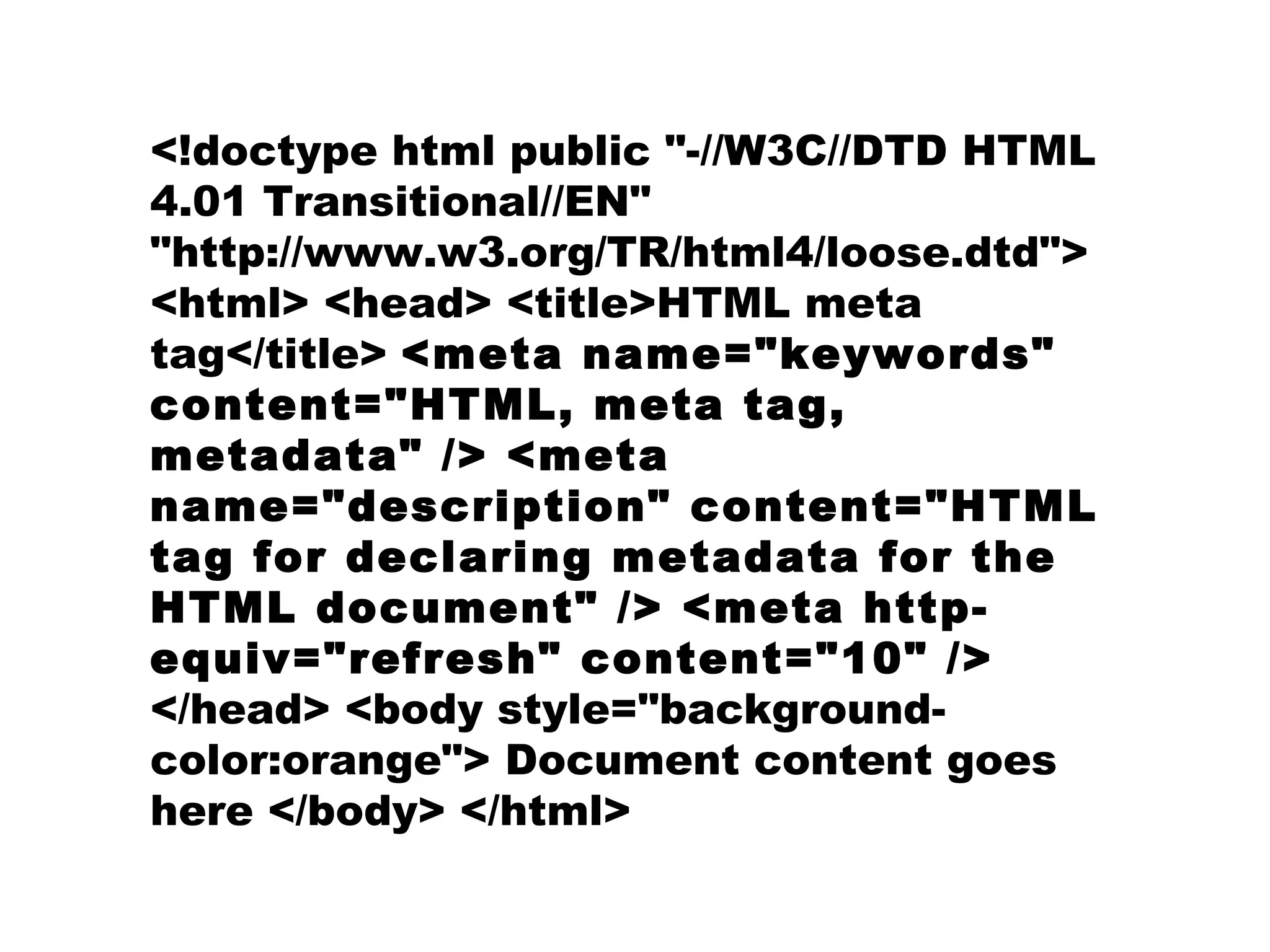
<!doctype html public &quot;-//W3C//DTD HTML 4.01 Transitional//EN&quot; &quot;http://www.w3.org/TR/html4/loose.dtd&quot;> <html> <head> <title>HTML meta tag</title>  <meta name=&quot;keywords&quot; content=&quot;HTML, meta tag, metadata&quot; /> <meta name=&quot;description&quot; content=&quot;HTML tag for declaring metadata for the HTML document&quot; /> <meta http-equiv=&quot;refresh&quot; content=&quot;10&quot; />  </head> <body style=&quot;background-color:orange&quot;> Document content goes here </body> </html>
 

Frederick Highbaugh Jr Art 2830 Meta tag presentation

  • 1.
    Frederick Highbaugh JrArt 2830 Meta Tag presentation
  • 2.
    Meta tags aremetadata about data. Metadata quite simply is a set of data that describes and gives information about other data.
  • 3.
    Meta tags specifypage description and keywords in an HTML document. Meta tags are used to provide information about a web page. The meta tags are optional and easy to use.
  • 4.
    The <meta> tagalways goes inside the <head> element. The metadata can be used by browsers (how to display content or reload page), search engines (keywords), or other web services.
  • 5.
    Metadata is alwayspassed as name/value pairs. There are differences between HTML and XHTML meta tag use. In HTML the <meta> tag has no end tag. In XHTML the <meta> tag must be properly closed.
  • 6.
    There are threemain attributes of meta tags: name, content, and http-equiv. The name attribute specifies the type of information. The content attribute includes the meta-information. While, the http-equiv attribute specifies a particular header type.
  • 7.
    Name- Can beanything. Examples include, keywords, description, author, revised, generator etc. Content- Specifies the property's value. Scheme-Specifies a scheme to use to interpret the property's value (as declared in the content attribute). http-equiv- Can be used to refresh the page or to set a cookie. Values include content-type, expires, refresh and set-cookie.
  • 8.
    Other attributes Lang-Language code lets us know the language content in an element Dir- Specifies the direction of the text in an element rtl ltr xml:lang-Specifies a language code for the content in an element, in XHTML documents
  • 9.
    <!doctype html public&quot;-//W3C//DTD HTML 4.01 Transitional//EN&quot; &quot;http://www.w3.org/TR/html4/loose.dtd&quot;> <html> <head> <title>HTML meta tag</title> <meta name=&quot;keywords&quot; content=&quot;HTML, meta tag, metadata&quot; /> <meta name=&quot;description&quot; content=&quot;HTML tag for declaring metadata for the HTML document&quot; /> <meta http-equiv=&quot;refresh&quot; content=&quot;10&quot; /> </head> <body style=&quot;background-color:orange&quot;> Document content goes here </body> </html>
  • 10.