for learning resource centres
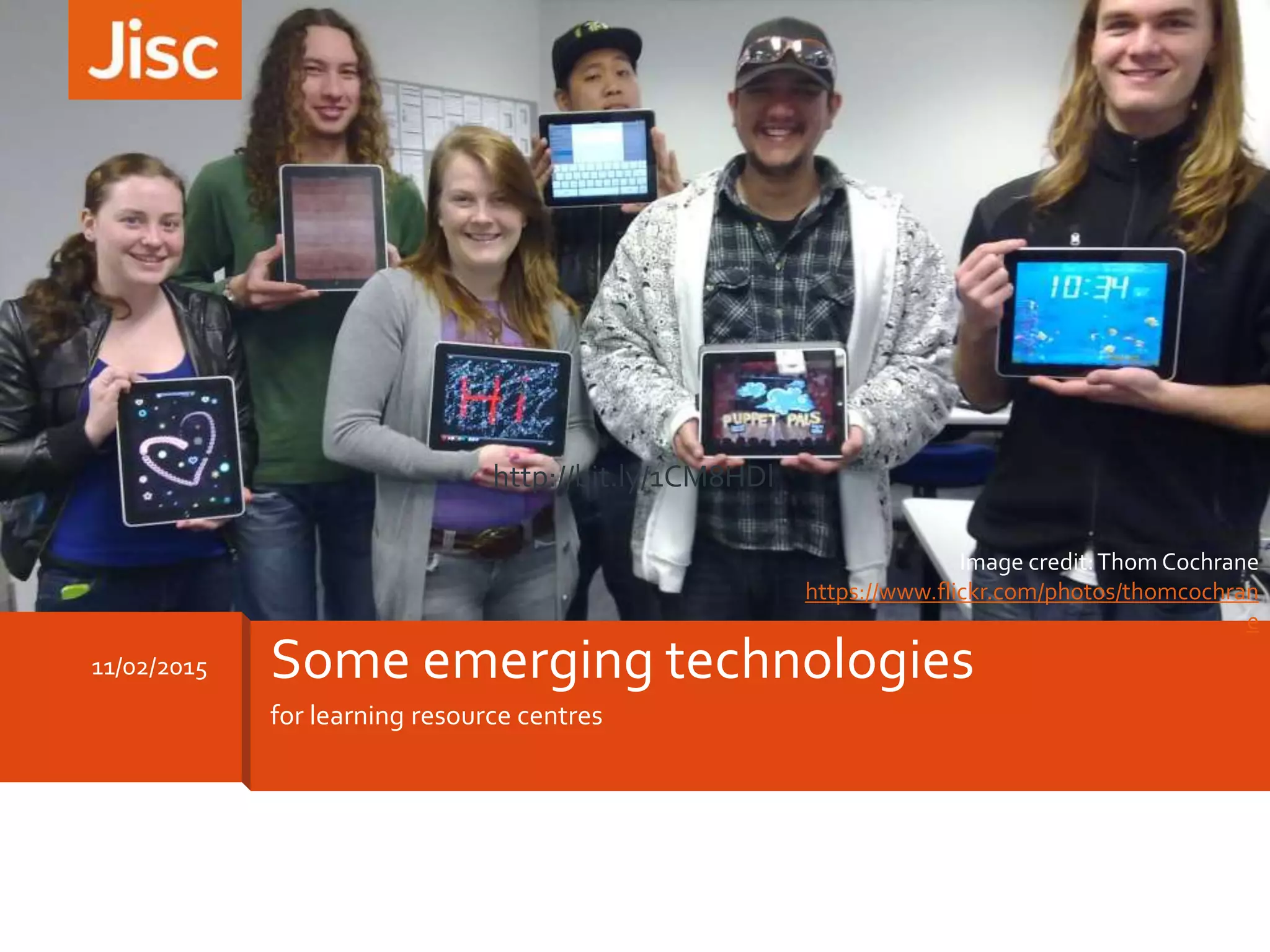
11/02/2015 Some emerging technologies
Image credit:Thom Cochrane
https://www.flickr.com/photos/thomcochran
e
http://bit.ly/1CM8HDl
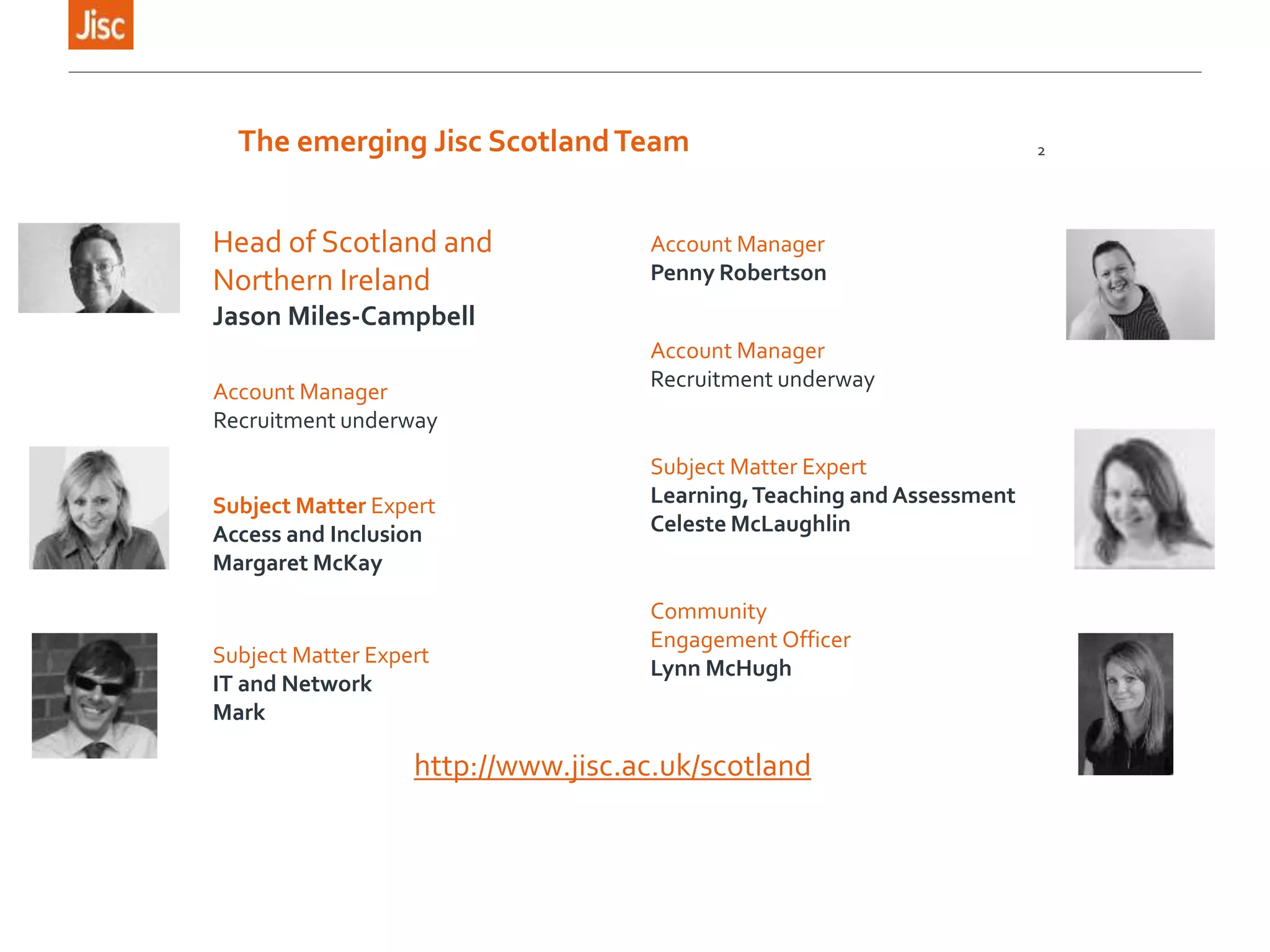
The emerging Jisc ScotlandTeam 2
Head of Scotland and
Northern Ireland
Jason Miles-Campbell
Account Manager
Recruitment underway
Account Manager
Penny Robertson
Account Manager
Recruitment underway
Subject Matter Expert
Access and Inclusion
Margaret McKay
Subject Matter Expert
IT and Network
Mark
Subject Matter Expert
Learning,Teaching and Assessment
Celeste McLaughlin
Community
Engagement Officer
Lynn McHugh
http://www.jisc.ac.uk/scotland
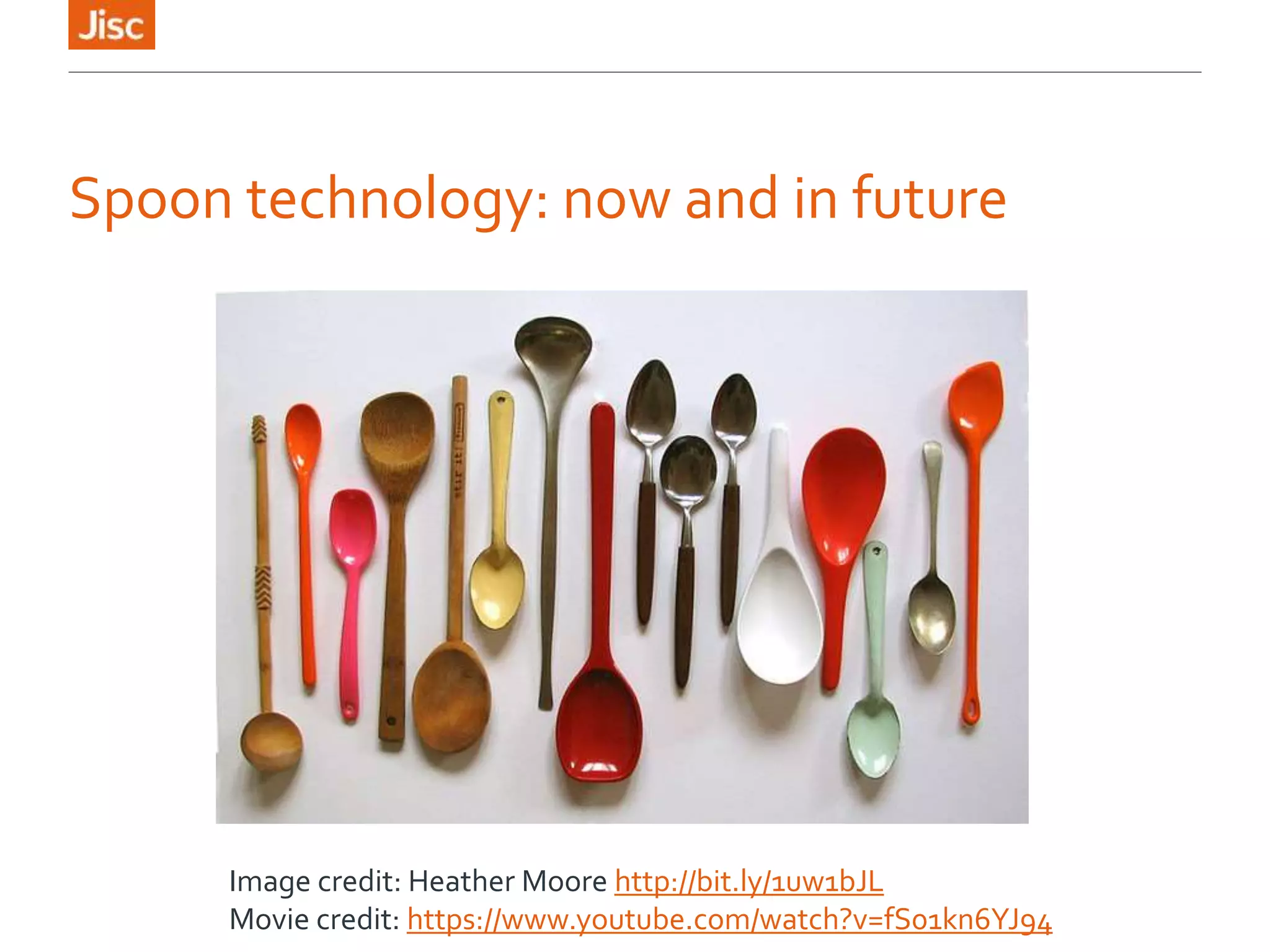
Spoon technology: now and in future
Image credit: Heather Moore http://bit.ly/1uw1bJL
Movie credit: https://www.youtube.com/watch?v=fS01kn6YJ94
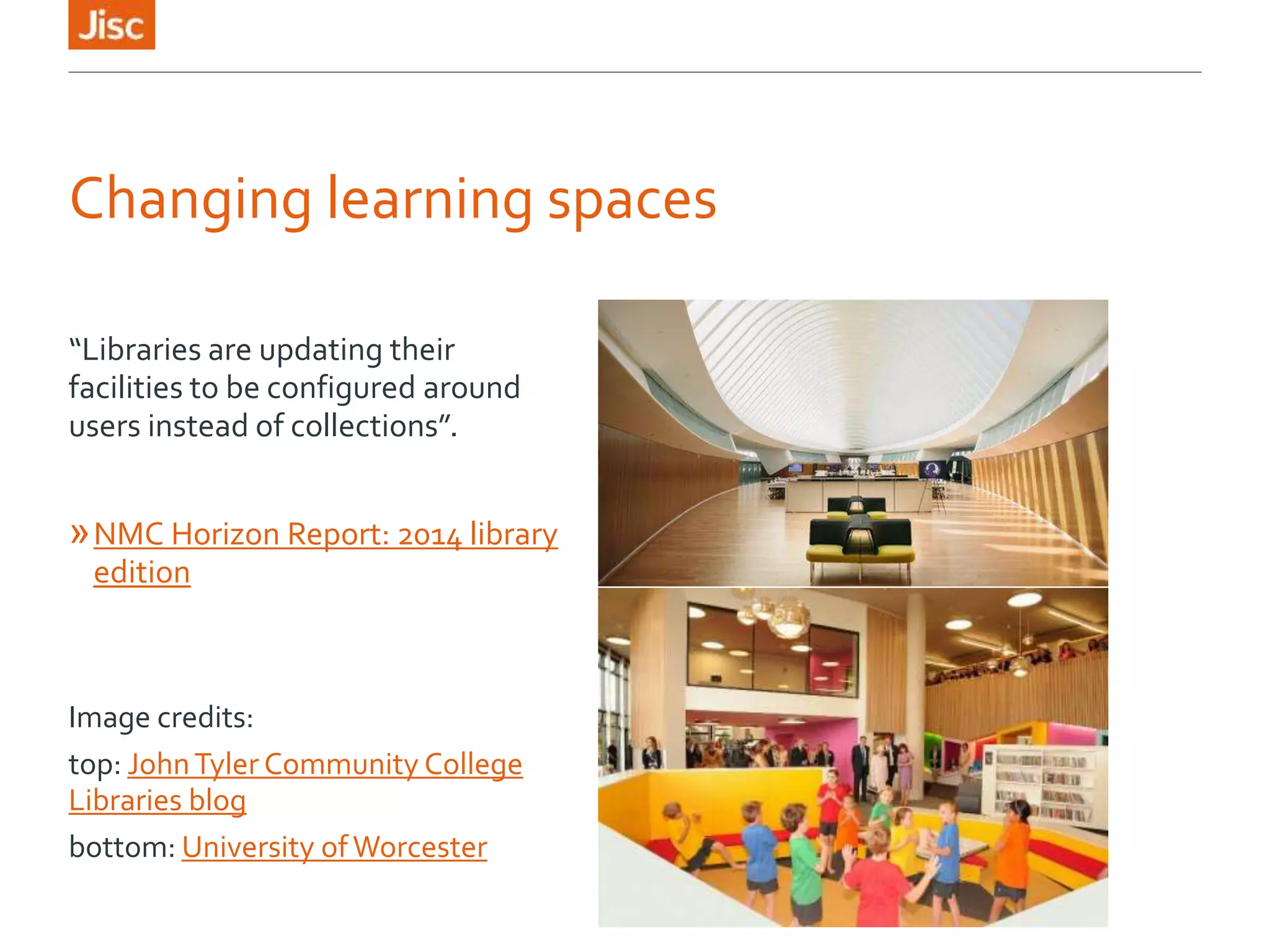
Changing learning spaces
“Libraries are updating their
facilities to be configured around
users instead of collections”.
»NMC Horizon Report: 2014 library
edition
Image credits:
top: JohnTyler Community College
Libraries blog
bottom: University ofWorcester
Online resources and courses
Some free examples:
»OpenLearn http://www.open.edu/openlearn/
»SMIRK – Glasgow Caledonian Library’s information
literacy learning resource for mobile (adapted from
their SMILE web resource)
› Preview on the web
http://www.gcu.ac.uk/library/SMIRK/Start.html
› Download mobile version from the Jorum repository
http://find.jorum.ac.uk/resources/19314
Social media
As well as being a potential learning tool for
students/learners, social media offer great professional
networking and CPD channels for library and teaching
staff. A couple of examples:
»University of Exeter Library Facebook
»23mobilethings – a blog exploring the potential of
mobile tools for delivering library services
http://23mobilethings.net/wpress/
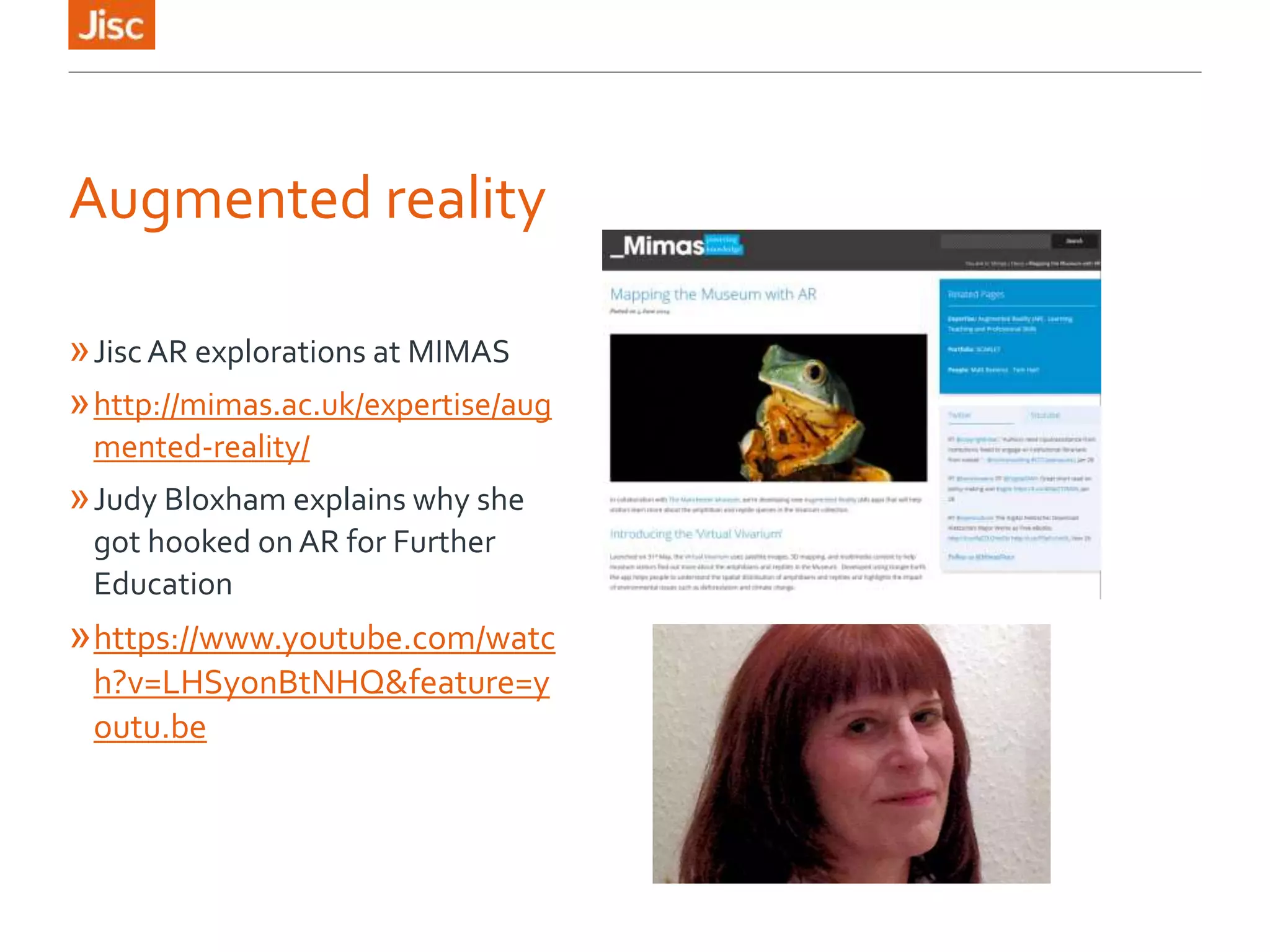
Augmented reality
»Jisc AR explorations at MIMAS
»http://mimas.ac.uk/expertise/aug
mented-reality/
»Judy Bloxham explains why she
got hooked on AR for Further
Education
»https://www.youtube.com/watc
h?v=LHSyonBtNHQ&feature=y
outu.be
Over to you…
Pick an area of emerging technology:
»What is about it that engages you?
»What new possibilities could it open up for your
students/learners?
»What do you think the reactions of the college
community might be to this technology change?
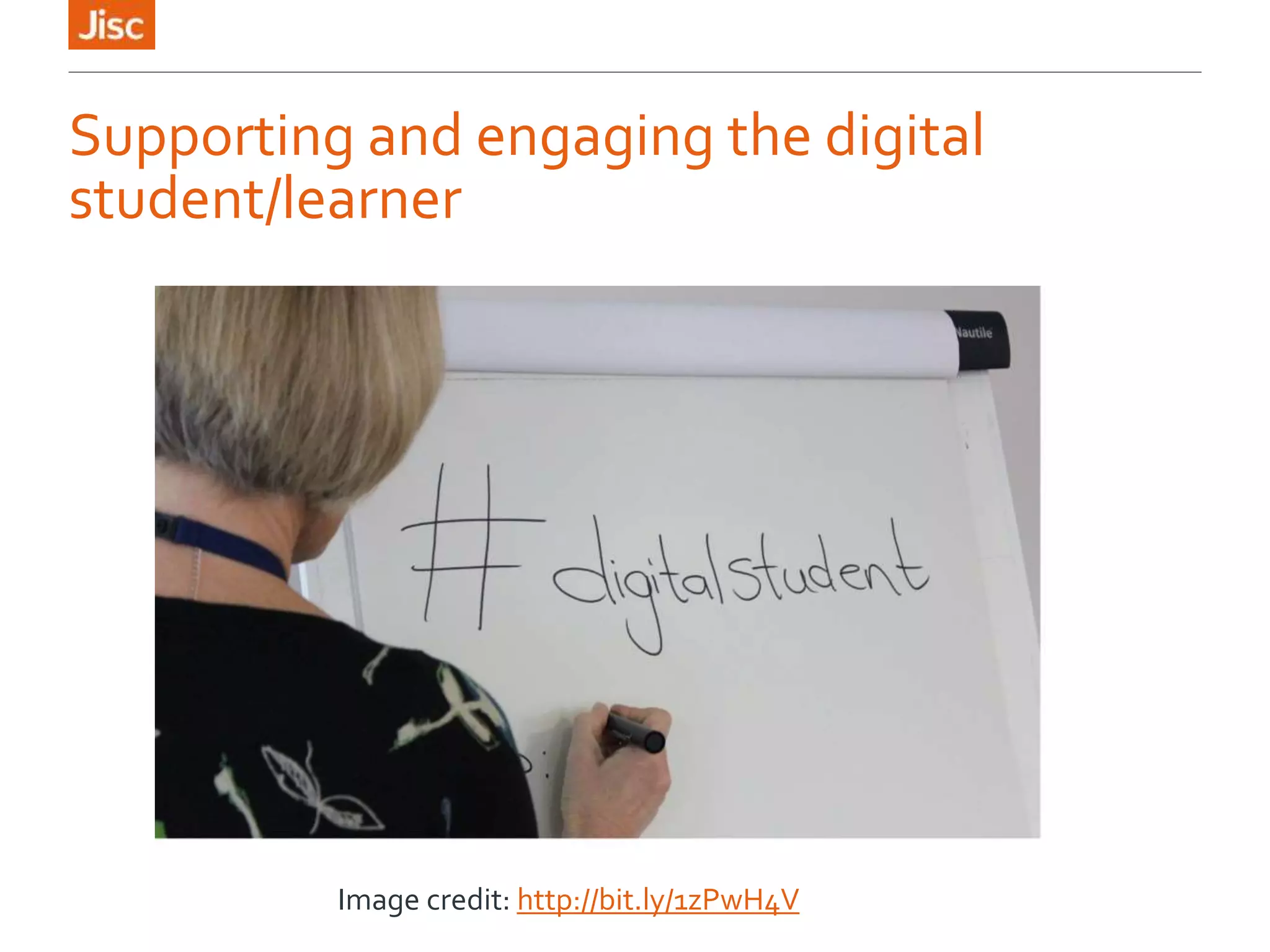
Supporting and engaging the digital
student/learner
Image credit: http://bit.ly/1zPwH4V
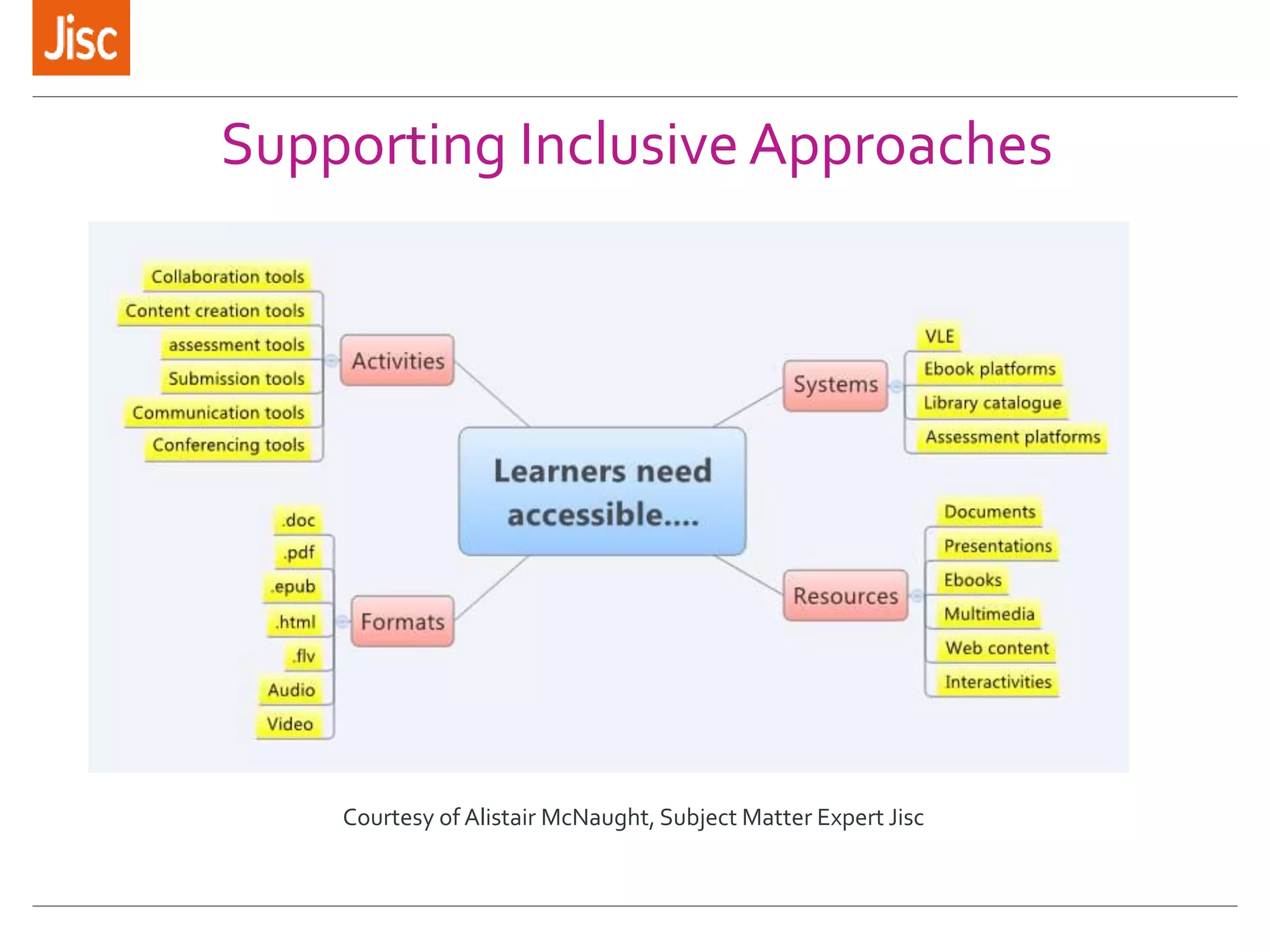
Supporting Inclusive Approaches
Courtesy of Alistair McNaught, Subject Matter Expert Jisc
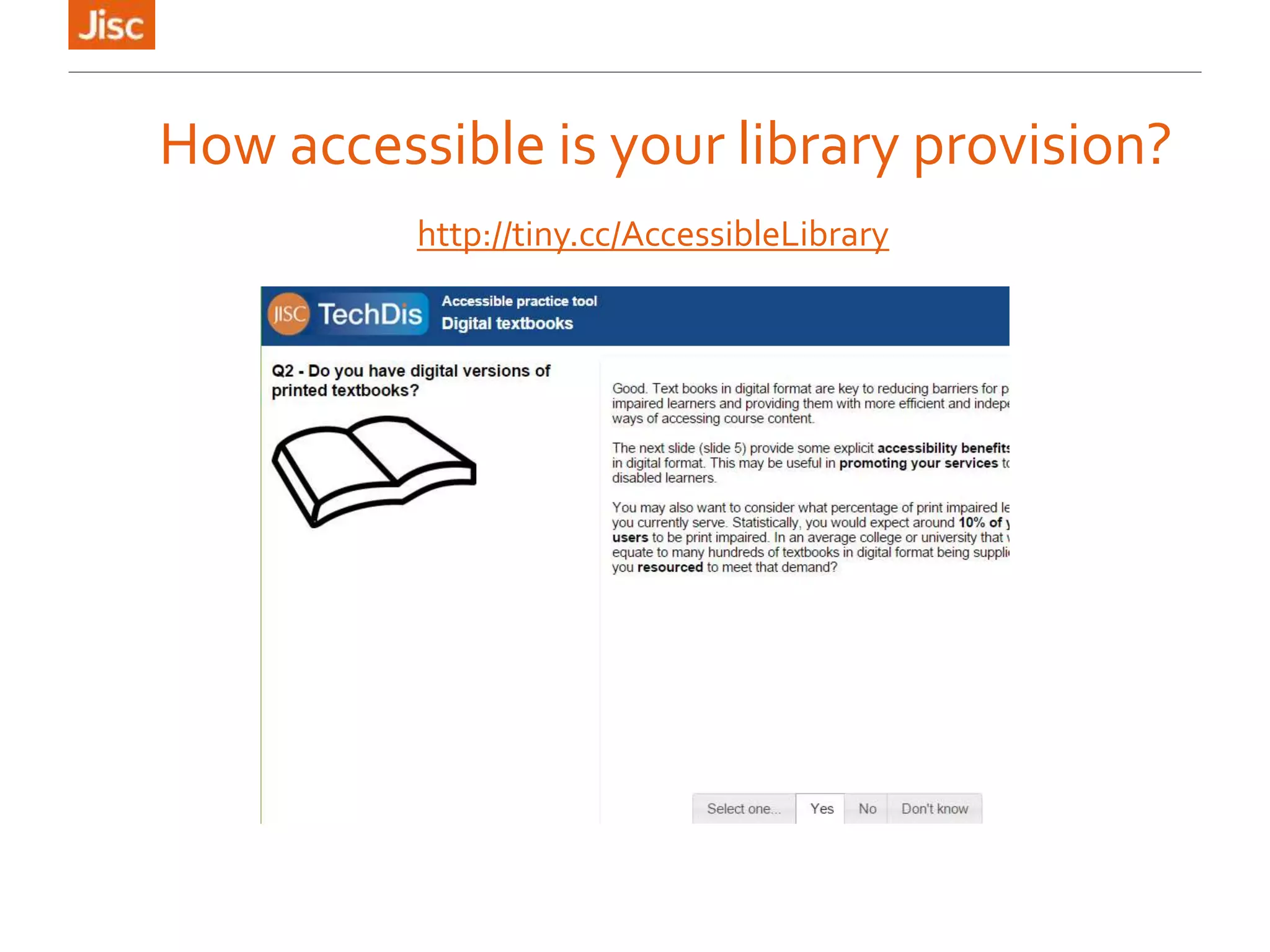
How accessible is your library provision?
http://tiny.cc/AccessibleLibrary
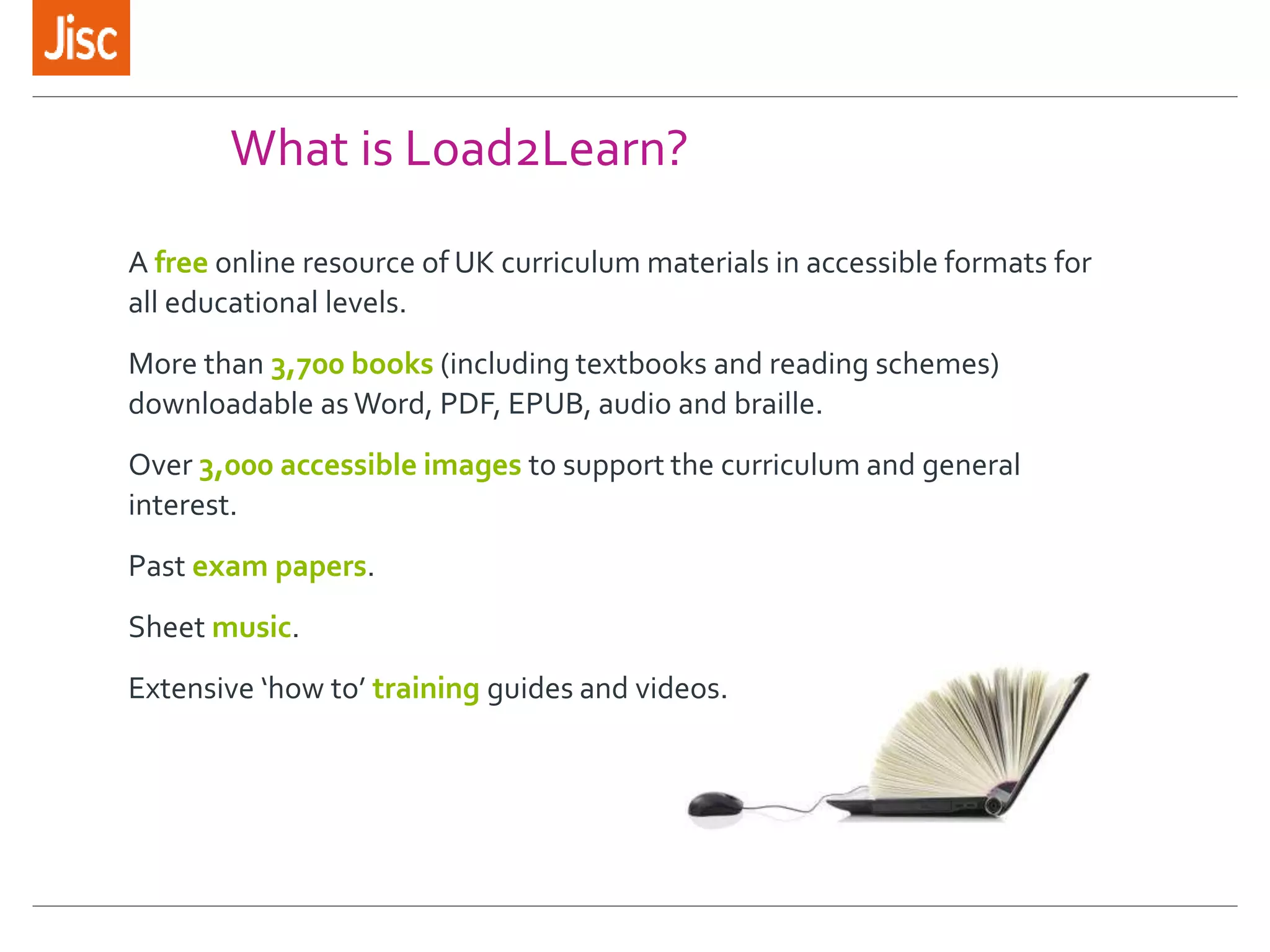
What is Load2Learn?
A free online resource of UK curriculum materials in accessible formats for
all educational levels.
More than 3,700 books (including textbooks and reading schemes)
downloadable as Word, PDF, EPUB, audio and braille.
Over 3,000 accessible images to support the curriculum and general
interest.
Past exam papers.
Sheet music.
Extensive ‘how to’ training guides and videos.
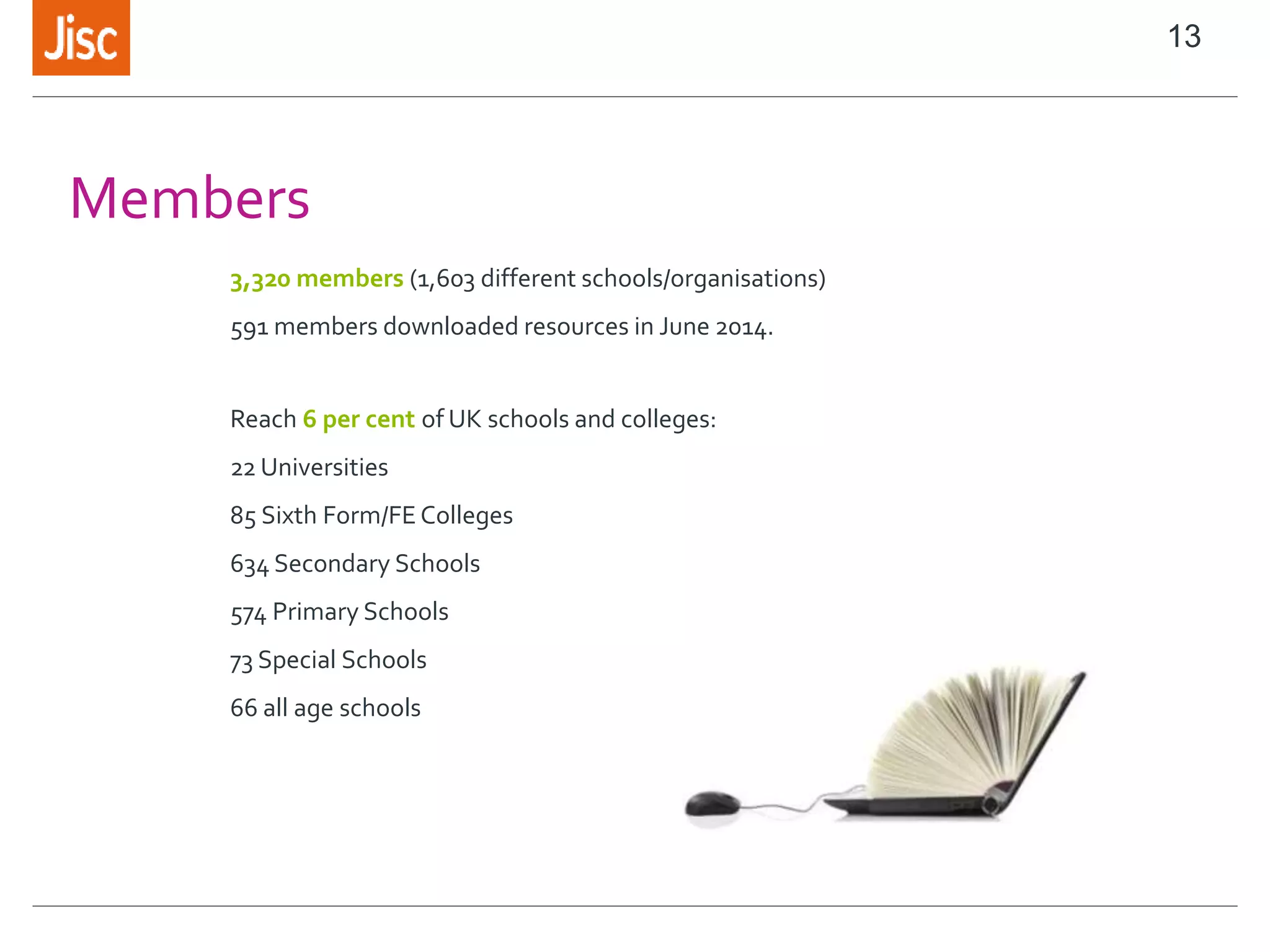
Members
3,320 members (1,603 different schools/organisations)
591 members downloaded resources in June 2014.
Reach 6 per cent of UK schools and colleges:
22 Universities
85 Sixth Form/FE Colleges
634 Secondary Schools
574 Primary Schools
73 Special Schools
66 all age schools
13
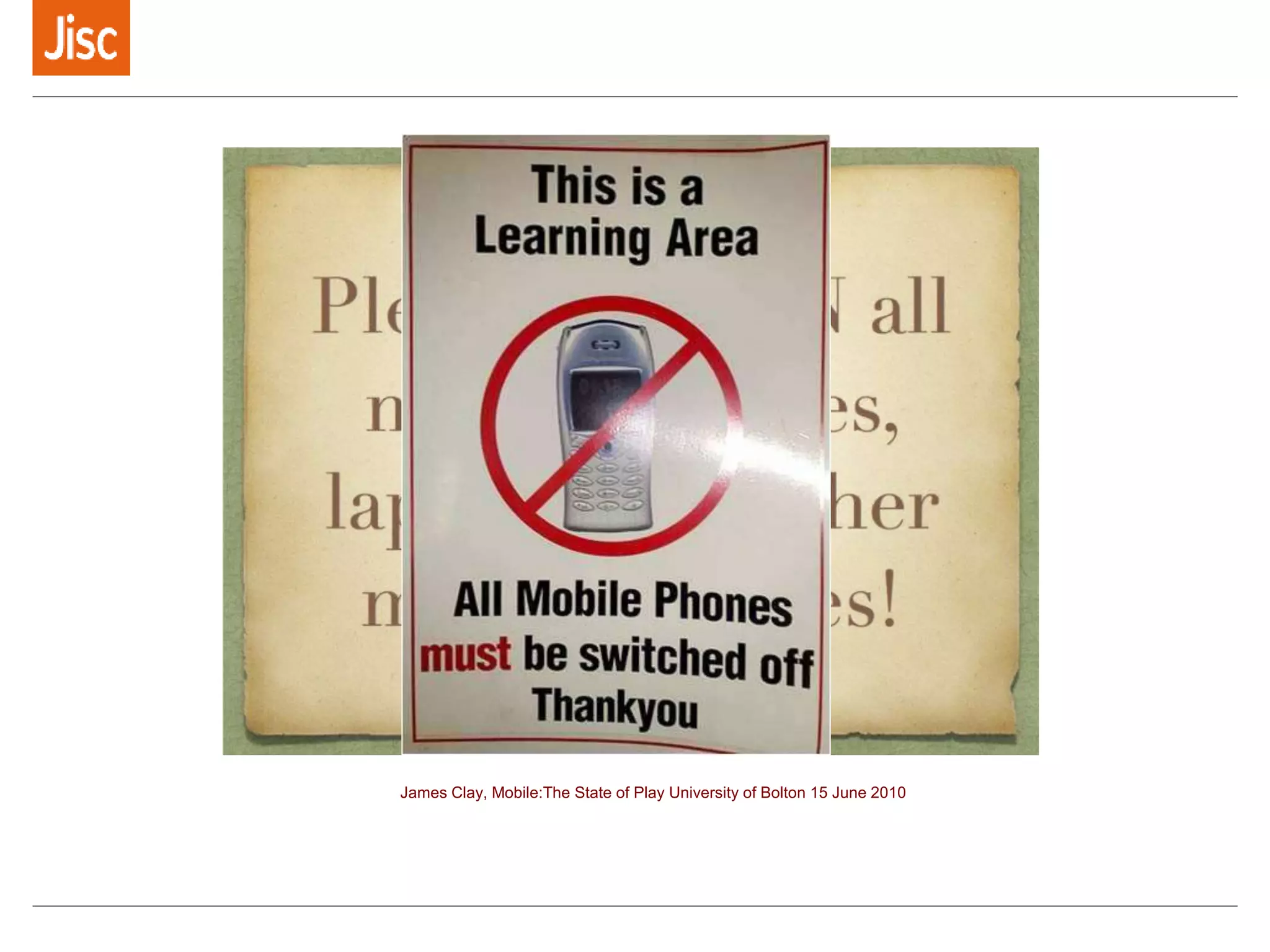
James Clay, Mobile:The State of Play University of Bolton 15 June 2010
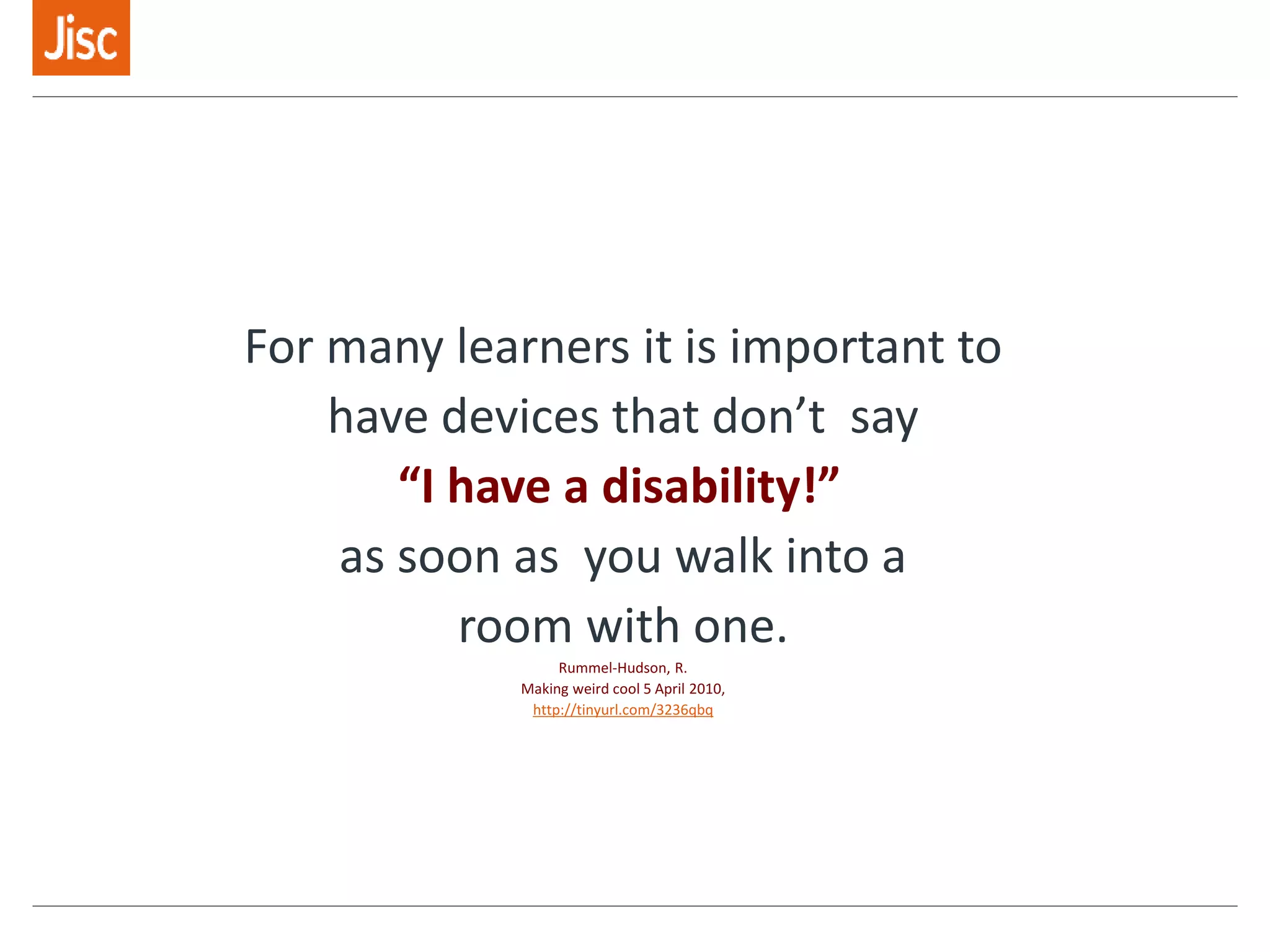
For many learners it is important to
have devices that don’t say
“I have a disability!”
as soon as you walk into a
room with one.
Rummel-Hudson, R.
Making weird cool 5 April 2010,
http://tinyurl.com/3236qbq
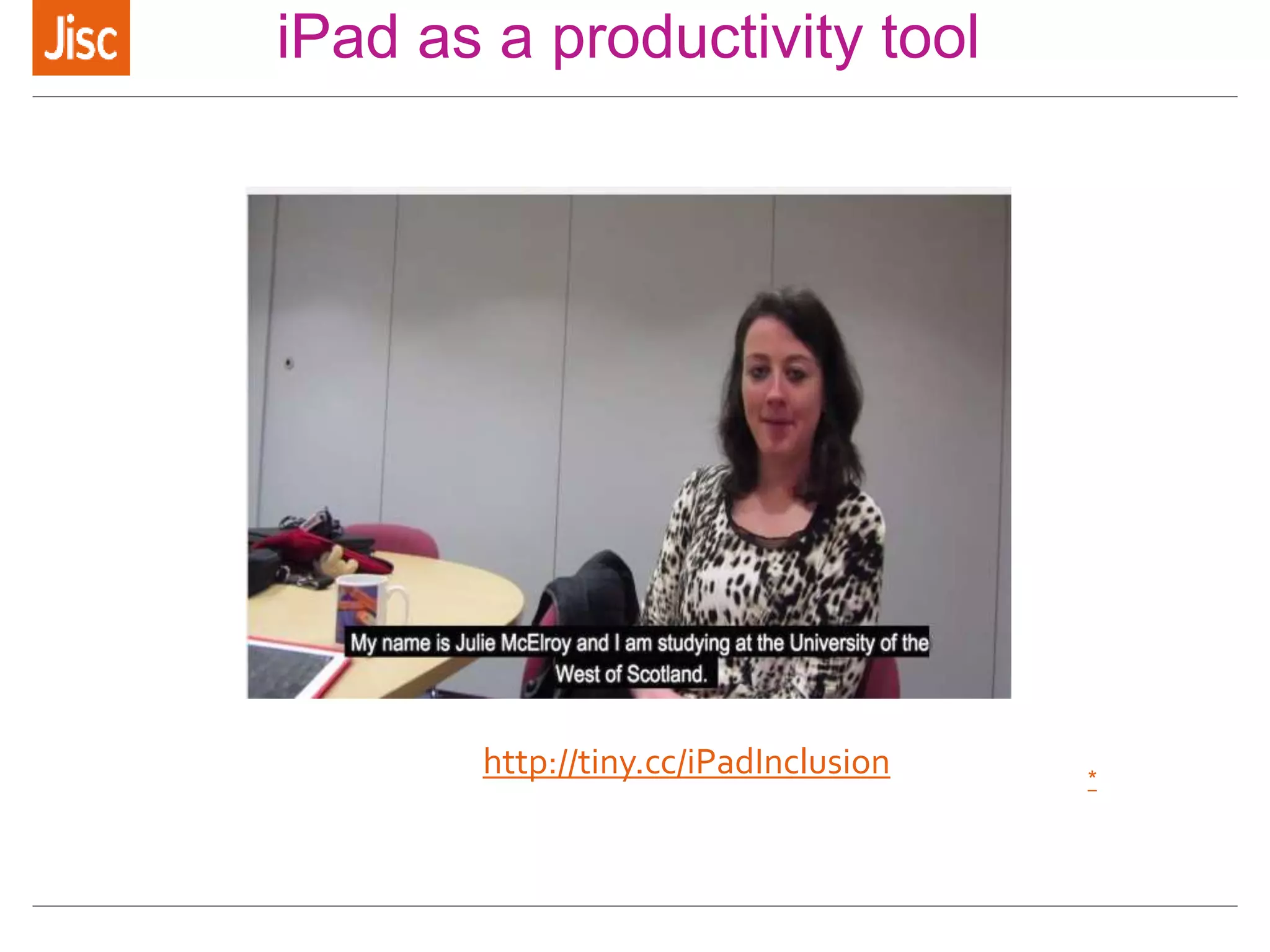
iPad as a productivity tool
*
http://tiny.cc/iPadInclusion
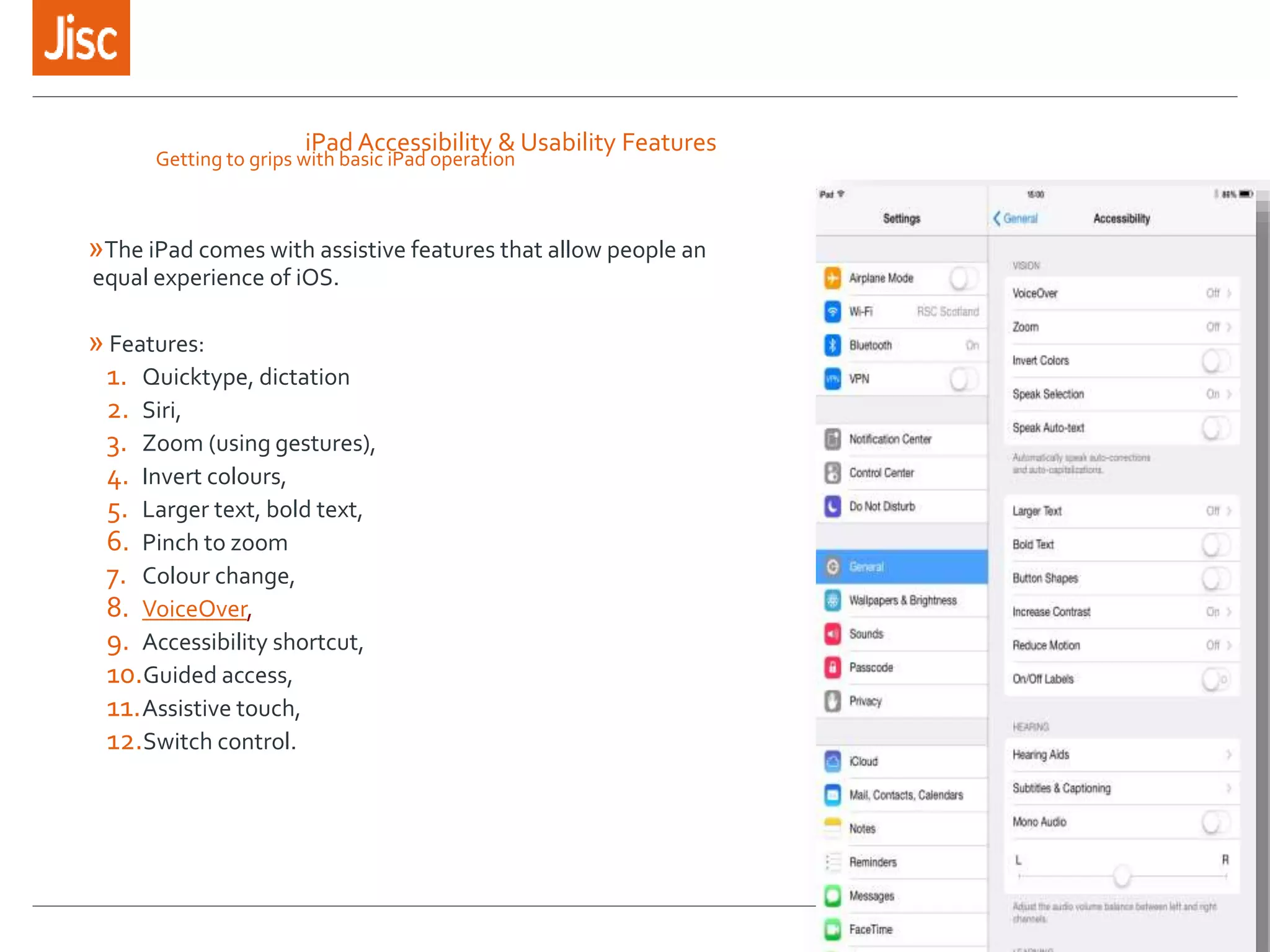
iPad Accessibility & Usability Features
»The iPad comes with assistive features that allow people an
equal experience of iOS.
» Features:
1. Quicktype, dictation
2. Siri,
3. Zoom (using gestures),
4. Invert colours,
5. Larger text, bold text,
6. Pinch to zoom
7. Colour change,
8. VoiceOver,
9. Accessibility shortcut,
10.Guided access,
11.Assistive touch,
12.Switch control.
Getting to grips with basic iPad operation
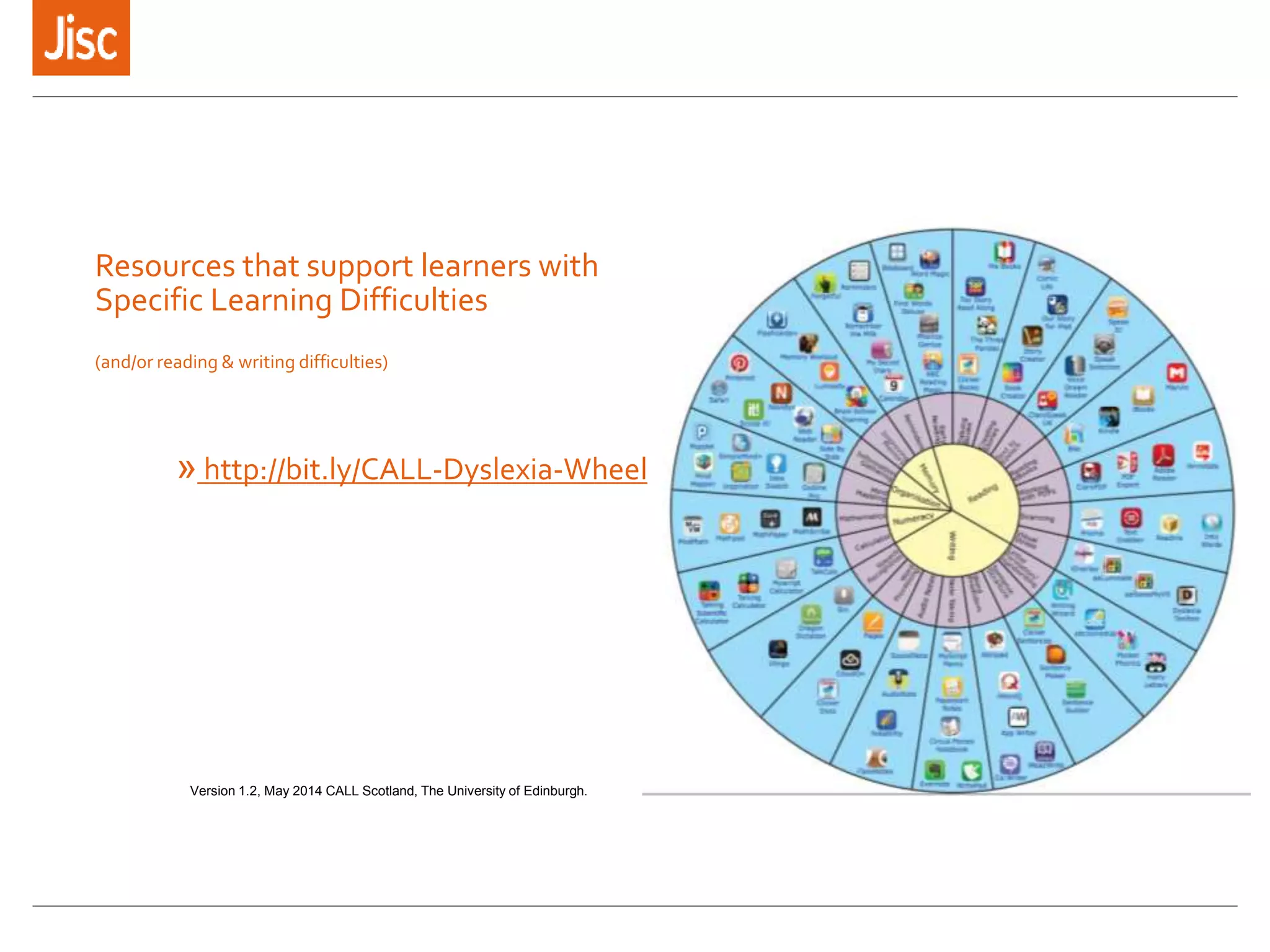
Resources that support learners with
Specific Learning Difficulties
(and/or reading & writing difficulties)
» http://bit.ly/CALL-Dyslexia-Wheel
Version 1.2, May 2014 CALL Scotland, The University of Edinburgh.
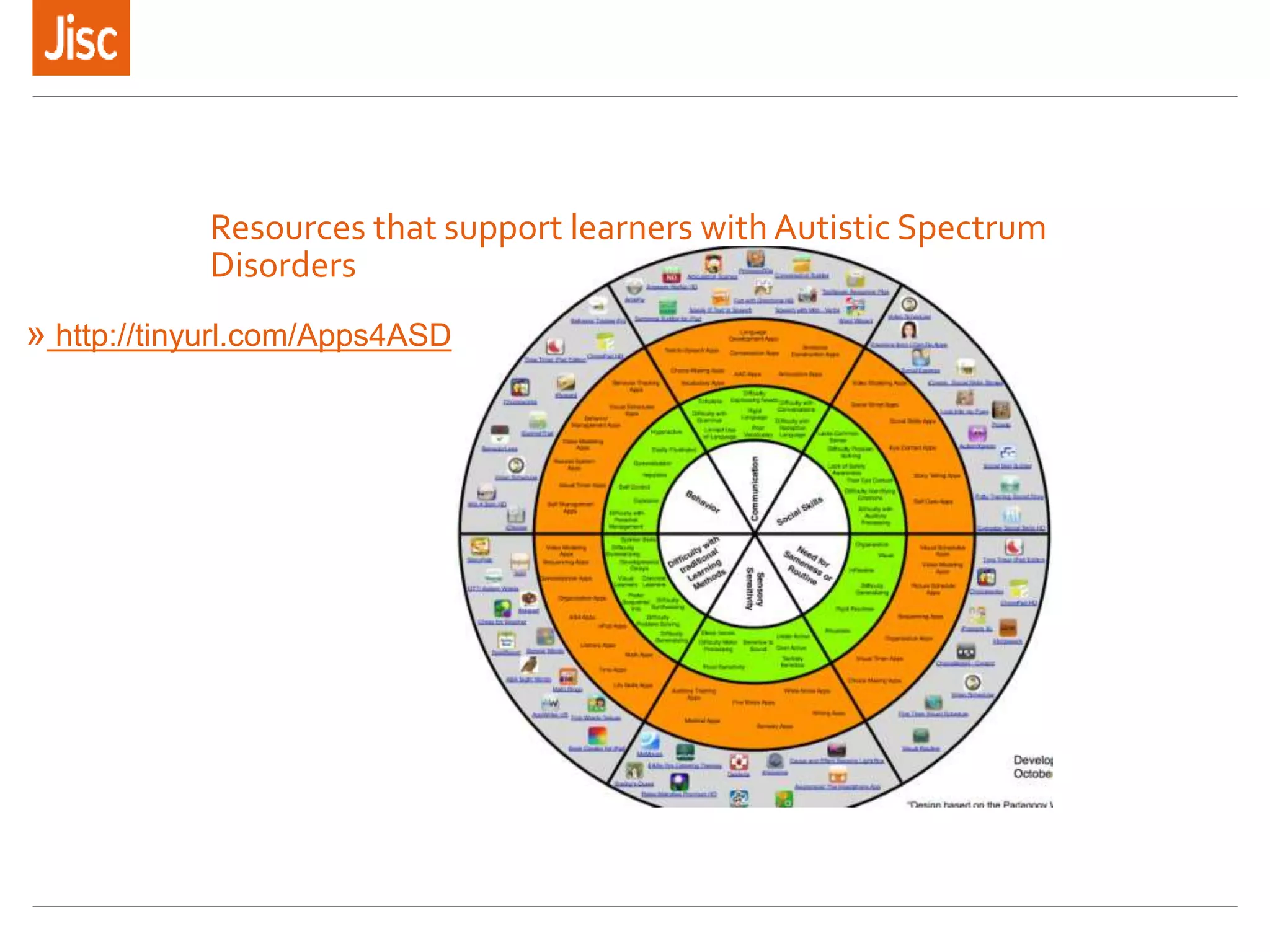
Resources that support learners with Autistic Spectrum
Disorders
» http://tinyurl.com/Apps4ASD
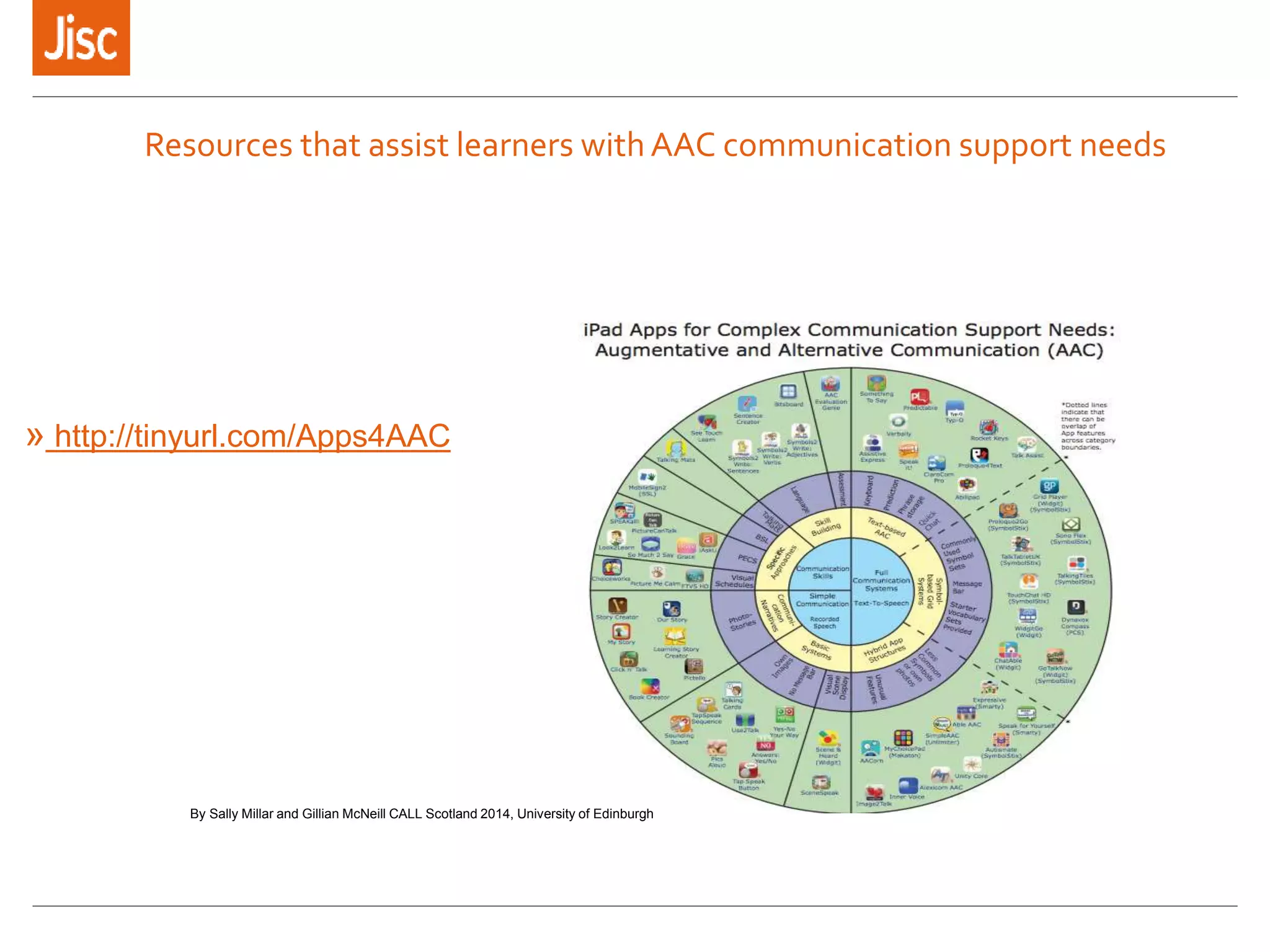
Resources that assist learners with AAC communication support needs
» http://tinyurl.com/Apps4AAC
By Sally Millar and Gillian McNeill CALL Scotland 2014, University of Edinburgh
How do you know if the information
you create is accessible?
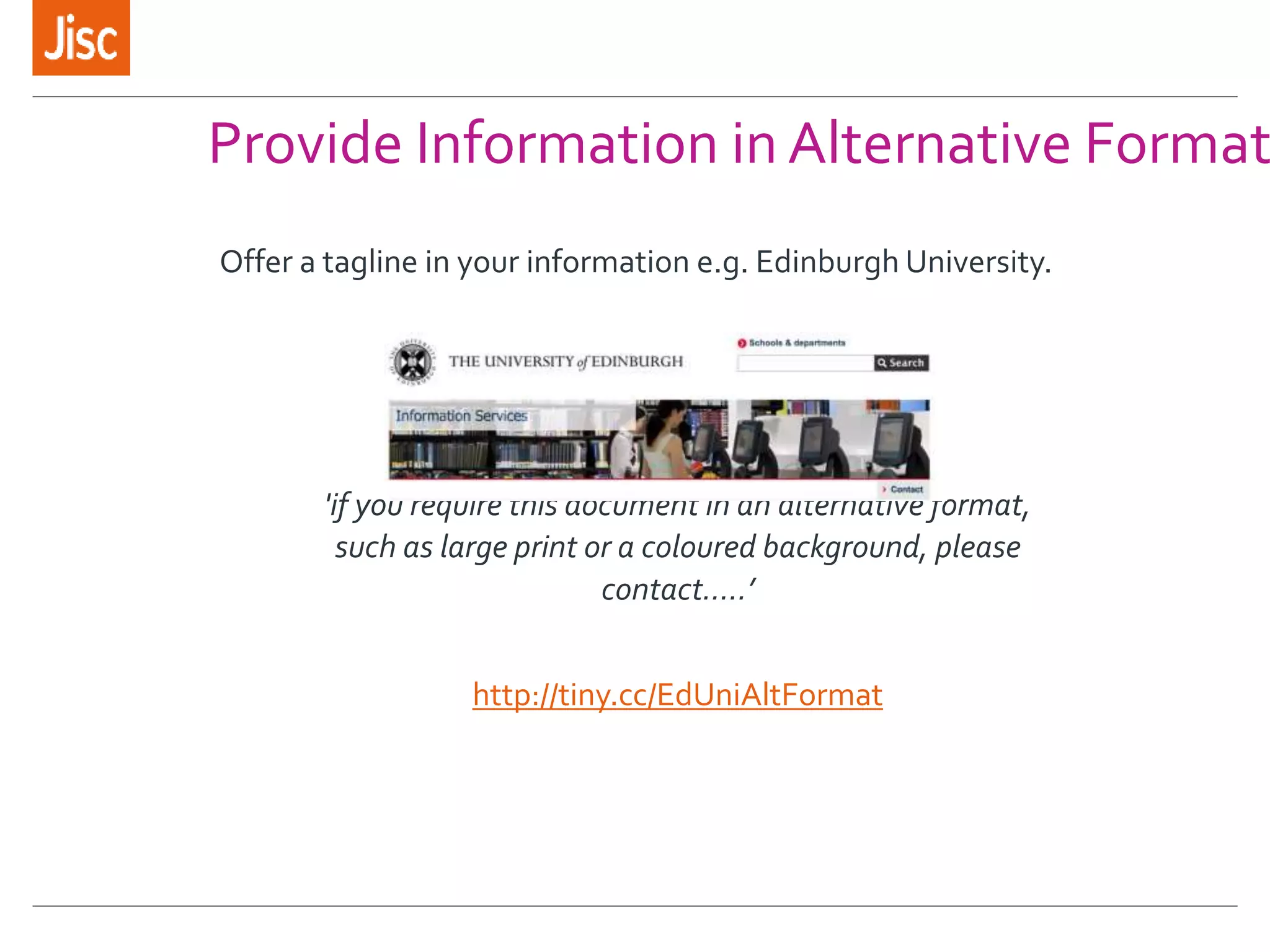
Provide Information in Alternative Format
Offer a tagline in your information e.g. Edinburgh University.
'if you require this document in an alternative format,
such as large print or a coloured background, please
contact…..’
http://tiny.cc/EdUniAltFormat
Learn how to use free and easy to use technologies such as
Balabolka to produce
mp3/audio versions of text based information
’this information is also available as an audio file which
can be accessed at the bottom of this document’
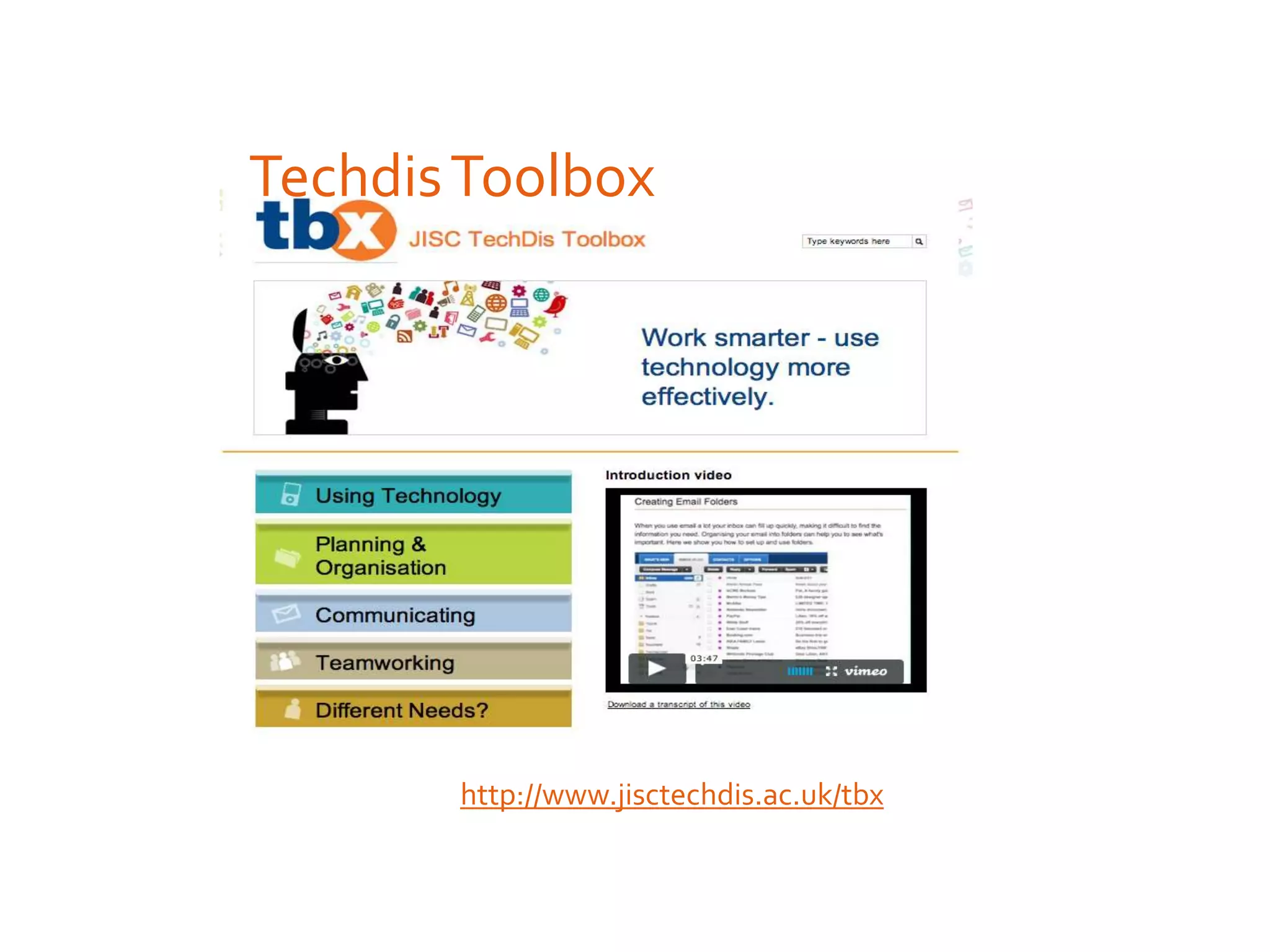
http://www.jisctechdis.ac.uk/tbx/balabolka
Provide Information in Alternative Format
The University of Kent offers access to Robobraille which is an alt/format
conversion service.
Free to students, institutions pay a subscription.
http://tiny.cc/RoboBrailleKent
http://tiny.cc/RobobrailleStudent
Provide Information in Alternative Format
Ensure that any audio/visual information is provided with
captioning (or at least a text based alternative) to describe
what is being said to those who might have difficulty
hearing it.
http://tiny.cc/CaptionYouTube
Provide Information in Alternative Format
TechdisToolbox
http://www.jisctechdis.ac.uk/tbx
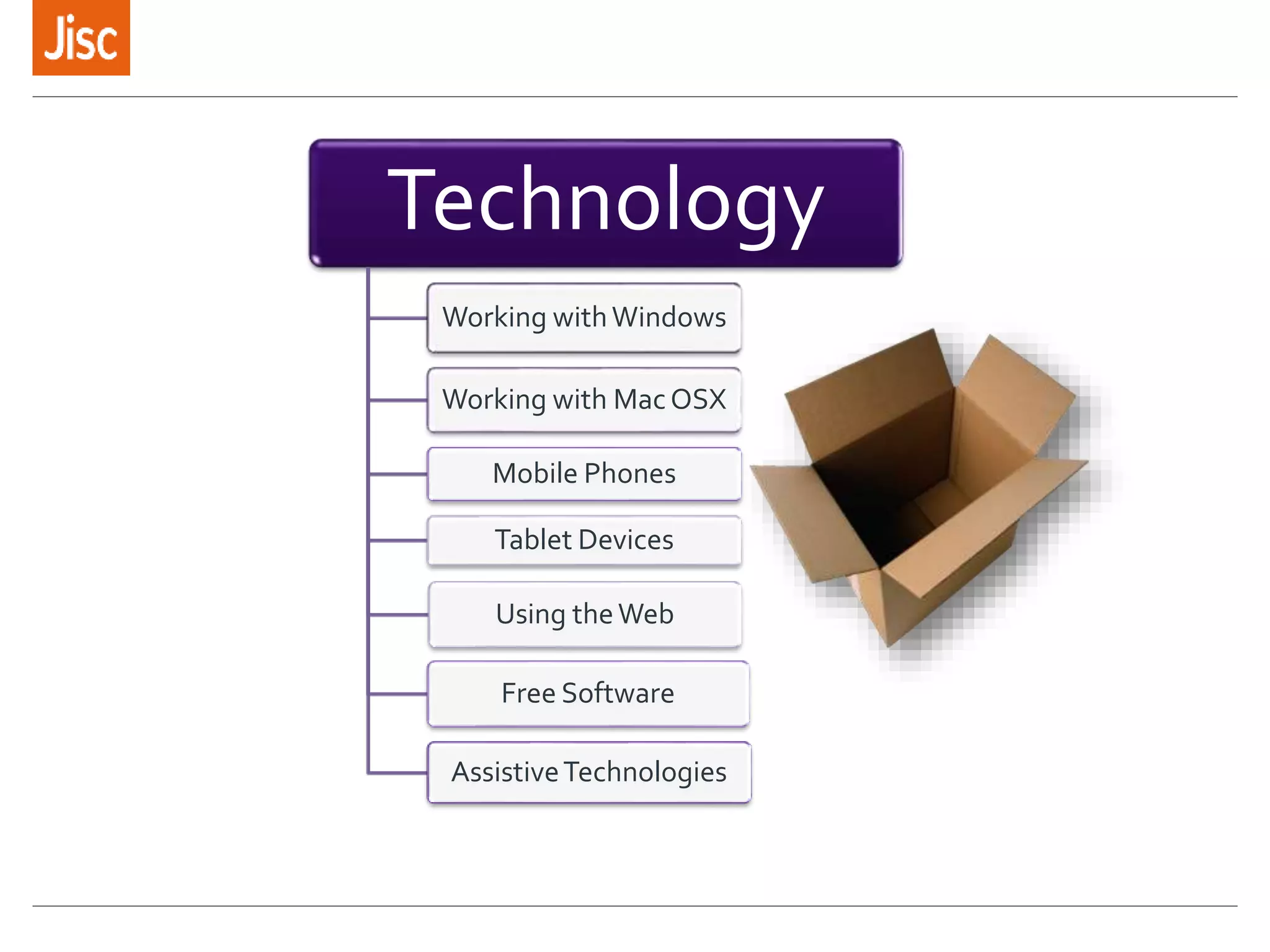
Technology
Working withWindows
Working with MacOSX
Mobile Phones
Tablet Devices
Using theWeb
Free Software
AssistiveTechnologies
Over to you…
Supporting the digital student experience with your
emerging technology:
»What challenges may need to be addressed?
»What step/s could you take?
»Who could you collaborate with?
»Pop your ideas in the Padlet
http://bit.ly/1CM8HDl
For more info…
…about this workshop
Lis Parcell
Subject matter expert
lis.parcell@jisc.ac.uk
jisc.ac.uk
For more info…
…on accessibility and inclusion
Margaret McKay
Subject matter expert
margaret.mckay@jisc.ac.uk
jisc.ac.uk
Find out more…
…about all other Jisc services
Jason Miles-Campbell
Head of Jisc Scotland
jason.miles-
campbell@jisc.ac.uk
jisc.ac.uk
Except where otherwise noted, this
work is licensed under CC-BY-NC-ND

Forth Valley College final

  • 1.
    for learning resourcecentres 11/02/2015 Some emerging technologies Image credit:Thom Cochrane https://www.flickr.com/photos/thomcochran e http://bit.ly/1CM8HDl
  • 2.
    The emerging JiscScotlandTeam 2 Head of Scotland and Northern Ireland Jason Miles-Campbell Account Manager Recruitment underway Account Manager Penny Robertson Account Manager Recruitment underway Subject Matter Expert Access and Inclusion Margaret McKay Subject Matter Expert IT and Network Mark Subject Matter Expert Learning,Teaching and Assessment Celeste McLaughlin Community Engagement Officer Lynn McHugh http://www.jisc.ac.uk/scotland
  • 3.
    Spoon technology: nowand in future Image credit: Heather Moore http://bit.ly/1uw1bJL Movie credit: https://www.youtube.com/watch?v=fS01kn6YJ94
  • 4.
    Changing learning spaces “Librariesare updating their facilities to be configured around users instead of collections”. »NMC Horizon Report: 2014 library edition Image credits: top: JohnTyler Community College Libraries blog bottom: University ofWorcester
  • 5.
    Online resources andcourses Some free examples: »OpenLearn http://www.open.edu/openlearn/ »SMIRK – Glasgow Caledonian Library’s information literacy learning resource for mobile (adapted from their SMILE web resource) › Preview on the web http://www.gcu.ac.uk/library/SMIRK/Start.html › Download mobile version from the Jorum repository http://find.jorum.ac.uk/resources/19314
  • 6.
    Social media As wellas being a potential learning tool for students/learners, social media offer great professional networking and CPD channels for library and teaching staff. A couple of examples: »University of Exeter Library Facebook »23mobilethings – a blog exploring the potential of mobile tools for delivering library services http://23mobilethings.net/wpress/
  • 7.
    Augmented reality »Jisc ARexplorations at MIMAS »http://mimas.ac.uk/expertise/aug mented-reality/ »Judy Bloxham explains why she got hooked on AR for Further Education »https://www.youtube.com/watc h?v=LHSyonBtNHQ&feature=y outu.be
  • 8.
    Over to you… Pickan area of emerging technology: »What is about it that engages you? »What new possibilities could it open up for your students/learners? »What do you think the reactions of the college community might be to this technology change?
  • 9.
    Supporting and engagingthe digital student/learner Image credit: http://bit.ly/1zPwH4V
  • 10.
    Supporting Inclusive Approaches Courtesyof Alistair McNaught, Subject Matter Expert Jisc
  • 11.
    How accessible isyour library provision? http://tiny.cc/AccessibleLibrary
  • 12.
    What is Load2Learn? Afree online resource of UK curriculum materials in accessible formats for all educational levels. More than 3,700 books (including textbooks and reading schemes) downloadable as Word, PDF, EPUB, audio and braille. Over 3,000 accessible images to support the curriculum and general interest. Past exam papers. Sheet music. Extensive ‘how to’ training guides and videos.
  • 13.
    Members 3,320 members (1,603different schools/organisations) 591 members downloaded resources in June 2014. Reach 6 per cent of UK schools and colleges: 22 Universities 85 Sixth Form/FE Colleges 634 Secondary Schools 574 Primary Schools 73 Special Schools 66 all age schools 13
  • 14.
    James Clay, Mobile:TheState of Play University of Bolton 15 June 2010
  • 15.
    For many learnersit is important to have devices that don’t say “I have a disability!” as soon as you walk into a room with one. Rummel-Hudson, R. Making weird cool 5 April 2010, http://tinyurl.com/3236qbq
  • 16.
    iPad as aproductivity tool * http://tiny.cc/iPadInclusion
  • 17.
    iPad Accessibility &Usability Features »The iPad comes with assistive features that allow people an equal experience of iOS. » Features: 1. Quicktype, dictation 2. Siri, 3. Zoom (using gestures), 4. Invert colours, 5. Larger text, bold text, 6. Pinch to zoom 7. Colour change, 8. VoiceOver, 9. Accessibility shortcut, 10.Guided access, 11.Assistive touch, 12.Switch control. Getting to grips with basic iPad operation
  • 18.
    Resources that supportlearners with Specific Learning Difficulties (and/or reading & writing difficulties) » http://bit.ly/CALL-Dyslexia-Wheel Version 1.2, May 2014 CALL Scotland, The University of Edinburgh.
  • 19.
    Resources that supportlearners with Autistic Spectrum Disorders » http://tinyurl.com/Apps4ASD
  • 20.
    Resources that assistlearners with AAC communication support needs » http://tinyurl.com/Apps4AAC By Sally Millar and Gillian McNeill CALL Scotland 2014, University of Edinburgh
  • 21.
    How do youknow if the information you create is accessible?
  • 22.
    Provide Information inAlternative Format Offer a tagline in your information e.g. Edinburgh University. 'if you require this document in an alternative format, such as large print or a coloured background, please contact…..’ http://tiny.cc/EdUniAltFormat
  • 23.
    Learn how touse free and easy to use technologies such as Balabolka to produce mp3/audio versions of text based information ’this information is also available as an audio file which can be accessed at the bottom of this document’ http://www.jisctechdis.ac.uk/tbx/balabolka Provide Information in Alternative Format
  • 24.
    The University ofKent offers access to Robobraille which is an alt/format conversion service. Free to students, institutions pay a subscription. http://tiny.cc/RoboBrailleKent http://tiny.cc/RobobrailleStudent Provide Information in Alternative Format
  • 25.
    Ensure that anyaudio/visual information is provided with captioning (or at least a text based alternative) to describe what is being said to those who might have difficulty hearing it. http://tiny.cc/CaptionYouTube Provide Information in Alternative Format
  • 26.
  • 27.
    Technology Working withWindows Working withMacOSX Mobile Phones Tablet Devices Using theWeb Free Software AssistiveTechnologies
  • 28.
    Over to you… Supportingthe digital student experience with your emerging technology: »What challenges may need to be addressed? »What step/s could you take? »Who could you collaborate with? »Pop your ideas in the Padlet http://bit.ly/1CM8HDl
  • 29.
    For more info… …aboutthis workshop Lis Parcell Subject matter expert lis.parcell@jisc.ac.uk jisc.ac.uk
  • 30.
    For more info… …onaccessibility and inclusion Margaret McKay Subject matter expert margaret.mckay@jisc.ac.uk jisc.ac.uk
  • 31.
    Find out more… …aboutall other Jisc services Jason Miles-Campbell Head of Jisc Scotland jason.miles- campbell@jisc.ac.uk jisc.ac.uk Except where otherwise noted, this work is licensed under CC-BY-NC-ND