 dialogue notations
what to do when


what is dialogue?
conversation between two or more parties
– usually cooperative
in user interfaces
– refers to the structure of the interaction
– syntactic level of human–computer ‘conversation’
levels
– lexical – shape of icons, actual keys pressed
– syntactic – order of inputs and outputs
– semantic – effect on internal application/data
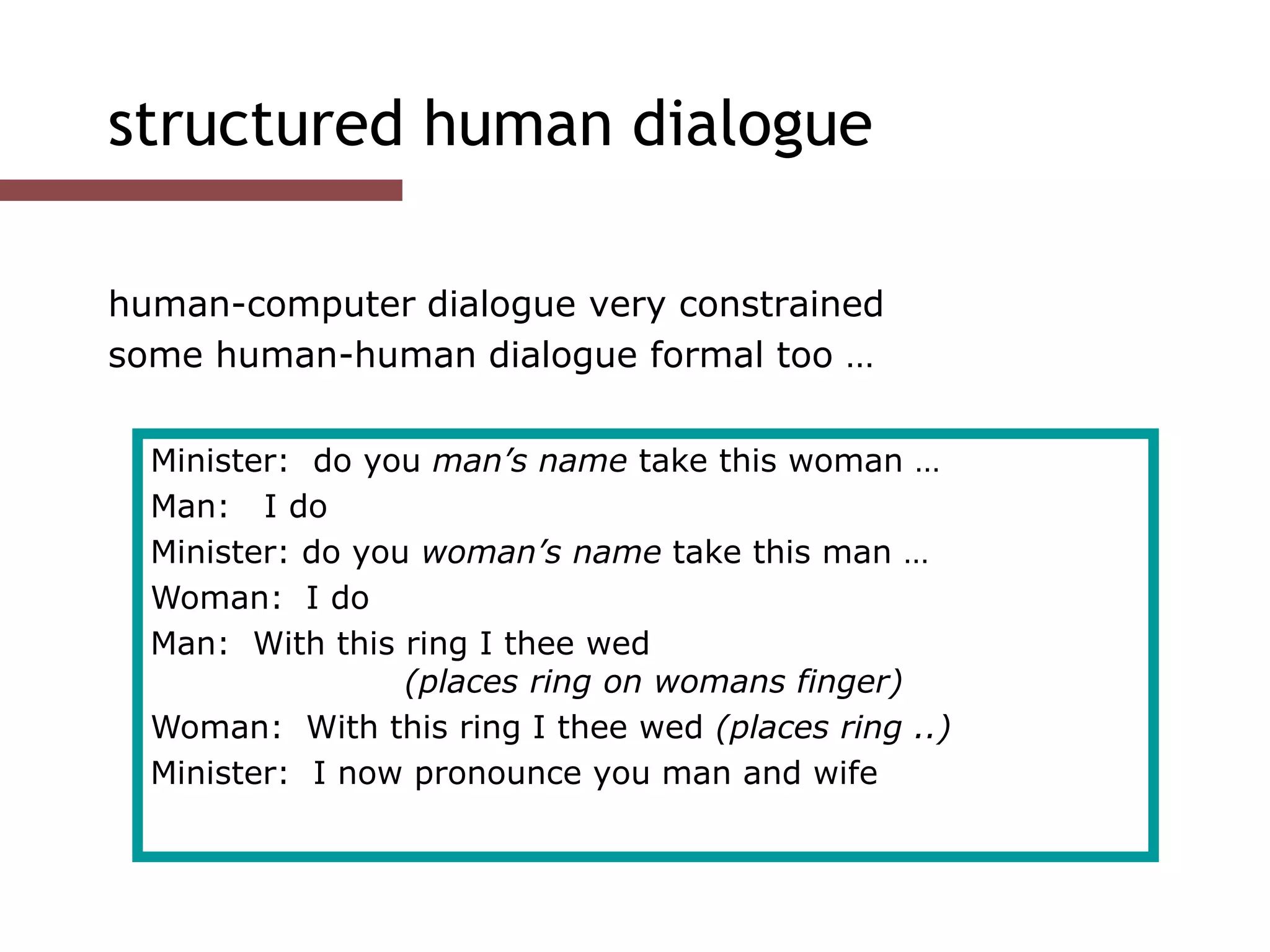
structured human dialogue
human-computer dialogue very constrained
some human-human dialogue formal too …
Minister: do you man’s name take this woman …
Man: I do
Minister: do you woman’s name take this man …
Woman: I do
Man: With this ring I thee wed
(places ring on womans finger)
Woman: With this ring I thee wed (places ring ..)
Minister: I now pronounce you man and wife
lessons about dialogue
wedding service
– sort of script for three parties
– specifies order
– some contributions fixed – “I do”
– others variable – “do you man’s name …”
– instructions for ring
concurrent with saying words “with this ring …”
if you say these words are you married?
– only if in the right place, with marriage licence
– syntax not semantics
… and more
what if woman says “I don’t”?
real dialogues often have alternatives:
the process of the trial depends on the defendant’s response
focus on normative responses
doesn’t cope with judge saying “off with her head”
or in computer dialogue user standing on keyboard!
Judge: How do you plead guilty or not guilty?
Defendant: either Guilty or Not guilty

state transition networks


a simple graphics package
File Graphics Text Paint
Circle
Line
state transition networks (STN)
circles - states
arcs - actions/events
state transition networks - events
arc labels a bit cramped because:
– notation is `state heavy‘
– the events require most detail
state transition networks - states
labels in circles a bit uninformative:
– states are hard to name
– but easier to visualise
hierarchical STNs
managing complex dialogues
named sub-dialogues
Graphics Submenu
Text Submenu
Paint Submenu
Main
Menu
select ‘graphics’
select ‘paint’
select ‘text’

properties
of dialogue


action properties (local)
completeness
missed arcs
unforeseen circumstances
determinism
several arcs for one action
deliberate: application decision
accident: production rules
nested escapes
consistency
same action, same effect?
modes and visibility
state properties (global)
reachability
can you get anywhere from anywhere?
... and how easily
reversibility
can you get to the previous state?
... but NOT undo
dangerous states
some states you don't want to get to
e.g. digital watch: time/alarm set, button press for 2 secs

checking properties
completeness and reversability


checking properties (i)
completeness
– double-click in circle states?
double
click
?
checking properties (ii)
Reversibility:
– to reverse select `line'
checking properties (ii)
Reversibility:
– to reverse select `line'
– click
checking properties (ii)
Reversibility:
– to reverse select `line'
– click - double click
checking properties (ii)
Reversibility:
– to reverse select `line'
– click - double click - select `graphics'
– (3 actions)
checking properties (ii)
Reversibility:
– to reverse select `line'
– click - double click - select `graphics'
– (3 actions)
N.B. not undo

checking properties
dangerous states


dangerous states
word processor: two modes and exit
F1 - changes mode
F2 - exit (and save)
Esc - no mode change
but ... Esc resets autosave
edit exitmenu
F1 F2
Esc
dangerous states (ii)
exit with/without save  dangerous states
duplicate states - semantic distinction
F1-F2 - exit with save
F1-Esc-F2 - exit with no save
edit exitmenu
F1 F2
Esc
edit exitmenu
F1 F2
Esc
any
update
autosave
no save

lexical issues and layout


Seeheim
sense
lexical Issues
visibility
differentiate modes and states
annotations to dialogue
style
command - verb noun
mouse based - noun verb
layout
not just appearance ...
layout matters
word processor - dangerous states
old keyboard - OK
Esc
F1 F2
F3
...
F4
...
1
tab
...
...
edit exitmenu
F1 F2
Esc
edit exitmenu
F1 F2
Esc
any
update
layout matters
new keyboard layout
intend F1-F2 (save)
finger catches Esc
Esc F1 F2 F3 ...
edit exitmenu
F1 F2
Esc
edit exitmenu
F1 F2
Esc
any
update
layout matters
new keyboard layout
intend F1-F2 (save)
finger catches Esc
F1-Esc-F2 - disaster!
Esc F1 F2 F3 ...
edit exitmenu
F1 F2
Esc
edit exitmenu
F1 F2
Esc
any
update

Formal 5 – Dialogue models – what to do when