
Firebase
Manasa A
What is Firebase?
 NoSQL, JSON
 Real time database
 Offline
Continue…
3 Tier Architecture Firebase
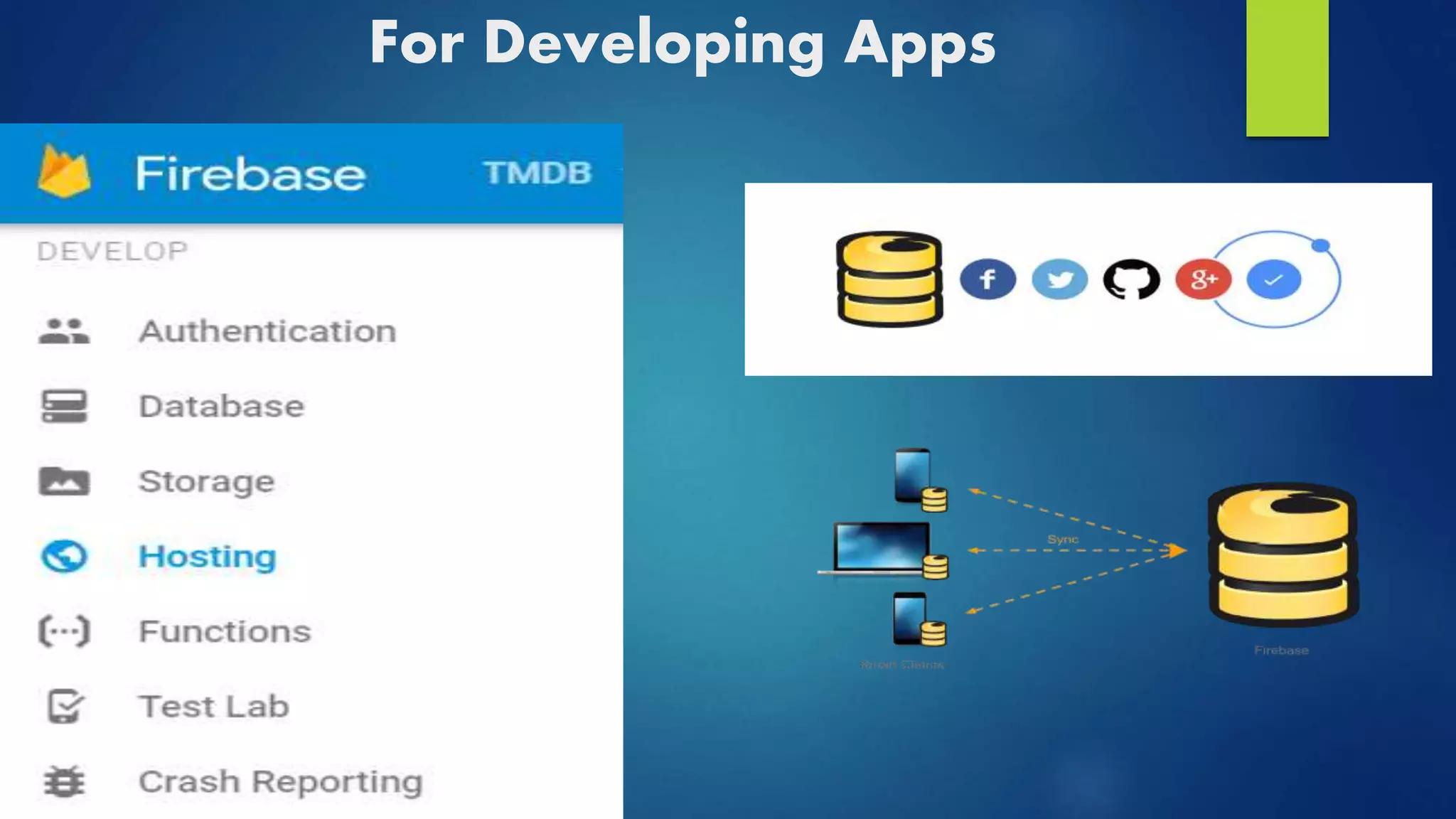
For Developing Apps
Authentication
 compile 'com.google.firebase:firebase-auth:10.2.1'
 Custom Authentication
 Inbuilt Social Sign-ins
Database
 NoSQL database
 Synchronization & conflict resolution
 Access directly from App
Storage
 Easy file storage
 Handles poor connectivity
 Google Cloud Storage
Hosting
 Used for Mobile Web Apps
 Node.Js
 Rollback
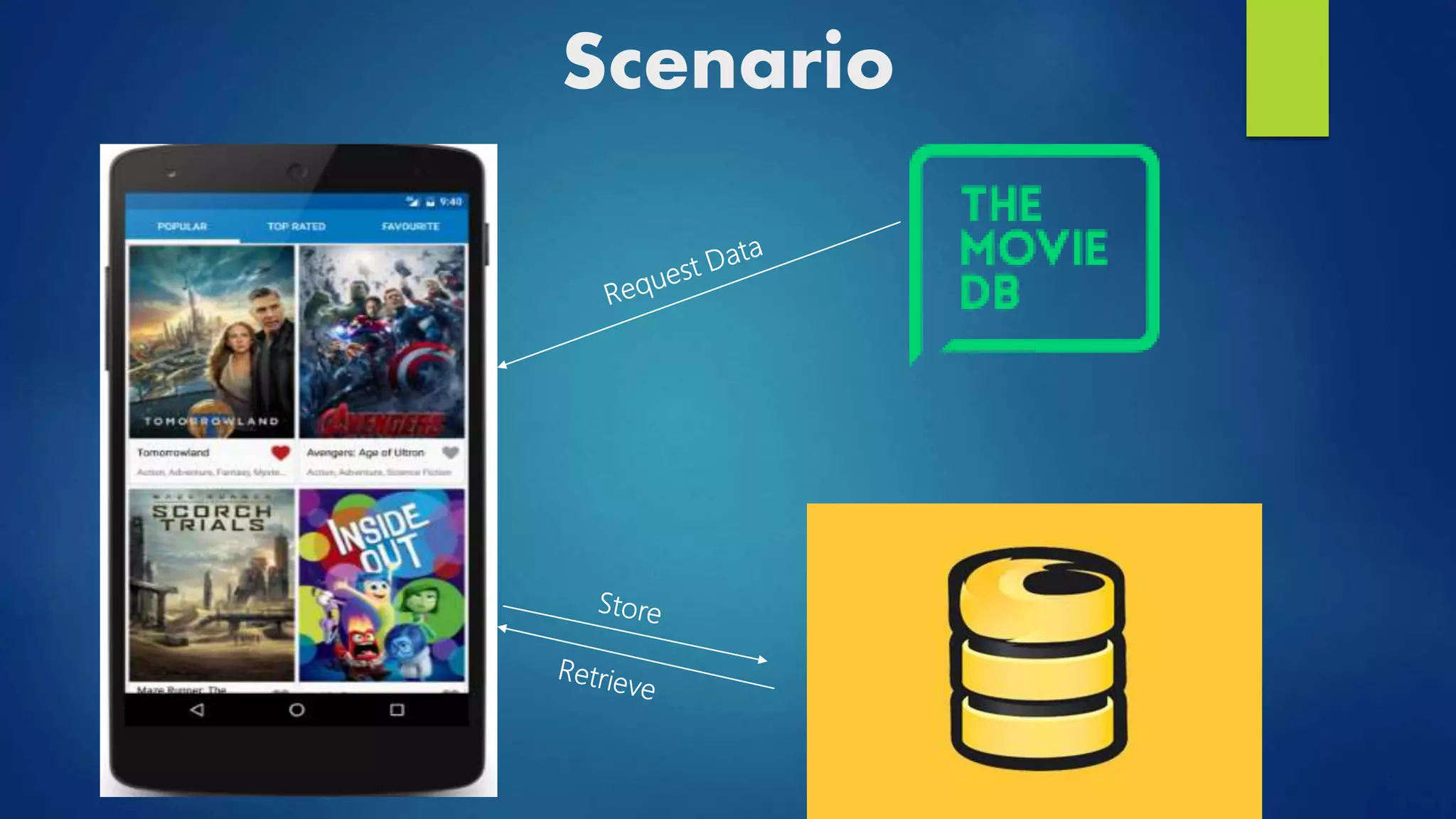
Scenario
Add Firebase to App
 Create a Firebase project in the Firebase console
 Configuration File
Configuration File
Integrating in App
 AndroidManifest.xml
<uses-permission android:name="android.permission.INTERNET" />
 project/build.gradle
dependencies {
classpath 'com.android.tools.build:gradle:2.1.2‘
classpath 'com.google.gms:google-services:3.0.0‘
}
 app/Build.gradle
dependencies {
compile 'com.google.firebase:firebase-core:9.0.2‘
compile 'com.google.firebase:firebase-database:10.2.0‘
}
apply plugin: 'com.google.gms.google-services'
Libraries
Integrating through Android Studio
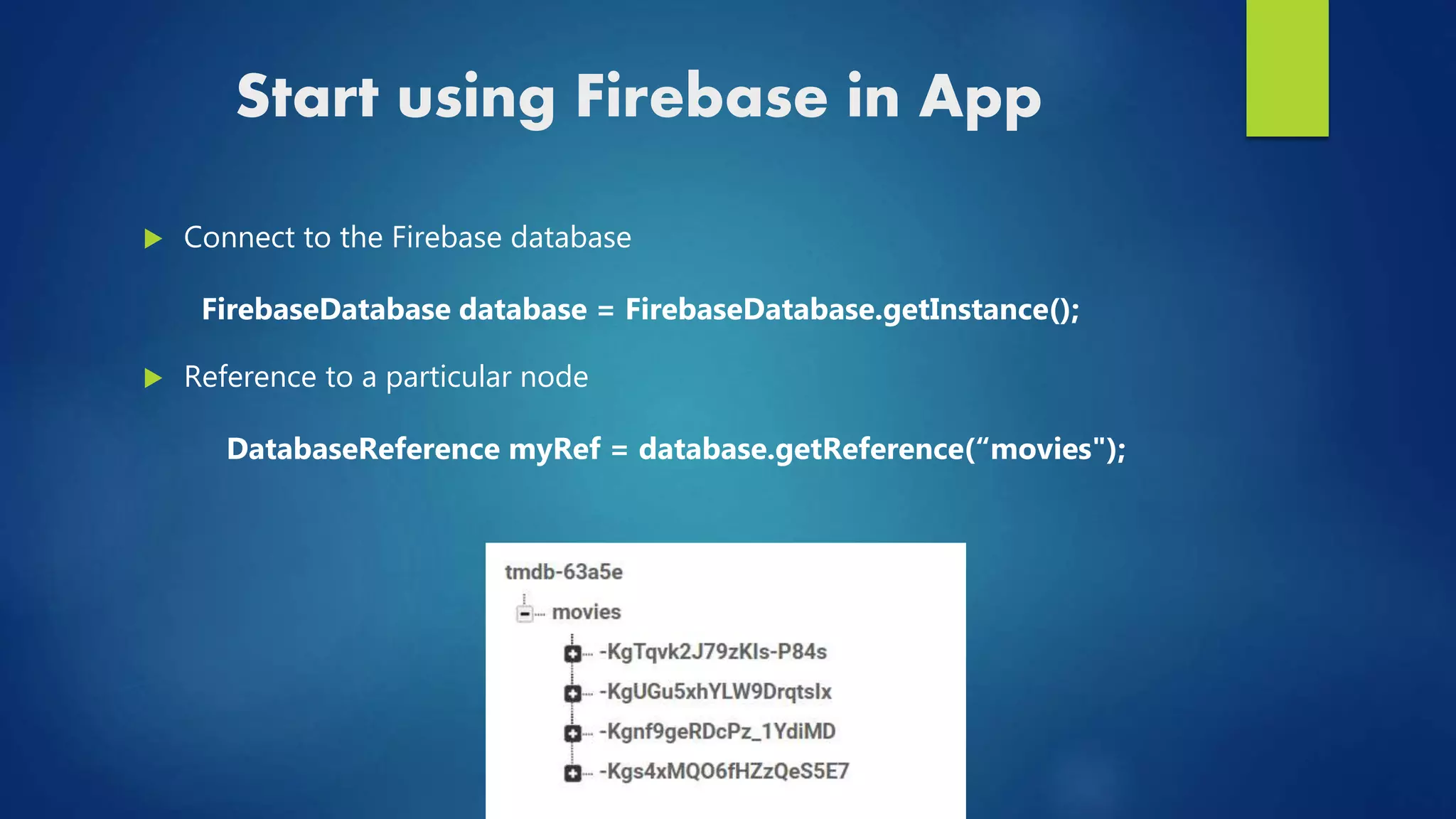
Start using Firebase in App
 Connect to the Firebase database
FirebaseDatabase database = FirebaseDatabase.getInstance();
 Reference to a particular node
DatabaseReference myRef = database.getReference(“movies");
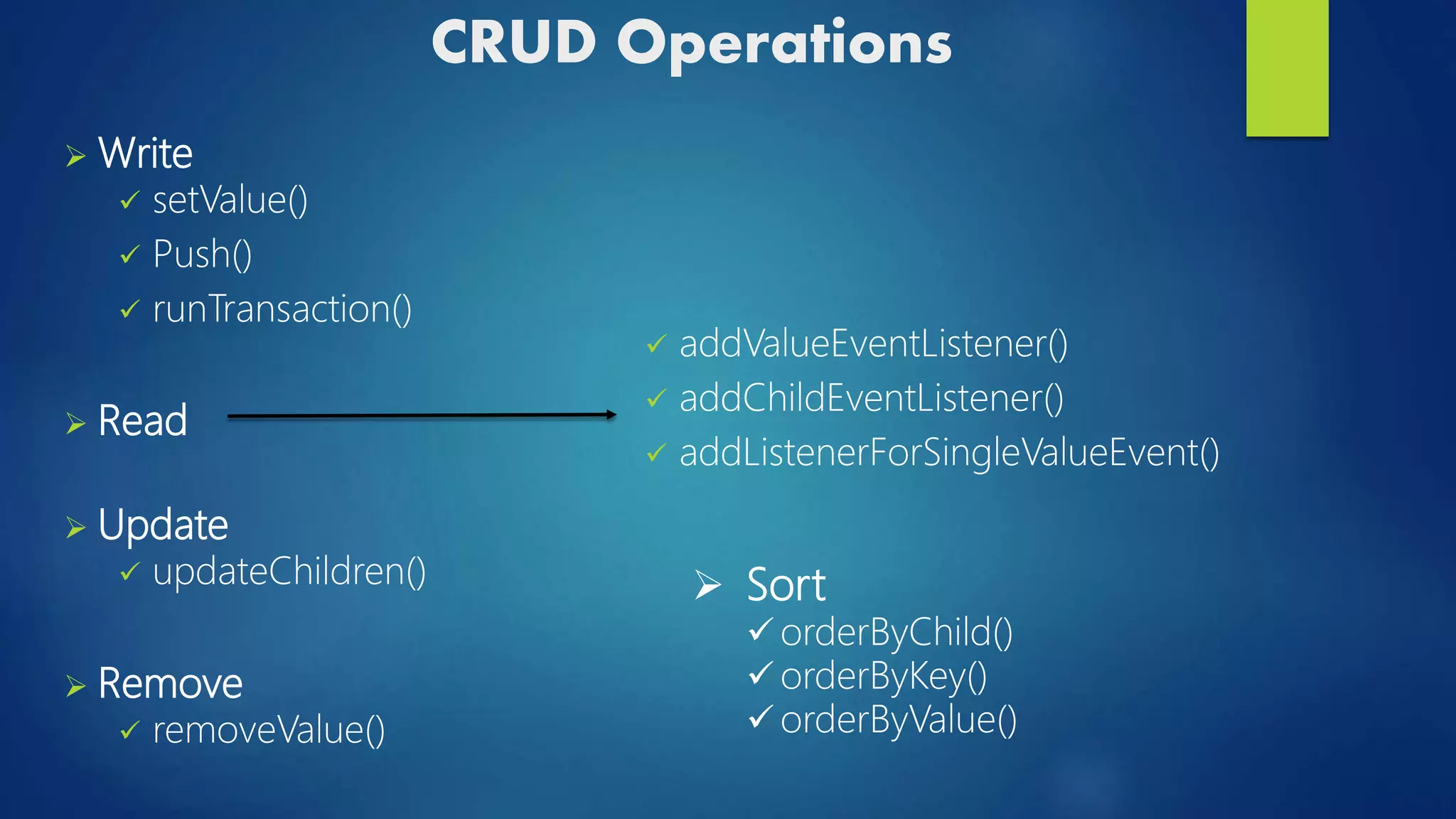
CRUD Operations
 Write
 setValue()
 Push()
 runTransaction()
 Read
 Update
 updateChildren()
 Remove
 removeValue()
 addValueEventListener()
 addChildEventListener()
 addListenerForSingleValueEvent()
 Sort
 orderByChild()
 orderByKey()
 orderByValue()
Enabling Offline Capabilities on Android
 FirebaseDatabase.getInstance().setPersistenceEnabled(true);
 KeepSync(true);
Drawbacks
 Cannot migrate easily
 Analysing the data
References
 https://console.firebase.google.com/
 https://www.udacity.com/course/firebase-essentials-for-
android--ud009
 https://firebase.googleblog.com/
THANK YOU!

Firebase

Editor's Notes

  • #3  No sql…No need to create tables and colums..only front end can be developed Json format…objects and data..the json data can be representedin a tree structure.. The keys are always strings and values can be Booleans,,.ints fload decimal..jva objects..u can have nested tree data structure
  • #6 Most of the time it is important to identify the user
  • #17 setValue() - this functions write or replace data to current DatabaseReference. push() - this function add list entries to current DatabaseReference with random unique ID. updateChildren() – Updates some keys of reference without replacing all of them. runTransaction() – Updates data carefully so it is not corrupted by concurrent update ………. () - orders results by the value of child key. orders results by child keys Orders results by child values