WELCOME
TO
MY
PRESENTATION
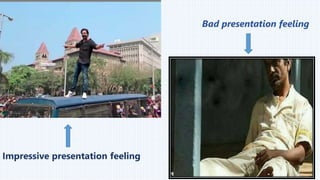
Impressive presentation feeling
Bad presentation feeling
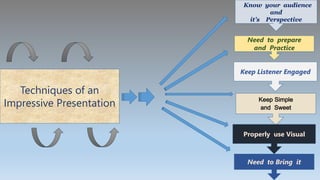
Techniques of an
Impressive Presentation
Need to prepare
and Practice
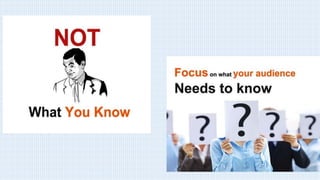
Know your audience
and
it’s Perspective
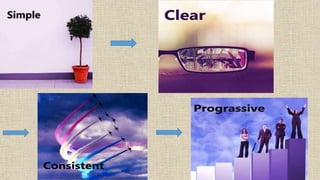
Keep Simple
and Sweet
Properly use Visual
Need to Bring it
Keep Listener Engaged
Know your Audience
and
It’s perspective
Want to listen
Something
interesting
Want to listen
something new
and valuable
Prepare and Practice
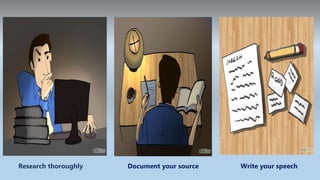
Prepare
Research thoroughly Document your source Write your speech
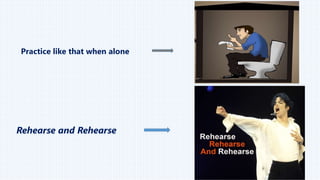
Practice like that when alone
Rehearse and Rehearse
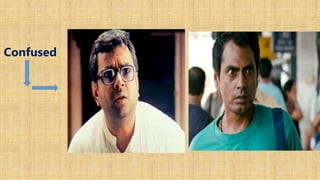
Keep Listener Engaged
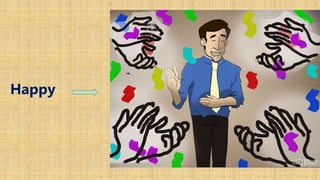
Happy
Boring
Angry
Confused
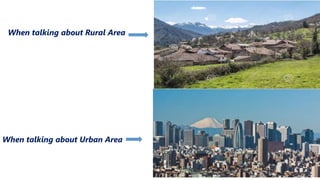
Properly use visual
When talking about Rural Area
When talking about Urban Area
Bring it
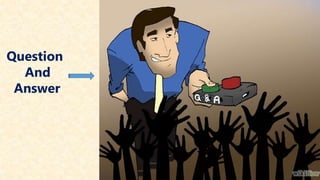
Question
And
Answer
When
Finish
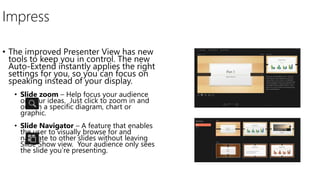
Impress
• The improved Presenter View has new
tools to keep you in control. The new
Auto-Extend instantly applies the right
settings for you, so you can focus on
speaking instead of your display.
• Slide zoom – Help focus your audience
on your ideas. Just click to zoom in and
out on a specific diagram, chart or
graphic.
• Slide Navigator – A feature that enables
the user to visually browse for and
navigate to other slides without leaving
Slide Show view. Your audience only sees
the slide you’re presenting.
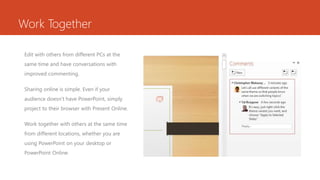
Work Together
Edit with others from different PCs at the
same time and have conversations with
improved commenting.
Sharing online is simple. Even if your
audience doesn’t have PowerPoint, simply
project to their browser with Present Online.
Work together with others at the same time
from different locations, whether you are
using PowerPoint on your desktop or
PowerPoint Online.
Find out more at the PowerPoint Getting Started Center

Final and finall

Editor's Notes

  • #28 In Slide Show mode, click the arrow to enter the PowerPoint Getting Started Center.