Facebook for LibrariesA Best Practices Guide
Start HereWhy: Why are we doing this?Who: Who are we trying to reach? Who will do the work? What: What’s our strategy? Once these questions are answered, it’s time to choose the platform.
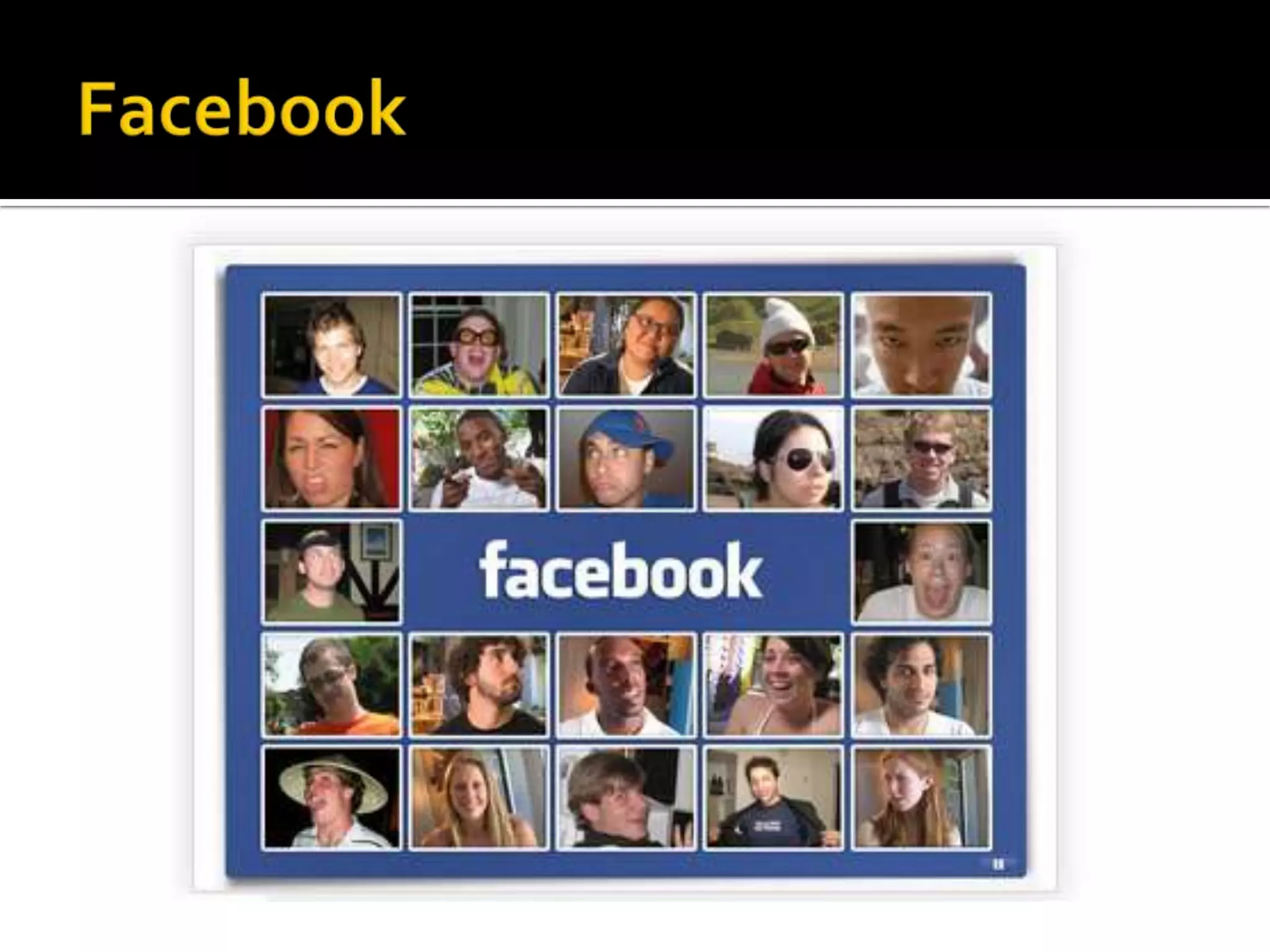
Facebook
Facebook at a GlanceMore than 600 million usersNearly half of those users log in every dayOne of the most-trafficked sites in the worldEach user is connected to an average of 130 other usersPeople spend over 700 billion minutes per month Average user creates 90 pieces of content per monthMore than 30 billion pieces of content shared each monthAbout 70% of Facebook users are outside the US200 million active users access via mobile devices
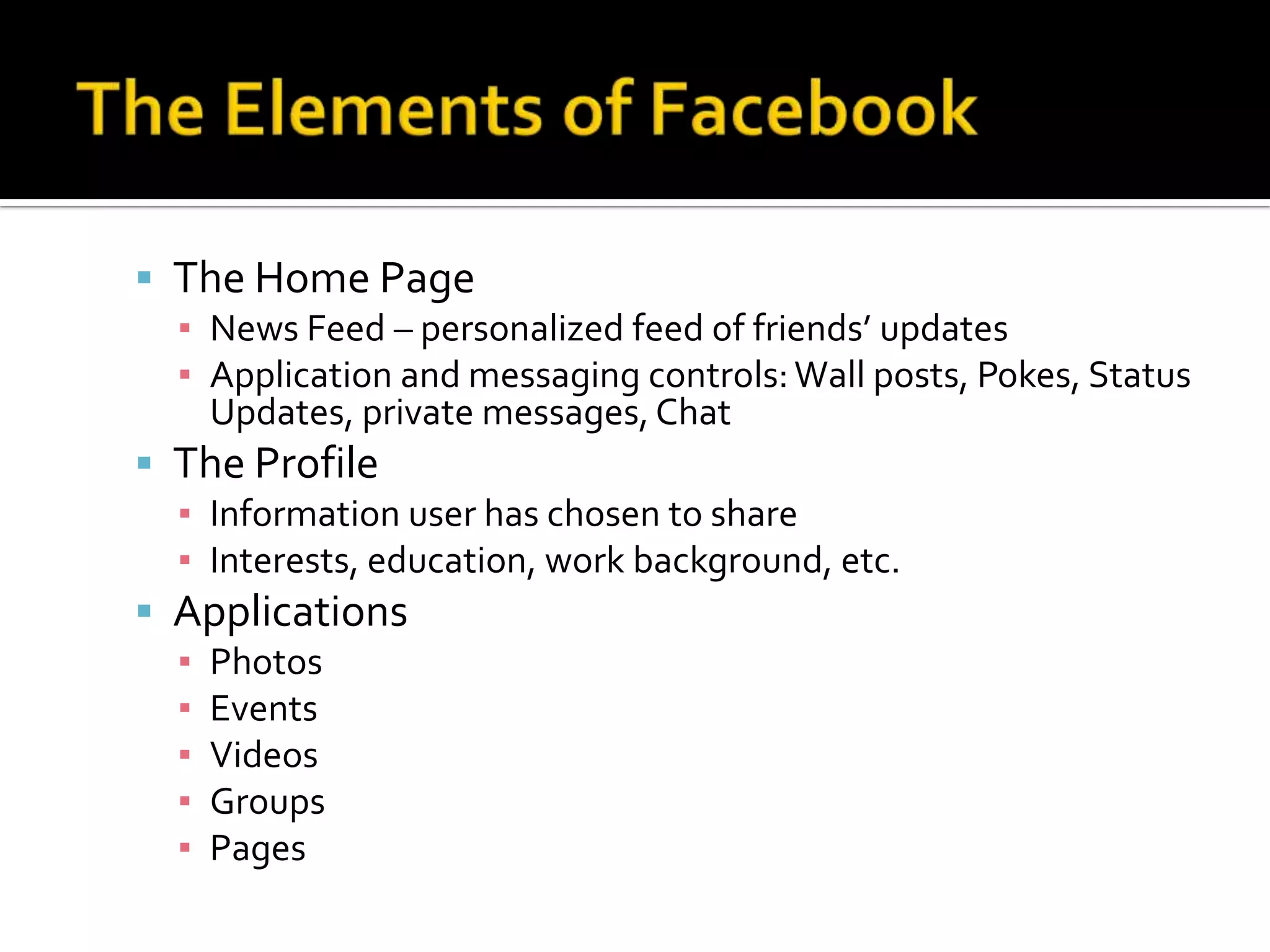
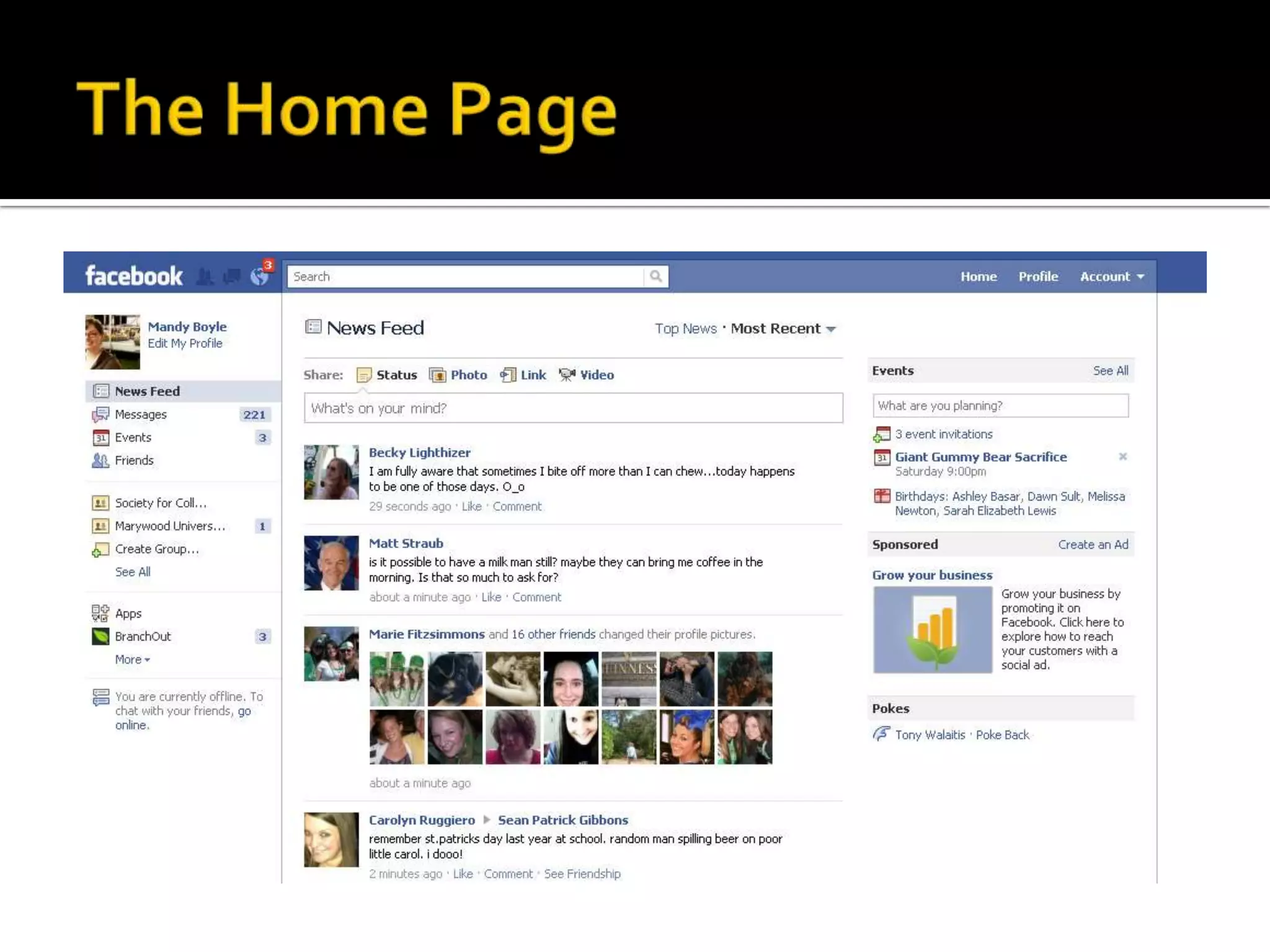
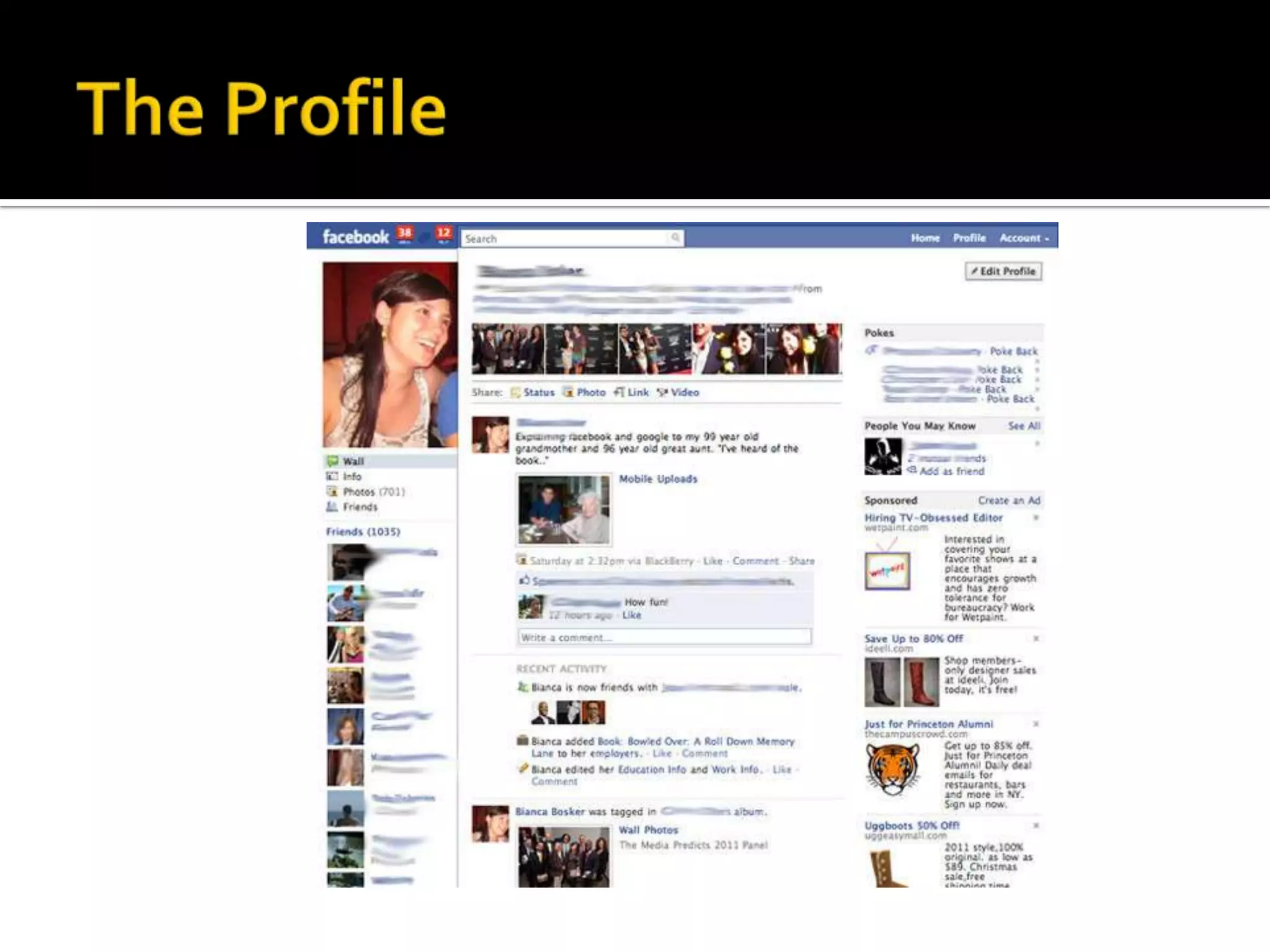
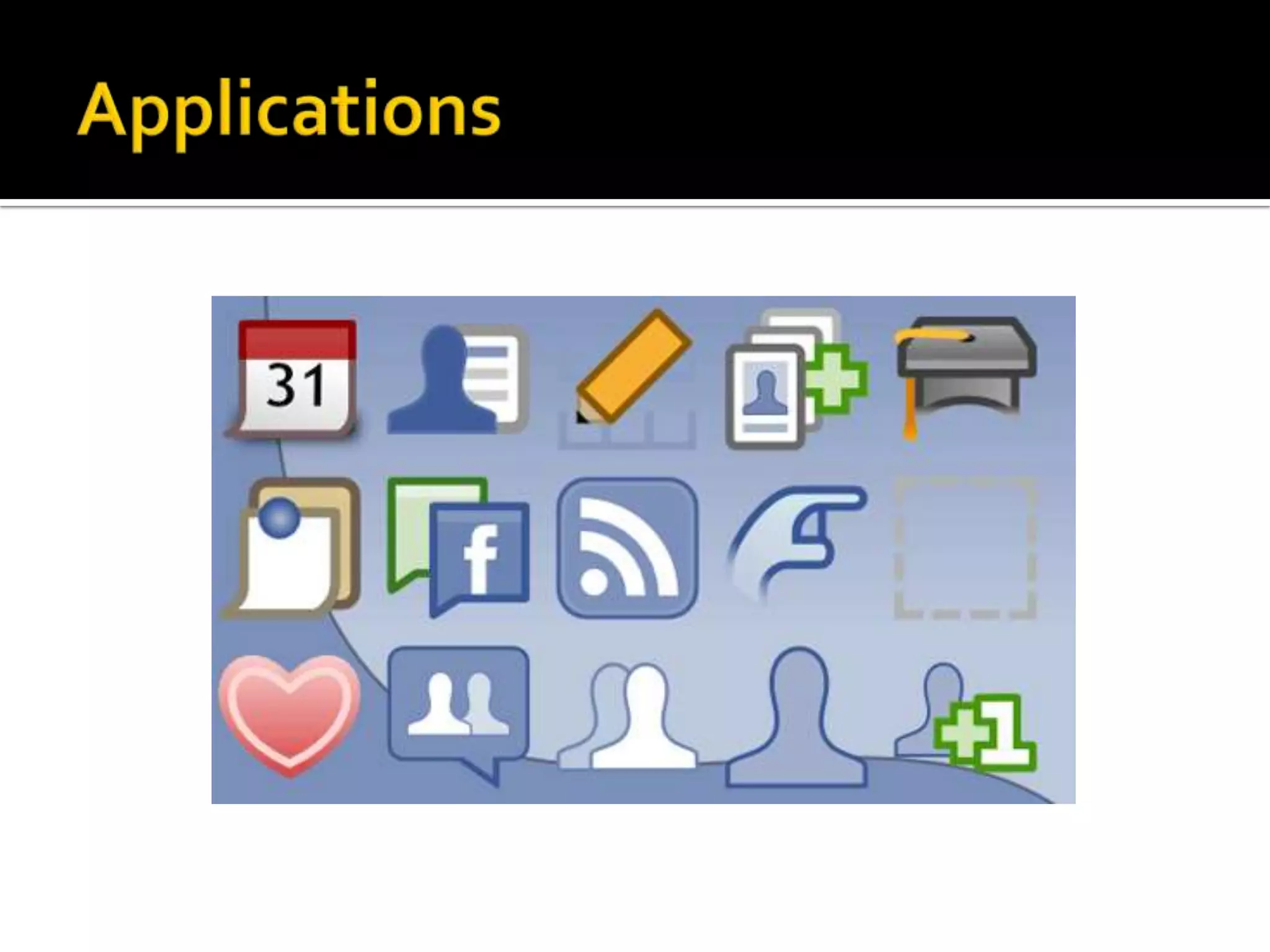
The Elements of FacebookThe Home PageNews Feed – personalized feed of friends’ updatesApplication and messaging controls: Wall posts, Pokes, Status Updates, private messages, ChatThe ProfileInformation user has chosen to shareInterests, education, work background, etc. ApplicationsPhotosEventsVideosGroupsPages
The Home Page
The Profile
Applications
What Users Can DoCreate personal profilesAdd other users as friendsExchange messagesSend automatic notifications when they update their profileJoin common interest groupsEnjoy applicationsCreate and share media
What Organizations Can DoCreate organization profilesCreate and promote eventsCommunicate with usersConnect with other organizationsUpdate profiles and send notificationsSend messages to organization “likers”Users must opt-in to your page by clicking “Like”Track interactionsFeature discussionsCreate and share media
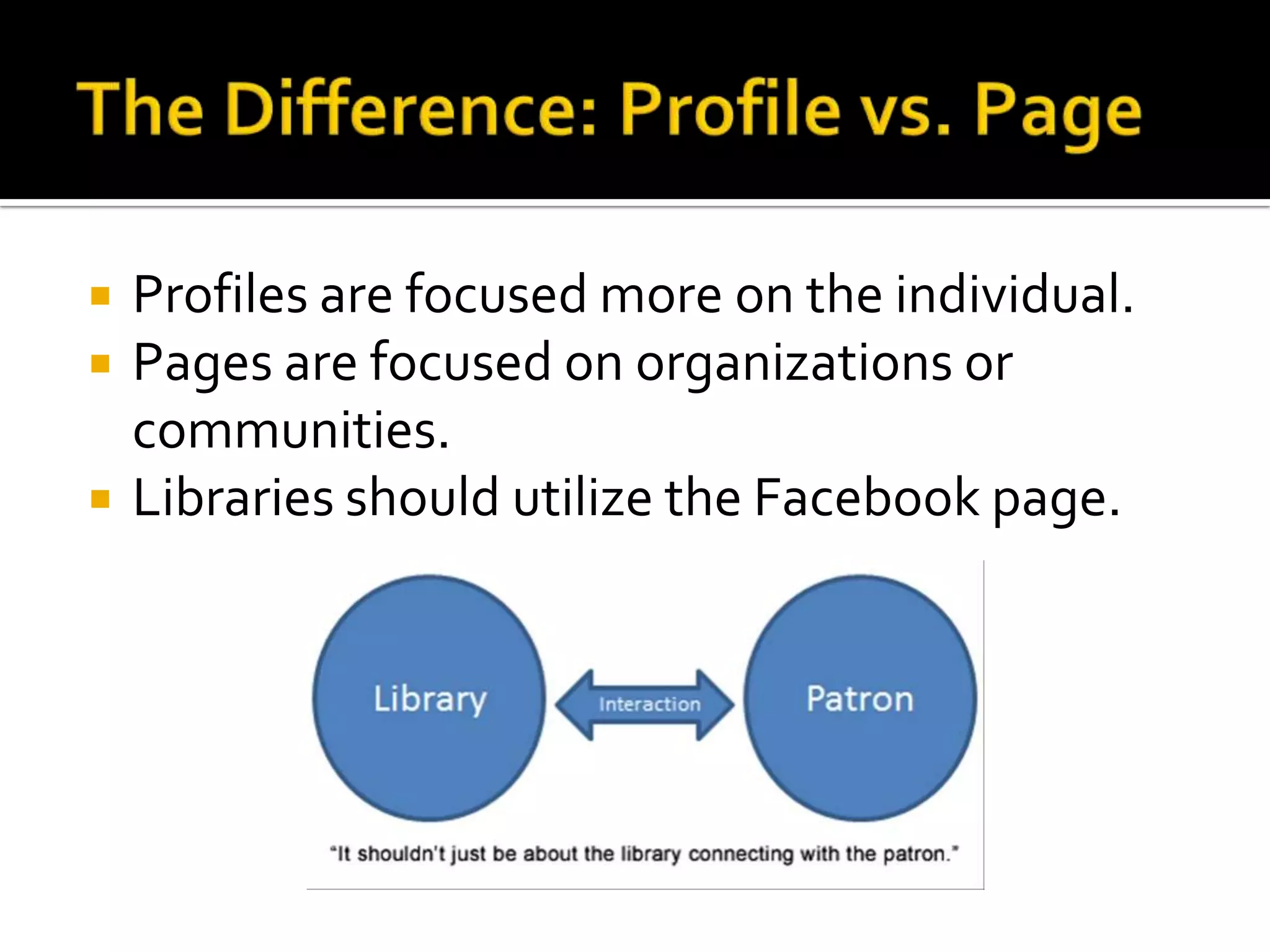
The Difference: Profile vs. PageProfiles are focused more on the individual.Pages are focused on organizations or communities. Libraries should utilize the Facebook page.
Facebook & Libraries
Facebook & LibrariesMost librarians first joined Facebook when it was limited to colleges and universities. Experiment in engagement“Be where the students were”Considered to be low cost, minimal effort
Facebook & LibrariesStrengths and WeaknessesRuth Sara Connell, Libraries and the AcademyAcademic Libraries, Facebook and MySpace, and Student Outreach: A Survey of Student Opinion, 2009Most respondents indicated they would be accepting of library contactConcerns about privacyRecommended librarians proceed with caution when implementing social networking profiles
Facebook & LibrariesThings have changedActive users have grown by more than 4000%Millions of business websitesFacebook users get personalized contentFacebook encourages users to change expectations on what should (and shouldn’t) be on Facebook.Redefining relationships, shift to user-resource interactions rather than student-t0-student
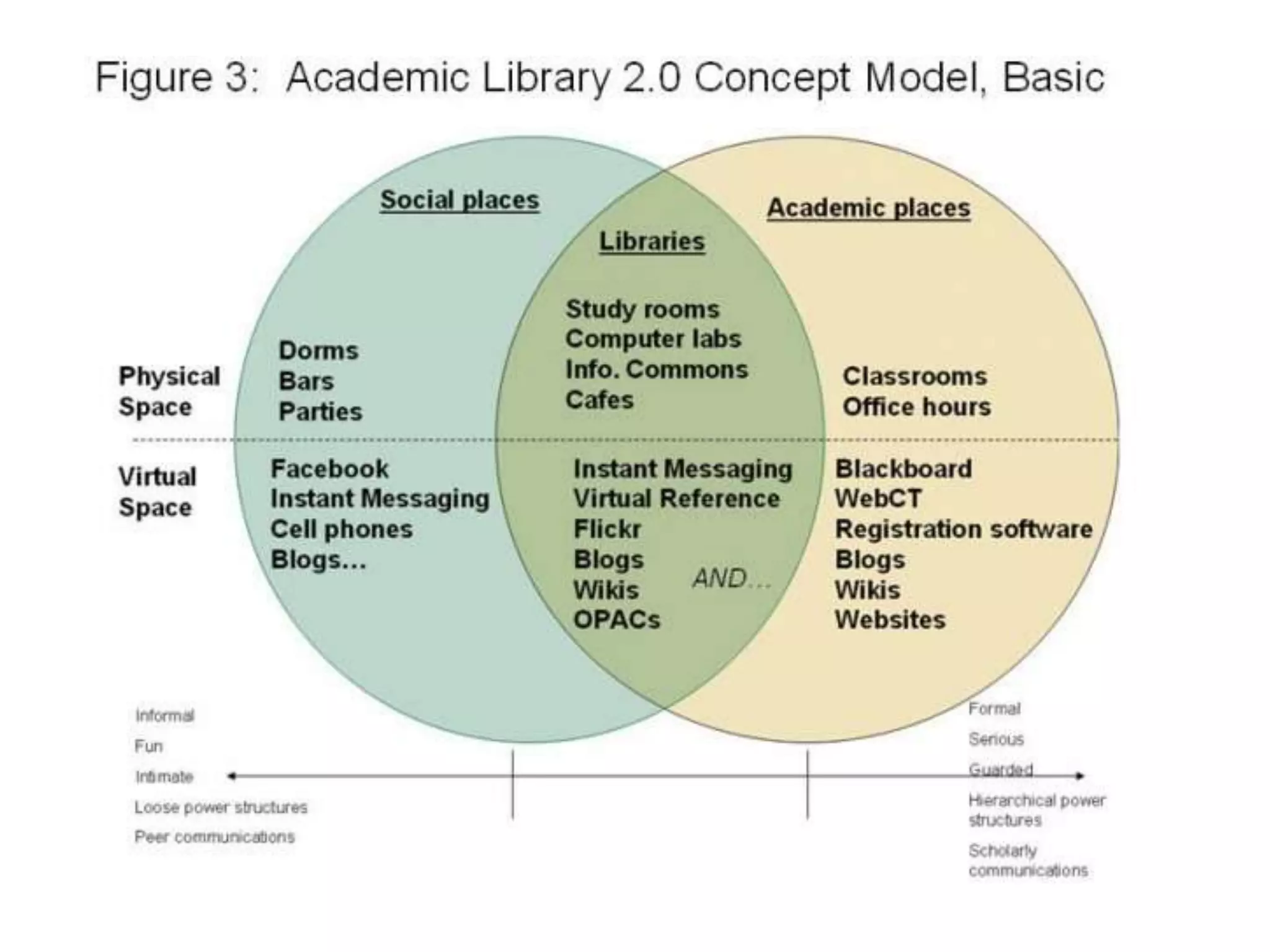
Shifting SpacesLibraries are becoming more social, both physically and virtually. Overlap between physical space and virtual space, as well as academic spaces and social spaces
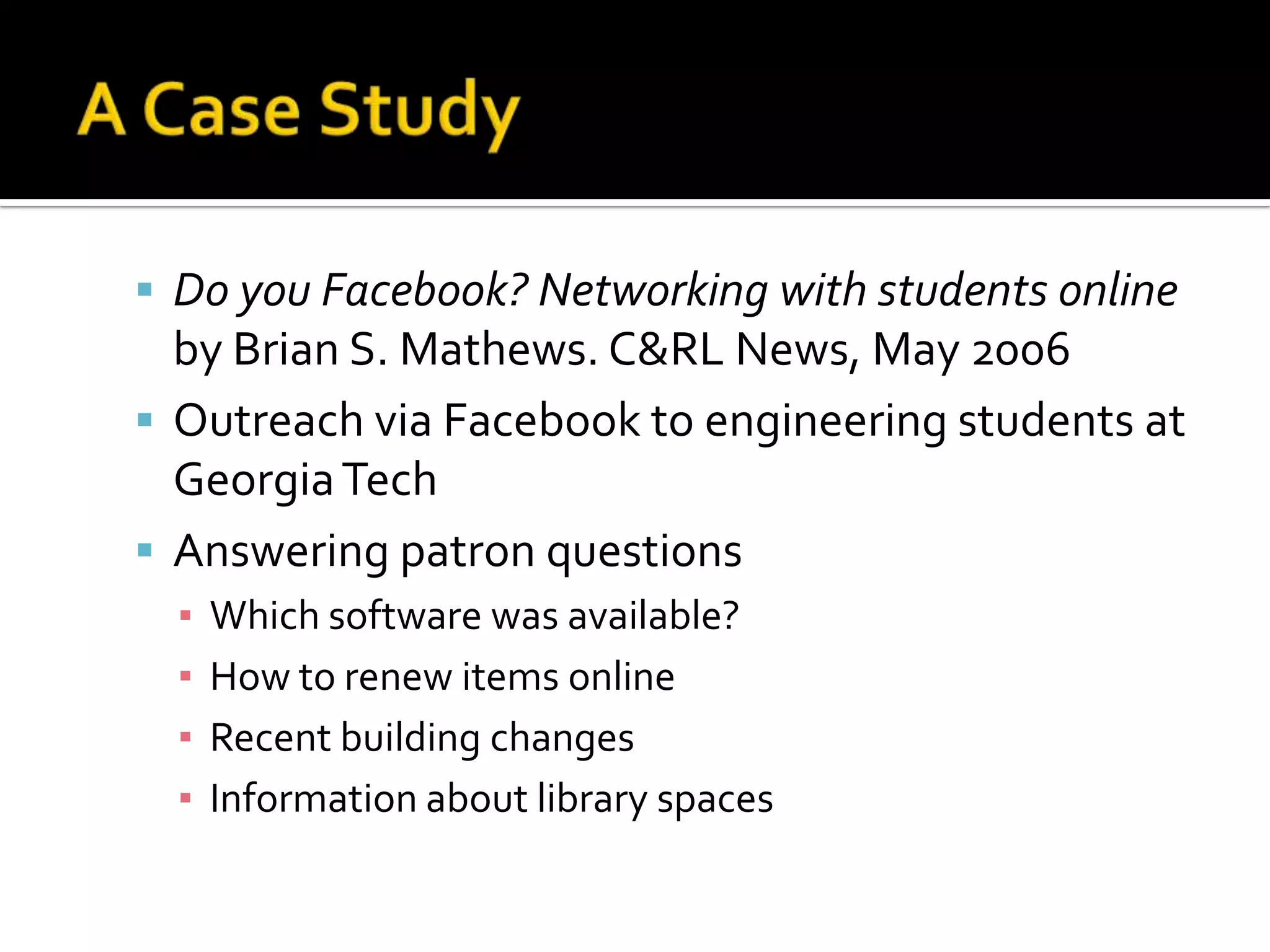
A Case StudyDo you Facebook? Networking with students online by Brian S. Mathews. C&RL News, May 2006Outreach via Facebook to engineering students at Georgia TechAnswering patron questionsWhich software was available? How to renew items onlineRecent building changesInformation about library spaces
Facebook Page Creation
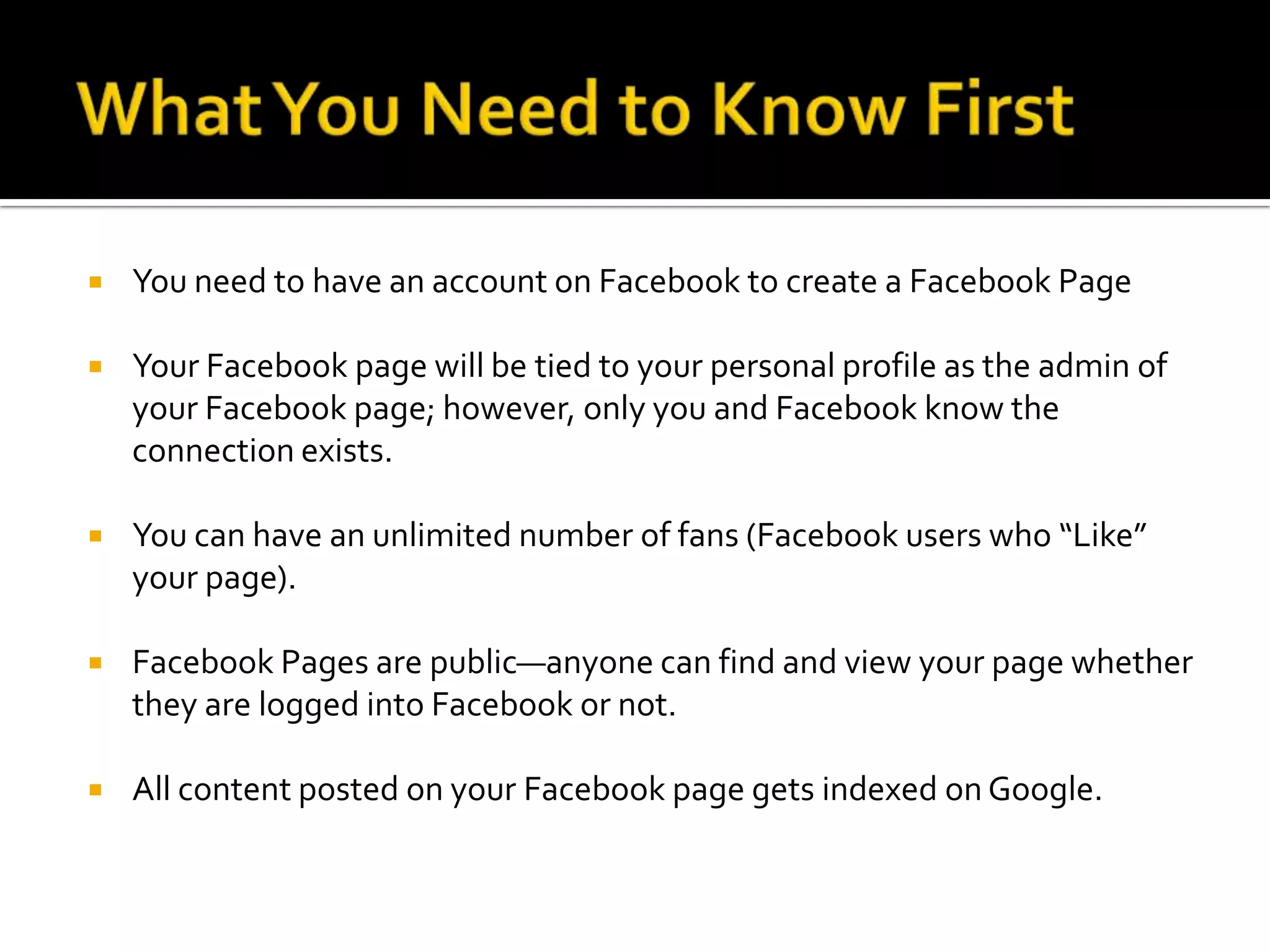
What You Need to Know FirstYou need to have an account on Facebook to create a Facebook PageYour Facebook page will be tied to your personal profile as the admin of your Facebook page; however, only you and Facebook know the connection exists.You can have an unlimited number of fans (Facebook users who “Like” your page).Facebook Pages are public—anyone can find and view your page whether they are logged into Facebook or not.All content posted on your Facebook page gets indexed on Google.
What You Need to Know FirstYou can target your posts by location and language.You can add applications to your page, including your own custom content—video, rich text, graphics, opt-in box and more.You can add additional admins (highly recommended).All admins have equal rights to administer your page, including adding and removing other admins (choose with care!).Select your page title and category carefully as they cannot be changed once set.
Many patrons are using Facebook as a primary source for library news.
Facebook PagesThe place to house all pertinent information about your libraryOverview of libraryWebsite & contact infoPress releasesBlog RSSVideosTwitter UpdatesNews and status Community interactionsEvents
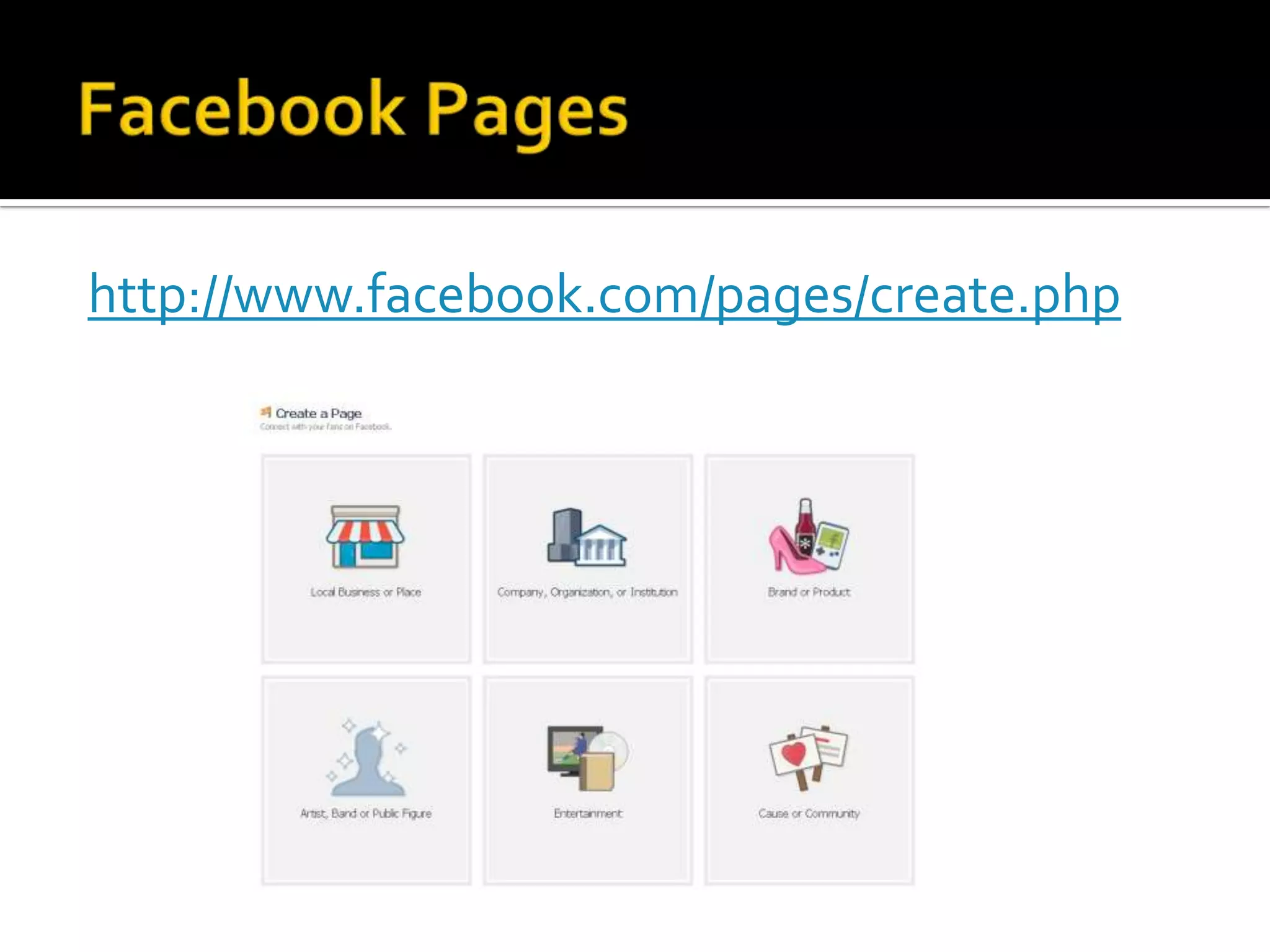
Facebook Pageshttp://www.facebook.com/pages/create.php
Now what? I have a Facebook page.
Utilizing Your Facebook PageReach new audiencesEngage with users more effectivelyEnhance services by allowing greater interaction and feedback Three C’sCommunityCollaborationCommunication
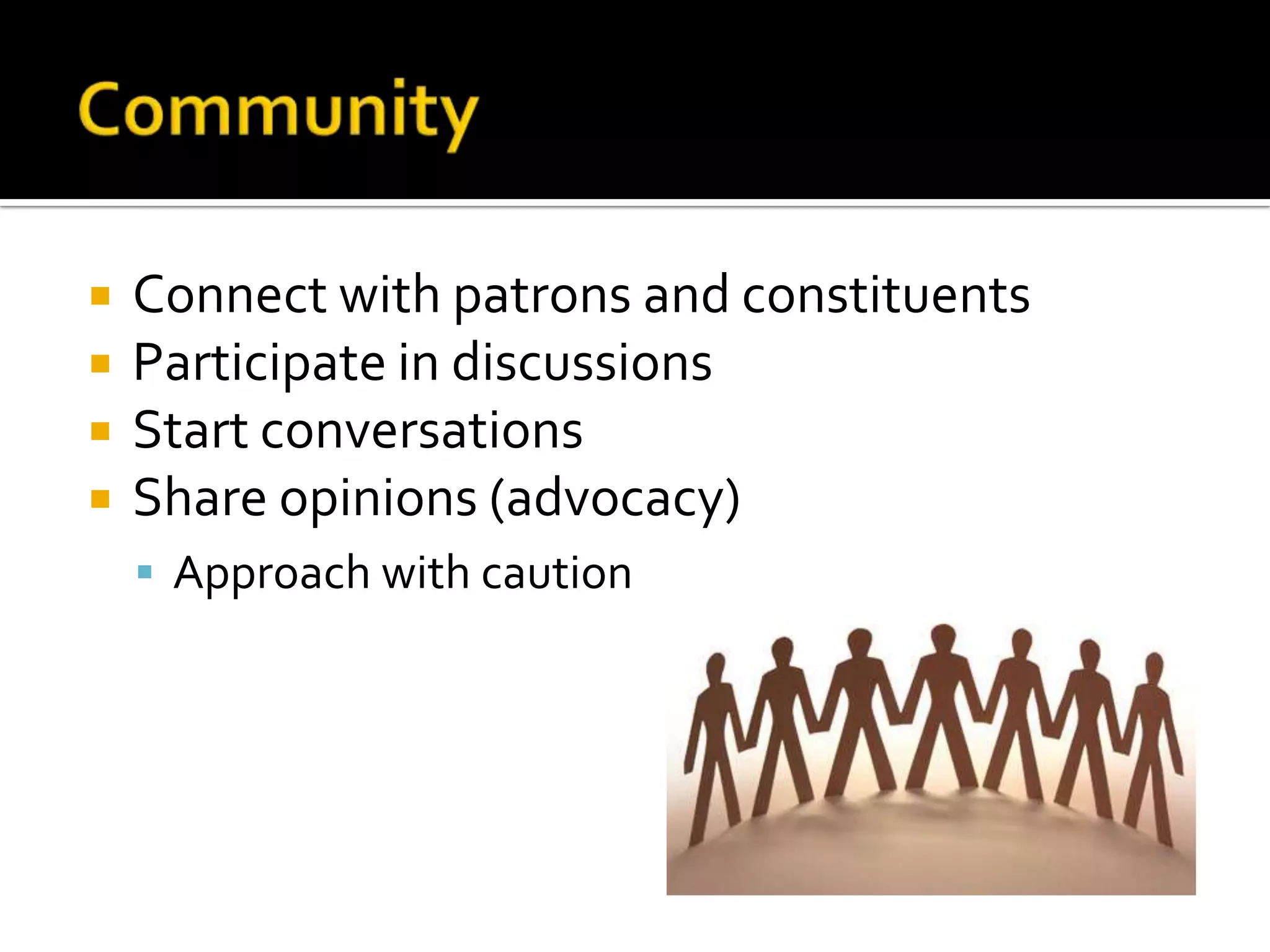
CommunityConnect with patrons and constituentsParticipate in discussions Start conversationsShare opinions (advocacy)Approach with caution
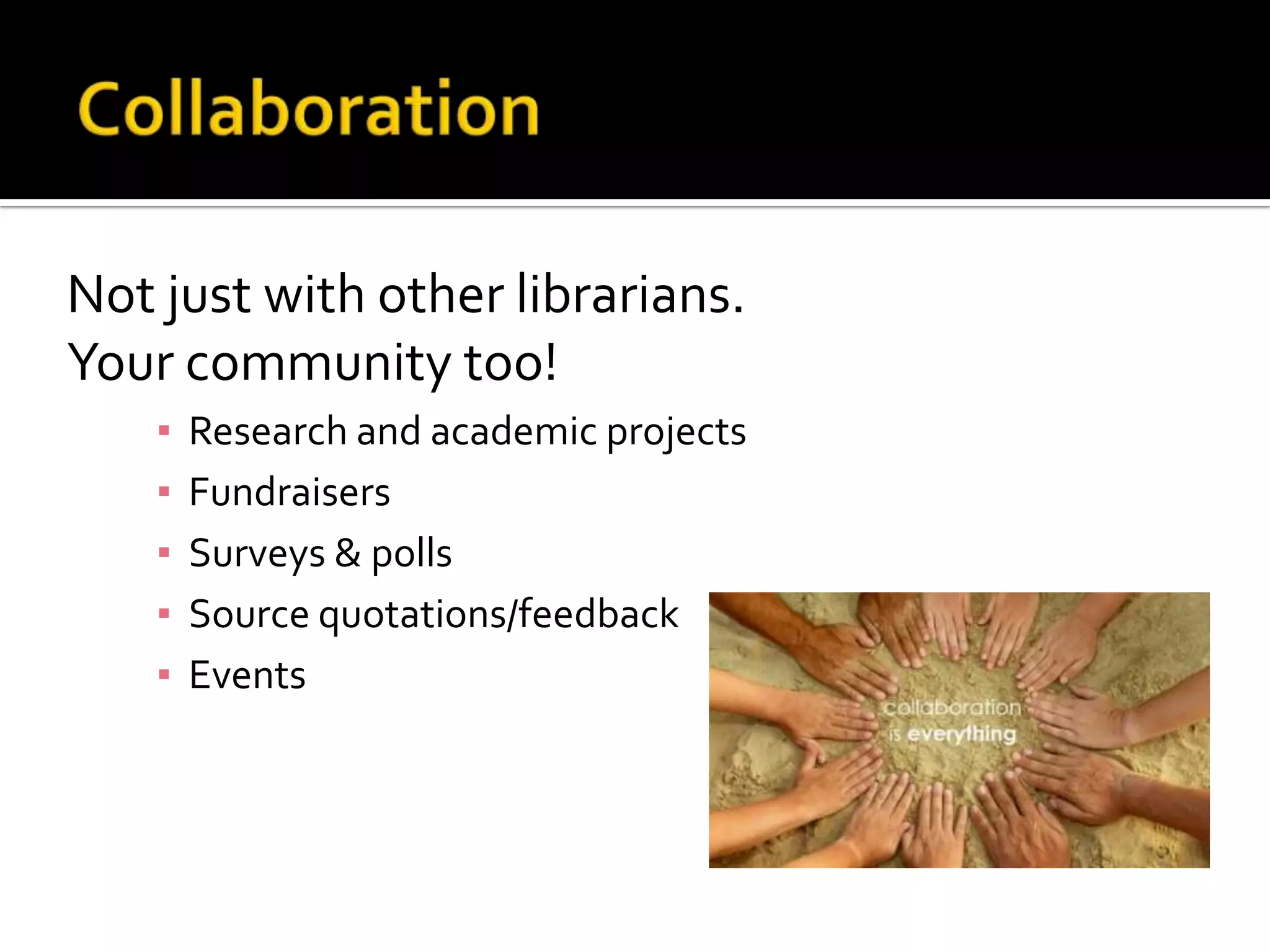
CollaborationNot just with other librarians. Your community too!Research and academic projectsFundraisersSurveys & pollsSource quotations/feedbackEvents
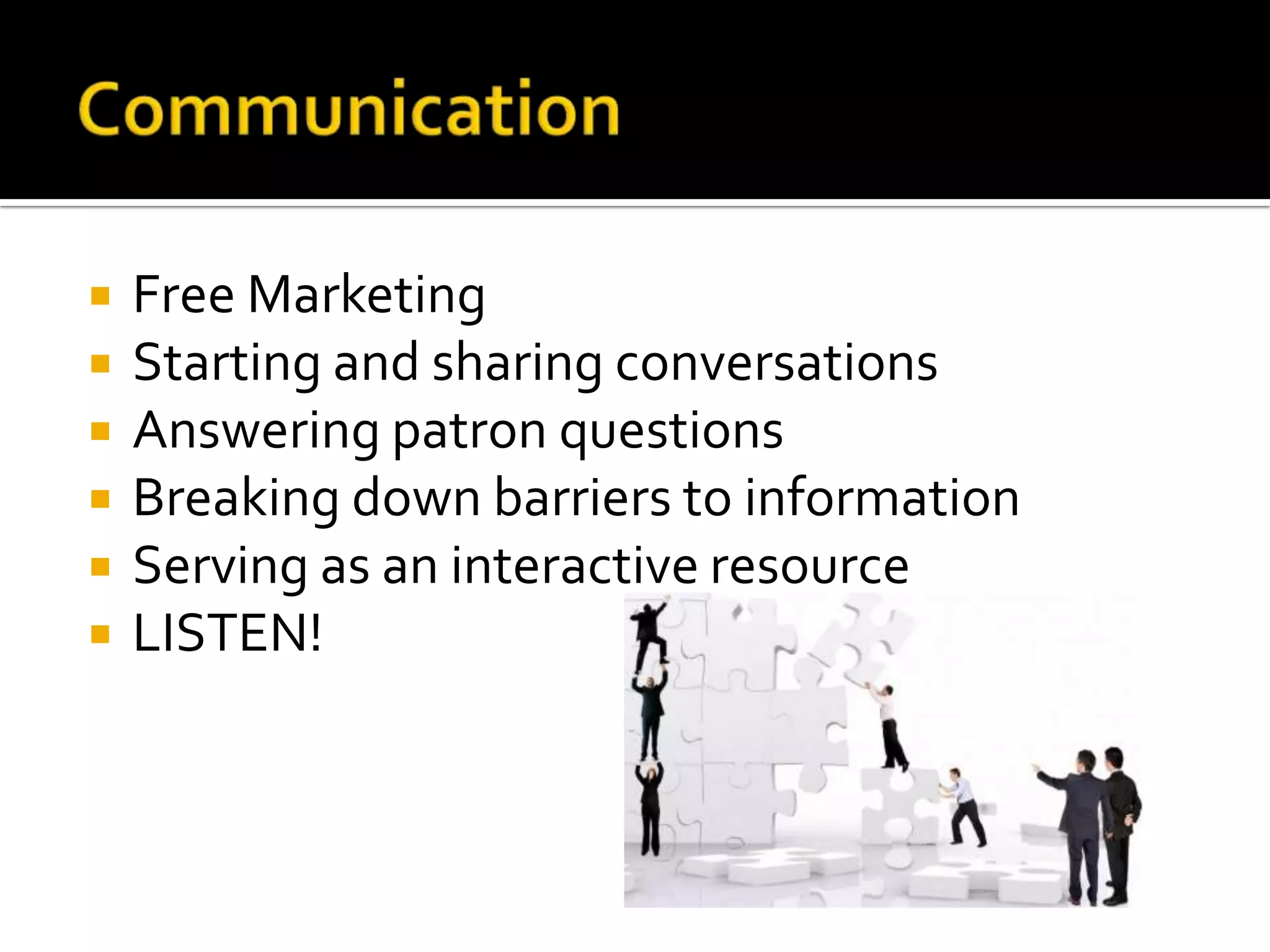
CommunicationFree MarketingStarting and sharing conversationsAnswering patron questionsBreaking down barriers to informationServing as an interactive resourceLISTEN!
Growing Your Facebook Page“Like” other local organizations“Like” interests common with your patronsLink to the Facebook page on your library’s websiteLink to the Facebook page in email newslettersCross promote on other platforms, such as Twitter, blogs, etc.Share on your personal profile and “Suggest”Hand out business cards with your Facebook page URL on itCustom URL – how to get one
Library Related ApplicationsCiteMeBooks iReadBookShareCatalog searches: COPAC, WorldcatElectronic resources: JSTORLibGuidesInternal catalog searches
Advanced Use of FacebookStay up-to-date on domain-specific researchLearn about changes to publishers’ contentLeverage social plugins to tap into a user’s likes and dislikes to offer up personalized contentEg. The Open Library Environment project
SourcesDavis, Hilary. 2011. “Reconsidering Facebook.” In the Library with the Lead Pipe blog posting January 26, 2011: http://www.inthelibrarywiththeleadpipe.org/2011/reconsidering-facebook/ (last accessed on March 16, 2011)."Factsheet." Facebook. Web. 17 Mar. 2011. <http://www.facebook.com/press/info.php?factsheet#!/press/info.php?statistics>.KarestenWenzlaff. Echologist.com: The Science of Making Social Networks Resonate. Web. 17 March 2011. <http://www.karsten-wenzlaff.de/category/echologist/>.King, David Lee. DavidLeeKing.com. Web. 15 Mar. 2011. <http://www.davidleeking.com>.Smith, Mari. "Facebook 101 Business Guide." Social Media Examiner: Your Guide to the Social Media Jungle. 10 Aug. 2010. Web. 17 Mar. 2011. <http://www.socialmediaexaminer.com/facebook-101-business-guide/>.
Questions? Thank you!Connect :facebook.com/mandyboylelinkedin.com/in/mandyboyle@mandyboyle!

Facebook for Libraries

  • 1.
    Facebook for LibrariesABest Practices Guide
  • 2.
    Start HereWhy: Whyare we doing this?Who: Who are we trying to reach? Who will do the work? What: What’s our strategy? Once these questions are answered, it’s time to choose the platform.
  • 3.
  • 4.
    Facebook at aGlanceMore than 600 million usersNearly half of those users log in every dayOne of the most-trafficked sites in the worldEach user is connected to an average of 130 other usersPeople spend over 700 billion minutes per month Average user creates 90 pieces of content per monthMore than 30 billion pieces of content shared each monthAbout 70% of Facebook users are outside the US200 million active users access via mobile devices
  • 5.
    The Elements ofFacebookThe Home PageNews Feed – personalized feed of friends’ updatesApplication and messaging controls: Wall posts, Pokes, Status Updates, private messages, ChatThe ProfileInformation user has chosen to shareInterests, education, work background, etc. ApplicationsPhotosEventsVideosGroupsPages
  • 6.
  • 7.
  • 8.
  • 9.
    What Users CanDoCreate personal profilesAdd other users as friendsExchange messagesSend automatic notifications when they update their profileJoin common interest groupsEnjoy applicationsCreate and share media
  • 10.
    What Organizations CanDoCreate organization profilesCreate and promote eventsCommunicate with usersConnect with other organizationsUpdate profiles and send notificationsSend messages to organization “likers”Users must opt-in to your page by clicking “Like”Track interactionsFeature discussionsCreate and share media
  • 11.
    The Difference: Profilevs. PageProfiles are focused more on the individual.Pages are focused on organizations or communities. Libraries should utilize the Facebook page.
  • 12.
  • 13.
    Facebook & LibrariesMostlibrarians first joined Facebook when it was limited to colleges and universities. Experiment in engagement“Be where the students were”Considered to be low cost, minimal effort
  • 14.
    Facebook & LibrariesStrengthsand WeaknessesRuth Sara Connell, Libraries and the AcademyAcademic Libraries, Facebook and MySpace, and Student Outreach: A Survey of Student Opinion, 2009Most respondents indicated they would be accepting of library contactConcerns about privacyRecommended librarians proceed with caution when implementing social networking profiles
  • 15.
    Facebook & LibrariesThingshave changedActive users have grown by more than 4000%Millions of business websitesFacebook users get personalized contentFacebook encourages users to change expectations on what should (and shouldn’t) be on Facebook.Redefining relationships, shift to user-resource interactions rather than student-t0-student
  • 16.
    Shifting SpacesLibraries arebecoming more social, both physically and virtually. Overlap between physical space and virtual space, as well as academic spaces and social spaces
  • 18.
    A Case StudyDoyou Facebook? Networking with students online by Brian S. Mathews. C&RL News, May 2006Outreach via Facebook to engineering students at Georgia TechAnswering patron questionsWhich software was available? How to renew items onlineRecent building changesInformation about library spaces
  • 19.
  • 20.
    What You Needto Know FirstYou need to have an account on Facebook to create a Facebook PageYour Facebook page will be tied to your personal profile as the admin of your Facebook page; however, only you and Facebook know the connection exists.You can have an unlimited number of fans (Facebook users who “Like” your page).Facebook Pages are public—anyone can find and view your page whether they are logged into Facebook or not.All content posted on your Facebook page gets indexed on Google.
  • 21.
    What You Needto Know FirstYou can target your posts by location and language.You can add applications to your page, including your own custom content—video, rich text, graphics, opt-in box and more.You can add additional admins (highly recommended).All admins have equal rights to administer your page, including adding and removing other admins (choose with care!).Select your page title and category carefully as they cannot be changed once set.
  • 22.
    Many patrons areusing Facebook as a primary source for library news.
  • 23.
    Facebook PagesThe placeto house all pertinent information about your libraryOverview of libraryWebsite & contact infoPress releasesBlog RSSVideosTwitter UpdatesNews and status Community interactionsEvents
  • 24.
  • 25.
    Now what? Ihave a Facebook page.
  • 26.
    Utilizing Your FacebookPageReach new audiencesEngage with users more effectivelyEnhance services by allowing greater interaction and feedback Three C’sCommunityCollaborationCommunication
  • 27.
    CommunityConnect with patronsand constituentsParticipate in discussions Start conversationsShare opinions (advocacy)Approach with caution
  • 28.
    CollaborationNot just withother librarians. Your community too!Research and academic projectsFundraisersSurveys & pollsSource quotations/feedbackEvents
  • 29.
    CommunicationFree MarketingStarting andsharing conversationsAnswering patron questionsBreaking down barriers to informationServing as an interactive resourceLISTEN!
  • 30.
    Growing Your FacebookPage“Like” other local organizations“Like” interests common with your patronsLink to the Facebook page on your library’s websiteLink to the Facebook page in email newslettersCross promote on other platforms, such as Twitter, blogs, etc.Share on your personal profile and “Suggest”Hand out business cards with your Facebook page URL on itCustom URL – how to get one
  • 31.
    Library Related ApplicationsCiteMeBooksiReadBookShareCatalog searches: COPAC, WorldcatElectronic resources: JSTORLibGuidesInternal catalog searches
  • 32.
    Advanced Use ofFacebookStay up-to-date on domain-specific researchLearn about changes to publishers’ contentLeverage social plugins to tap into a user’s likes and dislikes to offer up personalized contentEg. The Open Library Environment project
  • 33.
    SourcesDavis, Hilary. 2011.“Reconsidering Facebook.” In the Library with the Lead Pipe blog posting January 26, 2011: http://www.inthelibrarywiththeleadpipe.org/2011/reconsidering-facebook/ (last accessed on March 16, 2011)."Factsheet." Facebook. Web. 17 Mar. 2011. <http://www.facebook.com/press/info.php?factsheet#!/press/info.php?statistics>.KarestenWenzlaff. Echologist.com: The Science of Making Social Networks Resonate. Web. 17 March 2011. <http://www.karsten-wenzlaff.de/category/echologist/>.King, David Lee. DavidLeeKing.com. Web. 15 Mar. 2011. <http://www.davidleeking.com>.Smith, Mari. "Facebook 101 Business Guide." Social Media Examiner: Your Guide to the Social Media Jungle. 10 Aug. 2010. Web. 17 Mar. 2011. <http://www.socialmediaexaminer.com/facebook-101-business-guide/>.
  • 34.
    Questions? Thank you!Connect:facebook.com/mandyboylelinkedin.com/in/mandyboyle@mandyboyle!