
Facebook for Business


1. Profiles vs. Pages

2. Promoting your Page and growing your community

3. Getting to know your community

4. Enhancing your Page

5. Promotions with Wildfire

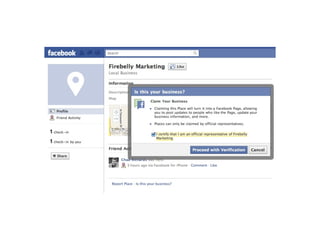
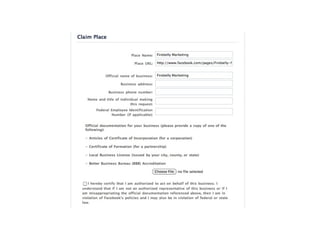
6. Facebook Places*
PART 1
Profiles vs Pages
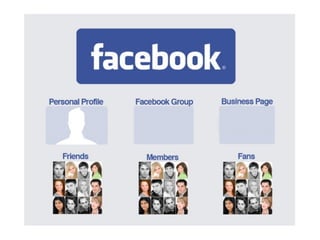
1. Profiles are against TOS

2. Pages allow multiple admins

3. Pages provide analytics - Insights

4. Pages are always public

5. Add custom landing tabs - FBML

6. Send updates to fans (mass messaging)

7. Facebook Ads can be created for Pages

8. Contests can be run on Pages
Before you begin
Is my audience on Facebook?
What incentive is there for people to like
               my Page?

         How can I add value?
What are my goals?

What is the strategy to achieve
         those goals?
How will I measure success?
What existing content do I have to
              share?

What kinds of content will I need to
              create?
Who will manage it all?
PART 2
Promoting Your Page & Growing Community
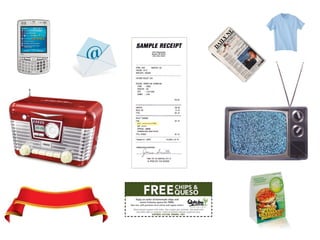
Off Page Promotion
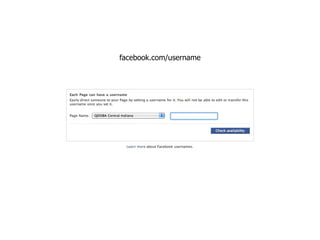
facebook.com/username
Facebook Ads
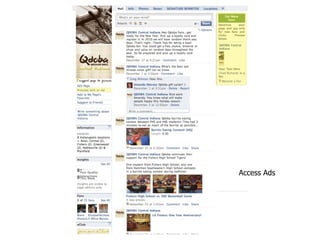
Access Ads
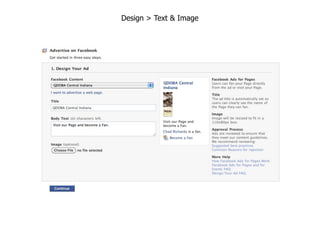
Design > Text & Image
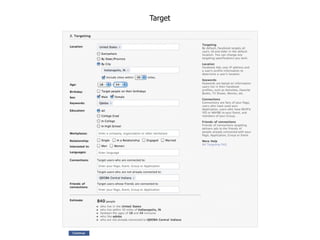
Target
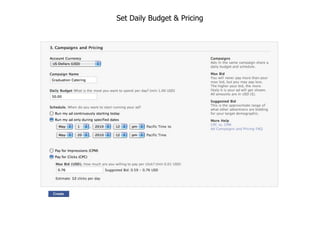
Set Daily Budget & Pricing
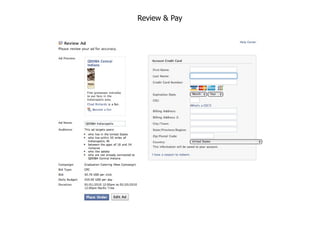
Review & Pay
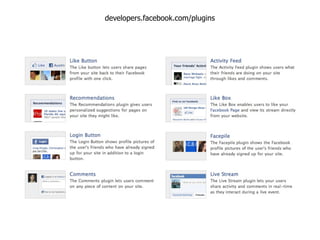
Facebook Social Plugins
developers.facebook.com/plugins
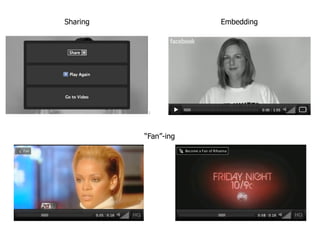
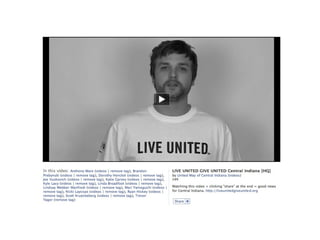
Facebook Video
Sharing               Embedding


          “Fan”-ing
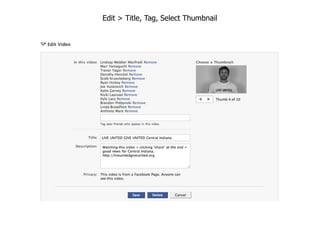
Edit > Title, Tag, Select Thumbnail
PART 3
Getting To Know Your Community
Facebook Insights
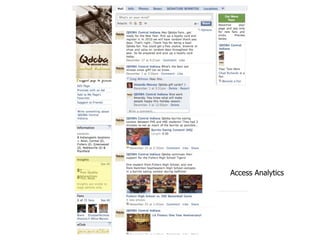
Access Analytics
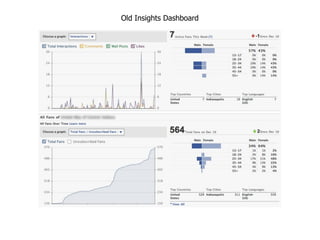
Old Insights Dashboard
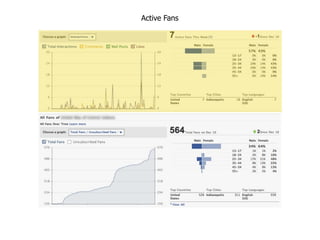
Active Fans
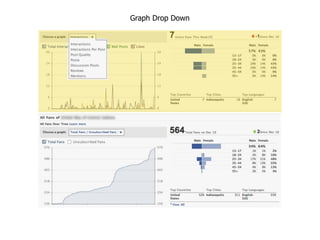
Graph Drop Down
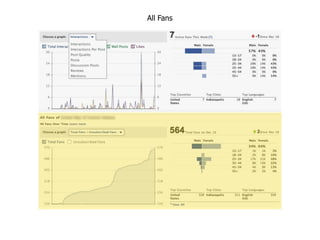
All Fans
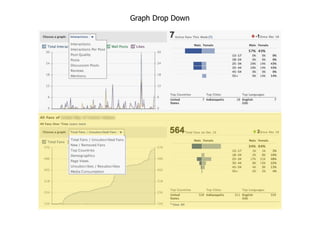
Graph Drop Down
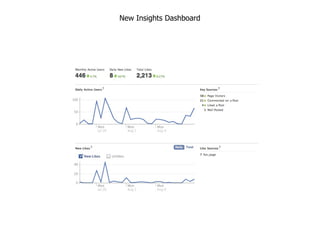
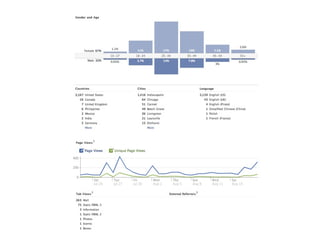
New Insights Dashboard
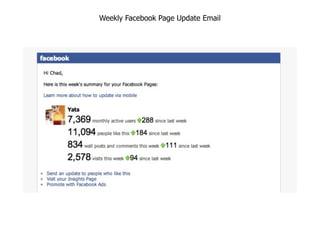
Weekly Facebook Page Update Email
PART 4
Enhancing Your Page
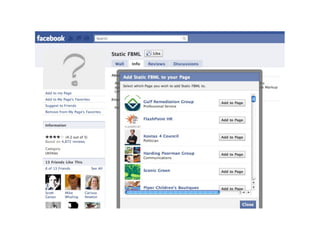
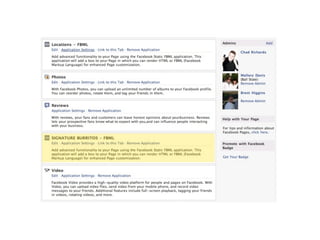
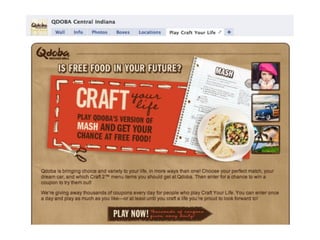
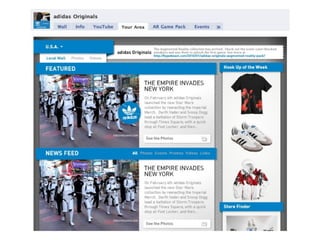
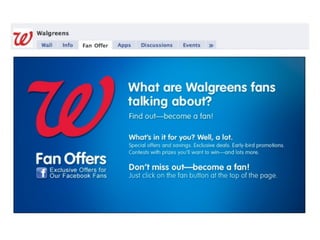
Static FBML*

*Iframes coming soon
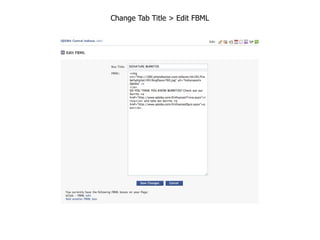
Change Tab Title > Edit FBML
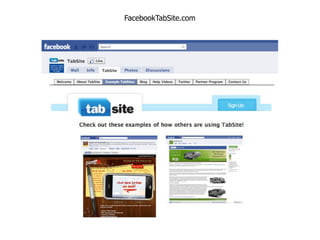
TabSite
FacebookTabSite.com
Profile Image “Billboard”
PART 5
Facebook Promotions
Facebook Promotion Guidelines


You cannot:
Condition entry in the promotion upon a user
providing content on Facebook, such as making a post
on a profile or Page, status comment or photo upload.

You can:
Use a third party application to condition entry to the
promotion upon a user providing content.
Facebook Promotion Guidelines


You cannot:
Administer a promotion that users automatically enter
by becoming a fan of your Page.

You can:
Only allow fans of your Page to access the tab that
contains the third-party application for the promotion.
Facebook Promotion Guidelines


You cannot:
Notify winners through Facebook, such as through
Facebook messages, chat, or posts on profiles or Pages.

You can:
Collect an address or email through the third-party
application for the promotion in order to contact the
winner by email or standard mail.
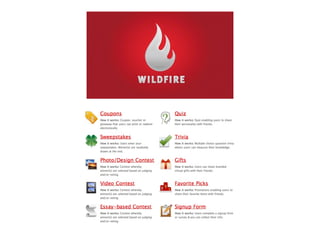
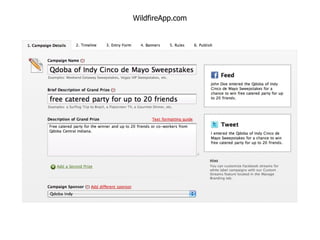
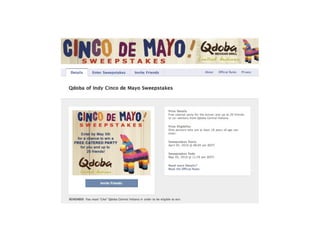
Wildfire App
WildfireApp.com
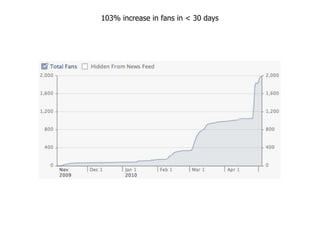
103% increase in fans in < 30 days
PART 6
Mobile Check-ins
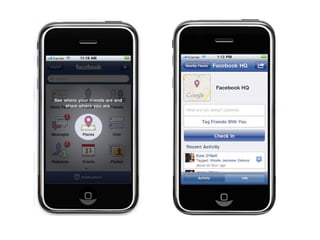
Facebook Places*
Questions?

Facebook for Business BIN2010