Extensions 101: Building
Interactive Experiences
Introductions
Greg Humphreys
Lead Developer
Twitch: DeflatorMouse7
Twitter: @deflatormouse7
Pat Sanchez
Engineering Manager
Twitch: splatwes
Twitter: @splatwes
What are Extensions?
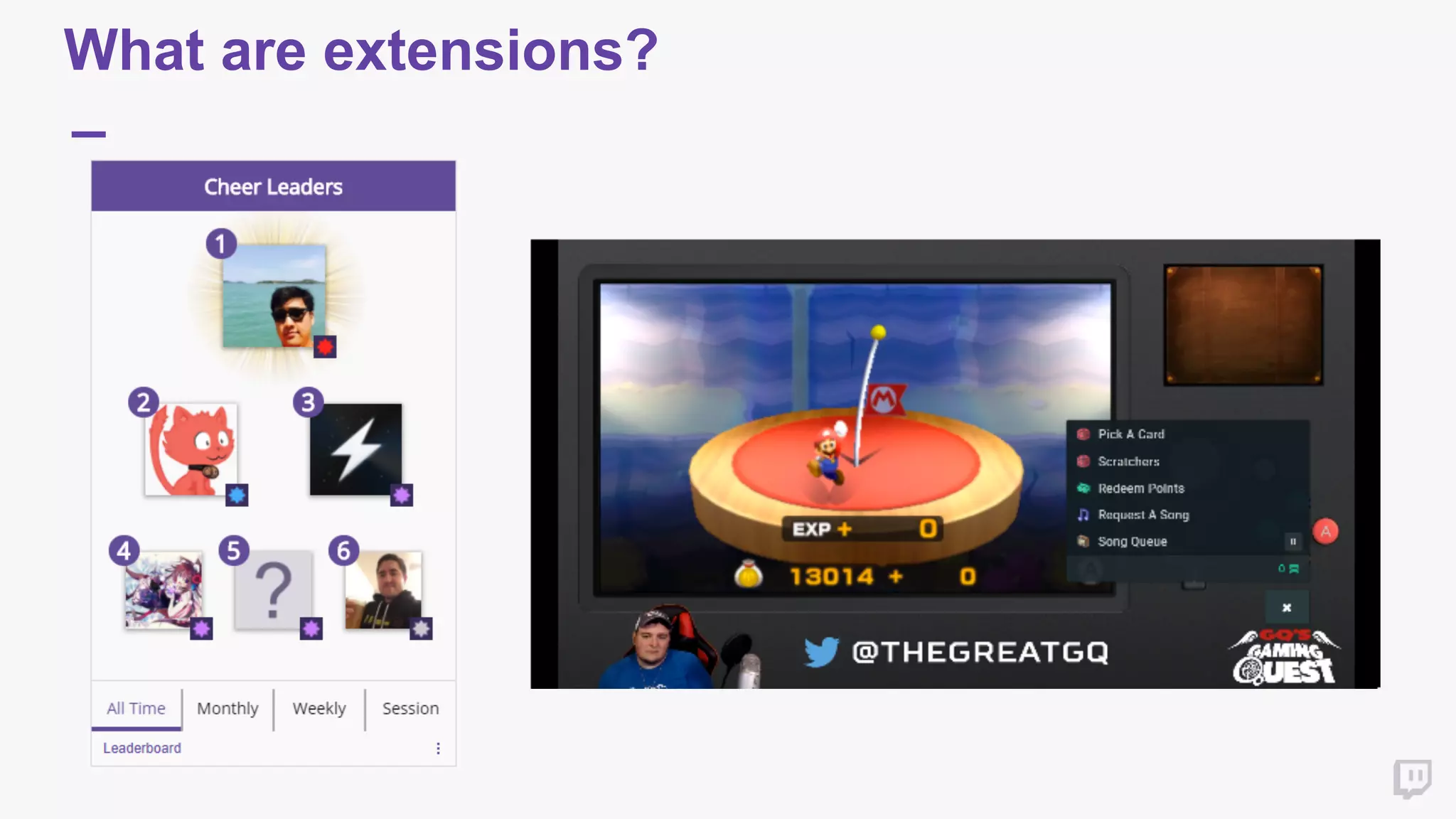
What are extensions?
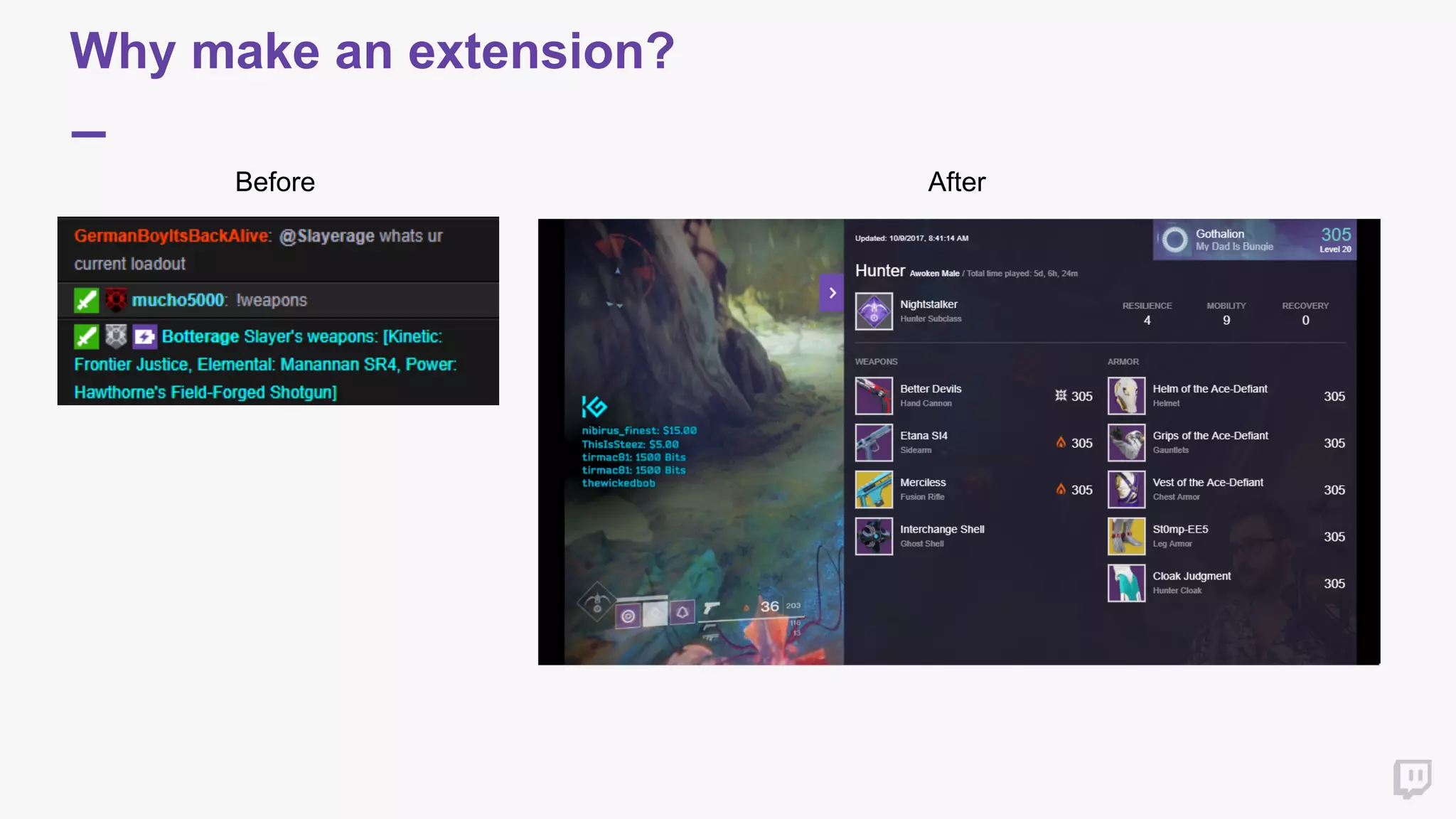
Why make an extension?
Before After
Extension Architecture
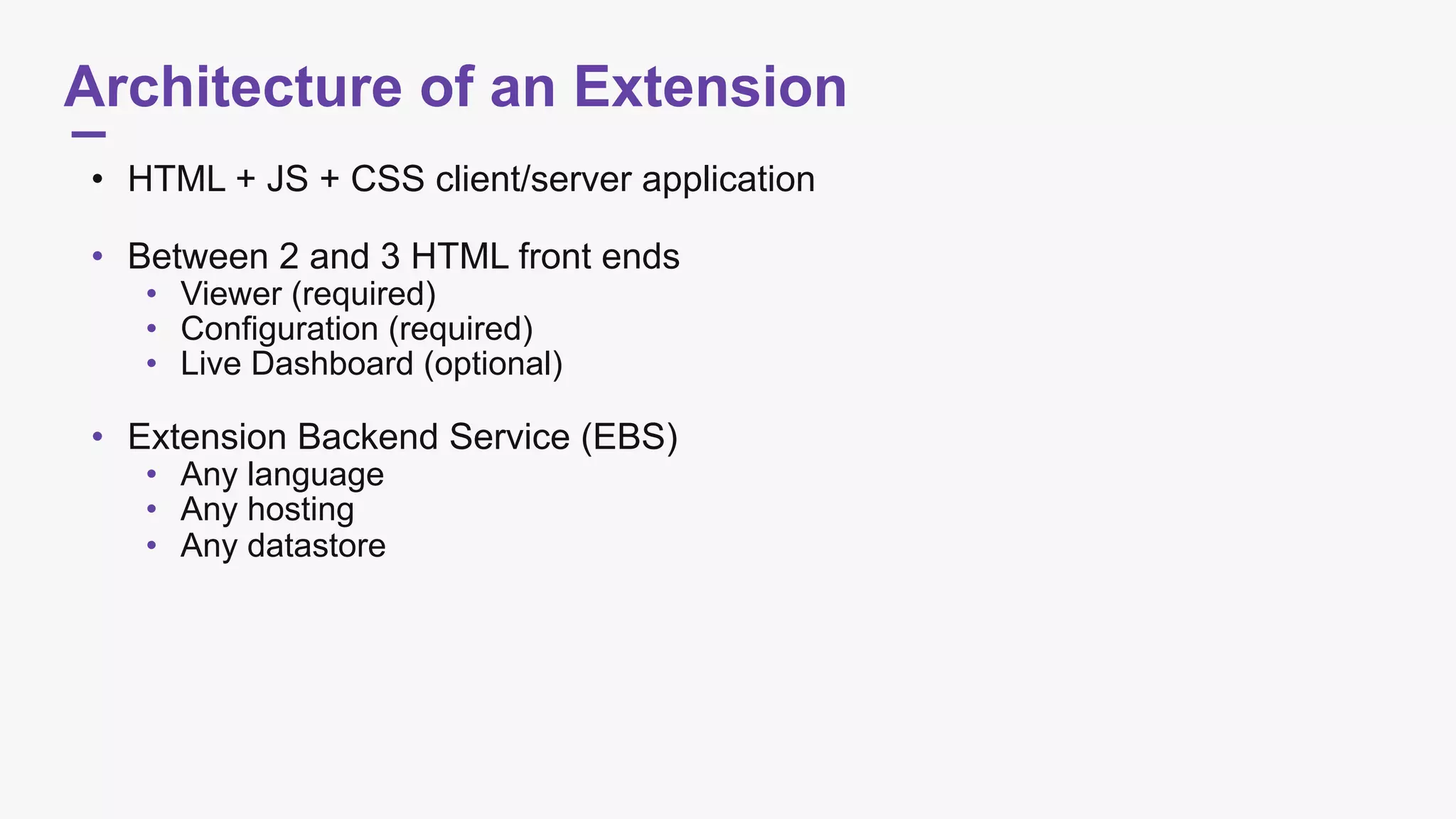
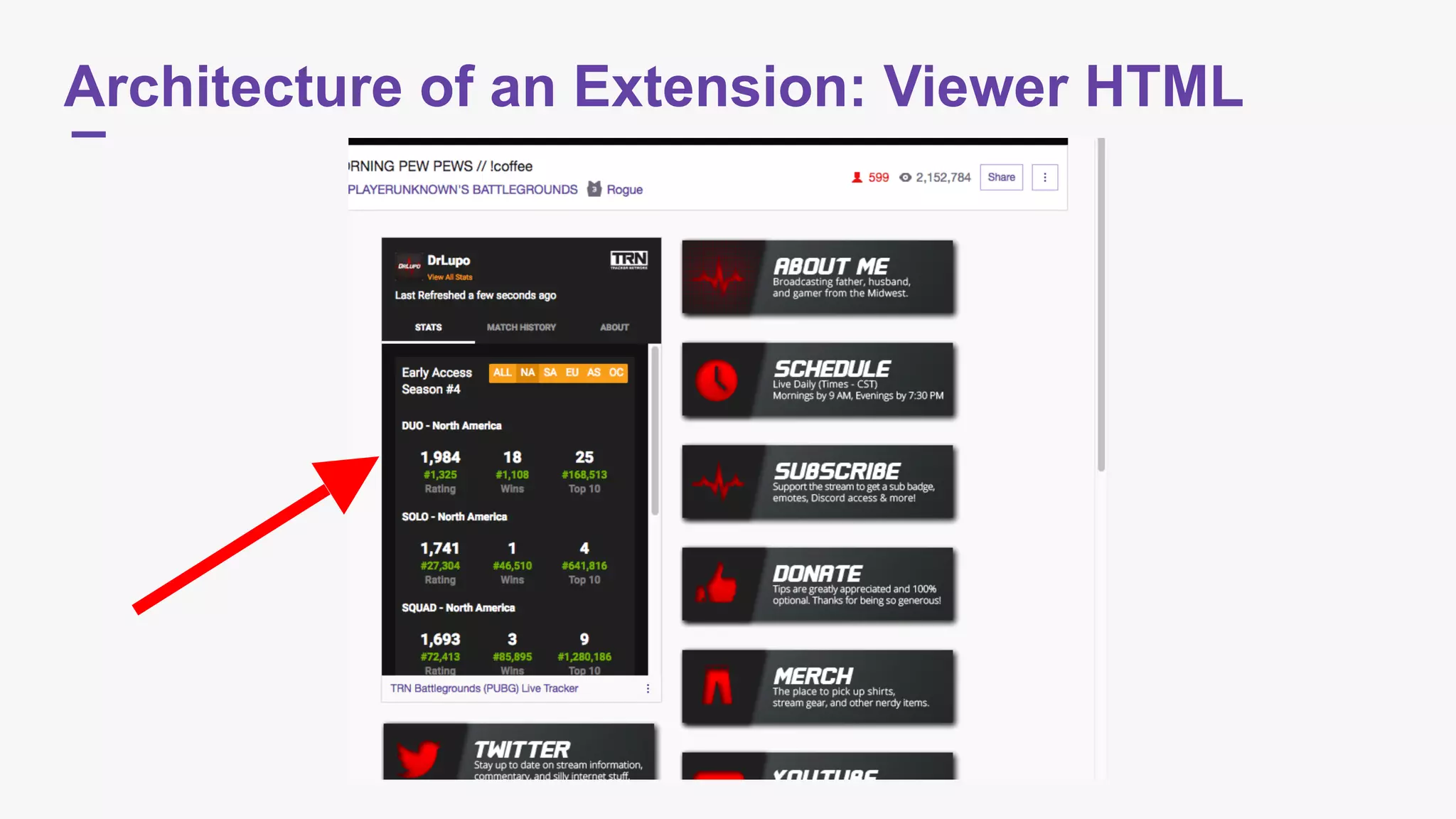
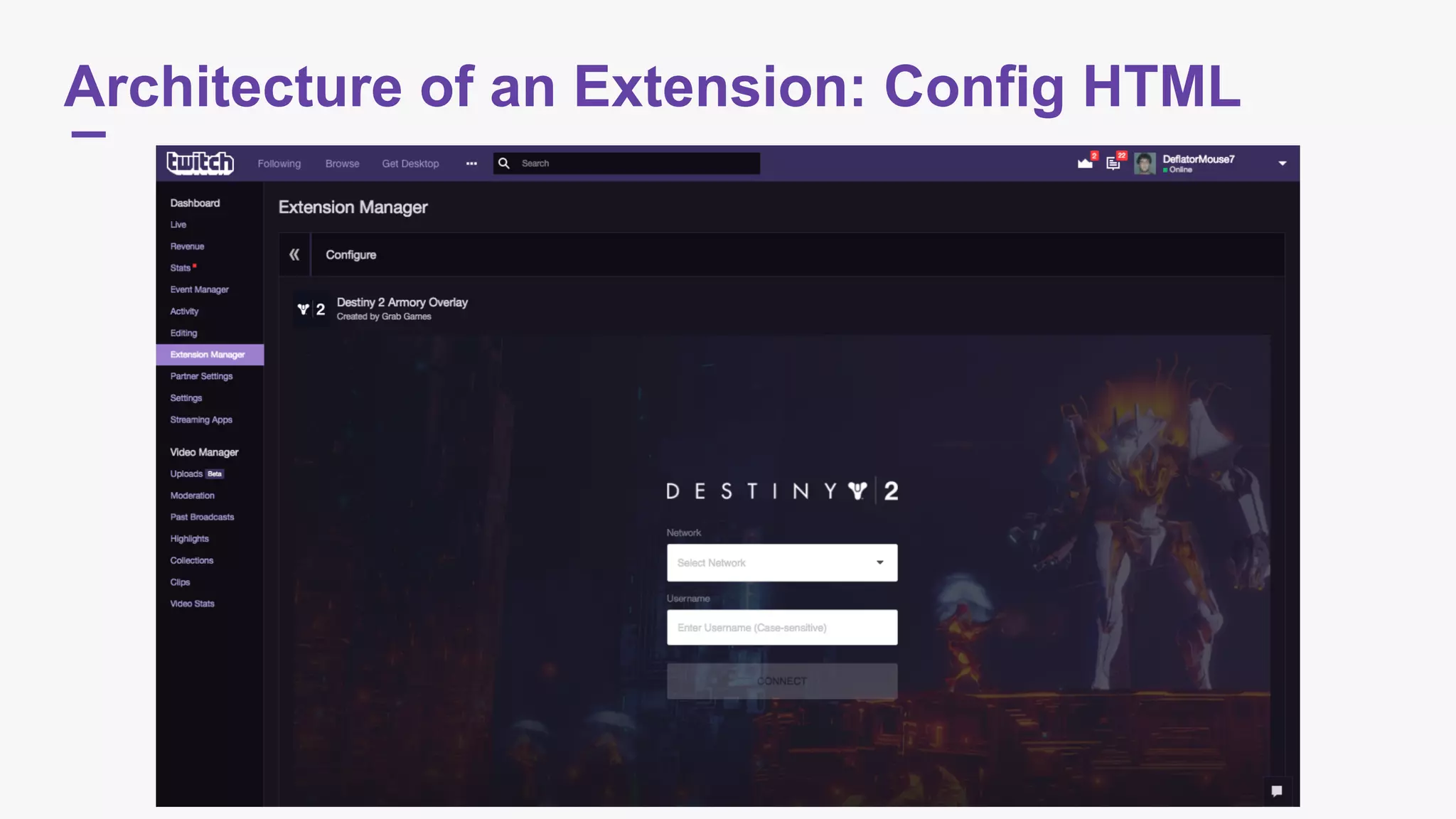
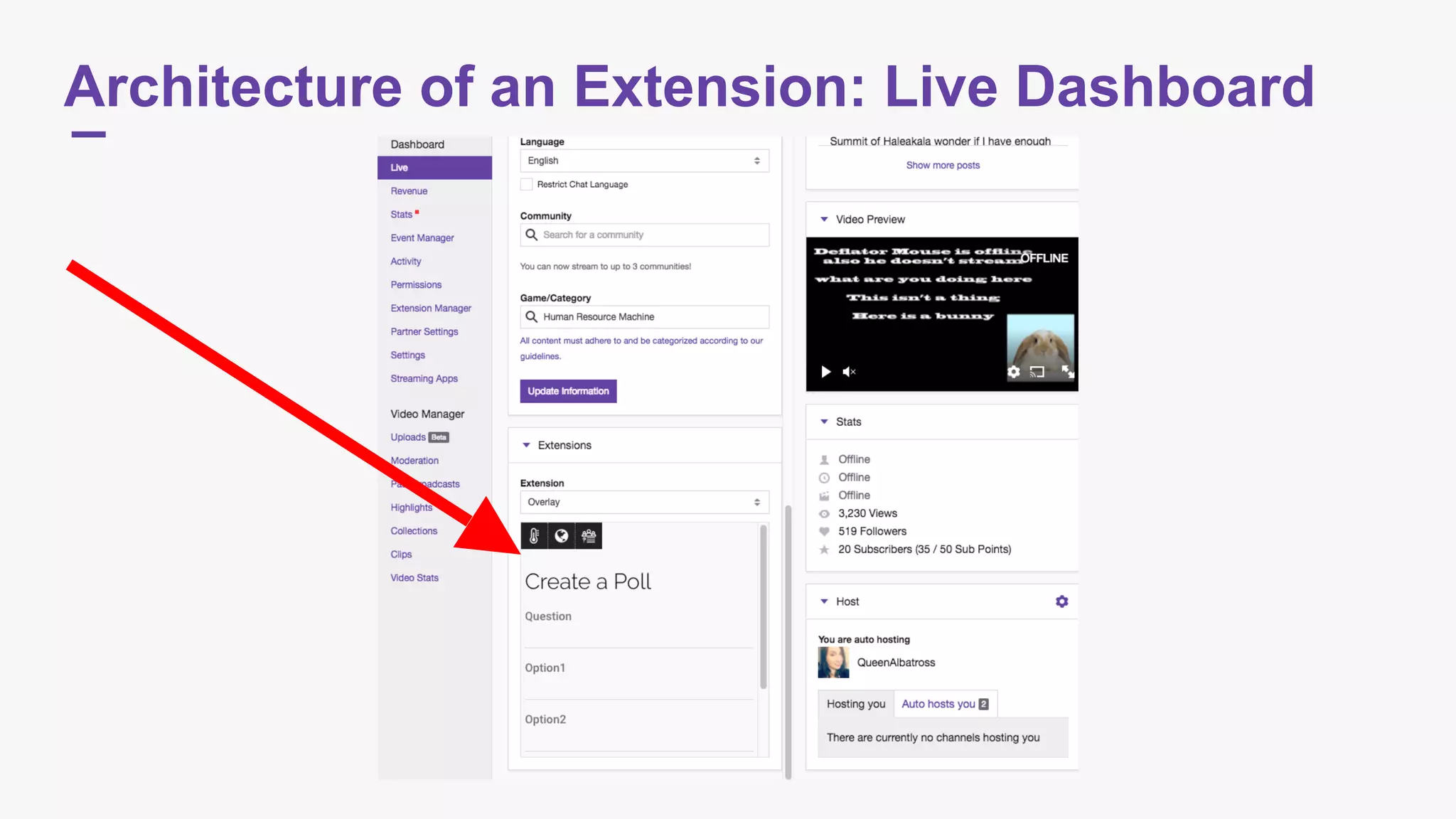
Architecture of an Extension
• HTML + JS + CSS client/server application

• Between 2 and 3 HTML front ends
• Viewer (required)
• Configuration (required)
• Live Dashboard (optional)

• Extension Backend Service (EBS)
• Any language
• Any hosting
• Any datastore
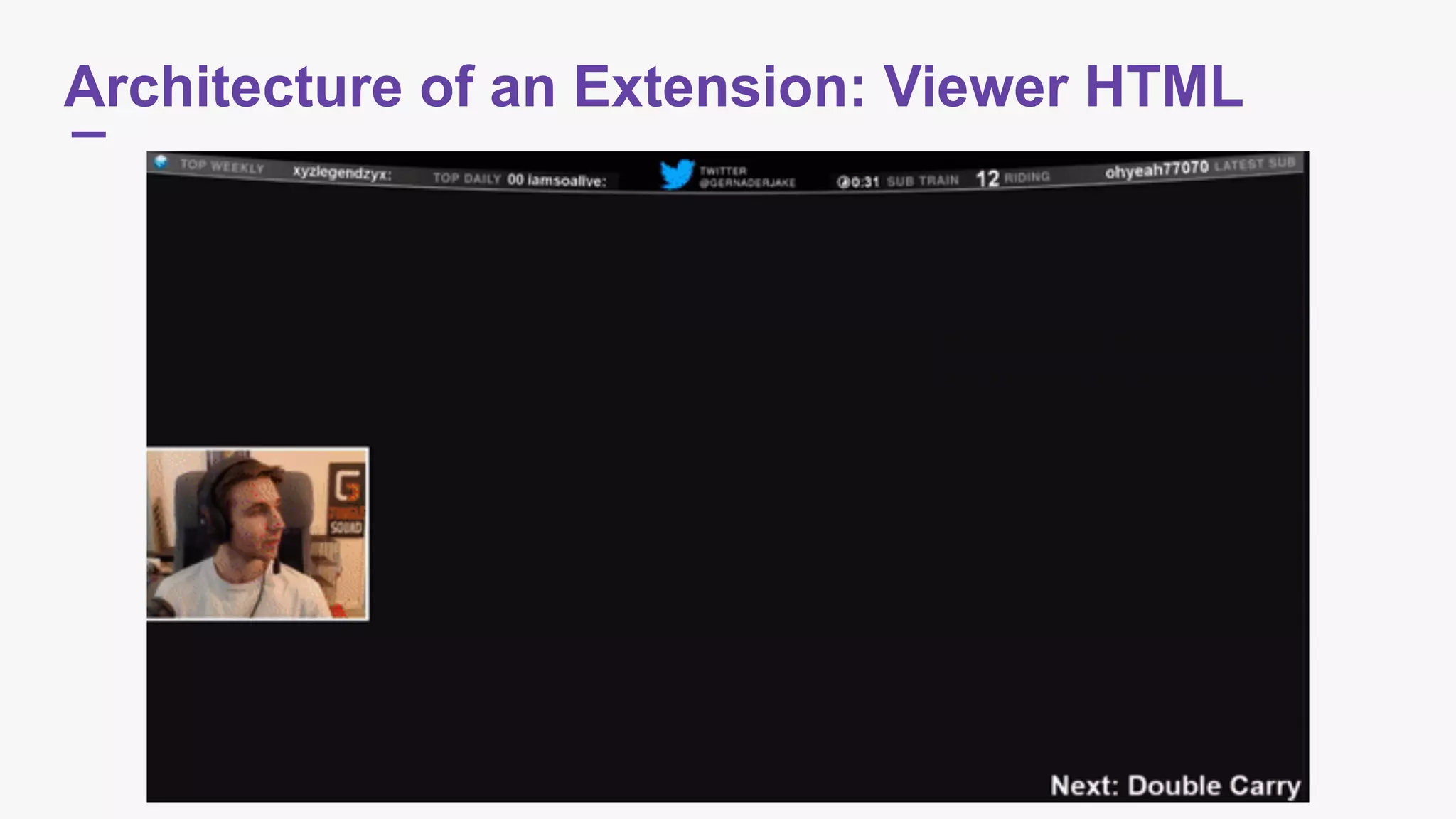
Architecture of an Extension: Viewer HTML
Architecture of an Extension: Config HTML
Architecture of an Extension: Live Dashboard
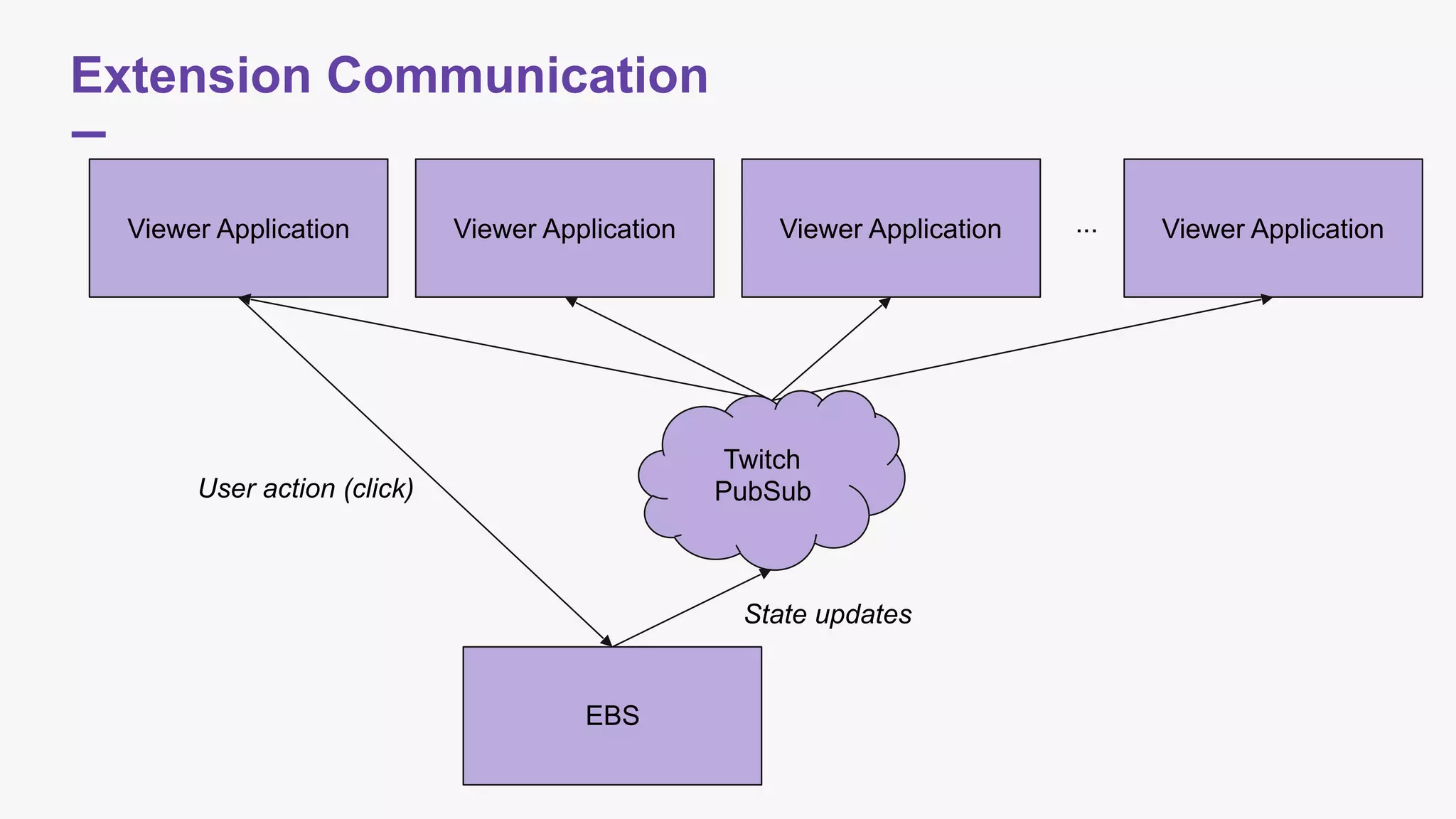
Extension Communication
Viewer Application
EBS
User action (click)
Viewer Application Viewer Application Viewer Application...
Twitch
PubSub
State updates
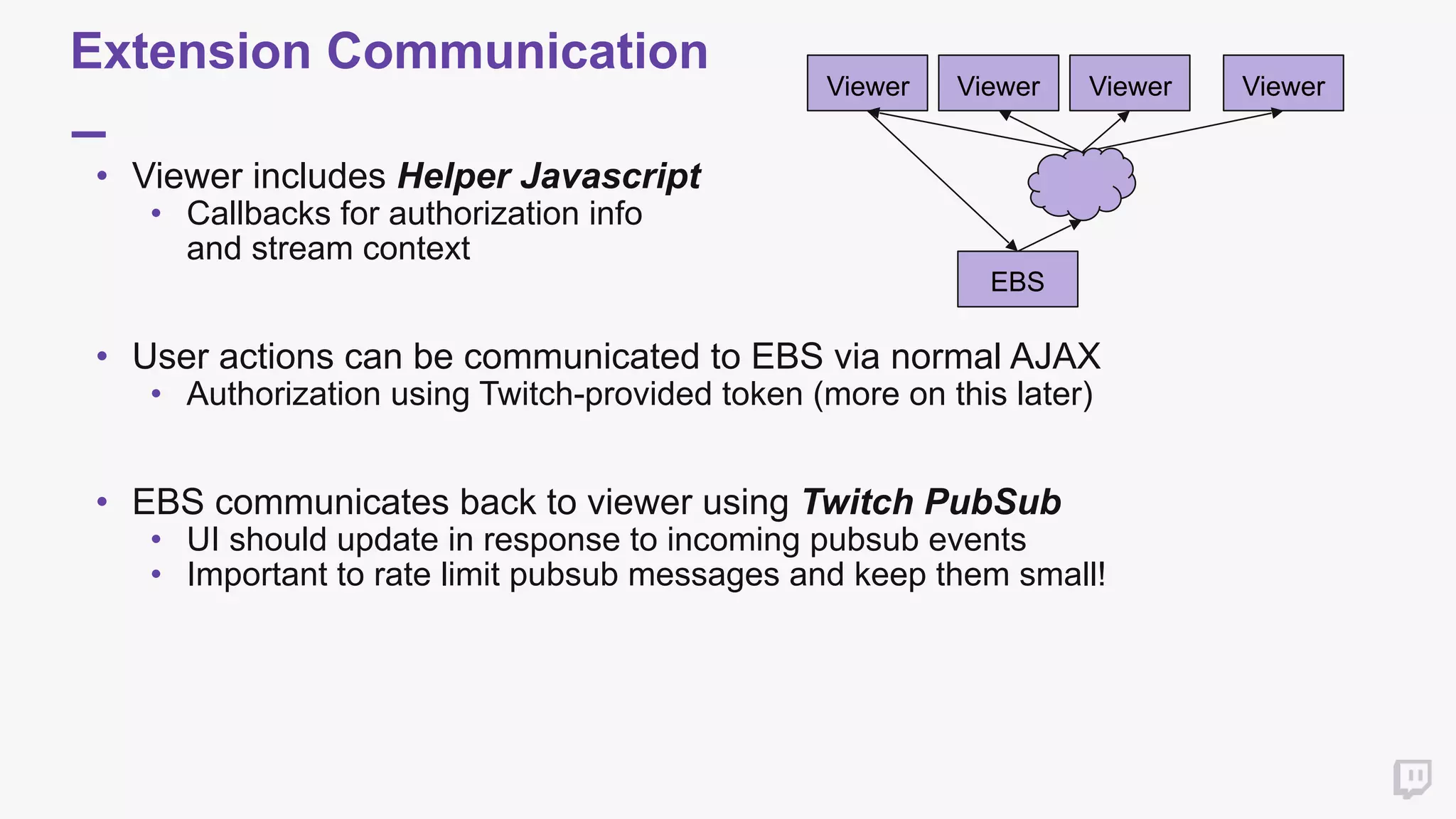
Extension Communication
• Viewer includes Helper Javascript
• Callbacks for authorization info 

and stream context


• User actions can be communicated to EBS via normal AJAX
• Authorization using Twitch-provided token (more on this later)


• EBS communicates back to viewer using Twitch PubSub
• UI should update in response to incoming pubsub events
• Important to rate limit pubsub messages and keep them small!

Viewer
EBS
Viewer Viewer Viewer
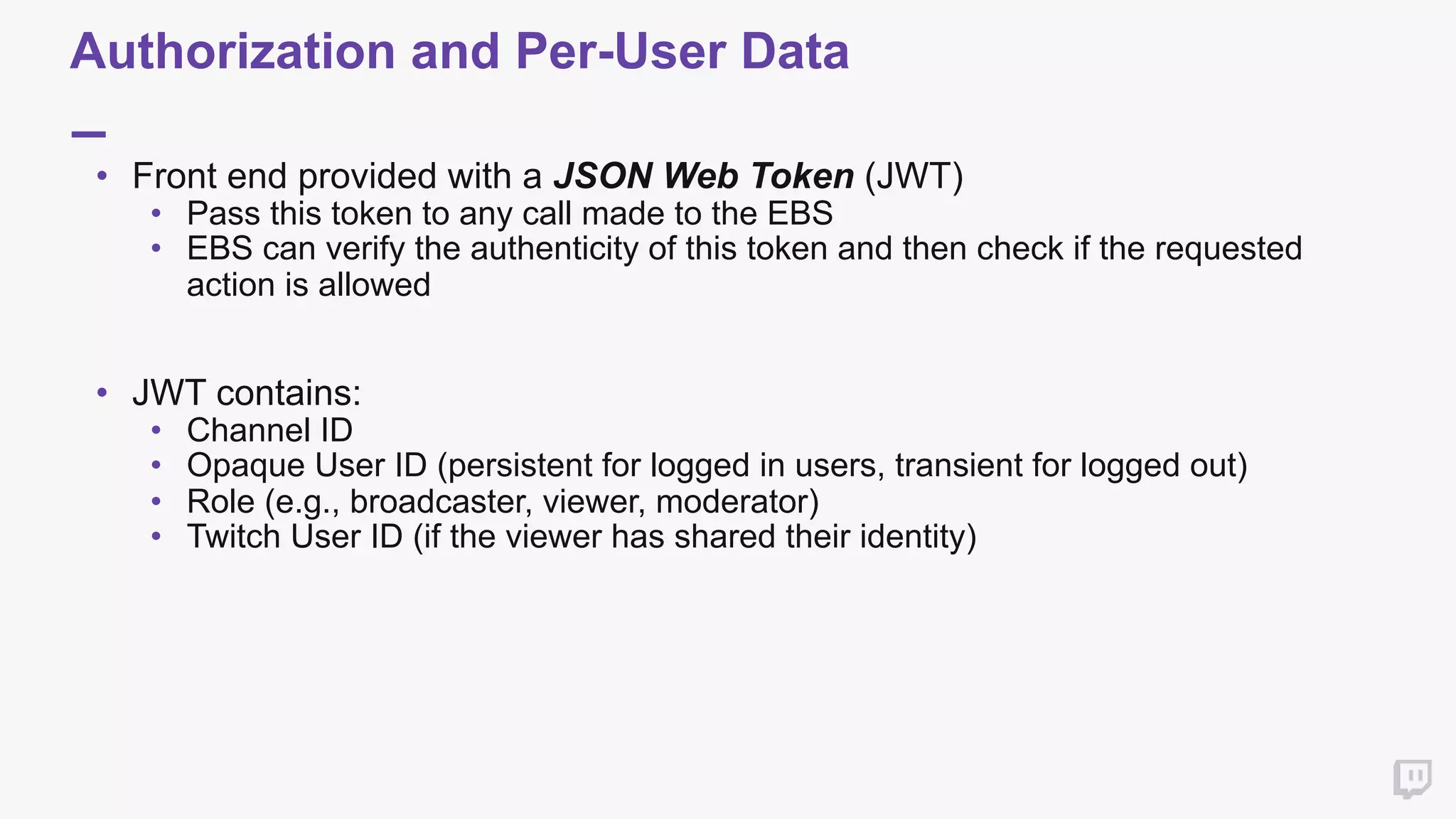
Authorization and Per-User Data
• Front end provided with a JSON Web Token (JWT)
• Pass this token to any call made to the EBS
• EBS can verify the authenticity of this token and then check if the requested
action is allowed

• JWT contains:
• Channel ID
• Opaque User ID (persistent for logged in users, transient for logged out)
• Role (e.g., broadcaster, viewer, moderator)
• Twitch User ID (if the viewer has shared their identity)
EBS Pseudocode for "Create New Poll"
createNewPoll(request) {
incomingToken = getJWT(request)
if not verifySignature(incomingToken, sharedSecret) {
return 401
}
if incomingToken["role"] != "broadcaster" {
return 403
}
questions = getPollQuestions(request)
poll = setupPoll(request)
outgoingToken = createAndSignJWT(
incomingToken[“user_id"],
incomingToken[“channel_id"],
sharedSecret
)
sendPollOverPubsub(poll, outgoingToken)
}
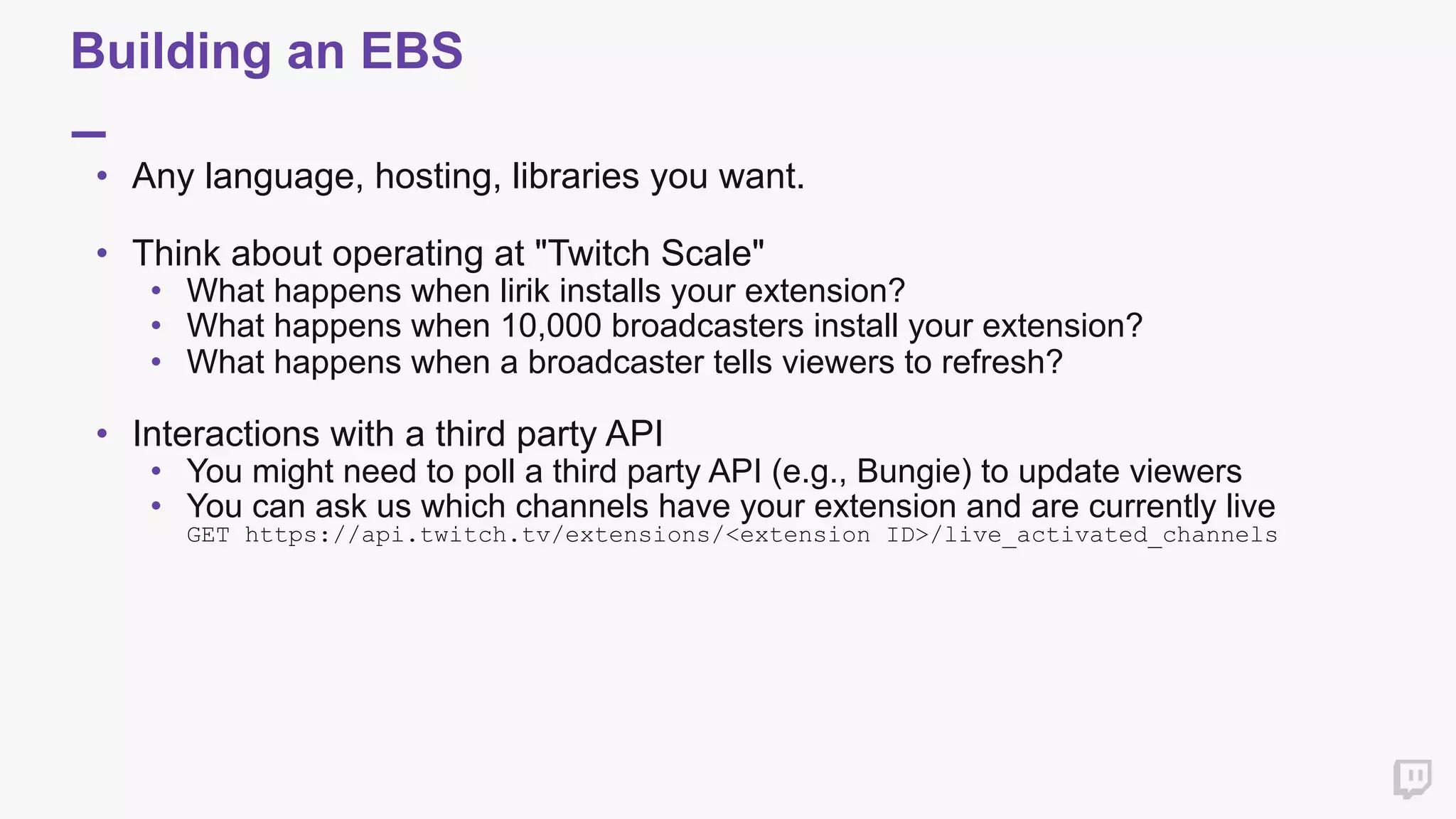
Building an EBS
• Any language, hosting, libraries you want.

• Think about operating at "Twitch Scale"
• What happens when lirik installs your extension?
• What happens when 10,000 broadcasters install your extension?
• What happens when a broadcaster tells viewers to refresh?

• Interactions with a third party API
• You might need to poll a third party API (e.g., Bungie) to update viewers
• You can ask us which channels have your extension and are currently live

GET https://api.twitch.tv/extensions/<extension ID>/live_activated_channels
Development, Review and
Release
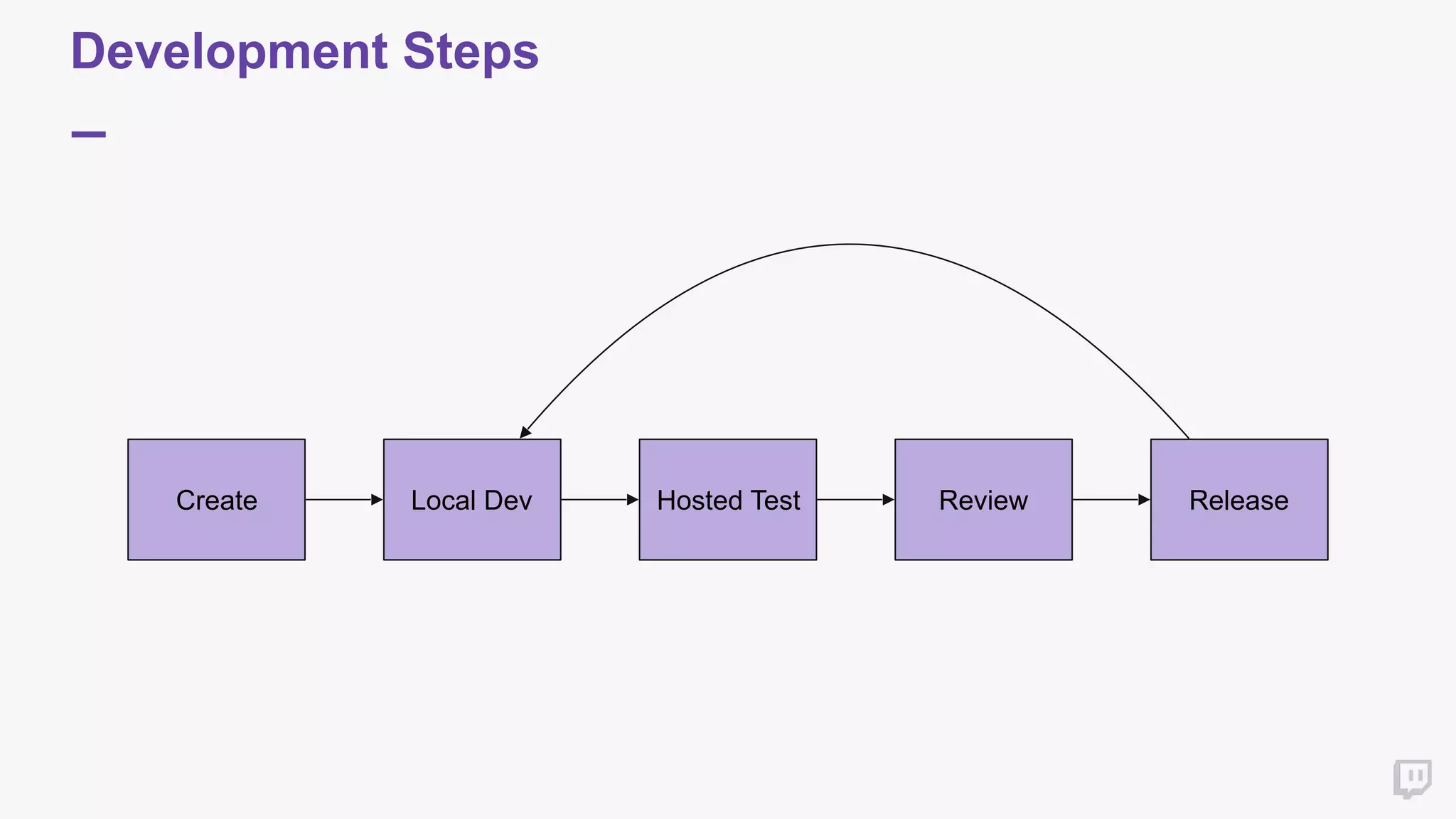
Development Steps
Create Local Dev Review ReleaseHosted Test
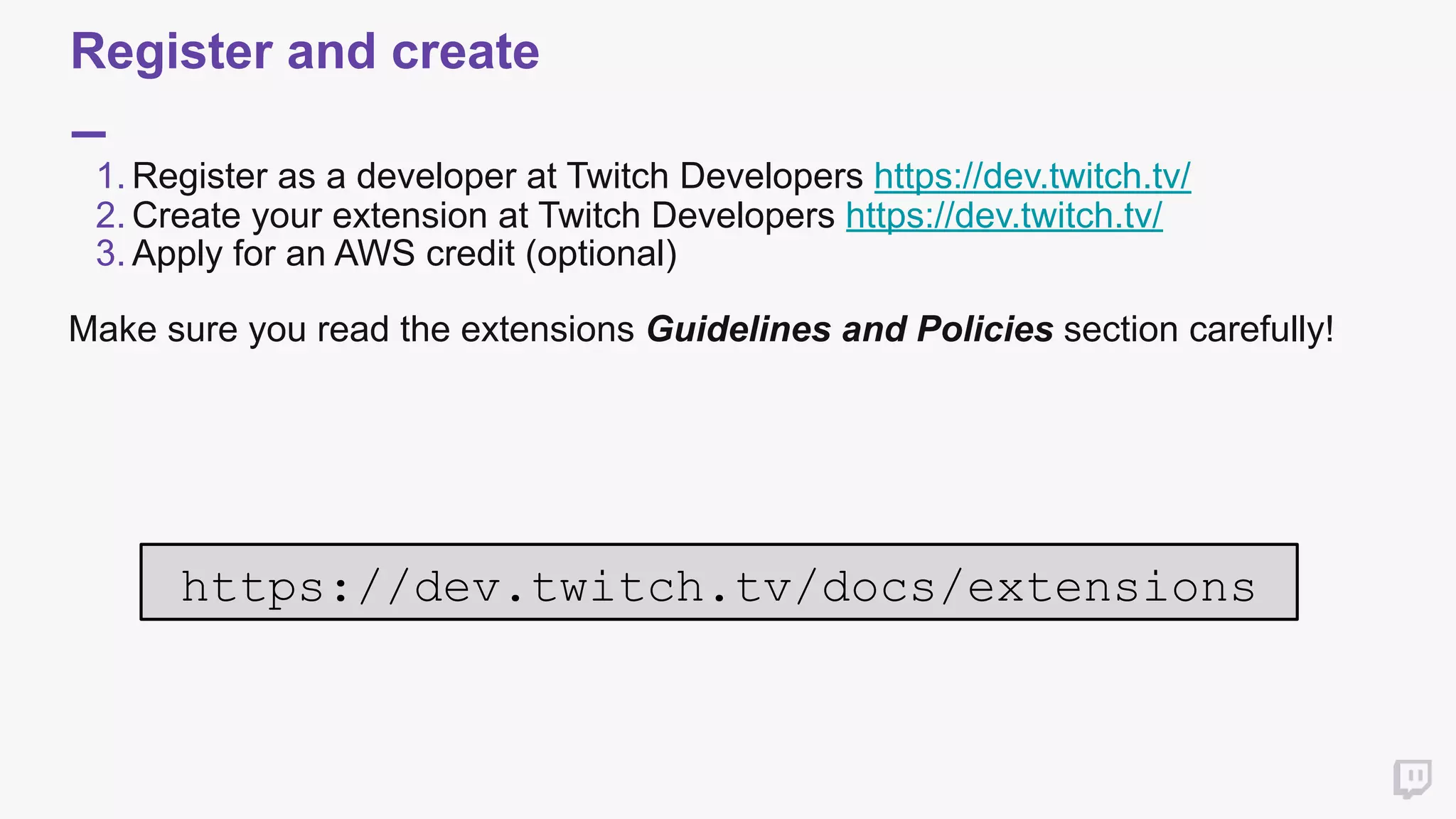
Register and create
1. Register as a developer at Twitch Developers https://dev.twitch.tv/
2. Create your extension at Twitch Developers https://dev.twitch.tv/
3. Apply for an AWS credit (optional)
Make sure you read the extensions Guidelines and Policies section carefully!


https://dev.twitch.tv/docs/extensions
Develop & Test - Local
• Extension starts in the Local Test state
• You specify where the extension is hosted in this state.
• Only users on your testing whitelist can see the extension in this state
• For distributed testing, consider a service like ngrok to expose localhost
• Focus primarily on functional testing at this point
Develop & Test - Hosted
• Upload your assets and your extension will transition to Hosted Test
• Test against our content security policy
• All assets except images must be uploaded
• Inline scripts are disallowed
• eval() is disallowed
• Performance test if desired
• Sanity check that nothing broke in the transition to hosted
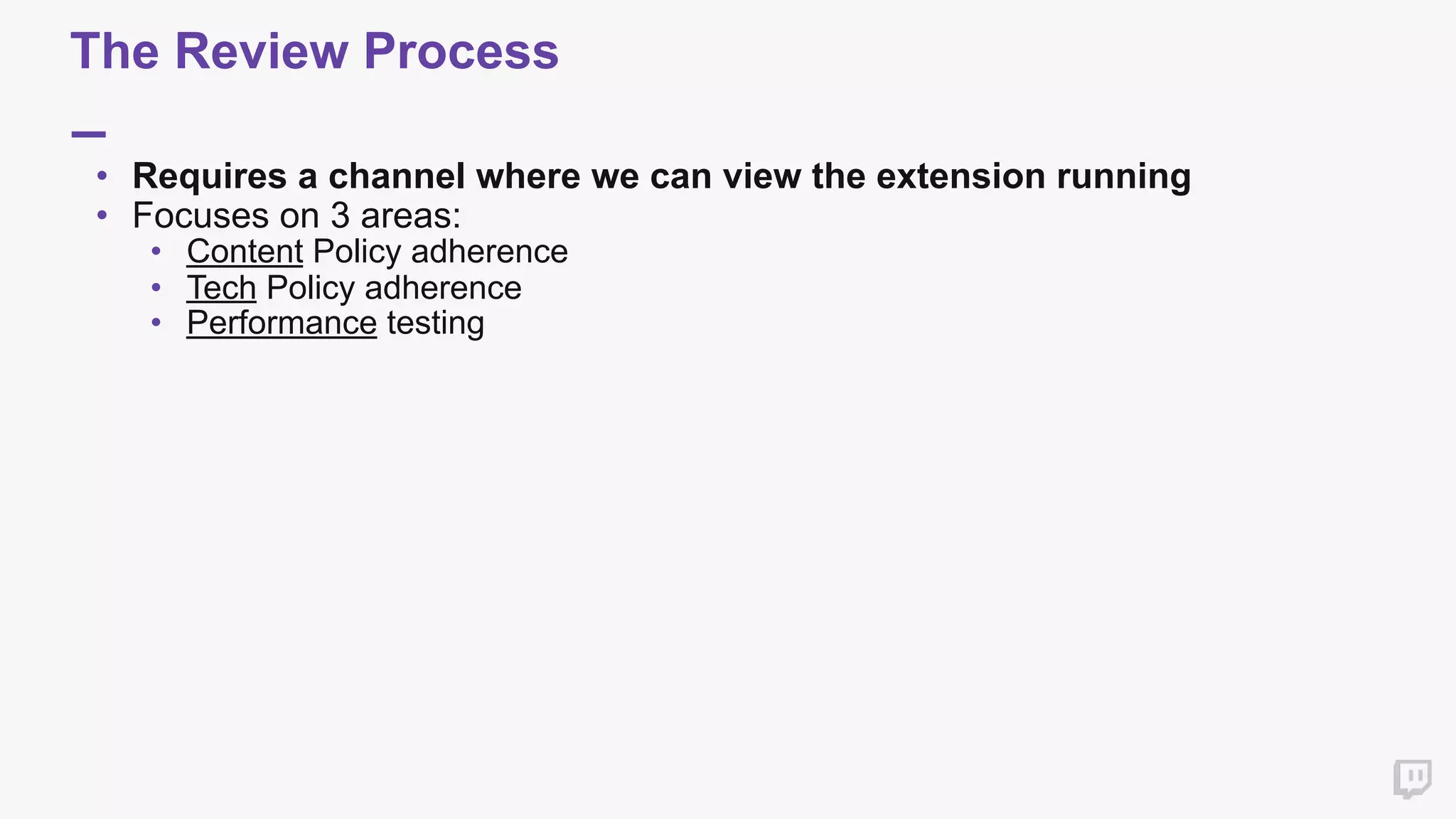
The Review Process
• Requires a channel where we can view the extension running
• Focuses on 3 areas:
• Content Policy adherence
• Tech Policy adherence
• Performance testing
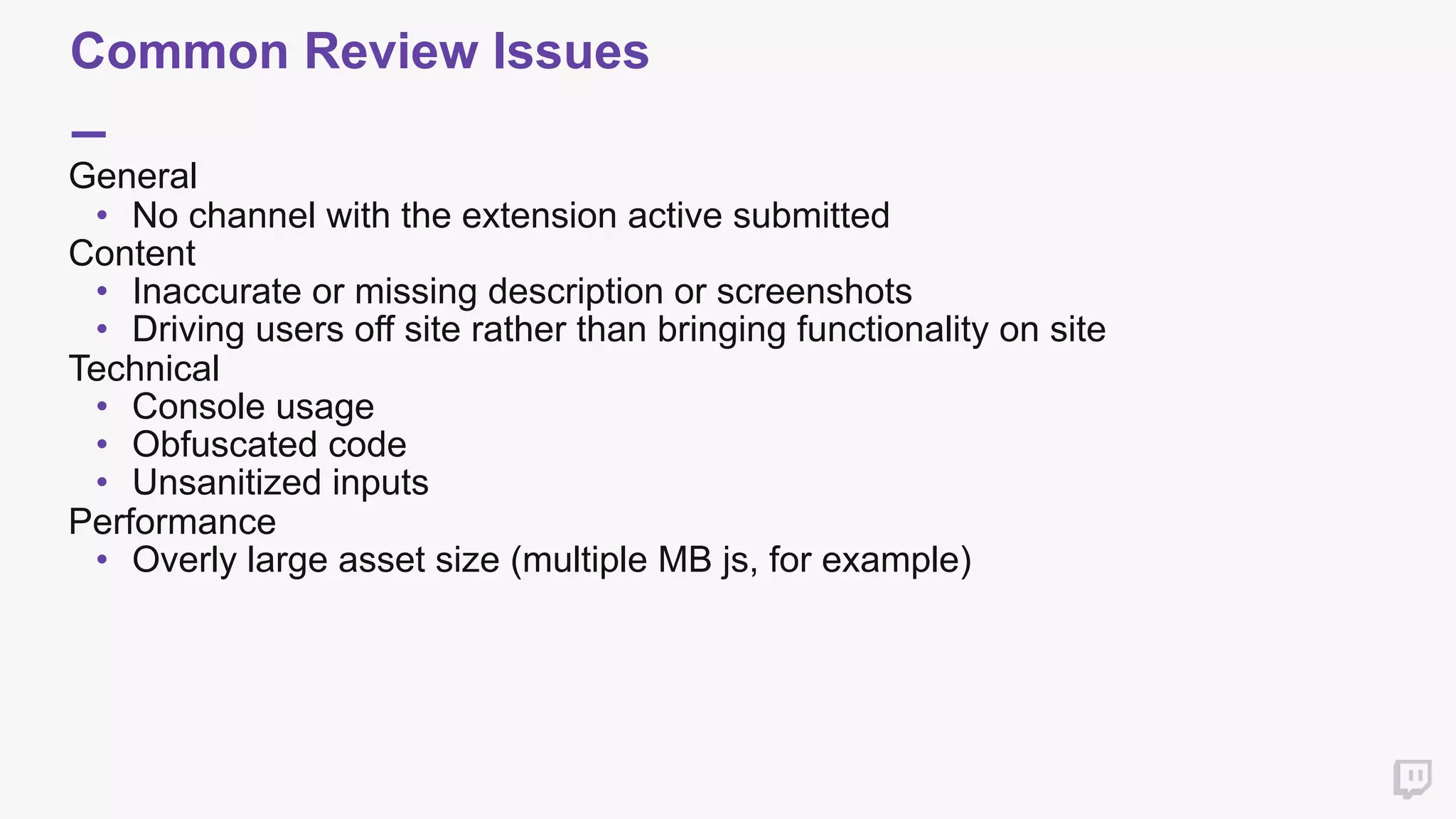
Common Review Issues
General
• No channel with the extension active submitted
Content
• Inaccurate or missing description or screenshots
• Driving users off site rather than bringing functionality on site
Technical
• Console usage
• Obfuscated code
• Unsanitized inputs
Performance
• Overly large asset size (multiple MB js, for example)
Releasing your extension
• Hit the release button!
• Shows up in the extension manager for all users
• Monitor your support email
• Iterate and improve
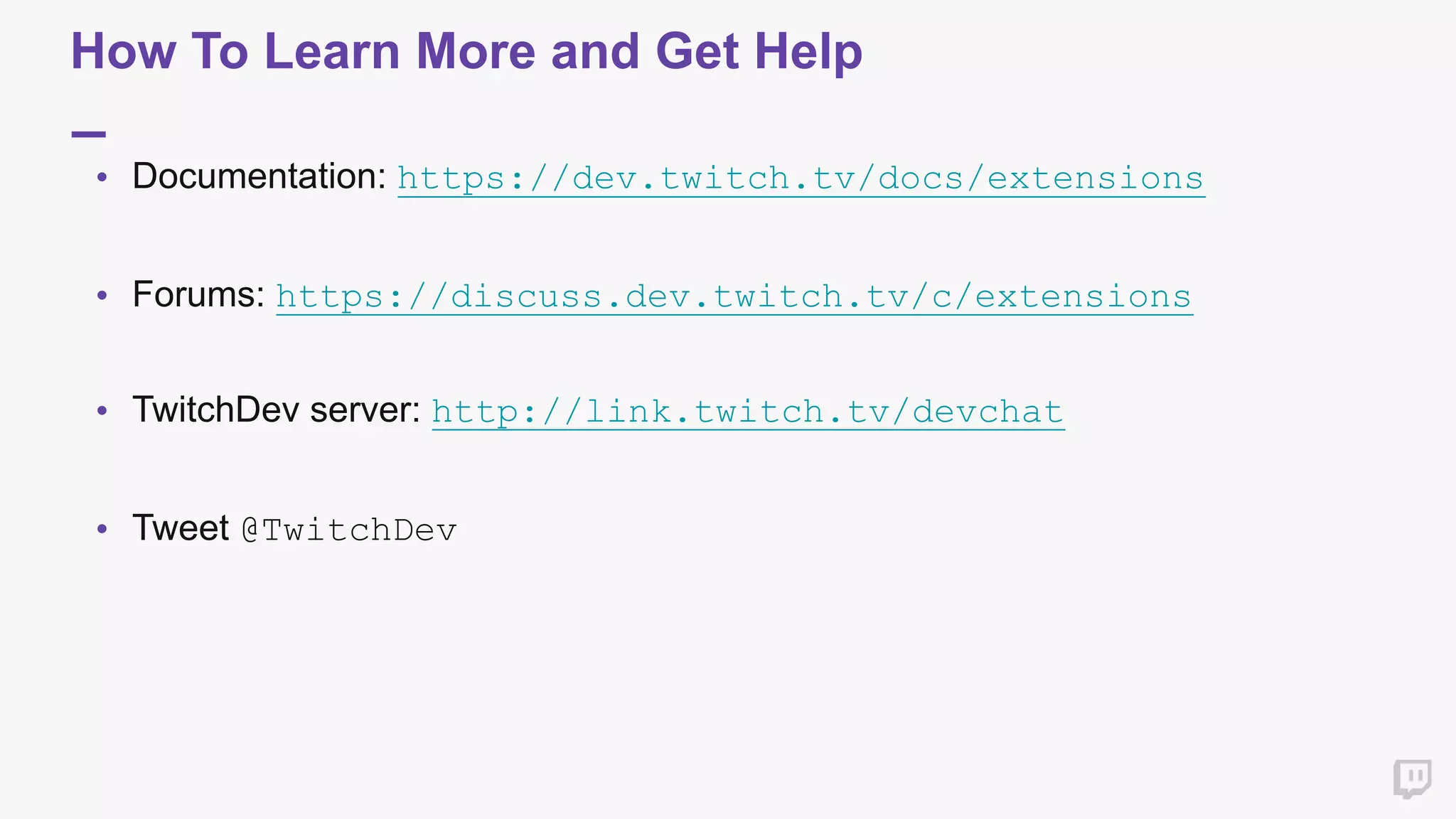
How To Learn More and Get Help
• Documentation: https://dev.twitch.tv/docs/extensions


• Forums: https://discuss.dev.twitch.tv/c/extensions 


• TwitchDev server: http://link.twitch.tv/devchat


• Tweet @TwitchDev 

Thank you

Extensions 101: Building Interactive Experiences - TwitchCon Developer Day 2017

  • 1.
  • 2.
    Introductions Greg Humphreys Lead Developer Twitch:DeflatorMouse7 Twitter: @deflatormouse7 Pat Sanchez Engineering Manager Twitch: splatwes Twitter: @splatwes
  • 3.
  • 4.
  • 5.
    Why make anextension? Before After
  • 6.
  • 7.
    Architecture of anExtension • HTML + JS + CSS client/server application
 • Between 2 and 3 HTML front ends • Viewer (required) • Configuration (required) • Live Dashboard (optional)
 • Extension Backend Service (EBS) • Any language • Any hosting • Any datastore
  • 8.
    Architecture of anExtension: Viewer HTML
  • 9.
    Architecture of anExtension: Viewer HTML
  • 10.
    Architecture of anExtension: Config HTML
  • 11.
    Architecture of anExtension: Live Dashboard
  • 12.
    Extension Communication Viewer Application EBS Useraction (click) Viewer Application Viewer Application Viewer Application... Twitch PubSub State updates
  • 13.
    Extension Communication • Viewerincludes Helper Javascript • Callbacks for authorization info 
 and stream context
 
 • User actions can be communicated to EBS via normal AJAX • Authorization using Twitch-provided token (more on this later)
 
 • EBS communicates back to viewer using Twitch PubSub • UI should update in response to incoming pubsub events • Important to rate limit pubsub messages and keep them small!
 Viewer EBS Viewer Viewer Viewer
  • 14.
    Authorization and Per-UserData • Front end provided with a JSON Web Token (JWT) • Pass this token to any call made to the EBS • EBS can verify the authenticity of this token and then check if the requested action is allowed
 • JWT contains: • Channel ID • Opaque User ID (persistent for logged in users, transient for logged out) • Role (e.g., broadcaster, viewer, moderator) • Twitch User ID (if the viewer has shared their identity)
  • 15.
    EBS Pseudocode for"Create New Poll" createNewPoll(request) { incomingToken = getJWT(request) if not verifySignature(incomingToken, sharedSecret) { return 401 } if incomingToken["role"] != "broadcaster" { return 403 } questions = getPollQuestions(request) poll = setupPoll(request) outgoingToken = createAndSignJWT( incomingToken[“user_id"], incomingToken[“channel_id"], sharedSecret ) sendPollOverPubsub(poll, outgoingToken) }
  • 16.
    Building an EBS •Any language, hosting, libraries you want.
 • Think about operating at "Twitch Scale" • What happens when lirik installs your extension? • What happens when 10,000 broadcasters install your extension? • What happens when a broadcaster tells viewers to refresh?
 • Interactions with a third party API • You might need to poll a third party API (e.g., Bungie) to update viewers • You can ask us which channels have your extension and are currently live
 GET https://api.twitch.tv/extensions/<extension ID>/live_activated_channels
  • 17.
  • 18.
    Development Steps Create LocalDev Review ReleaseHosted Test
  • 19.
    Register and create 1.Register as a developer at Twitch Developers https://dev.twitch.tv/ 2. Create your extension at Twitch Developers https://dev.twitch.tv/ 3. Apply for an AWS credit (optional) Make sure you read the extensions Guidelines and Policies section carefully! 
 https://dev.twitch.tv/docs/extensions
  • 20.
    Develop & Test- Local • Extension starts in the Local Test state • You specify where the extension is hosted in this state. • Only users on your testing whitelist can see the extension in this state • For distributed testing, consider a service like ngrok to expose localhost • Focus primarily on functional testing at this point
  • 21.
    Develop & Test- Hosted • Upload your assets and your extension will transition to Hosted Test • Test against our content security policy • All assets except images must be uploaded • Inline scripts are disallowed • eval() is disallowed • Performance test if desired • Sanity check that nothing broke in the transition to hosted
  • 22.
    The Review Process •Requires a channel where we can view the extension running • Focuses on 3 areas: • Content Policy adherence • Tech Policy adherence • Performance testing
  • 23.
    Common Review Issues General •No channel with the extension active submitted Content • Inaccurate or missing description or screenshots • Driving users off site rather than bringing functionality on site Technical • Console usage • Obfuscated code • Unsanitized inputs Performance • Overly large asset size (multiple MB js, for example)
  • 24.
    Releasing your extension •Hit the release button! • Shows up in the extension manager for all users • Monitor your support email • Iterate and improve
  • 25.
    How To LearnMore and Get Help • Documentation: https://dev.twitch.tv/docs/extensions
 
 • Forums: https://discuss.dev.twitch.tv/c/extensions 
 
 • TwitchDev server: http://link.twitch.tv/devchat
 
 • Tweet @TwitchDev 

  • 26.