Best Practices for
Building Extensions
Introductions
#TwitchDevDay
Ryan Lubinski
Product Manager

Twitch Extensions
Twitch.tv/Diogee

Twitter.com/Ryan_Lubinski

Linkedin.com/in/RyanLubinski
Agenda
1. Background Information

• What are extensions?

• How are things going?

2. Best Practices – UI/UX

• Viewer-facing features

3. Best Practices – Discovery and Management

• Broadcaster-facing features

4. Q&A
Background Information
What are Twitch Extensions?
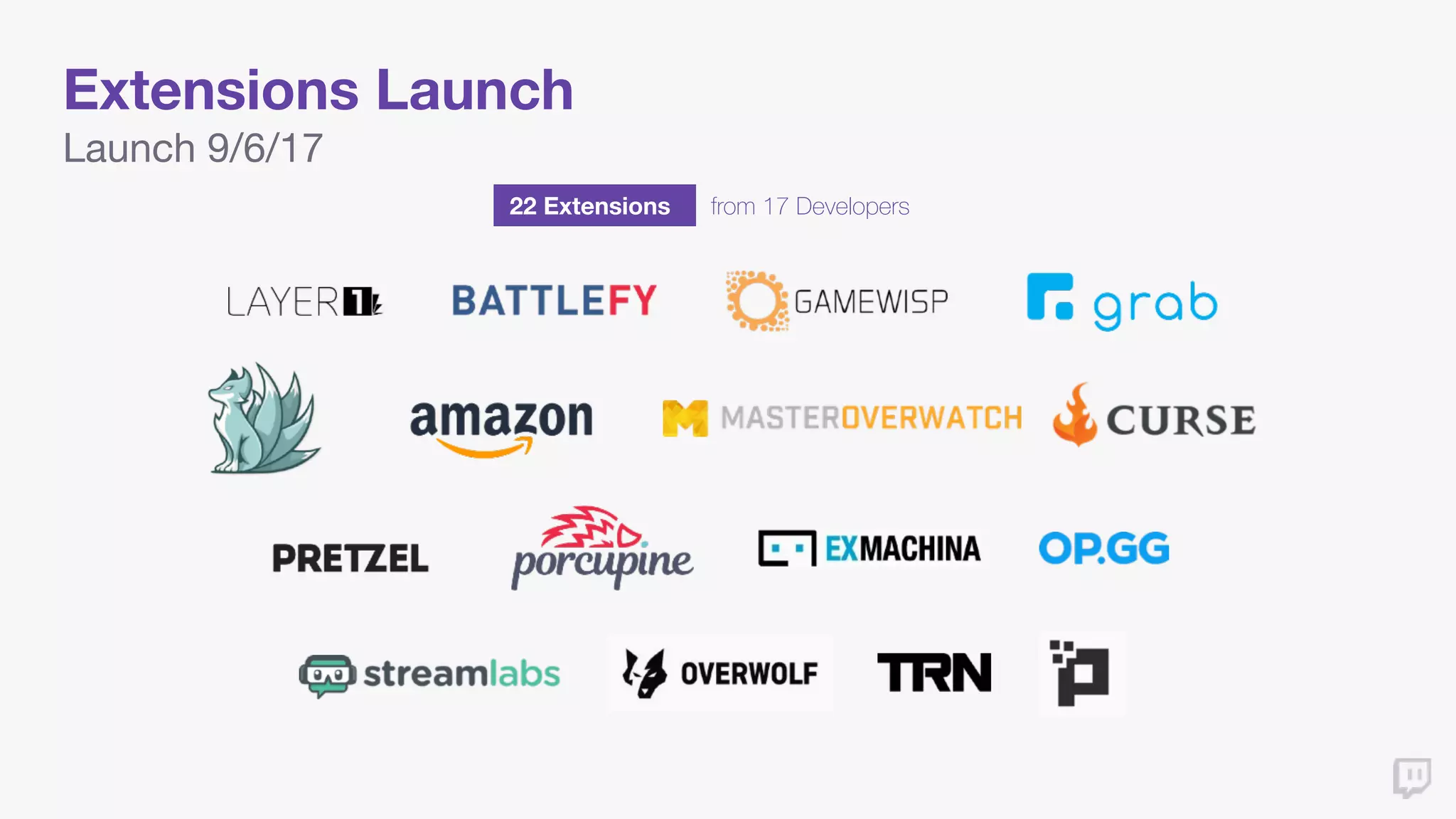
Extensions Launch
22 Extensions from 17 Developers
Launch 9/6/17
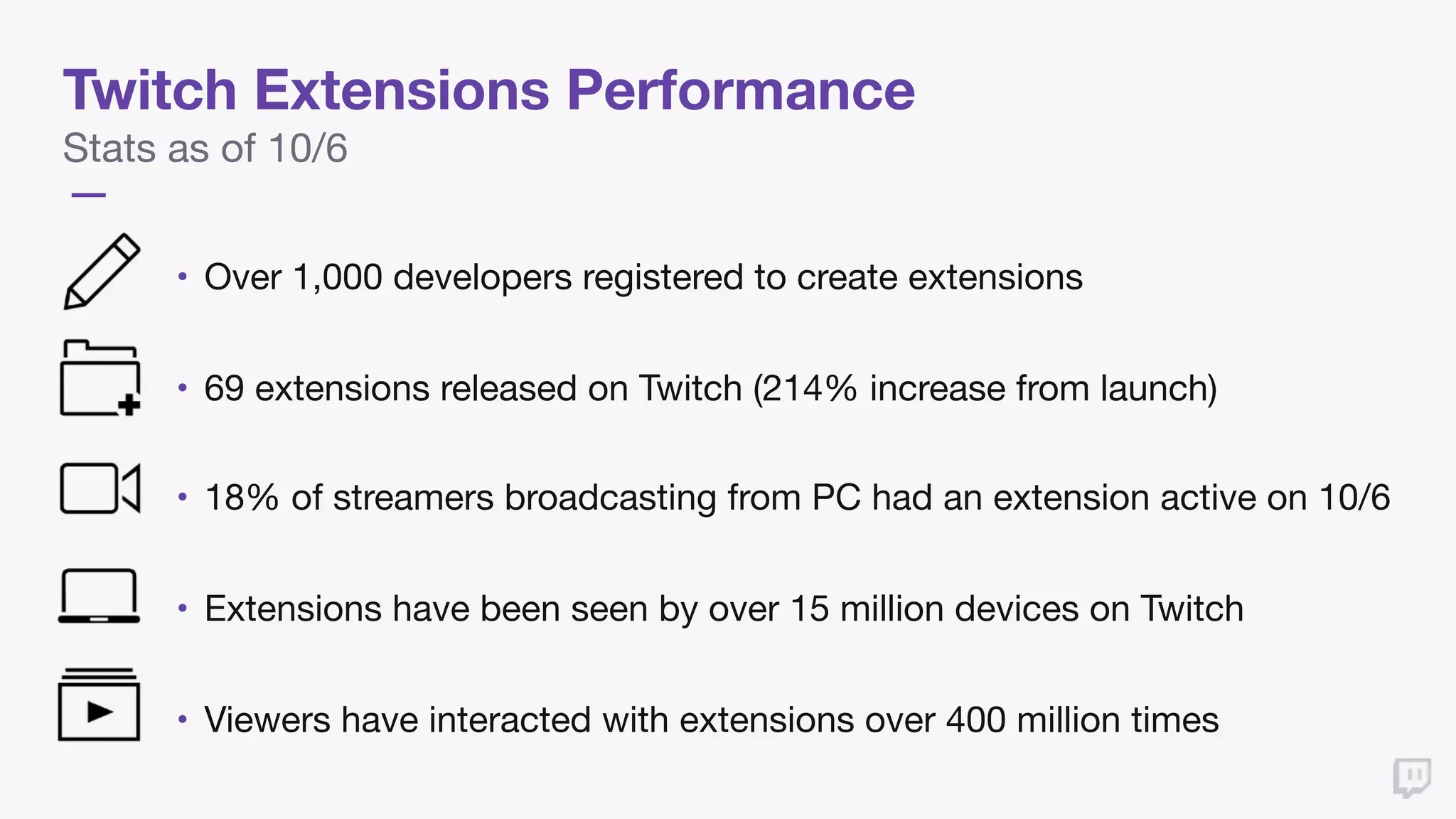
Twitch Extensions Performance
Stats as of 10/6
• Over 1,000 developers registered to create extensions

• 69 extensions released on Twitch (214% increase from launch)

• 18% of streamers broadcasting from PC had an extension active on 10/6

• Extensions have been seen by over 15 million devices on Twitch

• Viewers have interacted with extensions over 400 million times
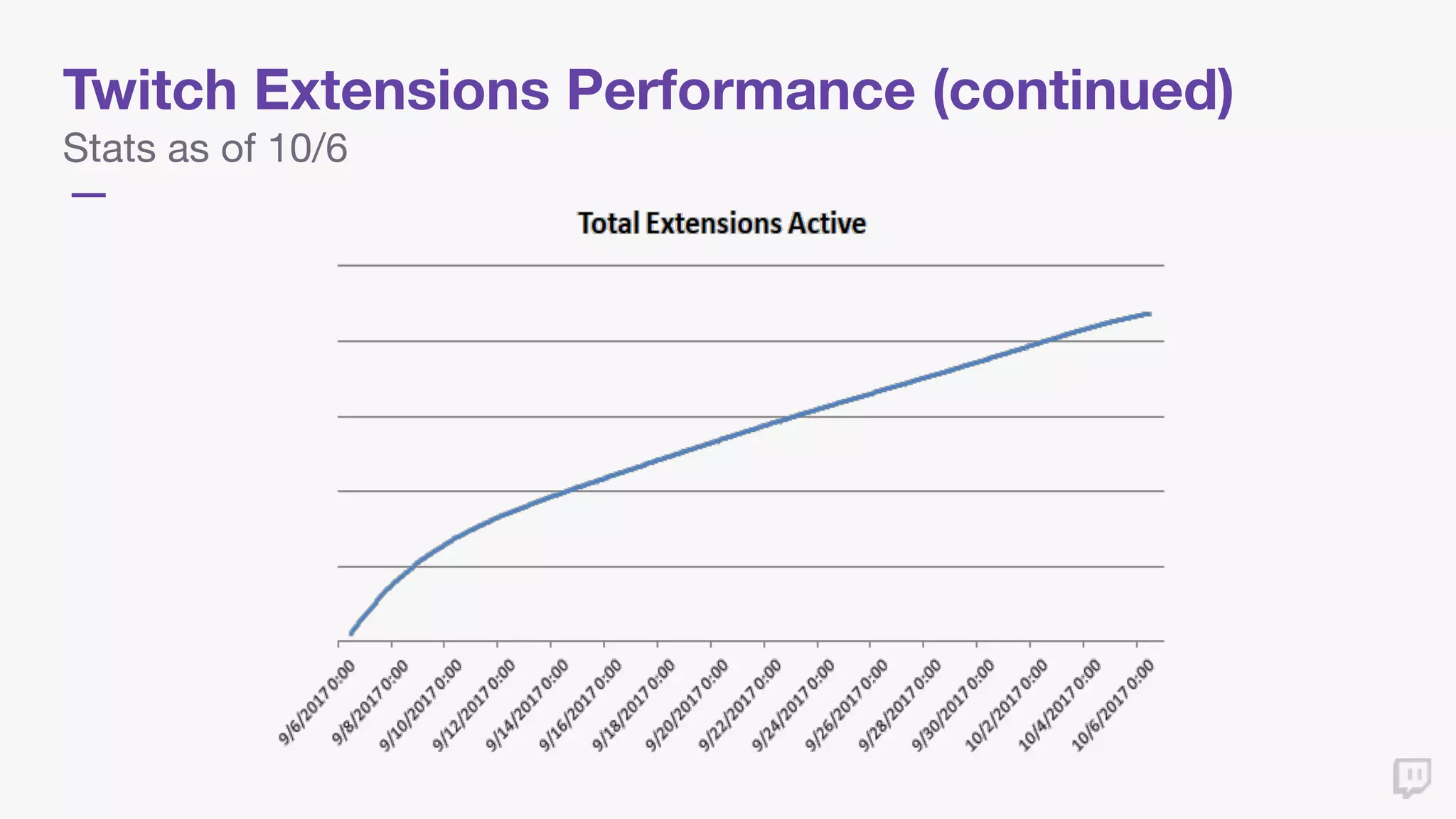
Twitch Extensions Performance (continued)
Stats as of 10/6
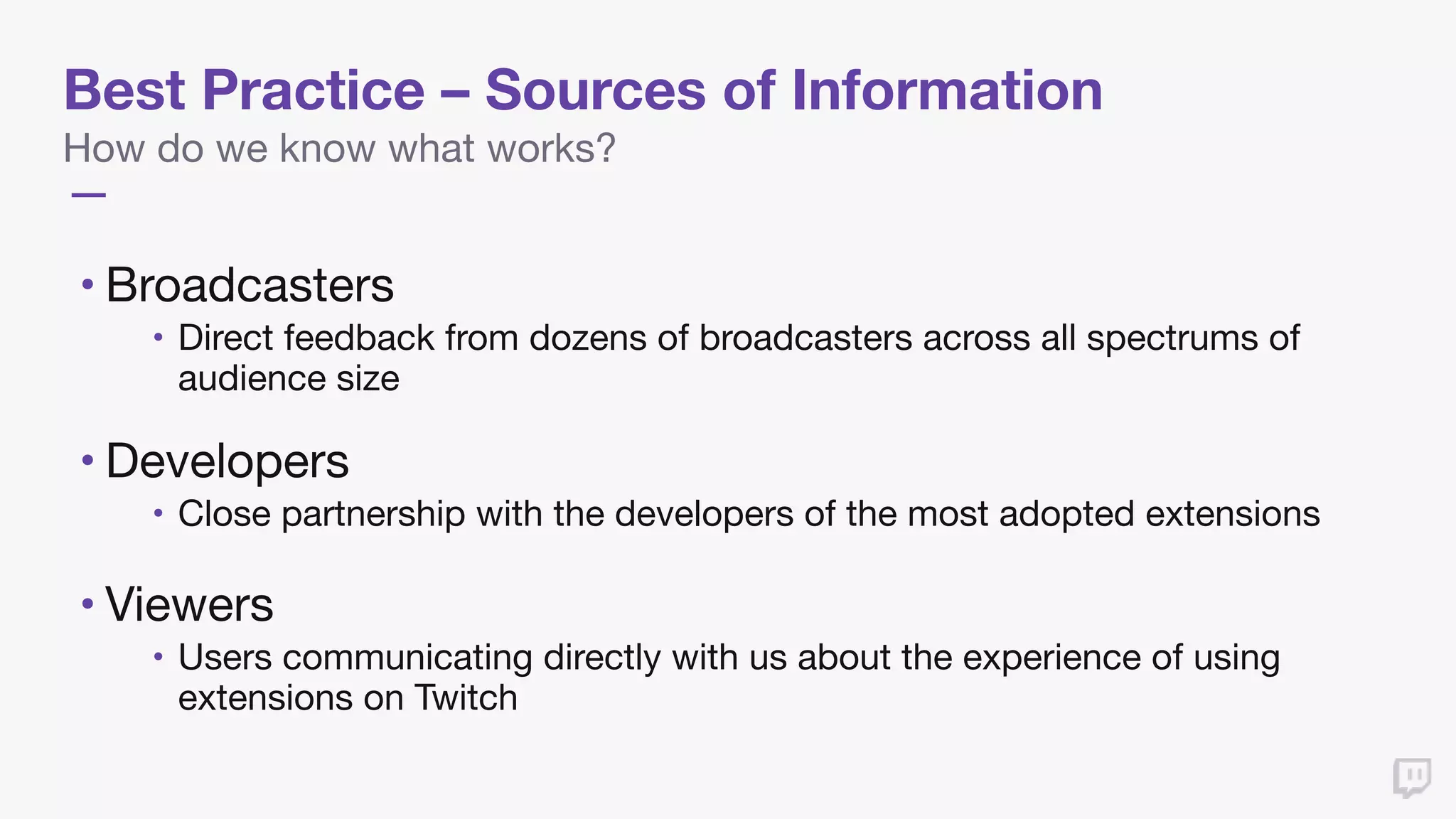
Best Practice – Sources of Information
How do we know what works?
• Broadcasters 

• Direct feedback from dozens of broadcasters across all spectrums of
audience size

• Developers 

• Close partnership with the developers of the most adopted extensions

• Viewers

• Users communicating directly with us about the experience of using
extensions on Twitch
Best Practices for Extensions
UI/UX
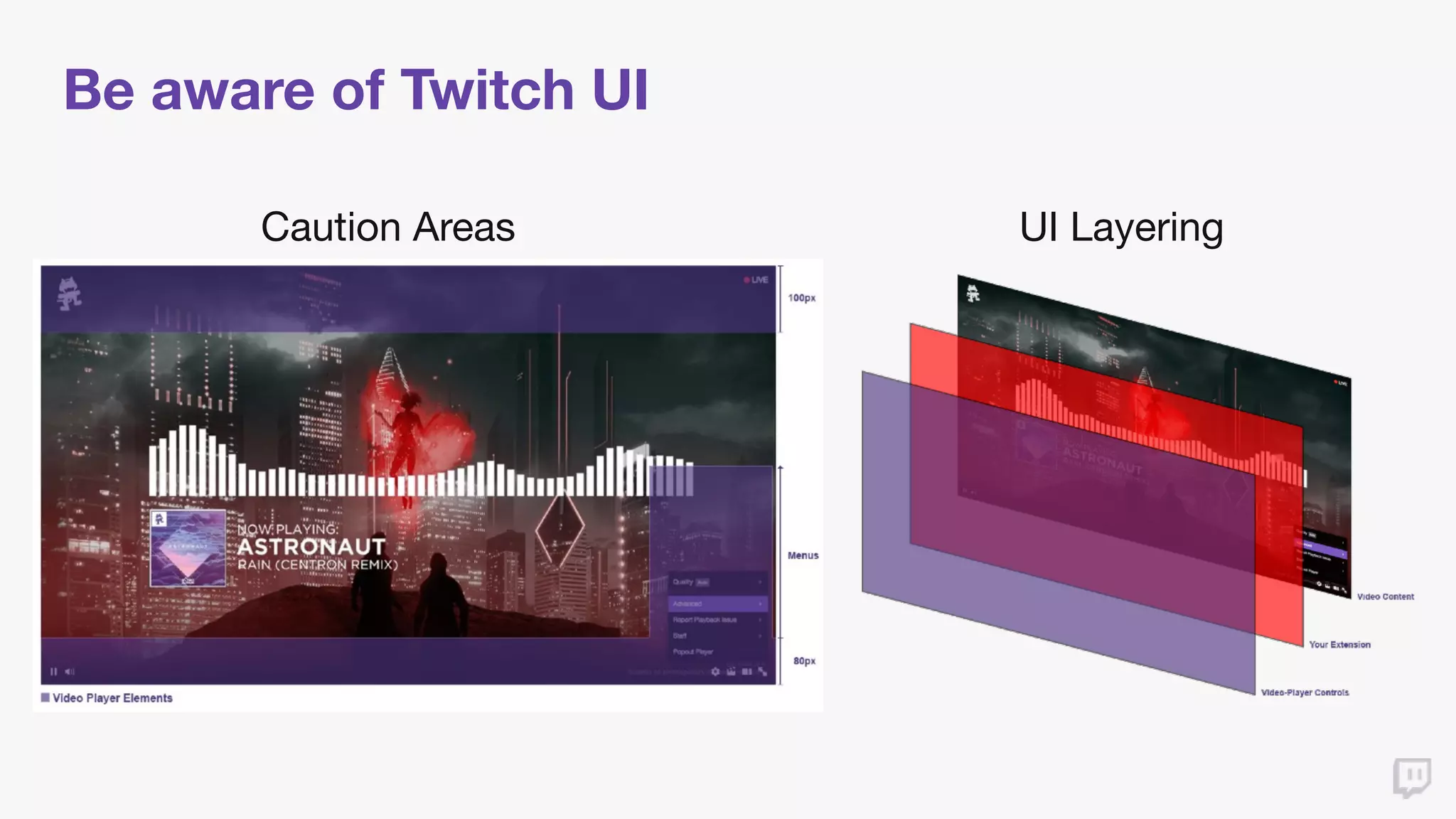
Be aware of Twitch UI
Caution Areas UI Layering
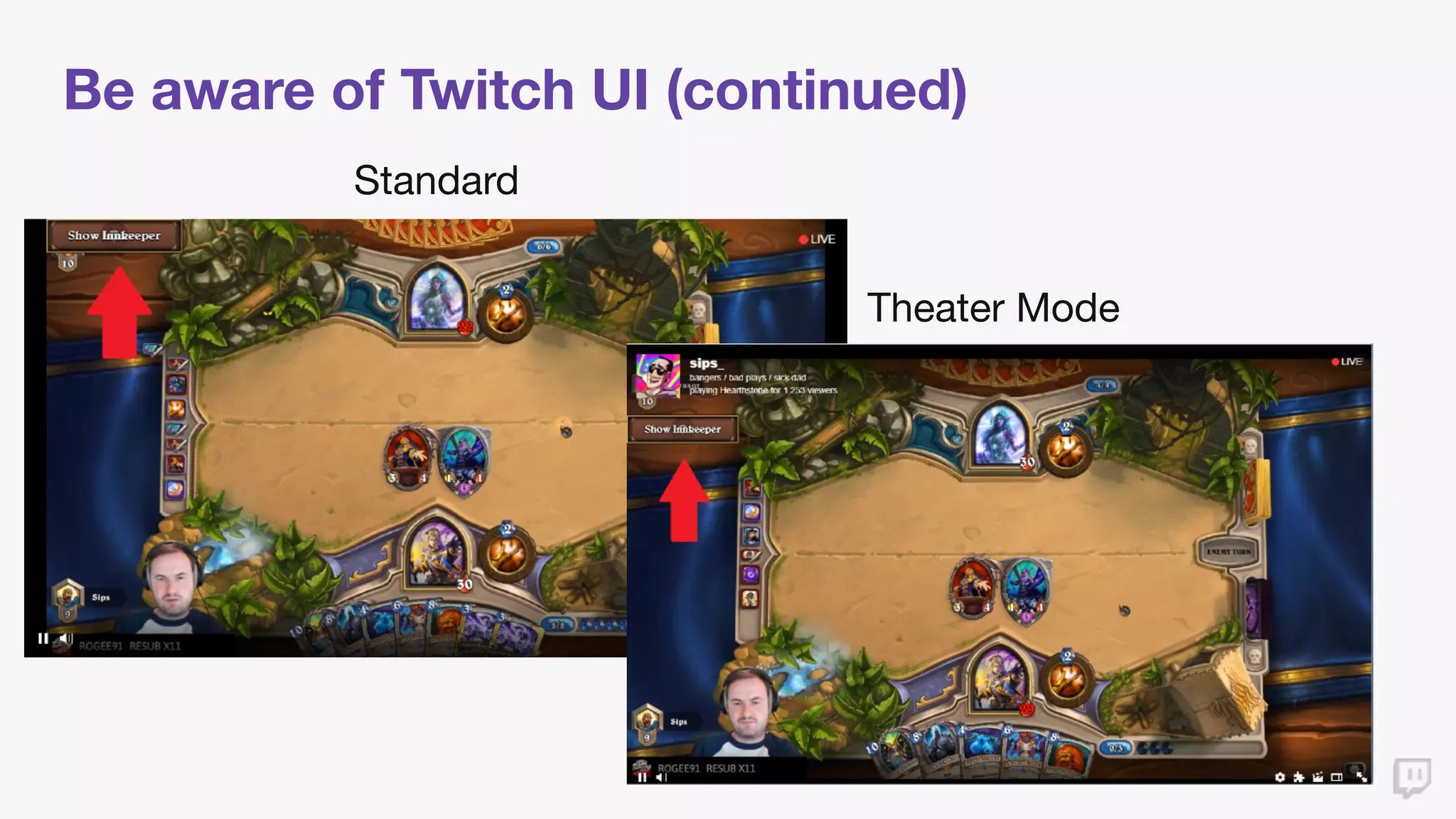
Be aware of Twitch UI (continued)
Standard
Theater Mode
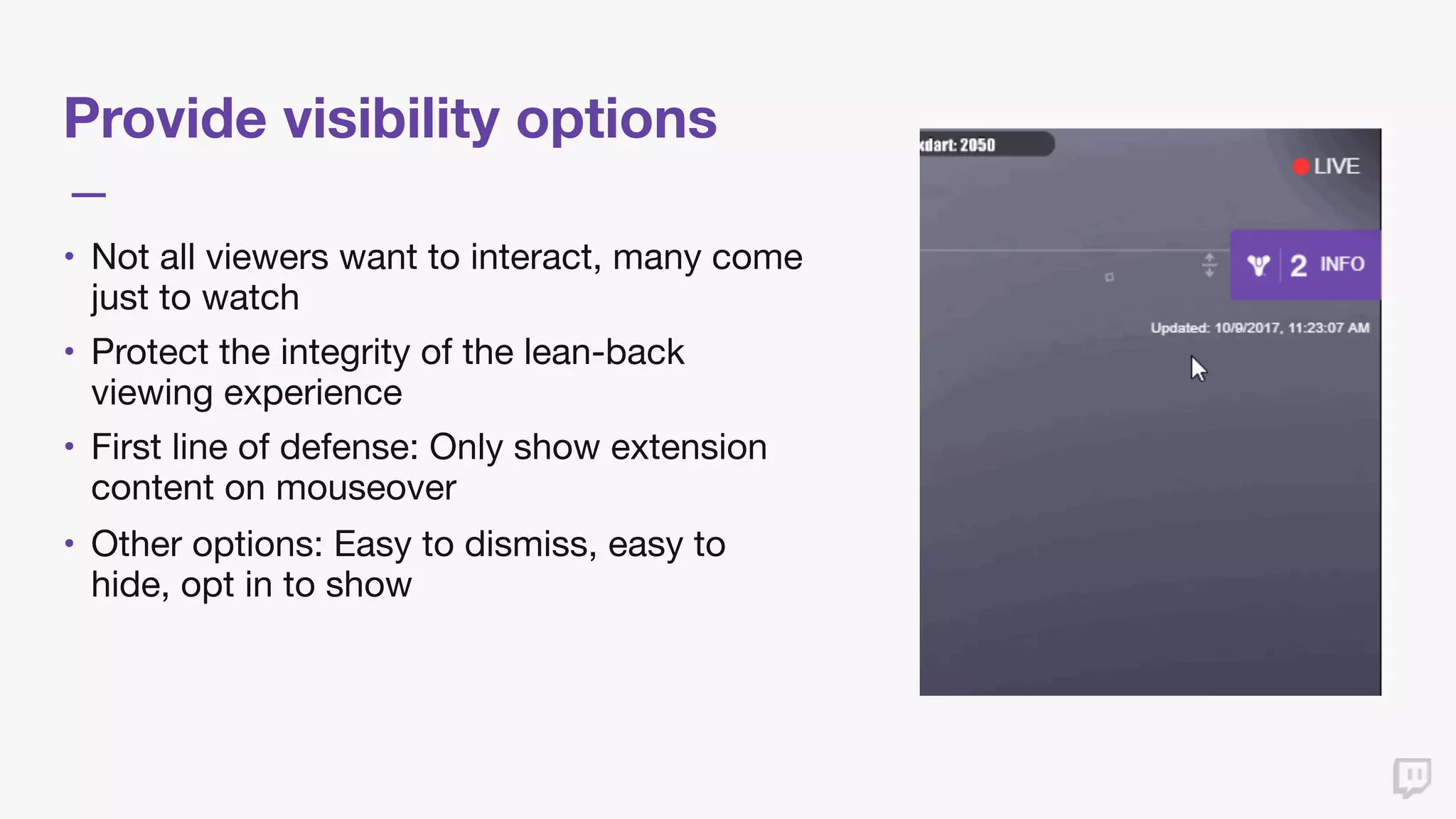
Provide visibility options
• Not all viewers want to interact, many come
just to watch

• Protect the integrity of the lean-back
viewing experience

• First line of defense: Only show extension
content on mouseover

• Other options: Easy to dismiss, easy to
hide, opt in to show
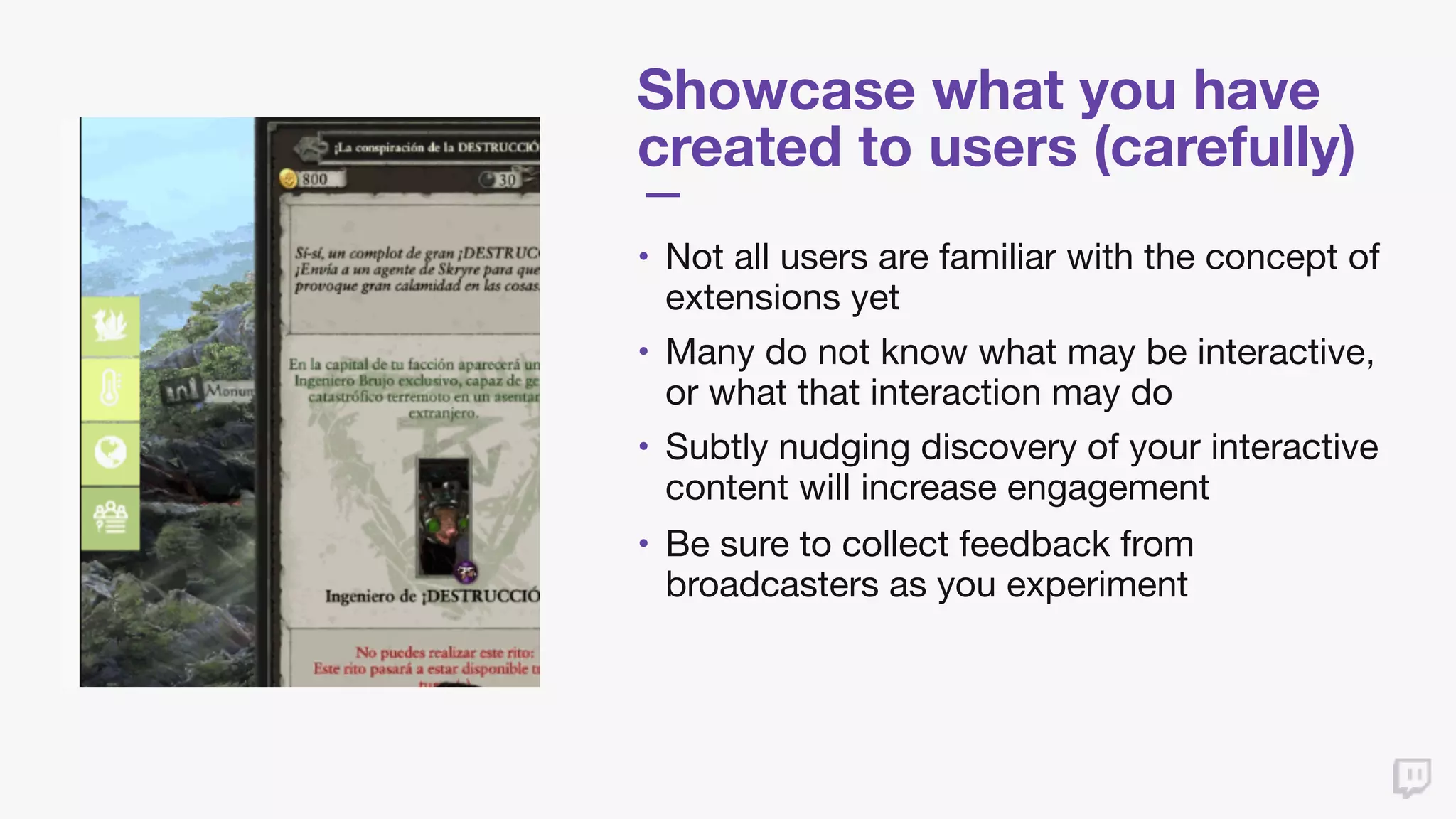
Showcase what you have
created to users (carefully)
• Not all users are familiar with the concept of
extensions yet

• Many do not know what may be interactive,
or what that interaction may do

• Subtly nudging discovery of your interactive
content will increase engagement

• Be sure to collect feedback from
broadcasters as you experiment
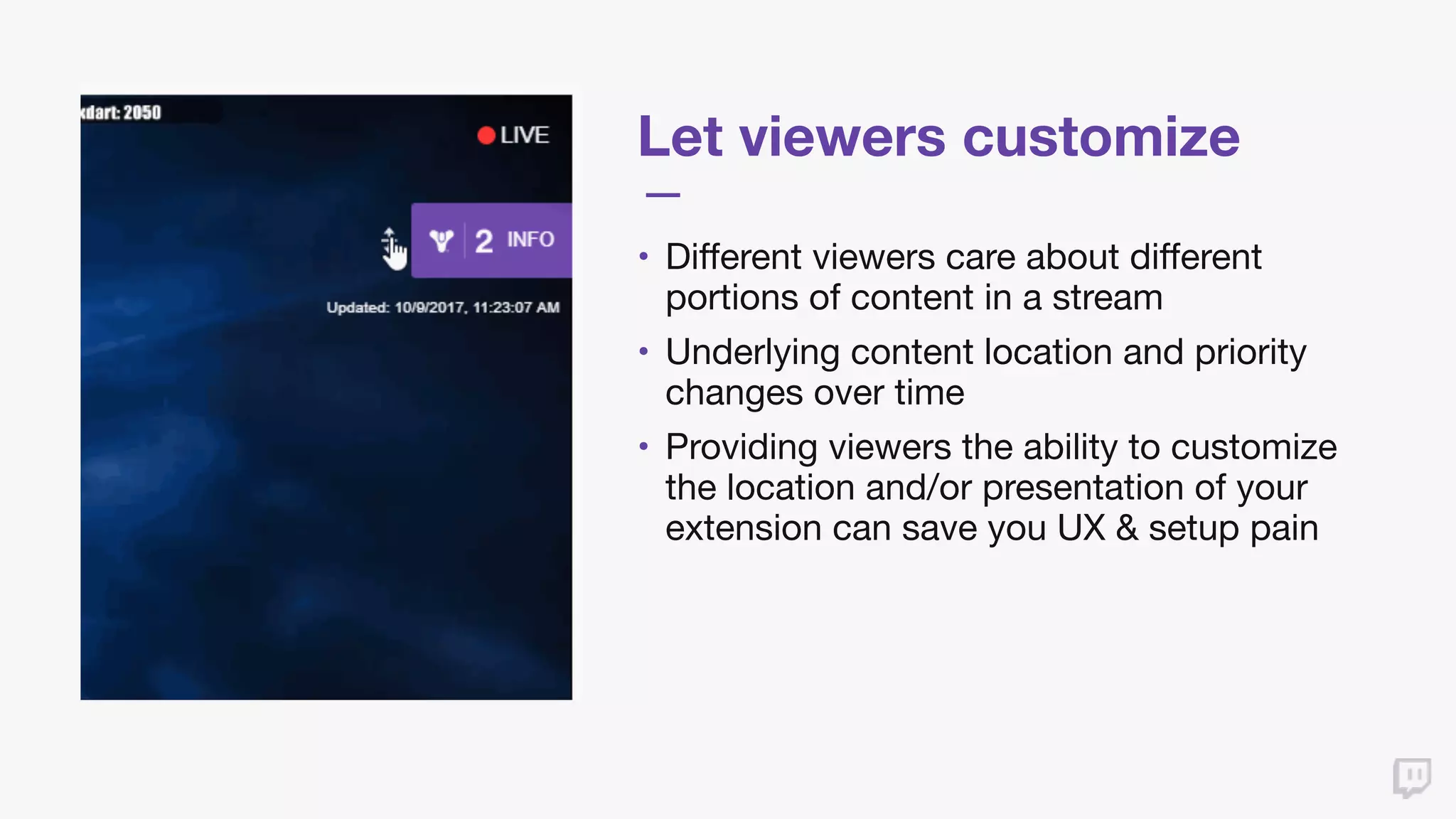
Let viewers customize
• Different viewers care about different
portions of content in a stream

• Underlying content location and priority
changes over time

• Providing viewers the ability to customize
the location and/or presentation of your
extension can save you UX & setup pain
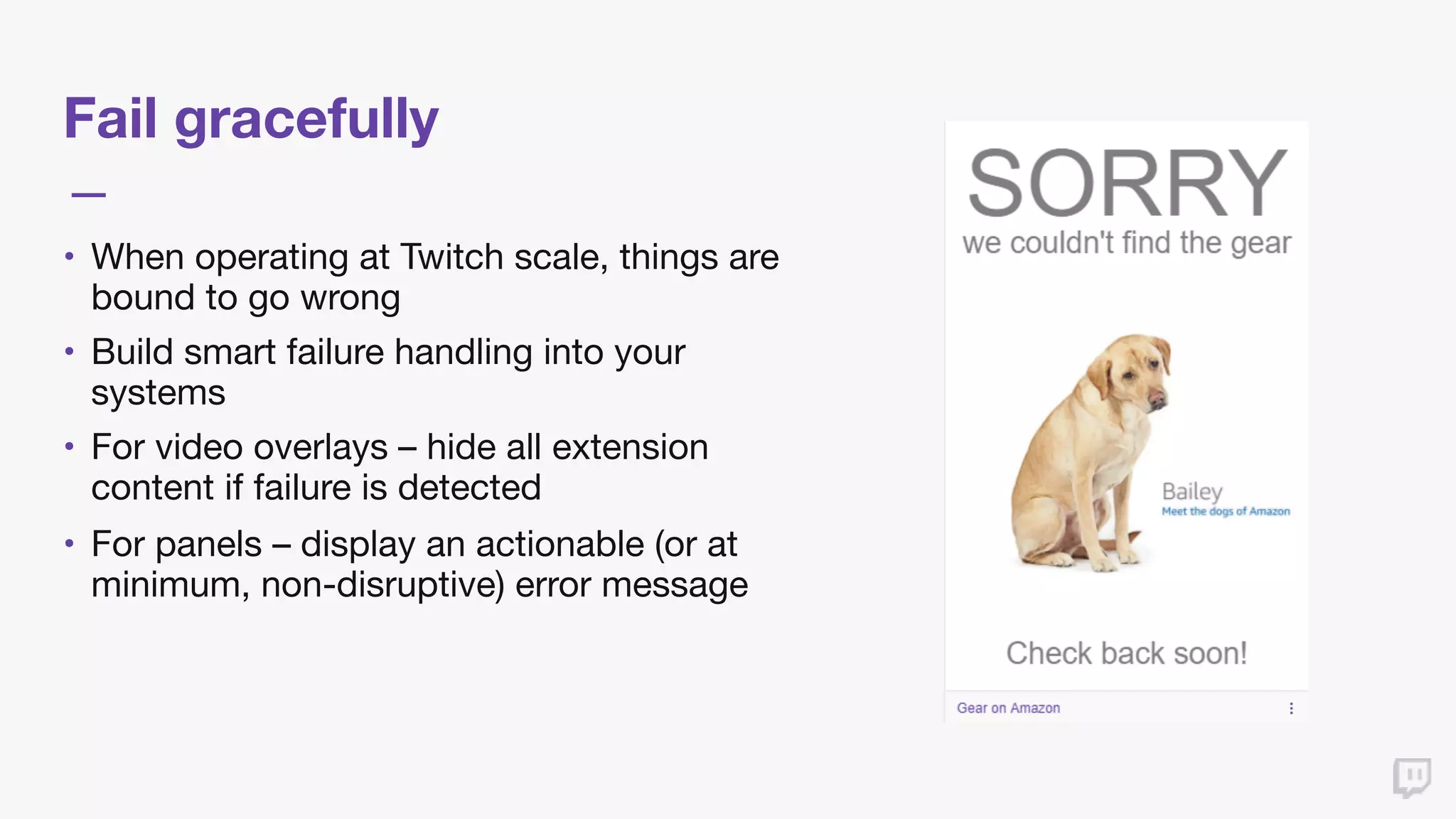
Fail gracefully
• When operating at Twitch scale, things are
bound to go wrong

• Build smart failure handling into your
systems

• For video overlays – hide all extension
content if failure is detected

• For panels – display an actionable (or at
minimum, non-disruptive) error message
Best Practices for Extensions
Discovery & Management
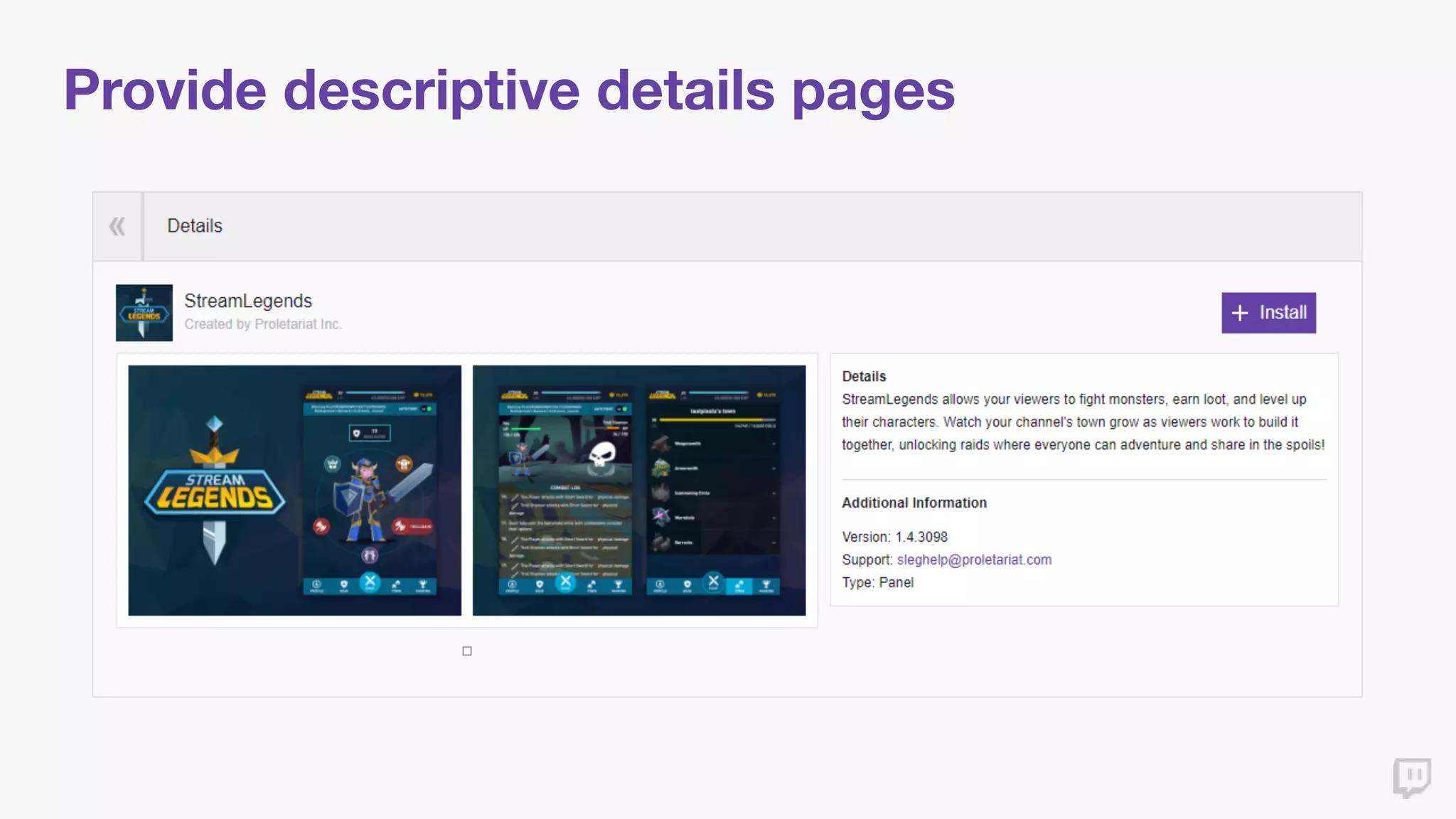
Provide descriptive details pages
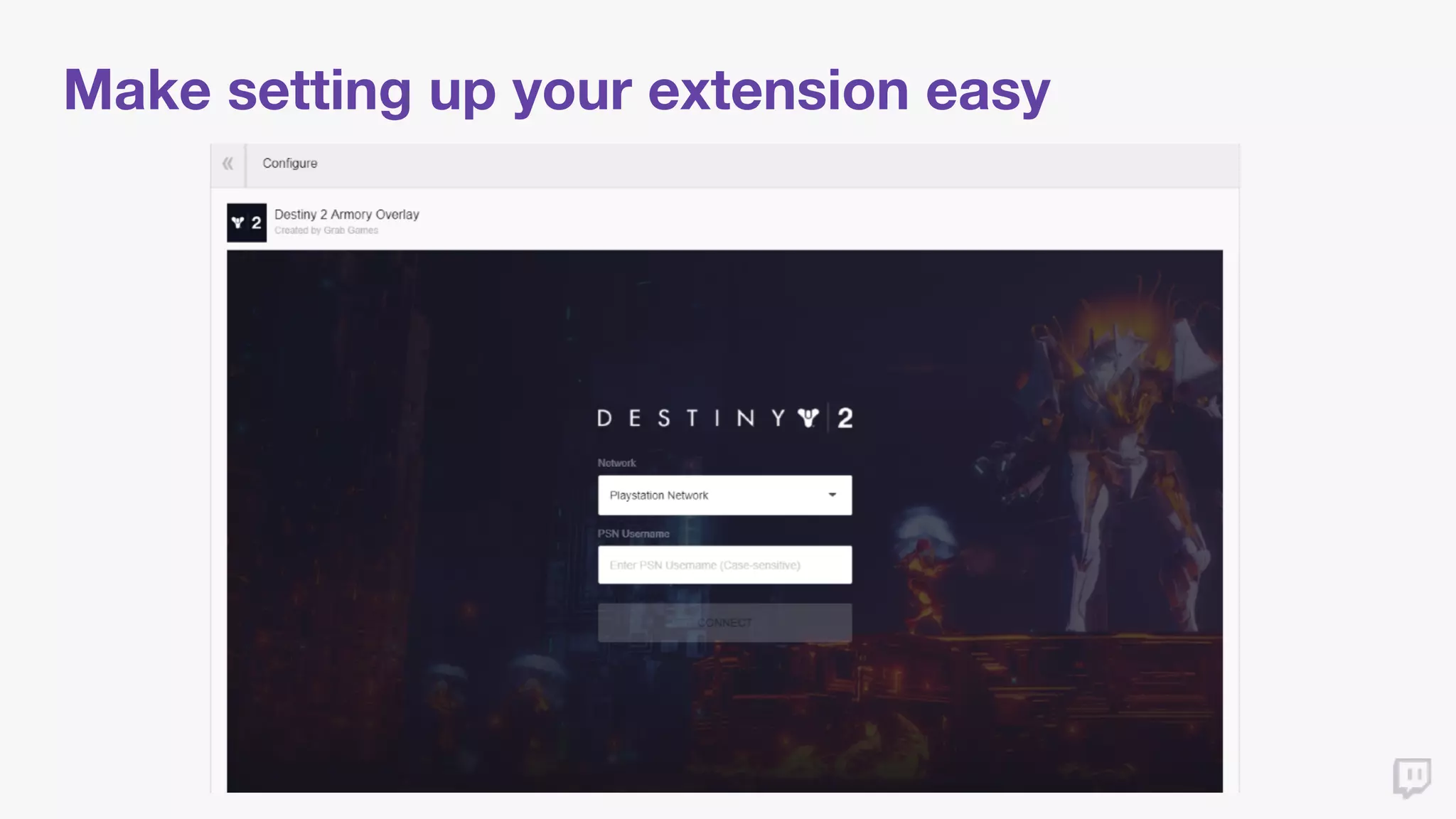
Make setting up your extension easy
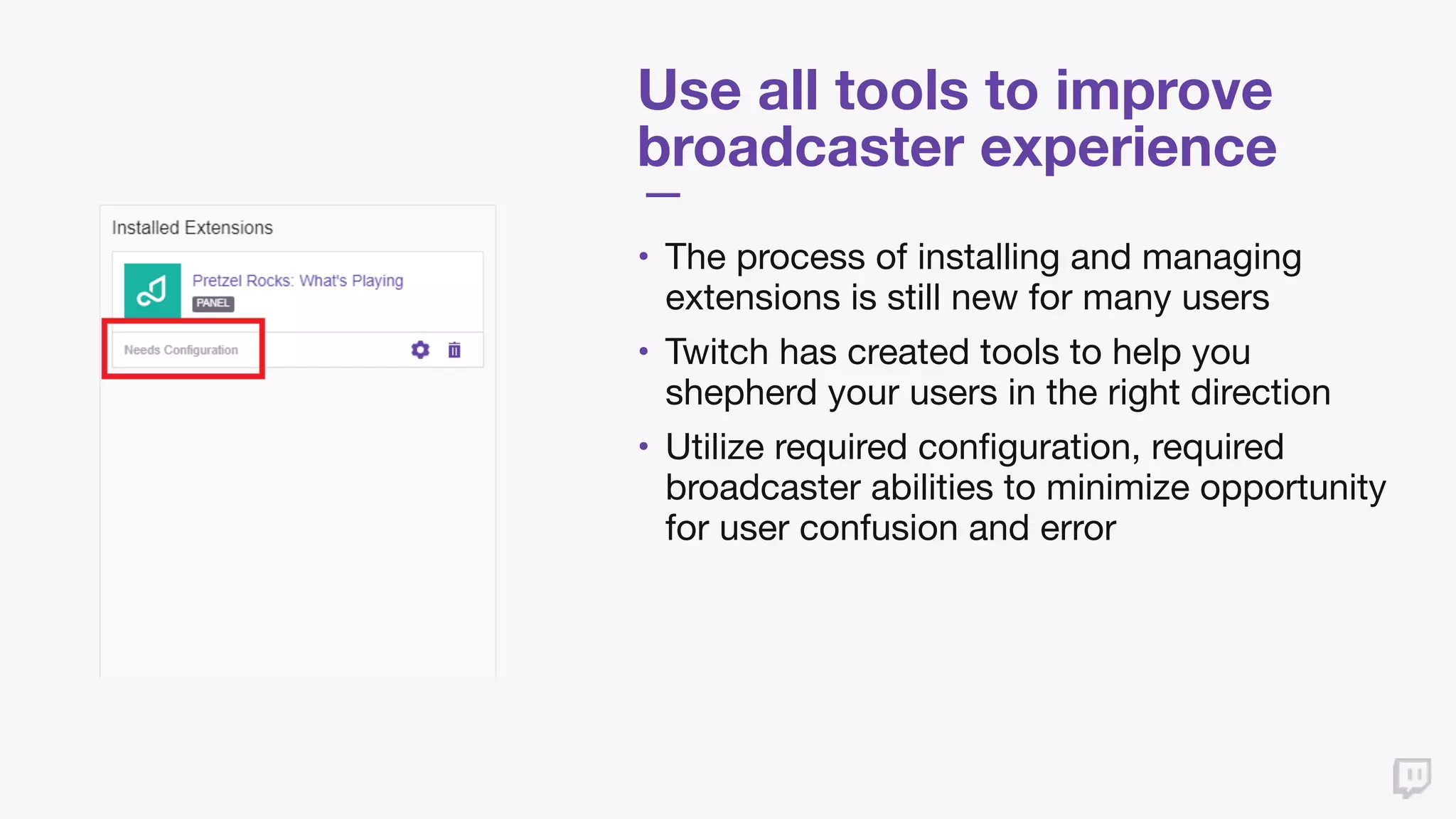
Use all tools to improve
broadcaster experience
• The process of installing and managing
extensions is still new for many users

• Twitch has created tools to help you
shepherd your users in the right direction

• Utilize required configuration, required
broadcaster abilities to minimize opportunity
for user confusion and error
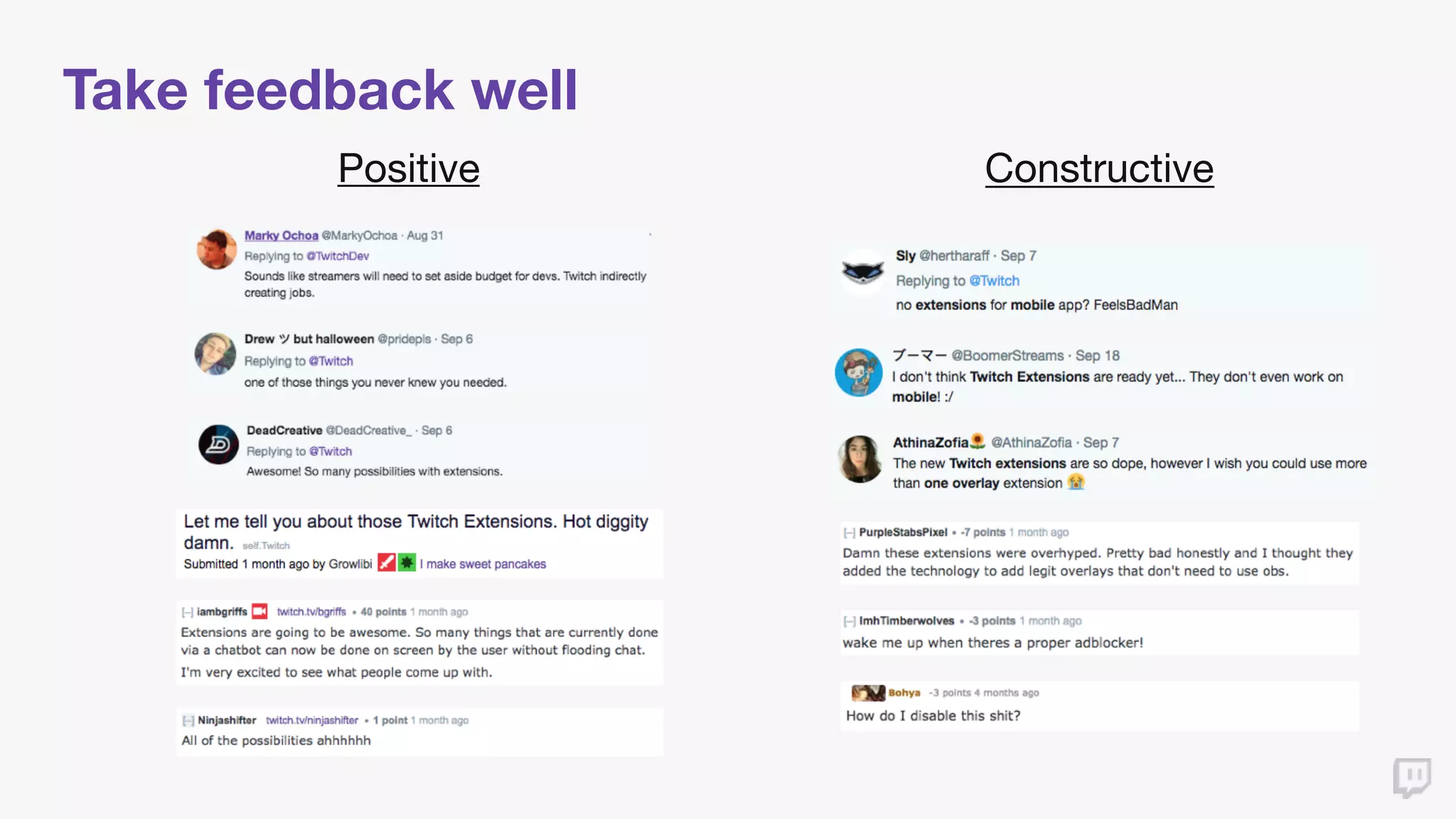
Take feedback well
Positive Constructive
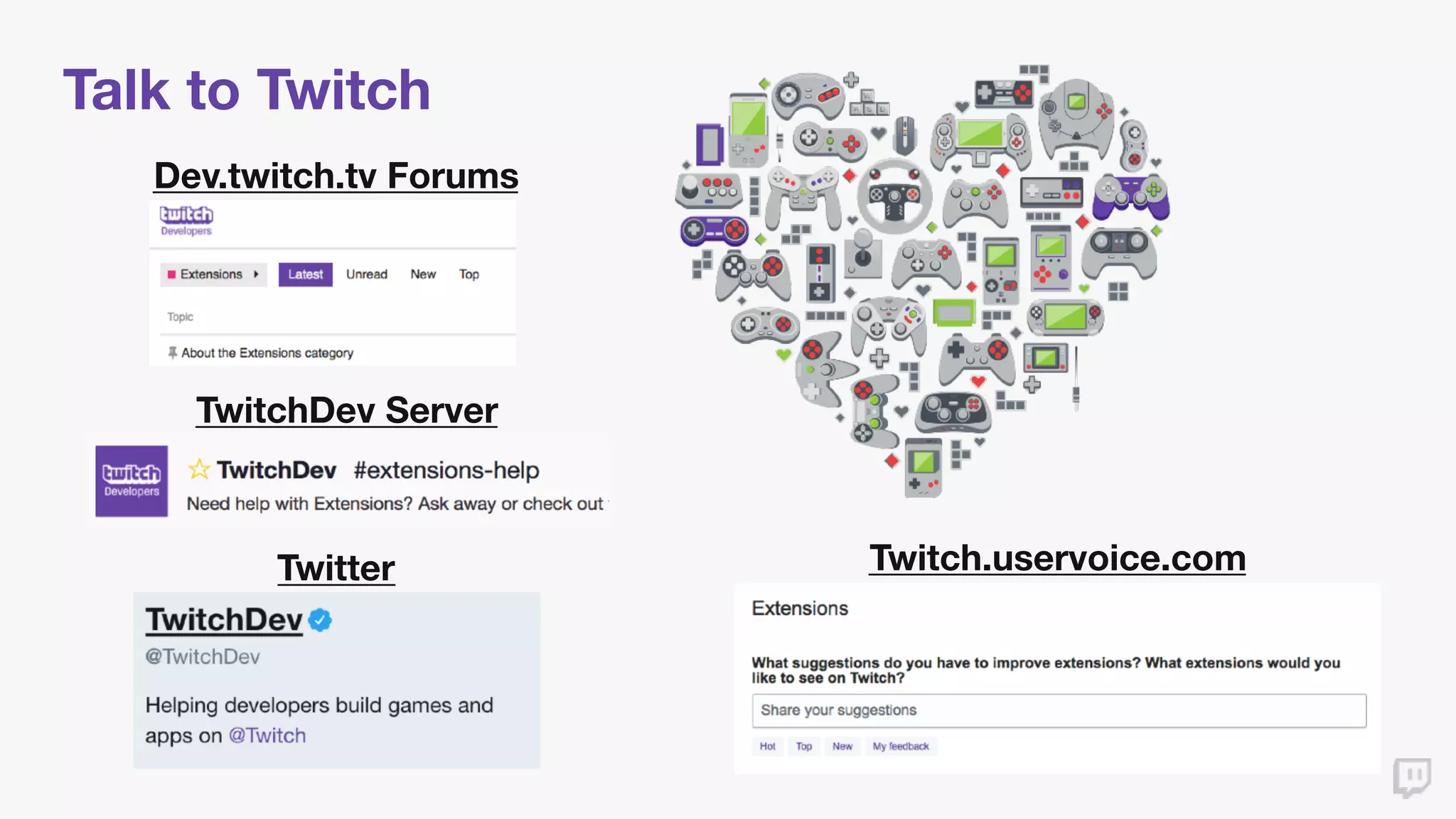
Talk to Twitch
Dev.twitch.tv Forums
TwitchDev Server
Twitter Twitch.uservoice.com
Thank you
Q & A

Best Practices for Building Extensions - TwitchCon Developer Day 2017

  • 1.
  • 2.
    Introductions #TwitchDevDay Ryan Lubinski Product Manager TwitchExtensions Twitch.tv/Diogee Twitter.com/Ryan_Lubinski Linkedin.com/in/RyanLubinski
  • 3.
    Agenda 1. Background Information •What are extensions? • How are things going? 2. Best Practices – UI/UX • Viewer-facing features 3. Best Practices – Discovery and Management • Broadcaster-facing features 4. Q&A
  • 4.
  • 5.
    What are TwitchExtensions?
  • 6.
    Extensions Launch 22 Extensionsfrom 17 Developers Launch 9/6/17
  • 7.
    Twitch Extensions Performance Statsas of 10/6 • Over 1,000 developers registered to create extensions • 69 extensions released on Twitch (214% increase from launch) • 18% of streamers broadcasting from PC had an extension active on 10/6 • Extensions have been seen by over 15 million devices on Twitch • Viewers have interacted with extensions over 400 million times
  • 8.
    Twitch Extensions Performance(continued) Stats as of 10/6
  • 9.
    Best Practice –Sources of Information How do we know what works? • Broadcasters • Direct feedback from dozens of broadcasters across all spectrums of audience size • Developers • Close partnership with the developers of the most adopted extensions • Viewers • Users communicating directly with us about the experience of using extensions on Twitch
  • 10.
    Best Practices forExtensions UI/UX
  • 11.
    Be aware ofTwitch UI Caution Areas UI Layering
  • 12.
    Be aware ofTwitch UI (continued) Standard Theater Mode
  • 13.
    Provide visibility options •Not all viewers want to interact, many come just to watch • Protect the integrity of the lean-back viewing experience • First line of defense: Only show extension content on mouseover • Other options: Easy to dismiss, easy to hide, opt in to show
  • 14.
    Showcase what youhave created to users (carefully) • Not all users are familiar with the concept of extensions yet • Many do not know what may be interactive, or what that interaction may do • Subtly nudging discovery of your interactive content will increase engagement • Be sure to collect feedback from broadcasters as you experiment
  • 15.
    Let viewers customize •Different viewers care about different portions of content in a stream • Underlying content location and priority changes over time • Providing viewers the ability to customize the location and/or presentation of your extension can save you UX & setup pain
  • 16.
    Fail gracefully • Whenoperating at Twitch scale, things are bound to go wrong • Build smart failure handling into your systems • For video overlays – hide all extension content if failure is detected • For panels – display an actionable (or at minimum, non-disruptive) error message
  • 17.
    Best Practices forExtensions Discovery & Management
  • 18.
  • 19.
    Make setting upyour extension easy
  • 20.
    Use all toolsto improve broadcaster experience • The process of installing and managing extensions is still new for many users • Twitch has created tools to help you shepherd your users in the right direction • Utilize required configuration, required broadcaster abilities to minimize opportunity for user confusion and error
  • 21.
  • 22.
    Talk to Twitch Dev.twitch.tvForums TwitchDev Server Twitter Twitch.uservoice.com
  • 23.
  • 24.