Exceptions in JavaExceptions in Java
javeed
What is an exception?What is an exception?
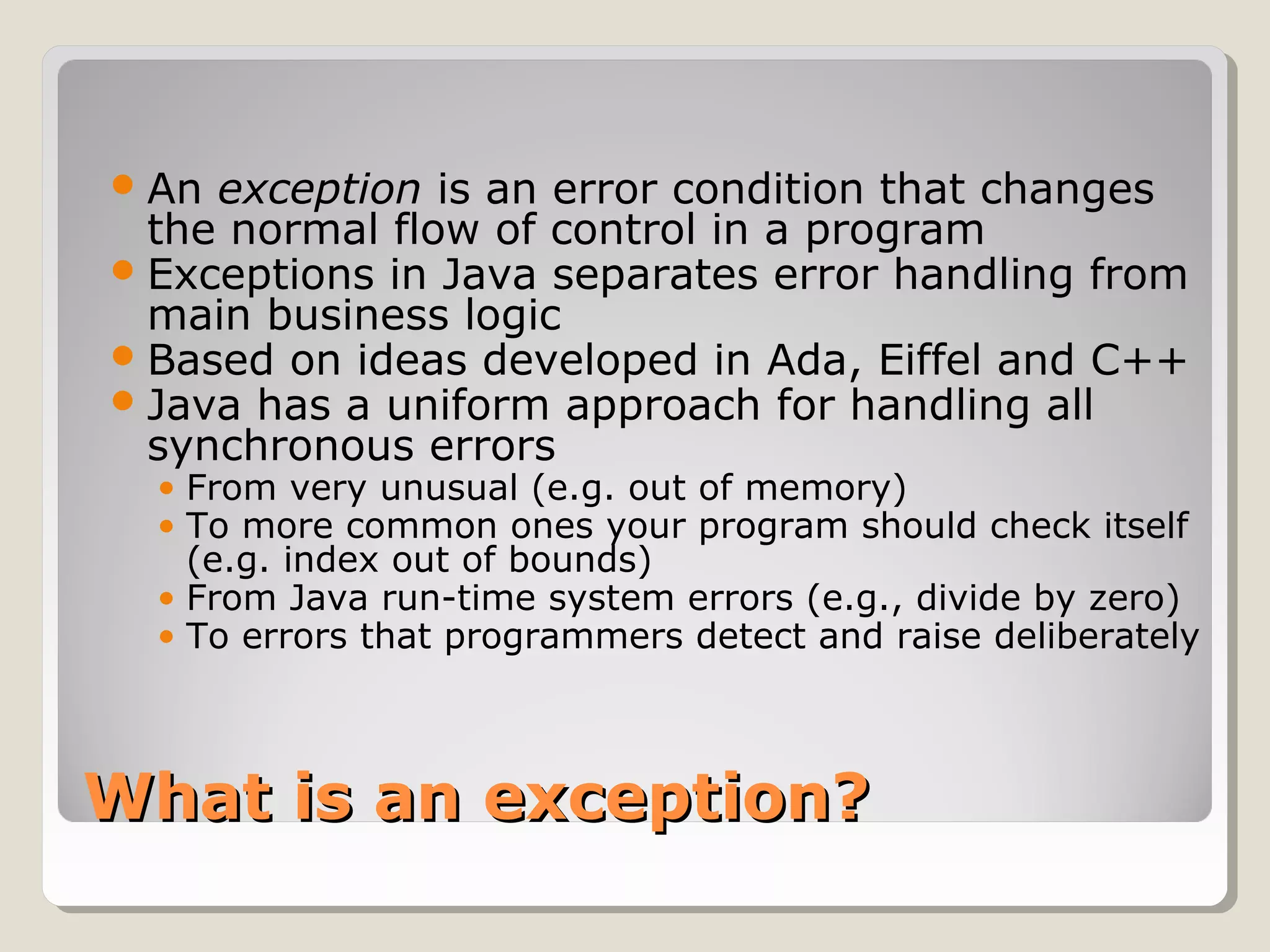
An exception is an error condition that changes
the normal flow of control in a program
Exceptions in Java separates error handling from
main business logic
Based on ideas developed in Ada, Eiffel and C++
Java has a uniform approach for handling all
synchronous errors
• From very unusual (e.g. out of memory)
• To more common ones your program should check itself
(e.g. index out of bounds)
• From Java run-time system errors (e.g., divide by zero)
• To errors that programmers detect and raise deliberately
Throwing and catchingThrowing and catching
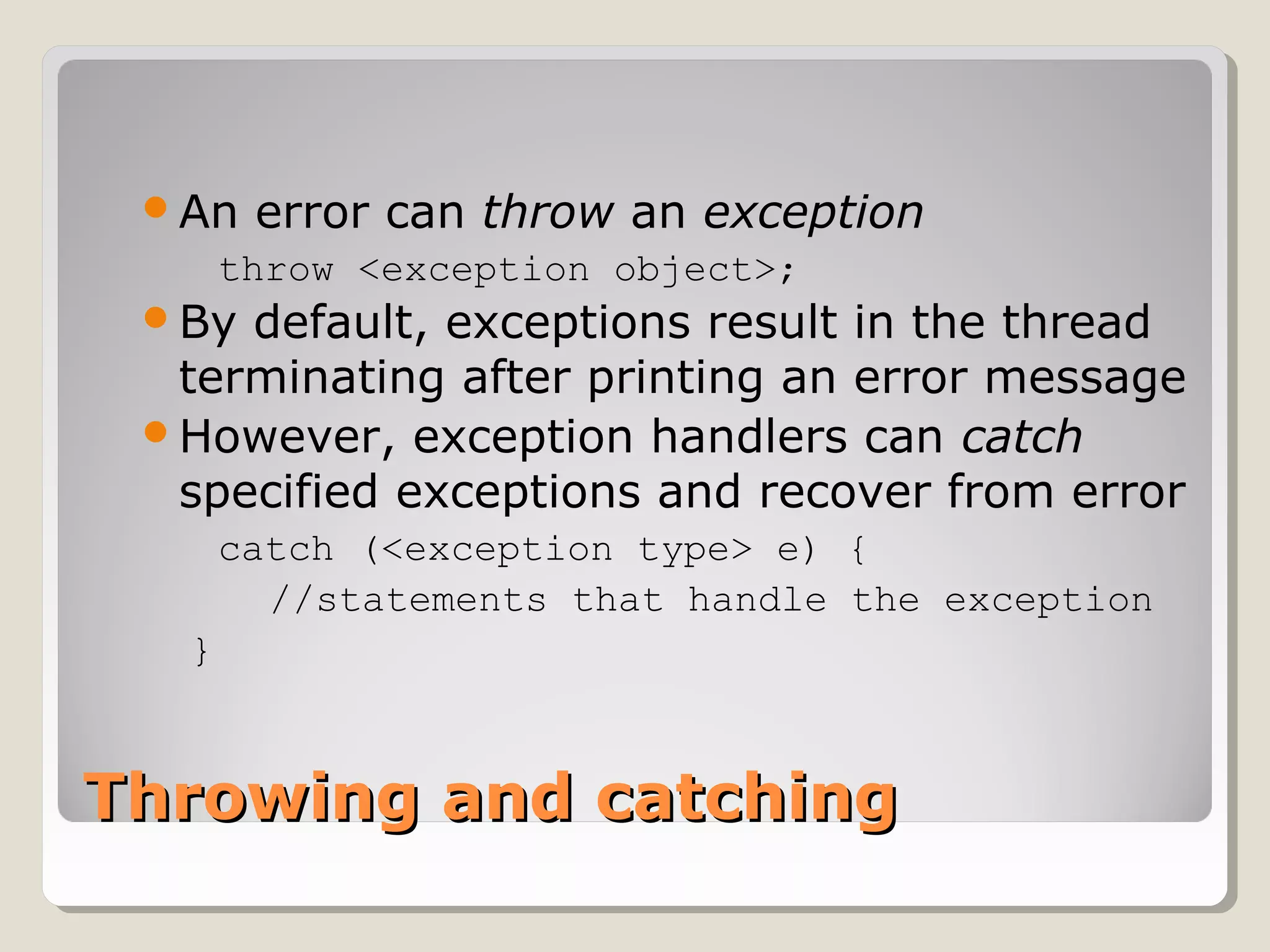
An error can throw an exception
throw <exception object>;
By default, exceptions result in the thread
terminating after printing an error message
However, exception handlers can catch
specified exceptions and recover from error
catch (<exception type> e) {
//statements that handle the exception
}
Throwing an exceptionThrowing an exception
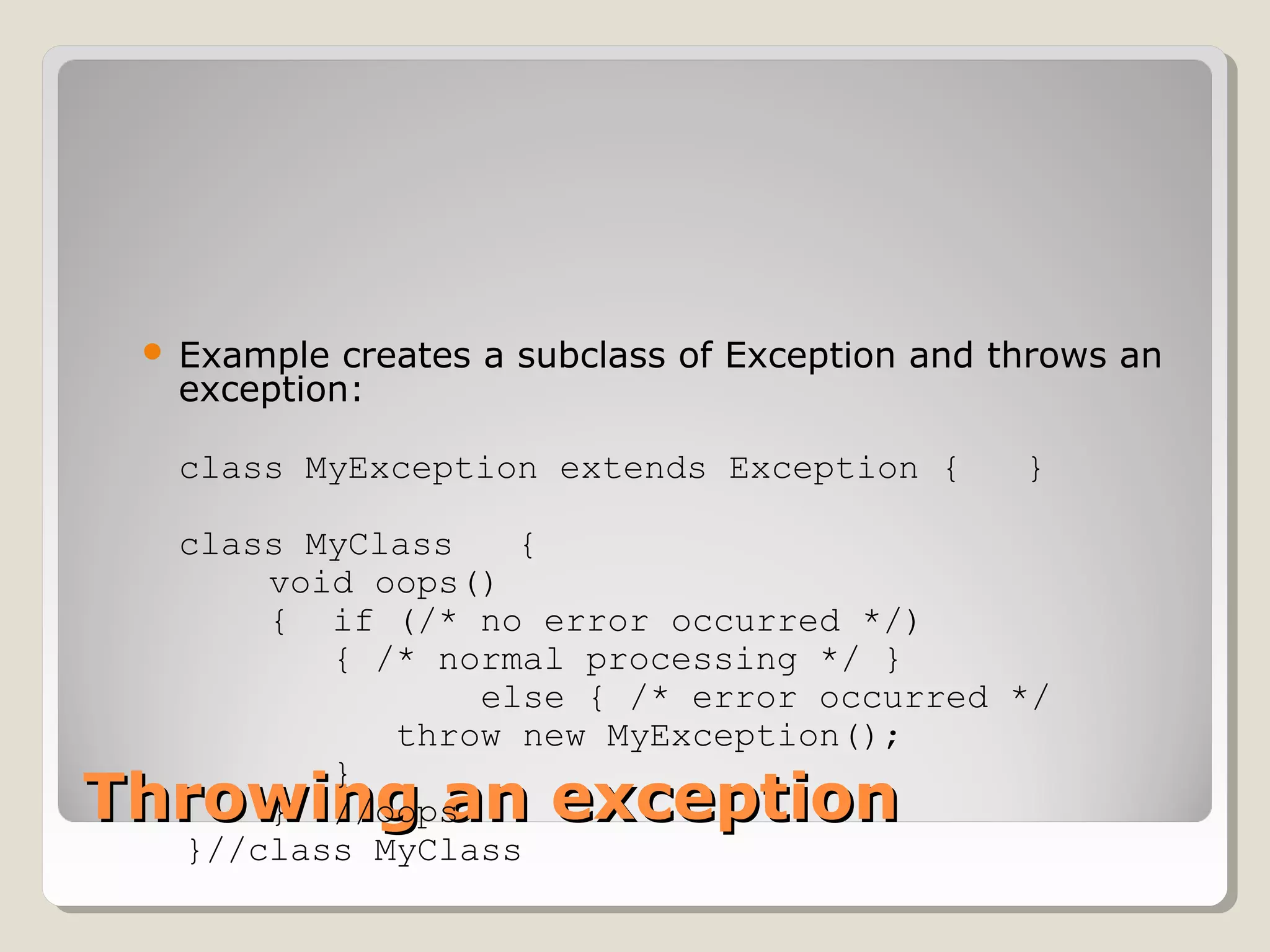
 Example creates a subclass of Exception and throws an
exception:
class MyException extends Exception { }
class MyClass {
void oops()
{ if (/* no error occurred */)
{ /* normal processing */ }
else { /* error occurred */
throw new MyException();
}
} //oops
}//class MyClass
Exceptional flow of controlExceptional flow of control
Exceptions break the normal flow of control.
When an exception occurs, the statement
that would normally execute next is not
executed.
What happens instead depends on:
◦ whether the exception is caught,
◦ where it is caught,
◦ what statements are executed in the ‘catch block’,
◦ and whether you have a ‘finally block’.
Approaches to handling an exceptionApproaches to handling an exception
1. Prevent the exception from happening
2. Catch it in the method in which it occurs, and
either
a. Fix up the problem and resume normal execution
b. Rethrow it
c. Throw a different exception
3. Declare that the method throws the exception
4. With 1. and 2.a. the caller never knows there
was an error.
5. With 2.b., 2.c., and 3., if the caller does not
handle the exception, the program will
terminate and display a stack trace
Exception hierarchyException hierarchy
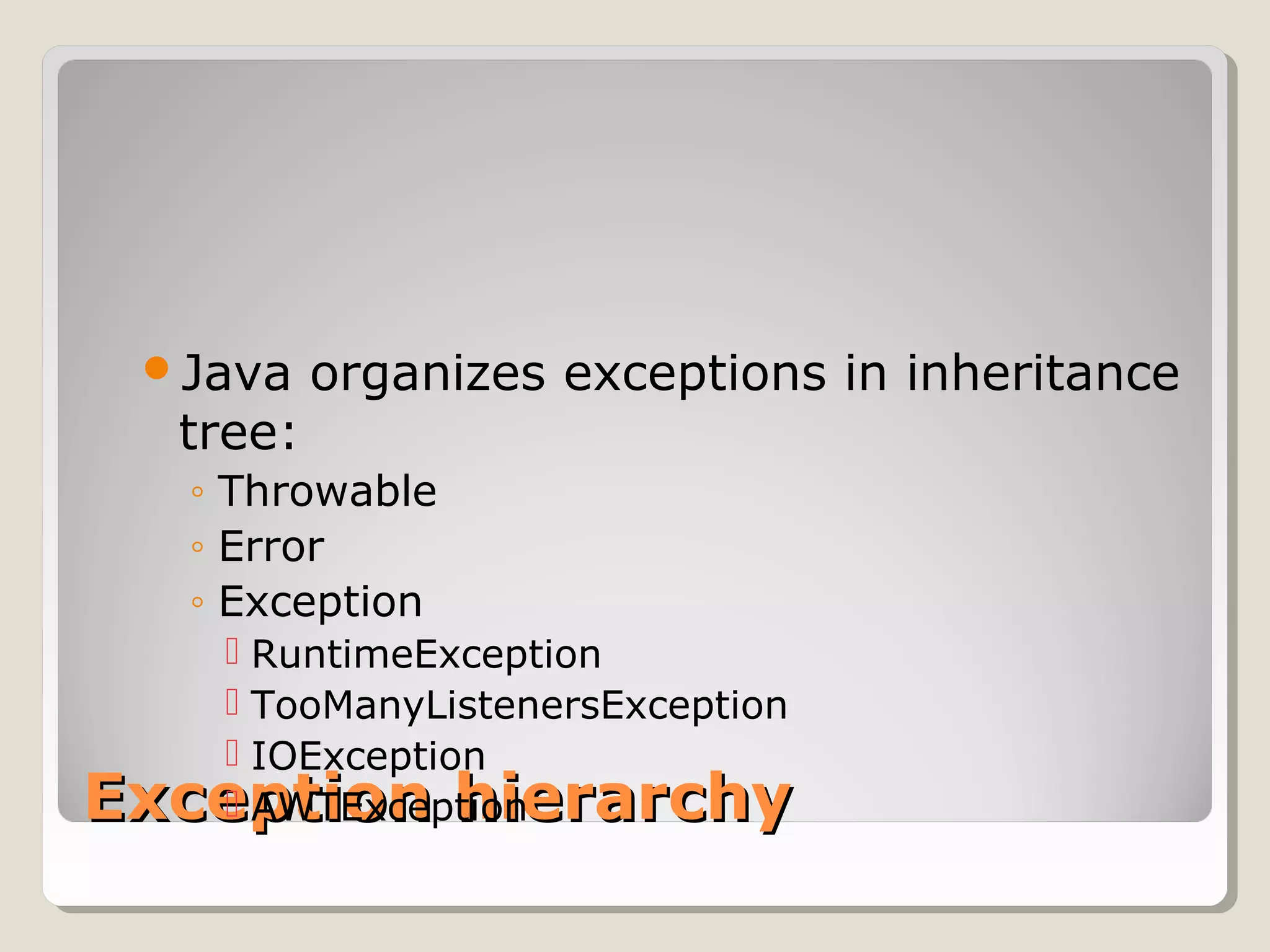
Java organizes exceptions in inheritance
tree:
◦ Throwable
◦ Error
◦ Exception
 RuntimeException
 TooManyListenersException
 IOException
 AWTException
Java is strictJava is strict
 Unlike C++, is quite strict about catching exceptions
 If it is a checked exception
◦ (all except Error, RuntimeException and their
subclasses),
◦ Java compiler forces the caller must either catch it
◦ or explicitly re-throw it with an exception specification.
 Why is this a good idea?
 By enforcing exception specifications from top to
bottom, Java guarantees exception correctness at
compile time.
 Here’s a method that ducks out of catching an
exception by explicitly re-throwing it:
void f() throws tooBig, tooSmall, divZero {
◦ The caller of this method now must either catch these
exceptions or rethrow them in its specification.
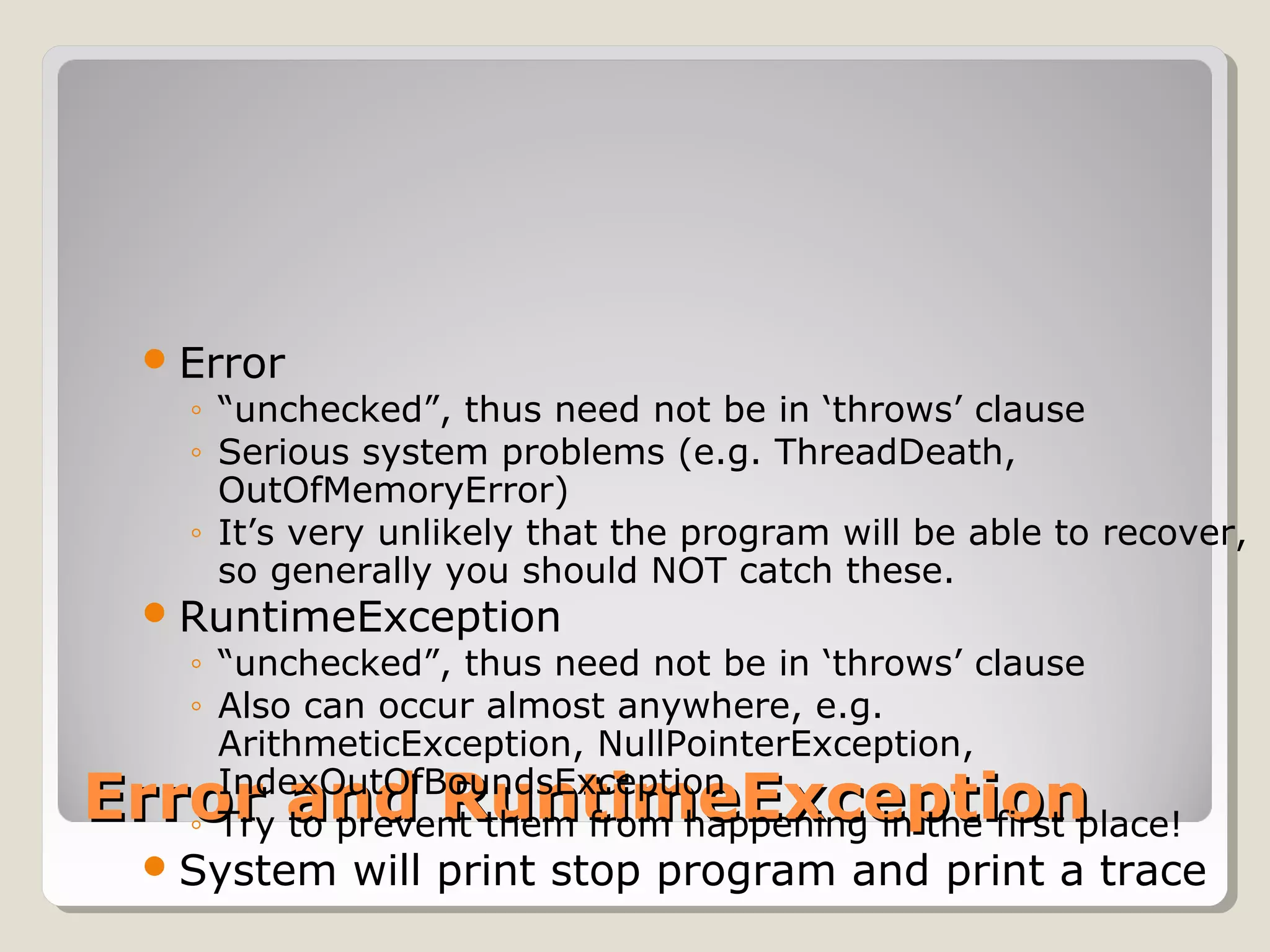
Error and RuntimeExceptionError and RuntimeException
Error
◦ “unchecked”, thus need not be in ‘throws’ clause
◦ Serious system problems (e.g. ThreadDeath,
OutOfMemoryError)
◦ It’s very unlikely that the program will be able to recover,
so generally you should NOT catch these.
RuntimeException
◦ “unchecked”, thus need not be in ‘throws’ clause
◦ Also can occur almost anywhere, e.g.
ArithmeticException, NullPointerException,
IndexOutOfBoundsException
◦ Try to prevent them from happening in the first place!
System will print stop program and print a trace
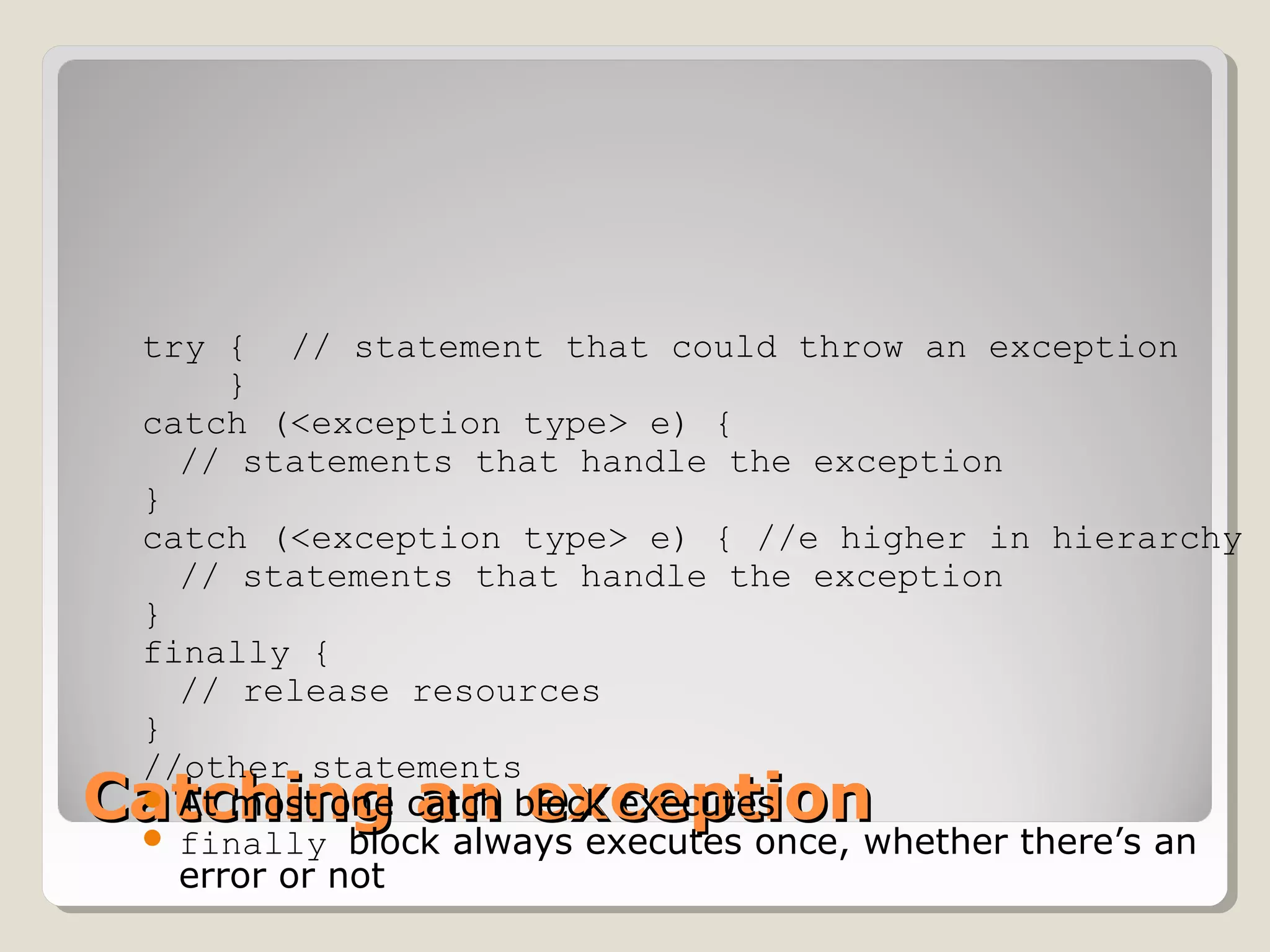
Catching an exceptionCatching an exception
try { // statement that could throw an exception
}
catch (<exception type> e) {
// statements that handle the exception
}
catch (<exception type> e) { //e higher in hierarchy
// statements that handle the exception
}
finally {
// release resources
}
//other statements
 At most one catch block executes
 finally block always executes once, whether there’s an
error or not
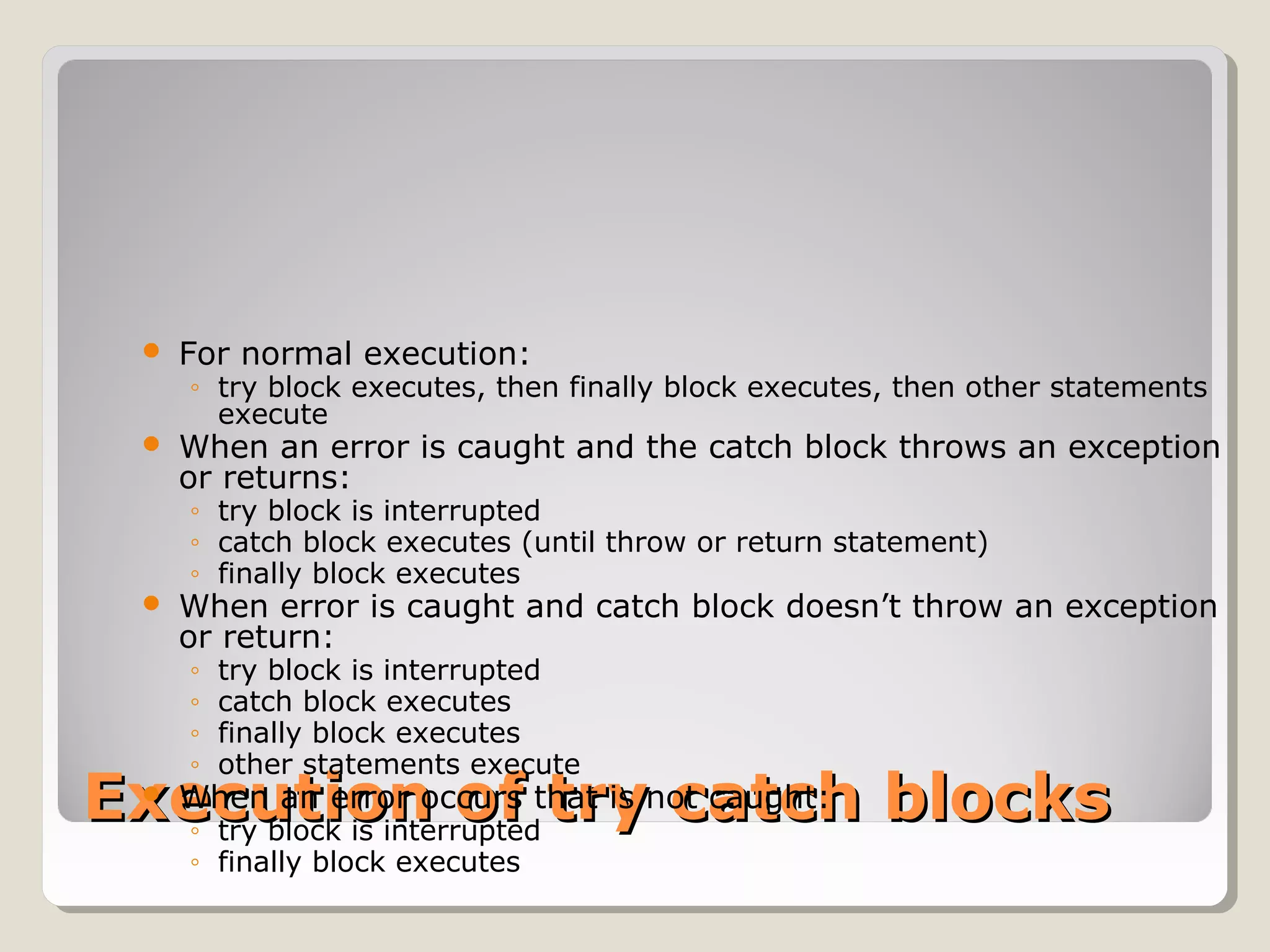
Execution of try catch blocksExecution of try catch blocks
 For normal execution:
◦ try block executes, then finally block executes, then other statements
execute
 When an error is caught and the catch block throws an exception
or returns:
◦ try block is interrupted
◦ catch block executes (until throw or return statement)
◦ finally block executes
 When error is caught and catch block doesn’t throw an exception
or return:
◦ try block is interrupted
◦ catch block executes
◦ finally block executes
◦ other statements execute
 When an error occurs that is not caught:
◦ try block is interrupted
◦ finally block executes
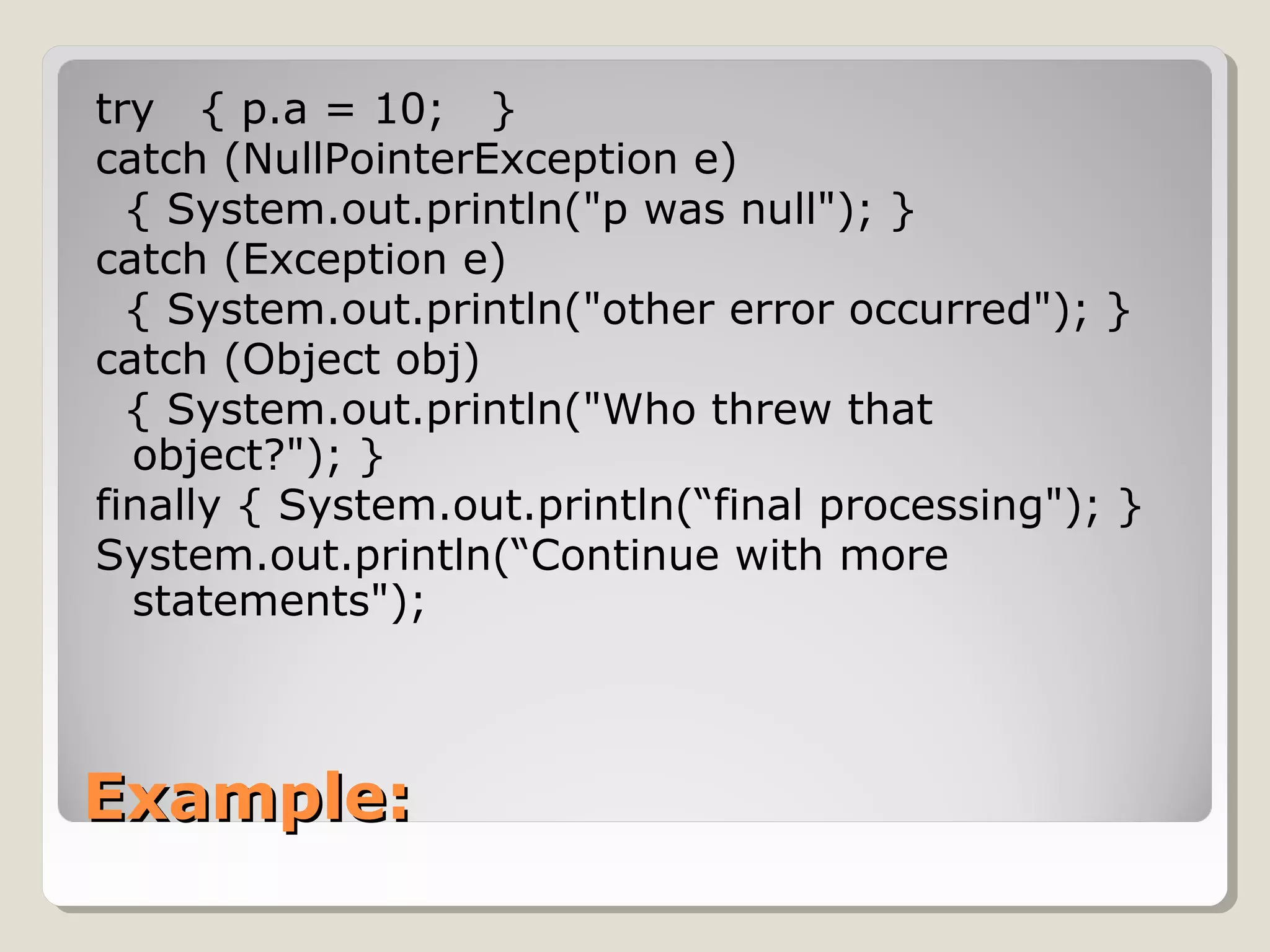
Example:Example:
try { p.a = 10; }
catch (NullPointerException e)
{ System.out.println("p was null"); }
catch (Exception e)
{ System.out.println("other error occurred"); }
catch (Object obj)
{ System.out.println("Who threw that
object?"); }
finally { System.out.println(“final processing"); }
System.out.println(“Continue with more
statements");
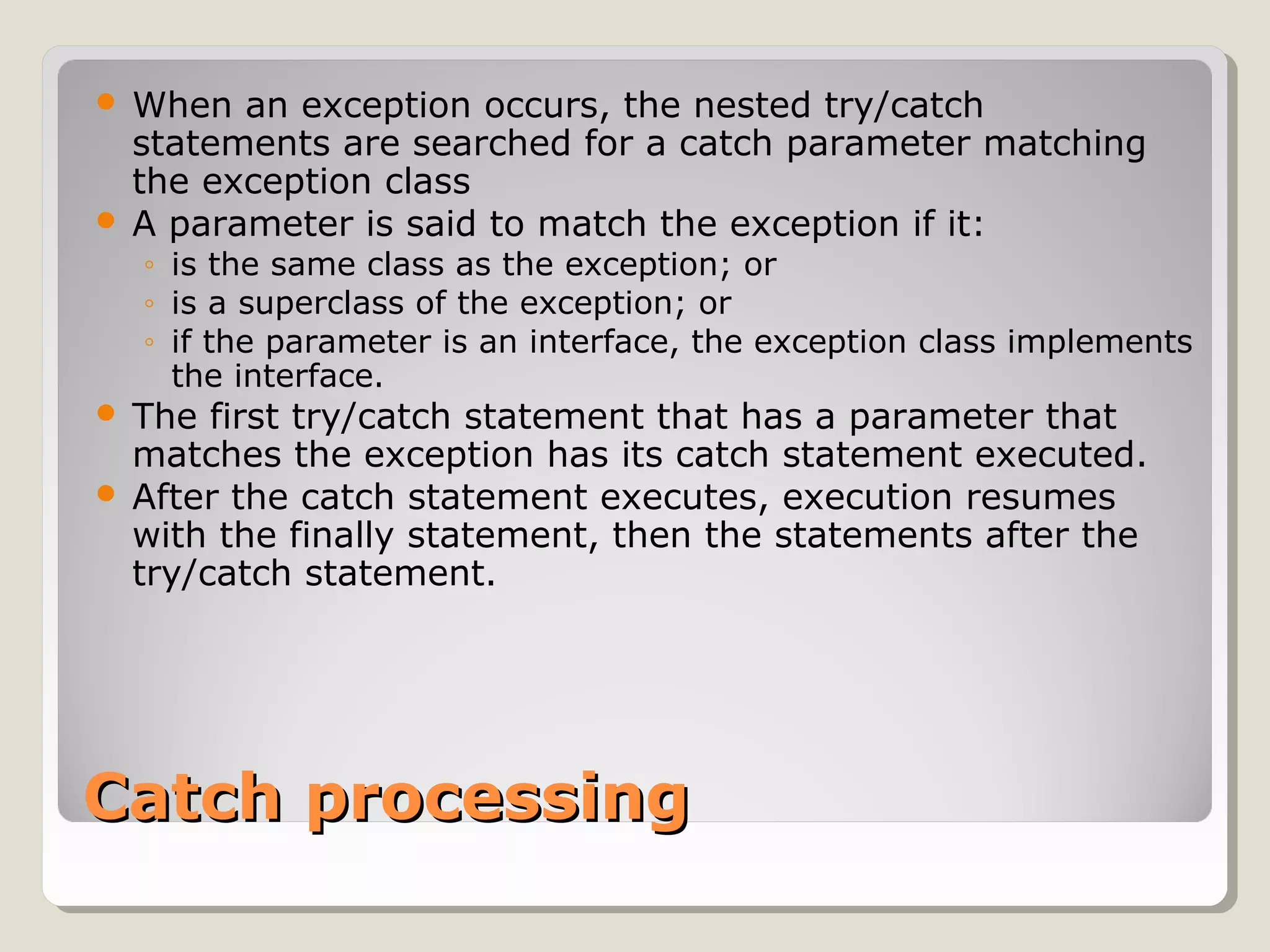
Catch processingCatch processing
 When an exception occurs, the nested try/catch
statements are searched for a catch parameter matching
the exception class
 A parameter is said to match the exception if it:
◦ is the same class as the exception; or
◦ is a superclass of the exception; or
◦ if the parameter is an interface, the exception class implements
the interface.
 The first try/catch statement that has a parameter that
matches the exception has its catch statement executed.
 After the catch statement executes, execution resumes
with the finally statement, then the statements after the
try/catch statement.
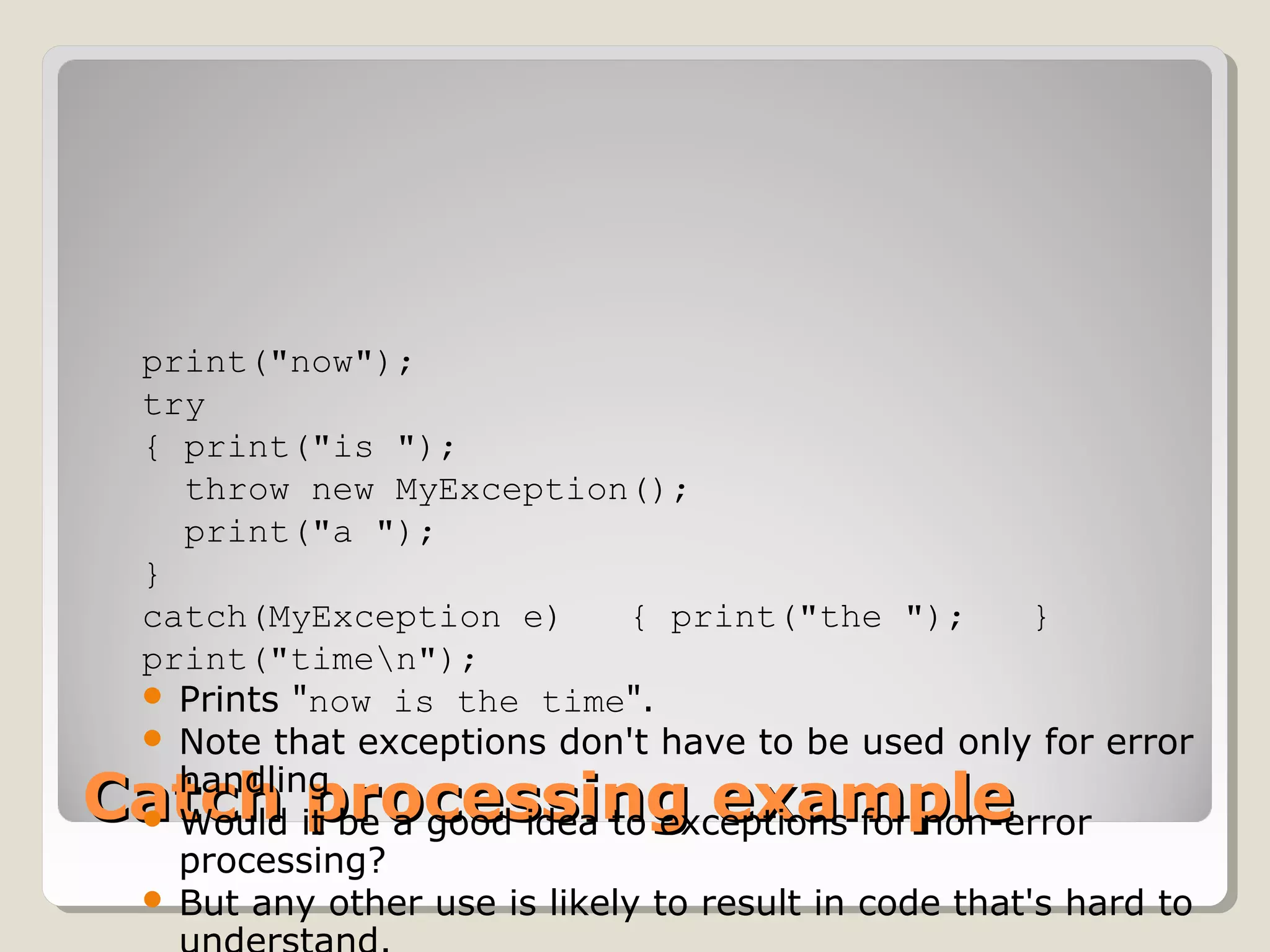
Catch processing exampleCatch processing example
print("now");   
try   
{ print("is ");      
  throw new MyException();     
  print("a ");   
} 
catch(MyException e)   { print("the ");   }   
print("timen"); 
 Prints "now is the time".
 Note that exceptions don't have to be used only for error
handling
 Would it be a good idea to exceptions for non-error
processing?
 But any other use is likely to result in code that's hard to
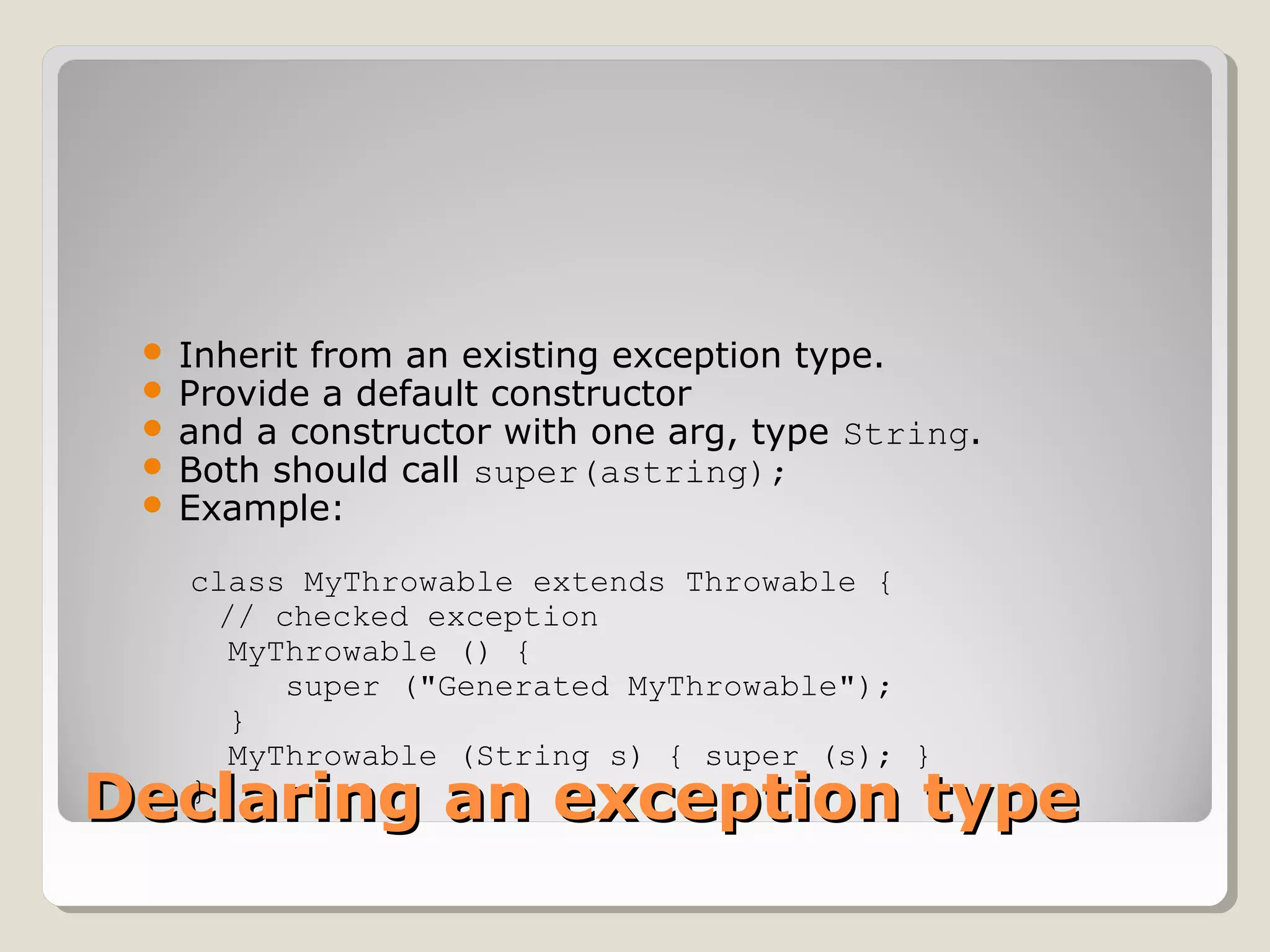
Declaring an exception typeDeclaring an exception type
 Inherit from an existing exception type.
 Provide a default constructor
 and a constructor with one arg, type String.
 Both should call super(astring);
 Example:
class MyThrowable extends Throwable { 
// checked exception
  MyThrowable () {
     super ("Generated MyThrowable");
  }
  MyThrowable (String s) { super (s); }
}
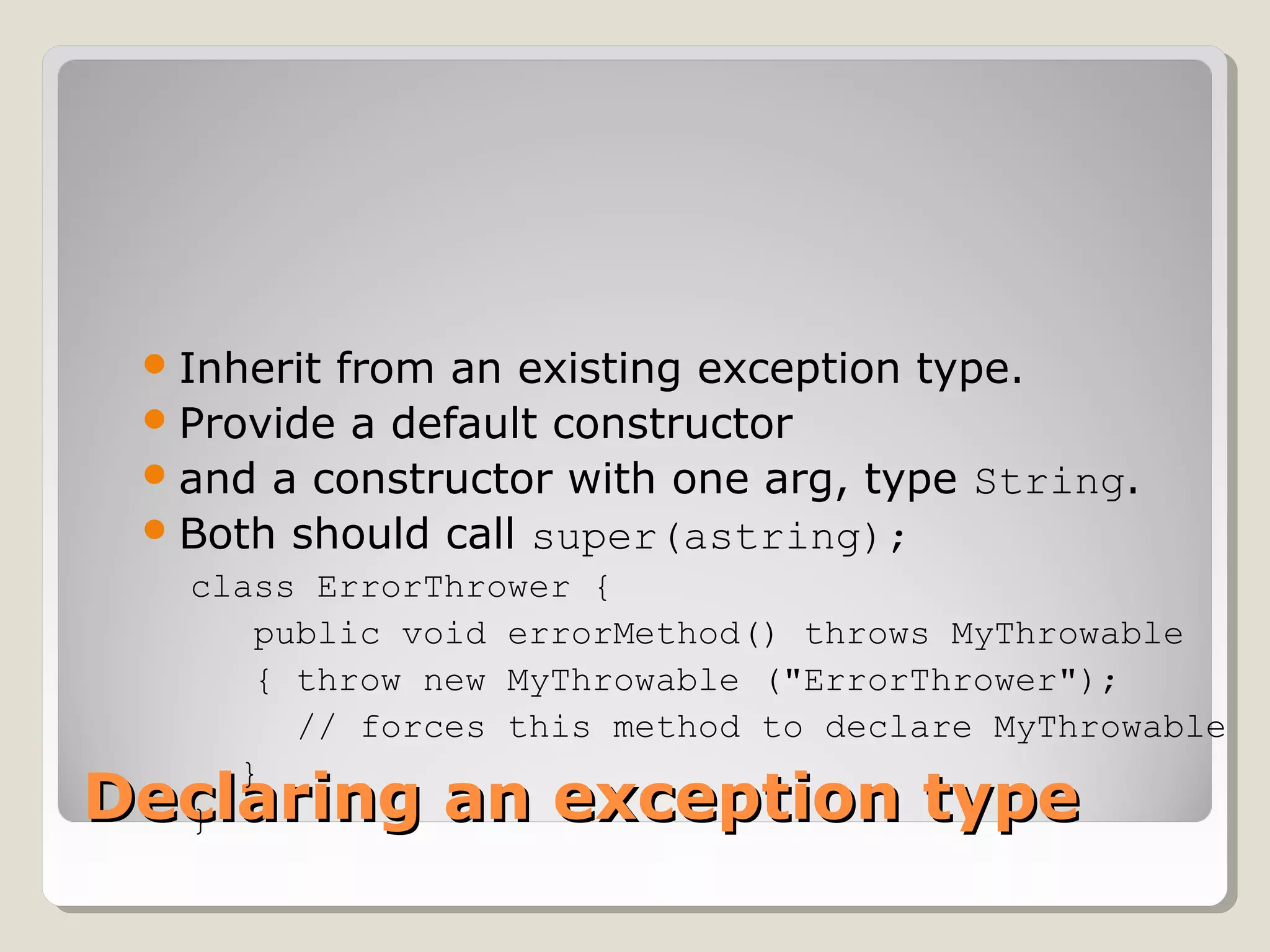
Declaring an exception typeDeclaring an exception type
Inherit from an existing exception type.
Provide a default constructor
and a constructor with one arg, type String.
Both should call super(astring);
class ErrorThrower {
public void errorMethod() throws MyThrowable
{ throw new MyThrowable ("ErrorThrower");
// forces this method to declare MyThrowable
}
}
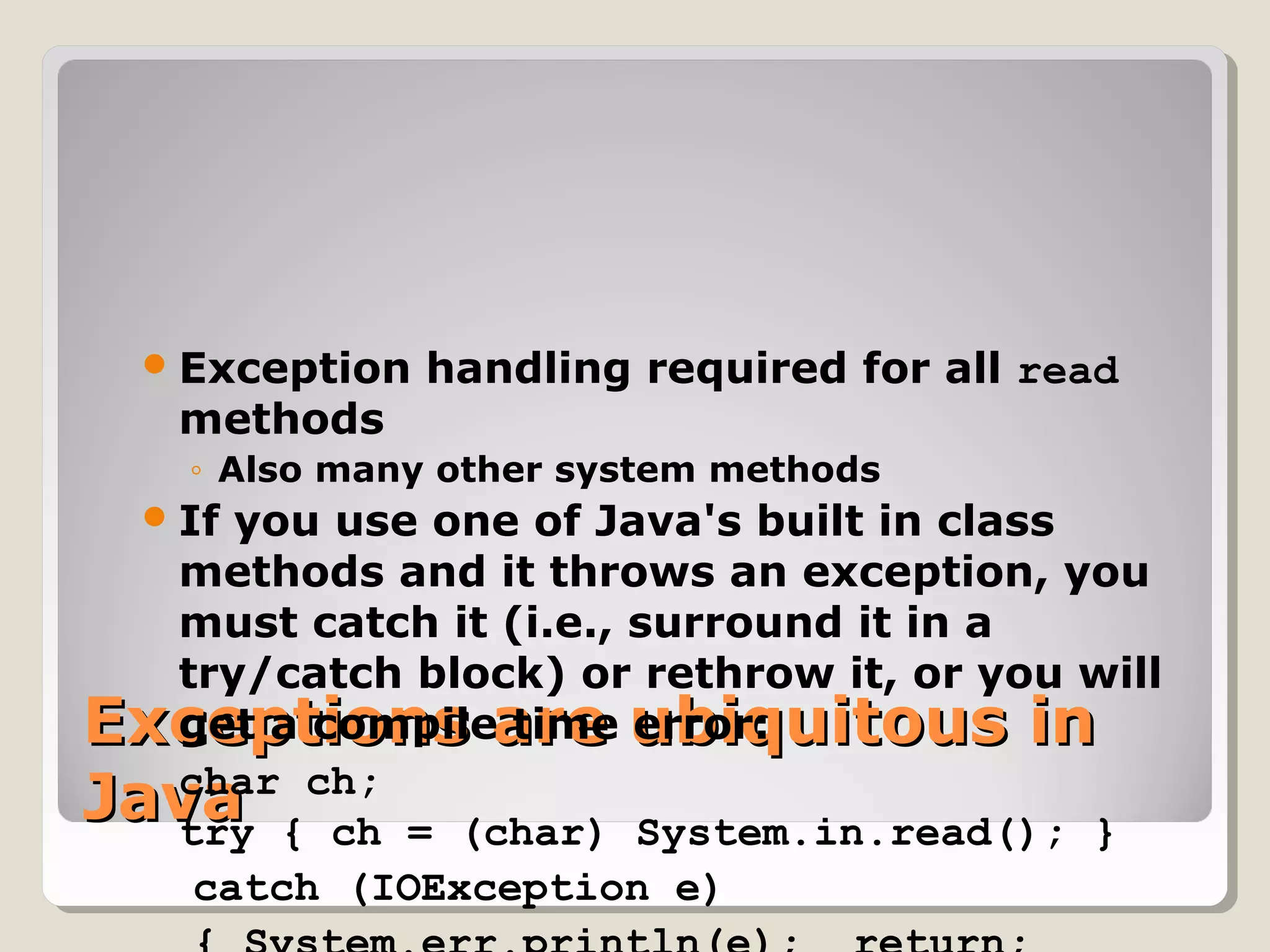
Exceptions are ubiquitous inExceptions are ubiquitous in
JavaJava
Exception handling required for all read
methods
◦ Also many other system methods
If you use one of Java's built in class
methods and it throws an exception, you
must catch it (i.e., surround it in a
try/catch block) or rethrow it, or you will
get a compile time error:
char ch;
try { ch = (char) System.in.read(); }
catch (IOException e)

exceptions in java

  • 1.
  • 2.
    What is anexception?What is an exception? An exception is an error condition that changes the normal flow of control in a program Exceptions in Java separates error handling from main business logic Based on ideas developed in Ada, Eiffel and C++ Java has a uniform approach for handling all synchronous errors • From very unusual (e.g. out of memory) • To more common ones your program should check itself (e.g. index out of bounds) • From Java run-time system errors (e.g., divide by zero) • To errors that programmers detect and raise deliberately
  • 3.
    Throwing and catchingThrowingand catching An error can throw an exception throw <exception object>; By default, exceptions result in the thread terminating after printing an error message However, exception handlers can catch specified exceptions and recover from error catch (<exception type> e) { //statements that handle the exception }
  • 4.
    Throwing an exceptionThrowingan exception  Example creates a subclass of Exception and throws an exception: class MyException extends Exception { } class MyClass { void oops() { if (/* no error occurred */) { /* normal processing */ } else { /* error occurred */ throw new MyException(); } } //oops }//class MyClass
  • 5.
    Exceptional flow ofcontrolExceptional flow of control Exceptions break the normal flow of control. When an exception occurs, the statement that would normally execute next is not executed. What happens instead depends on: ◦ whether the exception is caught, ◦ where it is caught, ◦ what statements are executed in the ‘catch block’, ◦ and whether you have a ‘finally block’.
  • 6.
    Approaches to handlingan exceptionApproaches to handling an exception 1. Prevent the exception from happening 2. Catch it in the method in which it occurs, and either a. Fix up the problem and resume normal execution b. Rethrow it c. Throw a different exception 3. Declare that the method throws the exception 4. With 1. and 2.a. the caller never knows there was an error. 5. With 2.b., 2.c., and 3., if the caller does not handle the exception, the program will terminate and display a stack trace
  • 7.
    Exception hierarchyException hierarchy Javaorganizes exceptions in inheritance tree: ◦ Throwable ◦ Error ◦ Exception  RuntimeException  TooManyListenersException  IOException  AWTException
  • 8.
    Java is strictJavais strict  Unlike C++, is quite strict about catching exceptions  If it is a checked exception ◦ (all except Error, RuntimeException and their subclasses), ◦ Java compiler forces the caller must either catch it ◦ or explicitly re-throw it with an exception specification.  Why is this a good idea?  By enforcing exception specifications from top to bottom, Java guarantees exception correctness at compile time.  Here’s a method that ducks out of catching an exception by explicitly re-throwing it: void f() throws tooBig, tooSmall, divZero { ◦ The caller of this method now must either catch these exceptions or rethrow them in its specification.
  • 9.
    Error and RuntimeExceptionErrorand RuntimeException Error ◦ “unchecked”, thus need not be in ‘throws’ clause ◦ Serious system problems (e.g. ThreadDeath, OutOfMemoryError) ◦ It’s very unlikely that the program will be able to recover, so generally you should NOT catch these. RuntimeException ◦ “unchecked”, thus need not be in ‘throws’ clause ◦ Also can occur almost anywhere, e.g. ArithmeticException, NullPointerException, IndexOutOfBoundsException ◦ Try to prevent them from happening in the first place! System will print stop program and print a trace
  • 10.
    Catching an exceptionCatchingan exception try { // statement that could throw an exception } catch (<exception type> e) { // statements that handle the exception } catch (<exception type> e) { //e higher in hierarchy // statements that handle the exception } finally { // release resources } //other statements  At most one catch block executes  finally block always executes once, whether there’s an error or not
  • 11.
    Execution of trycatch blocksExecution of try catch blocks  For normal execution: ◦ try block executes, then finally block executes, then other statements execute  When an error is caught and the catch block throws an exception or returns: ◦ try block is interrupted ◦ catch block executes (until throw or return statement) ◦ finally block executes  When error is caught and catch block doesn’t throw an exception or return: ◦ try block is interrupted ◦ catch block executes ◦ finally block executes ◦ other statements execute  When an error occurs that is not caught: ◦ try block is interrupted ◦ finally block executes
  • 12.
    Example:Example: try { p.a= 10; } catch (NullPointerException e) { System.out.println("p was null"); } catch (Exception e) { System.out.println("other error occurred"); } catch (Object obj) { System.out.println("Who threw that object?"); } finally { System.out.println(“final processing"); } System.out.println(“Continue with more statements");
  • 13.
    Catch processingCatch processing When an exception occurs, the nested try/catch statements are searched for a catch parameter matching the exception class  A parameter is said to match the exception if it: ◦ is the same class as the exception; or ◦ is a superclass of the exception; or ◦ if the parameter is an interface, the exception class implements the interface.  The first try/catch statement that has a parameter that matches the exception has its catch statement executed.  After the catch statement executes, execution resumes with the finally statement, then the statements after the try/catch statement.
  • 14.
    Catch processing exampleCatchprocessing example print("now");    try    { print("is ");         throw new MyException();        print("a ");    }  catch(MyException e)   { print("the ");   }    print("timen");   Prints "now is the time".  Note that exceptions don't have to be used only for error handling  Would it be a good idea to exceptions for non-error processing?  But any other use is likely to result in code that's hard to
  • 15.
    Declaring an exceptiontypeDeclaring an exception type  Inherit from an existing exception type.  Provide a default constructor  and a constructor with one arg, type String.  Both should call super(astring);  Example: class MyThrowable extends Throwable {  // checked exception   MyThrowable () {      super ("Generated MyThrowable");   }   MyThrowable (String s) { super (s); } }
  • 16.
    Declaring an exceptiontypeDeclaring an exception type Inherit from an existing exception type. Provide a default constructor and a constructor with one arg, type String. Both should call super(astring); class ErrorThrower { public void errorMethod() throws MyThrowable { throw new MyThrowable ("ErrorThrower"); // forces this method to declare MyThrowable } }
  • 17.
    Exceptions are ubiquitousinExceptions are ubiquitous in JavaJava Exception handling required for all read methods ◦ Also many other system methods If you use one of Java's built in class methods and it throws an exception, you must catch it (i.e., surround it in a try/catch block) or rethrow it, or you will get a compile time error: char ch; try { ch = (char) System.in.read(); } catch (IOException e)