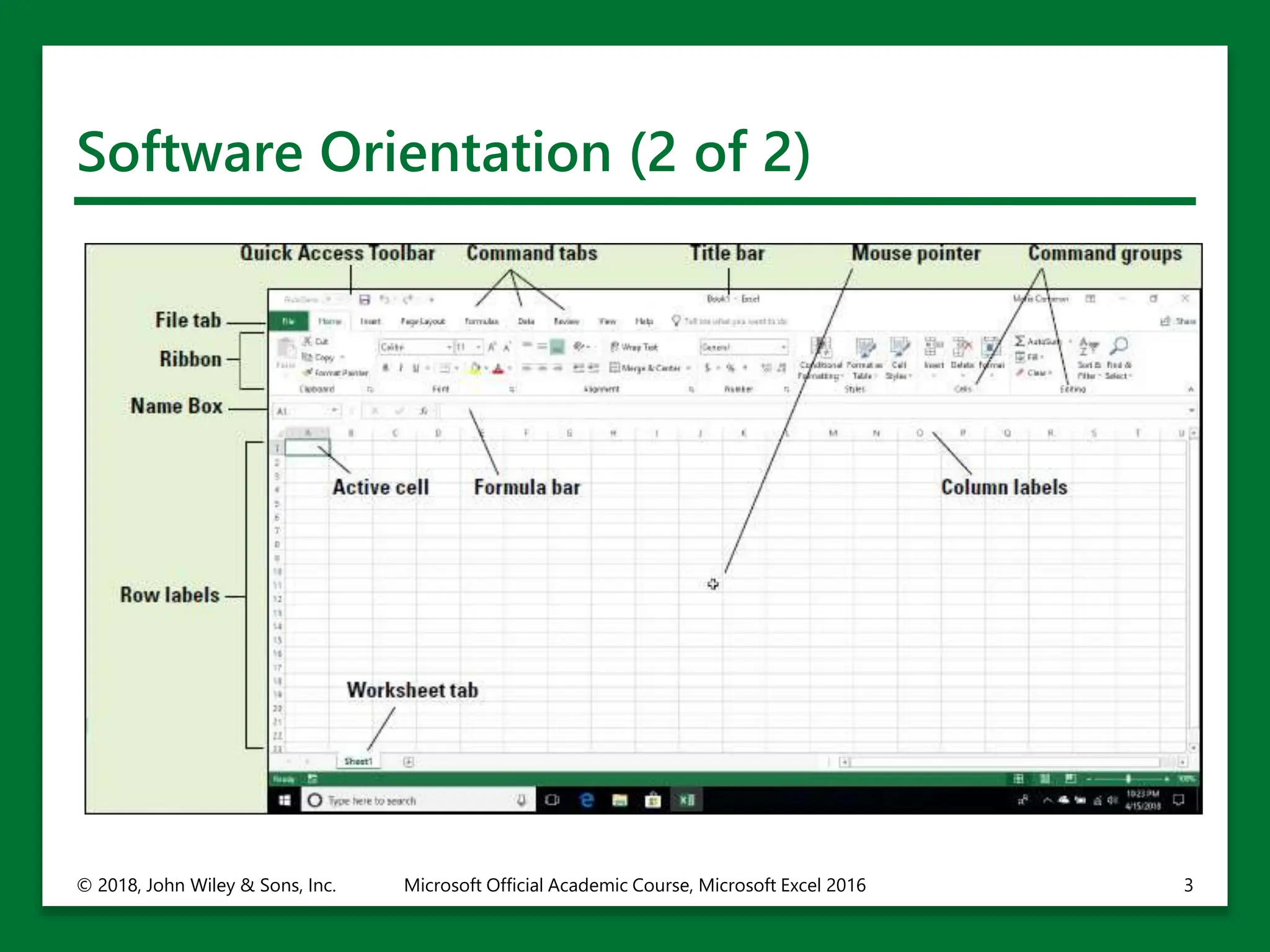
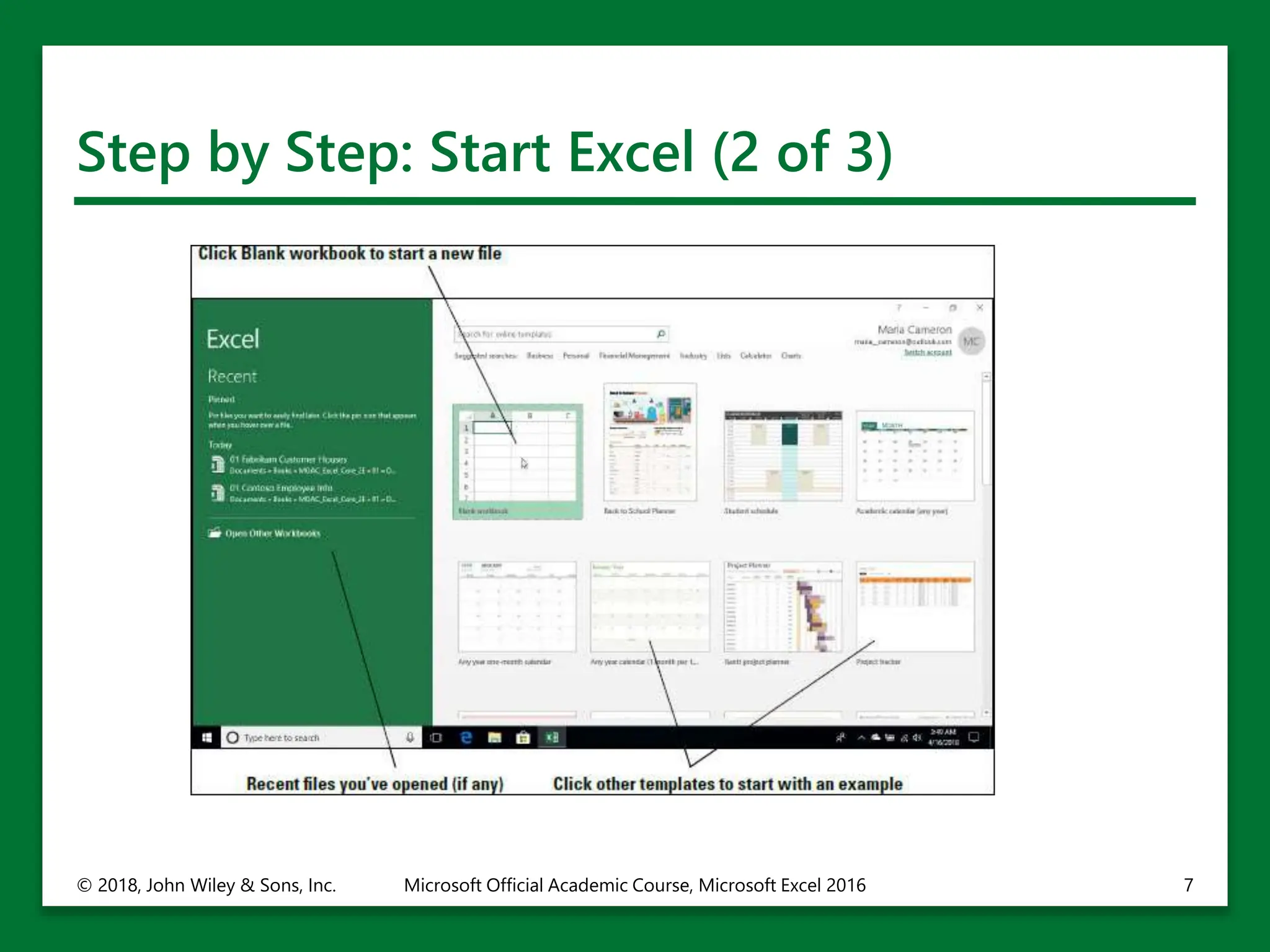
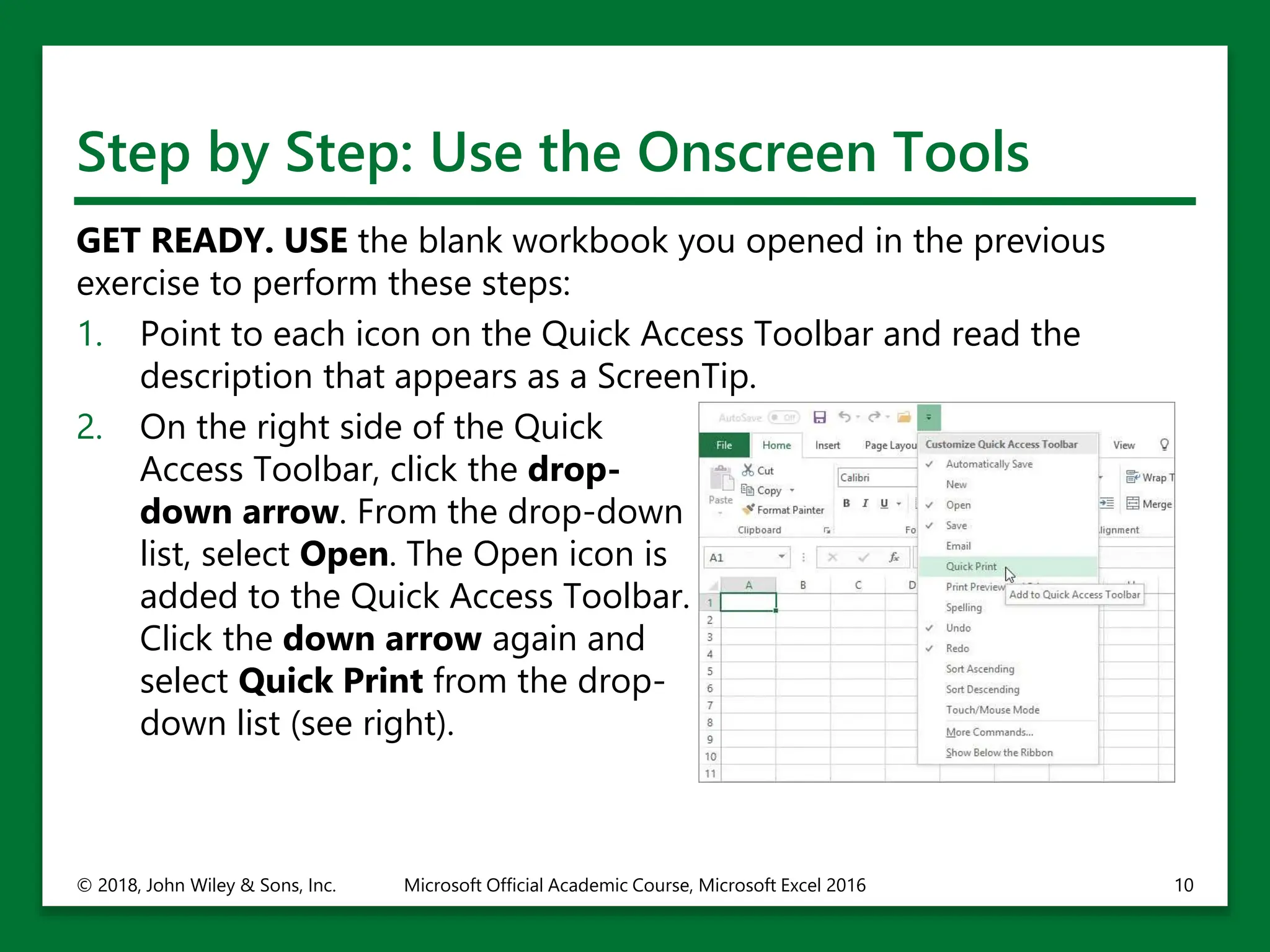
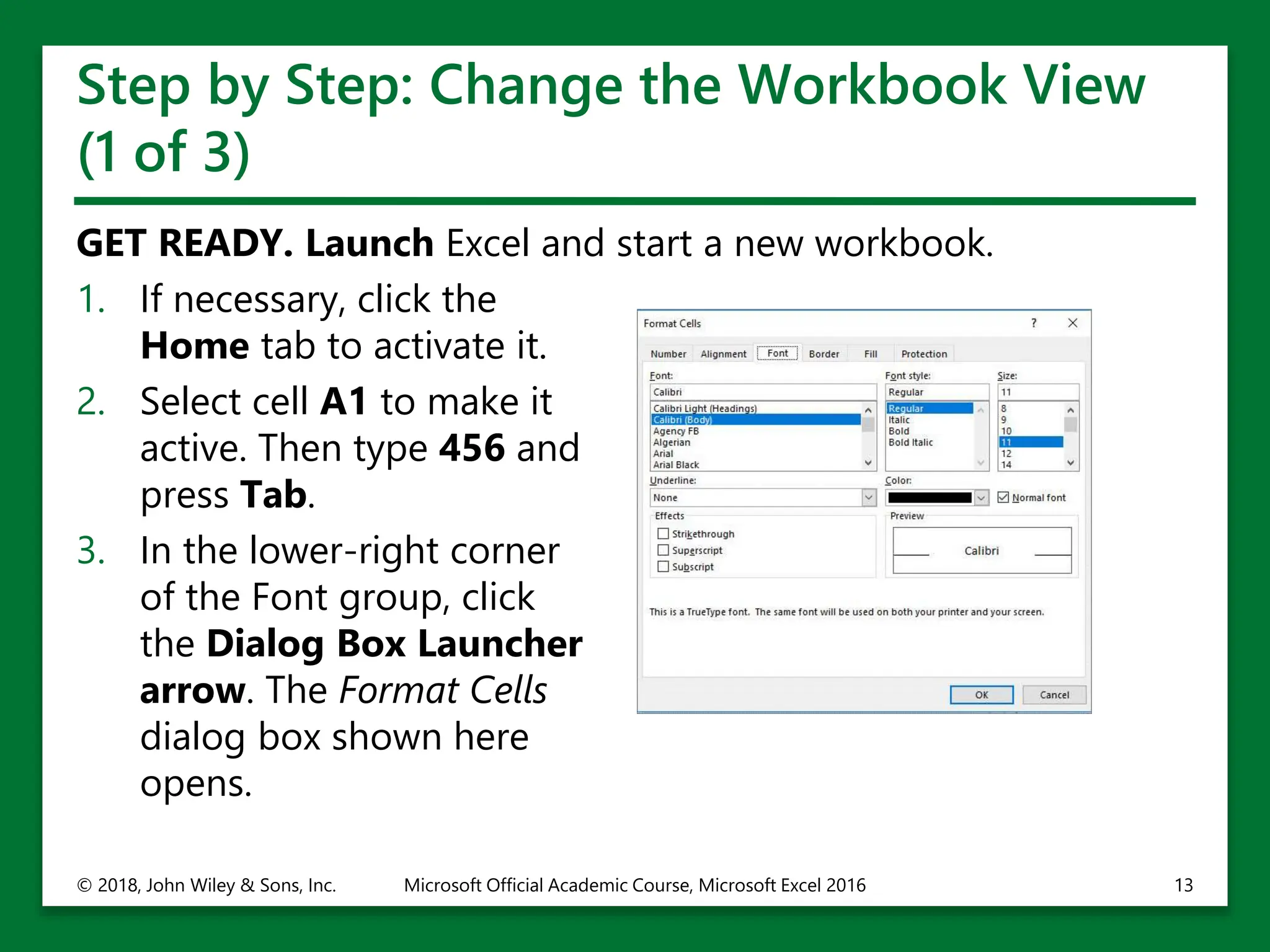
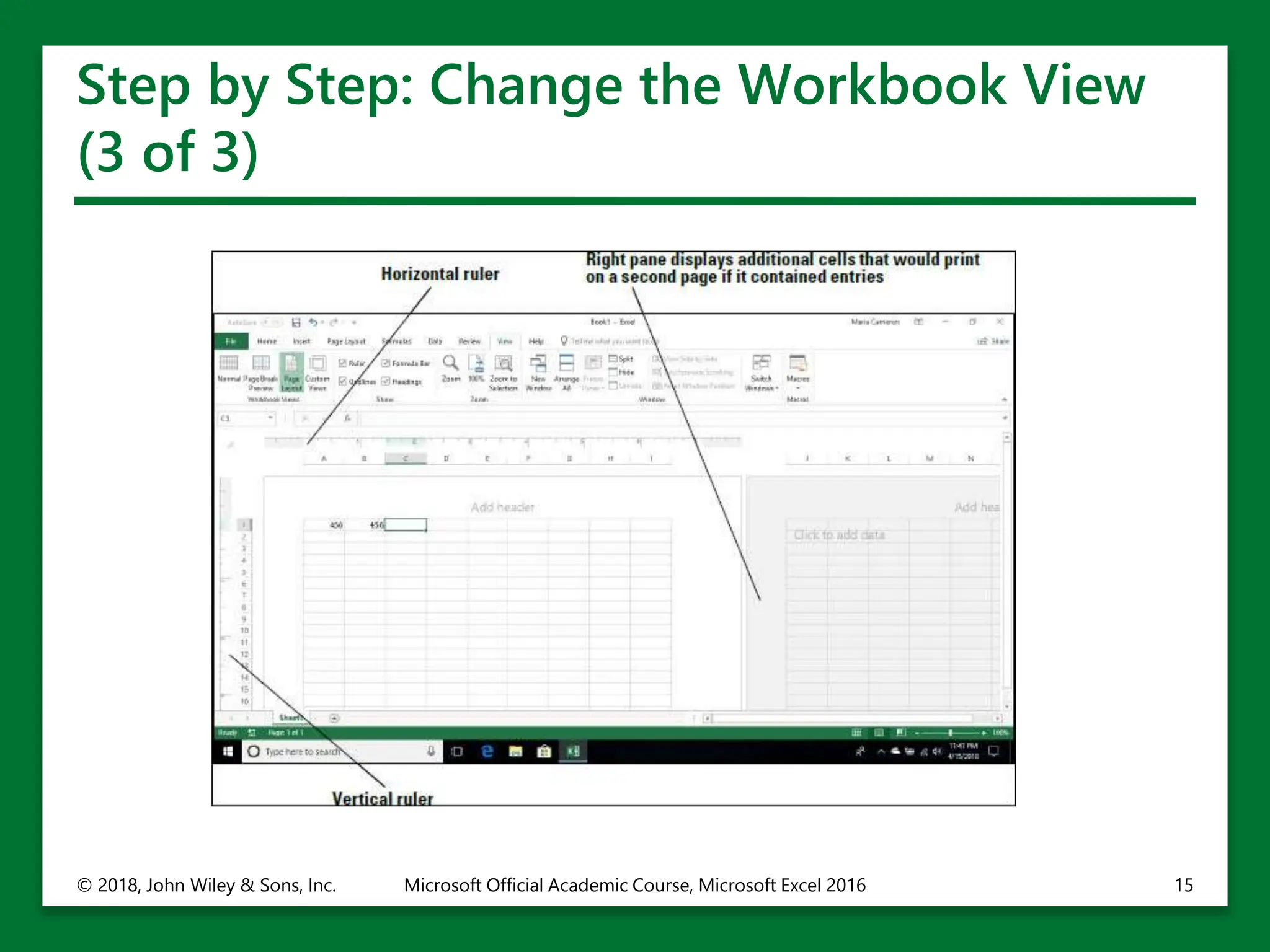
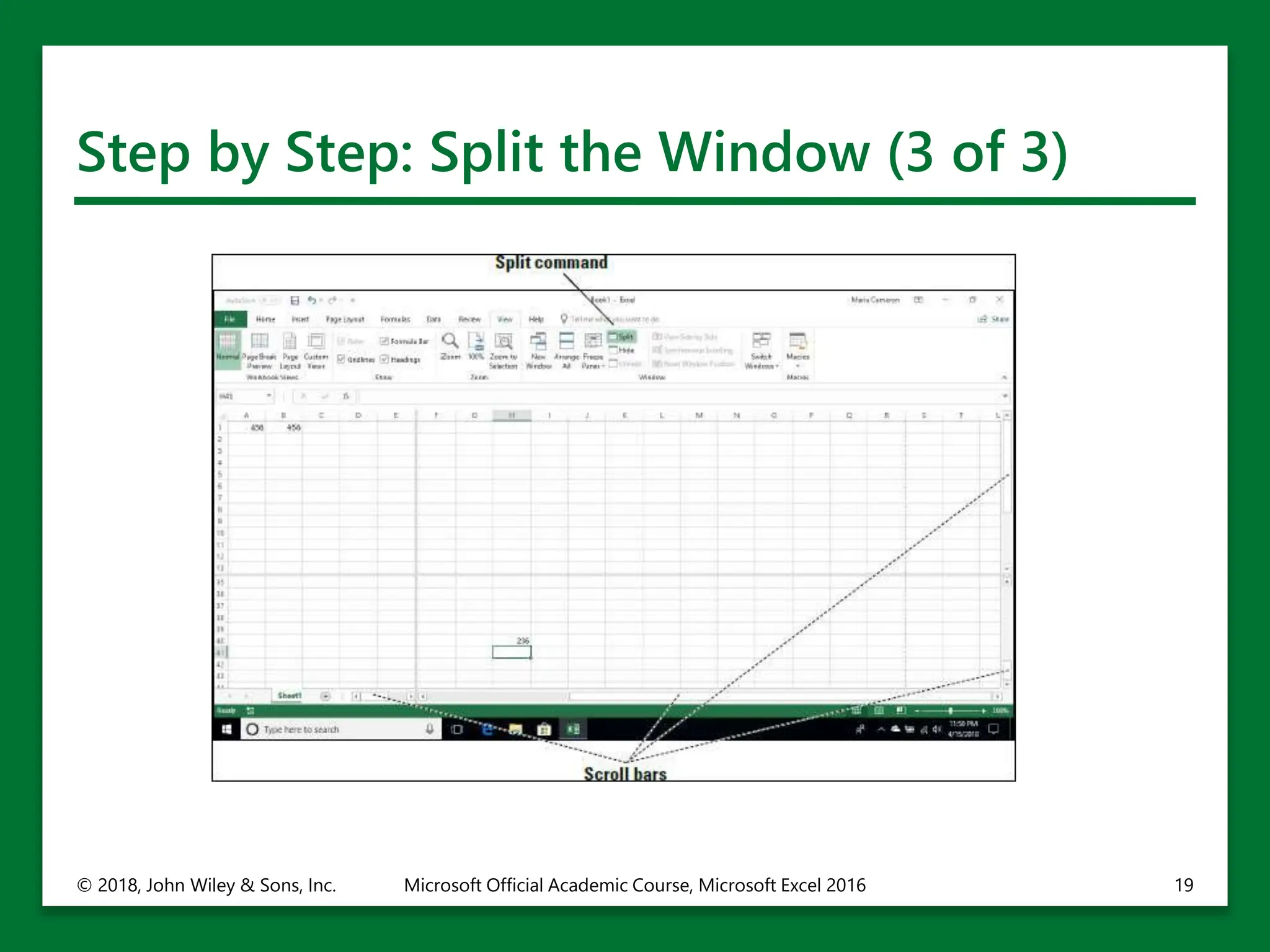
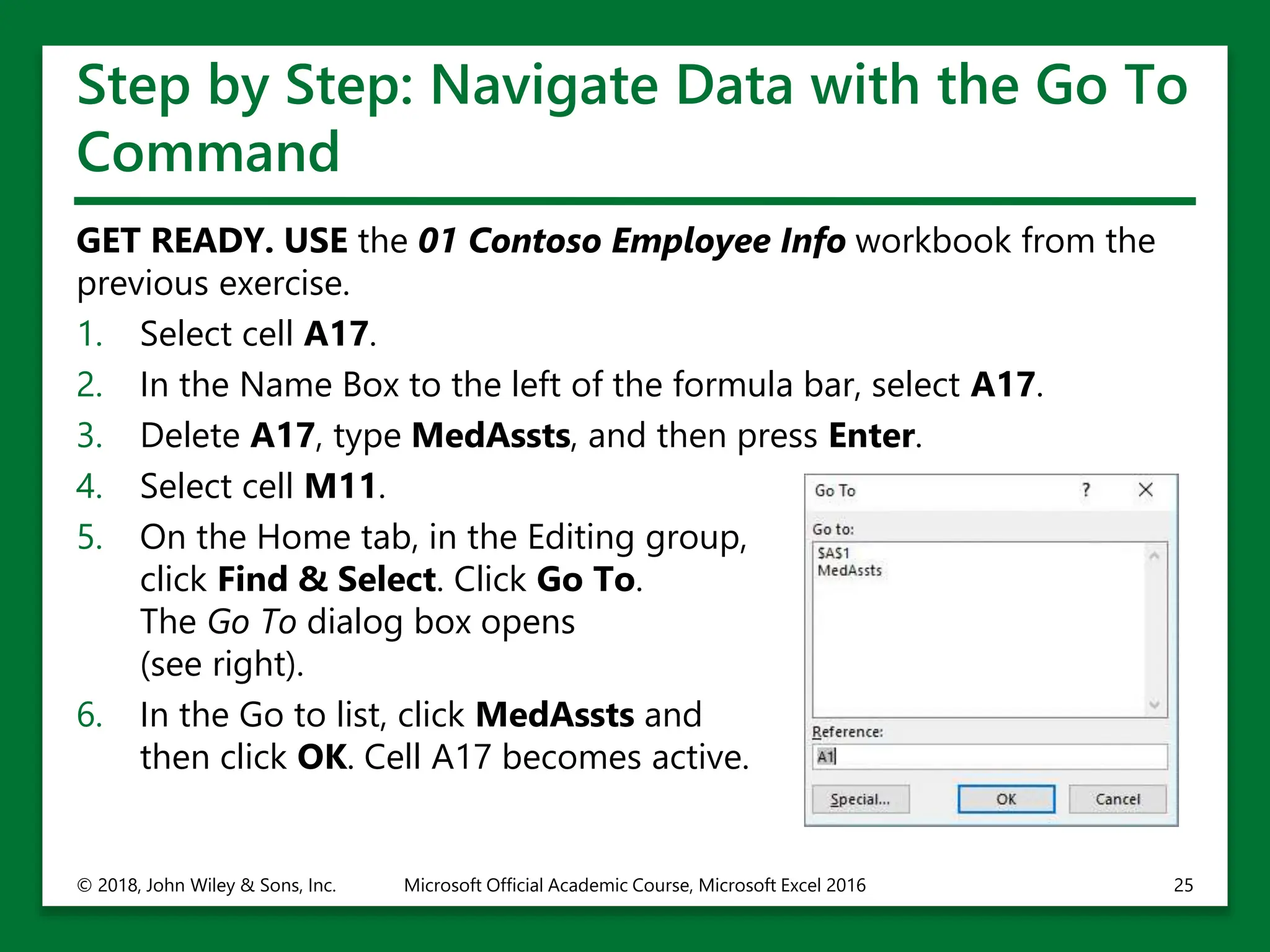
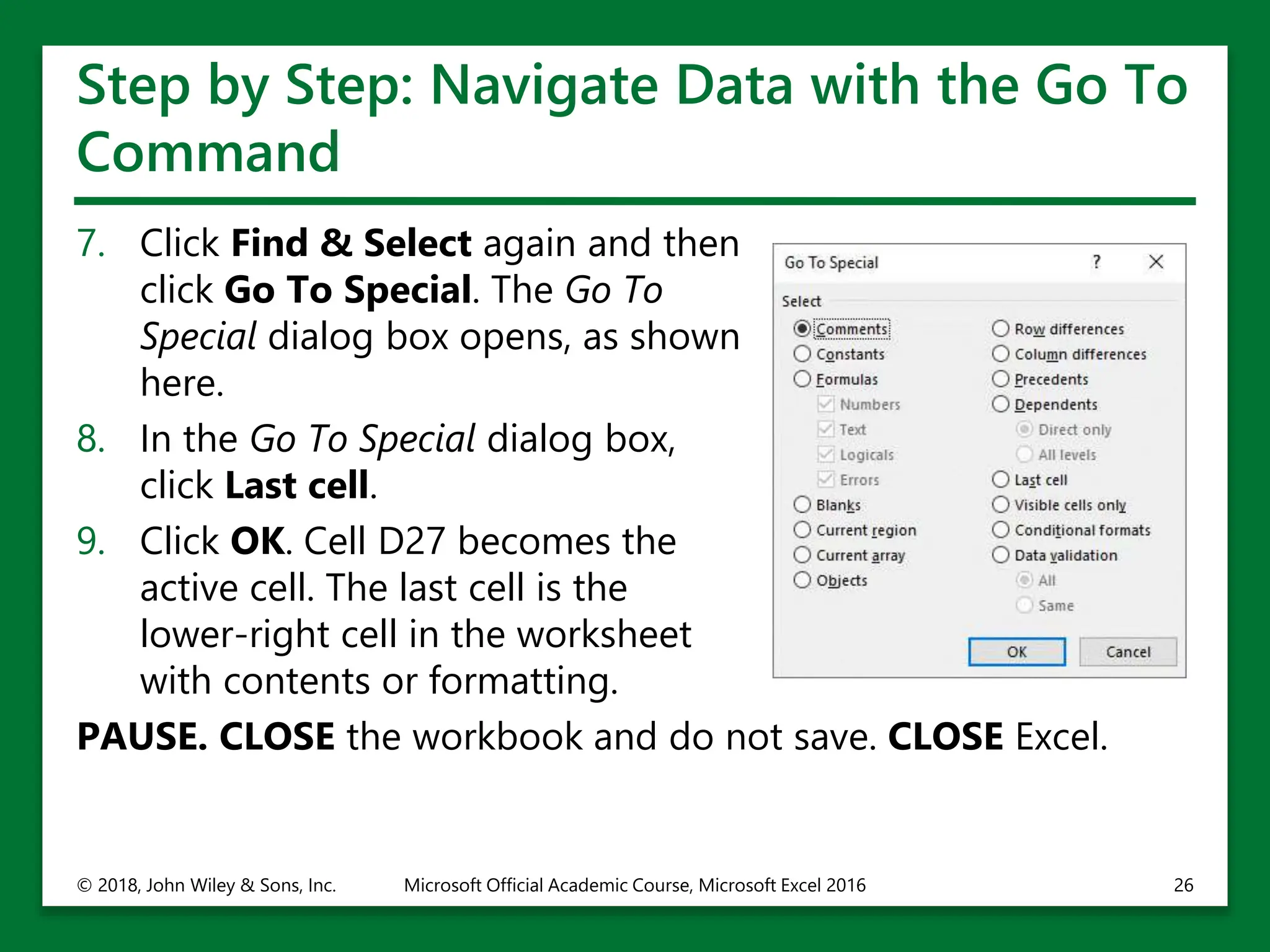
The document provides an overview of Microsoft Excel 2016. It discusses the basic components of Excel including cells, rows, columns, worksheets and workbooks. It describes the ribbon interface and how the ribbon is organized into tabs and groups. It provides step-by-step instructions for starting Excel, opening a blank workbook, customizing the ribbon and quick access toolbar, changing workbook views, splitting windows, and working with existing workbooks. The document is intended to orient users to the Excel interface and basic functions.