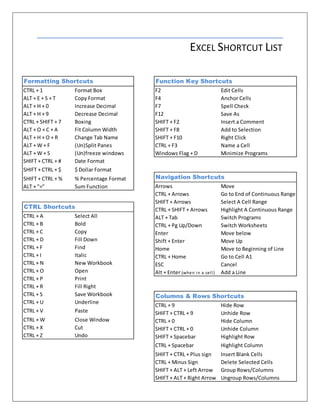
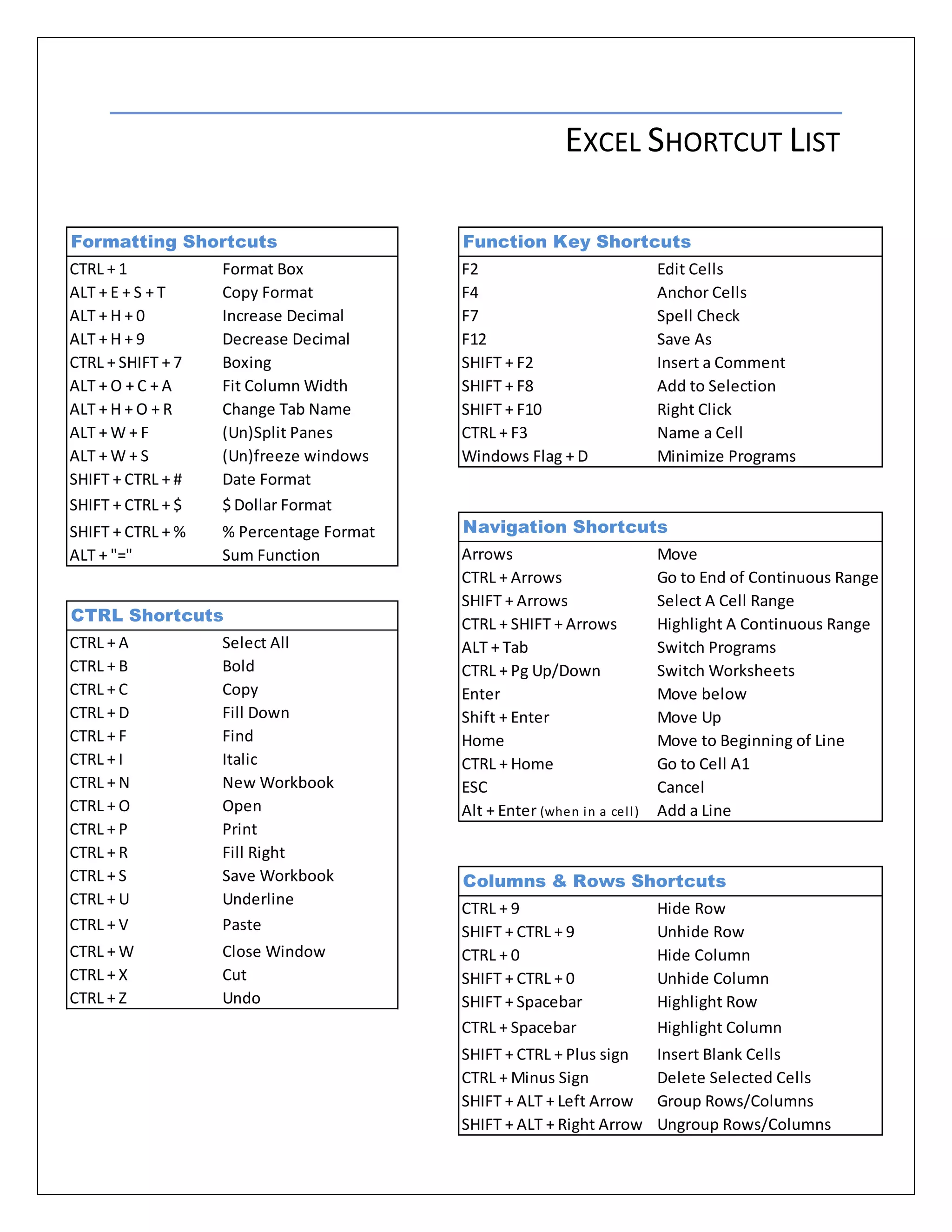
This document provides a list of keyboard shortcuts for Excel that help with navigating, selecting cells and ranges, formatting cells, and common editing tasks like copying, pasting, filling cells. Some key shortcuts include using Ctrl + arrows to select entire columns or rows, Ctrl + space to select entire columns, Shift + space for rows, and Alt + tab to switch between open programs. Function keys like F2, F7 and F12 perform actions like editing cells, spell checking, and saving files.