UNIT 2
CHAPTER 9
EVALUATION TECHNIQUES
Evaluation should not done in single phase
• Evaluation should not be thought of as a single phase in
the design process (still less as an activity tacked on the
end of the process if time permits).
• Ideally, evaluation should occur throughout the design
life cycle, with the results of the evaluation feeding back
into modifications to the design.
• Clearly, it is not usually possible to perform extensive
experimental testing continuously throughout the design,
but analytic and informal techniques can and should be
used.
Evaluation three goals
• To assess the extent and accessibility of the
system’s functionality.
• To assess users’ experience of the interaction.
• To identify any specific problems with the
system.
EVALUATION THROUGH EXPERT ANALYSIS
• We will consider four approaches to expert
analysis:
1. cognitive walkthrough
2. heuristic evaluation
3. the use of models
4. use of previous work.
Cognitive Walkthrough
Cognitive walkthrough was originally proposed and later revised
by Polson and colleagues as an attempt to introduce psychological
theory into the informal and subjective walkthrough technique.
– evaluates design on how well it supports user in learning task
– usually performed by expert in cognitive psychology
– expert ‘walks through’ design to identify potential problems
using psychological principles
– forms used to guide analysis
• the main focus of the cognitive walkthrough is to establish
how easy a system is to learn.
• More specifically, the focus is on learning through exploration.
To do a walkthrough,we need 4 things
• 1. A specification or prototype of the system. It doesn’t
have to be complete, but it should be fairly detailed.
Details such as the location and wording for a menu can
make a big difference.
• 2. A description of the task the user is to perform on
the system. This should be a representative task that most
users will want to do.
• 3. A complete, written list of the actions needed to
complete the task with the proposed system.
• 4. An indication of who the users are and what kind of
experience and knowledge the evaluators can assume about
them.
Cognitive Walkthrough (ctd)
• For each task walkthrough considers
– what impact will interaction have on user?
– what cognitive processes are required?
– what learning problems may occur?
• Analysis focuses on goals and knowledge: does the design
lead the user to generate the correct goals?
Heuristic Evaluation
• Proposed by Nielsen and Molich.
• usability criteria (heuristics) are identified
• design examined by experts to see if these are
violated
• Example heuristics
– system behaviour is predictable
– system behaviour is consistent
– feedback is provided
• Heuristic evaluation `debugs' design.
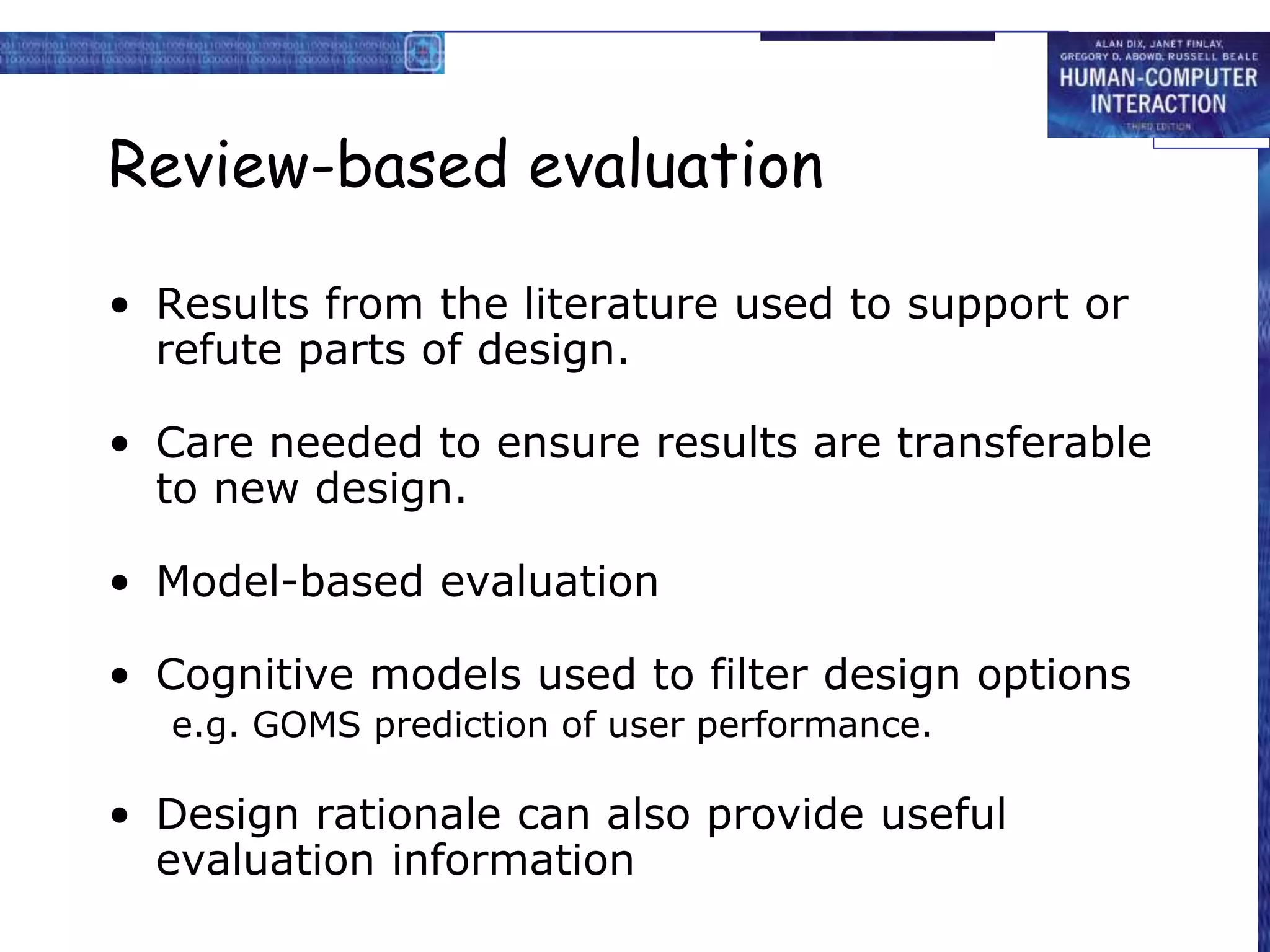
Review-based evaluation
• Results from the literature used to support or
refute parts of design.
• Care needed to ensure results are transferable
to new design.
• Model-based evaluation
• Cognitive models used to filter design options
e.g. GOMS prediction of user performance.
• Design rationale can also provide useful
evaluation information
Evaluating through user
Participation
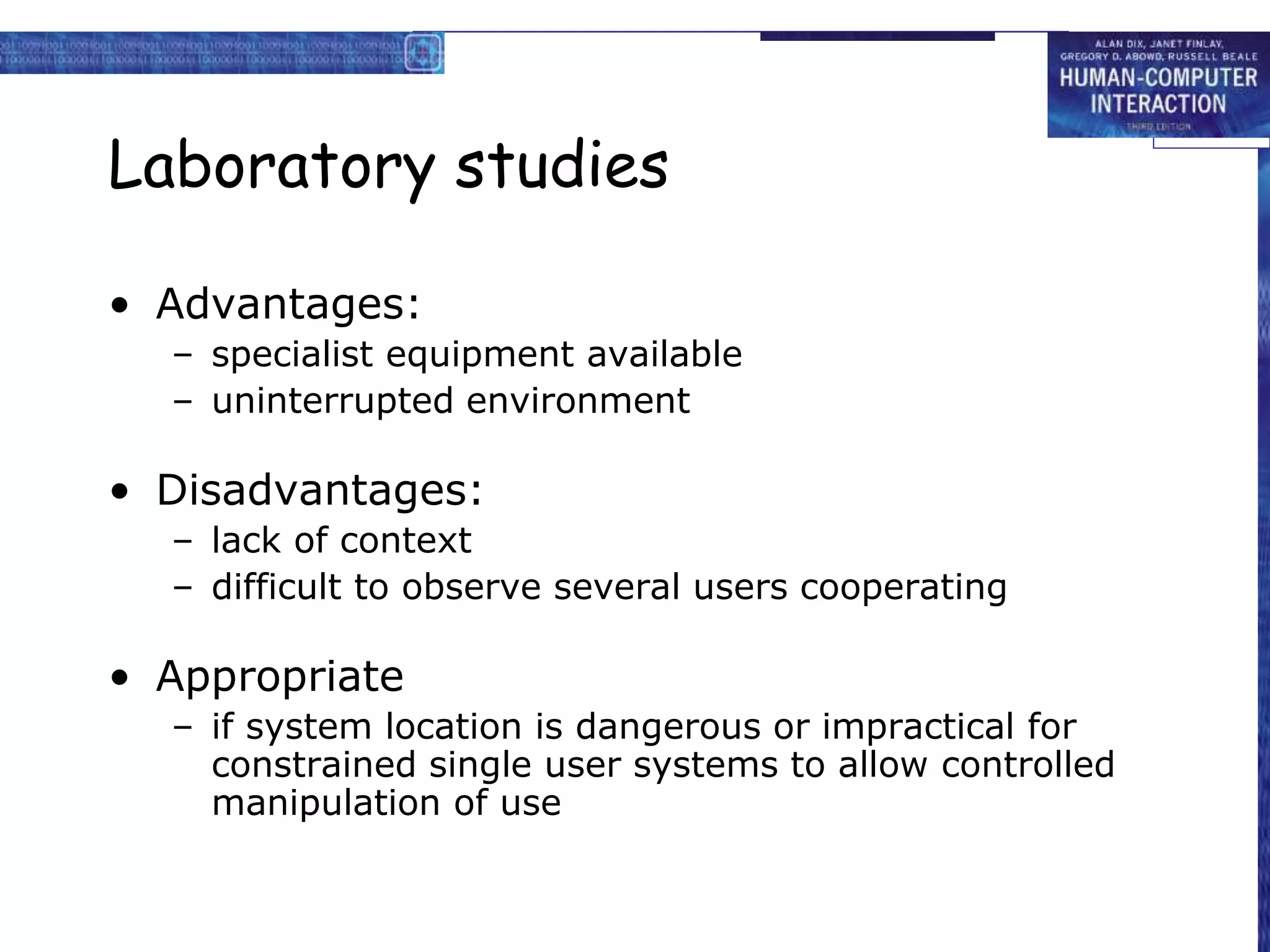
Laboratory studies
• Advantages:
– specialist equipment available
– uninterrupted environment
• Disadvantages:
– lack of context
– difficult to observe several users cooperating
• Appropriate
– if system location is dangerous or impractical for
constrained single user systems to allow controlled
manipulation of use
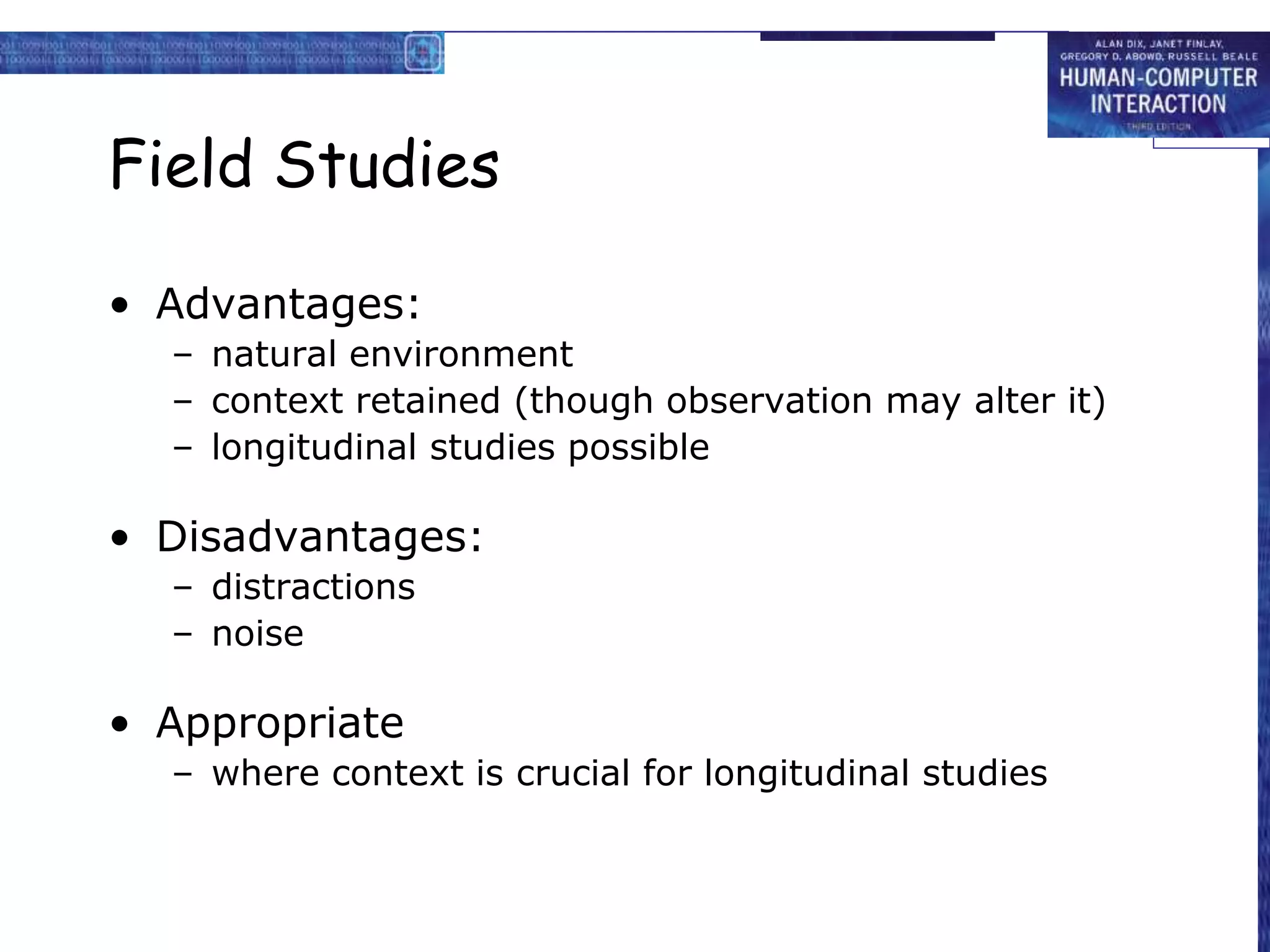
Field Studies
• Advantages:
– natural environment
– context retained (though observation may alter it)
– longitudinal studies possible
• Disadvantages:
– distractions
– noise
• Appropriate
– where context is crucial for longitudinal studies
Evaluating Implementations
Requires an artefact:
simulation, prototype,
full implementation
Experimental evaluation
• controlled evaluation of specific aspects of
interactive behaviour
• evaluator chooses hypothesis to be tested
• a number of experimental conditions are
considered which differ only in the value of
some controlled variable.
• changes in behavioural measure are attributed
to different conditions
Experimental factors
• Subjects
– who – representative, sufficient sample
• Variables
– things to modify and measure
• Hypothesis
– what you’d like to show
• Experimental design
– how you are going to do it
Variables
• independent variable (IV)
characteristic changed to produce different
conditions
e.g. interface style, number of menu items
• dependent variable (DV)
characteristics measured in the experiment
e.g. time taken, number of errors.
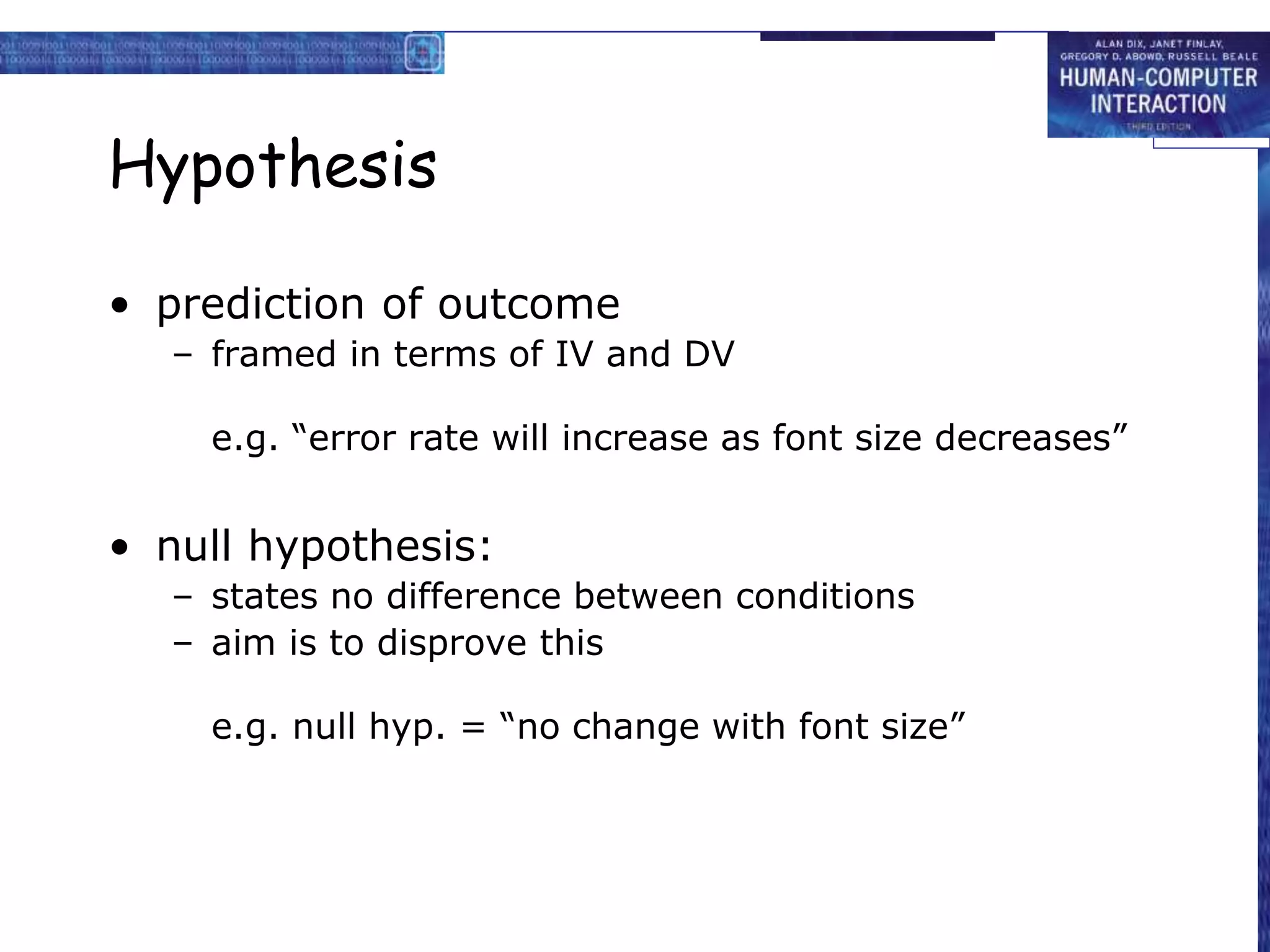
Hypothesis
• prediction of outcome
– framed in terms of IV and DV
e.g. “error rate will increase as font size decreases”
• null hypothesis:
– states no difference between conditions
– aim is to disprove this
e.g. null hyp. = “no change with font size”
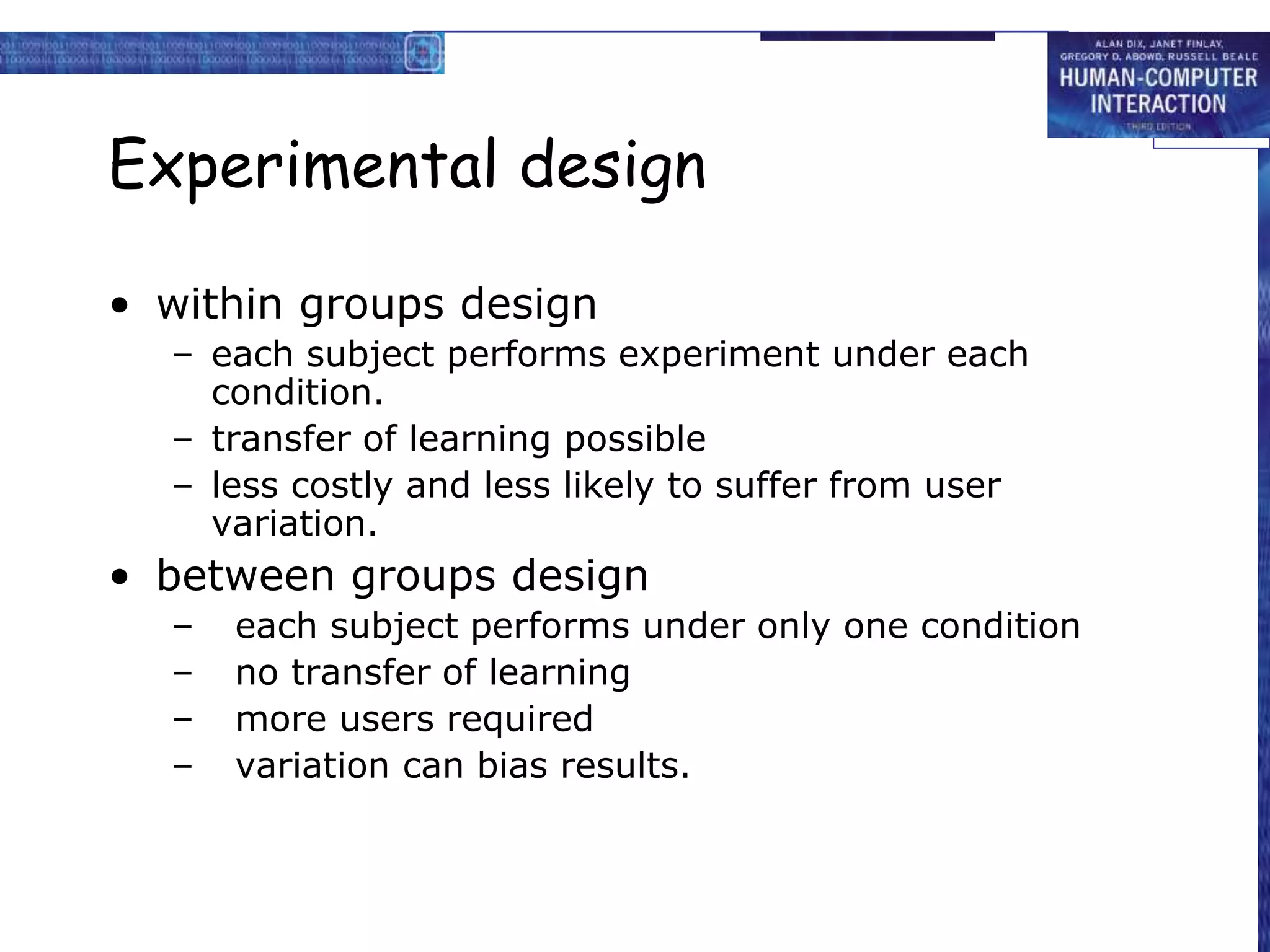
Experimental design
• within groups design
– each subject performs experiment under each
condition.
– transfer of learning possible
– less costly and less likely to suffer from user
variation.
• between groups design
– each subject performs under only one condition
– no transfer of learning
– more users required
– variation can bias results.
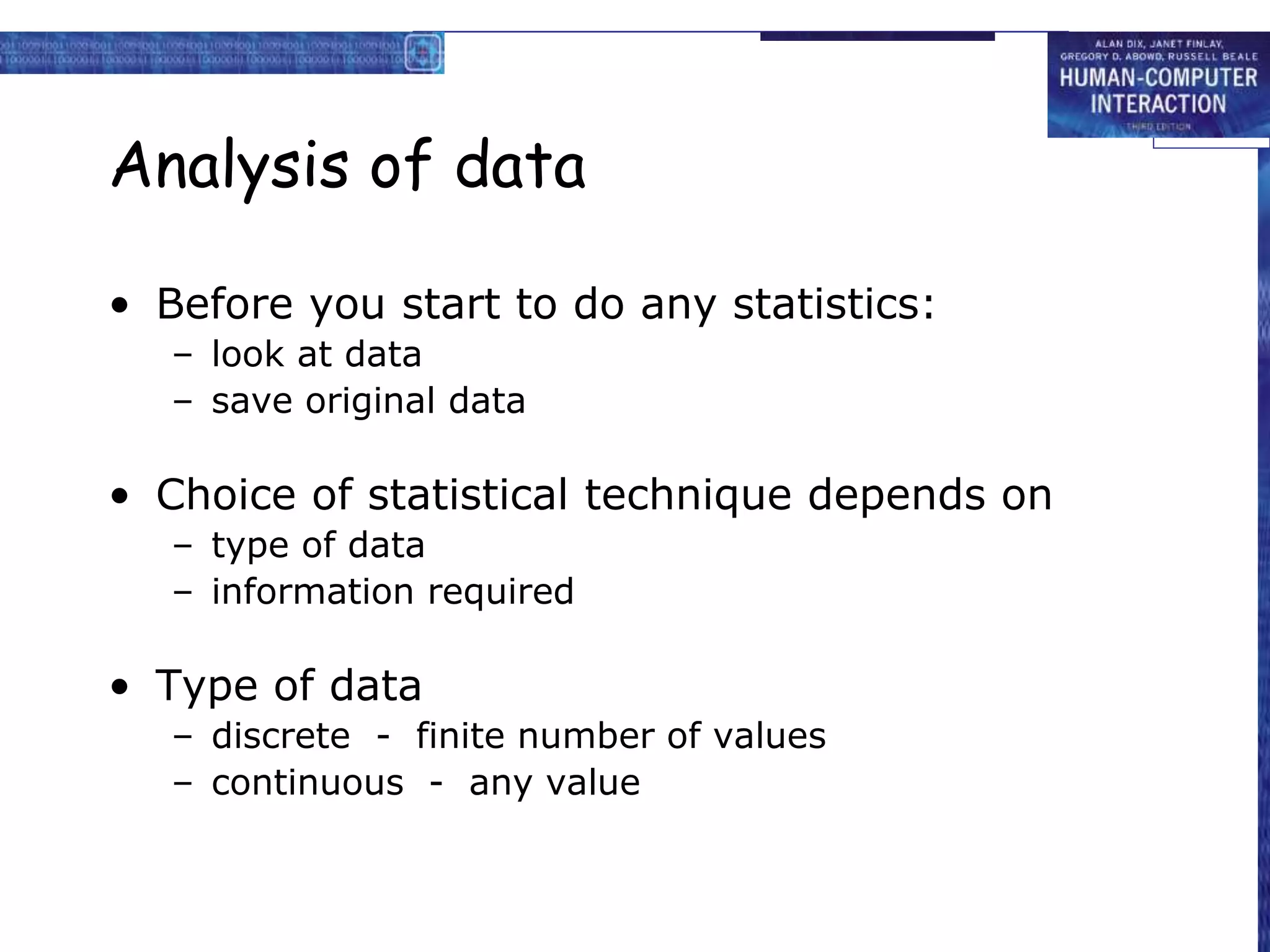
Analysis of data
• Before you start to do any statistics:
– look at data
– save original data
• Choice of statistical technique depends on
– type of data
– information required
• Type of data
– discrete - finite number of values
– continuous - any value
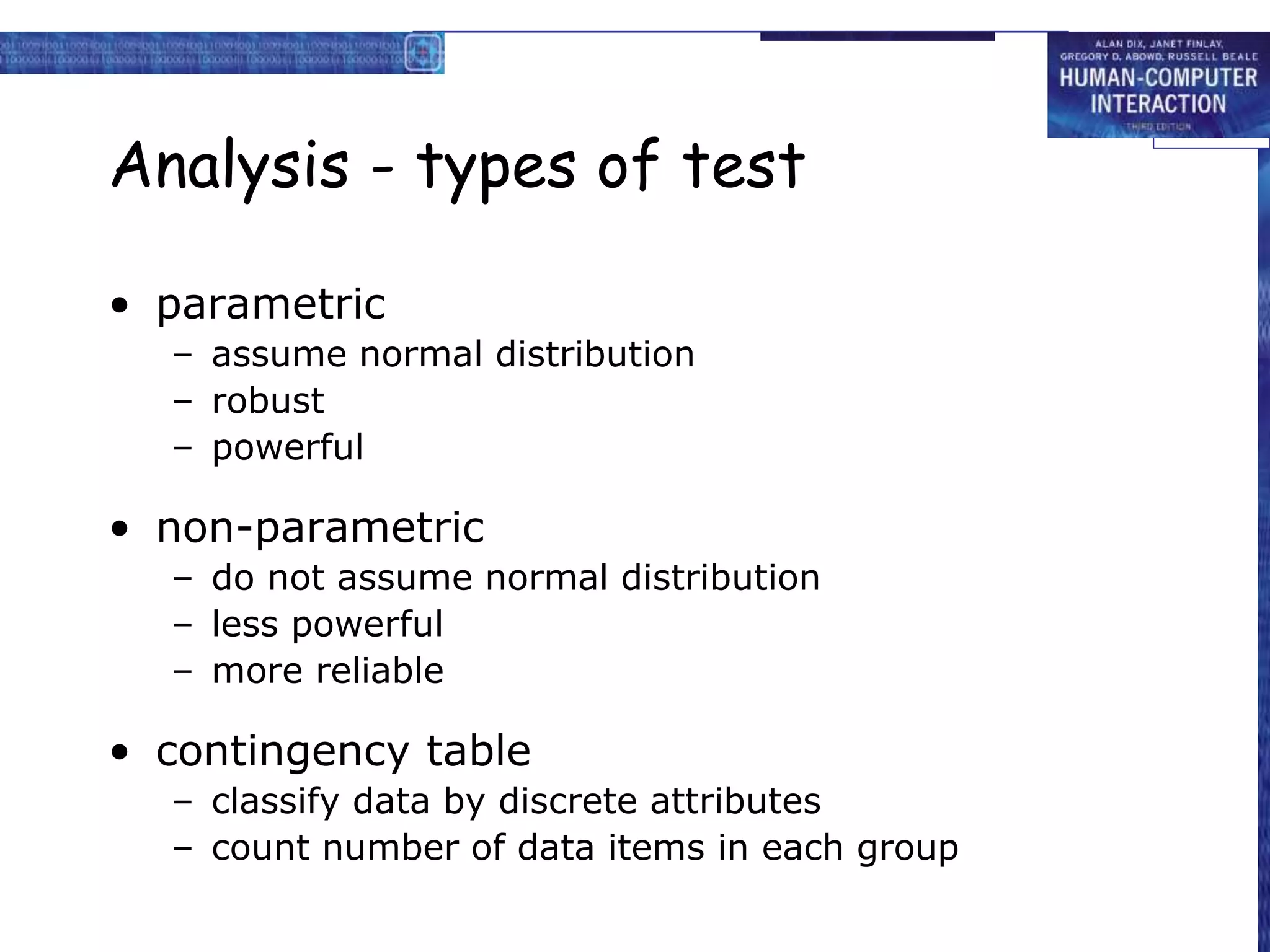
Analysis - types of test
• parametric
– assume normal distribution
– robust
– powerful
• non-parametric
– do not assume normal distribution
– less powerful
– more reliable
• contingency table
– classify data by discrete attributes
– count number of data items in each group
Analysis of data (cont.)
• What information is required?
– is there a difference?
– how big is the difference?
– how accurate is the estimate?
• Parametric and non-parametric tests
mainly address first of these
Experimental studies on groups
More difficult than single-user experiments
Problems with:
– subject groups
– choice of task
– data gathering
– analysis
Subject groups
larger number of subjects
 more expensive
longer time to `settle down’
… even more variation!
difficult to timetable
so … often only three or four groups
The task
must encourage cooperation
perhaps involve multiple channels
options:
– creative task e.g. ‘write a short report on …’
– decision games e.g. desert survival task
– control task e.g. ARKola bottling plant
Data gathering
several video cameras
+ direct logging of application
problems:
– synchronisation
– sheer volume!
one solution:
– record from each perspective
Analysis
N.B. vast variation between groups
solutions:
– within groups experiments
– micro-analysis (e.g., gaps in speech)
– anecdotal and qualitative analysis
look at interactions between group and media
controlled experiments may `waste' resources!
Field studies
Experiments dominated by group formation
Field studies more realistic:
distributed cognition  work studied in context
real action is situated action
physical and social environment both crucial
Contrast:
psychology – controlled experiment
sociology and anthropology – open study and rich data
Observational Methods
Think Aloud
Cooperative evaluation
Protocol analysis
Automated analysis
Post-task walkthroughs
Think Aloud
• user observed performing task
• user asked to describe what he is doing and
why, what he thinks is happening etc.
• Advantages
– simplicity - requires little expertise
– can provide useful insight
– can show how system is actually use
• Disadvantages
– subjective
– selective
– act of describing may alter task performance
Cooperative evaluation
• variation on think aloud
• user collaborates in evaluation
• both user and evaluator can ask each other
questions throughout
• Additional advantages
– less constrained and easier to use
– user is encouraged to criticize system
– clarification possible
Protocol analysis
• paper and pencil – cheap, limited to writing speed
• audio – good for think aloud, difficult to match with other
protocols
• video – accurate and realistic, needs special equipment,
obtrusive
• computer logging – automatic and unobtrusive, large
amounts of data difficult to analyze
• user notebooks – coarse and subjective, useful insights,
good for longitudinal studies
• Mixed use in practice.
• audio/video transcription difficult and requires skill.
• Some automatic support tools available
automated analysis – EVA
• Workplace project
• Post task walkthrough
– user reacts on action after the event
– used to fill in intention
• Advantages
– analyst has time to focus on relevant incidents
– avoid excessive interruption of task
• Disadvantages
– lack of freshness
– may be post-hoc interpretation of events
post-task walkthroughs
• transcript played back to participant for
comment
– immediately  fresh in mind
– delayed  evaluator has time to identify
questions
• useful to identify reasons for actions
and alternatives considered
• necessary in cases where think aloud is
not possible
Query Techniques
Interviews
Questionnaires
Interviews
• analyst questions user on one-to -one basis
usually based on prepared questions
• informal, subjective and relatively cheap
• Advantages
– can be varied to suit context
– issues can be explored more fully
– can elicit user views and identify unanticipated
problems
• Disadvantages
– very subjective
– time consuming
Questionnaires
• Set of fixed questions given to users
• Advantages
– quick and reaches large user group
– can be analyzed more rigorously
• Disadvantages
– less flexible
– less probing
Questionnaires (ctd)
• Need careful design
– what information is required?
– how are answers to be analyzed?
• Styles of question
– general
– open-ended
– scalar
– multi-choice
– ranked
Physiological methods
Eye tracking
Physiological measurement
eye tracking
• head or desk mounted equipment tracks the
position of the eye
• eye movement reflects the amount of
cognitive processing a display requires
• measurements include
– fixations: eye maintains stable position. Number and
duration indicate level of difficulty with display
– saccades: rapid eye movement from one point of
interest to another
– scan paths: moving straight to a target with a short
fixation at the target is optimal
physiological measurements
• emotional response linked to physical changes
• these may help determine a user’s reaction to
an interface
• measurements include:
– heart activity, including blood pressure, volume and pulse.
– activity of sweat glands: Galvanic Skin Response (GSR)
– electrical activity in muscle: electromyogram (EMG)
– electrical activity in brain: electroencephalogram (EEG)
• some difficulty in interpreting these
physiological responses - more research
needed
Choosing an Evaluation Method
when in process: design vs. implementation
style of evaluation: laboratory vs. field
how objective: subjective vs. objective
type of measures: qualitative vs. quantitative
level of information: high level vs. low level
level of interference: obtrusive vs. unobtrusive
resources available: time, subjects,
equipment, expertise

evaluation technique uni 2

  • 1.
  • 2.
  • 3.
    Evaluation should notdone in single phase • Evaluation should not be thought of as a single phase in the design process (still less as an activity tacked on the end of the process if time permits). • Ideally, evaluation should occur throughout the design life cycle, with the results of the evaluation feeding back into modifications to the design. • Clearly, it is not usually possible to perform extensive experimental testing continuously throughout the design, but analytic and informal techniques can and should be used.
  • 4.
    Evaluation three goals •To assess the extent and accessibility of the system’s functionality. • To assess users’ experience of the interaction. • To identify any specific problems with the system.
  • 5.
    EVALUATION THROUGH EXPERTANALYSIS • We will consider four approaches to expert analysis: 1. cognitive walkthrough 2. heuristic evaluation 3. the use of models 4. use of previous work.
  • 6.
    Cognitive Walkthrough Cognitive walkthroughwas originally proposed and later revised by Polson and colleagues as an attempt to introduce psychological theory into the informal and subjective walkthrough technique. – evaluates design on how well it supports user in learning task – usually performed by expert in cognitive psychology – expert ‘walks through’ design to identify potential problems using psychological principles – forms used to guide analysis • the main focus of the cognitive walkthrough is to establish how easy a system is to learn. • More specifically, the focus is on learning through exploration.
  • 7.
    To do awalkthrough,we need 4 things • 1. A specification or prototype of the system. It doesn’t have to be complete, but it should be fairly detailed. Details such as the location and wording for a menu can make a big difference. • 2. A description of the task the user is to perform on the system. This should be a representative task that most users will want to do. • 3. A complete, written list of the actions needed to complete the task with the proposed system. • 4. An indication of who the users are and what kind of experience and knowledge the evaluators can assume about them.
  • 8.
    Cognitive Walkthrough (ctd) •For each task walkthrough considers – what impact will interaction have on user? – what cognitive processes are required? – what learning problems may occur? • Analysis focuses on goals and knowledge: does the design lead the user to generate the correct goals?
  • 9.
    Heuristic Evaluation • Proposedby Nielsen and Molich. • usability criteria (heuristics) are identified • design examined by experts to see if these are violated • Example heuristics – system behaviour is predictable – system behaviour is consistent – feedback is provided • Heuristic evaluation `debugs' design.
  • 10.
    Review-based evaluation • Resultsfrom the literature used to support or refute parts of design. • Care needed to ensure results are transferable to new design. • Model-based evaluation • Cognitive models used to filter design options e.g. GOMS prediction of user performance. • Design rationale can also provide useful evaluation information
  • 11.
  • 12.
    Laboratory studies • Advantages: –specialist equipment available – uninterrupted environment • Disadvantages: – lack of context – difficult to observe several users cooperating • Appropriate – if system location is dangerous or impractical for constrained single user systems to allow controlled manipulation of use
  • 13.
    Field Studies • Advantages: –natural environment – context retained (though observation may alter it) – longitudinal studies possible • Disadvantages: – distractions – noise • Appropriate – where context is crucial for longitudinal studies
  • 14.
    Evaluating Implementations Requires anartefact: simulation, prototype, full implementation
  • 15.
    Experimental evaluation • controlledevaluation of specific aspects of interactive behaviour • evaluator chooses hypothesis to be tested • a number of experimental conditions are considered which differ only in the value of some controlled variable. • changes in behavioural measure are attributed to different conditions
  • 16.
    Experimental factors • Subjects –who – representative, sufficient sample • Variables – things to modify and measure • Hypothesis – what you’d like to show • Experimental design – how you are going to do it
  • 17.
    Variables • independent variable(IV) characteristic changed to produce different conditions e.g. interface style, number of menu items • dependent variable (DV) characteristics measured in the experiment e.g. time taken, number of errors.
  • 18.
    Hypothesis • prediction ofoutcome – framed in terms of IV and DV e.g. “error rate will increase as font size decreases” • null hypothesis: – states no difference between conditions – aim is to disprove this e.g. null hyp. = “no change with font size”
  • 19.
    Experimental design • withingroups design – each subject performs experiment under each condition. – transfer of learning possible – less costly and less likely to suffer from user variation. • between groups design – each subject performs under only one condition – no transfer of learning – more users required – variation can bias results.
  • 20.
    Analysis of data •Before you start to do any statistics: – look at data – save original data • Choice of statistical technique depends on – type of data – information required • Type of data – discrete - finite number of values – continuous - any value
  • 21.
    Analysis - typesof test • parametric – assume normal distribution – robust – powerful • non-parametric – do not assume normal distribution – less powerful – more reliable • contingency table – classify data by discrete attributes – count number of data items in each group
  • 22.
    Analysis of data(cont.) • What information is required? – is there a difference? – how big is the difference? – how accurate is the estimate? • Parametric and non-parametric tests mainly address first of these
  • 23.
    Experimental studies ongroups More difficult than single-user experiments Problems with: – subject groups – choice of task – data gathering – analysis
  • 24.
    Subject groups larger numberof subjects  more expensive longer time to `settle down’ … even more variation! difficult to timetable so … often only three or four groups
  • 25.
    The task must encouragecooperation perhaps involve multiple channels options: – creative task e.g. ‘write a short report on …’ – decision games e.g. desert survival task – control task e.g. ARKola bottling plant
  • 26.
    Data gathering several videocameras + direct logging of application problems: – synchronisation – sheer volume! one solution: – record from each perspective
  • 27.
    Analysis N.B. vast variationbetween groups solutions: – within groups experiments – micro-analysis (e.g., gaps in speech) – anecdotal and qualitative analysis look at interactions between group and media controlled experiments may `waste' resources!
  • 28.
    Field studies Experiments dominatedby group formation Field studies more realistic: distributed cognition  work studied in context real action is situated action physical and social environment both crucial Contrast: psychology – controlled experiment sociology and anthropology – open study and rich data
  • 29.
    Observational Methods Think Aloud Cooperativeevaluation Protocol analysis Automated analysis Post-task walkthroughs
  • 30.
    Think Aloud • userobserved performing task • user asked to describe what he is doing and why, what he thinks is happening etc. • Advantages – simplicity - requires little expertise – can provide useful insight – can show how system is actually use • Disadvantages – subjective – selective – act of describing may alter task performance
  • 31.
    Cooperative evaluation • variationon think aloud • user collaborates in evaluation • both user and evaluator can ask each other questions throughout • Additional advantages – less constrained and easier to use – user is encouraged to criticize system – clarification possible
  • 32.
    Protocol analysis • paperand pencil – cheap, limited to writing speed • audio – good for think aloud, difficult to match with other protocols • video – accurate and realistic, needs special equipment, obtrusive • computer logging – automatic and unobtrusive, large amounts of data difficult to analyze • user notebooks – coarse and subjective, useful insights, good for longitudinal studies • Mixed use in practice. • audio/video transcription difficult and requires skill. • Some automatic support tools available
  • 33.
    automated analysis –EVA • Workplace project • Post task walkthrough – user reacts on action after the event – used to fill in intention • Advantages – analyst has time to focus on relevant incidents – avoid excessive interruption of task • Disadvantages – lack of freshness – may be post-hoc interpretation of events
  • 34.
    post-task walkthroughs • transcriptplayed back to participant for comment – immediately  fresh in mind – delayed  evaluator has time to identify questions • useful to identify reasons for actions and alternatives considered • necessary in cases where think aloud is not possible
  • 35.
  • 36.
    Interviews • analyst questionsuser on one-to -one basis usually based on prepared questions • informal, subjective and relatively cheap • Advantages – can be varied to suit context – issues can be explored more fully – can elicit user views and identify unanticipated problems • Disadvantages – very subjective – time consuming
  • 37.
    Questionnaires • Set offixed questions given to users • Advantages – quick and reaches large user group – can be analyzed more rigorously • Disadvantages – less flexible – less probing
  • 38.
    Questionnaires (ctd) • Needcareful design – what information is required? – how are answers to be analyzed? • Styles of question – general – open-ended – scalar – multi-choice – ranked
  • 39.
  • 40.
    eye tracking • heador desk mounted equipment tracks the position of the eye • eye movement reflects the amount of cognitive processing a display requires • measurements include – fixations: eye maintains stable position. Number and duration indicate level of difficulty with display – saccades: rapid eye movement from one point of interest to another – scan paths: moving straight to a target with a short fixation at the target is optimal
  • 41.
    physiological measurements • emotionalresponse linked to physical changes • these may help determine a user’s reaction to an interface • measurements include: – heart activity, including blood pressure, volume and pulse. – activity of sweat glands: Galvanic Skin Response (GSR) – electrical activity in muscle: electromyogram (EMG) – electrical activity in brain: electroencephalogram (EEG) • some difficulty in interpreting these physiological responses - more research needed
  • 42.
    Choosing an EvaluationMethod when in process: design vs. implementation style of evaluation: laboratory vs. field how objective: subjective vs. objective type of measures: qualitative vs. quantitative level of information: high level vs. low level level of interference: obtrusive vs. unobtrusive resources available: time, subjects, equipment, expertise