Evaluation Question 4
How did you use media technologies in the
construction, research, planning and
evaluation stages?
Google’s Blogger
I used Blogger to present
my work. I used it for my
AS coursework project as
well, so I knew how to
work with it.
I enjoy using Blogger as I
think it presents my work
well and allows you to
insert many different media
programs to present your
work within it.
Internet (Google)
I used Google a lot
throughout my A2
coursework. I used it to
research other media
products to give me
inspiration for my own. It
also helped me research
the film distribution and
exhibition aspects of the
course.
Prezi
I used Prezi to present a lot
of my research for this
project.
I think it is a good way to
present work as it makes it
interesting to go through and
read instead of reading a
huge block of writing which
can become quite daunting.
At first, I found Prezi difficult
to use but after a while I
managed to get the hang of it
and now use it all the time to
present my work.
Slideshare
I have used Slideshare to
present most of my
evaluation questions,
including this one. I think it
presents my work in a
professional way and makes
it more interesting to read
and look at.
It is really simple to upload
Powerpoint presentations
onto which is helpful.
Filming / Camera
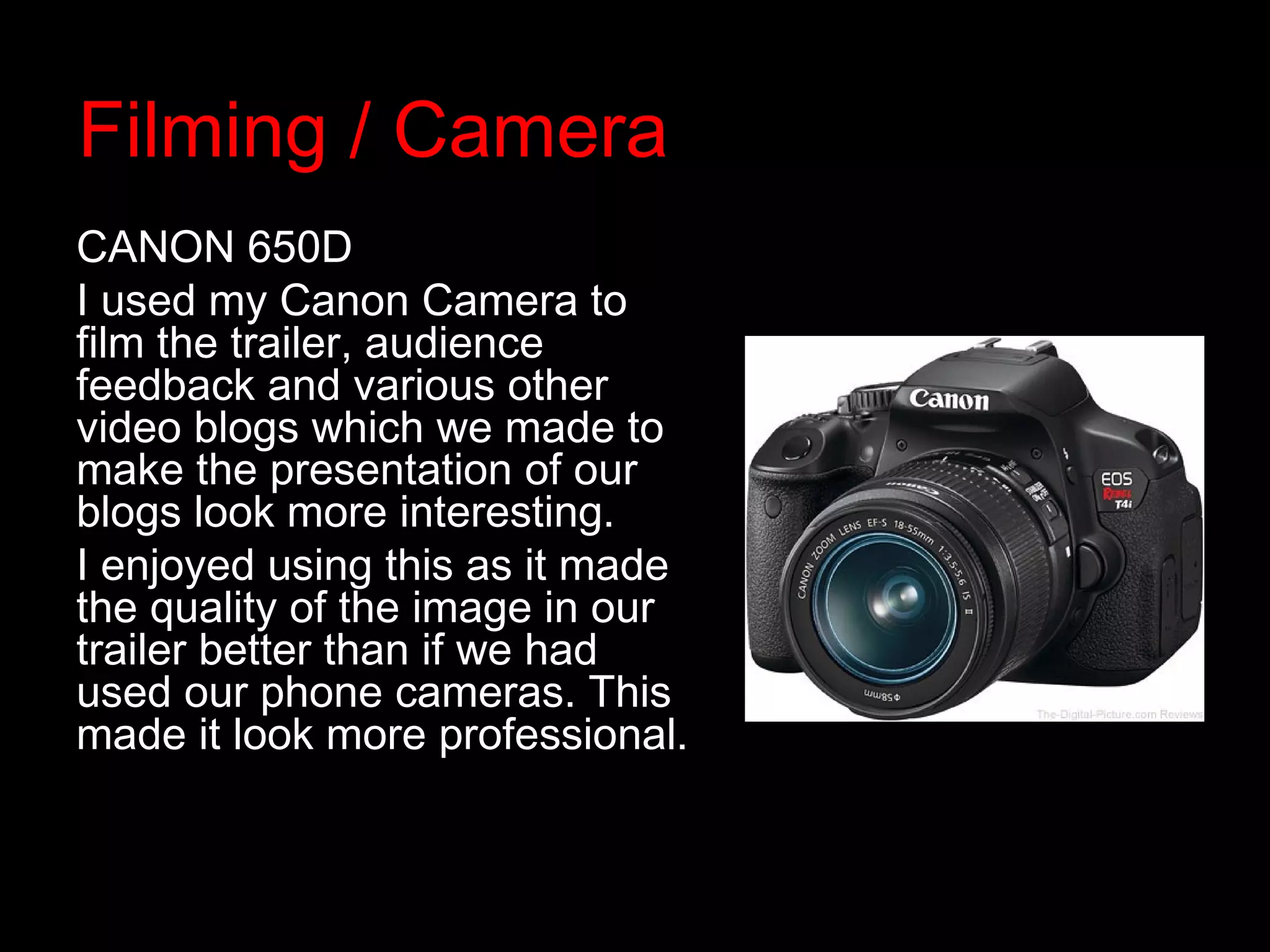
CANON 650D
I used my Canon Camera to
film the trailer, audience
feedback and various other
video blogs which we made to
make the presentation of our
blogs look more interesting.
I enjoyed using this as it made
the quality of the image in our
trailer better than if we had
used our phone cameras. This
made it look more professional.
Final Cut Pro
We used Final Cut Pro to
create and edit our film trailer
and audience feedback clips.
This is a good software to use
as it has everything on it
which was needed, including;
sound effects and title pages.
At first I found this quite
difficult and confusing to use
but as we began editing our
trailer more often I gradually
got the hang of it.
ITunes
We used Itunes to find
and upload the tracks of
music for our trailer. This
was very simple to use
as we downloaded the
music track which we
could then easily find on
Final Cut Pro to put into
our trailer.
BeFunky.co.uk
BeFunky is a photo editing
website which I used to edit
my photos for my magazine
cover and film poster. This
includes many different
effects and filters which are
easy to add onto your
image. I enjoy using this
website as I have used it
for quite a long time so I
find it very simple to use.
Serif Page Plus
I used Serif Page Plus to
create my mock ups, and
my final magazine cover
and poster. I find this very
easy to use as I used it
for my AS coursework as
well. It includes
everything I need to
design my final products
on it.

Evaluation question 4

  • 1.
    Evaluation Question 4 Howdid you use media technologies in the construction, research, planning and evaluation stages?
  • 2.
    Google’s Blogger I usedBlogger to present my work. I used it for my AS coursework project as well, so I knew how to work with it. I enjoy using Blogger as I think it presents my work well and allows you to insert many different media programs to present your work within it.
  • 3.
    Internet (Google) I usedGoogle a lot throughout my A2 coursework. I used it to research other media products to give me inspiration for my own. It also helped me research the film distribution and exhibition aspects of the course.
  • 4.
    Prezi I used Prezito present a lot of my research for this project. I think it is a good way to present work as it makes it interesting to go through and read instead of reading a huge block of writing which can become quite daunting. At first, I found Prezi difficult to use but after a while I managed to get the hang of it and now use it all the time to present my work.
  • 5.
    Slideshare I have usedSlideshare to present most of my evaluation questions, including this one. I think it presents my work in a professional way and makes it more interesting to read and look at. It is really simple to upload Powerpoint presentations onto which is helpful.
  • 6.
    Filming / Camera CANON650D I used my Canon Camera to film the trailer, audience feedback and various other video blogs which we made to make the presentation of our blogs look more interesting. I enjoyed using this as it made the quality of the image in our trailer better than if we had used our phone cameras. This made it look more professional.
  • 7.
    Final Cut Pro Weused Final Cut Pro to create and edit our film trailer and audience feedback clips. This is a good software to use as it has everything on it which was needed, including; sound effects and title pages. At first I found this quite difficult and confusing to use but as we began editing our trailer more often I gradually got the hang of it.
  • 8.
    ITunes We used Itunesto find and upload the tracks of music for our trailer. This was very simple to use as we downloaded the music track which we could then easily find on Final Cut Pro to put into our trailer.
  • 9.
    BeFunky.co.uk BeFunky is aphoto editing website which I used to edit my photos for my magazine cover and film poster. This includes many different effects and filters which are easy to add onto your image. I enjoy using this website as I have used it for quite a long time so I find it very simple to use.
  • 10.
    Serif Page Plus Iused Serif Page Plus to create my mock ups, and my final magazine cover and poster. I find this very easy to use as I used it for my AS coursework as well. It includes everything I need to design my final products on it.