Evaluating and Selecting Fundraising
                          Software

                     Cheryl J Weissman
                          October 25, 2011


A Service
   Of:                             Sponsored by:
Protecting and Preserving the   www.cjwconsulting.com
  Institutional Memories of
  Nonprofits Since 1993                   (866) 598-0430
                                  info@cjwconsulting.com


A Service
   Of:                                                     Sponsored by:
Affordable collaborative data
             management in the cloud.

A Service
   Of:                     Sponsored by:
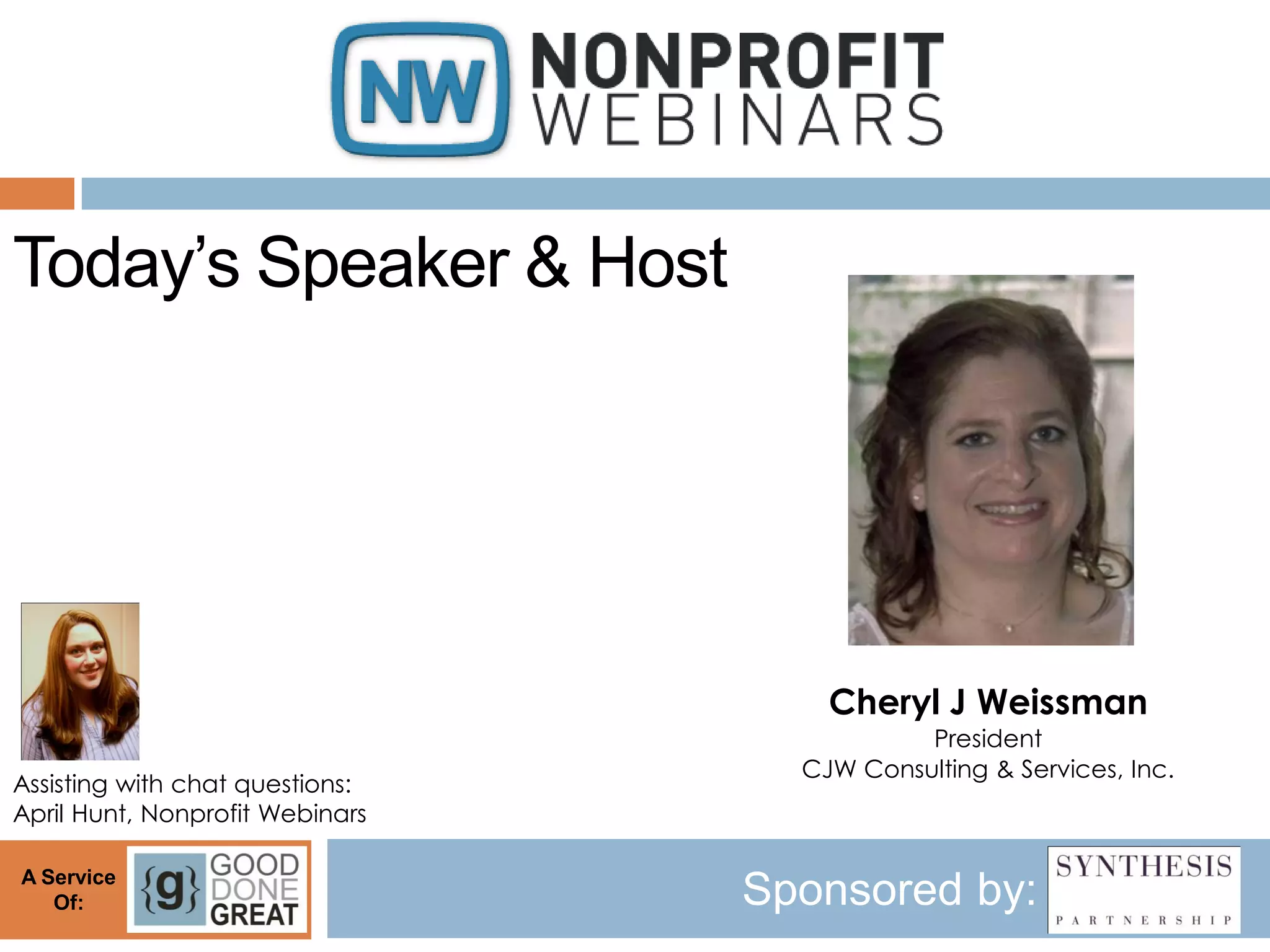
Today’s Speaker & Host


                                     Cheryl J Weissman
                                            President
                                   CJW Consulting & Services, Inc.
Assisting with chat questions:
April Hunt, Nonprofit Webinars

A Service
   Of:                           Sponsored by:
Evaluating and Selecting Fundraising
             Software
       Decide before you decide


             Presented by


         8331 Central Avenue
        Morton Grove, IL 60053
             800/977-6377
        www.cjwconsulting.com
Institutional Memory
Our work is about memory: We help organizations create,
maintain and use data as institutional memory.

Elie Wiesel said, “Forgetting means the end of civilization, the
end of culture, the end of generosity, the end of compassion, the
end of humanity.”

Nonprofits work to protect and preserve culture, compassion,
humanity. Nonprofits rely on generosity.

                       We cannot forget.
Decide what you need
   Think big picture first, then get to the
    details
       Annual Goals – financial and otherwise
       Fundraising revenue streams
       Allocation of fundraised income
Decide what you need
   Think about your output
       Solicitations
       Board reports
       Solicitor activity reports
       Moves management tracking
       Phonathon forms
       Pledge reminders
       Email contact
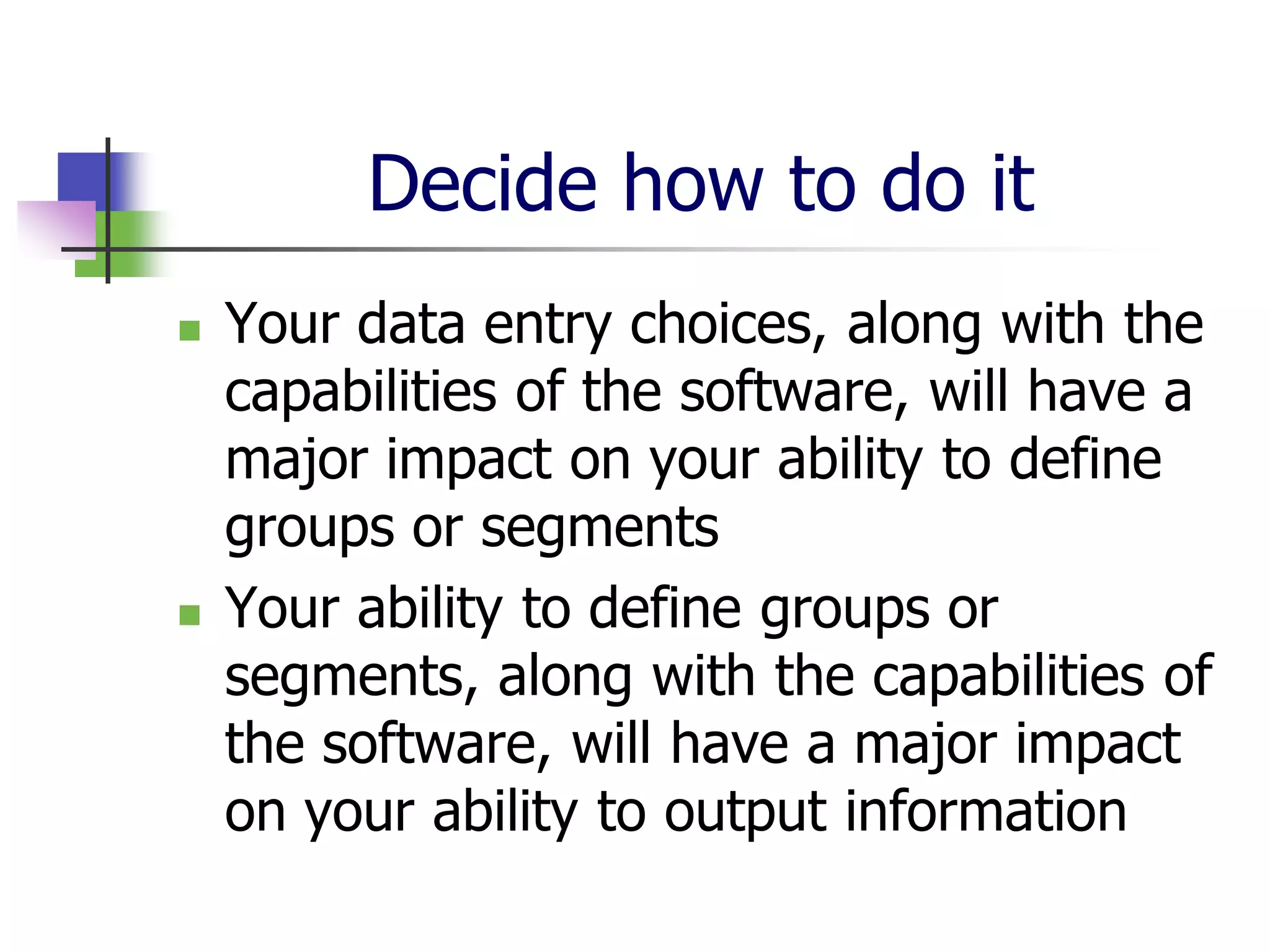
Decide how to do it
   Your data entry choices, along with the
    capabilities of the software, will have a
    major impact on your ability to define
    groups or segments
   Your ability to define groups or
    segments, along with the capabilities of
    the software, will have a major impact
    on your ability to output information
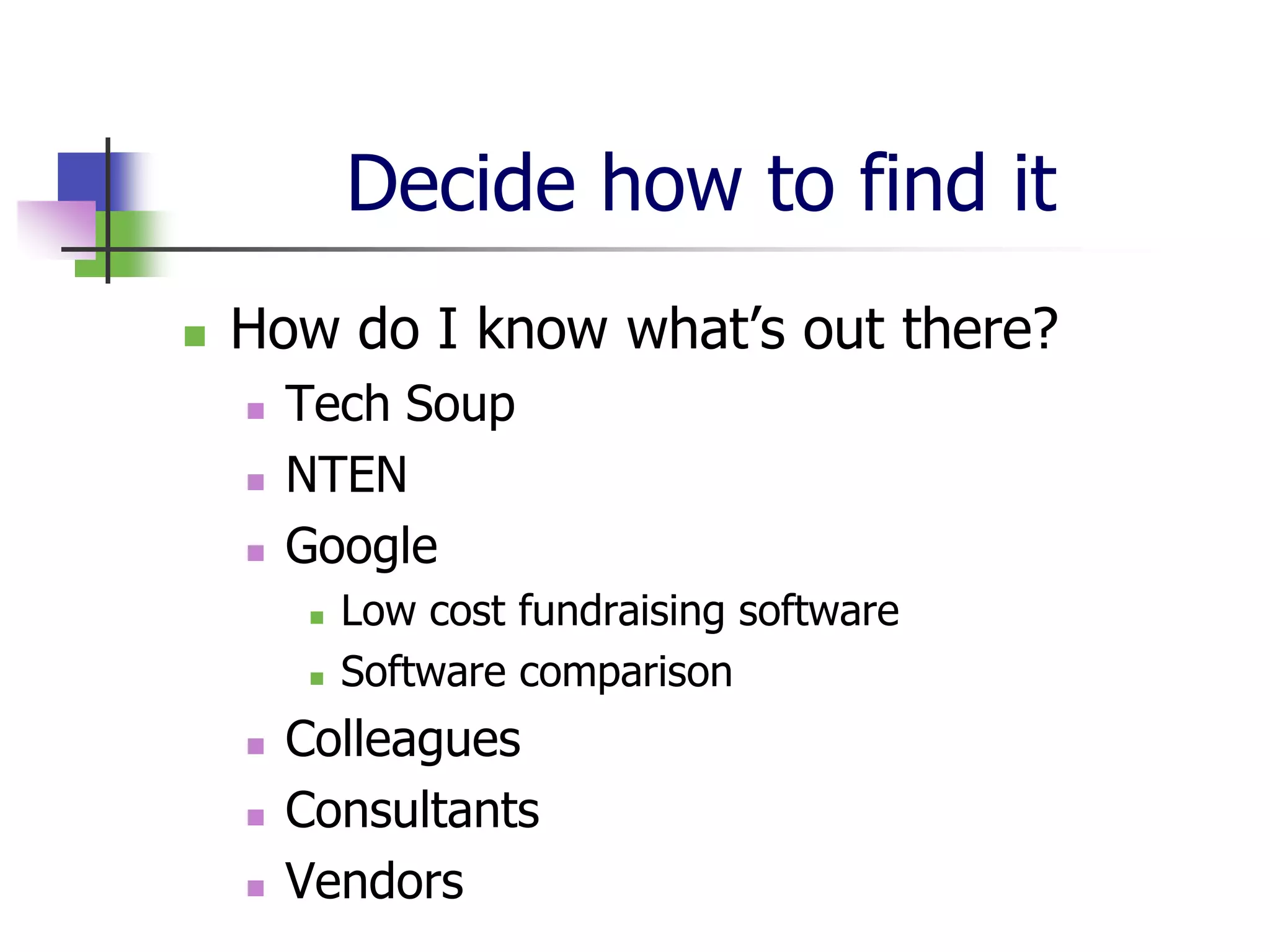
Decide how to find it
   How do I know what’s out there?
       Tech Soup
       NTEN
       Google
            Low cost fundraising software
            Software comparison
       Colleagues
       Consultants
       Vendors
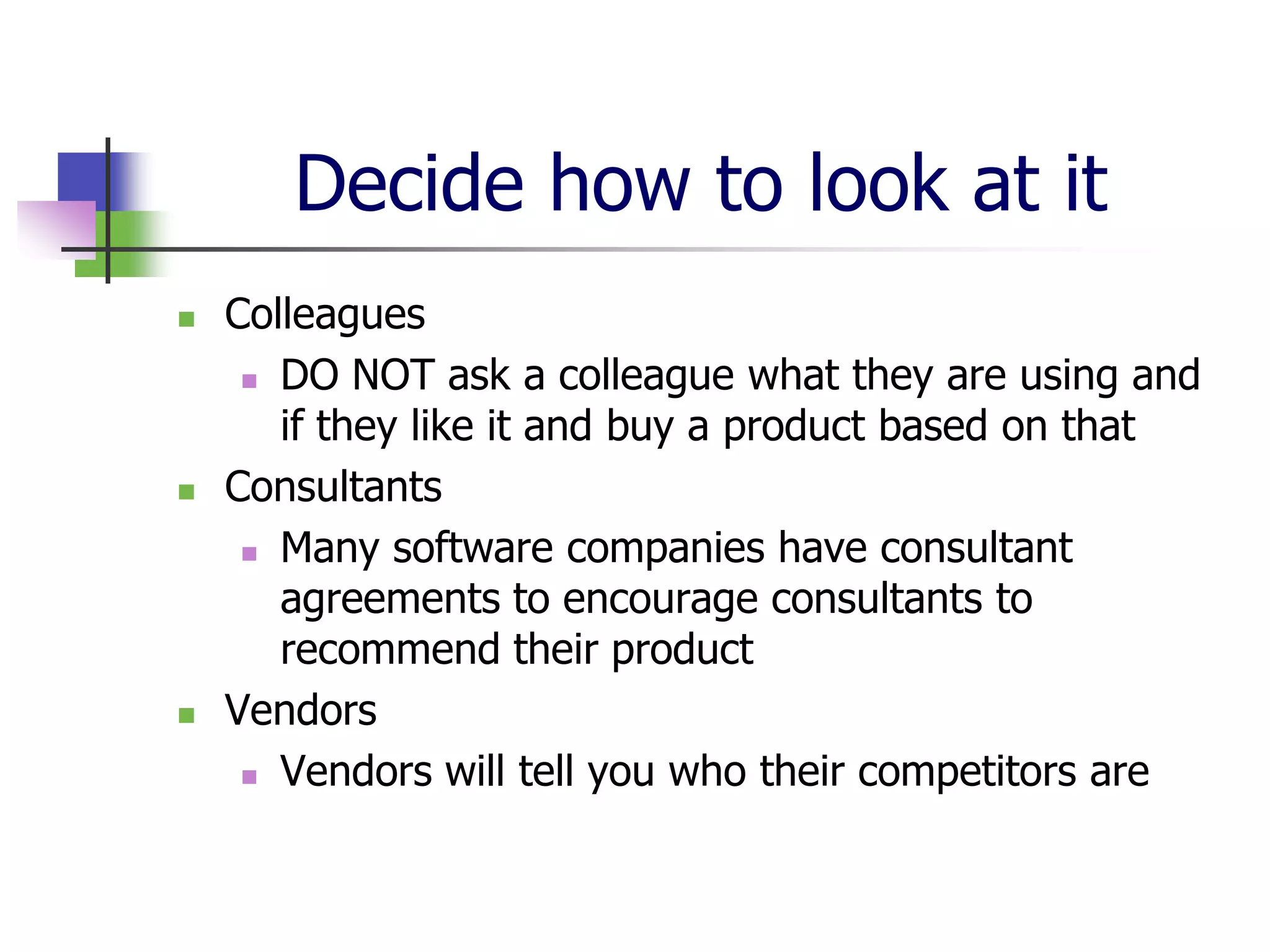
Decide how to look at it
   Colleagues
      DO NOT ask a colleague what they are using and

       if they like it and buy a product based on that
   Consultants
      Many software companies have consultant

       agreements to encourage consultants to
       recommend their product
   Vendors
      Vendors will tell you who their competitors are
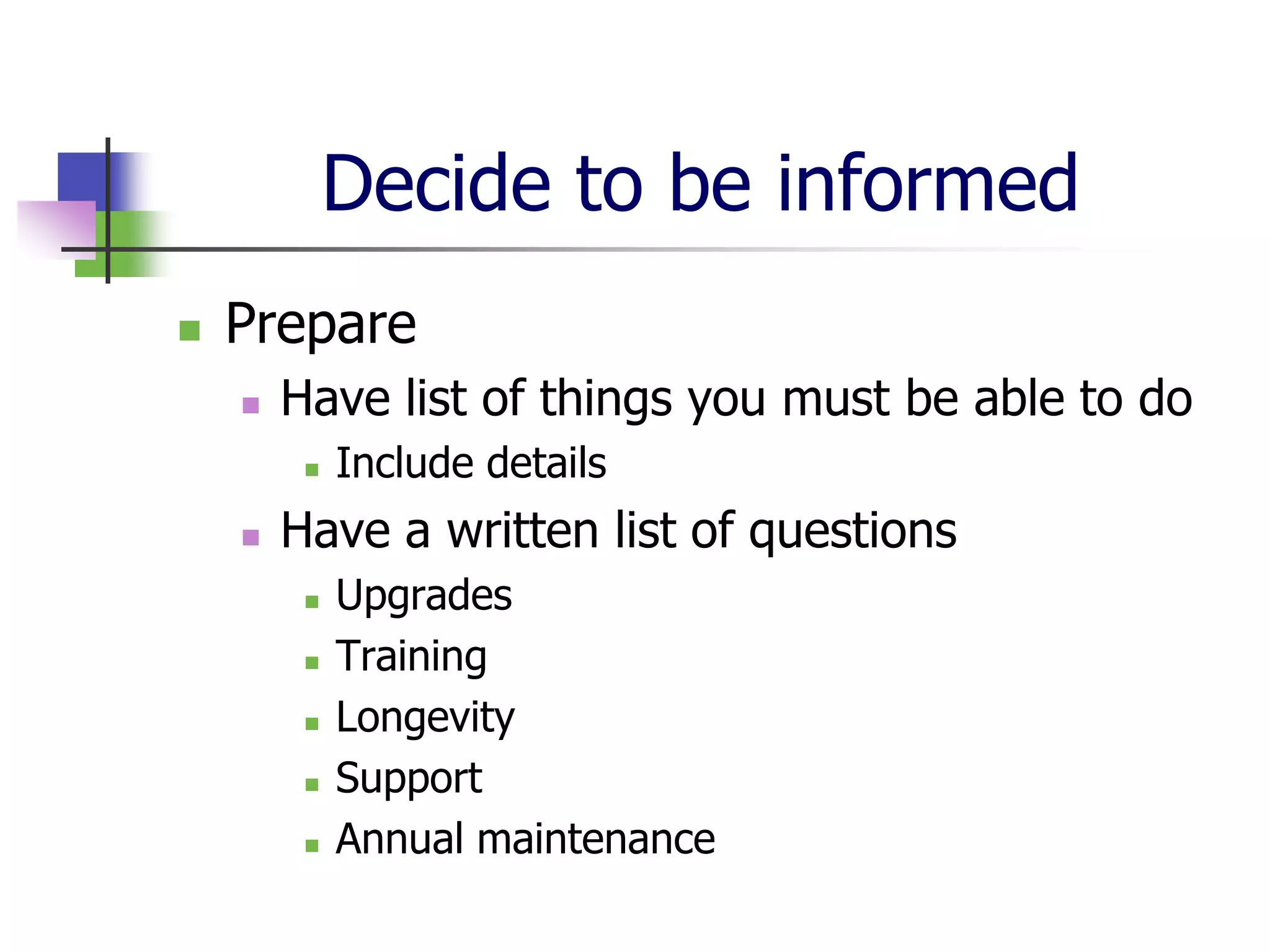
Decide to be informed
   Prepare
       Have list of things you must be able to do
            Include details
       Have a written list of questions
            Upgrades
            Training
            Longevity
            Support
            Annual maintenance
Decide to be proactive
   Prepare
       Have a written list of questions
            Conversion
            Timeframe
            Number of users
            References
            Biggest competitor
Decide to push the envelope
   The Demo
       Most vendors will offer a short demo
        highlighting the things they want you to
        see
       Come armed with specific questions about
        features you know you need
       Ask vendors to show you how you can do
        what you need with their solution
Decide to learn more
   References
       If local, see if you can visit and see the
        product in action
       Ask about the down side to their product
       Ask what else they considered and why
        they made the choice they did
       Ask what they switched from and if they
        converted, ask about the conversion
Decide to be aware
   The Proposal
       Be sure that optional
        services/features/modules are clearly
        designated as options
       Ask vendor to guarantee that there are no
        hidden costs
       Ask for a separate document detailing
        ongoing costs/pricing structures
Decide to change
   What do I need to consider about
    hardware?
       Don’t consider it at all until your software
        selection is made
       Always get more than you think you need
       Build budget for ongoing upgrades
Decide to be prepared
   What else do I need to think about?
       Staff time needed
            Who will be involved in conversion
            Training
                 Where is the training
                 In what format is the training
       Project timeline
       Recreation of output
Decide to be prepared
   Costs (known and hidden)
       Costs vary widely for products and services, so it’s
        not feasible to consider this question until the
        desired solution is found. Then, consider:
            Conversion
            Implementation
            Training
            Hardware
            Time
            Ongoing costs
                 Support
Decide to be proactive
   Internal documentation
   Growing your reach
       Once you can do more than you could
        yesterday, you’re going to want to be able
        to do more tomorrow
            Online contributions, registrations, etc.
            Accepting credit cards and processing them
             immediately
            Online prospect research
            Integrating other products/services into your
             fundraising software
Questions?
   Cheryl J. Weissman
    cheryl@cjwconsulting.com
    866/598-0430
Find listings for our current season
          of webinars and register at:

            NonprofitWebinars.com


A Service
   Of:                  Sponsored by:

Evaluating and Selecting Fundraising Software

  • 1.
    Evaluating and SelectingFundraising Software Cheryl J Weissman October 25, 2011 A Service Of: Sponsored by:
  • 2.
    Protecting and Preservingthe www.cjwconsulting.com Institutional Memories of Nonprofits Since 1993 (866) 598-0430 info@cjwconsulting.com A Service Of: Sponsored by:
  • 3.
    Affordable collaborative data management in the cloud. A Service Of: Sponsored by:
  • 4.
    Today’s Speaker &Host Cheryl J Weissman President CJW Consulting & Services, Inc. Assisting with chat questions: April Hunt, Nonprofit Webinars A Service Of: Sponsored by:
  • 5.
    Evaluating and SelectingFundraising Software Decide before you decide Presented by 8331 Central Avenue Morton Grove, IL 60053 800/977-6377 www.cjwconsulting.com
  • 6.
    Institutional Memory Our workis about memory: We help organizations create, maintain and use data as institutional memory. Elie Wiesel said, “Forgetting means the end of civilization, the end of culture, the end of generosity, the end of compassion, the end of humanity.” Nonprofits work to protect and preserve culture, compassion, humanity. Nonprofits rely on generosity. We cannot forget.
  • 7.
    Decide what youneed  Think big picture first, then get to the details  Annual Goals – financial and otherwise  Fundraising revenue streams  Allocation of fundraised income
  • 8.
    Decide what youneed  Think about your output  Solicitations  Board reports  Solicitor activity reports  Moves management tracking  Phonathon forms  Pledge reminders  Email contact
  • 9.
    Decide how todo it  Your data entry choices, along with the capabilities of the software, will have a major impact on your ability to define groups or segments  Your ability to define groups or segments, along with the capabilities of the software, will have a major impact on your ability to output information
  • 10.
    Decide how tofind it  How do I know what’s out there?  Tech Soup  NTEN  Google  Low cost fundraising software  Software comparison  Colleagues  Consultants  Vendors
  • 11.
    Decide how tolook at it  Colleagues  DO NOT ask a colleague what they are using and if they like it and buy a product based on that  Consultants  Many software companies have consultant agreements to encourage consultants to recommend their product  Vendors  Vendors will tell you who their competitors are
  • 12.
    Decide to beinformed  Prepare  Have list of things you must be able to do  Include details  Have a written list of questions  Upgrades  Training  Longevity  Support  Annual maintenance
  • 13.
    Decide to beproactive  Prepare  Have a written list of questions  Conversion  Timeframe  Number of users  References  Biggest competitor
  • 14.
    Decide to pushthe envelope  The Demo  Most vendors will offer a short demo highlighting the things they want you to see  Come armed with specific questions about features you know you need  Ask vendors to show you how you can do what you need with their solution
  • 15.
    Decide to learnmore  References  If local, see if you can visit and see the product in action  Ask about the down side to their product  Ask what else they considered and why they made the choice they did  Ask what they switched from and if they converted, ask about the conversion
  • 16.
    Decide to beaware  The Proposal  Be sure that optional services/features/modules are clearly designated as options  Ask vendor to guarantee that there are no hidden costs  Ask for a separate document detailing ongoing costs/pricing structures
  • 17.
    Decide to change  What do I need to consider about hardware?  Don’t consider it at all until your software selection is made  Always get more than you think you need  Build budget for ongoing upgrades
  • 18.
    Decide to beprepared  What else do I need to think about?  Staff time needed  Who will be involved in conversion  Training  Where is the training  In what format is the training  Project timeline  Recreation of output
  • 19.
    Decide to beprepared  Costs (known and hidden)  Costs vary widely for products and services, so it’s not feasible to consider this question until the desired solution is found. Then, consider:  Conversion  Implementation  Training  Hardware  Time  Ongoing costs  Support
  • 20.
    Decide to beproactive  Internal documentation  Growing your reach  Once you can do more than you could yesterday, you’re going to want to be able to do more tomorrow  Online contributions, registrations, etc.  Accepting credit cards and processing them immediately  Online prospect research  Integrating other products/services into your fundraising software
  • 21.
    Questions?  Cheryl J. Weissman cheryl@cjwconsulting.com 866/598-0430
  • 22.
    Find listings forour current season of webinars and register at: NonprofitWebinars.com A Service Of: Sponsored by: