R.D.SIVAKUMAR, M.Sc.,M.Phil.,M.Tech.,
Assistant Professor of Computer Science &
Assistant Professor and Head, Department of M.Com.(CA),
Ayya Nadar Janaki Ammal College,
Sivakasi – 626 124.
Mobile: 099440-42243
e-mail : sivamsccsit@gmail.com
website: www.rdsivakumar.blogspot.in
ENTERING DATA IN THE TABLE
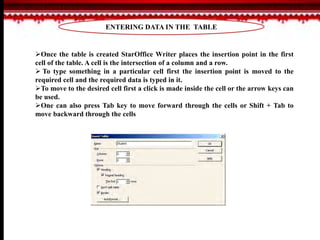
Once the table is created StarOffice Writer places the insertion point in the first
cell of the table. A cell is the intersection of a column and a row.
 To type something in a particular cell first the insertion point is moved to the
required cell and the required data is typed in it.
To move to the desired cell first a click is made inside the cell or the arrow keys can
be used.
One can also press Tab key to move forward through the cells or Shift + Tab to
move backward through the cells
THANK YOU..!!

Entering Data in the table - R.D.Sivakumar

  • 1.
    R.D.SIVAKUMAR, M.Sc.,M.Phil.,M.Tech., Assistant Professorof Computer Science & Assistant Professor and Head, Department of M.Com.(CA), Ayya Nadar Janaki Ammal College, Sivakasi – 626 124. Mobile: 099440-42243 e-mail : sivamsccsit@gmail.com website: www.rdsivakumar.blogspot.in ENTERING DATA IN THE TABLE
  • 2.
    ENTERING DATA INTHE TABLE Once the table is created StarOffice Writer places the insertion point in the first cell of the table. A cell is the intersection of a column and a row.  To type something in a particular cell first the insertion point is moved to the required cell and the required data is typed in it. To move to the desired cell first a click is made inside the cell or the arrow keys can be used. One can also press Tab key to move forward through the cells or Shift + Tab to move backward through the cells
  • 3.