






















Build Mobile Apps with
Ember
@alexblom
Partner, Isle of Code
alex@isleofcode.com
whoami
Isle of Code
• Toronto + Chicago based development;
• Focused on Ember/Cordova;
Contents
• 0) Preamble;
• 1) Building Ember/Cordova;
• 2) Handling the basics;
• 3) Performance;
Why Mobile & Ember
• Because Ember;
• Cost;
• Hiring;
• Developer sanity;
Cordova vs PhoneGap
Good Code === Good Hybrid
• Much of making effective mobile is simply writing
good code;
• Desktops let us be lazier;
• JS ecosystem is littered with bad/leaky code;
1) Building
Ember/Cordova
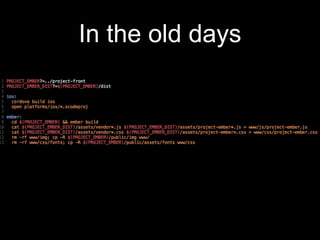
In the old days
ember-cli-cordova
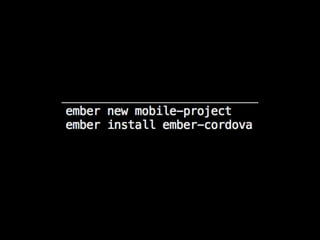
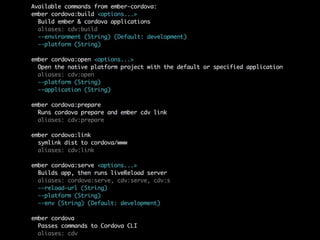
ember-cordova
https://github.com/isleofcode/ember-cordova
ember-cordova
• Started as a fork of ember-cli-cordova to prepare
for platforms;
• Has now become a stand alone project & ember-
cli-cordova is less maintained;
ember-cordova: Changes
• Refactoring of internals/tasks;
• Does not include default touch/click handlers, only a
raw cordova wrapping;
• Adds hook support;
• Splash screen & icon management built in;
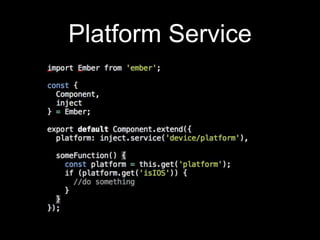
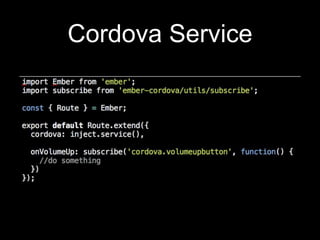
• Cordova, Device & Platform Services;
• Limited plugin bindings;
ember-cordova: Next
• More plugin bindings;
• Plugins which install an ember-service && the
related cordova plugin (e.g. keyboard);
• Fixed tests;
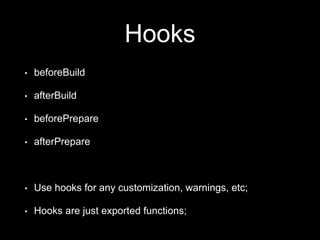
Hooks
• beforeBuild
• afterBuild
• beforePrepare
• afterPrepare
• Use hooks for any customization, warnings, etc;
• Hooks are just exported functions;
Remote Inspection
• https://github.com/joostdevries/ember-cli-remote-
inspector
2) Handling the Basics
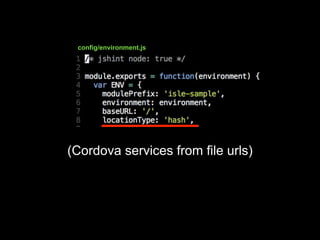
(Cordova services from file urls)
config/environment.js
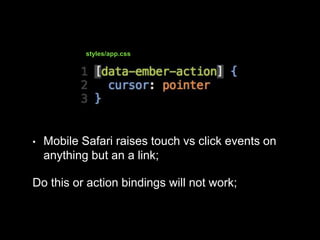
• Mobile Safari raises touch vs click events on
anything but an a link;
Do this or action bindings will not work;
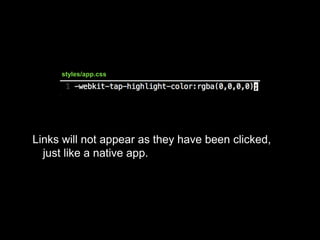
styles/app.css
Links will not appear as they have been clicked,
just like a native app.
styles/app.css
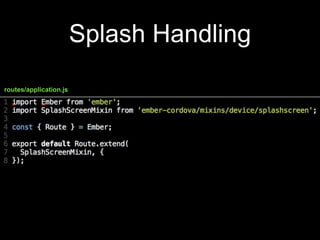
Splash Handling
routes/application.js
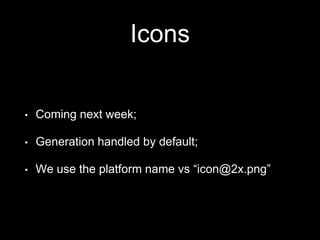
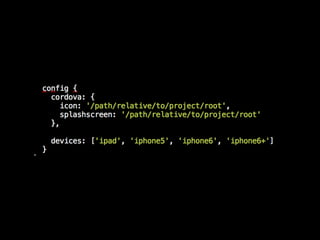
Icons
• Coming next week;
• Generation handled by default;
• We use the platform name vs “icon@2x.png”
Platform Service
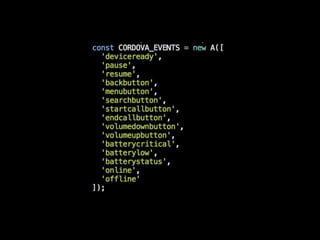
Cordova Service
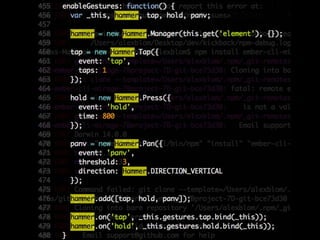
Touch Events
http://hammerjs.github.io
Hammer Example
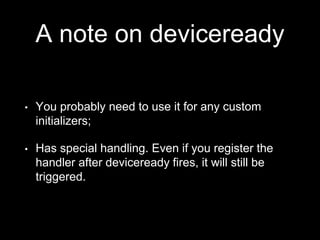
A note on deviceready
• You probably need to use it for any custom
initializers;
• Has special handling. Even if you register the
handler after deviceready fires, it will still be
triggered.
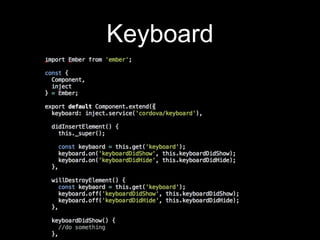
Keyboard
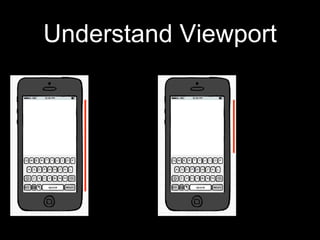
Understand Viewport
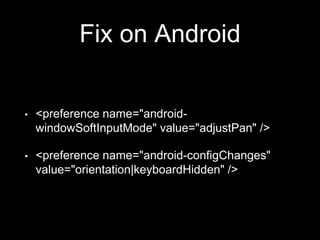
Fix on Android
• <preference name="android-
windowSoftInputMode" value="adjustPan" />
• <preference name="android-configChanges"
value="orientation|keyboardHidden" />
To fix on iOS, use the
keyboard plugin.
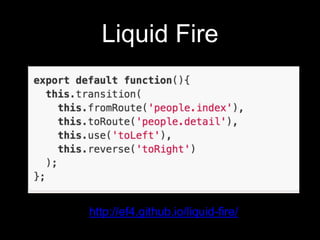
Liquid Fire
http://ef4.github.io/liquid-fire/
Infinite Scrolling
• Smoke & Mirrors:
https://github.com/runspired/smoke-and-mirrors
3) Performance
Crosswalk
• https://crosswalk-project.org;
• For Android;
• Increases app size by ~20mb;
• ~5-10x speed improvement on older devices.
Especially 4.x;
• Consistent browser environment for stuff like css;
Know your WebView
Using too much memory
has negative implications
http://www-
cs.canisius.edu/~hertzm/gcmalloc-oopsla-
2005.pdf
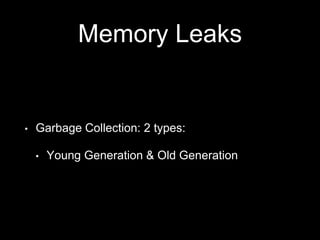
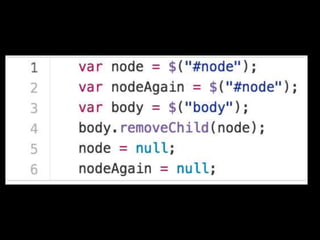
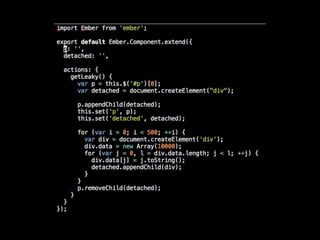
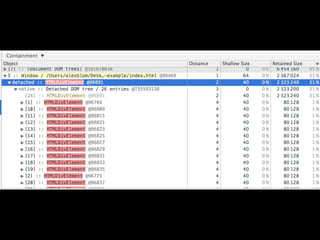
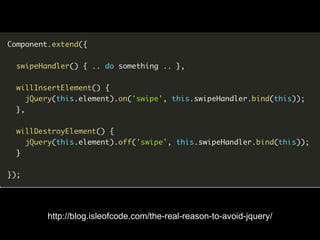
Memory Leaks
• Garbage Collection: 2 types:
• Young Generation & Old Generation
http://blog.isleofcode.com/the-real-reason-to-avoid-jquery/
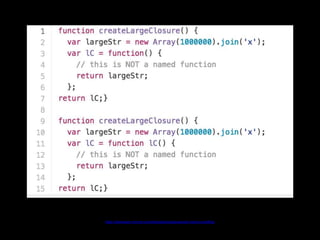
Name closures for
better profiling
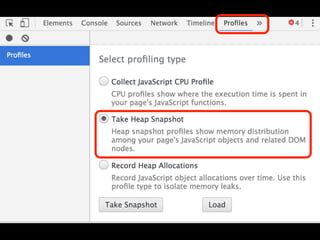
https://developer.chrome.com/devtools/docs/javascript-memory-profiling
App size matters
• For Android, 500-750kb target;
• For iOS less of a problem. Served ~2mb without
problems;
https://joreteg.com/blog/viability-of-js-frameworks-on-mobile
http://blog.runspired.com/2016/03/25/the-chrome-distortion-chrome-alters-our-expectations-in-highly-negative-ways/
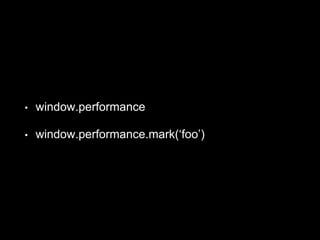
• window.performance
• window.performance.mark(‘foo’)
websocket or http2
Workers/Threads
http://blog.isleofcode.com/introduction-to-web-workers/
Manage Reflows
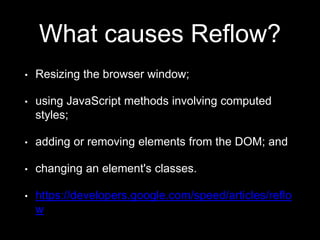
What causes Reflow?
• Resizing the browser window;
• using JavaScript methods involving computed
styles;
• adding or removing elements from the DOM; and
• changing an element's classes.
• https://developers.google.com/speed/articles/reflo
w
Use CSS Transforms
visibility:hidden
Avoid Unnecessary Nesting
• Especially with components;
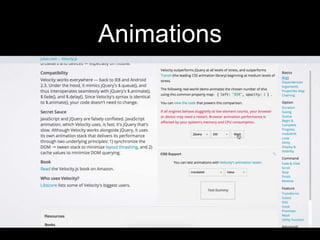
Animations
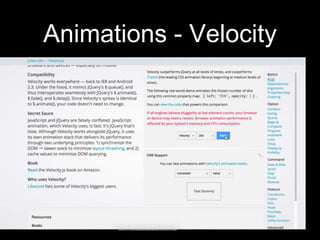
Animations - Velocity
Hybrid Apps with
Ember
@alexblom
alex@isleofcode.com

Ember Conf 2016: Building Mobile Apps with Ember