Download to read offline

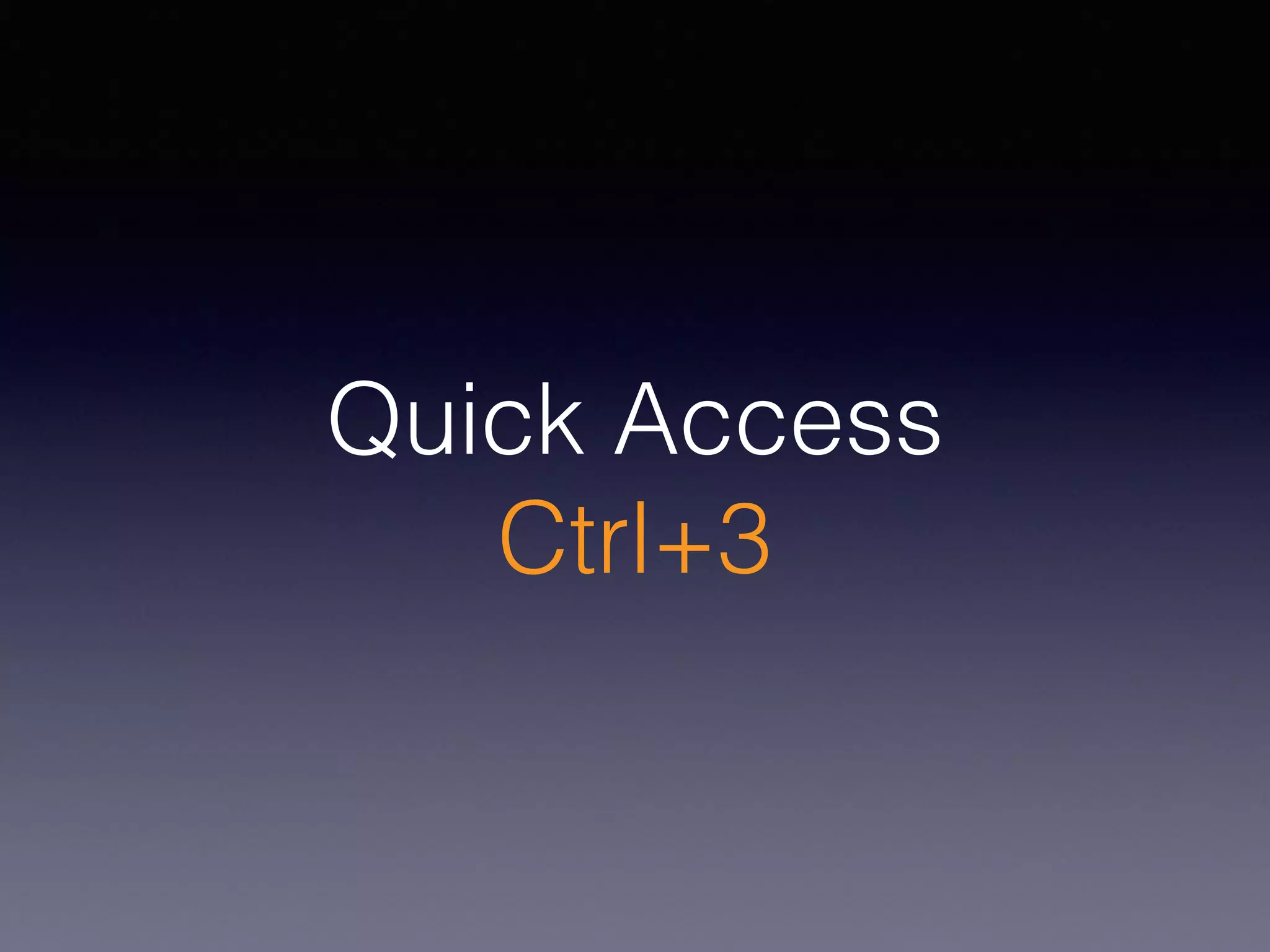
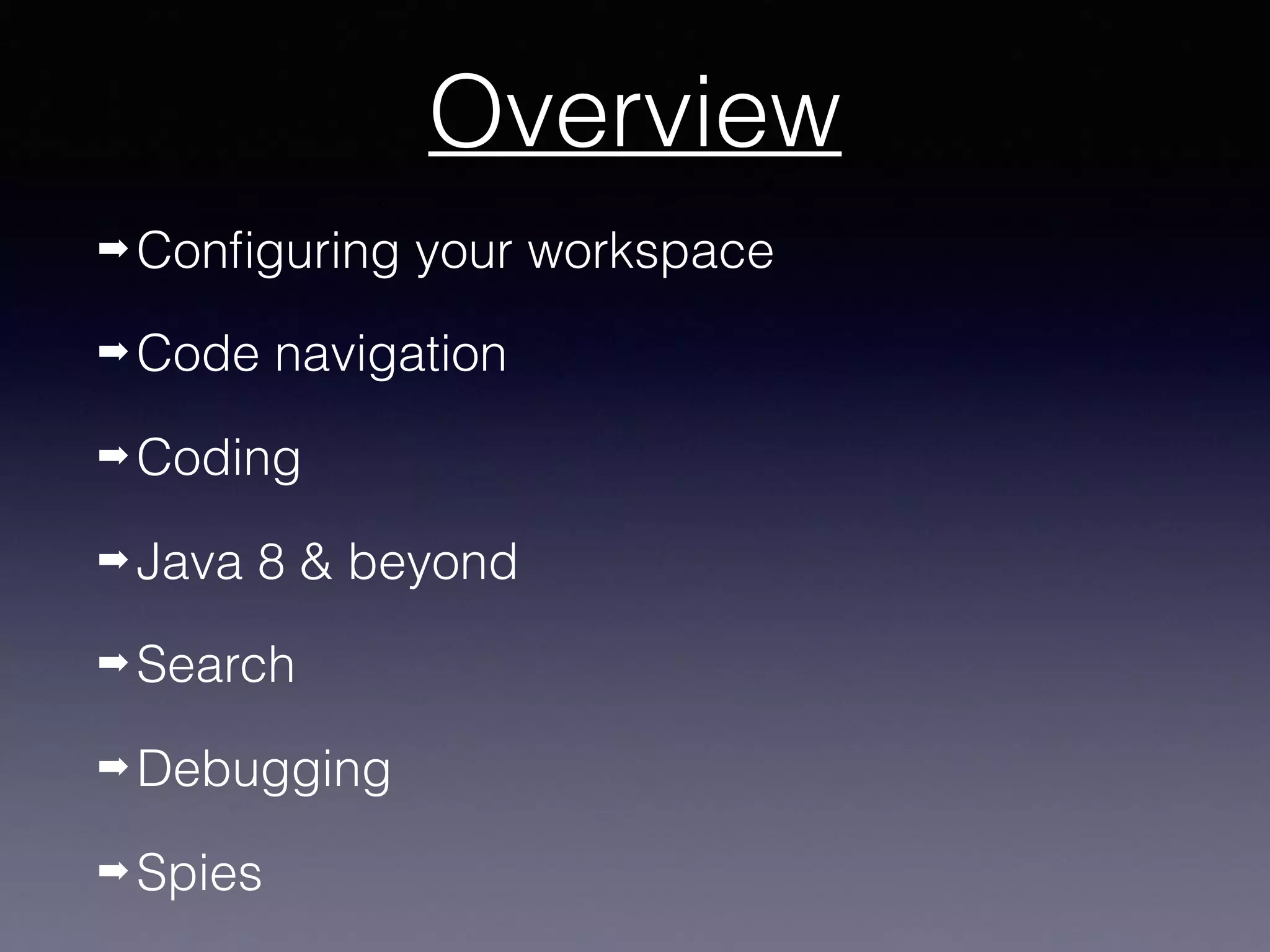
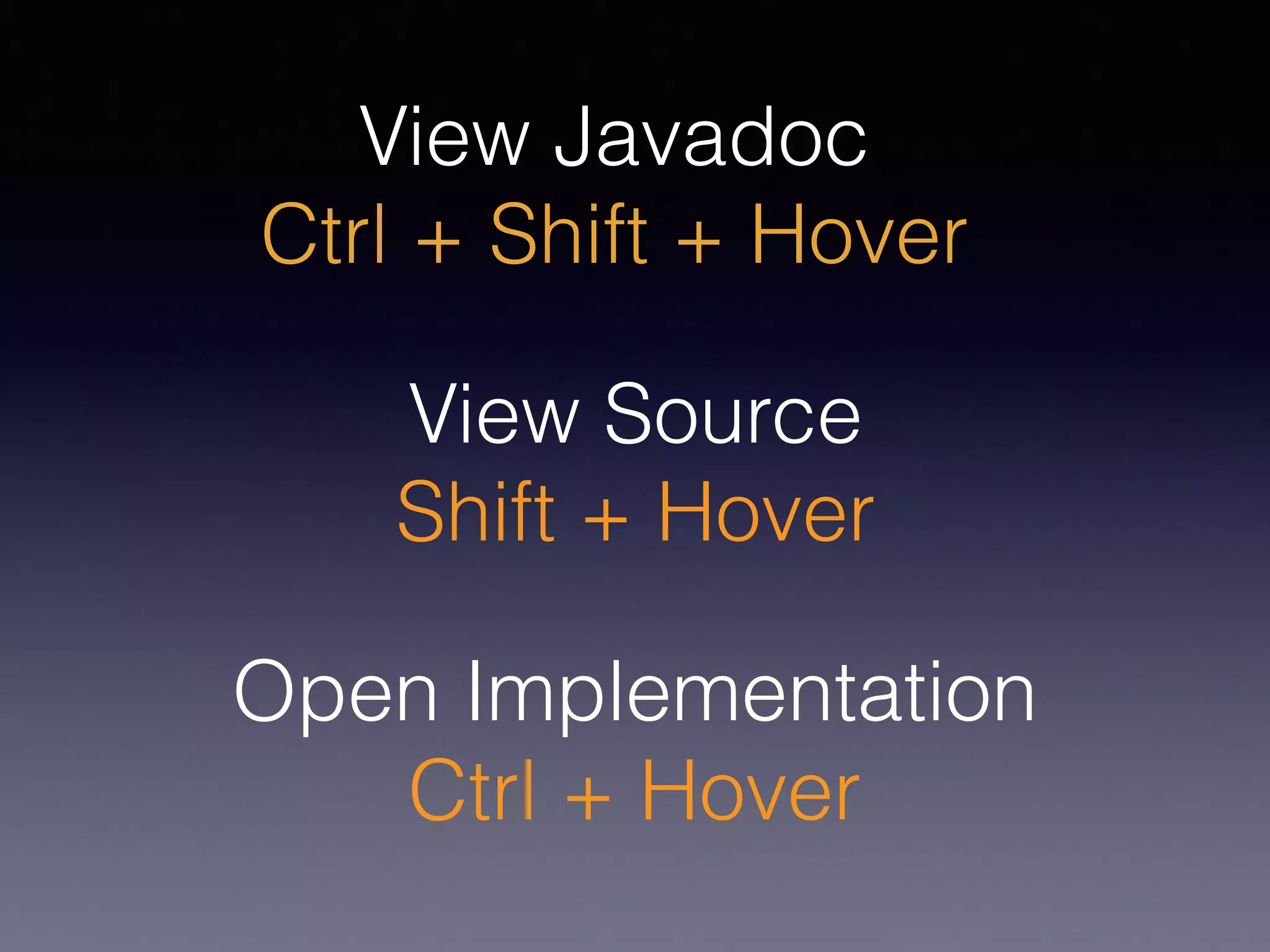
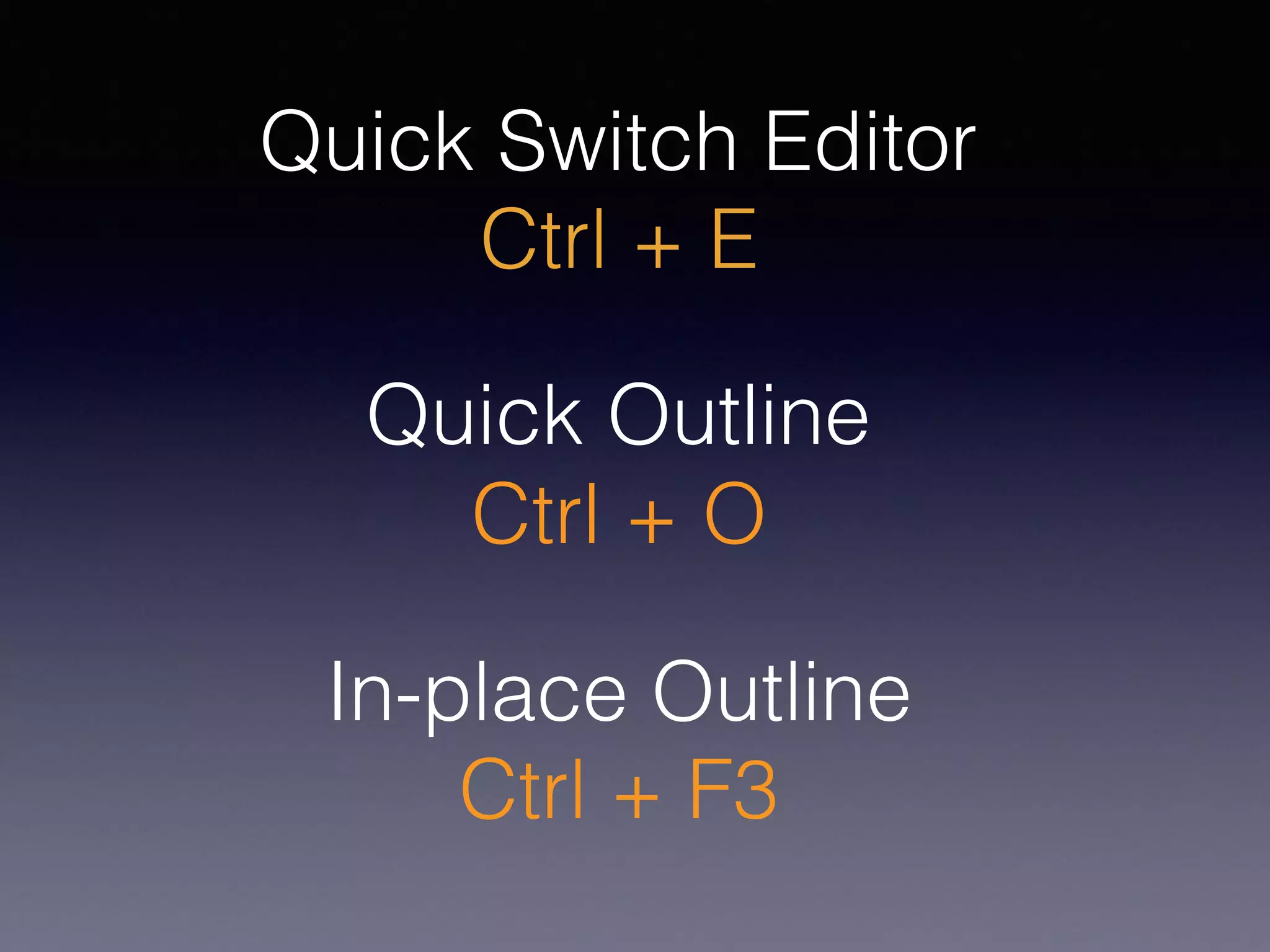
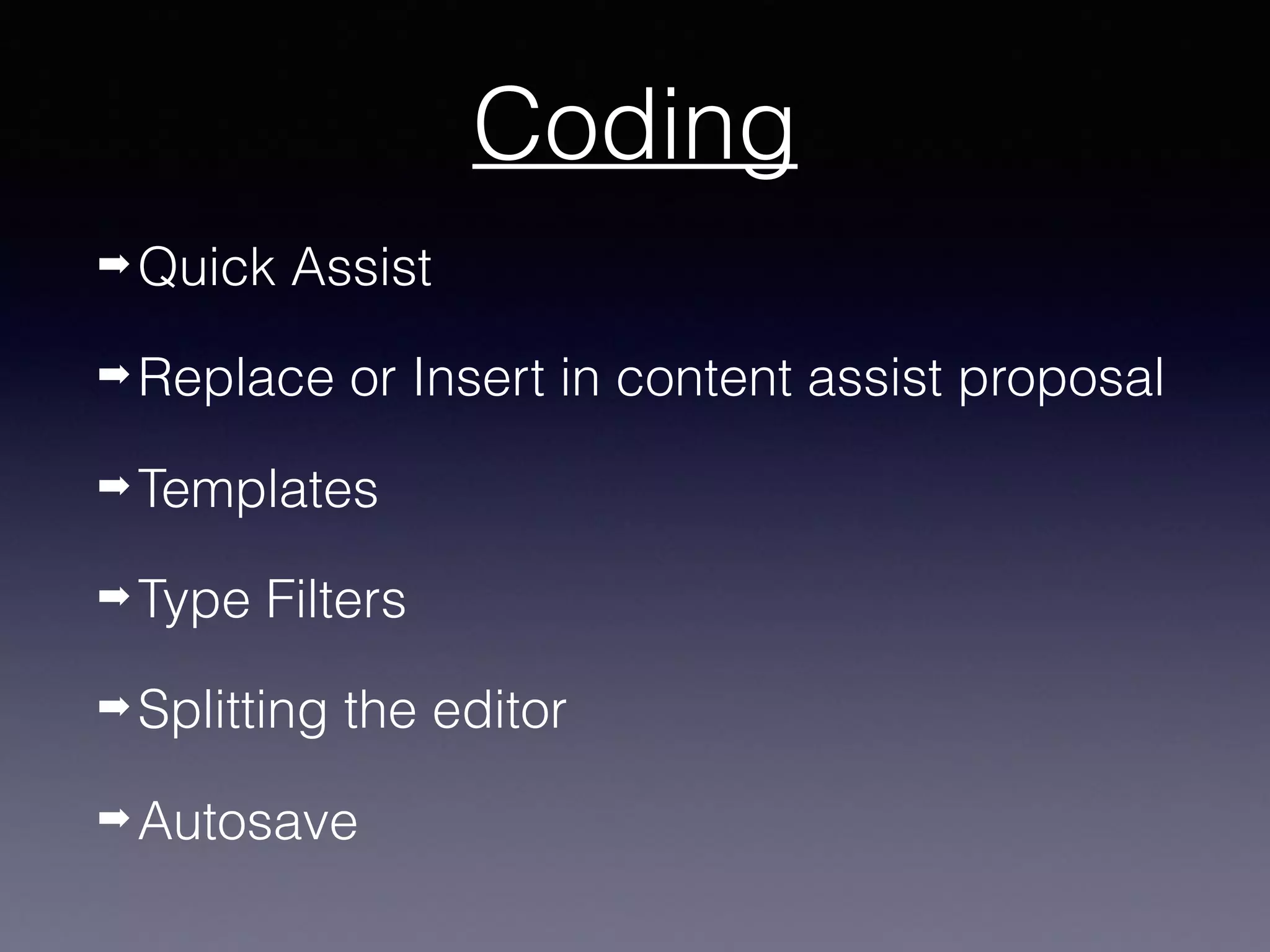

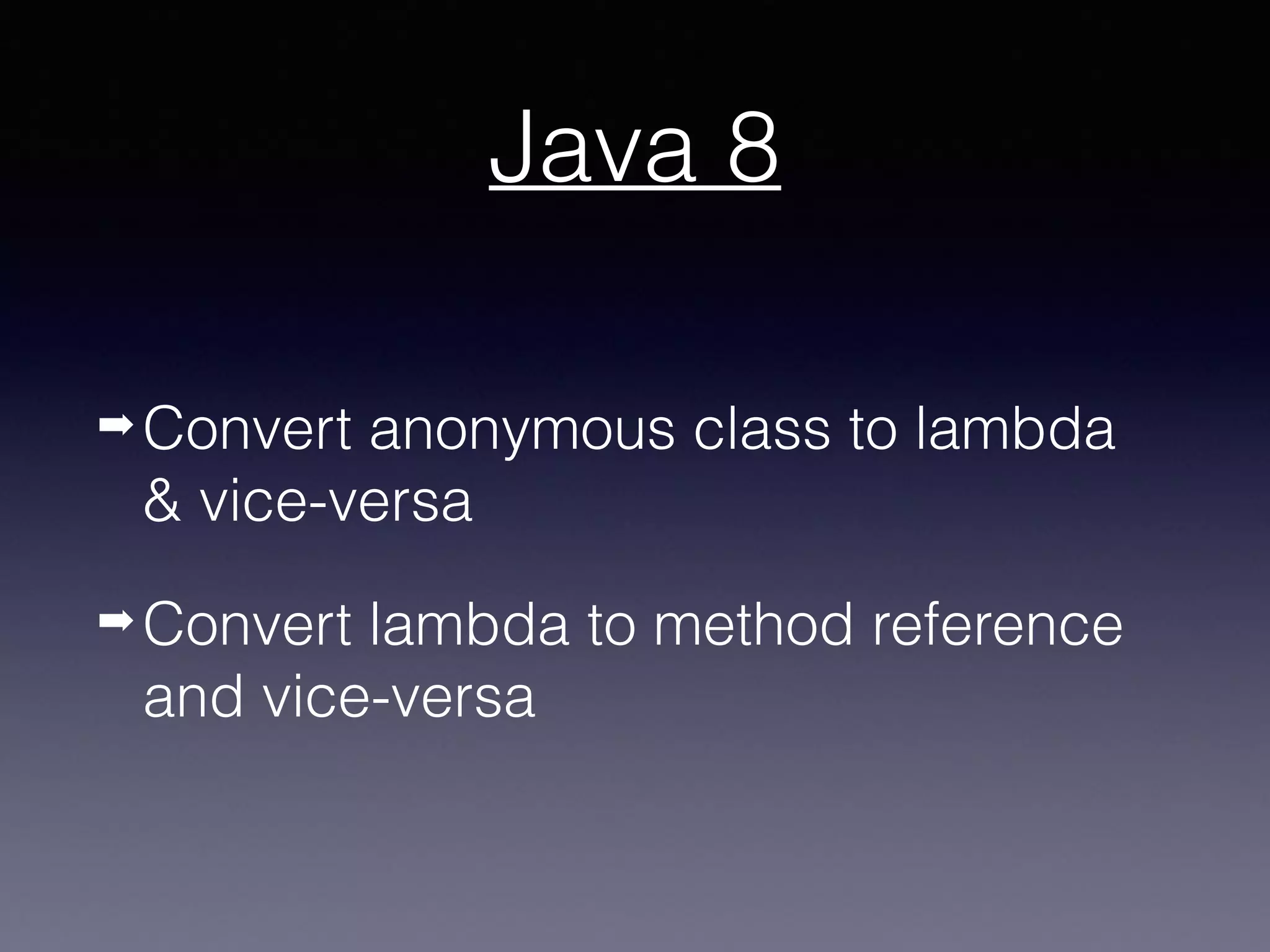
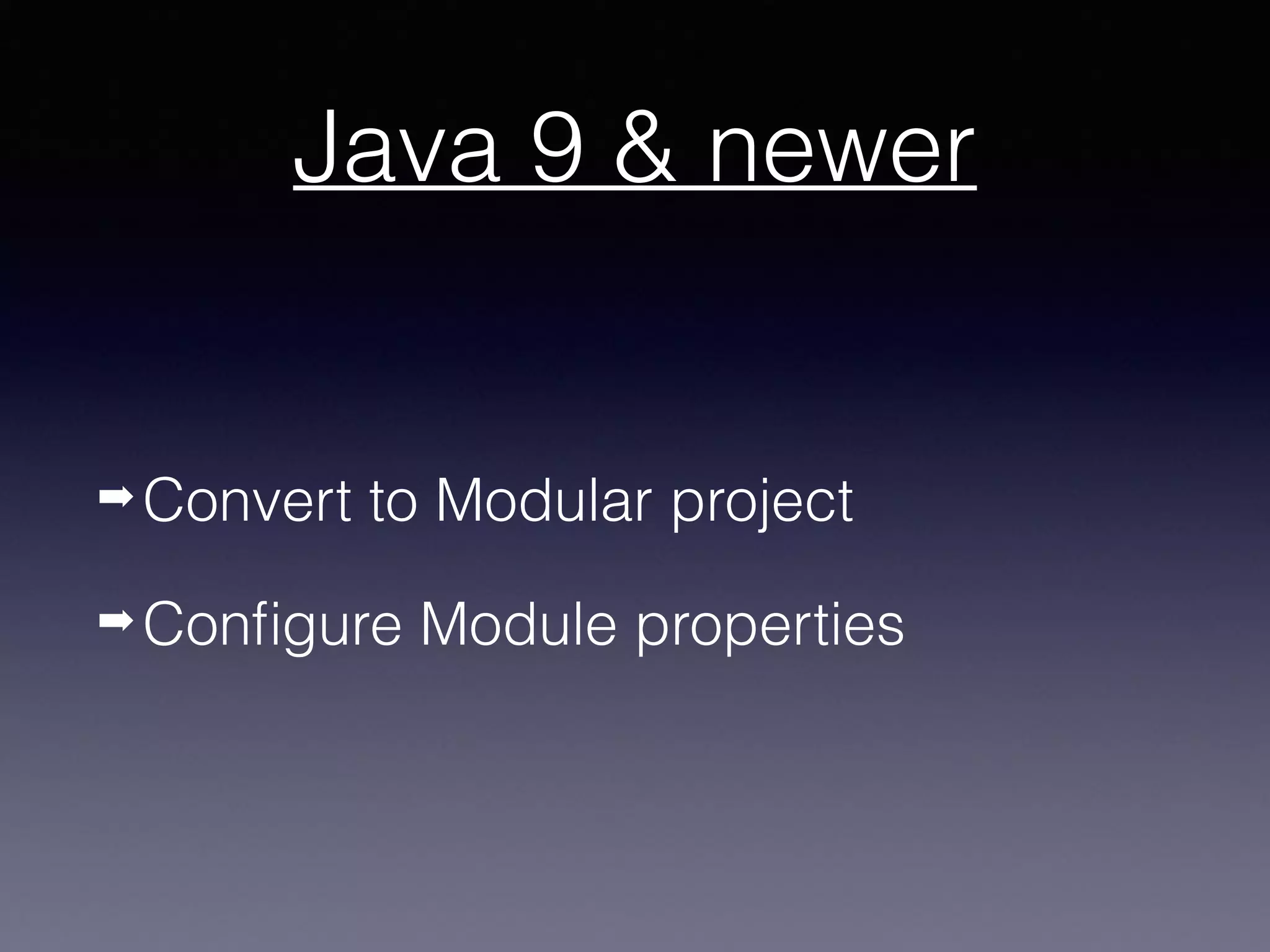

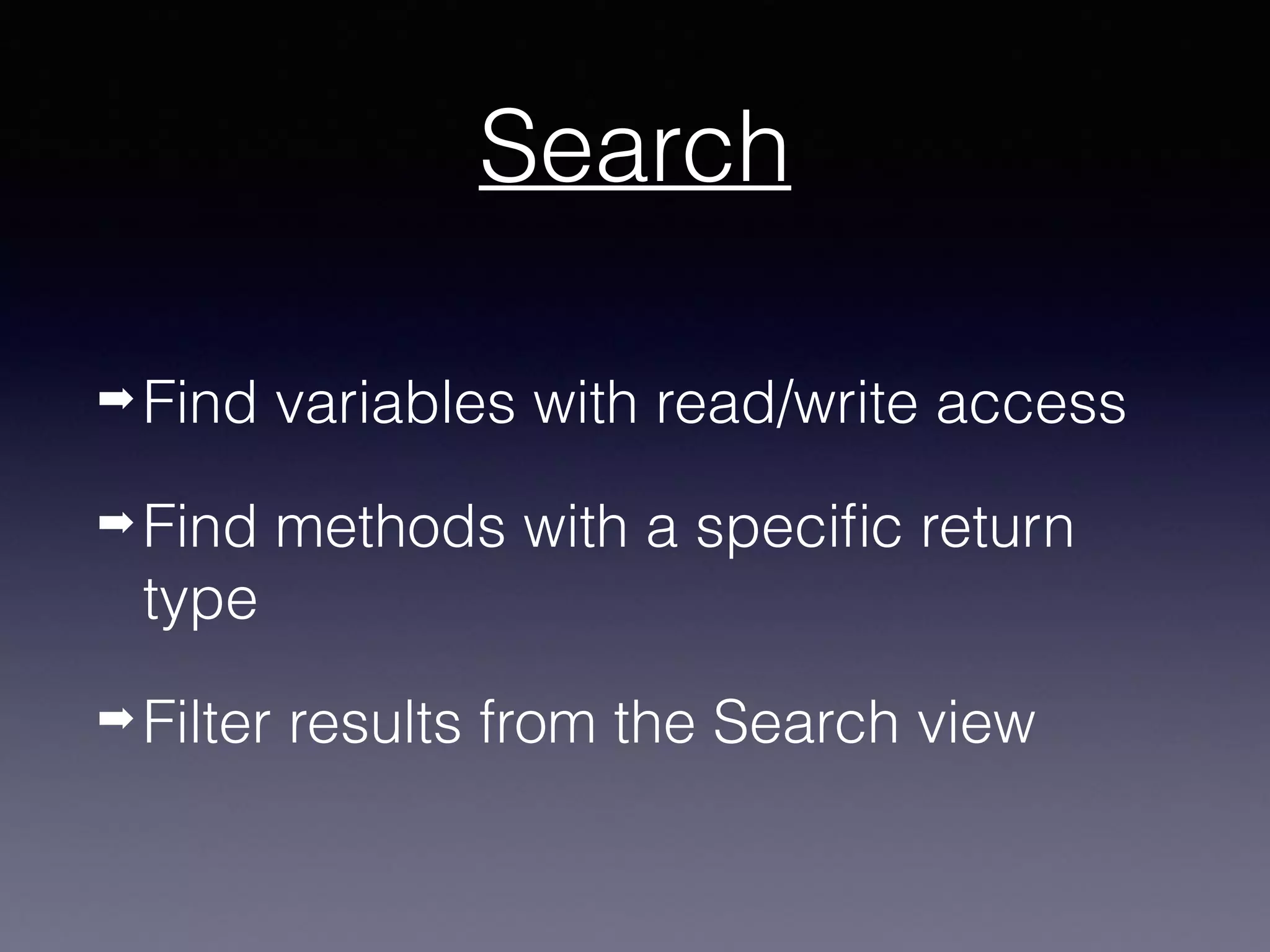
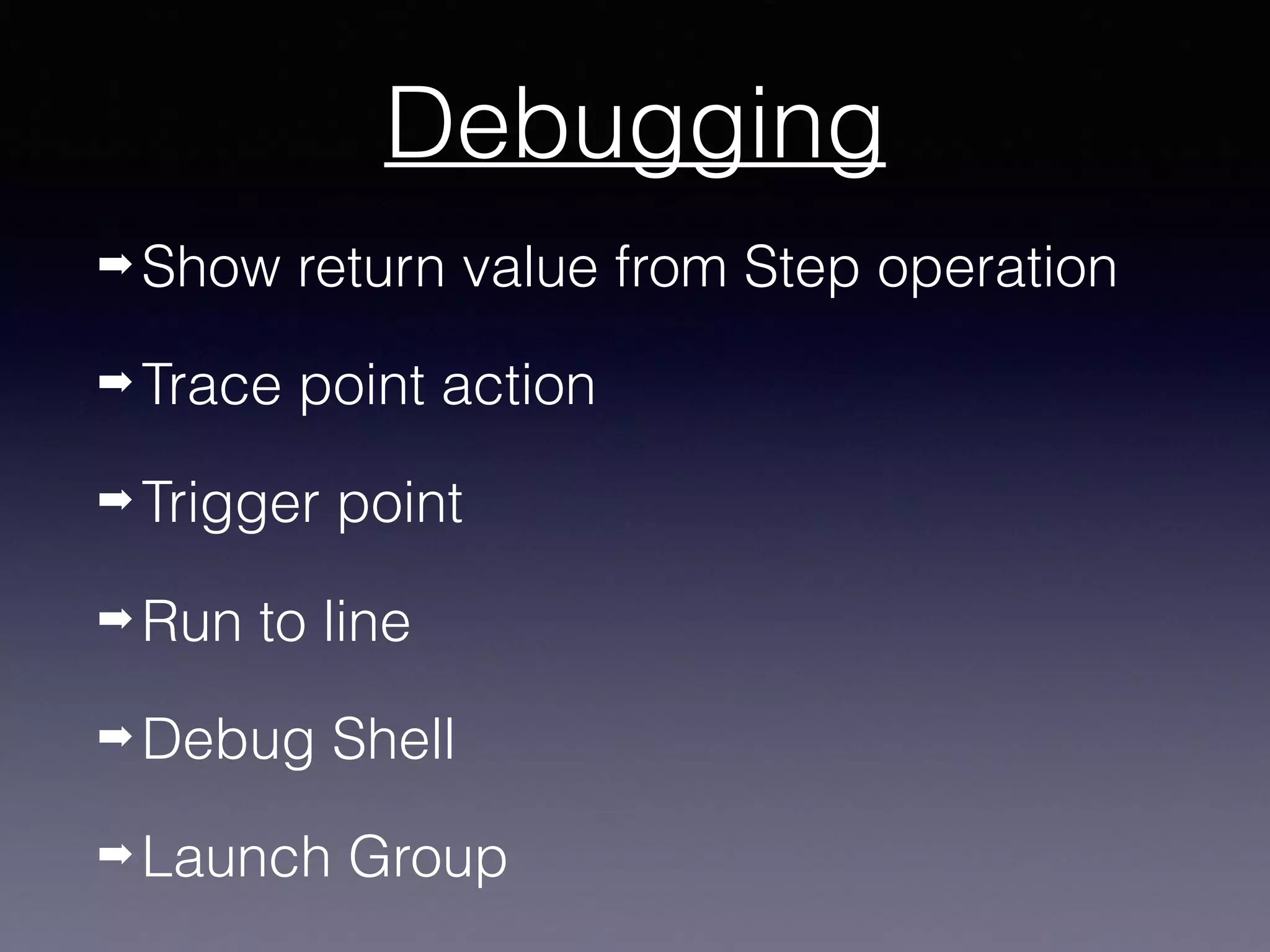

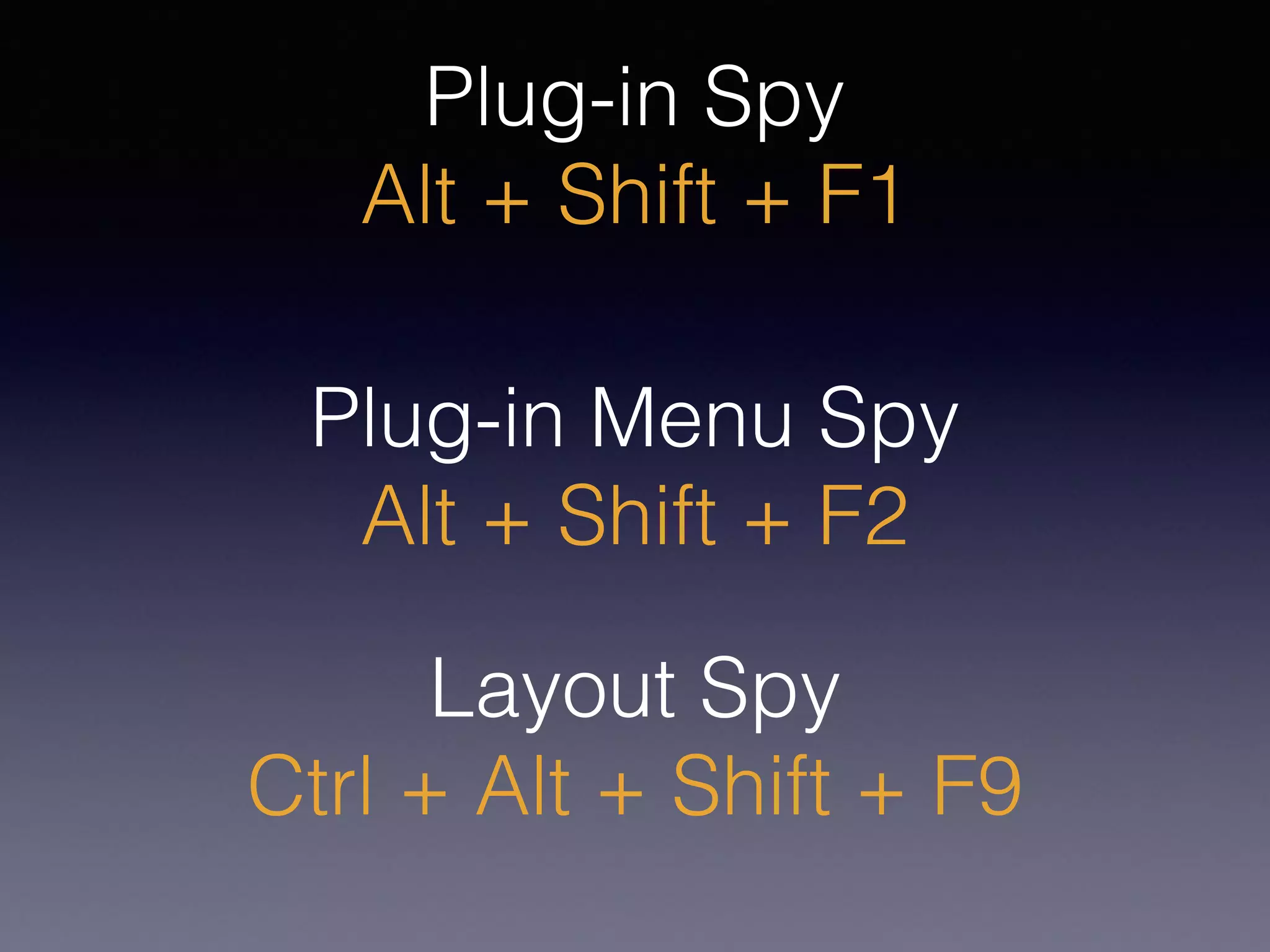





This document provides an overview of tips and tricks for the Eclipse IDE. It discusses how to configure workspaces, navigate code, code more efficiently using features like quick assist and templates, work with Java 8 and newer features, perform searches, debug code using various features, and view active keyboard shortcuts. The document also mentions finding additional tips and tricks in the Eclipse help menu.


![[React Native Tutorial] Lecture 6: Component, Props, and Network](https://cdn.slidesharecdn.com/ss_thumbnails/l6-component-prop-network-160920050452-thumbnail.jpg?width=640&height=640&fit=bounds)


![Eclipse shortcut[most usuage]](https://cdn.slidesharecdn.com/ss_thumbnails/eclipseshortcutmostusuage-120329190934-phpapp01-thumbnail.jpg?width=640&height=640&fit=bounds)


![Vibe Coding vs. Spec-Driven Development [Free Meetup]](https://cdn.slidesharecdn.com/ss_thumbnails/vibecodingvsspecdrivendevelopment-251209105622-43f455e7-thumbnail.jpg?width=640&height=640&fit=bounds)


![Coded Agents – with UiPath SDK + LangGraph [Virtual Hands-on Workshop]](https://cdn.slidesharecdn.com/ss_thumbnails/codedagentsdeck-251215155422-5497c599-thumbnail.jpg?width=640&height=640&fit=bounds)


