Dynamics 365 CE Sales – RAPID IMPLEMENTATION
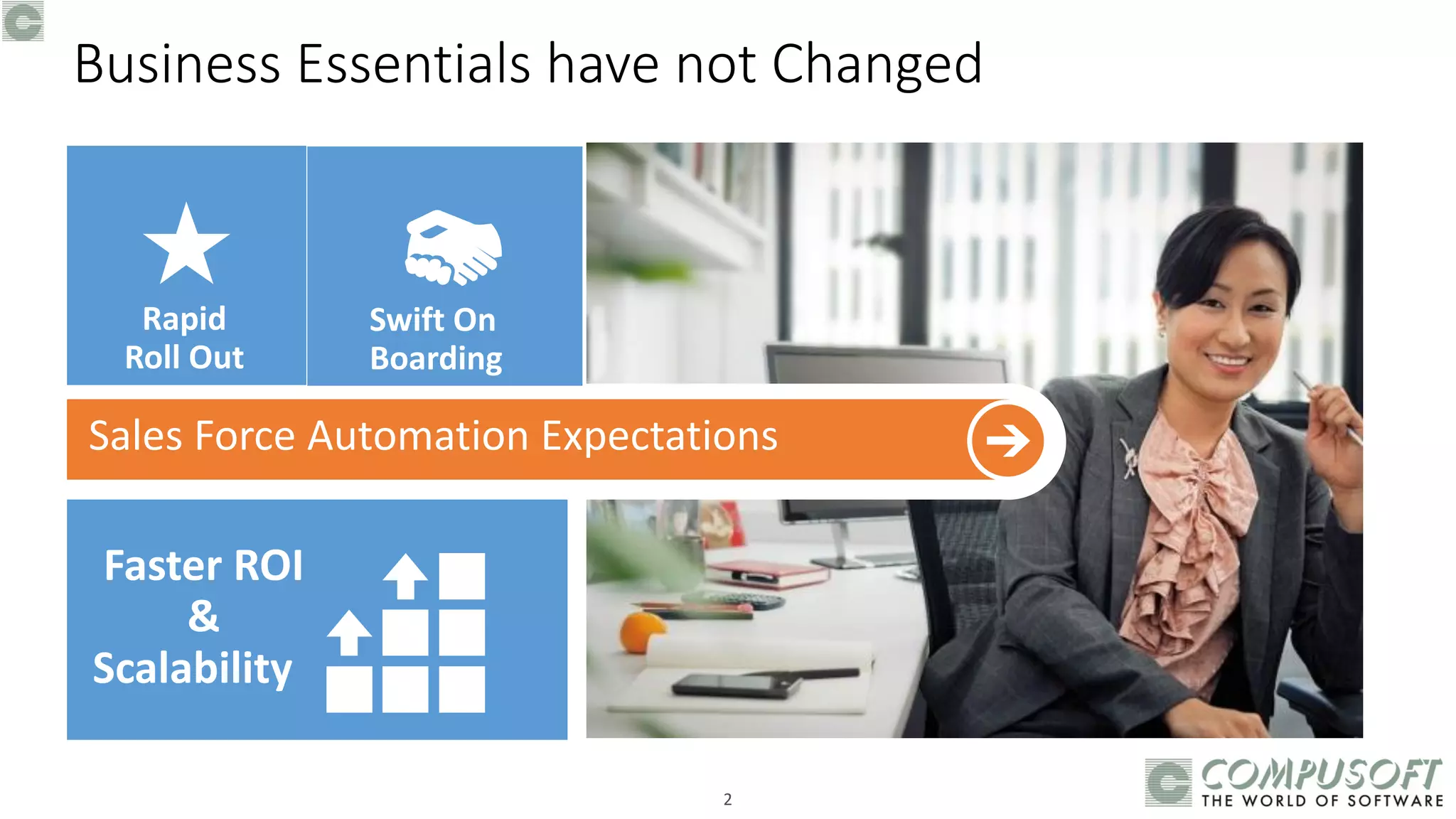
Business Essentials have not Changed
Swift On
Boarding
Rapid
Roll Out
Faster ROI
&
Scalability
2
3
4
Salesforce
Automation
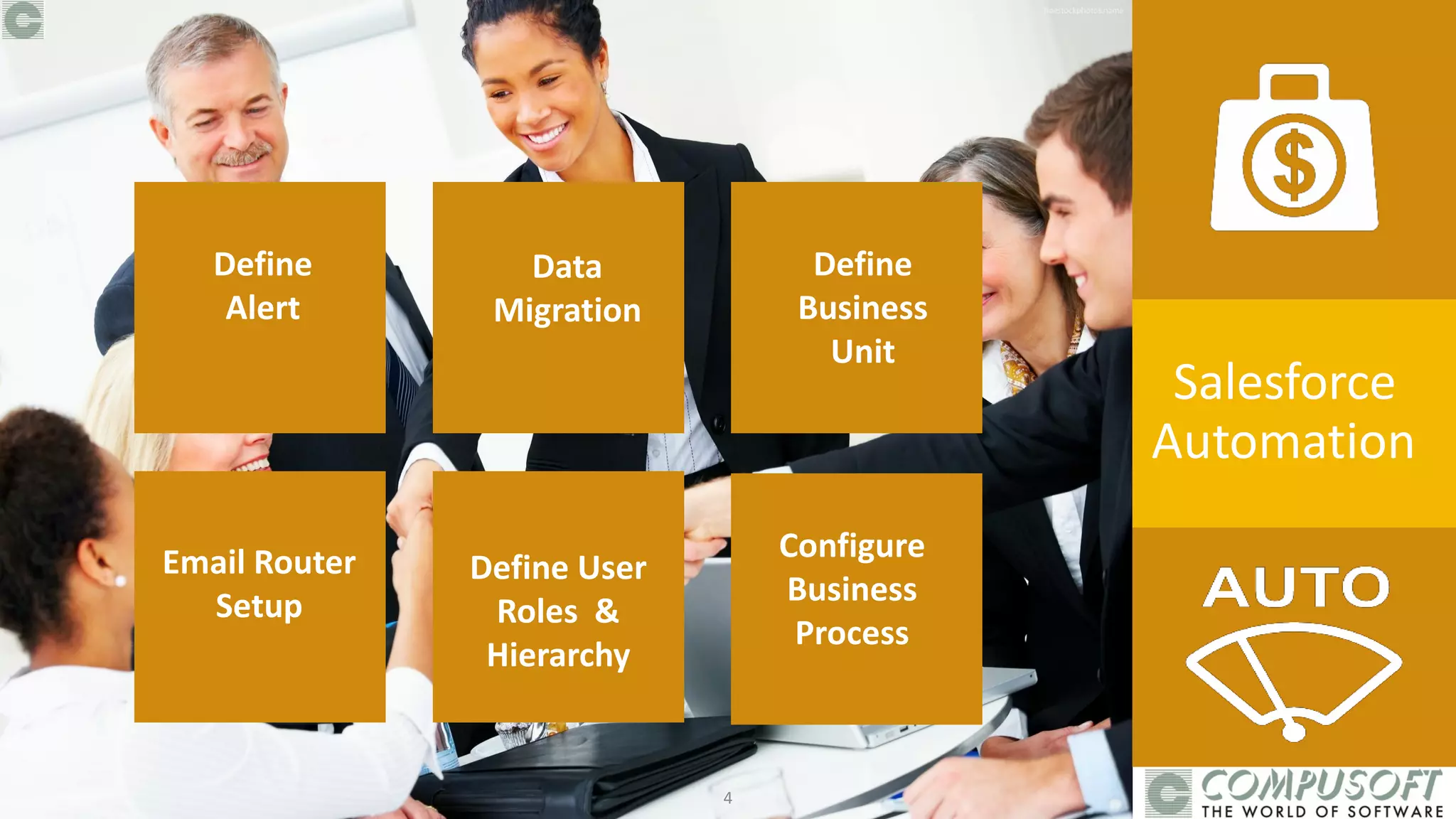
Define
Alert
Data
Migration
Define
Business
Unit
Email Router
Setup
Define User
Roles &
Hierarchy
Configure
Business
Process
5
Salesforce
Automation
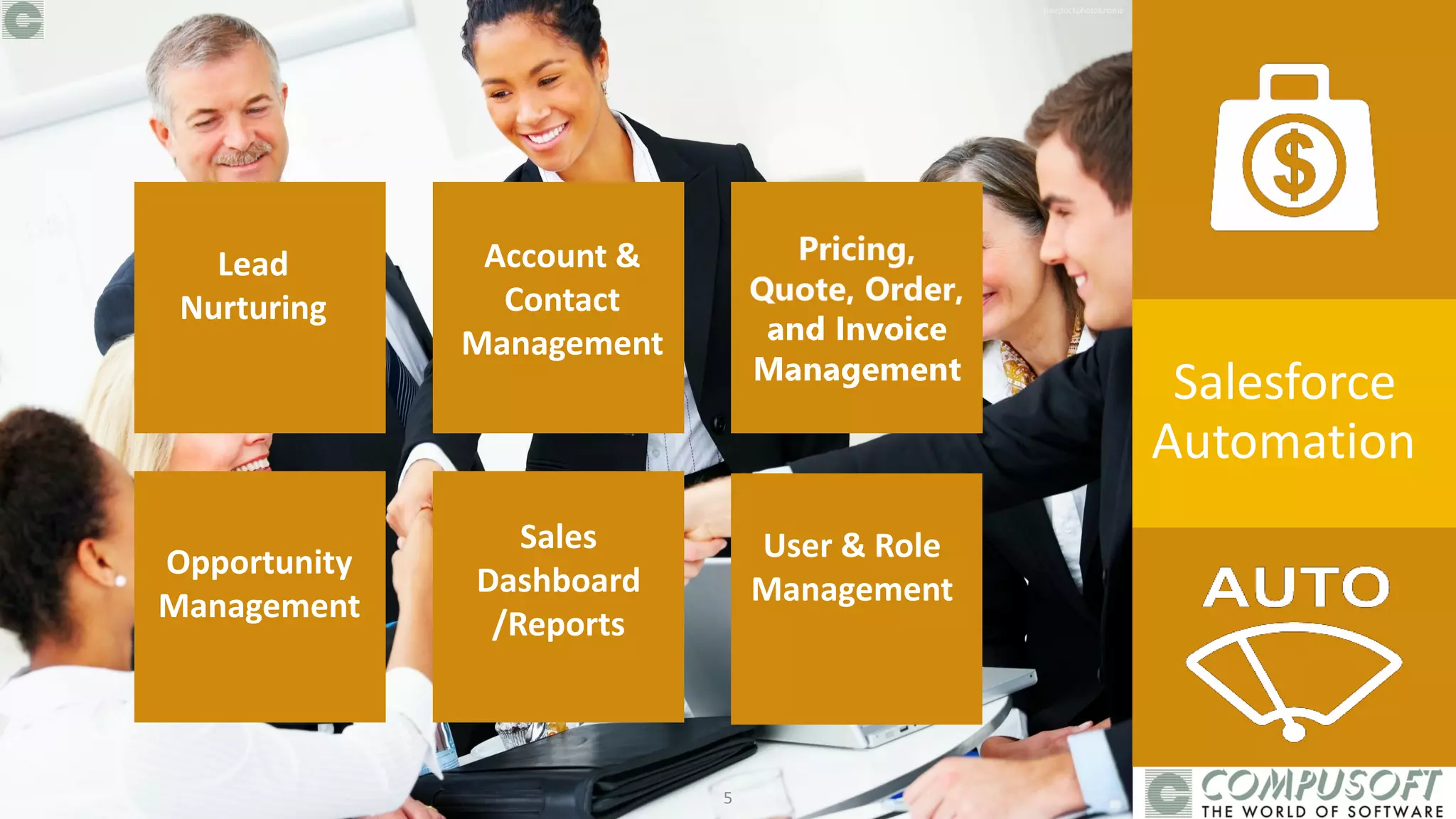
Lead
Nurturing
Account &
Contact
Management
Define
Business
Unit
Sales
Dashboard
/Reports
User & Role
Management
Opportunity
Management
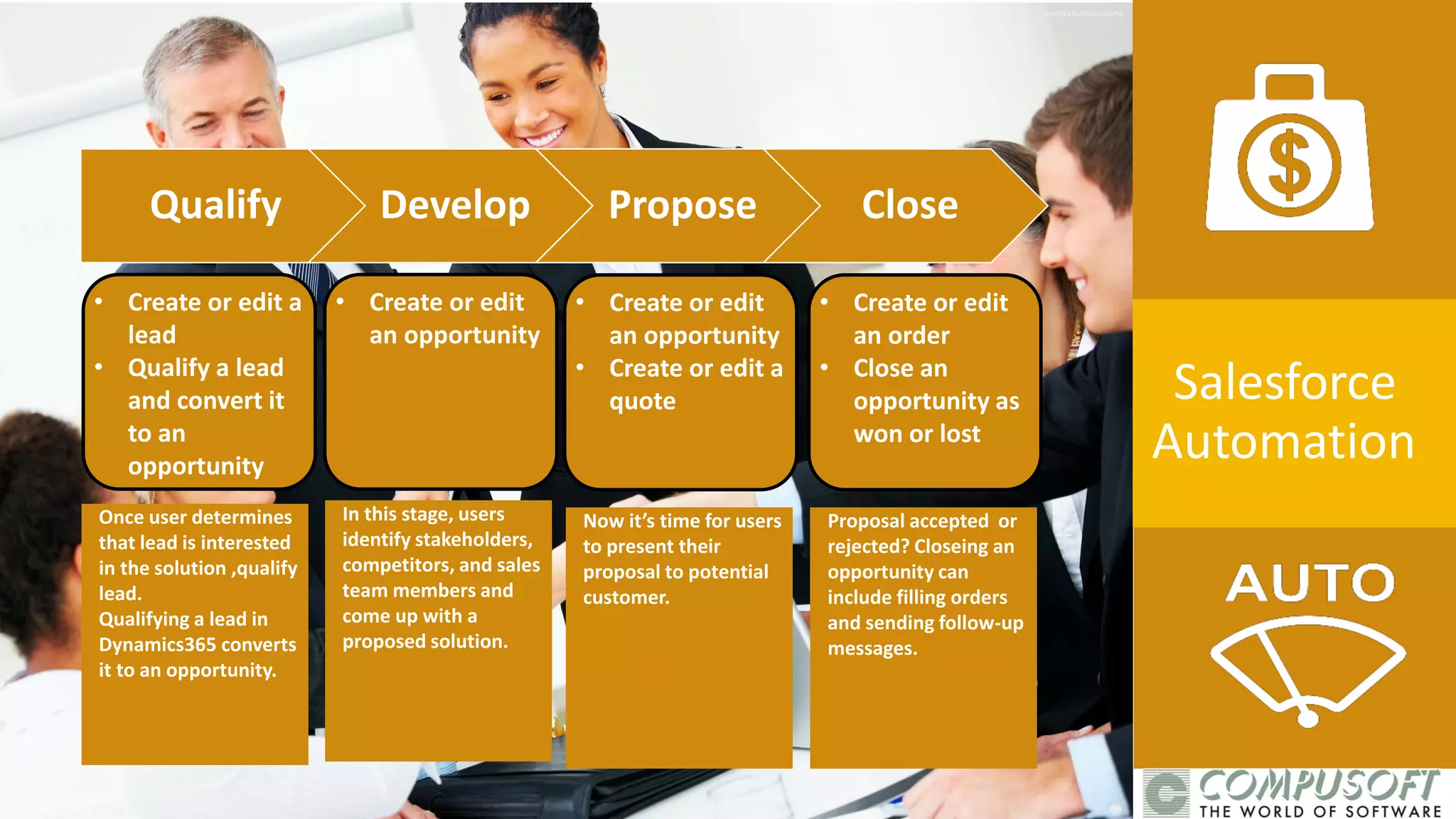
Once user determines
that lead is interested
in the solution ,qualify
lead.
Qualifying a lead in
Dynamics365 converts
it to an opportunity.
In this stage, users
identify stakeholders,
competitors, and sales
team members and
come up with a
proposed solution.
Now it’s time for users
to present their
proposal to potential
customer.
Proposal accepted or
rejected? Closeing an
opportunity can
include filling orders
and sending follow-up
messages.
• Create or edit a
lead
• Qualify a lead
and convert it
to an
opportunity
• Create or edit
an opportunity
• Create or edit
an opportunity
• Create or edit a
quote
• Create or edit
an order
• Close an
opportunity as
won or lost
Qualify Develop Propose Close
Salesforce
Automation
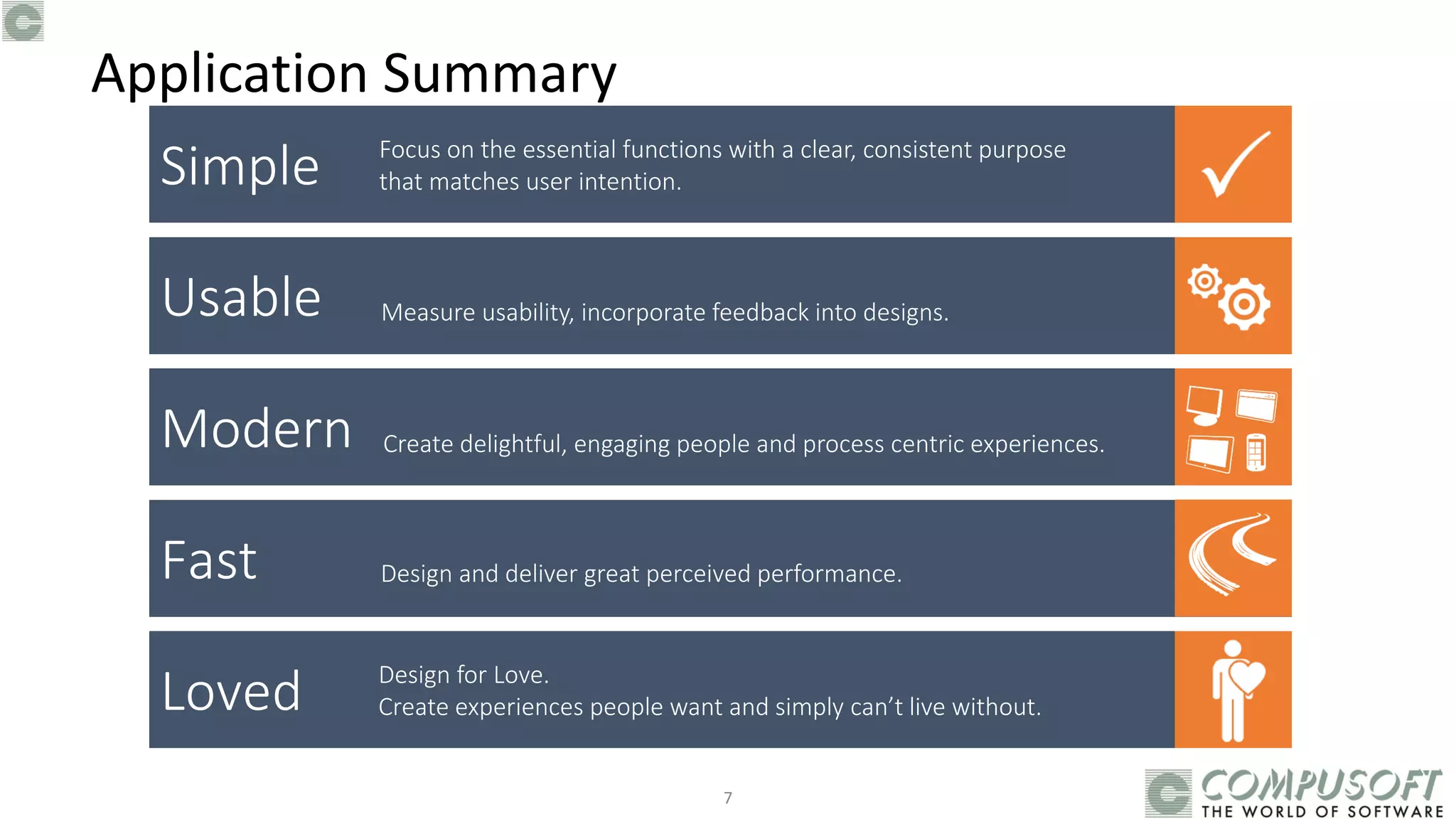
Simple
Usable
Modern
Fast
Loved
Focus on the essential functions with a clear, consistent purpose
that matches user intention.
Measure usability, incorporate feedback into designs.
Create delightful, engaging people and process centric experiences.
Design and deliver great perceived performance.
Design for Love.
Create experiences people want and simply can’t live without.
Application Summary
7
8
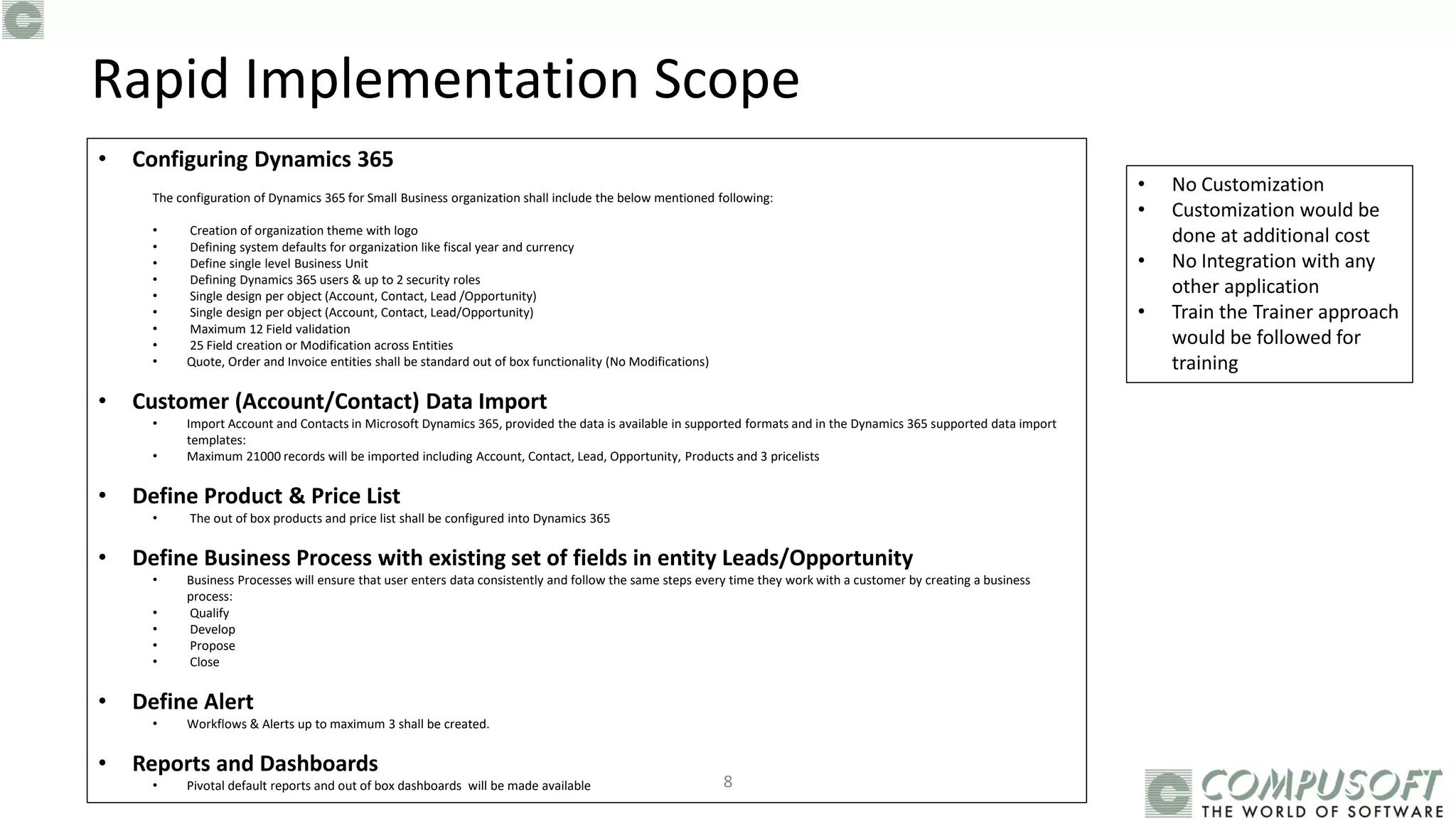
• Configuring Dynamics 365
The configuration of Dynamics 365 for Small Business organization shall include the below mentioned following:
• Creation of organization theme with logo
• Defining system defaults for organization like fiscal year and currency
• Define single level Business Unit
• Defining Dynamics 365 users & up to 2 security roles
• Single design per object (Account, Contact, Lead /Opportunity)
• Single design per object (Account, Contact, Lead/Opportunity)
• Maximum 12 Field validation
• 25 Field creation or Modification across Entities
• Quote, Order and Invoice entities shall be standard out of box functionality (No Modifications)
• Customer (Account/Contact) Data Import
• Import Account and Contacts in Microsoft Dynamics 365, provided the data is available in supported formats and in the Dynamics 365 supported data import
templates:
• Maximum 21000 records will be imported including Account, Contact, Lead, Opportunity, Products and 3 pricelists
• Define Product & Price List
• The out of box products and price list shall be configured into Dynamics 365
• Define Business Process with existing set of fields in entity Leads/Opportunity
• Business Processes will ensure that user enters data consistently and follow the same steps every time they work with a customer by creating a business
process:
• Qualify
• Develop
• Propose
• Close
• Define Alert
• Workflows & Alerts up to maximum 3 shall be created.
• Reports and Dashboards
• Pivotal default reports and out of box dashboards will be made available
Rapid Implementation Scope
• No Customization
• Customization would be
done at additional cost
• No Integration with any
other application
• Train the Trainer approach
would be followed for
training
enjoy…
Contact us :
Aggarwal Estate, Chitalsar Manpada,
S.V.Road,Thane - 400 610,
Maharashtra, INDIA.
P : (+91-22) 25890100 / 41005096
F : (+91-22) 2589 01 62
W: www.compusoftadvisors.com
Mumbai | Delhi | Kolkata | Singapore
© All rights reserved.
The information herein is for informational purposes only and represents the current view of Compusoft Corporation as of the date of this presentation.
9
022 25890100 / 41005096
10

Dynamics 365 - Rapid Implementation - Sales

  • 1.
    Dynamics 365 CESales – RAPID IMPLEMENTATION
  • 2.
    Business Essentials havenot Changed Swift On Boarding Rapid Roll Out Faster ROI & Scalability 2
  • 3.
  • 4.
  • 5.
  • 6.
    Once user determines thatlead is interested in the solution ,qualify lead. Qualifying a lead in Dynamics365 converts it to an opportunity. In this stage, users identify stakeholders, competitors, and sales team members and come up with a proposed solution. Now it’s time for users to present their proposal to potential customer. Proposal accepted or rejected? Closeing an opportunity can include filling orders and sending follow-up messages. • Create or edit a lead • Qualify a lead and convert it to an opportunity • Create or edit an opportunity • Create or edit an opportunity • Create or edit a quote • Create or edit an order • Close an opportunity as won or lost Qualify Develop Propose Close Salesforce Automation
  • 7.
    Simple Usable Modern Fast Loved Focus on theessential functions with a clear, consistent purpose that matches user intention. Measure usability, incorporate feedback into designs. Create delightful, engaging people and process centric experiences. Design and deliver great perceived performance. Design for Love. Create experiences people want and simply can’t live without. Application Summary 7
  • 8.
    8 • Configuring Dynamics365 The configuration of Dynamics 365 for Small Business organization shall include the below mentioned following: • Creation of organization theme with logo • Defining system defaults for organization like fiscal year and currency • Define single level Business Unit • Defining Dynamics 365 users & up to 2 security roles • Single design per object (Account, Contact, Lead /Opportunity) • Single design per object (Account, Contact, Lead/Opportunity) • Maximum 12 Field validation • 25 Field creation or Modification across Entities • Quote, Order and Invoice entities shall be standard out of box functionality (No Modifications) • Customer (Account/Contact) Data Import • Import Account and Contacts in Microsoft Dynamics 365, provided the data is available in supported formats and in the Dynamics 365 supported data import templates: • Maximum 21000 records will be imported including Account, Contact, Lead, Opportunity, Products and 3 pricelists • Define Product & Price List • The out of box products and price list shall be configured into Dynamics 365 • Define Business Process with existing set of fields in entity Leads/Opportunity • Business Processes will ensure that user enters data consistently and follow the same steps every time they work with a customer by creating a business process: • Qualify • Develop • Propose • Close • Define Alert • Workflows & Alerts up to maximum 3 shall be created. • Reports and Dashboards • Pivotal default reports and out of box dashboards will be made available Rapid Implementation Scope • No Customization • Customization would be done at additional cost • No Integration with any other application • Train the Trainer approach would be followed for training
  • 9.
    enjoy… Contact us : AggarwalEstate, Chitalsar Manpada, S.V.Road,Thane - 400 610, Maharashtra, INDIA. P : (+91-22) 25890100 / 41005096 F : (+91-22) 2589 01 62 W: www.compusoftadvisors.com Mumbai | Delhi | Kolkata | Singapore © All rights reserved. The information herein is for informational purposes only and represents the current view of Compusoft Corporation as of the date of this presentation. 9 022 25890100 / 41005096
  • 10.