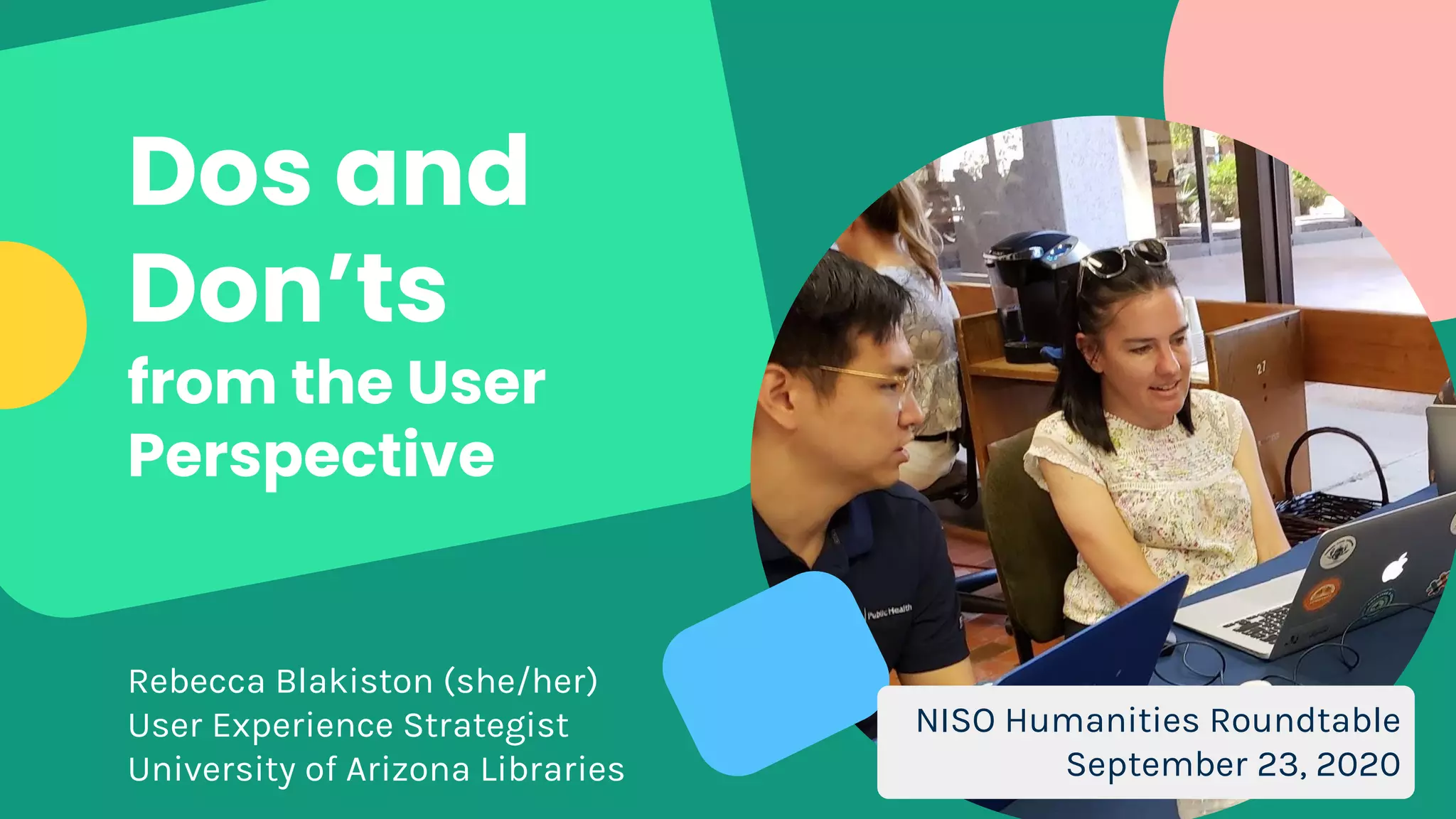
Dos and
Don’ts
from the User
Perspective
Rebecca Blakiston (she/her)
User Experience Strategist
University of Arizona Libraries
NISO Humanities Roundtable
September 23, 2020
HOW MIGHT
WE BUILD
BETTER?
1. Understand our
users
2. Use familiar
conventions
3. Design flexible,
inclusive systems
Assume we know our
users.
DON’T
FALSE
CONSENSUS
EFFECT
Our tendency to
assume that others
share our beliefs and
will behave similarly in
a given context.
Raluca Budiu (2017)
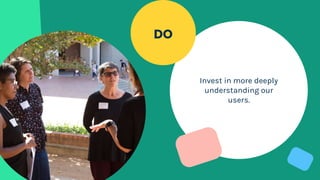
Invest in more deeply
understanding our
users.
DO
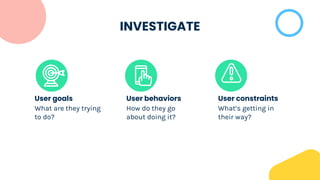
INVESTIGATE
What are they trying
to do?
How do they go
about doing it?
What’s getting in
their way?
User goals User behaviors User constraints
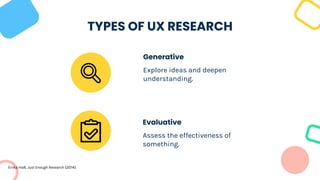
Evaluative
Assess the effectiveness of
something.
TYPES OF UX RESEARCH
Explore ideas and deepen
understanding.
Generative
Erika Hall, Just Enough Research (2014)
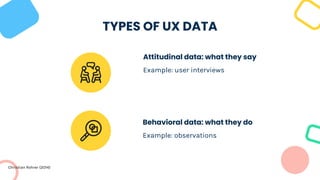
Behavioral data: what they do
Example: observations
TYPES OF UX DATA
Example: user interviews
Attitudinal data: what they say
Christian Rohrer (2014)
USABILITY
TESTING
Testing interfaces to
see how well they are
(or are not) meeting
needs of users.
Participants are asked
to complete a series of
tasks.
Evaluative research that
gives us behavioral data.
Blakiston, Usability Testing (2015); Nielsen Norman Group (2012)
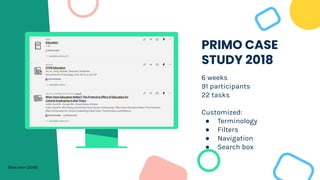
PRIMO CASE
STUDY 2018
6 weeks
91 participants
22 tasks
Customized:
● Terminology
● Filters
● Navigation
● Search box
Blakiston (2018)
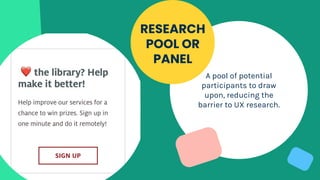
A pool of potential
participants to draw
upon, reducing the
barrier to UX research.
RESEARCH
POOL OR
PANEL
READING
LIST
Just Enough Research
by Erika Hall
Practical Empathy by
Indi Young
for understanding users
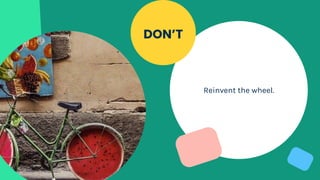
Reinvent the wheel.
DON’T
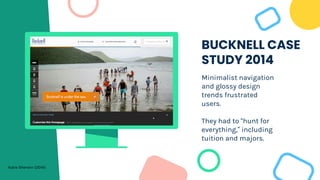
BUCKNELL CASE
STUDY 2014
Minimalist navigation
and glossy design
trends frustrated
users.
They had to “hunt for
everything,” including
tuition and majors.
Katie Sherwin (2014)
Follow conventions
that most users are
familiar with.
DO
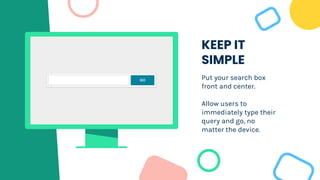
KEEP IT
SIMPLE
Put your search box
front and center.
Allow users to
immediately type their
query and go, no
matter the device.
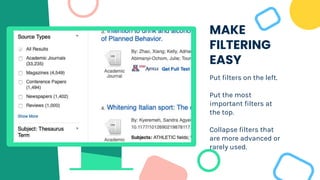
MAKE
FILTERING
EASY
Put filters on the left.
Put the most
important filters at
the top.
Collapse filters that
are more advanced or
rarely used.
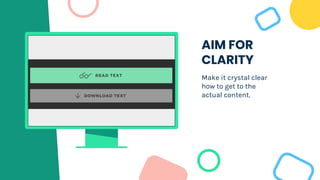
AIM FOR
CLARITY
Make it crystal clear
how to get to the
actual content.
READING
LIST
Don’t Make Me Think
by Steve Krug
Designing the Search
Experience by Tony
Russell-Rose and Tyler
Tate
for design conventions
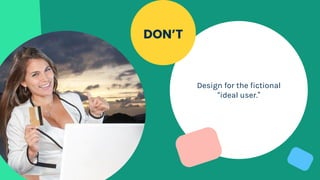
Design for the fictional
“ideal user.”
DON’T
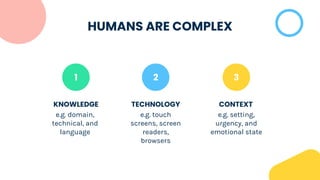
HUMANS ARE COMPLEX
1
KNOWLEDGE
e.g. domain,
technical, and
language
TECHNOLOGY
e.g. touch
screens, screen
readers,
browsers
CONTEXT
e.g. setting,
urgency, and
emotional state
2 3
Build flexible,
responsive systems
that work for as many
people as possible.
DO
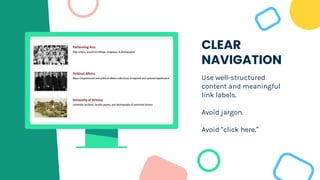
CLEAR
NAVIGATION
Use well-structured
content and meaningful
link labels.
Avoid jargon.
Avoid “click here.”
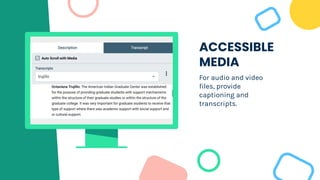
ACCESSIBLE
MEDIA
For audio and video
files, provide
captioning and
transcripts.
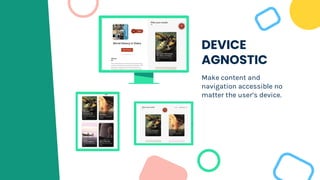
DEVICE
AGNOSTIC
Make content and
navigation accessible no
matter the user’s device.
READING
LIST
for inclusive design
Mismatch: How
Inclusion Shapes
Design by Kat
Holmes
A Web for Everyone
by Sarah Horton and
Whitney Quesenbery
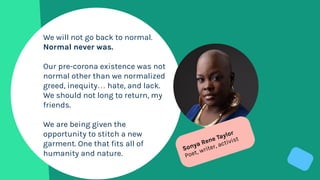
We will not go back to normal.
Normal never was.
Our pre-corona existence was not
normal other than we normalized
greed, inequity… hate, and lack.
We should not long to return, my
friends.
We are being given the
opportunity to stitch a new
garment. One that fits all of
humanity and nature.
Sonya Rene Taylor
Poet, writer, activist
CREDITS: This presentation template was created by
Slidesgo, including icons by Flaticon, and infographics &
images by Freepik and illustrations by Stories.
THANKS!
Let’s discuss.
Rebecca Blakiston
blakisto@arizona.edu
rebeccablakiston.info
Blakiston, R. Testing and Customizing the Primo Interface. (2018).
Blakiston, R. Usability Testing: A Practical Guide for Librarians. (2014). Rowman &
Littlefield.
Budiu, R. You Are Not the User: The False Consensus Effect. (2017). Nielsen Norman
Group.
Hall, E. Just Enough Research. (2014). A Book Apart.
Moran, K. Usability Testing 101. (2019). Nielsen Norman Group.
Rohrer, C. When to Use Which User-Experience Research Methods. (2014). Nielsen
Norman Group.
Sherwin, K. Breaking Web Design Conventions = Breaking the User Experience.
(2014). Nielsen Norman Group.
REFERENCES

Dos and Don'ts from the User Perspective

  • 1.
    Dos and Don’ts from theUser Perspective Rebecca Blakiston (she/her) User Experience Strategist University of Arizona Libraries NISO Humanities Roundtable September 23, 2020
  • 2.
    HOW MIGHT WE BUILD BETTER? 1.Understand our users 2. Use familiar conventions 3. Design flexible, inclusive systems
  • 3.
    Assume we knowour users. DON’T
  • 4.
    FALSE CONSENSUS EFFECT Our tendency to assumethat others share our beliefs and will behave similarly in a given context. Raluca Budiu (2017)
  • 5.
    Invest in moredeeply understanding our users. DO
  • 6.
    INVESTIGATE What are theytrying to do? How do they go about doing it? What’s getting in their way? User goals User behaviors User constraints
  • 7.
    Evaluative Assess the effectivenessof something. TYPES OF UX RESEARCH Explore ideas and deepen understanding. Generative Erika Hall, Just Enough Research (2014)
  • 8.
    Behavioral data: whatthey do Example: observations TYPES OF UX DATA Example: user interviews Attitudinal data: what they say Christian Rohrer (2014)
  • 9.
    USABILITY TESTING Testing interfaces to seehow well they are (or are not) meeting needs of users. Participants are asked to complete a series of tasks. Evaluative research that gives us behavioral data. Blakiston, Usability Testing (2015); Nielsen Norman Group (2012)
  • 10.
    PRIMO CASE STUDY 2018 6weeks 91 participants 22 tasks Customized: ● Terminology ● Filters ● Navigation ● Search box Blakiston (2018)
  • 11.
    A pool ofpotential participants to draw upon, reducing the barrier to UX research. RESEARCH POOL OR PANEL
  • 12.
    READING LIST Just Enough Research byErika Hall Practical Empathy by Indi Young for understanding users
  • 13.
  • 14.
    BUCKNELL CASE STUDY 2014 Minimalistnavigation and glossy design trends frustrated users. They had to “hunt for everything,” including tuition and majors. Katie Sherwin (2014)
  • 15.
    Follow conventions that mostusers are familiar with. DO
  • 16.
    KEEP IT SIMPLE Put yoursearch box front and center. Allow users to immediately type their query and go, no matter the device.
  • 17.
    MAKE FILTERING EASY Put filters onthe left. Put the most important filters at the top. Collapse filters that are more advanced or rarely used.
  • 18.
    AIM FOR CLARITY Make itcrystal clear how to get to the actual content.
  • 19.
    READING LIST Don’t Make MeThink by Steve Krug Designing the Search Experience by Tony Russell-Rose and Tyler Tate for design conventions
  • 20.
    Design for thefictional “ideal user.” DON’T
  • 21.
    HUMANS ARE COMPLEX 1 KNOWLEDGE e.g.domain, technical, and language TECHNOLOGY e.g. touch screens, screen readers, browsers CONTEXT e.g. setting, urgency, and emotional state 2 3
  • 22.
    Build flexible, responsive systems thatwork for as many people as possible. DO
  • 23.
    CLEAR NAVIGATION Use well-structured content andmeaningful link labels. Avoid jargon. Avoid “click here.”
  • 24.
    ACCESSIBLE MEDIA For audio andvideo files, provide captioning and transcripts.
  • 25.
    DEVICE AGNOSTIC Make content and navigationaccessible no matter the user’s device.
  • 26.
    READING LIST for inclusive design Mismatch:How Inclusion Shapes Design by Kat Holmes A Web for Everyone by Sarah Horton and Whitney Quesenbery
  • 27.
    We will notgo back to normal. Normal never was. Our pre-corona existence was not normal other than we normalized greed, inequity… hate, and lack. We should not long to return, my friends. We are being given the opportunity to stitch a new garment. One that fits all of humanity and nature. Sonya Rene Taylor Poet, writer, activist
  • 28.
    CREDITS: This presentationtemplate was created by Slidesgo, including icons by Flaticon, and infographics & images by Freepik and illustrations by Stories. THANKS! Let’s discuss. Rebecca Blakiston blakisto@arizona.edu rebeccablakiston.info
  • 29.
    Blakiston, R. Testingand Customizing the Primo Interface. (2018). Blakiston, R. Usability Testing: A Practical Guide for Librarians. (2014). Rowman & Littlefield. Budiu, R. You Are Not the User: The False Consensus Effect. (2017). Nielsen Norman Group. Hall, E. Just Enough Research. (2014). A Book Apart. Moran, K. Usability Testing 101. (2019). Nielsen Norman Group. Rohrer, C. When to Use Which User-Experience Research Methods. (2014). Nielsen Norman Group. Sherwin, K. Breaking Web Design Conventions = Breaking the User Experience. (2014). Nielsen Norman Group. REFERENCES