© 2006 Cisco Systems, Inc. All rights reserved. Cisco ConfidentialPresentation_ID 1
DOCSIS DS & US Speed Playbook
Top Reasons CMs are not Getting Expected Speed and CMTS Monitoring
Cisco Systems
jdowney@cisco.com
John J. Downey
CMTS Technical Leader
© 2006 Cisco Systems, Inc. All rights reserved. Cisco ConfidentialPresentation_ID 2
Agenda
§ Troubleshooting 101
§ OSI Model
§ JD’s 10 Rules for Capacity Planning
§ 10 Points to Ponder
§ Factors that Affect Data Throughput & Per-CM
Speeds
§ Increasing Access Speed & Performance
Improvement
§ Potential Issues & Closing Points
© 2006 Cisco Systems, Inc. All rights reserved. Cisco ConfidentialPresentation_ID 3
Troubleshooting 101
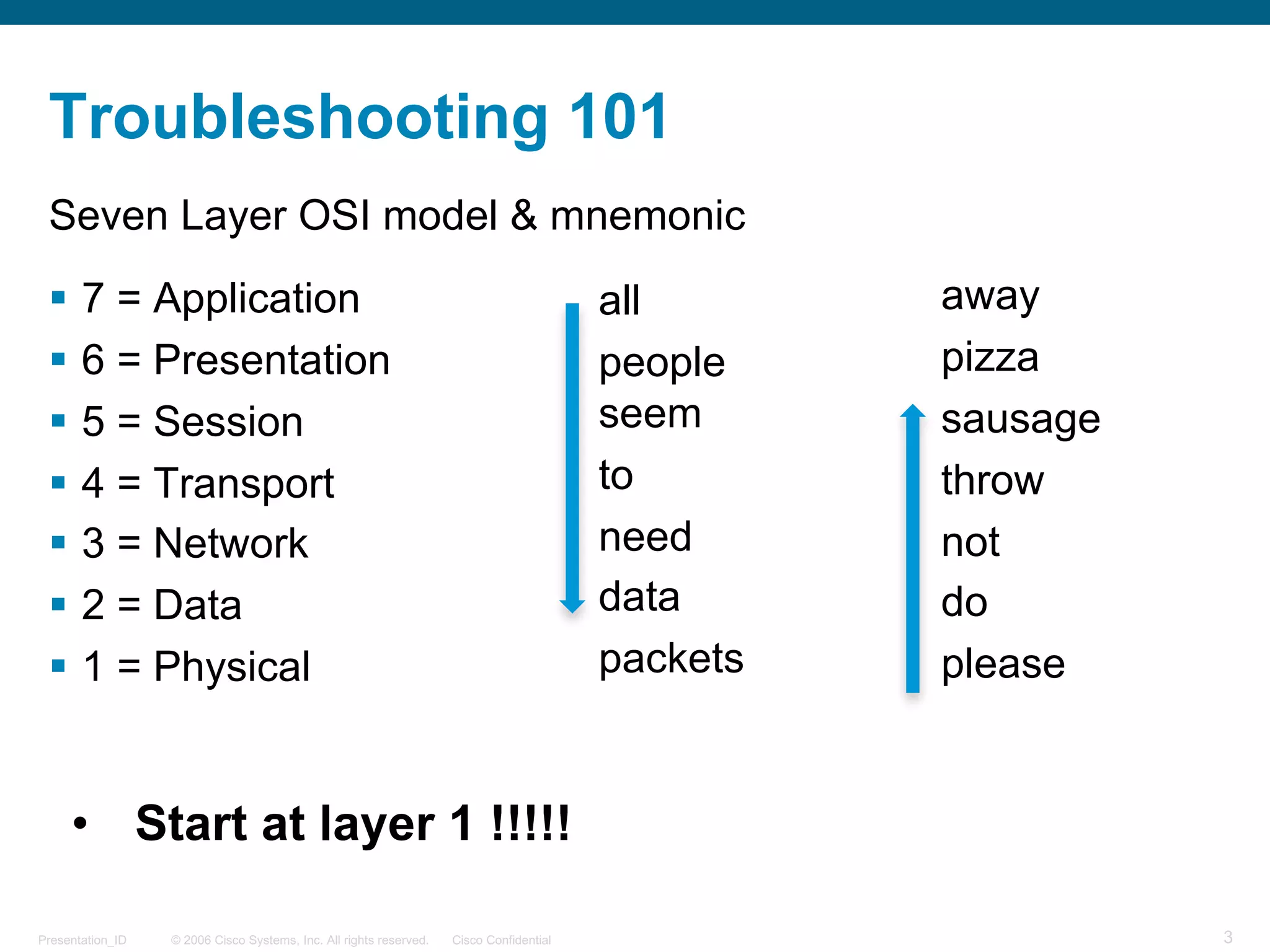
Seven Layer OSI model & mnemonic
§ 7 = Application
§ 6 = Presentation
§ 5 = Session
§ 4 = Transport
§ 3 = Network
§ 2 = Data
§ 1 = Physical
all
people
seem
to
need
data
packets
away
pizza
sausage
throw
not
do
please
• Start at layer 1 !!!!!
© 2006 Cisco Systems, Inc. All rights reserved. Cisco ConfidentialPresentation_ID 4
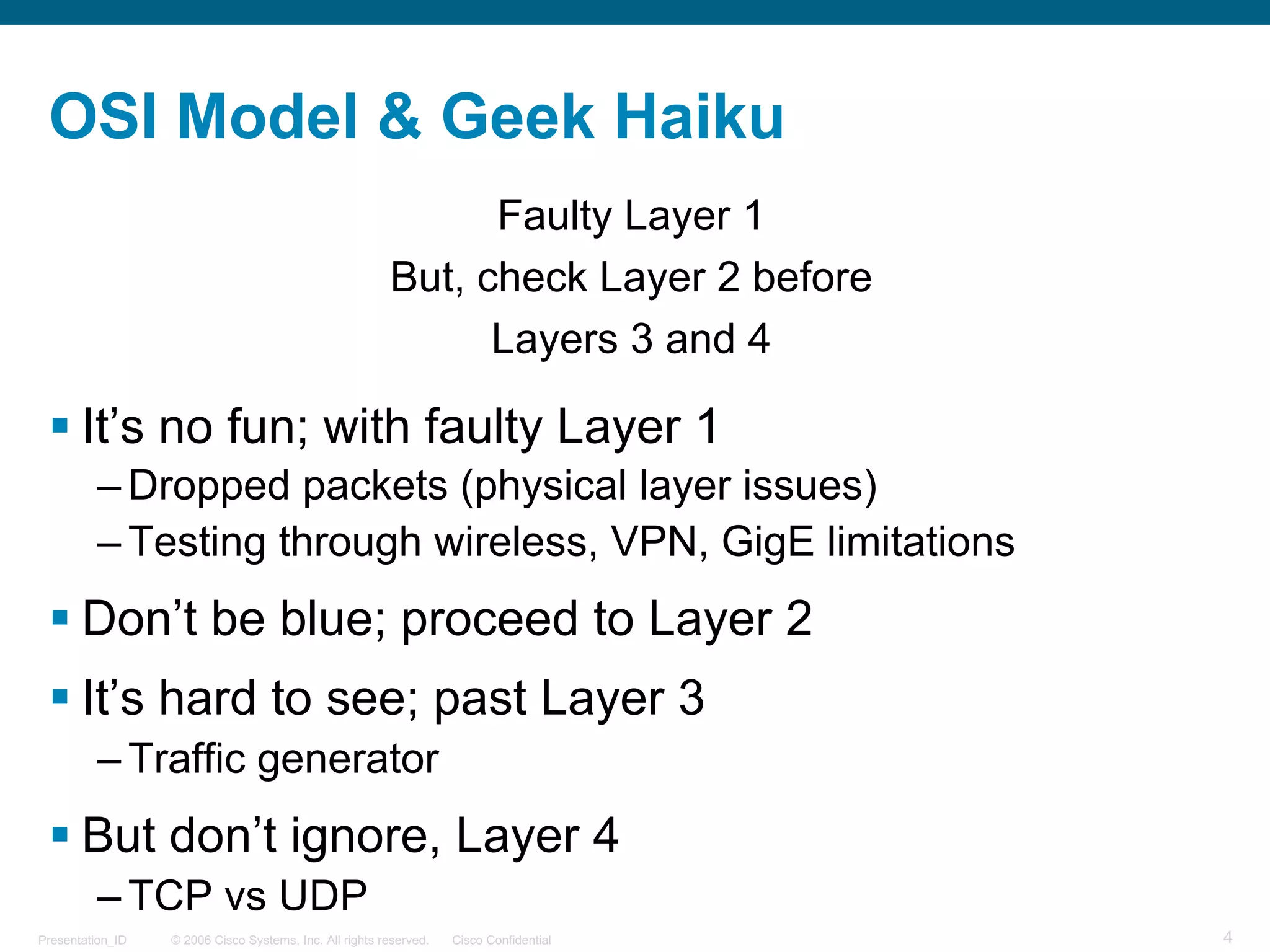
OSI Model & Geek Haiku
Faulty Layer 1
But, check Layer 2 before
Layers 3 and 4
§ It’s no fun; with faulty Layer 1
– Dropped packets (physical layer issues)
– Testing through wireless, VPN, GigE limitations
§ Don’t be blue; proceed to Layer 2
§ It’s hard to see; past Layer 3
– Traffic generator
§ But don’t ignore, Layer 4
– TCP vs UDP
© 2006 Cisco Systems, Inc. All rights reserved. Cisco ConfidentialPresentation_ID 5
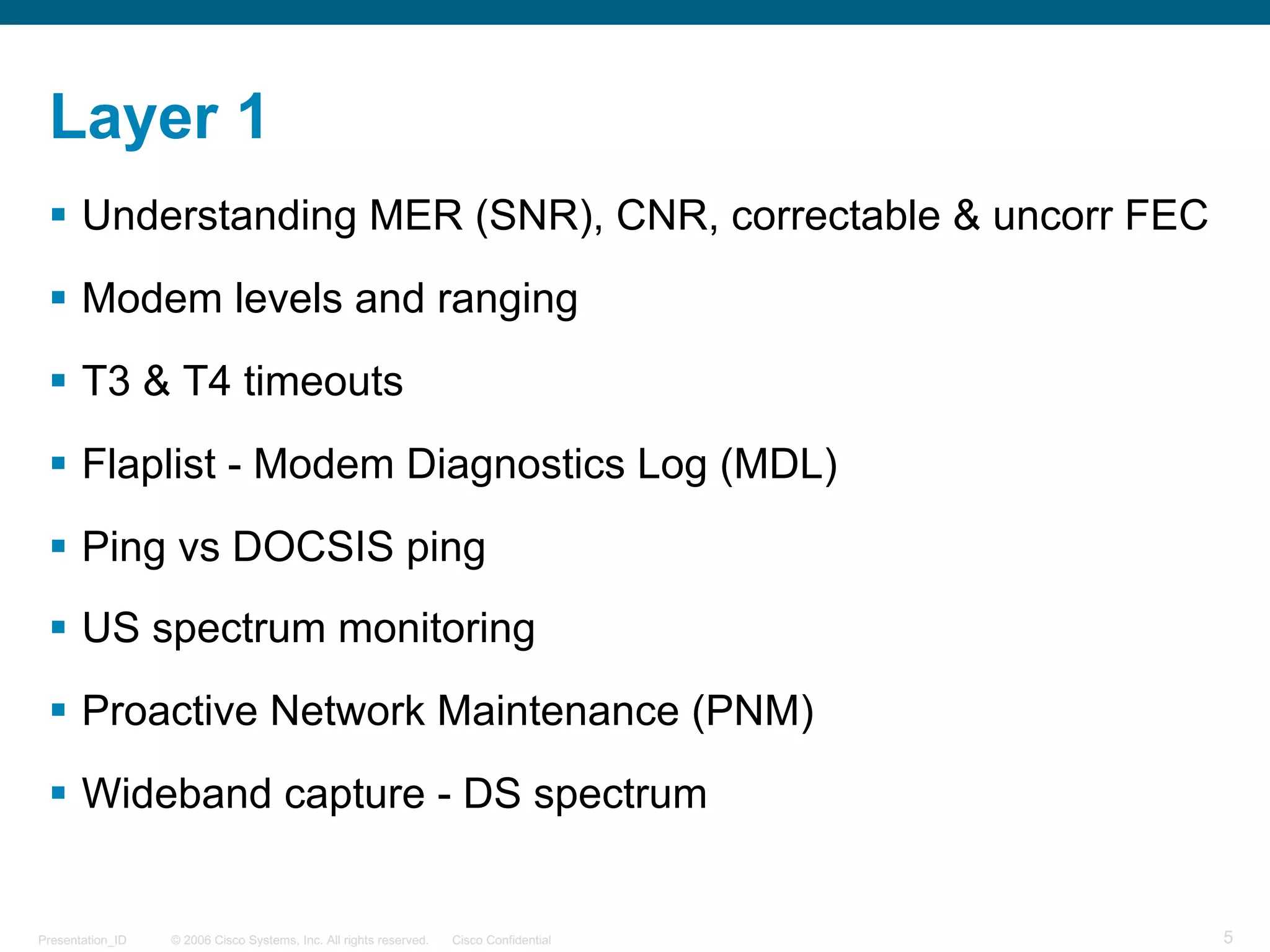
Layer 1
§ Understanding MER (SNR), CNR, correctable & uncorr FEC
§ Modem levels and ranging
§ T3 & T4 timeouts
§ Flaplist - Modem Diagnostics Log (MDL)
§ Ping vs DOCSIS ping
§ US spectrum monitoring
§ Proactive Network Maintenance (PNM)
§ Wideband capture - DS spectrum
© 2006 Cisco Systems, Inc. All rights reserved. Cisco ConfidentialPresentation_ID 6
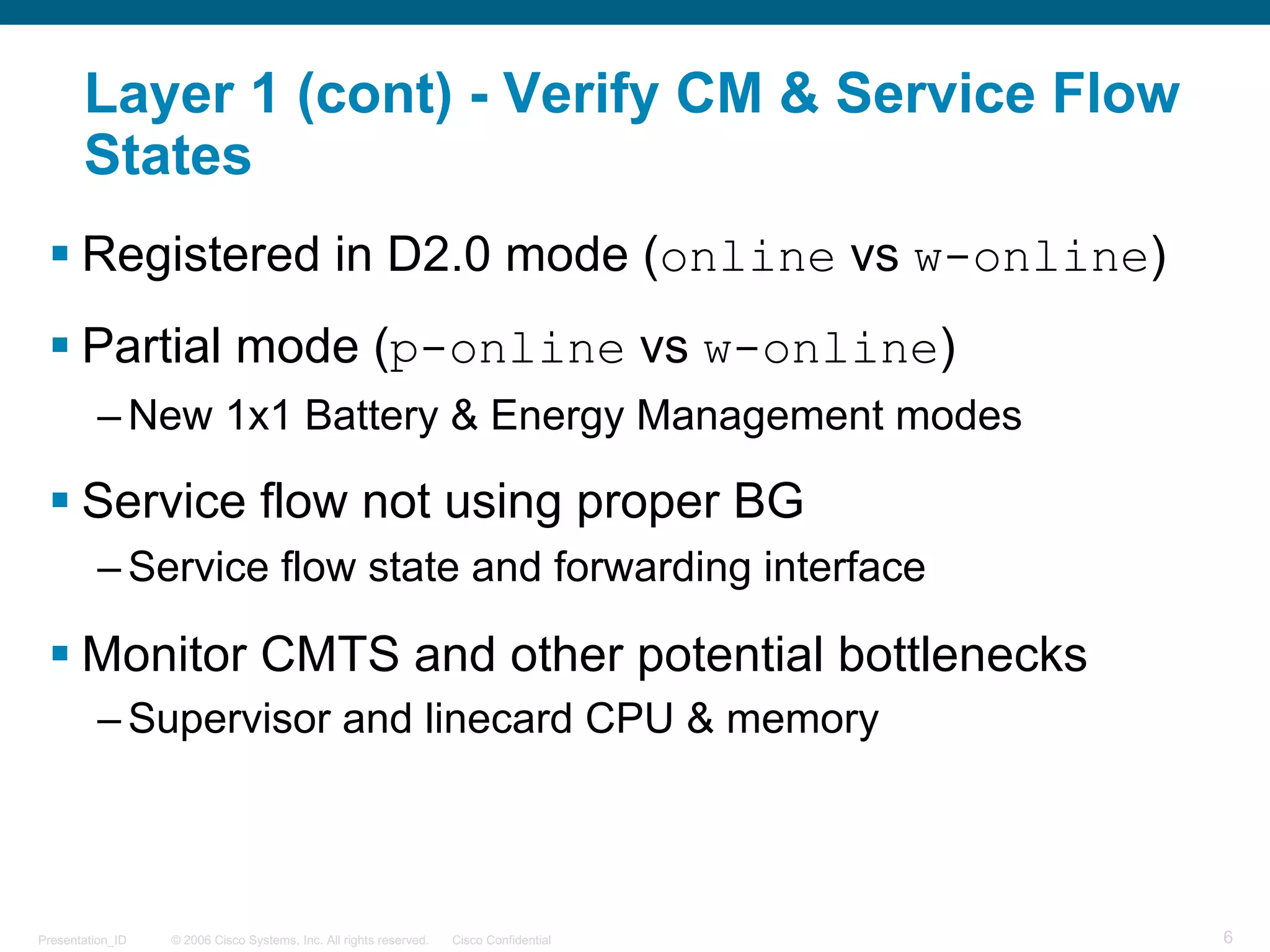
Layer 1 (cont) - Verify CM & Service Flow
States
§ Registered in D2.0 mode (online vs w-online)
§ Partial mode (p-online vs w-online)
– New 1x1 Battery & Energy Management modes
§ Service flow not using proper BG
– Service flow state and forwarding interface
§ Monitor CMTS and other potential bottlenecks
– Supervisor and linecard CPU & memory
© 2006 Cisco Systems, Inc. All rights reserved. Cisco ConfidentialPresentation_ID 7
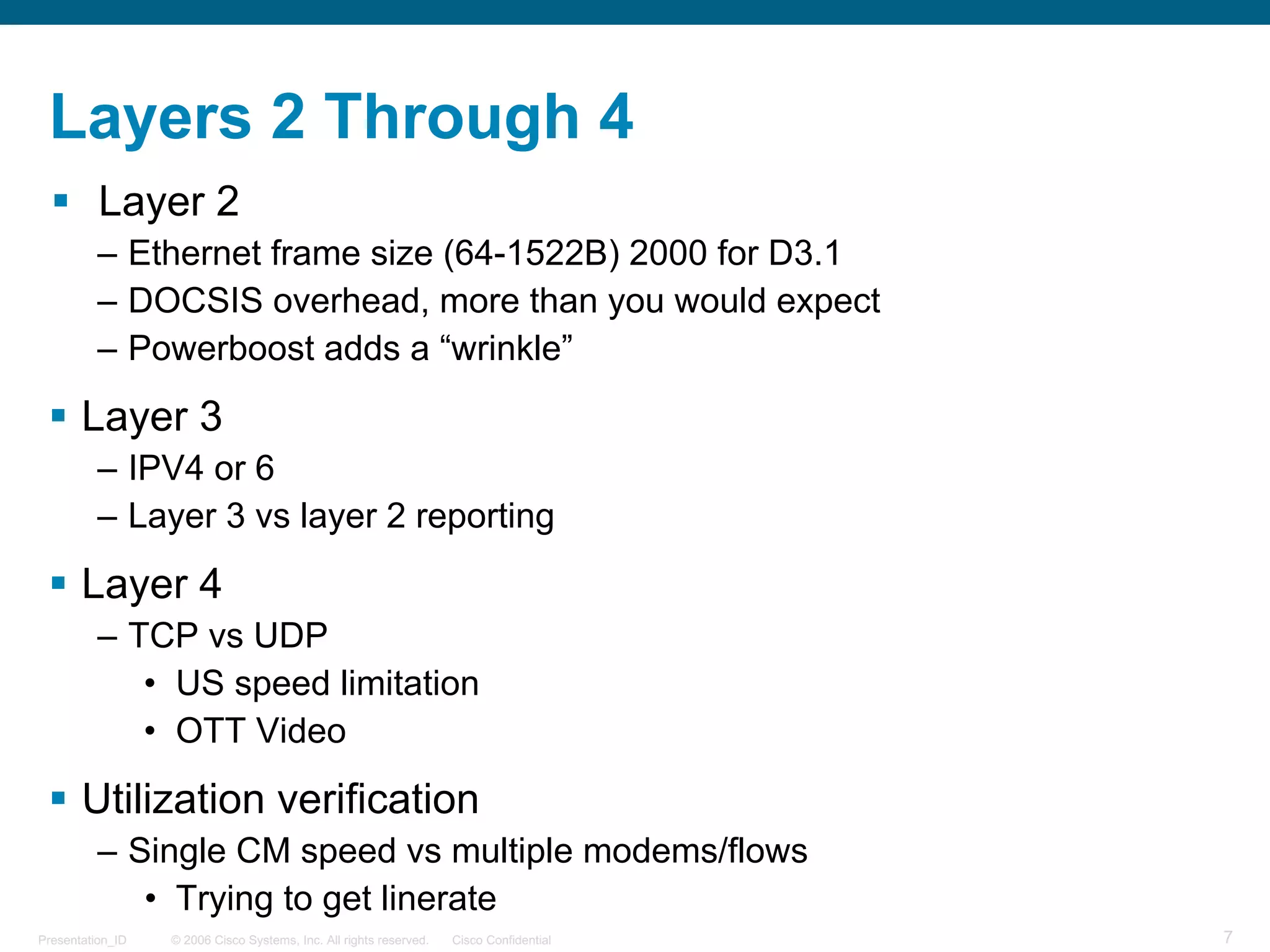
Layers 2 Through 4
§ Layer 2
– Ethernet frame size (64-1522B) 2000 for D3.1
– DOCSIS overhead, more than you would expect
– Powerboost adds a “wrinkle”
§ Layer 3
– IPV4 or 6
– Layer 3 vs layer 2 reporting
§ Layer 4
– TCP vs UDP
• US speed limitation
• OTT Video
§ Utilization verification
– Single CM speed vs multiple modems/flows
• Trying to get linerate
© 2006 Cisco Systems, Inc. All rights reserved. Cisco ConfidentialPresentation_ID 8
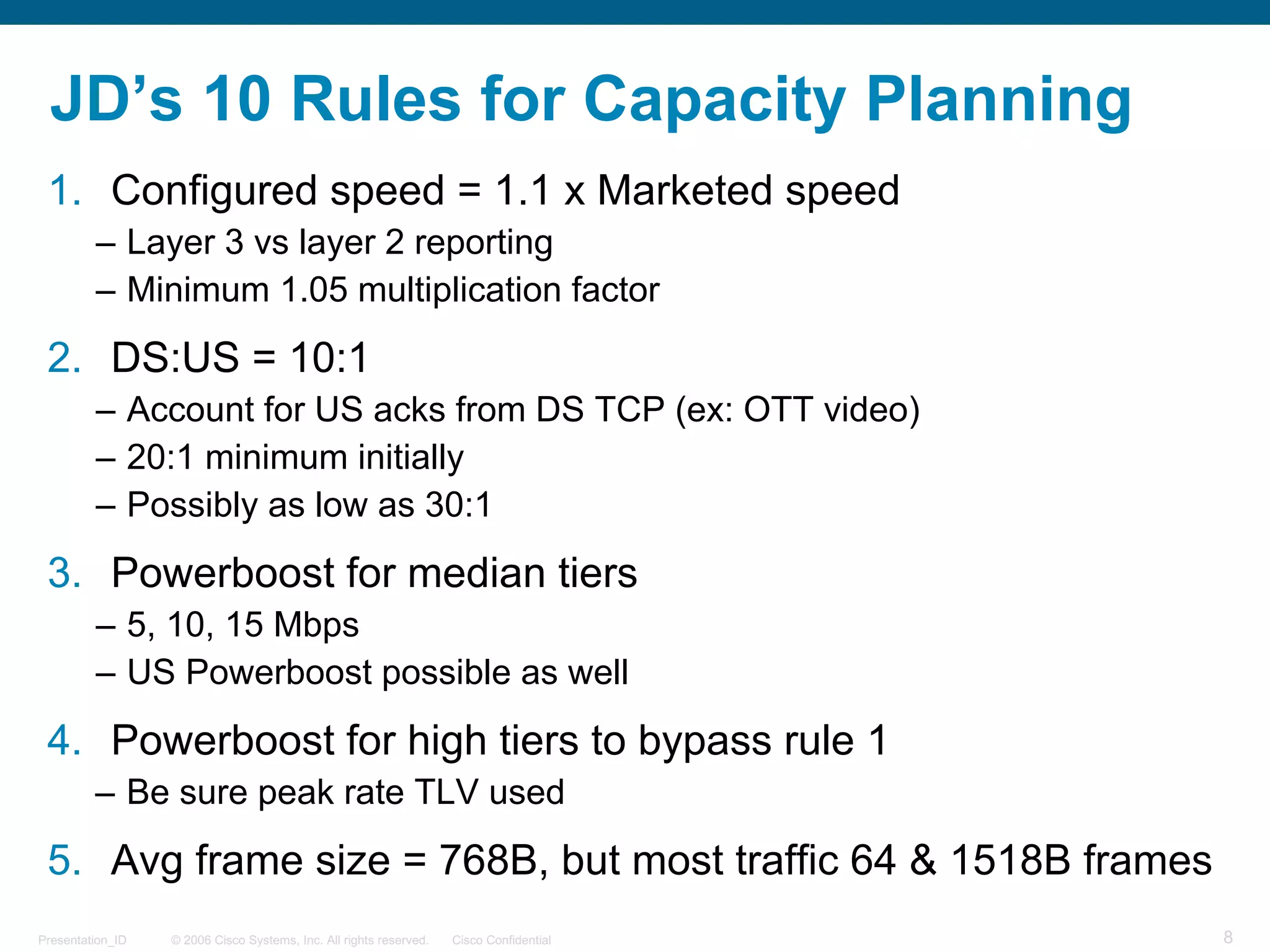
JD’s 10 Rules for Capacity Planning
1. Configured speed = 1.1 x Marketed speed
– Layer 3 vs layer 2 reporting
– Minimum 1.05 multiplication factor
2. DS:US = 10:1
– Account for US acks from DS TCP (ex: OTT video)
– 20:1 minimum initially
– Possibly as low as 30:1
3. Powerboost for median tiers
– 5, 10, 15 Mbps
– US Powerboost possible as well
4. Powerboost for high tiers to bypass rule 1
– Be sure peak rate TLV used
5. Avg frame size = 768B, but most traffic 64 & 1518B frames
© 2006 Cisco Systems, Inc. All rights reserved. Cisco ConfidentialPresentation_ID 9
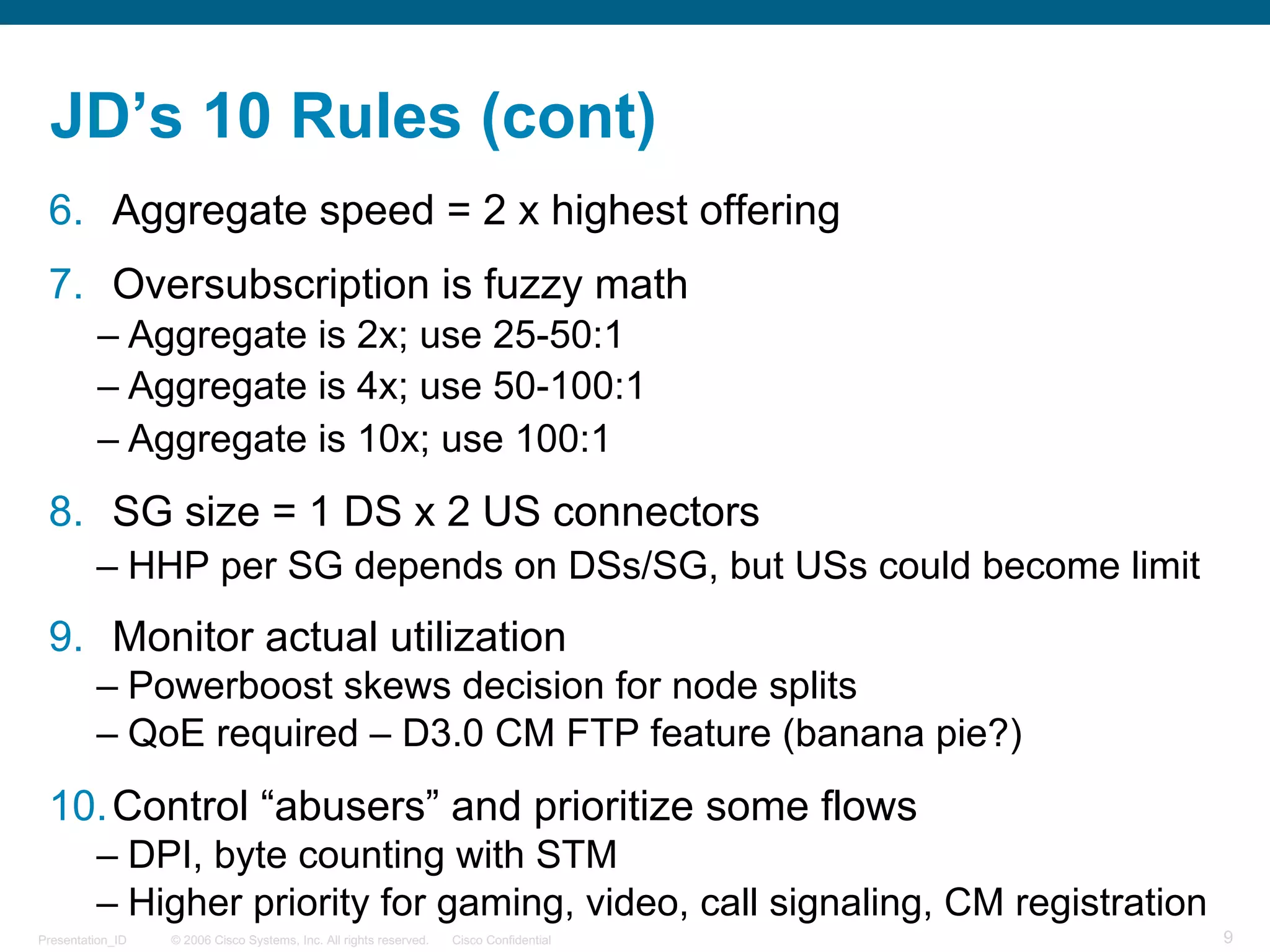
JD’s 10 Rules (cont)
6. Aggregate speed = 2 x highest offering
7. Oversubscription is fuzzy math
– Aggregate is 2x; use 25-50:1
– Aggregate is 4x; use 50-100:1
– Aggregate is 10x; use 100:1
8. SG size = 1 DS x 2 US connectors
– HHP per SG depends on DSs/SG, but USs could become limit
9. Monitor actual utilization
– Powerboost skews decision for node splits
– QoE required – D3.0 CM FTP feature (banana pie?)
10.Control “abusers” and prioritize some flows
– DPI, byte counting with STM
– Higher priority for gaming, video, call signaling, CM registration
© 2006 Cisco Systems, Inc. All rights reserved. Cisco ConfidentialPresentation_ID 10
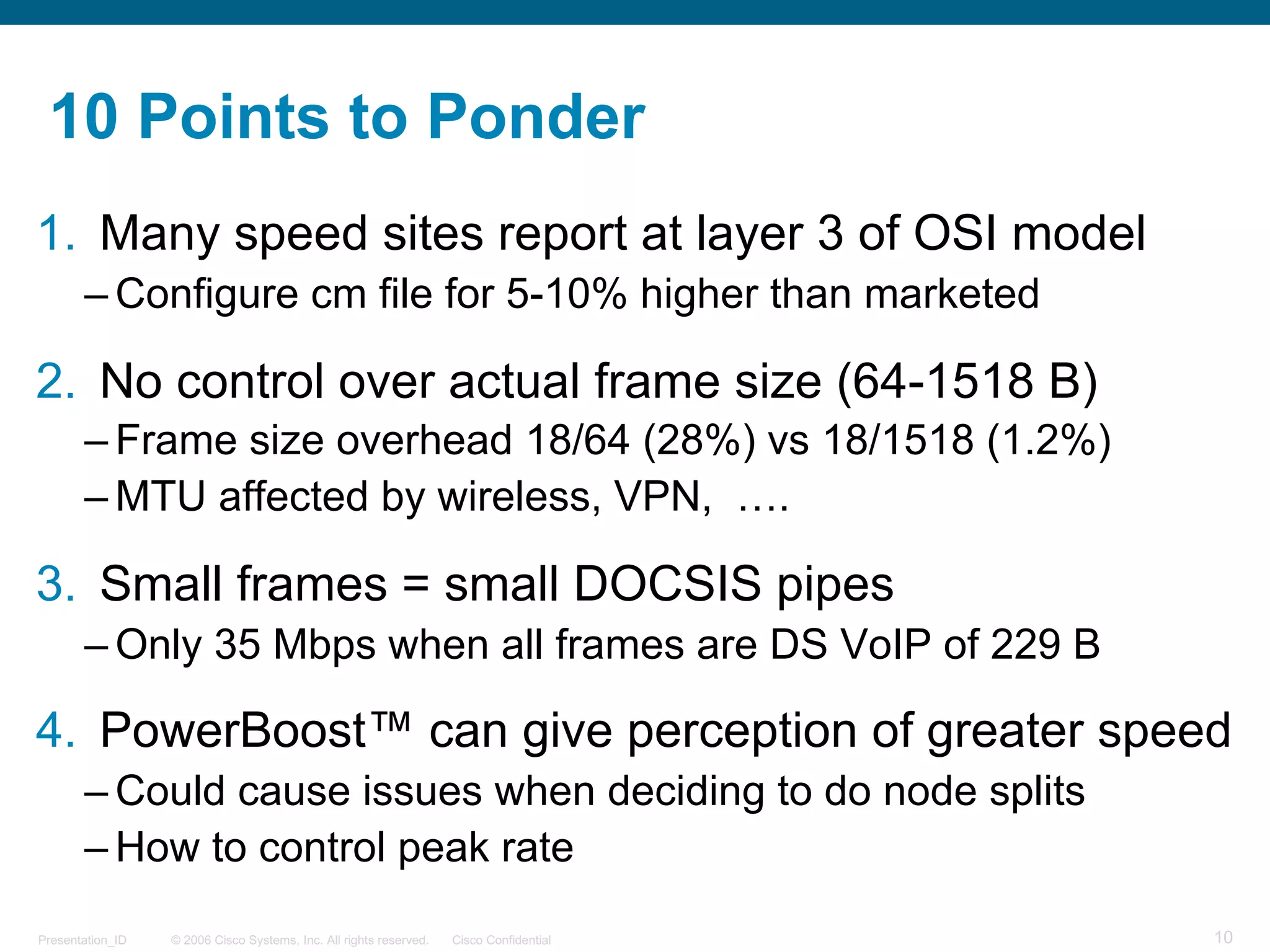
10 Points to Ponder
1. Many speed sites report at layer 3 of OSI model
– Configure cm file for 5-10% higher than marketed
2. No control over actual frame size (64-1518 B)
– Frame size overhead 18/64 (28%) vs 18/1518 (1.2%)
– MTU affected by wireless, VPN, ….
3. Small frames = small DOCSIS pipes
– Only 35 Mbps when all frames are DS VoIP of 229 B
4. PowerBoost™ can give perception of greater speed
– Could cause issues when deciding to do node splits
– How to control peak rate
© 2006 Cisco Systems, Inc. All rights reserved. Cisco ConfidentialPresentation_ID 11
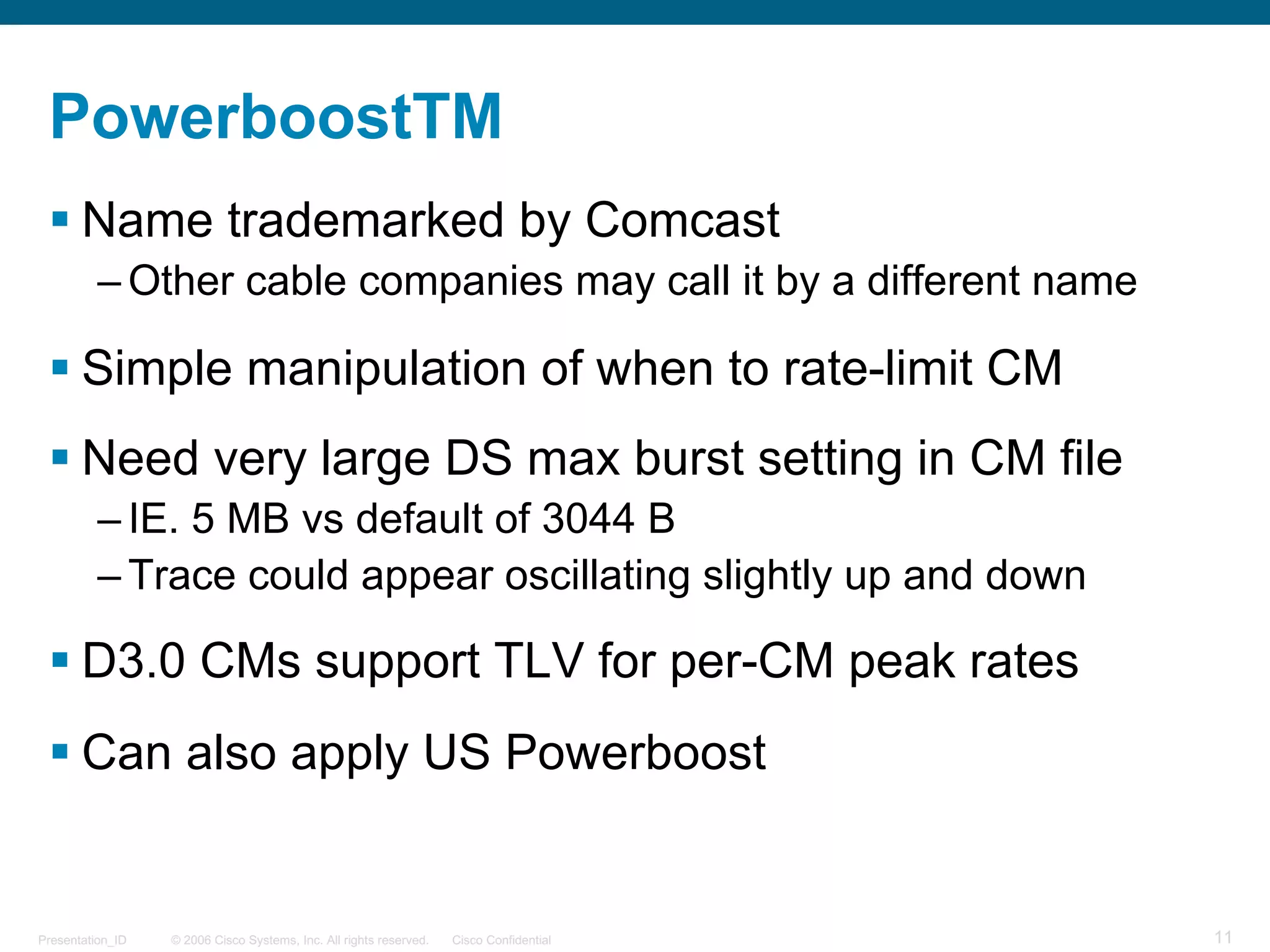
PowerboostTM
§ Name trademarked by Comcast
– Other cable companies may call it by a different name
§ Simple manipulation of when to rate-limit CM
§ Need very large DS max burst setting in CM file
– IE. 5 MB vs default of 3044 B
– Trace could appear oscillating slightly up and down
§ D3.0 CMs support TLV for per-CM peak rates
§ Can also apply US Powerboost
© 2006 Cisco Systems, Inc. All rights reserved. Cisco ConfidentialPresentation_ID 12
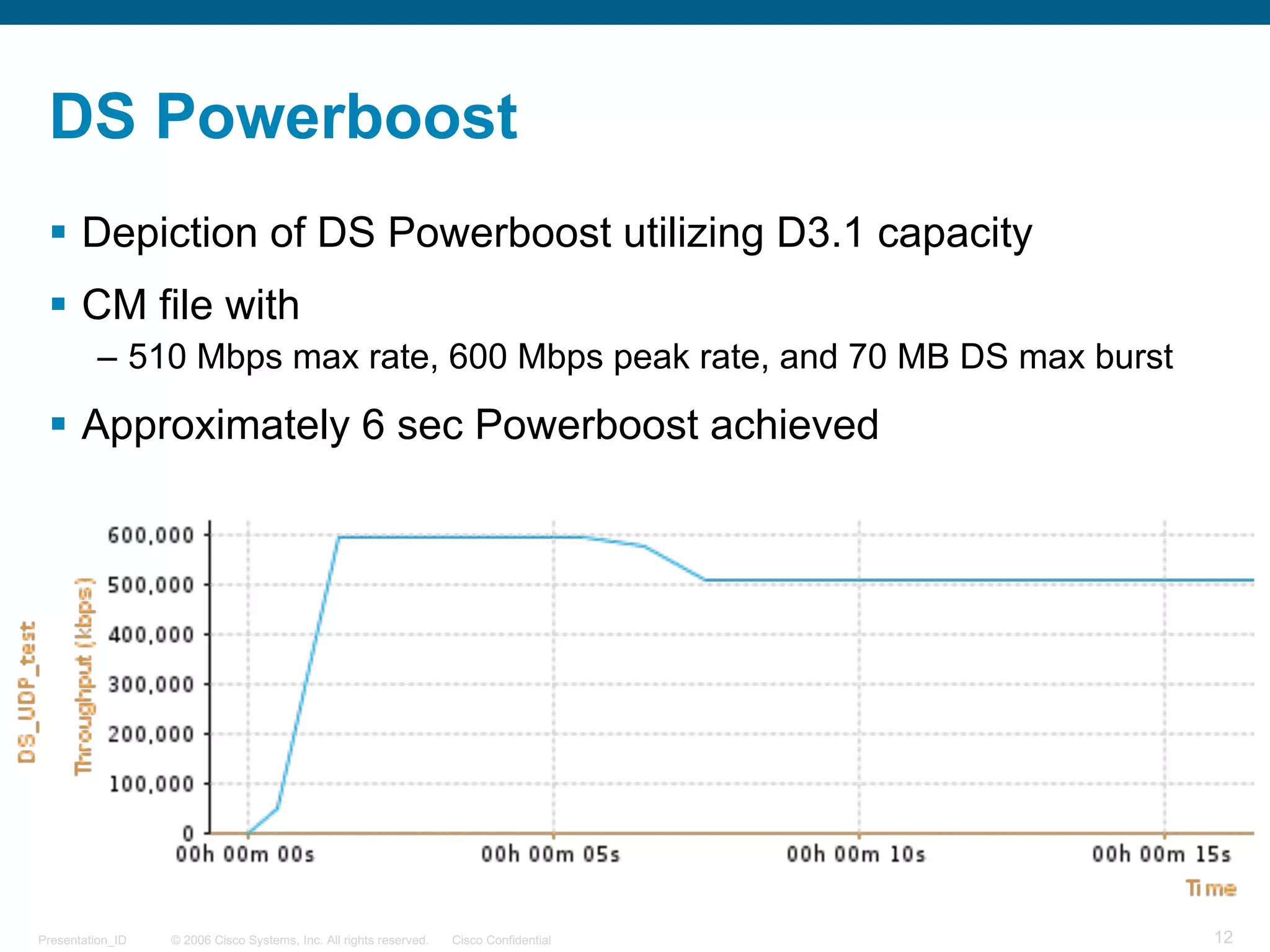
DS Powerboost
§ Depiction of DS Powerboost utilizing D3.1 capacity
§ CM file with
– 510 Mbps max rate, 600 Mbps peak rate, and 70 MB DS max burst
§ Approximately 6 sec Powerboost achieved
© 2006 Cisco Systems, Inc. All rights reserved. Cisco ConfidentialPresentation_ID 13
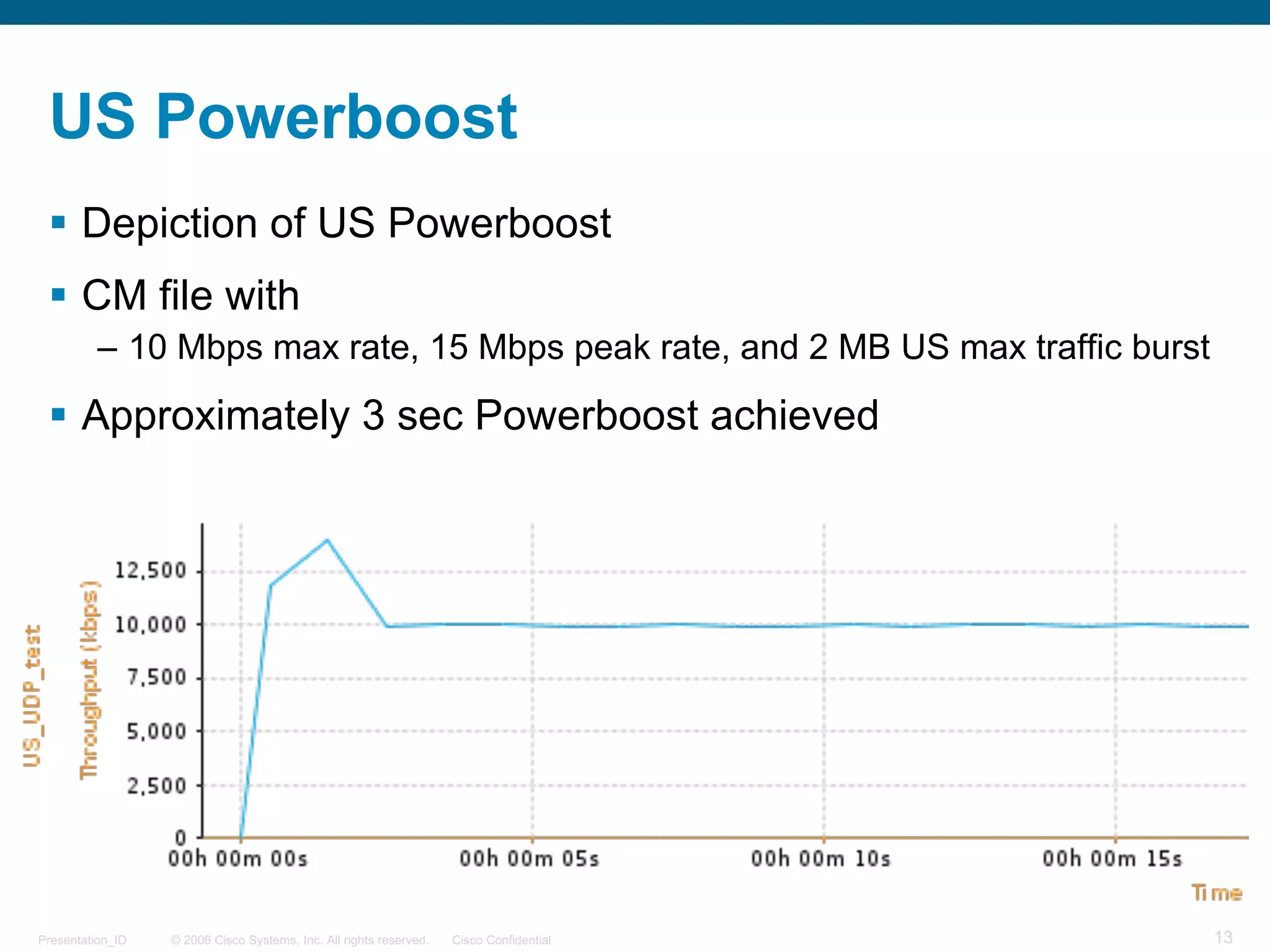
US Powerboost
§ Depiction of US Powerboost
§ CM file with
– 10 Mbps max rate, 15 Mbps peak rate, and 2 MB US max traffic burst
§ Approximately 3 sec Powerboost achieved
© 2006 Cisco Systems, Inc. All rights reserved. Cisco ConfidentialPresentation_ID 14
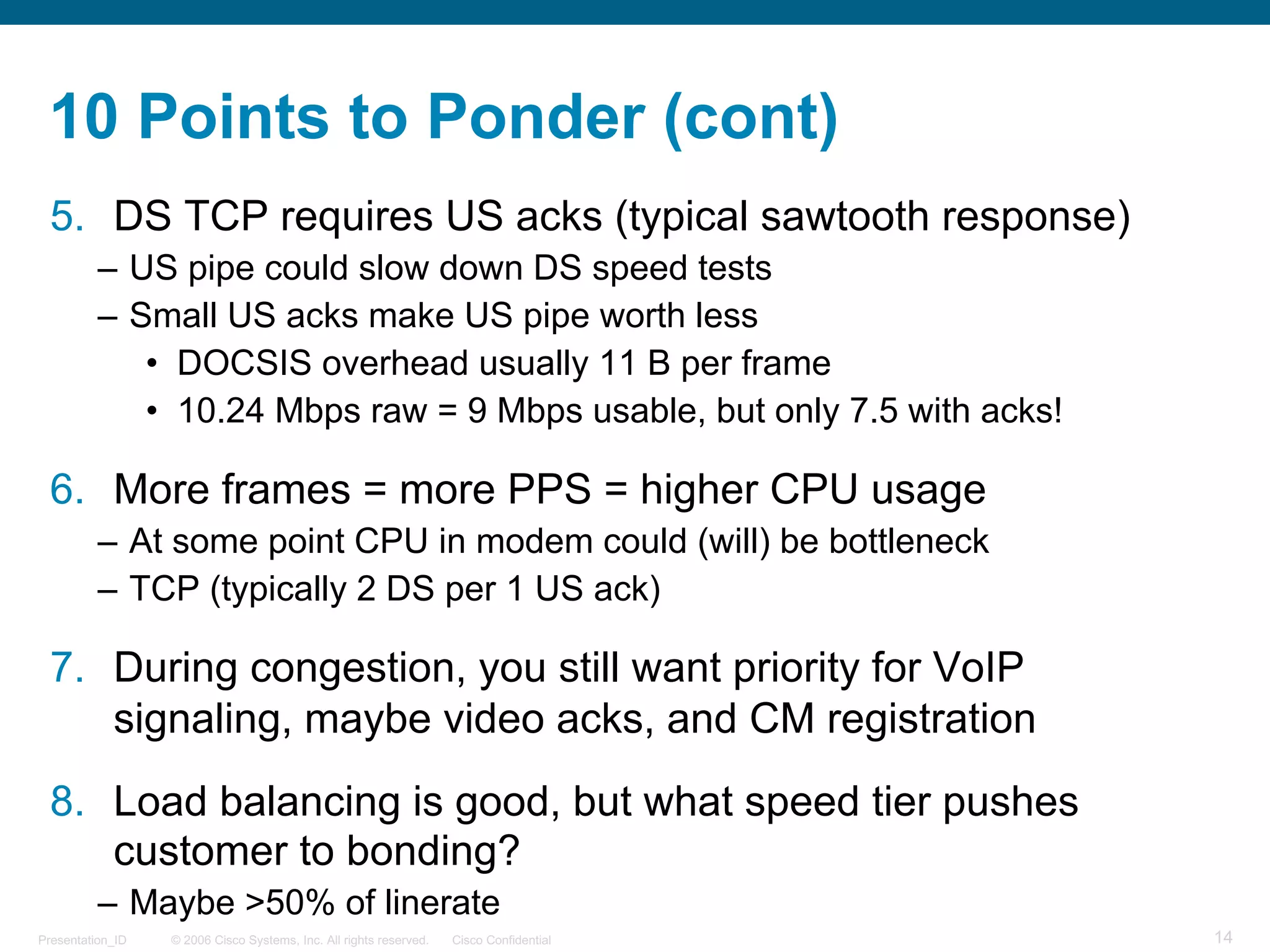
10 Points to Ponder (cont)
5. DS TCP requires US acks (typical sawtooth response)
– US pipe could slow down DS speed tests
– Small US acks make US pipe worth less
• DOCSIS overhead usually 11 B per frame
• 10.24 Mbps raw = 9 Mbps usable, but only 7.5 with acks!
6. More frames = more PPS = higher CPU usage
– At some point CPU in modem could (will) be bottleneck
– TCP (typically 2 DS per 1 US ack)
7. During congestion, you still want priority for VoIP
signaling, maybe video acks, and CM registration
8. Load balancing is good, but what speed tier pushes
customer to bonding?
– Maybe >50% of linerate
© 2006 Cisco Systems, Inc. All rights reserved. Cisco ConfidentialPresentation_ID 15
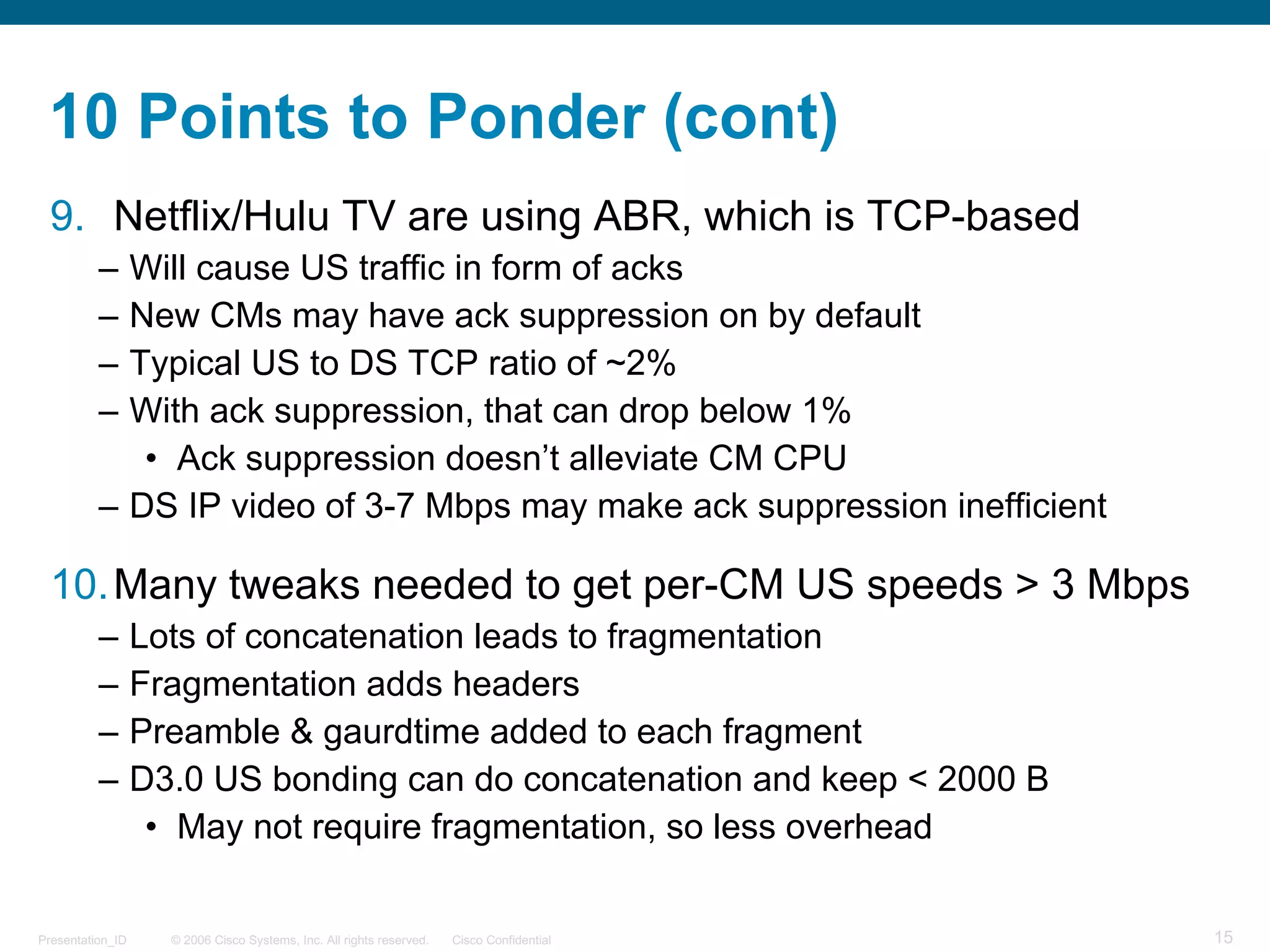
10 Points to Ponder (cont)
9. Netflix/Hulu TV are using ABR, which is TCP-based
– Will cause US traffic in form of acks
– New CMs may have ack suppression on by default
– Typical US to DS TCP ratio of ~2%
– With ack suppression, that can drop below 1%
• Ack suppression doesn’t alleviate CM CPU
– DS IP video of 3-7 Mbps may make ack suppression inefficient
10.Many tweaks needed to get per-CM US speeds > 3 Mbps
– Lots of concatenation leads to fragmentation
– Fragmentation adds headers
– Preamble & gaurdtime added to each fragment
– D3.0 US bonding can do concatenation and keep < 2000 B
• May not require fragmentation, so less overhead
© 2006 Cisco Systems, Inc. All rights reserved. Cisco ConfidentialPresentation_ID 16
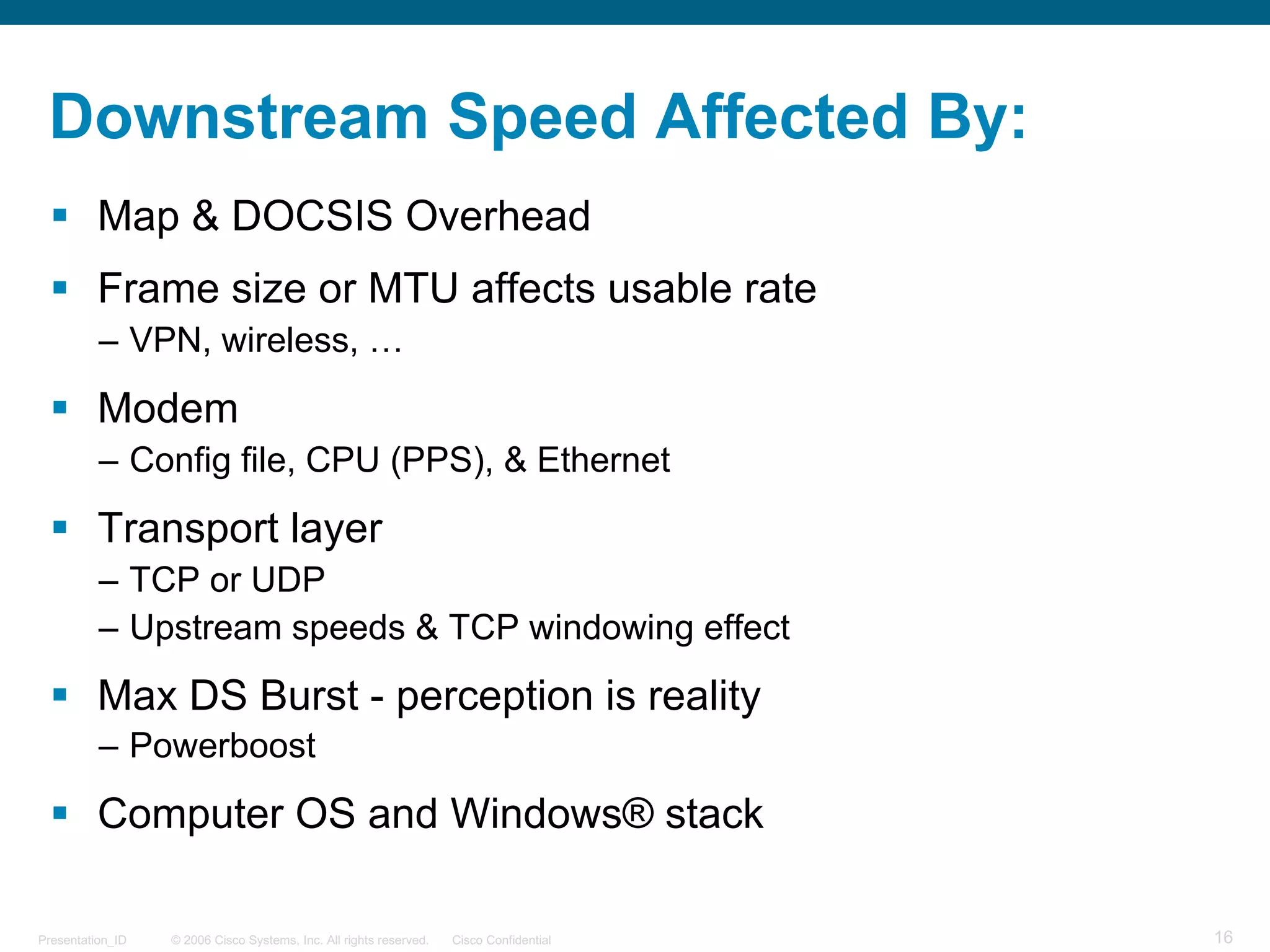
Downstream Speed Affected By:
§ Map & DOCSIS Overhead
§ Frame size or MTU affects usable rate
– VPN, wireless, …
§ Modem
– Config file, CPU (PPS), & Ethernet
§ Transport layer
– TCP or UDP
– Upstream speeds & TCP windowing effect
§ Max DS Burst - perception is reality
– Powerboost
§ Computer OS and Windows® stack
© 2006 Cisco Systems, Inc. All rights reserved. Cisco ConfidentialPresentation_ID 17
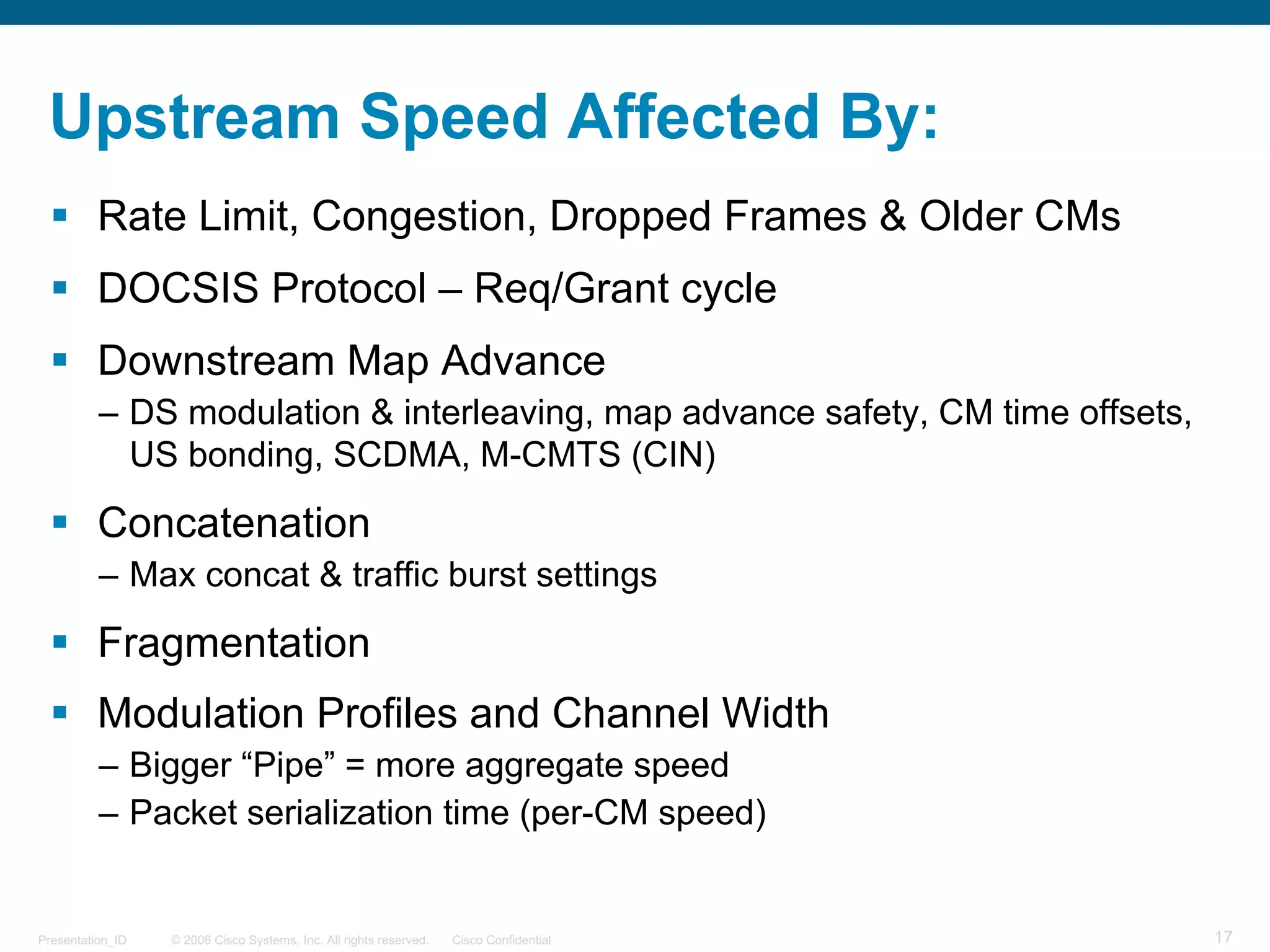
Upstream Speed Affected By:
§ Rate Limit, Congestion, Dropped Frames & Older CMs
§ DOCSIS Protocol – Req/Grant cycle
§ Downstream Map Advance
– DS modulation & interleaving, map advance safety, CM time offsets,
US bonding, SCDMA, M-CMTS (CIN)
§ Concatenation
– Max concat & traffic burst settings
§ Fragmentation
§ Modulation Profiles and Channel Width
– Bigger “Pipe” = more aggregate speed
– Packet serialization time (per-CM speed)
© 2006 Cisco Systems, Inc. All rights reserved. Cisco ConfidentialPresentation_ID 18
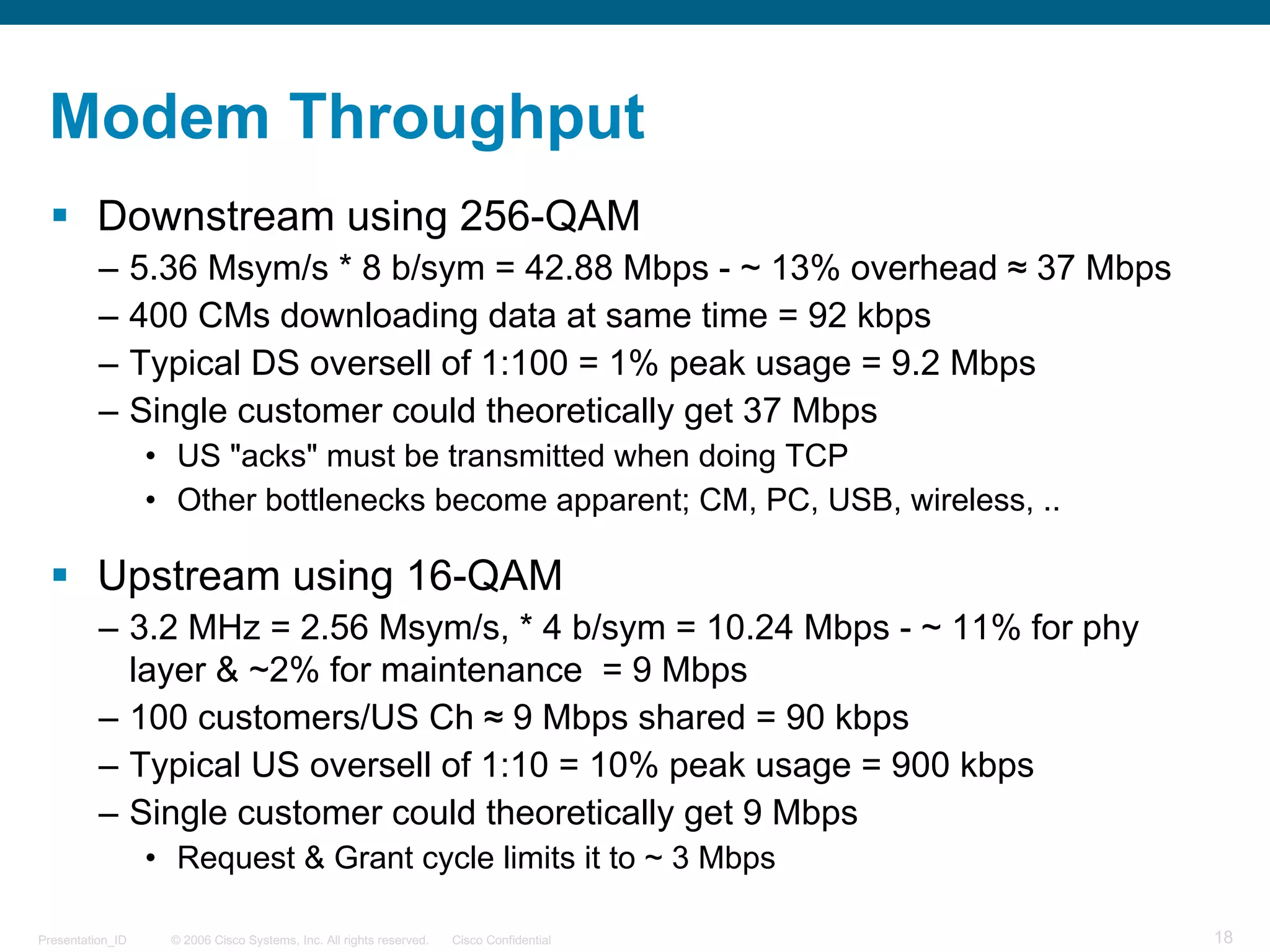
Modem Throughput
§ Downstream using 256-QAM
– 5.36 Msym/s * 8 b/sym = 42.88 Mbps - ~ 13% overhead ≈ 37 Mbps
– 400 CMs downloading data at same time = 92 kbps
– Typical DS oversell of 1:100 = 1% peak usage = 9.2 Mbps
– Single customer could theoretically get 37 Mbps
• US "acks" must be transmitted when doing TCP
• Other bottlenecks become apparent; CM, PC, USB, wireless, ..
§ Upstream using 16-QAM
– 3.2 MHz = 2.56 Msym/s, * 4 b/sym = 10.24 Mbps - ~ 11% for phy
layer & ~2% for maintenance = 9 Mbps
– 100 customers/US Ch ≈ 9 Mbps shared = 90 kbps
– Typical US oversell of 1:10 = 10% peak usage = 900 kbps
– Single customer could theoretically get 9 Mbps
• Request & Grant cycle limits it to ~ 3 Mbps
© 2006 Cisco Systems, Inc. All rights reserved. Cisco ConfidentialPresentation_ID 19
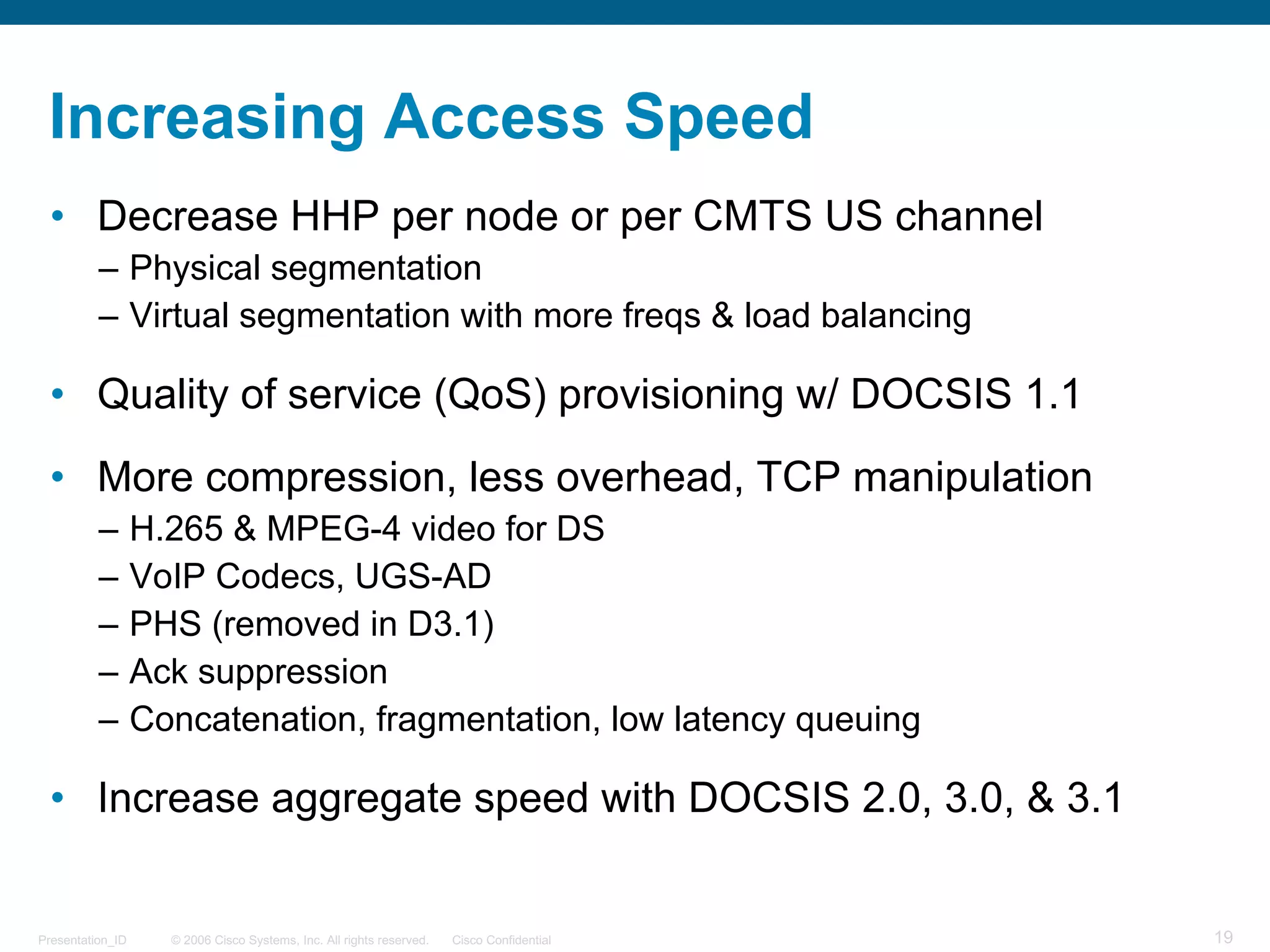
Increasing Access Speed
• Decrease HHP per node or per CMTS US channel
– Physical segmentation
– Virtual segmentation with more freqs & load balancing
• Quality of service (QoS) provisioning w/ DOCSIS 1.1
• More compression, less overhead, TCP manipulation
– H.265 & MPEG-4 video for DS
– VoIP Codecs, UGS-AD
– PHS (removed in D3.1)
– Ack suppression
– Concatenation, fragmentation, low latency queuing
• Increase aggregate speed with DOCSIS 2.0, 3.0, & 3.1
© 2006 Cisco Systems, Inc. All rights reserved. Cisco ConfidentialPresentation_ID 20
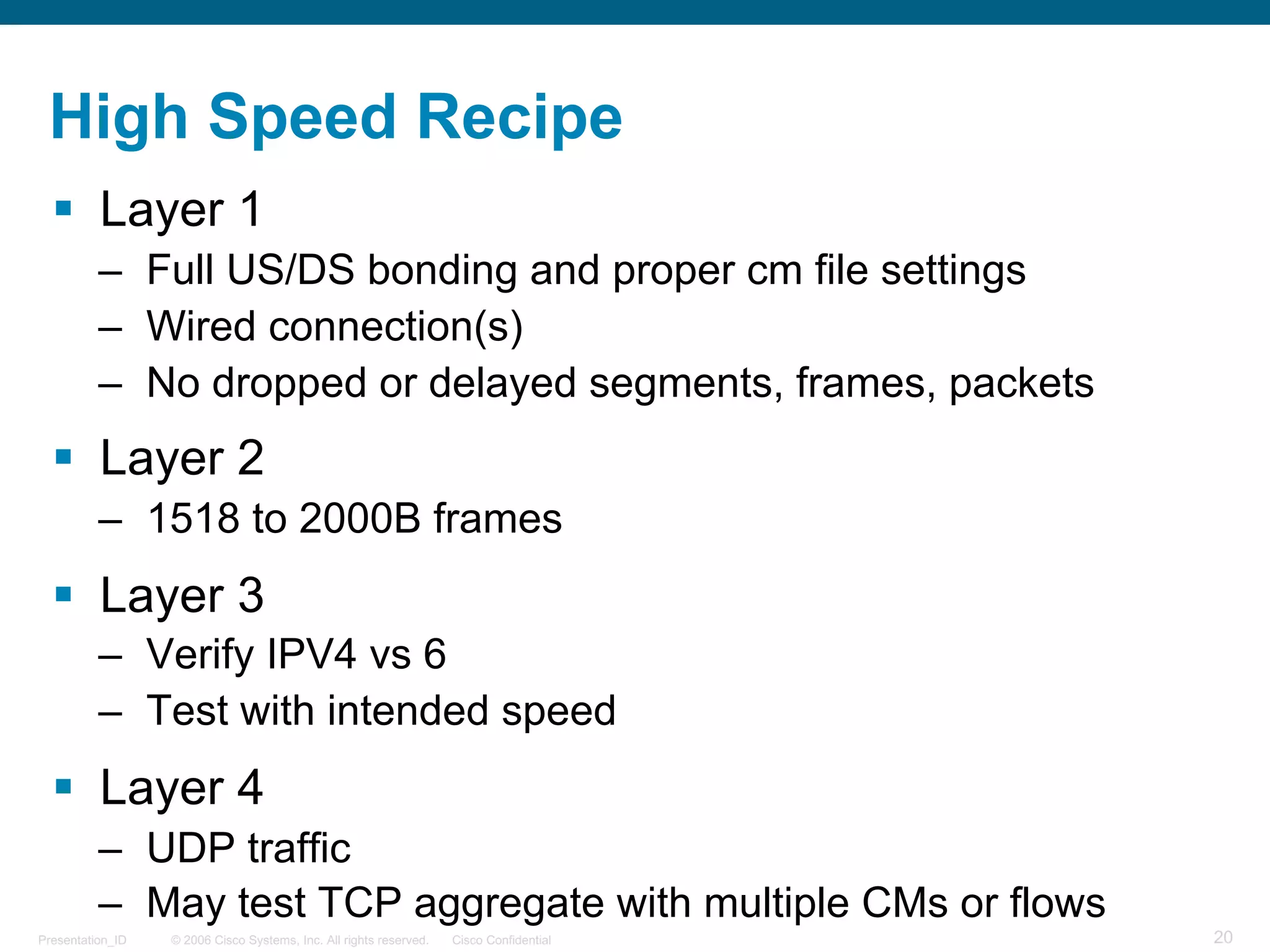
High Speed Recipe
§ Layer 1
– Full US/DS bonding and proper cm file settings
– Wired connection(s)
– No dropped or delayed segments, frames, packets
§ Layer 2
– 1518 to 2000B frames
§ Layer 3
– Verify IPV4 vs 6
– Test with intended speed
§ Layer 4
– UDP traffic
– May test TCP aggregate with multiple CMs or flows
© 2006 Cisco Systems, Inc. All rights reserved. Cisco ConfidentialPresentation_ID 21
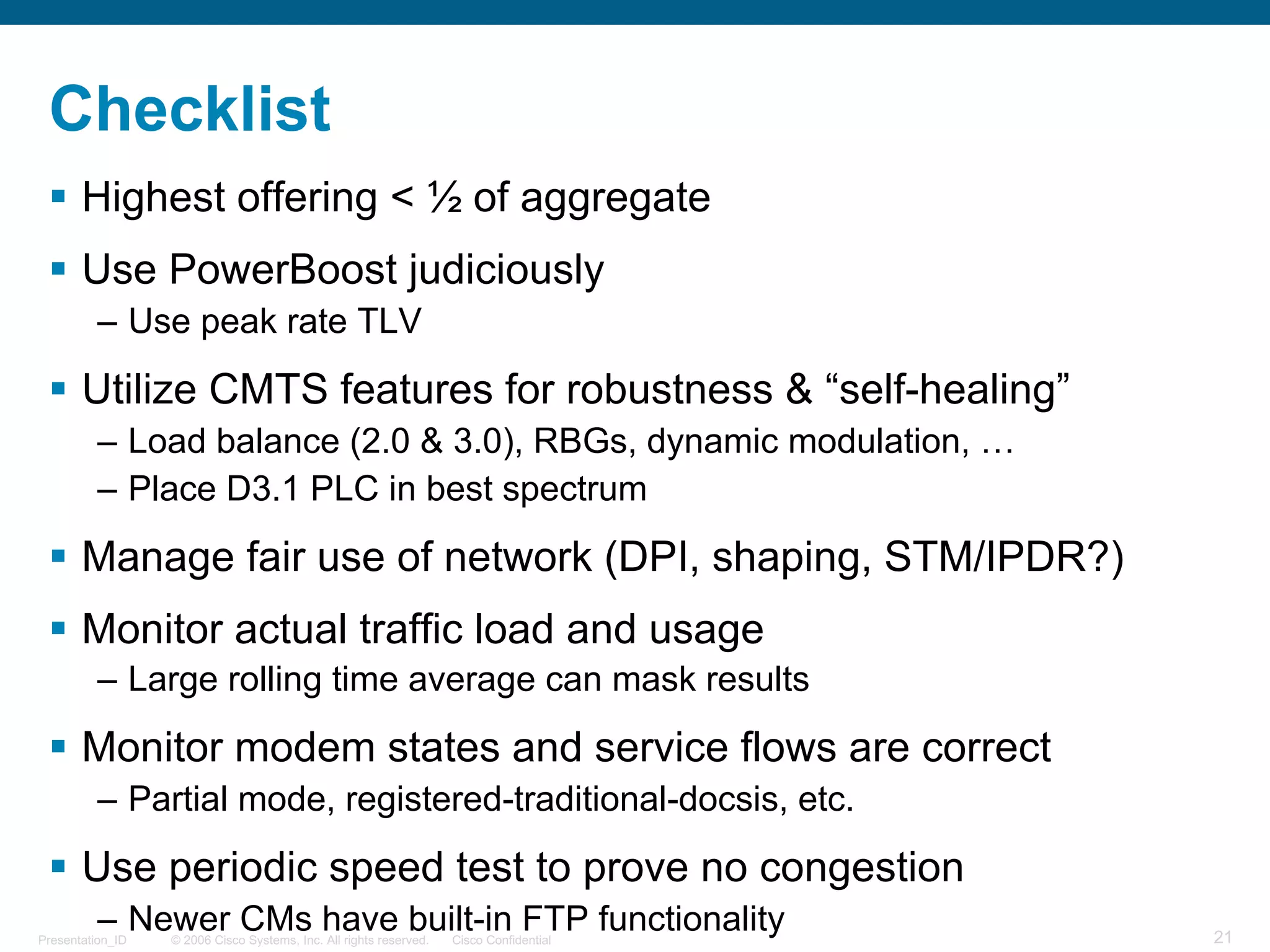
Checklist
§ Highest offering < ½ of aggregate
§ Use PowerBoost judiciously
– Use peak rate TLV
§ Utilize CMTS features for robustness & “self-healing”
– Load balance (2.0 & 3.0), RBGs, dynamic modulation, …
– Place D3.1 PLC in best spectrum
§ Manage fair use of network (DPI, shaping, STM/IPDR?)
§ Monitor actual traffic load and usage
– Large rolling time average can mask results
§ Monitor modem states and service flows are correct
– Partial mode, registered-traditional-docsis, etc.
§ Use periodic speed test to prove no congestion
– Newer CMs have built-in FTP functionality
© 2006 Cisco Systems, Inc. All rights reserved. Cisco ConfidentialPresentation_ID 22
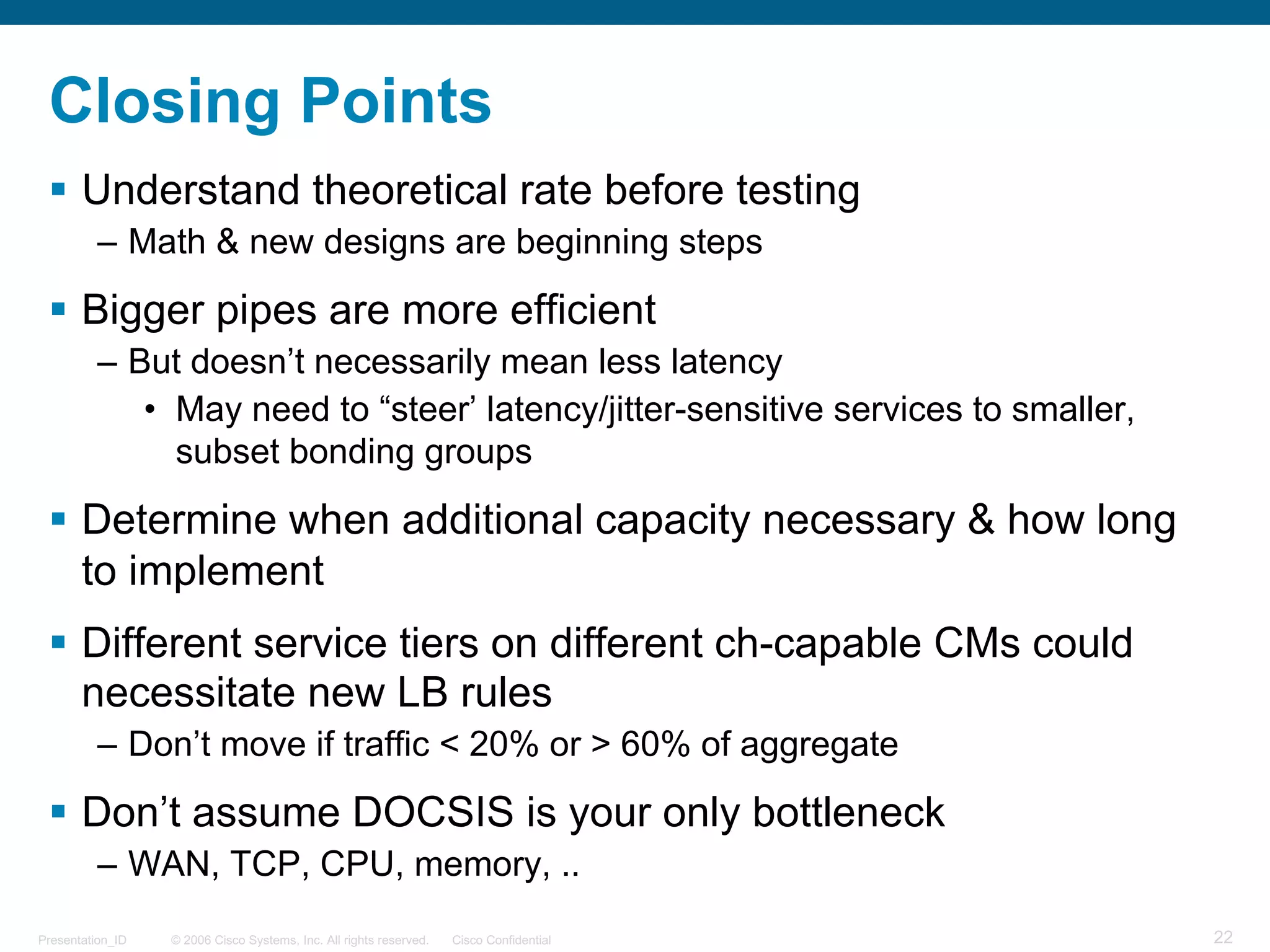
Closing Points
§ Understand theoretical rate before testing
– Math & new designs are beginning steps
§ Bigger pipes are more efficient
– But doesn’t necessarily mean less latency
• May need to “steer’ latency/jitter-sensitive services to smaller,
subset bonding groups
§ Determine when additional capacity necessary & how long
to implement
§ Different service tiers on different ch-capable CMs could
necessitate new LB rules
– Don’t move if traffic < 20% or > 60% of aggregate
§ Don’t assume DOCSIS is your only bottleneck
– WAN, TCP, CPU, memory, ..
© 2006 Cisco Systems, Inc. All rights reserved. Cisco ConfidentialPresentation_ID 23
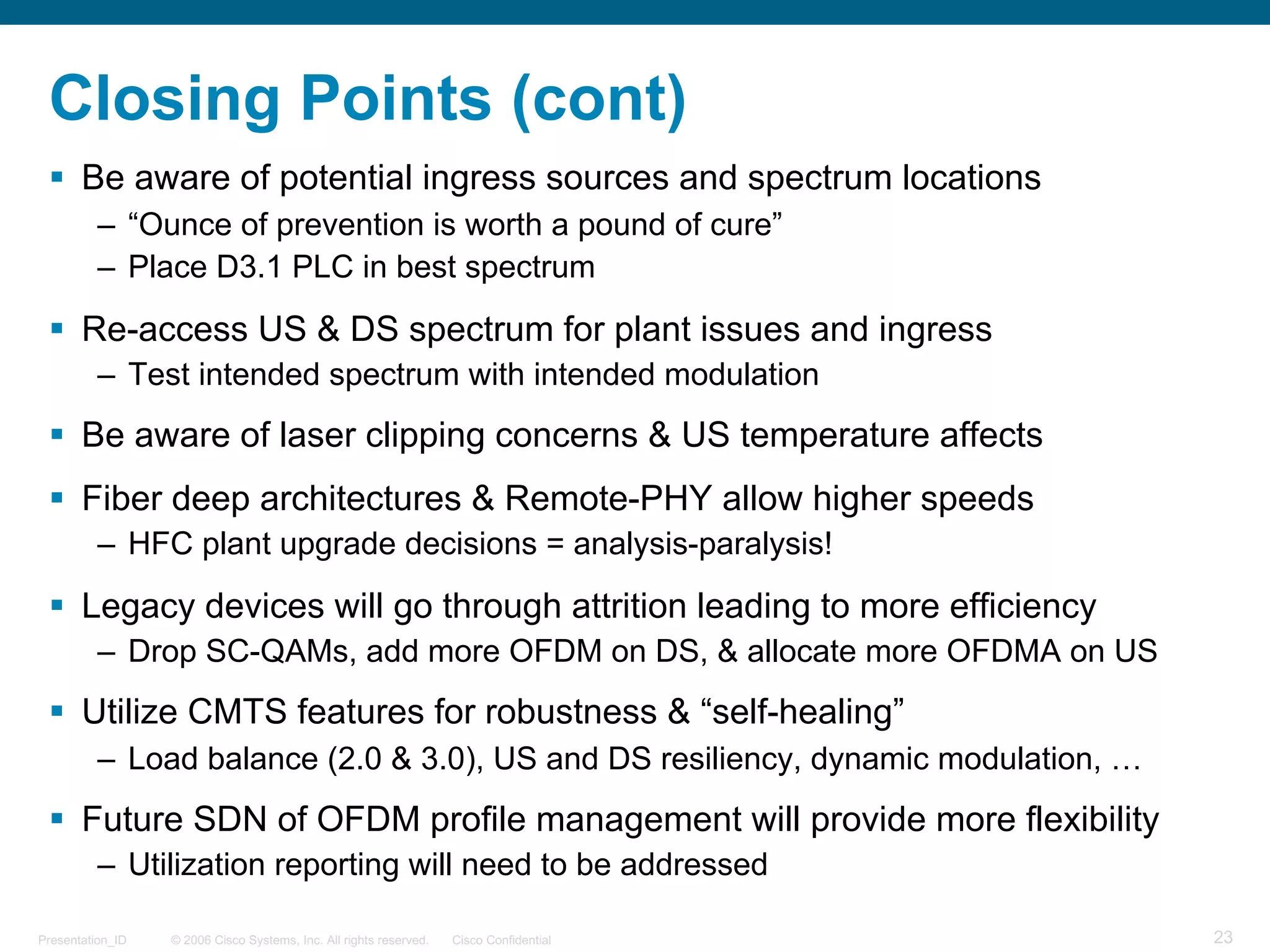
Closing Points (cont)
§ Be aware of potential ingress sources and spectrum locations
– “Ounce of prevention is worth a pound of cure”
– Place D3.1 PLC in best spectrum
§ Re-access US & DS spectrum for plant issues and ingress
– Test intended spectrum with intended modulation
§ Be aware of laser clipping concerns & US temperature affects
§ Fiber deep architectures & Remote-PHY allow higher speeds
– HFC plant upgrade decisions = analysis-paralysis!
§ Legacy devices will go through attrition leading to more efficiency
– Drop SC-QAMs, add more OFDM on DS, & allocate more OFDMA on US
§ Utilize CMTS features for robustness & “self-healing”
– Load balance (2.0 & 3.0), US and DS resiliency, dynamic modulation, …
§ Future SDN of OFDM profile management will provide more flexibility
– Utilization reporting will need to be addressed
Thank you.

DOCSIS DS & US Speed Playbook as presented in G+HOA

  • 1.
    © 2006 CiscoSystems, Inc. All rights reserved. Cisco ConfidentialPresentation_ID 1 DOCSIS DS & US Speed Playbook Top Reasons CMs are not Getting Expected Speed and CMTS Monitoring Cisco Systems jdowney@cisco.com John J. Downey CMTS Technical Leader
  • 2.
    © 2006 CiscoSystems, Inc. All rights reserved. Cisco ConfidentialPresentation_ID 2 Agenda § Troubleshooting 101 § OSI Model § JD’s 10 Rules for Capacity Planning § 10 Points to Ponder § Factors that Affect Data Throughput & Per-CM Speeds § Increasing Access Speed & Performance Improvement § Potential Issues & Closing Points
  • 3.
    © 2006 CiscoSystems, Inc. All rights reserved. Cisco ConfidentialPresentation_ID 3 Troubleshooting 101 Seven Layer OSI model & mnemonic § 7 = Application § 6 = Presentation § 5 = Session § 4 = Transport § 3 = Network § 2 = Data § 1 = Physical all people seem to need data packets away pizza sausage throw not do please • Start at layer 1 !!!!!
  • 4.
    © 2006 CiscoSystems, Inc. All rights reserved. Cisco ConfidentialPresentation_ID 4 OSI Model & Geek Haiku Faulty Layer 1 But, check Layer 2 before Layers 3 and 4 § It’s no fun; with faulty Layer 1 – Dropped packets (physical layer issues) – Testing through wireless, VPN, GigE limitations § Don’t be blue; proceed to Layer 2 § It’s hard to see; past Layer 3 – Traffic generator § But don’t ignore, Layer 4 – TCP vs UDP
  • 5.
    © 2006 CiscoSystems, Inc. All rights reserved. Cisco ConfidentialPresentation_ID 5 Layer 1 § Understanding MER (SNR), CNR, correctable & uncorr FEC § Modem levels and ranging § T3 & T4 timeouts § Flaplist - Modem Diagnostics Log (MDL) § Ping vs DOCSIS ping § US spectrum monitoring § Proactive Network Maintenance (PNM) § Wideband capture - DS spectrum
  • 6.
    © 2006 CiscoSystems, Inc. All rights reserved. Cisco ConfidentialPresentation_ID 6 Layer 1 (cont) - Verify CM & Service Flow States § Registered in D2.0 mode (online vs w-online) § Partial mode (p-online vs w-online) – New 1x1 Battery & Energy Management modes § Service flow not using proper BG – Service flow state and forwarding interface § Monitor CMTS and other potential bottlenecks – Supervisor and linecard CPU & memory
  • 7.
    © 2006 CiscoSystems, Inc. All rights reserved. Cisco ConfidentialPresentation_ID 7 Layers 2 Through 4 § Layer 2 – Ethernet frame size (64-1522B) 2000 for D3.1 – DOCSIS overhead, more than you would expect – Powerboost adds a “wrinkle” § Layer 3 – IPV4 or 6 – Layer 3 vs layer 2 reporting § Layer 4 – TCP vs UDP • US speed limitation • OTT Video § Utilization verification – Single CM speed vs multiple modems/flows • Trying to get linerate
  • 8.
    © 2006 CiscoSystems, Inc. All rights reserved. Cisco ConfidentialPresentation_ID 8 JD’s 10 Rules for Capacity Planning 1. Configured speed = 1.1 x Marketed speed – Layer 3 vs layer 2 reporting – Minimum 1.05 multiplication factor 2. DS:US = 10:1 – Account for US acks from DS TCP (ex: OTT video) – 20:1 minimum initially – Possibly as low as 30:1 3. Powerboost for median tiers – 5, 10, 15 Mbps – US Powerboost possible as well 4. Powerboost for high tiers to bypass rule 1 – Be sure peak rate TLV used 5. Avg frame size = 768B, but most traffic 64 & 1518B frames
  • 9.
    © 2006 CiscoSystems, Inc. All rights reserved. Cisco ConfidentialPresentation_ID 9 JD’s 10 Rules (cont) 6. Aggregate speed = 2 x highest offering 7. Oversubscription is fuzzy math – Aggregate is 2x; use 25-50:1 – Aggregate is 4x; use 50-100:1 – Aggregate is 10x; use 100:1 8. SG size = 1 DS x 2 US connectors – HHP per SG depends on DSs/SG, but USs could become limit 9. Monitor actual utilization – Powerboost skews decision for node splits – QoE required – D3.0 CM FTP feature (banana pie?) 10.Control “abusers” and prioritize some flows – DPI, byte counting with STM – Higher priority for gaming, video, call signaling, CM registration
  • 10.
    © 2006 CiscoSystems, Inc. All rights reserved. Cisco ConfidentialPresentation_ID 10 10 Points to Ponder 1. Many speed sites report at layer 3 of OSI model – Configure cm file for 5-10% higher than marketed 2. No control over actual frame size (64-1518 B) – Frame size overhead 18/64 (28%) vs 18/1518 (1.2%) – MTU affected by wireless, VPN, …. 3. Small frames = small DOCSIS pipes – Only 35 Mbps when all frames are DS VoIP of 229 B 4. PowerBoost™ can give perception of greater speed – Could cause issues when deciding to do node splits – How to control peak rate
  • 11.
    © 2006 CiscoSystems, Inc. All rights reserved. Cisco ConfidentialPresentation_ID 11 PowerboostTM § Name trademarked by Comcast – Other cable companies may call it by a different name § Simple manipulation of when to rate-limit CM § Need very large DS max burst setting in CM file – IE. 5 MB vs default of 3044 B – Trace could appear oscillating slightly up and down § D3.0 CMs support TLV for per-CM peak rates § Can also apply US Powerboost
  • 12.
    © 2006 CiscoSystems, Inc. All rights reserved. Cisco ConfidentialPresentation_ID 12 DS Powerboost § Depiction of DS Powerboost utilizing D3.1 capacity § CM file with – 510 Mbps max rate, 600 Mbps peak rate, and 70 MB DS max burst § Approximately 6 sec Powerboost achieved
  • 13.
    © 2006 CiscoSystems, Inc. All rights reserved. Cisco ConfidentialPresentation_ID 13 US Powerboost § Depiction of US Powerboost § CM file with – 10 Mbps max rate, 15 Mbps peak rate, and 2 MB US max traffic burst § Approximately 3 sec Powerboost achieved
  • 14.
    © 2006 CiscoSystems, Inc. All rights reserved. Cisco ConfidentialPresentation_ID 14 10 Points to Ponder (cont) 5. DS TCP requires US acks (typical sawtooth response) – US pipe could slow down DS speed tests – Small US acks make US pipe worth less • DOCSIS overhead usually 11 B per frame • 10.24 Mbps raw = 9 Mbps usable, but only 7.5 with acks! 6. More frames = more PPS = higher CPU usage – At some point CPU in modem could (will) be bottleneck – TCP (typically 2 DS per 1 US ack) 7. During congestion, you still want priority for VoIP signaling, maybe video acks, and CM registration 8. Load balancing is good, but what speed tier pushes customer to bonding? – Maybe >50% of linerate
  • 15.
    © 2006 CiscoSystems, Inc. All rights reserved. Cisco ConfidentialPresentation_ID 15 10 Points to Ponder (cont) 9. Netflix/Hulu TV are using ABR, which is TCP-based – Will cause US traffic in form of acks – New CMs may have ack suppression on by default – Typical US to DS TCP ratio of ~2% – With ack suppression, that can drop below 1% • Ack suppression doesn’t alleviate CM CPU – DS IP video of 3-7 Mbps may make ack suppression inefficient 10.Many tweaks needed to get per-CM US speeds > 3 Mbps – Lots of concatenation leads to fragmentation – Fragmentation adds headers – Preamble & gaurdtime added to each fragment – D3.0 US bonding can do concatenation and keep < 2000 B • May not require fragmentation, so less overhead
  • 16.
    © 2006 CiscoSystems, Inc. All rights reserved. Cisco ConfidentialPresentation_ID 16 Downstream Speed Affected By: § Map & DOCSIS Overhead § Frame size or MTU affects usable rate – VPN, wireless, … § Modem – Config file, CPU (PPS), & Ethernet § Transport layer – TCP or UDP – Upstream speeds & TCP windowing effect § Max DS Burst - perception is reality – Powerboost § Computer OS and Windows® stack
  • 17.
    © 2006 CiscoSystems, Inc. All rights reserved. Cisco ConfidentialPresentation_ID 17 Upstream Speed Affected By: § Rate Limit, Congestion, Dropped Frames & Older CMs § DOCSIS Protocol – Req/Grant cycle § Downstream Map Advance – DS modulation & interleaving, map advance safety, CM time offsets, US bonding, SCDMA, M-CMTS (CIN) § Concatenation – Max concat & traffic burst settings § Fragmentation § Modulation Profiles and Channel Width – Bigger “Pipe” = more aggregate speed – Packet serialization time (per-CM speed)
  • 18.
    © 2006 CiscoSystems, Inc. All rights reserved. Cisco ConfidentialPresentation_ID 18 Modem Throughput § Downstream using 256-QAM – 5.36 Msym/s * 8 b/sym = 42.88 Mbps - ~ 13% overhead ≈ 37 Mbps – 400 CMs downloading data at same time = 92 kbps – Typical DS oversell of 1:100 = 1% peak usage = 9.2 Mbps – Single customer could theoretically get 37 Mbps • US "acks" must be transmitted when doing TCP • Other bottlenecks become apparent; CM, PC, USB, wireless, .. § Upstream using 16-QAM – 3.2 MHz = 2.56 Msym/s, * 4 b/sym = 10.24 Mbps - ~ 11% for phy layer & ~2% for maintenance = 9 Mbps – 100 customers/US Ch ≈ 9 Mbps shared = 90 kbps – Typical US oversell of 1:10 = 10% peak usage = 900 kbps – Single customer could theoretically get 9 Mbps • Request & Grant cycle limits it to ~ 3 Mbps
  • 19.
    © 2006 CiscoSystems, Inc. All rights reserved. Cisco ConfidentialPresentation_ID 19 Increasing Access Speed • Decrease HHP per node or per CMTS US channel – Physical segmentation – Virtual segmentation with more freqs & load balancing • Quality of service (QoS) provisioning w/ DOCSIS 1.1 • More compression, less overhead, TCP manipulation – H.265 & MPEG-4 video for DS – VoIP Codecs, UGS-AD – PHS (removed in D3.1) – Ack suppression – Concatenation, fragmentation, low latency queuing • Increase aggregate speed with DOCSIS 2.0, 3.0, & 3.1
  • 20.
    © 2006 CiscoSystems, Inc. All rights reserved. Cisco ConfidentialPresentation_ID 20 High Speed Recipe § Layer 1 – Full US/DS bonding and proper cm file settings – Wired connection(s) – No dropped or delayed segments, frames, packets § Layer 2 – 1518 to 2000B frames § Layer 3 – Verify IPV4 vs 6 – Test with intended speed § Layer 4 – UDP traffic – May test TCP aggregate with multiple CMs or flows
  • 21.
    © 2006 CiscoSystems, Inc. All rights reserved. Cisco ConfidentialPresentation_ID 21 Checklist § Highest offering < ½ of aggregate § Use PowerBoost judiciously – Use peak rate TLV § Utilize CMTS features for robustness & “self-healing” – Load balance (2.0 & 3.0), RBGs, dynamic modulation, … – Place D3.1 PLC in best spectrum § Manage fair use of network (DPI, shaping, STM/IPDR?) § Monitor actual traffic load and usage – Large rolling time average can mask results § Monitor modem states and service flows are correct – Partial mode, registered-traditional-docsis, etc. § Use periodic speed test to prove no congestion – Newer CMs have built-in FTP functionality
  • 22.
    © 2006 CiscoSystems, Inc. All rights reserved. Cisco ConfidentialPresentation_ID 22 Closing Points § Understand theoretical rate before testing – Math & new designs are beginning steps § Bigger pipes are more efficient – But doesn’t necessarily mean less latency • May need to “steer’ latency/jitter-sensitive services to smaller, subset bonding groups § Determine when additional capacity necessary & how long to implement § Different service tiers on different ch-capable CMs could necessitate new LB rules – Don’t move if traffic < 20% or > 60% of aggregate § Don’t assume DOCSIS is your only bottleneck – WAN, TCP, CPU, memory, ..
  • 23.
    © 2006 CiscoSystems, Inc. All rights reserved. Cisco ConfidentialPresentation_ID 23 Closing Points (cont) § Be aware of potential ingress sources and spectrum locations – “Ounce of prevention is worth a pound of cure” – Place D3.1 PLC in best spectrum § Re-access US & DS spectrum for plant issues and ingress – Test intended spectrum with intended modulation § Be aware of laser clipping concerns & US temperature affects § Fiber deep architectures & Remote-PHY allow higher speeds – HFC plant upgrade decisions = analysis-paralysis! § Legacy devices will go through attrition leading to more efficiency – Drop SC-QAMs, add more OFDM on DS, & allocate more OFDMA on US § Utilize CMTS features for robustness & “self-healing” – Load balance (2.0 & 3.0), US and DS resiliency, dynamic modulation, … § Future SDN of OFDM profile management will provide more flexibility – Utilization reporting will need to be addressed
  • 24.