Docker Deep Dive
Creating Images with Dockerfiles
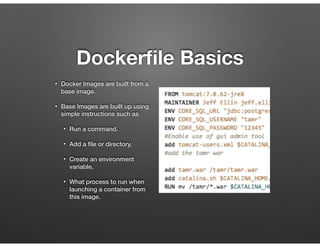
Dockerfile Basics
• Docker Images are built from a
base image.
• Base Images are built up using
simple instructions such as
• Run a command.
• Add a file or directory.
• Create an environment
variable.
• What process to run when
launching a container from
this image.
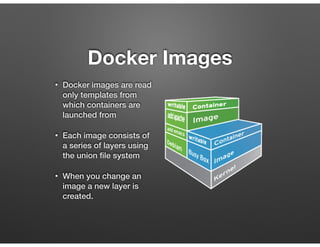
Docker Images
• Docker images are read
only templates from
which containers are
launched from
• Each image consists of
a series of layers using
the union file system
• When you change an
image a new layer is
created.
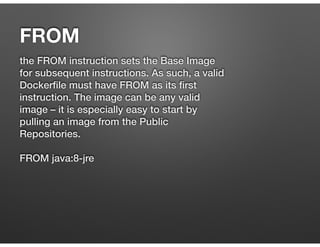
FROM
the FROM instruction sets the Base Image
for subsequent instructions. As such, a valid
Dockerfile must have FROM as its first
instruction. The image can be any valid
image – it is especially easy to start by
pulling an image from the Public
Repositories.


FROM java:8-jre
ENV
The ENV instruction is also useful for
providing required environment variables
specific to services you wish to containerize,
such as Postgres’s PGDATA.


ENV TOMCAT_MAJOR 8

ENV TOMCAT_VERSION 8.0.26
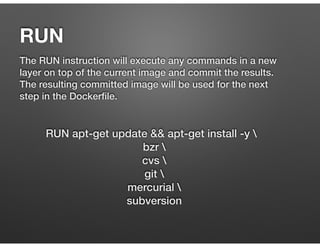
RUN
The RUN instruction will execute any commands in a new
layer on top of the current image and commit the results.
The resulting committed image will be used for the next
step in the Dockerfile.
RUN apt-get update && apt-get install -y 
bzr 
cvs 
git 
mercurial 
subversion
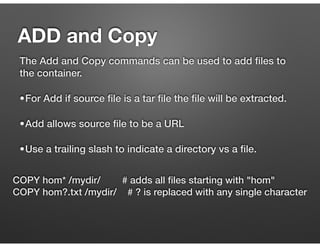
ADD and Copy
The Add and Copy commands can be used to add files to
the container.
•For Add if source file is a tar file the file will be extracted.
•Add allows source file to be a URL
•Use a trailing slash to indicate a directory vs a file.
COPY hom* /mydir/ # adds all files starting with "hom"
COPY hom?.txt /mydir/ # ? is replaced with any single character
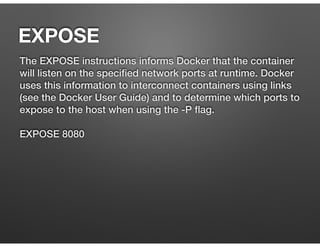
EXPOSE
The EXPOSE instructions informs Docker that the container
will listen on the specified network ports at runtime. Docker
uses this information to interconnect containers using links
(see the Docker User Guide) and to determine which ports to
expose to the host when using the -P flag.


EXPOSE 8080
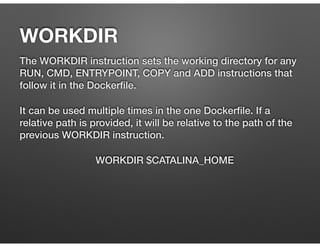
The WORKDIR instruction sets the working directory for any
RUN, CMD, ENTRYPOINT, COPY and ADD instructions that
follow it in the Dockerfile.
It can be used multiple times in the one Dockerfile. If a
relative path is provided, it will be relative to the path of the
previous WORKDIR instruction.
WORKDIR $CATALINA_HOME
WORKDIR
The main purpose of a CMD is to provide defaults for an
executing container.
Can be overridden with arguments to docker run
CMD ["catalina.sh", "run"]
CMD
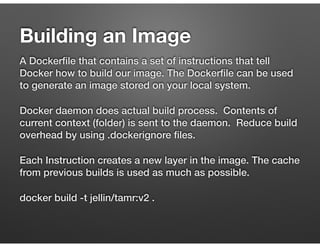
Building an Image
A Dockerfile that contains a set of instructions that tell
Docker how to build our image. The Dockerfile can be used
to generate an image stored on your local system.
Docker daemon does actual build process. Contents of
current context (folder) is sent to the daemon. Reduce build
overhead by using .dockerignore files.
Each Instruction creates a new layer in the image. The cache
from previous builds is used as much as possible.
docker build -t jellin/tamr:v2 .
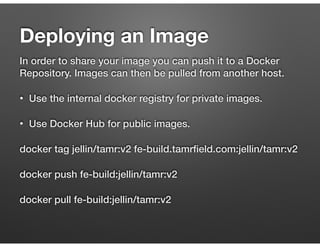
Deploying an Image
In order to share your image you can push it to a Docker
Repository. Images can then be pulled from another host.
• Use the internal docker registry for private images.
• Use Docker Hub for public images.
docker tag jellin/tamr:v2 fe-build.tamrfield.com:jellin/tamr:v2
docker push fe-build:jellin/tamr:v2
docker pull fe-build:jellin/tamr:v2
Show some Examples
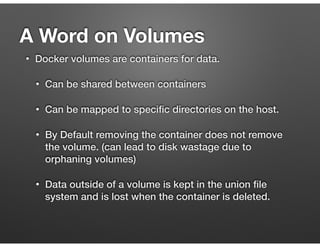
• Docker volumes are containers for data.
• Can be shared between containers
• Can be mapped to specific directories on the host.
• By Default removing the container does not remove
the volume. (can lead to disk wastage due to
orphaning volumes)
• Data outside of a volume is kept in the union file
system and is lost when the container is deleted.
A Word on Volumes
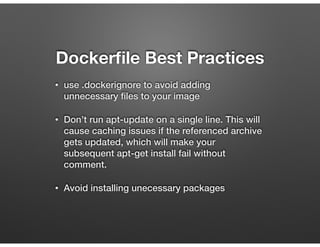
Dockerfile Best Practices
• use .dockerignore to avoid adding
unnecessary files to your image
• Don’t run apt-update on a single line. This will
cause caching issues if the referenced archive
gets updated, which will make your
subsequent apt-get install fail without
comment.
• Avoid installing unecessary packages
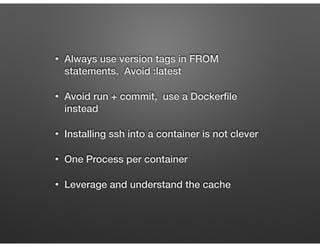
• Always use version tags in FROM
statements. Avoid :latest
• Avoid run + commit, use a Dockerfile
instead
• Installing ssh into a container is not clever
• One Process per container
• Leverage and understand the cache
References
• Dockerfile Best Practices

https://docs.docker.com/articles/
dockerfile_best-practices/

Dockerfile

  • 1.
    Docker Deep Dive CreatingImages with Dockerfiles
  • 2.
    Dockerfile Basics • DockerImages are built from a base image. • Base Images are built up using simple instructions such as • Run a command. • Add a file or directory. • Create an environment variable. • What process to run when launching a container from this image.
  • 3.
    Docker Images • Dockerimages are read only templates from which containers are launched from • Each image consists of a series of layers using the union file system • When you change an image a new layer is created.
  • 4.
    FROM the FROM instructionsets the Base Image for subsequent instructions. As such, a valid Dockerfile must have FROM as its first instruction. The image can be any valid image – it is especially easy to start by pulling an image from the Public Repositories.
 
 FROM java:8-jre
  • 5.
    ENV The ENV instructionis also useful for providing required environment variables specific to services you wish to containerize, such as Postgres’s PGDATA.
 
 ENV TOMCAT_MAJOR 8
 ENV TOMCAT_VERSION 8.0.26
  • 6.
    RUN The RUN instructionwill execute any commands in a new layer on top of the current image and commit the results. The resulting committed image will be used for the next step in the Dockerfile. RUN apt-get update && apt-get install -y bzr cvs git mercurial subversion
  • 7.
    ADD and Copy TheAdd and Copy commands can be used to add files to the container. •For Add if source file is a tar file the file will be extracted. •Add allows source file to be a URL •Use a trailing slash to indicate a directory vs a file. COPY hom* /mydir/ # adds all files starting with "hom" COPY hom?.txt /mydir/ # ? is replaced with any single character
  • 8.
    EXPOSE The EXPOSE instructionsinforms Docker that the container will listen on the specified network ports at runtime. Docker uses this information to interconnect containers using links (see the Docker User Guide) and to determine which ports to expose to the host when using the -P flag.
 
 EXPOSE 8080
  • 9.
    The WORKDIR instructionsets the working directory for any RUN, CMD, ENTRYPOINT, COPY and ADD instructions that follow it in the Dockerfile. It can be used multiple times in the one Dockerfile. If a relative path is provided, it will be relative to the path of the previous WORKDIR instruction. WORKDIR $CATALINA_HOME WORKDIR
  • 10.
    The main purposeof a CMD is to provide defaults for an executing container. Can be overridden with arguments to docker run CMD ["catalina.sh", "run"] CMD
  • 11.
    Building an Image ADockerfile that contains a set of instructions that tell Docker how to build our image. The Dockerfile can be used to generate an image stored on your local system. Docker daemon does actual build process. Contents of current context (folder) is sent to the daemon. Reduce build overhead by using .dockerignore files. Each Instruction creates a new layer in the image. The cache from previous builds is used as much as possible. docker build -t jellin/tamr:v2 .
  • 12.
    Deploying an Image Inorder to share your image you can push it to a Docker Repository. Images can then be pulled from another host. • Use the internal docker registry for private images. • Use Docker Hub for public images. docker tag jellin/tamr:v2 fe-build.tamrfield.com:jellin/tamr:v2 docker push fe-build:jellin/tamr:v2 docker pull fe-build:jellin/tamr:v2
  • 13.
  • 14.
    • Docker volumesare containers for data. • Can be shared between containers • Can be mapped to specific directories on the host. • By Default removing the container does not remove the volume. (can lead to disk wastage due to orphaning volumes) • Data outside of a volume is kept in the union file system and is lost when the container is deleted. A Word on Volumes
  • 15.
    Dockerfile Best Practices •use .dockerignore to avoid adding unnecessary files to your image • Don’t run apt-update on a single line. This will cause caching issues if the referenced archive gets updated, which will make your subsequent apt-get install fail without comment. • Avoid installing unecessary packages
  • 16.
    • Always useversion tags in FROM statements. Avoid :latest • Avoid run + commit, use a Dockerfile instead • Installing ssh into a container is not clever • One Process per container • Leverage and understand the cache
  • 17.
    References • Dockerfile BestPractices
 https://docs.docker.com/articles/ dockerfile_best-practices/