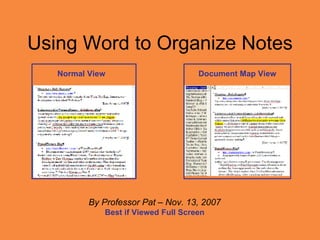
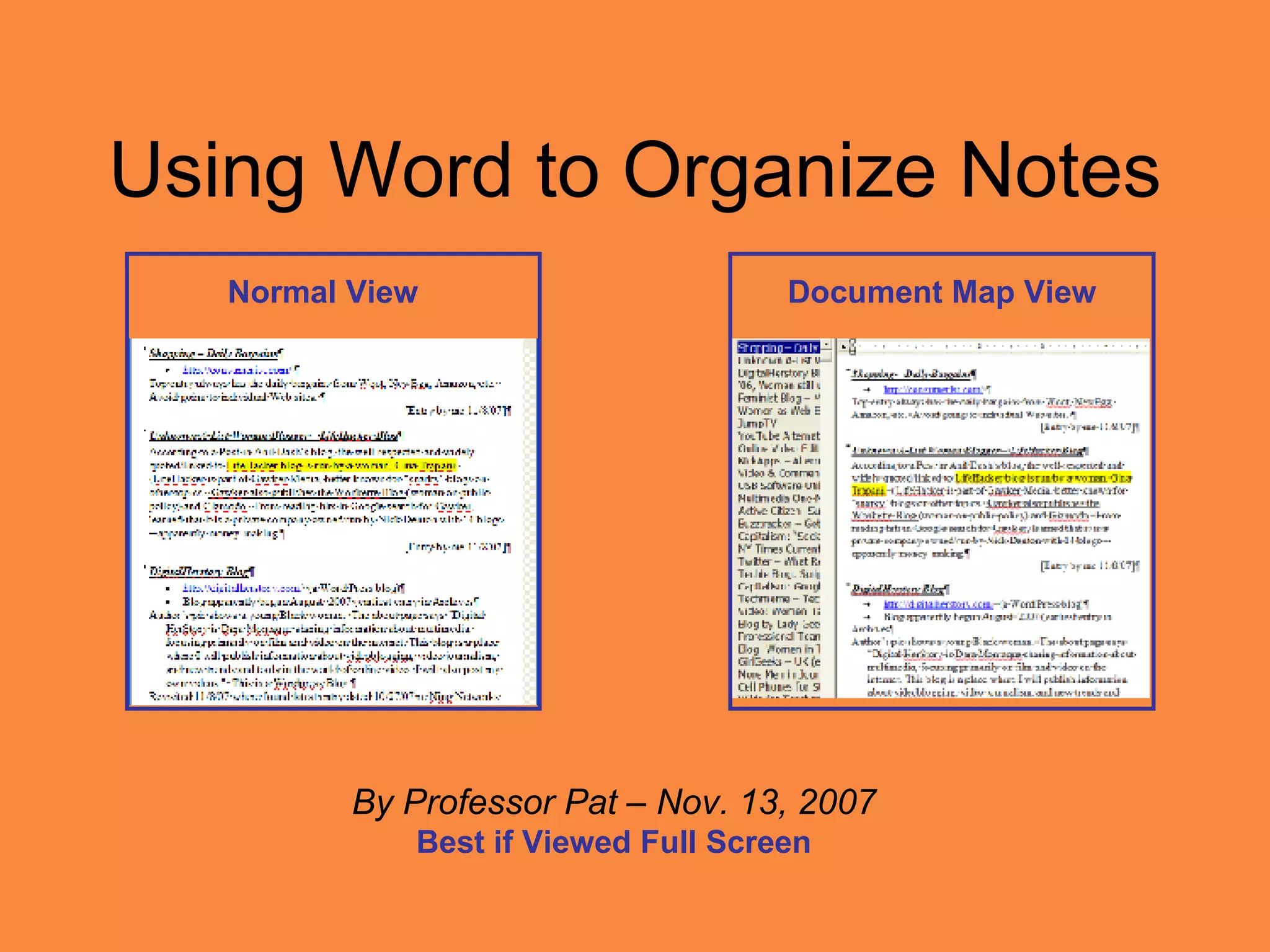
Using Word to Organize Notes By Professor Pat – Nov. 13, 2007 Best if Viewed Full Screen Normal View Document Map View
My Organizing Method Use Heading Styles  –  I enter Title of each Note using Heading Style 4 . Use Document Map View  to display Title of each Note in left-hand pane of Word window. Use Outline View  to group Notes on similar topics together. Use  Heading Style 2  for main categories &  Heading Style 3  for sub-categories.
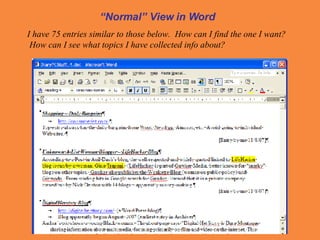
“ Normal” View in Word I have 75 entries similar to those below.  How can I find the one I want?  How can I see what topics I have collected info about?
Raw Notes  – Entered as I found them while researching.  Left column shows Title of each Note for easy searching [uses Heading Style 4 for Titles of Notes]
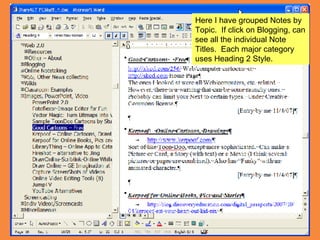
Here I have grouped Notes by Topic.  If click on Blogging, can see all the individual Note Titles.  Each major category uses Heading 2 Style.
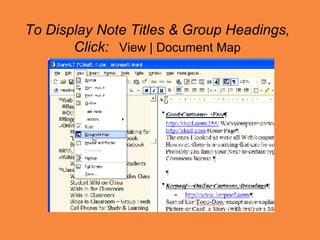
To Display Note Titles & Group Headings, Click:   View | Document Map
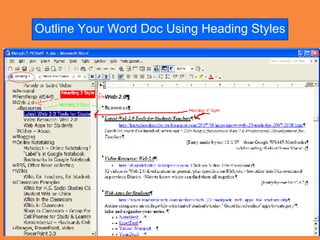
Outline Your Word Doc Using Heading Styles
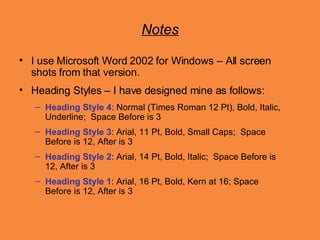
Notes I use Microsoft Word 2002 for Windows – All screen shots from that version. Heading Styles – I have designed mine as follows: Heading Style 4 : Normal (Times Roman 12 Pt), Bold, Italic, Underline;  Space Before is 3 Heading Style 3 : Arial, 11 Pt, Bold, Small Caps;  Space Before is 12, After is 3 Heading Style 2 : Arial, 14 Pt, Bold, Italic;  Space Before is 12, After is 3 Heading Style 1 : Arial, 16 Pt, Bold, Kern at 16; Space Before is 12, After is 3

Document Map View In Word

  • 1.
    Using Word toOrganize Notes By Professor Pat – Nov. 13, 2007 Best if Viewed Full Screen Normal View Document Map View
  • 2.
    My Organizing MethodUse Heading Styles – I enter Title of each Note using Heading Style 4 . Use Document Map View to display Title of each Note in left-hand pane of Word window. Use Outline View to group Notes on similar topics together. Use Heading Style 2 for main categories & Heading Style 3 for sub-categories.
  • 3.
    “ Normal” Viewin Word I have 75 entries similar to those below. How can I find the one I want? How can I see what topics I have collected info about?
  • 4.
    Raw Notes – Entered as I found them while researching. Left column shows Title of each Note for easy searching [uses Heading Style 4 for Titles of Notes]
  • 5.
    Here I havegrouped Notes by Topic. If click on Blogging, can see all the individual Note Titles. Each major category uses Heading 2 Style.
  • 6.
    To Display NoteTitles & Group Headings, Click: View | Document Map
  • 7.
    Outline Your WordDoc Using Heading Styles
  • 8.
    Notes I useMicrosoft Word 2002 for Windows – All screen shots from that version. Heading Styles – I have designed mine as follows: Heading Style 4 : Normal (Times Roman 12 Pt), Bold, Italic, Underline; Space Before is 3 Heading Style 3 : Arial, 11 Pt, Bold, Small Caps; Space Before is 12, After is 3 Heading Style 2 : Arial, 14 Pt, Bold, Italic; Space Before is 12, After is 3 Heading Style 1 : Arial, 16 Pt, Bold, Kern at 16; Space Before is 12, After is 3