


















2 Learn more at URL to come
The New Way
to Work Together
SharePoint is about giving you and the people you work with a better
way to get things done together. That means your content is stored
and organized in one place. You can access it from virtually anywhere
and share it with anyone.
And that’s just the beginning. SharePoint gives you all kinds of ways
to plan projects, stay in sync with each other, and work on content
together. You also get a window into all of the information your
organization stores in SharePoint, so it’s easy to find the answers and
people you’re looking for.
Check out the scenarios in this book to see some of the ways
SharePoint can help you work better together.
4 Learn more at URL to come
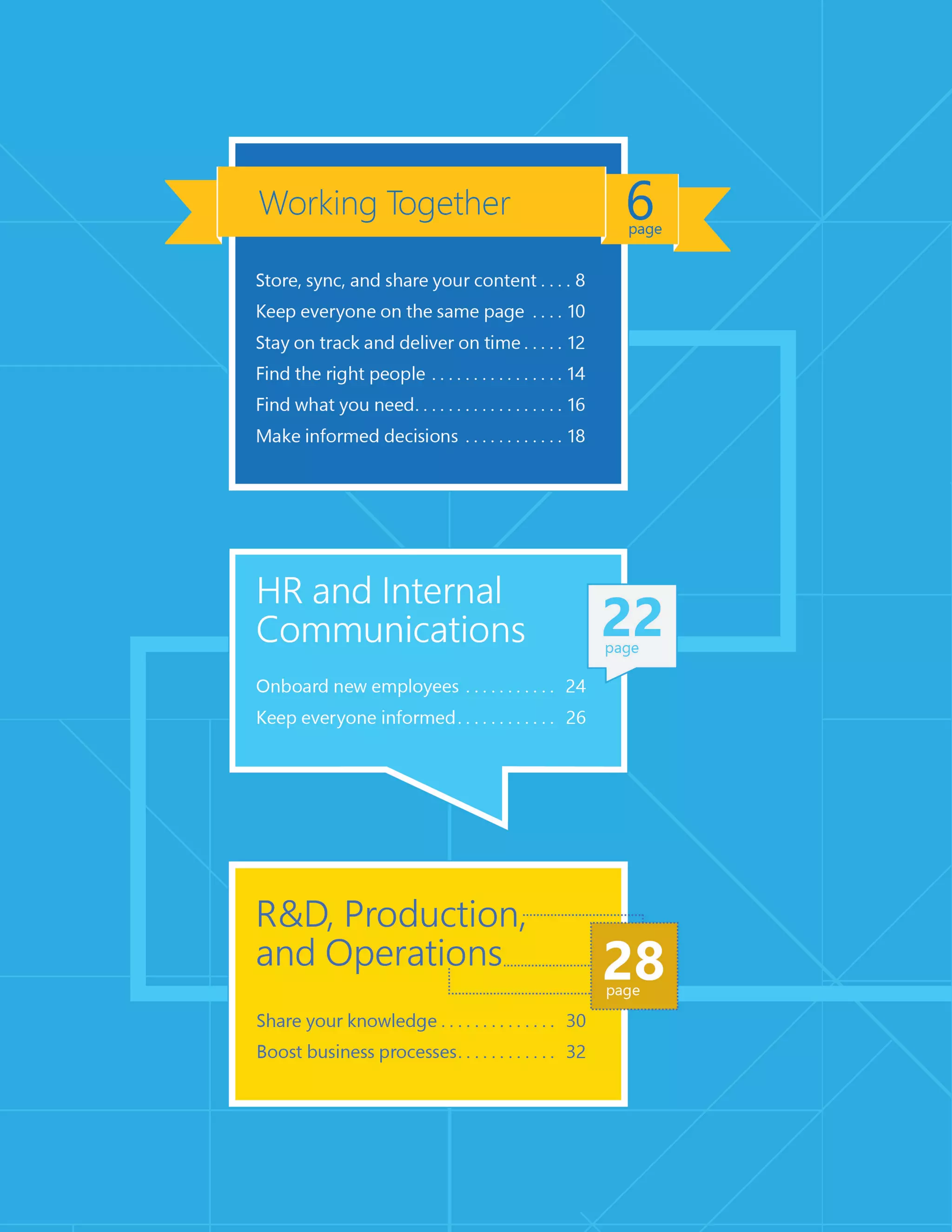
The new SharePoint is all about getting things done together.
Working Together
8 Learn more at http://discoversharepoint.com/skydrivepro
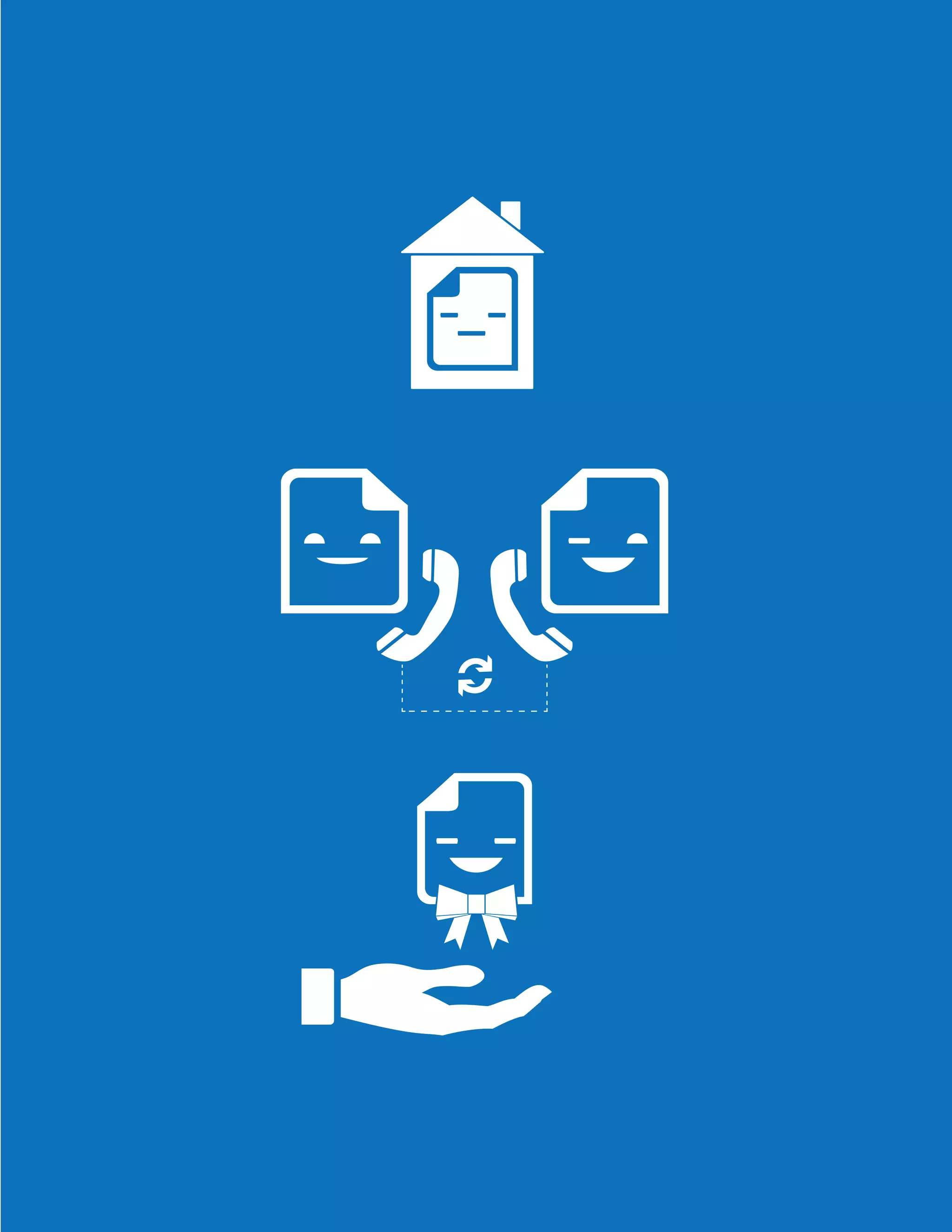
Think of SharePoint as a central hub for all your content. You can
fill it up with documents, organize them how you want, and
easily share them with other people. There’s only one document
you have to deal with—and it’s always in the same place and
it’s always up to date. Instead of lots of people creating multiple
versions in different places, you can get everyone to work on the
same document—even at the same time—and SharePoint will
keep track of everyone’s changes in one place. You don’t even
need to be at your desk to get work done together. You can keep
reviewing and tweaking your content while on the go, even offline
and from virtually any device.
Store, sync, and
share your content
10 Learn more at http://discoversharepoint.com/sites
Keep everyone
on the same page
Wouldn’t it be great if you and your team had a single place where
you could get work done together and stay in sync with each other?
SharePoint is exactly that kind of place. It’s a home base where you
and your team can share and organize your resources—like notes,
documents, schedules, conversations, and much more. No more
running around to find what you need or get people what they
need. Just go to your team site to get what you want, and then
share your stuff instantly with the whole group.
12 Learn more at http://discoversharepoint.com/timeline
Stay on track and
deliver on time
Isn’t life grand—when all your projects are on track and you meet
all your deadlines? SharePoint can make your life a lot easier
by helping you organize teamwork around common milestones.
You can make sure work gets done by assigning people tasks
that can be tracked and prioritized. And, you can keep an eye
on important details with a real-time summary of your project
that warns you about delays and keeps next steps and milestones
on your radar. When it comes to really big and complicated
projects, you can use Project Professional to manage task
dependencies, balance resource allocations, and easily generate
status reports. No need to worry—this all stays in sync with your
site, where you can all continue to work together to keep your
project on track.
14 Learn more at http://discoversharepoint.com/people
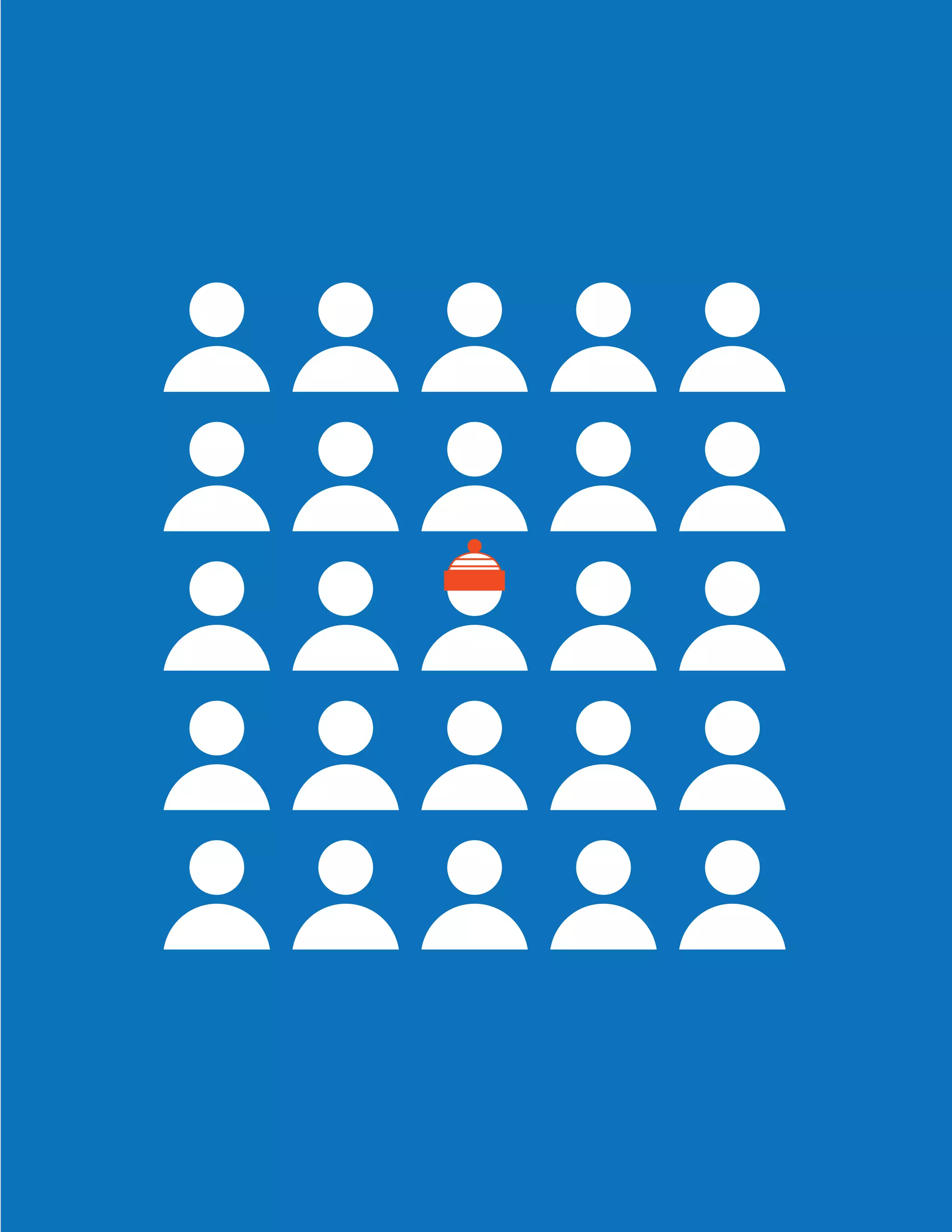
Find the right people
Things always seem to work out better when you find the
right people for the job. The problem is: how do you find the
right people without wasting lots of time tracking them down?
SharePoint solves this problem. It gives you a single place to
connect with experts across your organization, whether they’re
in the office down the hall or on the other side of the globe.
Now, you can quickly get the answers and information you need
to make the right decisions, avoid reinventing the wheel, and
improve your work.
16 Learn more at http://discoversharepoint.com/search
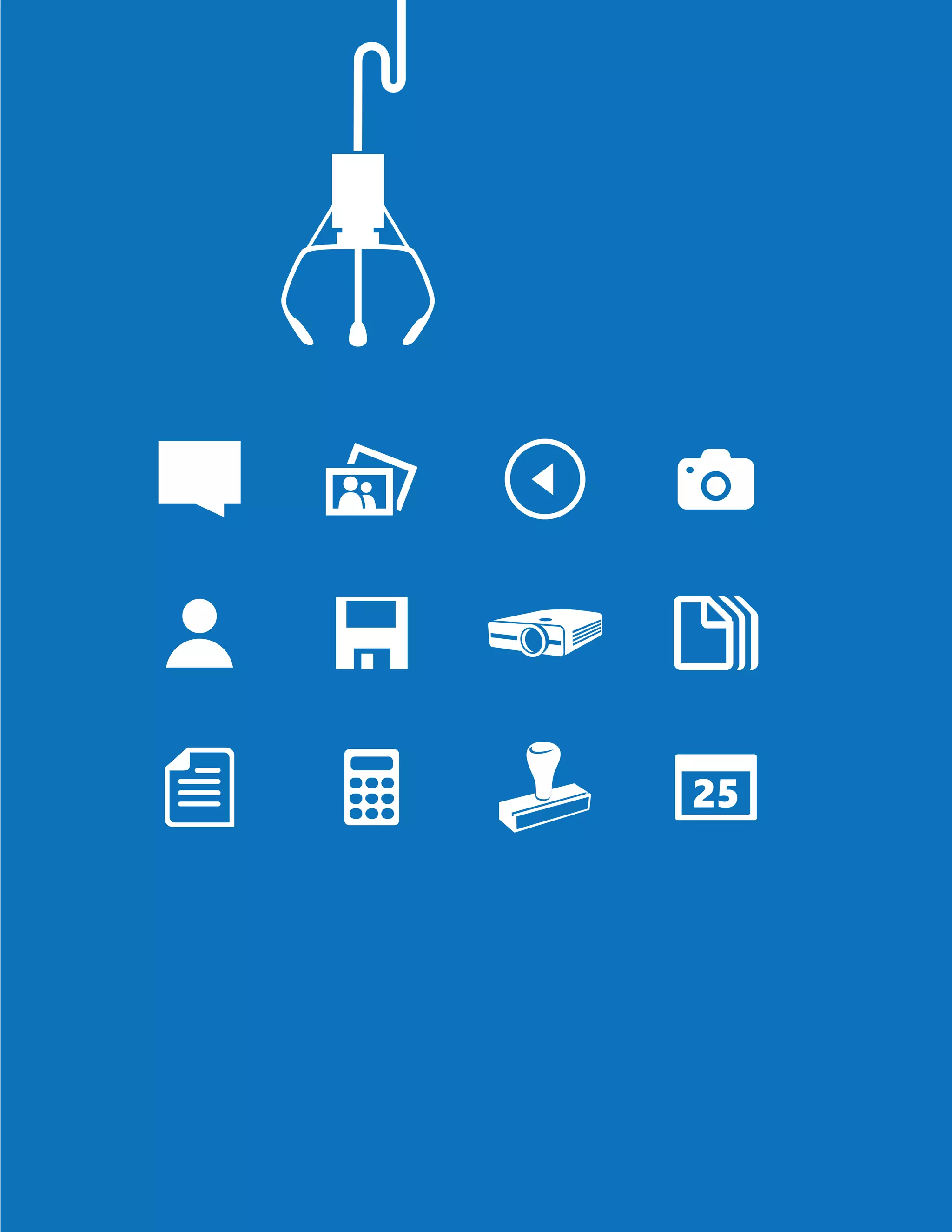
Find what you need
Wouldn’t it be great if you could search for information at work just
as easily as you do on the Internet? With SharePoint you can. First
of all, you can do all of your searching from just one place. Second
of all, you don’t have to come up with the perfect keywords to find
what you need. Whether you’re looking for documents, videos,
people, or conversations, SharePoint will help you save time and
pinpoint exactly what you need—all from one place.
18 Learn more at http://discoversharepoint.com/dashboard
Make informed decisions
Making good decisions is not always just about good judgment
or experience. It’s also about collecting and making sense of lots
of data. That’s where PowerPivot comes in: it lets you easily combine
massive amounts of data from multiple sources and build sophisti-
cated models out of it. But data alone isn’t enough—it needs to
be expressed clearly to make a powerful impact on people. That’s
what Power View is for. It lets you explore, visualize, and present
data in compelling ways, and create exciting dashboards that you
can quickly share with others in SharePoint. Now people can easily
dig into your data to make great decisions and new discoveries.
Niagara Region
We have a lot of data, and
SharePoint 2013 allows us to
extract value from it. Instead
of just storing it, we can turn it
into information and insights.
Paul Di Felice, Associate Director for Consulting and Analysis,
Regional Municipality of Niagara
SharePoint helps keep your whole organization in sync.
HR
and Internal
Communications
24 Learn more at http://discoversharepoint.com/HRPortal
Onboard new employees
First days are stressful—for both new employees and the HR
department. There’s a lot to learn and a lot to tell. Where do you
begin? SharePoint can be the single hub for everything that
a new hire needs on its first day, and beyond. You can make it easier
for people to connect with their peers or mentors, understand
the business, and ramp up rapidly. You can take advantage of auto-
matic task routing and use forms built right into your site, leading
to less paperwork and faster completion. Better processes, less time,
smoother onboarding. What’s there to stress about?
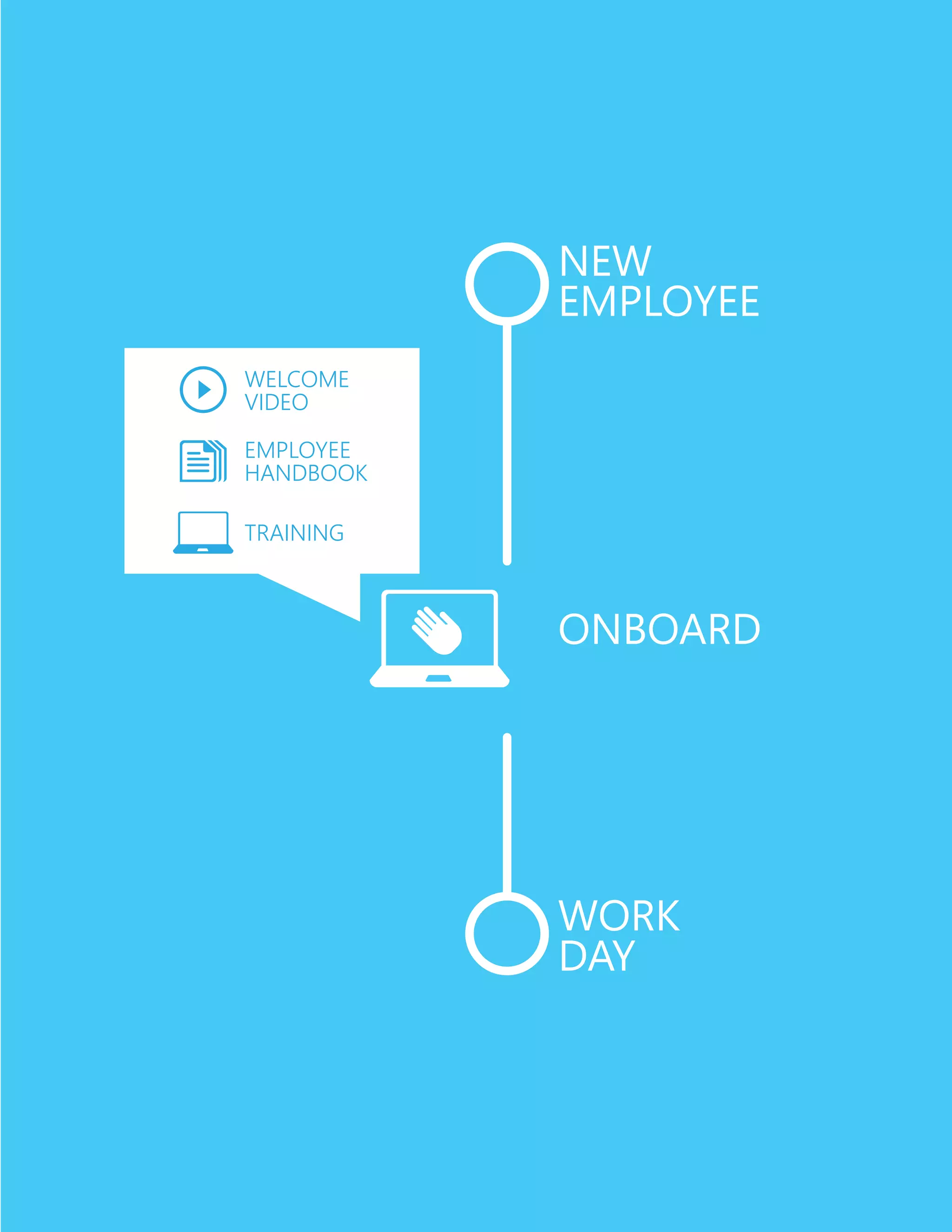
new
employee
Onboard
Work
day
Welcome
video
employee
handbook
training
26 Learn more at http://discoversharepoint.com/social
Keep everyone informed
Your company has a unique story, but like any great tale, it needs
people to make it come alive. How do you get your employees
excited about your vision? How do you get them talking about
ideas… and talking to each other? SharePoint makes it easy to keep
everyone engaged. It’s a one-stop shop where people can find
the latest news and information. It can be a great place for people
to have live discussions, give real-time feedback, and share experi-
ences. SharePoint is like a “social glue” that keeps your employees
and your vision moving forward together.
SharePoint helps make processes and people
more productive.
30 Learn more at http://discoversharepoint.com/knowledge
Share your knowledge
With SharePoint, your knowledge isn’t limited to the people in your
immediate circle. SharePoint lets you share what you know with
as many people as you want, whether they’re in your department
or in another country. So don’t let your good ideas, valuable
experience, and expert knowledge go to waste. You can capture
and organize best practices in one place, organize them however
you need to, and refine them with your peers. Now people in your
organization can easily discover what you know. And sharing
works both ways, too. It’s just as easy for you to discover other
groups’ best practices.
32 Learn more at http://discoversharepoint.com/workflows
Boost business processes
Do you ever wish you could improve your business processes and
help people save time? With SharePoint you can. For example,
automating recurring approval or review processes is easy and
doesn’t take much time with built-in workflows. With Visio you can
work with others to design and model processes that run
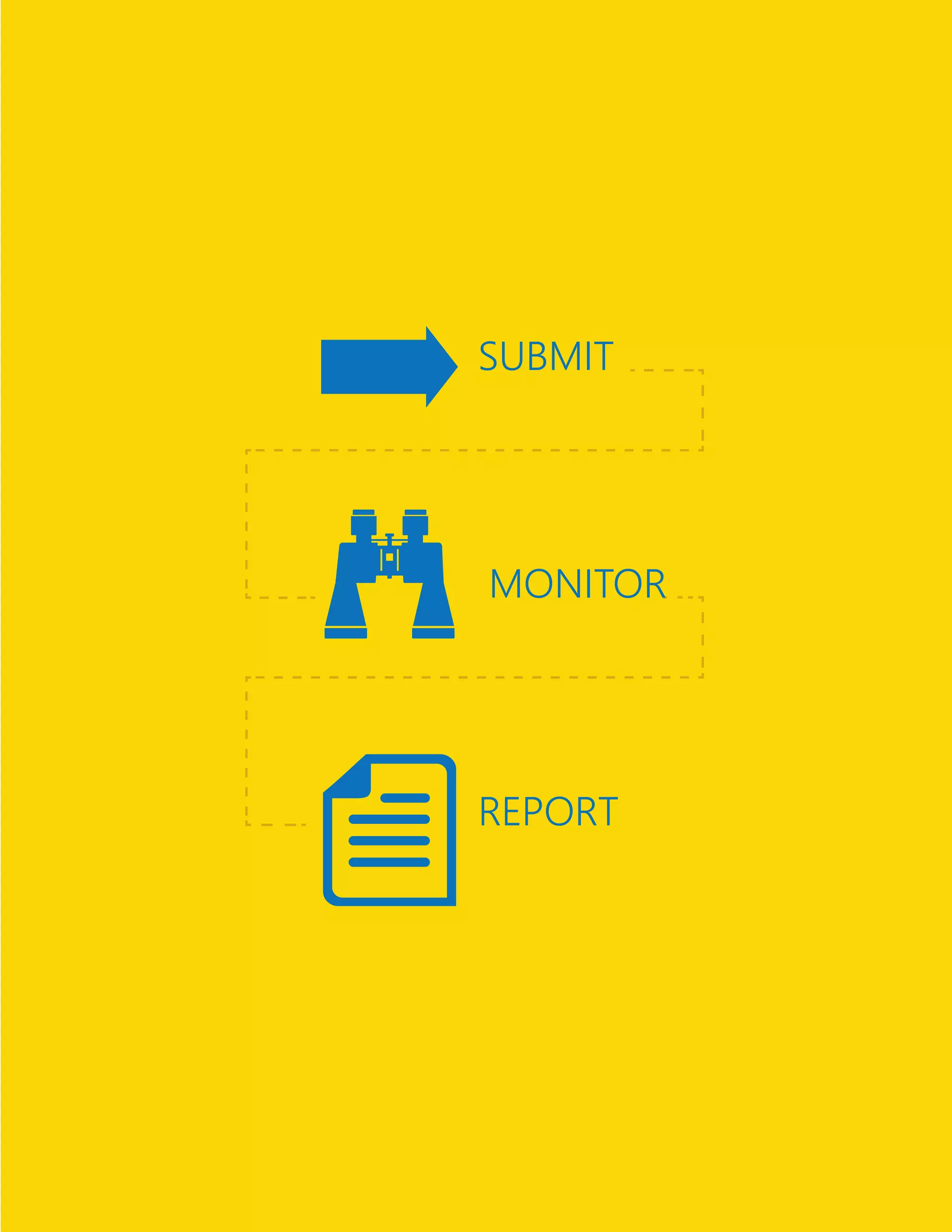
in SharePoint. Once processes are in place, you can keep an eye
on how well they’re performing for your team, department,
or the entire organization. Whenever you need to you can refine
your processes or create reports from them.
SuBmit
monitor
report
SharePoint helps you deliver more engaging and effective
customer experiences.
36 Learn more at http://discoversharepoint.com/portals
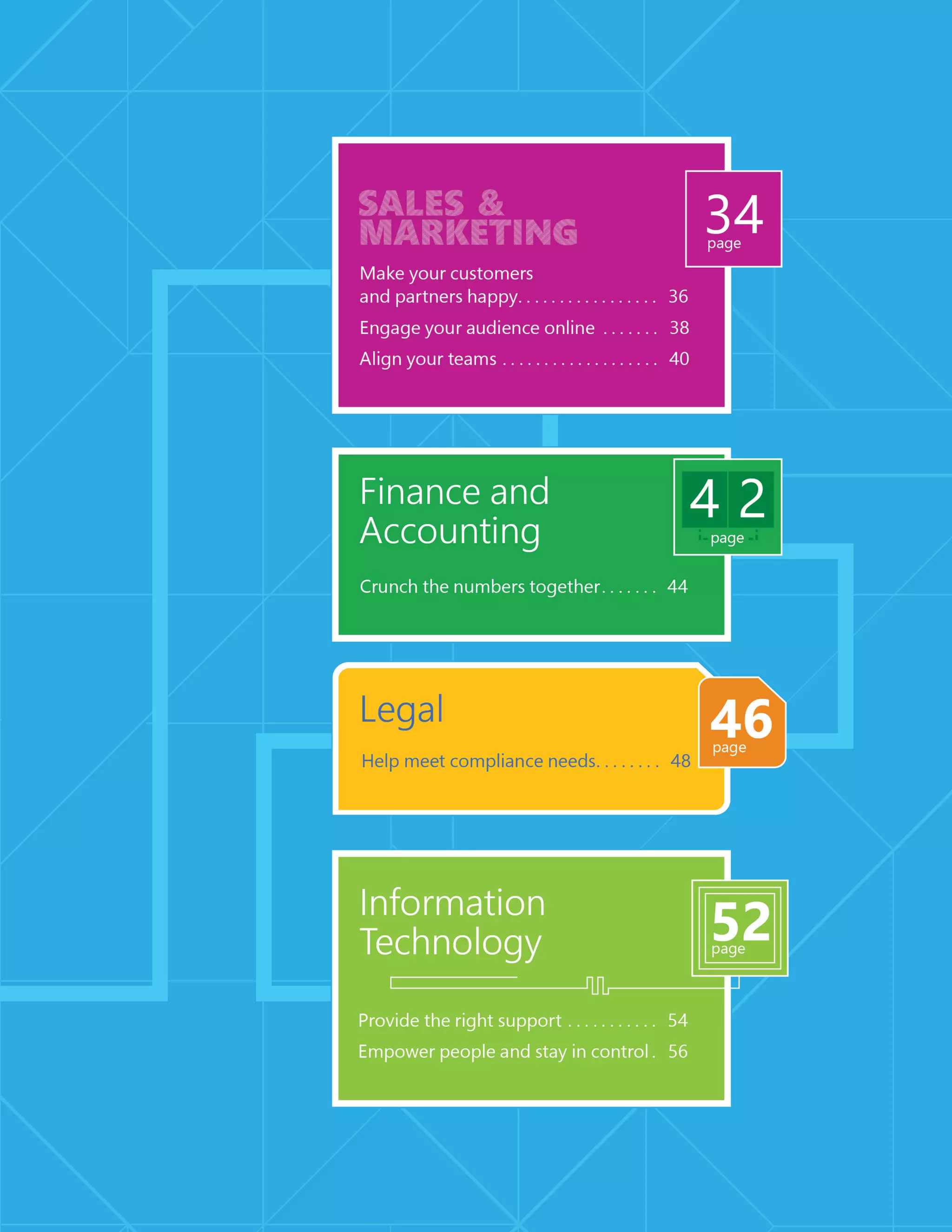
Make your customers and
partners happy
People want to find what they need right away without digging
around or being distracted by irrelevant content. SharePoint
can help you make your customers and partners happy by giving
them what they really want—relevant information, recommenda-
tions, and insights into their data. With SharePoint, you can build
either simple and dedicated portals or public-facing websites
so that your customers and partners easily get what they need.
38 Learn more at http://discoversharepoint.com/websites
Engage your
audience online
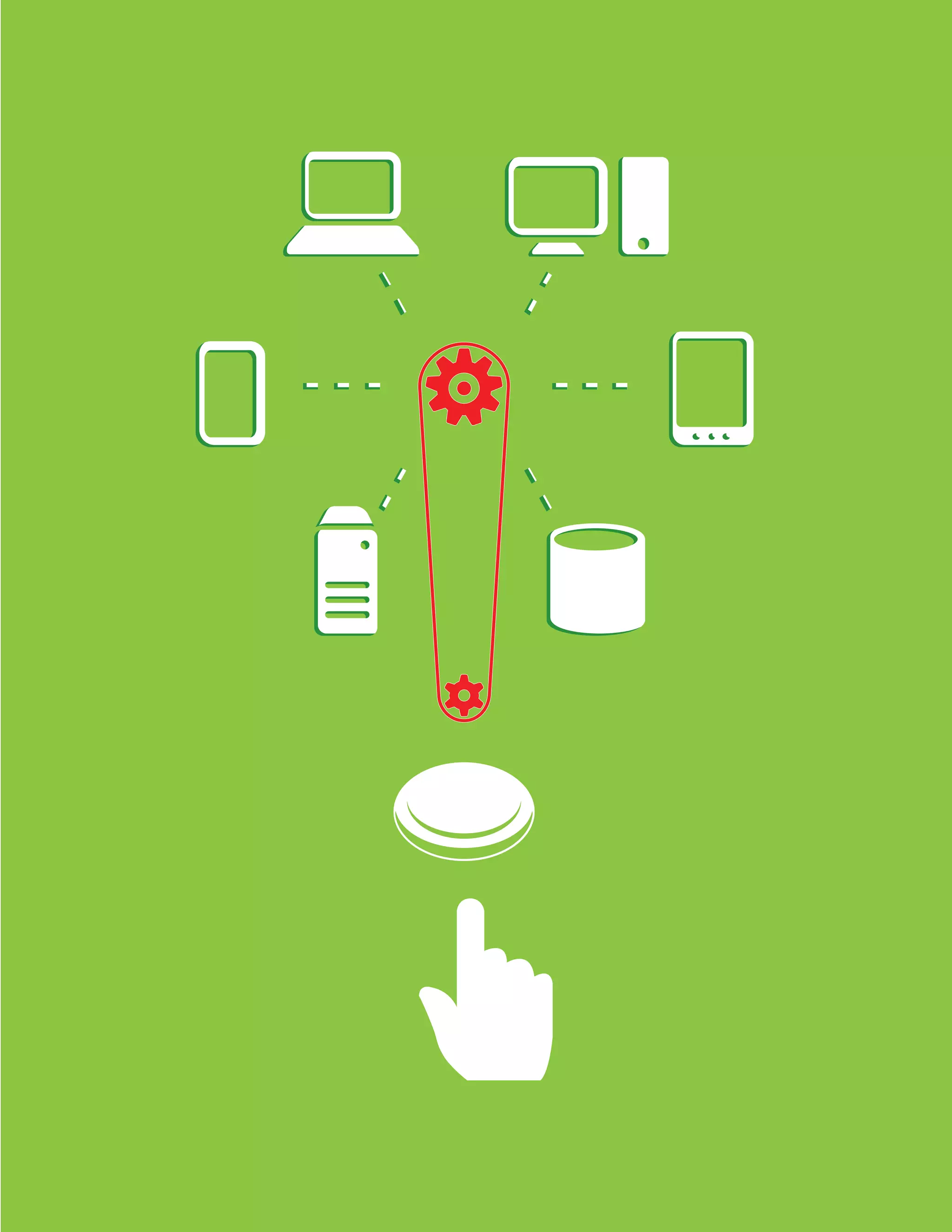
People expect the same experience no matter how they access
your site. To make sure they get it, SharePoint makes it possible for
you to deliver a consistent, unified digital experience on laptops,
smartphones, and tablets. Not only are your SharePoint sites acces-
sible from any device, but they also deliver targeted, highly relevant
content and personalized recommendations to your audience
around the globe. Building a global brand is now easier than ever,
and SharePoint also helps you stay in compliance with copyright
and other legal requirements by ensuring consistency across all
of your sites.
40 Learn more at http://discoversharepoint.com/connect
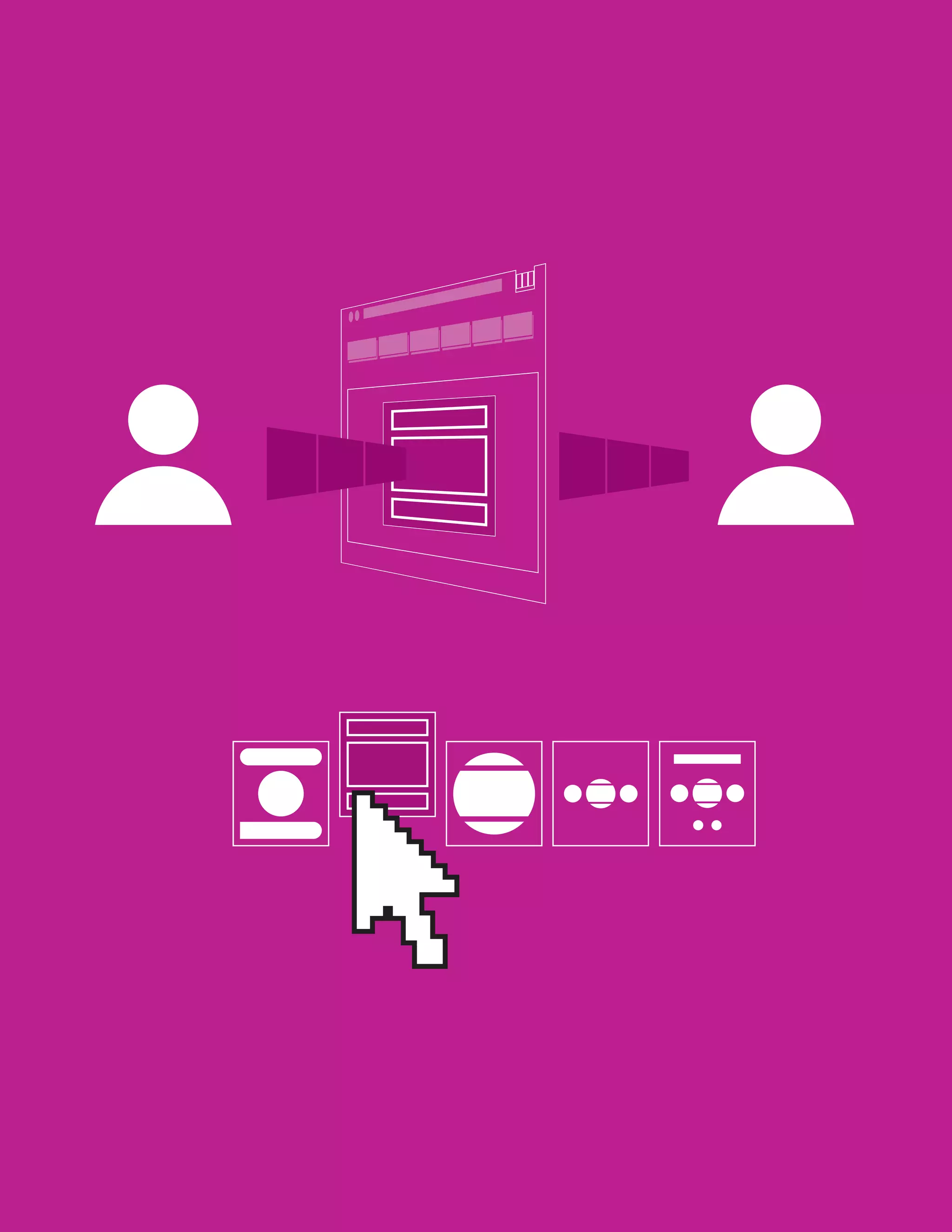
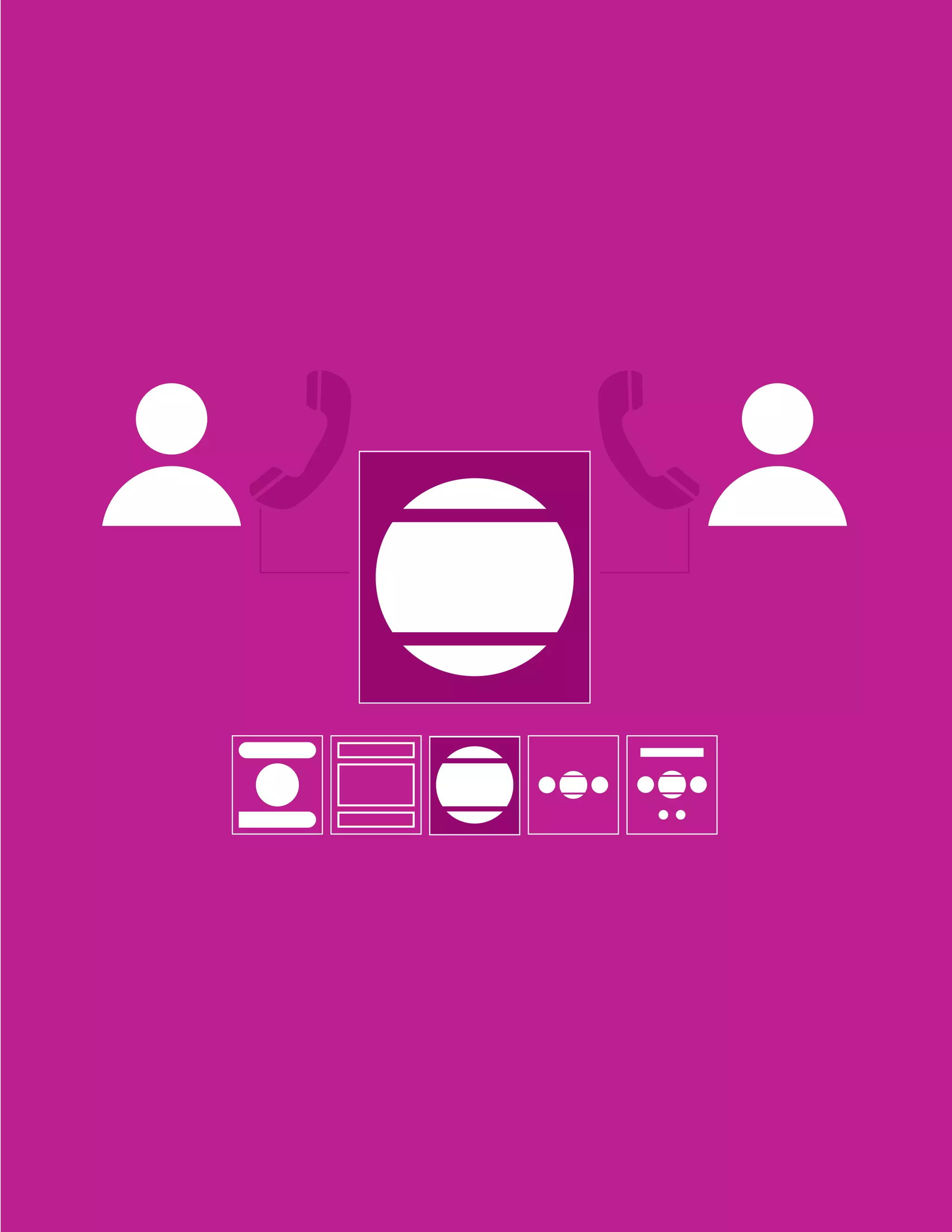
Align your teams
Deals are won and lost depending on how closely marketing
and sales teams are aligned. That’s how important communication
is and that’s why SharePoint gives people a better way to stay
in sync. SharePoint is the place where sales representatives can
access the most up-to-date marketing information, even when
on the road, so that messaging is consistent. It’s also where sales
and marketing teams can have conversations, share ideas, and
refine content together. Best of all, they can share best practices
and knowledge on customers, competitors, or sales processes,
making it easier to act on new opportunities and close deals
more quickly.
SharePoint makes it easier to crunch the numbers
with other people.
44 Learn more at http://discoversharepoint.com/insights
Crunch the
numbers together
Crunching the numbers doesn’t have to be difficult. SharePoint lets
you gather a lot of information from different people and different
departments into a single spreadsheet. Best of all, you can work
with more than one person—even your whole team if you want—
on the same spreadsheet at the same time. Crunching the numbers
together doesn’t just make your life easier, but it also helps boost
productivity and can lead to more insights that can be easily shared
with anyone in your organization.
SharePoint can help assist you in achieving legal
and regulatory compliance.
L E G A L
48 Learn more at http://discoversharepoint.com/ediscovery
Help meet compliance
needs
Trying to make sense of all the rules, laws, and regulations you
need to follow is hard enough without retrofitting your whole
IT infrastructure to comply with them. You won’t run into this
problem with SharePoint because it’s built to make compliance
easy and straightforward. In fact, with SharePoint you can
automate many of the processes for managing, protecting, and
preserving critical data, and even create retention schedules
to manage the entire life cycle of your organization’s digital assets.
If you ever need to respond quickly to litigation or audits, you can
use self-service eDiscovery to help get what you need immediately
without involving IT.
ReTeNTIoN
ARCHIVe
dISCoVeRY
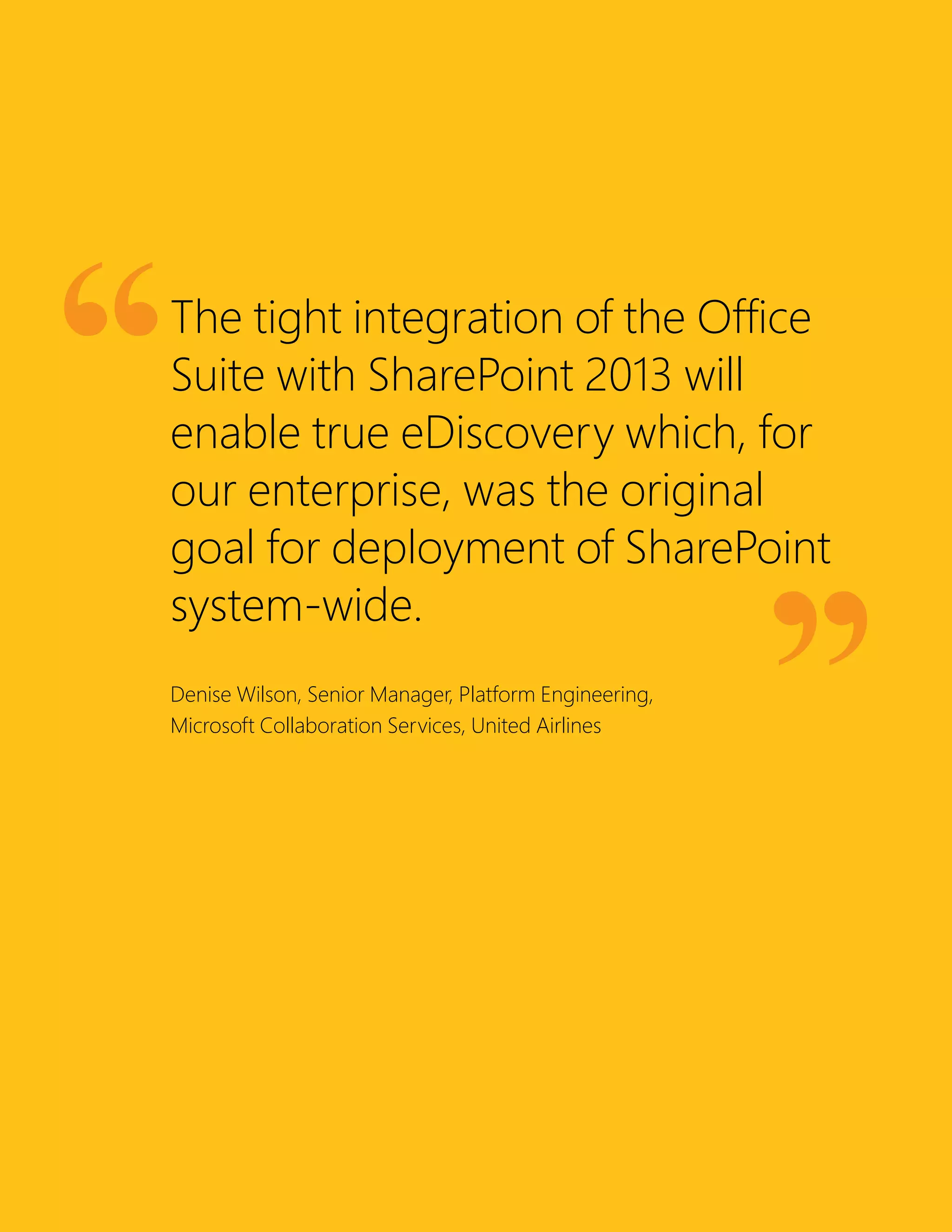
The tight integration of the Office
Suite with SharePoint 2013 will
enable true eDiscovery which, for
our enterprise, was the original
goal for deployment of SharePoint
system-wide.
Denise Wilson, Senior Manager, Platform Engineering,
Microsoft Collaboration Services, United Airlines
SharePoint helps balance IT and business needs.
54 Learn more at http://discoversharepoint.com/IThelpdesk
Provide the right support
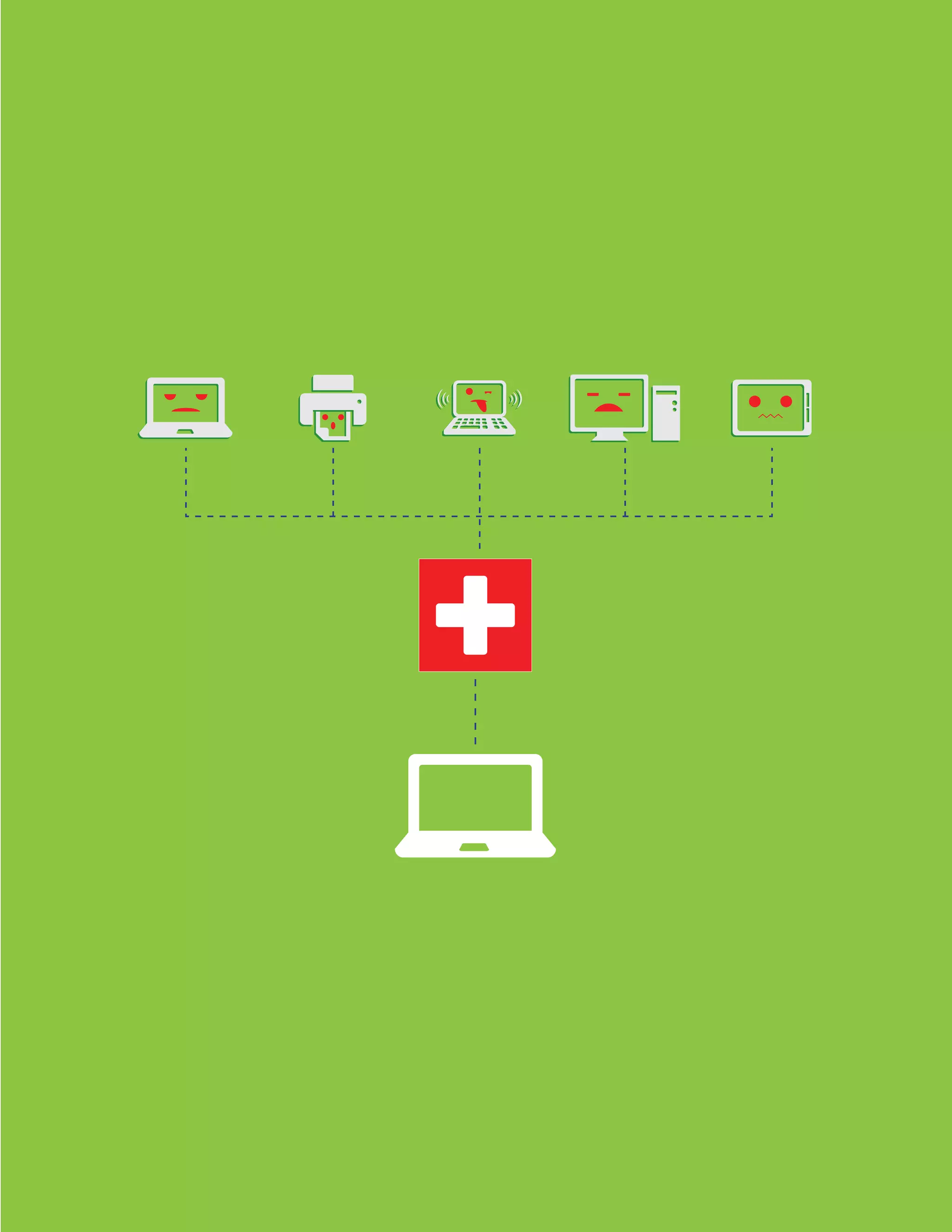
SharePoint can help you take your IT support beyond the telephone—
way beyond. Think of it as a virtual helpdesk. A one-stop shop
where people can get in touch with IT, browse through a shared
knowledge base, and submit ticket requests to get help. The result?
Quicker answers to common problems. Better system maintenance
with regular health checks. And faster, more focused conversations
between people and IT—all without ever being placed on hold.
Learn more at http://discoversharepoint.com/governance56
Empower people and
stay in control
It’s a common dilemma: How do you strike a balance between the
needs of IT and the needs of users? IT needs centralized control
over security and compliance to better manage risks. People want
more flexibility in SharePoint to work together. So who’s right?
With SharePoint, everyone’s right. IT can make SharePoint more
open and provide a safety net so that people’s sites comply with IT
controls, permissions, and policies. It’s a win-win situation.
With SharePoint 2013,
we can input information
in one place and then deliver
that information to anyone
in the organization, anytime,
anywhere. People can work
together to collect intelligence,
complete investigations
quickly, and provide effective
public services.
Ian Bell, Head of ICT, Cambridgeshire Constabulary
© 2013 Microsoft Corporation. All rights reserved. This document is provided “as-is.” Information and
views expressed in this document, including URL and other Internet Web site references, may change
without notice. You bear the risk of using it.
This document does not provide you with any legal rights to any intellectual property in any Microsoft
product. You may copy and use this document for your internal, reference purposes. You may modify
this document for your internal, reference purposes.
Learn more at URL to come
DiscoverSharePoint.com

Discover Microsoft SharePoint - From Atidan

  • 2.
    2 Learn moreat URL to come
  • 3.
    The New Way toWork Together SharePoint is about giving you and the people you work with a better way to get things done together. That means your content is stored and organized in one place. You can access it from virtually anywhere and share it with anyone. And that’s just the beginning. SharePoint gives you all kinds of ways to plan projects, stay in sync with each other, and work on content together. You also get a window into all of the information your organization stores in SharePoint, so it’s easy to find the answers and people you’re looking for. Check out the scenarios in this book to see some of the ways SharePoint can help you work better together.
  • 4.
    4 Learn moreat URL to come
  • 6.
    The new SharePointis all about getting things done together. Working Together
  • 8.
    8 Learn moreat http://discoversharepoint.com/skydrivepro Think of SharePoint as a central hub for all your content. You can fill it up with documents, organize them how you want, and easily share them with other people. There’s only one document you have to deal with—and it’s always in the same place and it’s always up to date. Instead of lots of people creating multiple versions in different places, you can get everyone to work on the same document—even at the same time—and SharePoint will keep track of everyone’s changes in one place. You don’t even need to be at your desk to get work done together. You can keep reviewing and tweaking your content while on the go, even offline and from virtually any device. Store, sync, and share your content
  • 10.
    10 Learn moreat http://discoversharepoint.com/sites Keep everyone on the same page Wouldn’t it be great if you and your team had a single place where you could get work done together and stay in sync with each other? SharePoint is exactly that kind of place. It’s a home base where you and your team can share and organize your resources—like notes, documents, schedules, conversations, and much more. No more running around to find what you need or get people what they need. Just go to your team site to get what you want, and then share your stuff instantly with the whole group.
  • 12.
    12 Learn moreat http://discoversharepoint.com/timeline Stay on track and deliver on time Isn’t life grand—when all your projects are on track and you meet all your deadlines? SharePoint can make your life a lot easier by helping you organize teamwork around common milestones. You can make sure work gets done by assigning people tasks that can be tracked and prioritized. And, you can keep an eye on important details with a real-time summary of your project that warns you about delays and keeps next steps and milestones on your radar. When it comes to really big and complicated projects, you can use Project Professional to manage task dependencies, balance resource allocations, and easily generate status reports. No need to worry—this all stays in sync with your site, where you can all continue to work together to keep your project on track.
  • 14.
    14 Learn moreat http://discoversharepoint.com/people Find the right people Things always seem to work out better when you find the right people for the job. The problem is: how do you find the right people without wasting lots of time tracking them down? SharePoint solves this problem. It gives you a single place to connect with experts across your organization, whether they’re in the office down the hall or on the other side of the globe. Now, you can quickly get the answers and information you need to make the right decisions, avoid reinventing the wheel, and improve your work.
  • 16.
    16 Learn moreat http://discoversharepoint.com/search Find what you need Wouldn’t it be great if you could search for information at work just as easily as you do on the Internet? With SharePoint you can. First of all, you can do all of your searching from just one place. Second of all, you don’t have to come up with the perfect keywords to find what you need. Whether you’re looking for documents, videos, people, or conversations, SharePoint will help you save time and pinpoint exactly what you need—all from one place.
  • 18.
    18 Learn moreat http://discoversharepoint.com/dashboard Make informed decisions Making good decisions is not always just about good judgment or experience. It’s also about collecting and making sense of lots of data. That’s where PowerPivot comes in: it lets you easily combine massive amounts of data from multiple sources and build sophisti- cated models out of it. But data alone isn’t enough—it needs to be expressed clearly to make a powerful impact on people. That’s what Power View is for. It lets you explore, visualize, and present data in compelling ways, and create exciting dashboards that you can quickly share with others in SharePoint. Now people can easily dig into your data to make great decisions and new discoveries.
  • 20.
  • 21.
    We have alot of data, and SharePoint 2013 allows us to extract value from it. Instead of just storing it, we can turn it into information and insights. Paul Di Felice, Associate Director for Consulting and Analysis, Regional Municipality of Niagara
  • 22.
    SharePoint helps keepyour whole organization in sync. HR and Internal Communications
  • 24.
    24 Learn moreat http://discoversharepoint.com/HRPortal Onboard new employees First days are stressful—for both new employees and the HR department. There’s a lot to learn and a lot to tell. Where do you begin? SharePoint can be the single hub for everything that a new hire needs on its first day, and beyond. You can make it easier for people to connect with their peers or mentors, understand the business, and ramp up rapidly. You can take advantage of auto- matic task routing and use forms built right into your site, leading to less paperwork and faster completion. Better processes, less time, smoother onboarding. What’s there to stress about?
  • 25.
  • 26.
    26 Learn moreat http://discoversharepoint.com/social Keep everyone informed Your company has a unique story, but like any great tale, it needs people to make it come alive. How do you get your employees excited about your vision? How do you get them talking about ideas… and talking to each other? SharePoint makes it easy to keep everyone engaged. It’s a one-stop shop where people can find the latest news and information. It can be a great place for people to have live discussions, give real-time feedback, and share experi- ences. SharePoint is like a “social glue” that keeps your employees and your vision moving forward together.
  • 28.
    SharePoint helps makeprocesses and people more productive.
  • 30.
    30 Learn moreat http://discoversharepoint.com/knowledge Share your knowledge With SharePoint, your knowledge isn’t limited to the people in your immediate circle. SharePoint lets you share what you know with as many people as you want, whether they’re in your department or in another country. So don’t let your good ideas, valuable experience, and expert knowledge go to waste. You can capture and organize best practices in one place, organize them however you need to, and refine them with your peers. Now people in your organization can easily discover what you know. And sharing works both ways, too. It’s just as easy for you to discover other groups’ best practices.
  • 32.
    32 Learn moreat http://discoversharepoint.com/workflows Boost business processes Do you ever wish you could improve your business processes and help people save time? With SharePoint you can. For example, automating recurring approval or review processes is easy and doesn’t take much time with built-in workflows. With Visio you can work with others to design and model processes that run in SharePoint. Once processes are in place, you can keep an eye on how well they’re performing for your team, department, or the entire organization. Whenever you need to you can refine your processes or create reports from them.
  • 33.
  • 34.
    SharePoint helps youdeliver more engaging and effective customer experiences.
  • 36.
    36 Learn moreat http://discoversharepoint.com/portals Make your customers and partners happy People want to find what they need right away without digging around or being distracted by irrelevant content. SharePoint can help you make your customers and partners happy by giving them what they really want—relevant information, recommenda- tions, and insights into their data. With SharePoint, you can build either simple and dedicated portals or public-facing websites so that your customers and partners easily get what they need.
  • 38.
    38 Learn moreat http://discoversharepoint.com/websites Engage your audience online People expect the same experience no matter how they access your site. To make sure they get it, SharePoint makes it possible for you to deliver a consistent, unified digital experience on laptops, smartphones, and tablets. Not only are your SharePoint sites acces- sible from any device, but they also deliver targeted, highly relevant content and personalized recommendations to your audience around the globe. Building a global brand is now easier than ever, and SharePoint also helps you stay in compliance with copyright and other legal requirements by ensuring consistency across all of your sites.
  • 40.
    40 Learn moreat http://discoversharepoint.com/connect Align your teams Deals are won and lost depending on how closely marketing and sales teams are aligned. That’s how important communication is and that’s why SharePoint gives people a better way to stay in sync. SharePoint is the place where sales representatives can access the most up-to-date marketing information, even when on the road, so that messaging is consistent. It’s also where sales and marketing teams can have conversations, share ideas, and refine content together. Best of all, they can share best practices and knowledge on customers, competitors, or sales processes, making it easier to act on new opportunities and close deals more quickly.
  • 42.
    SharePoint makes iteasier to crunch the numbers with other people.
  • 44.
    44 Learn moreat http://discoversharepoint.com/insights Crunch the numbers together Crunching the numbers doesn’t have to be difficult. SharePoint lets you gather a lot of information from different people and different departments into a single spreadsheet. Best of all, you can work with more than one person—even your whole team if you want— on the same spreadsheet at the same time. Crunching the numbers together doesn’t just make your life easier, but it also helps boost productivity and can lead to more insights that can be easily shared with anyone in your organization.
  • 46.
    SharePoint can helpassist you in achieving legal and regulatory compliance. L E G A L
  • 48.
    48 Learn moreat http://discoversharepoint.com/ediscovery Help meet compliance needs Trying to make sense of all the rules, laws, and regulations you need to follow is hard enough without retrofitting your whole IT infrastructure to comply with them. You won’t run into this problem with SharePoint because it’s built to make compliance easy and straightforward. In fact, with SharePoint you can automate many of the processes for managing, protecting, and preserving critical data, and even create retention schedules to manage the entire life cycle of your organization’s digital assets. If you ever need to respond quickly to litigation or audits, you can use self-service eDiscovery to help get what you need immediately without involving IT.
  • 49.
  • 51.
    The tight integrationof the Office Suite with SharePoint 2013 will enable true eDiscovery which, for our enterprise, was the original goal for deployment of SharePoint system-wide. Denise Wilson, Senior Manager, Platform Engineering, Microsoft Collaboration Services, United Airlines
  • 52.
    SharePoint helps balanceIT and business needs.
  • 54.
    54 Learn moreat http://discoversharepoint.com/IThelpdesk Provide the right support SharePoint can help you take your IT support beyond the telephone— way beyond. Think of it as a virtual helpdesk. A one-stop shop where people can get in touch with IT, browse through a shared knowledge base, and submit ticket requests to get help. The result? Quicker answers to common problems. Better system maintenance with regular health checks. And faster, more focused conversations between people and IT—all without ever being placed on hold.
  • 56.
    Learn more athttp://discoversharepoint.com/governance56 Empower people and stay in control It’s a common dilemma: How do you strike a balance between the needs of IT and the needs of users? IT needs centralized control over security and compliance to better manage risks. People want more flexibility in SharePoint to work together. So who’s right? With SharePoint, everyone’s right. IT can make SharePoint more open and provide a safety net so that people’s sites comply with IT controls, permissions, and policies. It’s a win-win situation.
  • 59.
    With SharePoint 2013, wecan input information in one place and then deliver that information to anyone in the organization, anytime, anywhere. People can work together to collect intelligence, complete investigations quickly, and provide effective public services. Ian Bell, Head of ICT, Cambridgeshire Constabulary
  • 60.
    © 2013 MicrosoftCorporation. All rights reserved. This document is provided “as-is.” Information and views expressed in this document, including URL and other Internet Web site references, may change without notice. You bear the risk of using it. This document does not provide you with any legal rights to any intellectual property in any Microsoft product. You may copy and use this document for your internal, reference purposes. You may modify this document for your internal, reference purposes.
  • 62.
    Learn more atURL to come DiscoverSharePoint.com