








Gavin Jones 
Managing Director 
Christian Cook 
Head of App Development @indievidual 
@elixelofficial
Building mobile apps 
with PhoneGap
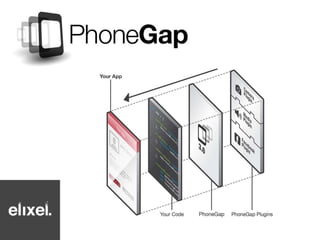
What IS PhoneGap?
History
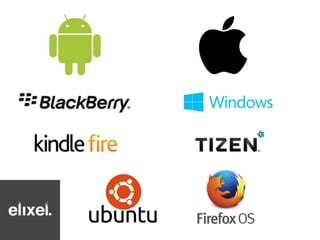
Platforms
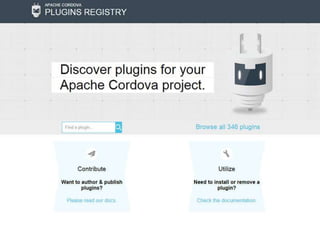
Plugins
Examples
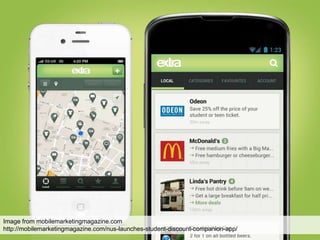
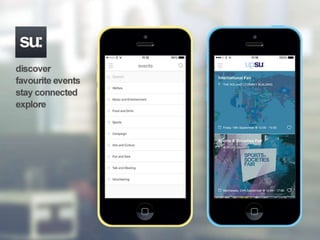
Image from mobilemarketingmagazine.com 
http://mobilemarketingmagazine.com/nus-launches-student-discount-companion-app/
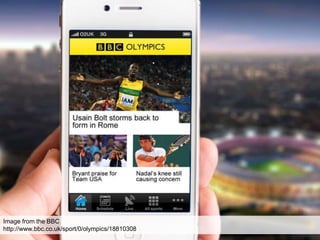
Image from the BBC 
http://www.bbc.co.uk/sport/0/olympics/18810308
How
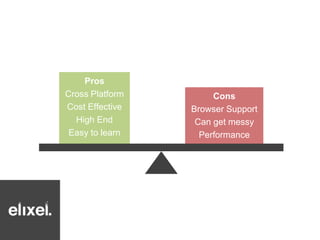
Why choose HTML5 
over Native
Pros 
Cross Platform 
Cost Effective 
High End 
Easy to learn 
Cons 
Browser Support 
Can get messy 
Performance
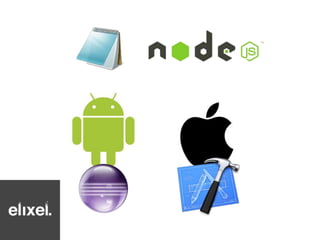
Software Requirements
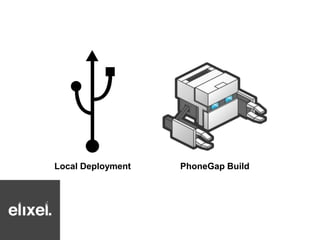
Deployment Methods
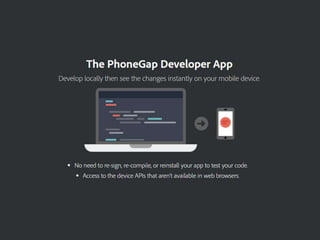
Local Deployment PhoneGap Build
App vs Website Structure
Building a personalised experience
Single-Page Application (SPA)
Online Offline
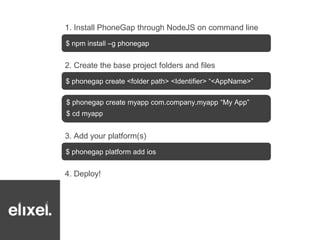
Getting Started
1. Install PhoneGap through NodeJS on command line 
$ npm install –g phonegap 
2. Create the base project folders and files 
$ phonegap create <folder path> <Identifier> “<AppName>” 
$ phonegap create myapp com.company.myapp “My App” 
$ cd myapp 
3. Add your platform(s) 
$ phonegap platform add ios 
4. Deploy!
UI Libraries
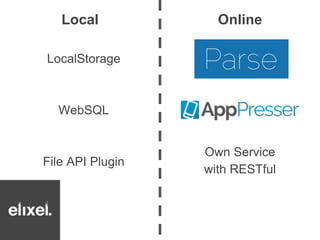
Data Storage
Local Online 
Own Service 
with RESTful 
LocalStorage 
WebSQL 
File API Plugin
Debugging
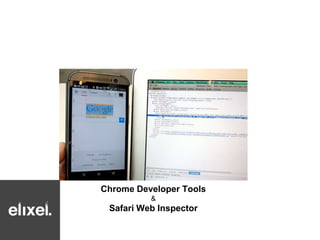
Chrome Developer Tools 
& 
Safari Web Inspector
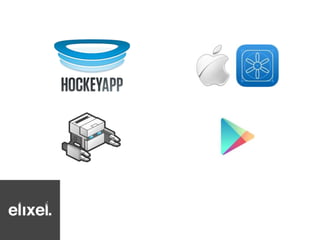
Distribution
Used to be crap, but now it’s 
matured and is pretty good!
Summary
Building mobile apps with PhoneGap 
Christian Cook 
@Cookie_Cookson

Digpen 7: Building mobile apps with PhoneGap

Editor's Notes

  • #9 http://weareapps.com/MobileInsightsReport.pdf