A template allows consistent formatting across documents by storing default settings for things like page layout, styles, toolbars, and language. To create a template from an existing document:
1. Open the document you want to use as a template.
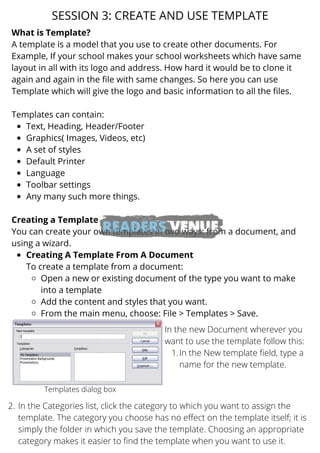
2. Choose File > Templates > Save.
3. Specify a name and location for the new template file.
4. The document contents and formatting are now available as a template for new documents.