A PaaS built with Docker 
Meetup #3 @Wayra 
18/Nov/2014
BE STRONG 
flickr.com/gridview
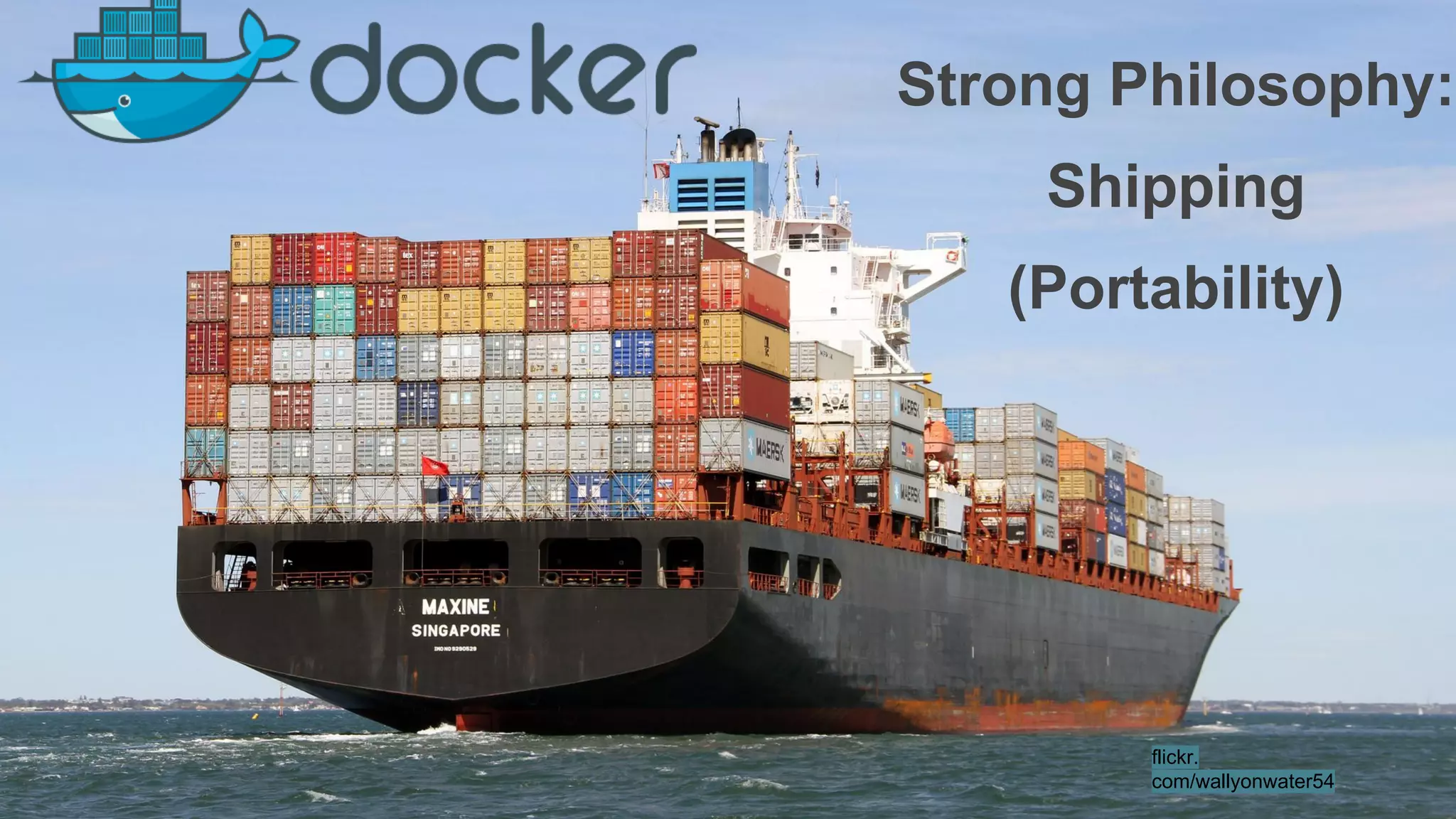
Strong Philosophy: 
Shipping 
(Portability) 
flickr. 
com/wallyonwater54
Strong Philosophy: 
Distribution 
Grabthar flickr.com/42311564@N00/
Strong Philosophy: 
Scalability 
Samuel Mann flickr.com/21218849@N03/
Strong Philosophy: 
Twelve Factor 
flickr.com/hannahtakespictures
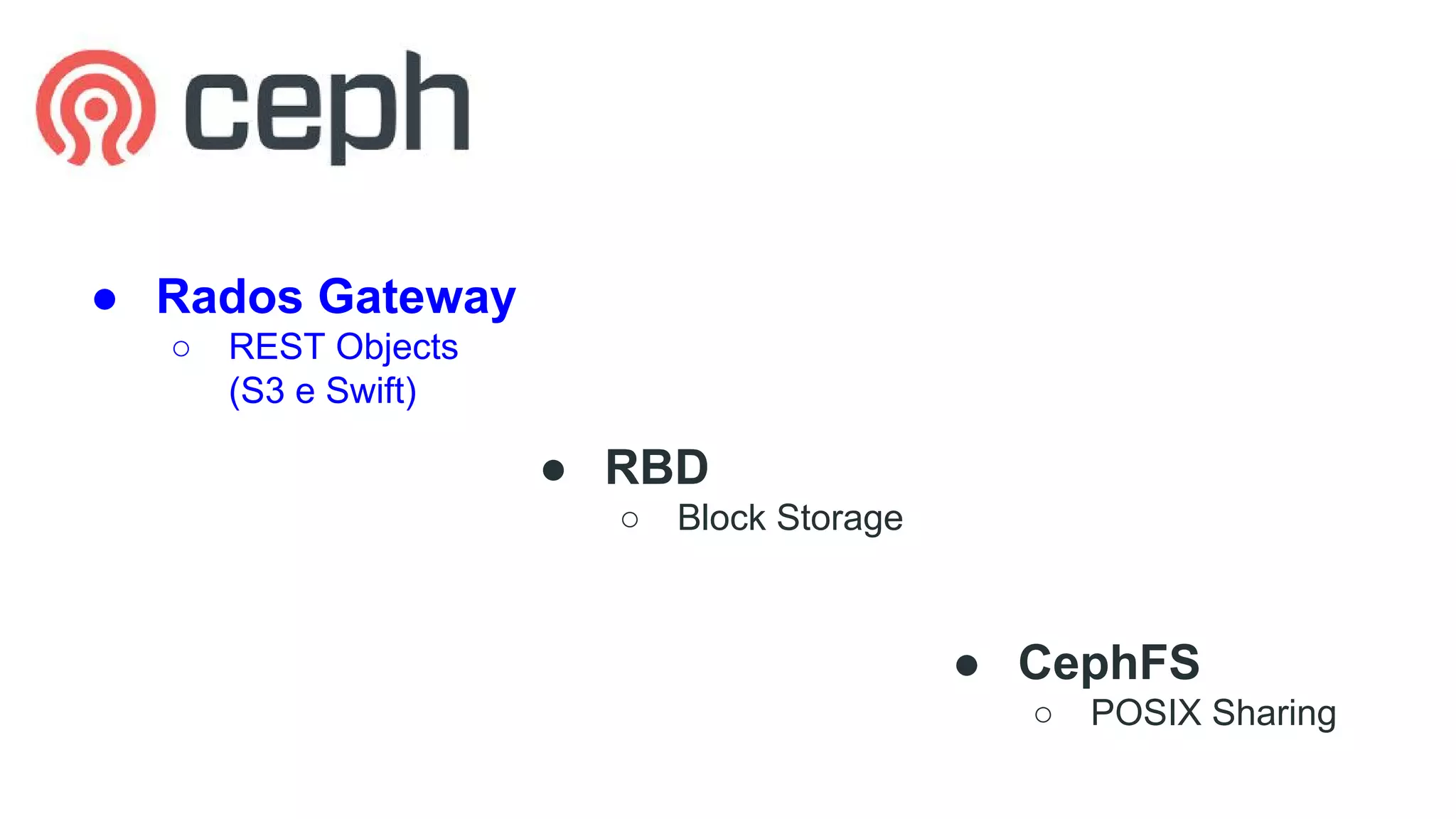
● Rados Gateway 
○ REST Objects 
(S3 e Swift) 
● RBD 
○ Block Storage 
● CephFS 
○ POSIX Sharing
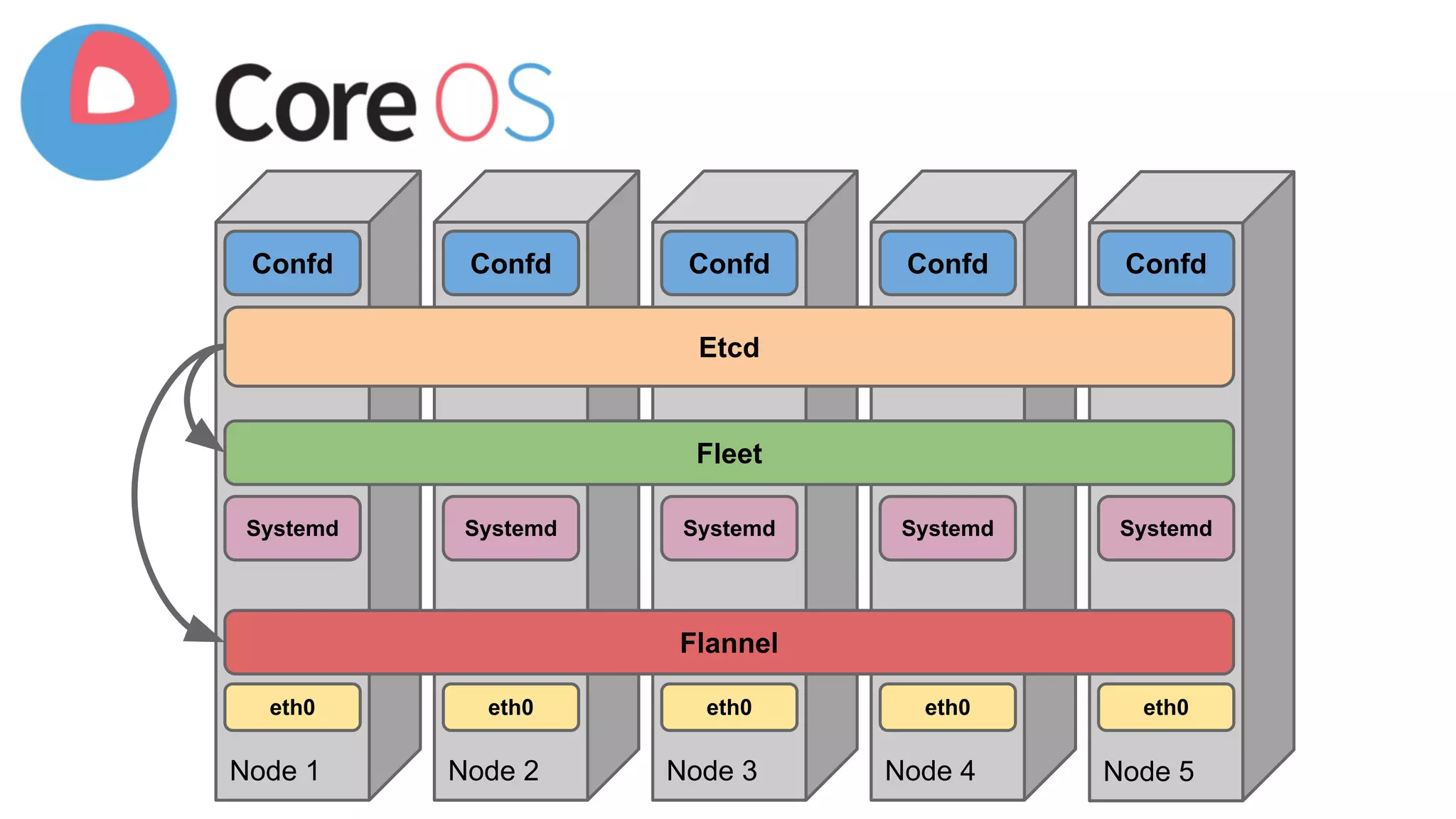
Confd Confd Confd Confd Confd 
Etcd 
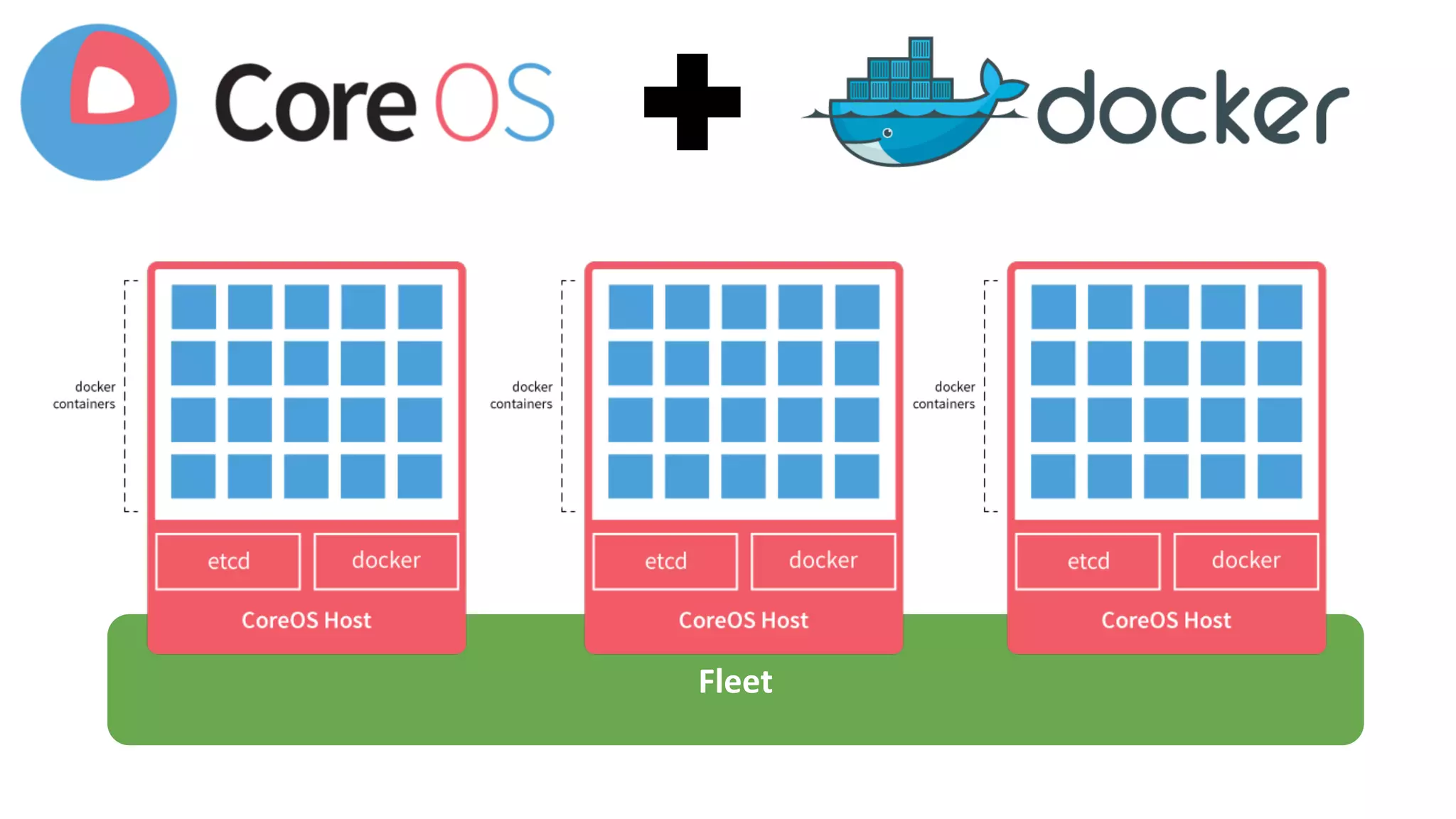
Fleet 
Systemd Systemd Systemd Systemd Systemd 
Flannel 
eth0 eth0 eth0 eth0 eth0 
Node 1 Node 2 Node 3 Node 4 Node 5
Fleet
● Fleet 
Distributed 
“Services” 
[Unit] 
Description=deis-controller 
Requires=deis-store-volume.service 
After=deis-store-volume.service 
[Service] 
EnvironmentFile=/etc/environment 
TimeoutStartSec=20m 
ExecStartPre=/bin/sh -c "IMAGE=`/run/deis/bin/get_image /deis/controller` && 
docker history $IMAGE >/dev/null || docker pull $IMAGE" 
ExecStartPre=/bin/sh -c "docker inspect deis-controller >/dev/null && docker rm -f 
deis-controller || true" 
ExecStart=/bin/sh -c "IMAGE=`/run/deis/bin/get_image /deis/controller` && docker 
run --name deis-controller --rm -p 8000:8000 -e EXTERNAL_PORT=8000 -e 
HOST=$COREOS_PRIVATE_IPV4 -v /var/run/fleet.sock:/var/run/fleet.sock -v 
/var/lib/deis/store:/data $IMAGE" 
ExecStopPost=-/usr/bin/docker rm -f deis-controller 
Restart=on-failure 
RestartSec=5 
[Install] 
WantedBy=multi-user.target
WWHD 
(What Would Heroku Do) 
● Limitations
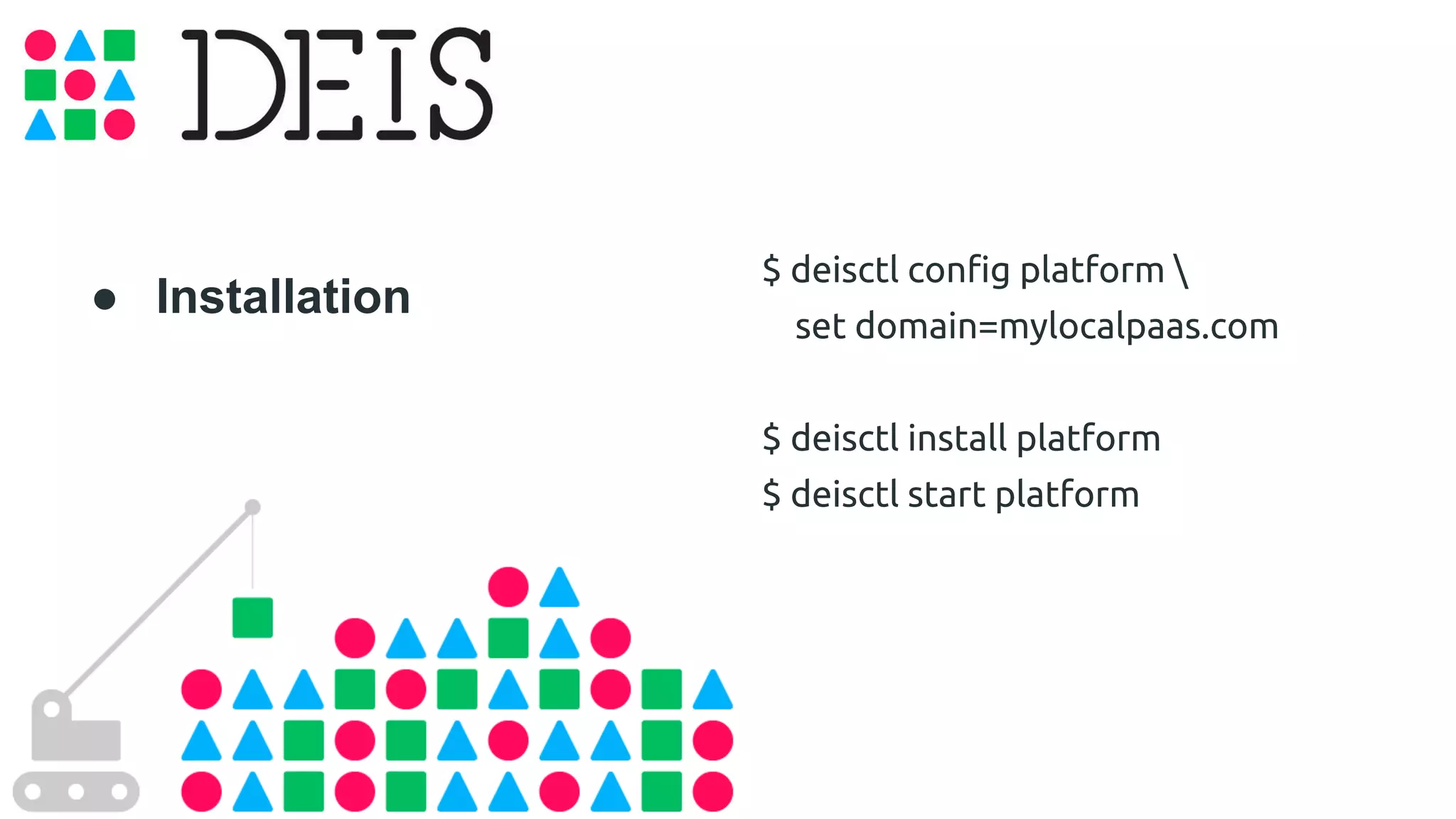
$ deisctl config platform  
set domain=mylocalpaas.com 
$ deisctl install platform 
$ deisctl start platform 
● Installation
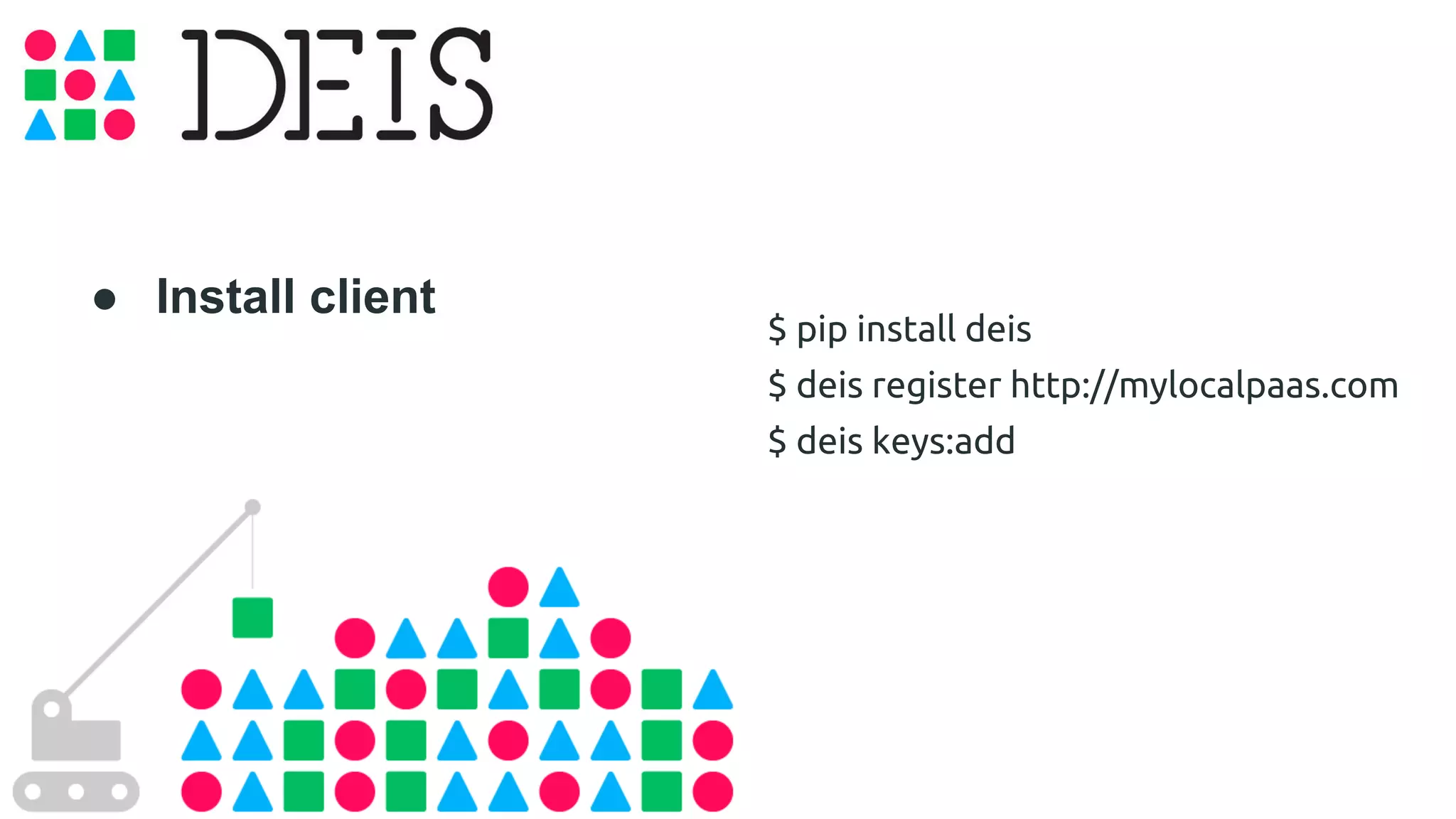
$ pip install deis 
$ deis register http://mylocalpaas.com 
$ deis keys:add 
● Install client
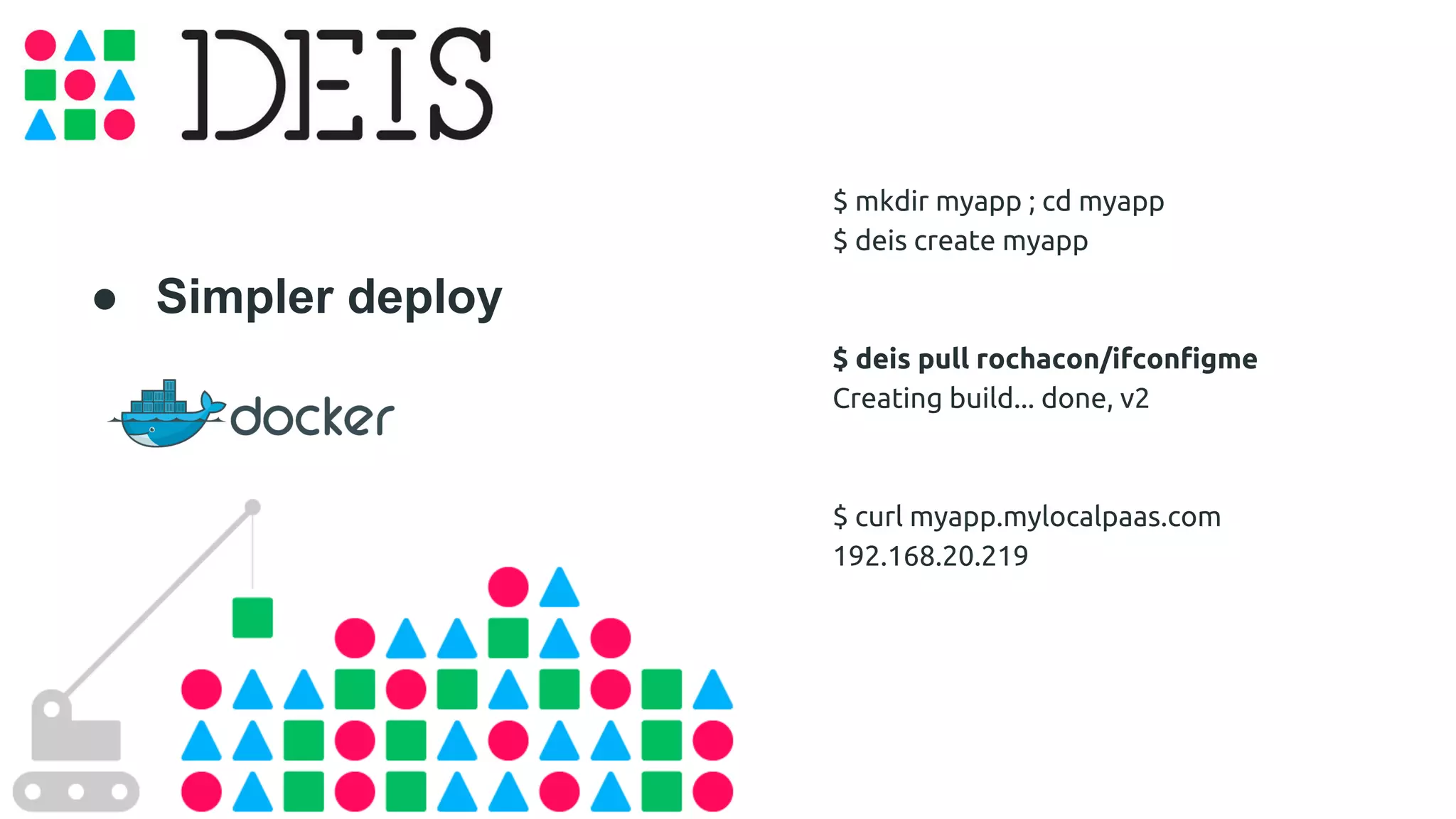
● Simpler deploy 
$ mkdir myapp ; cd myapp 
$ deis create myapp 
$ deis pull rochacon/ifconfigme 
Creating build... done, v2 
$ curl myapp.mylocalpaas.com 
192.168.20.219
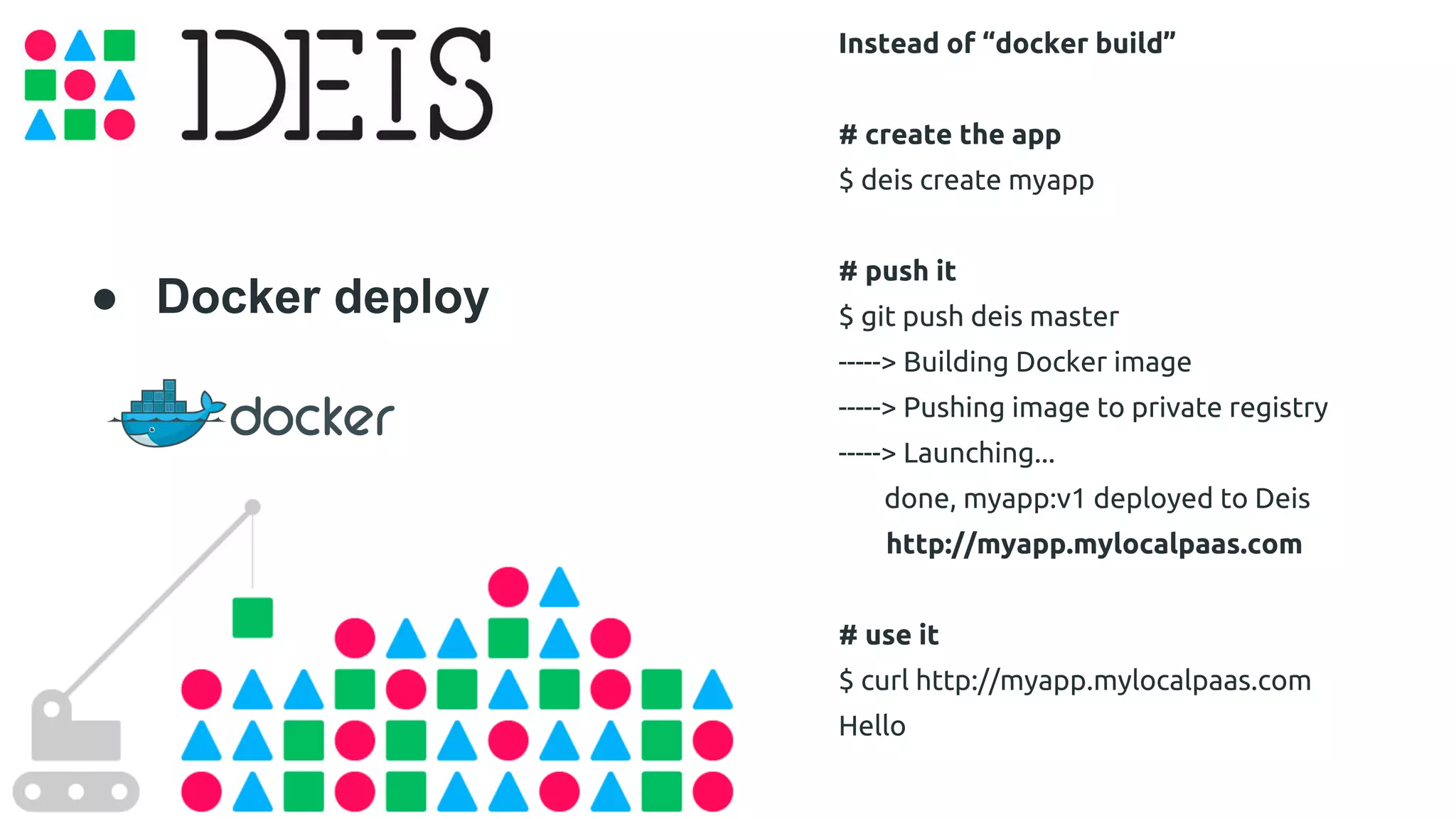
● Docker deploy 
Instead of “docker build” 
# create the app 
$ deis create myapp 
# push it 
$ git push deis master 
-----> Building Docker image 
-----> Pushing image to private registry 
-----> Launching... 
done, myapp:v1 deployed to Deis 
http://myapp.mylocalpaas.com 
# use it 
$ curl http://myapp.mylocalpaas.com 
Hello
● Scale it 
$ deis scale cmd=5 
Scaling processes... but first, coffee! 
..o 
done in 25s 
=== myapp Processes 
--- cmd: 
cmd.1 up (v13) 
cmd.2 up (v13) 
cmd.3 up (v13) 
cmd.4 up (v13) 
cmd.5 up (v13)
● Heroku App 
Available Buildpacks: 
● Ruby 
● Nodejs 
● Java 
● Gradle 
● Grails 
● Play 
● Python 
● Clojure 
● PHP 
● Go 
● Meteorite 
● Perl 
● Scala 
● Dart 
● Nginx 
● Apache
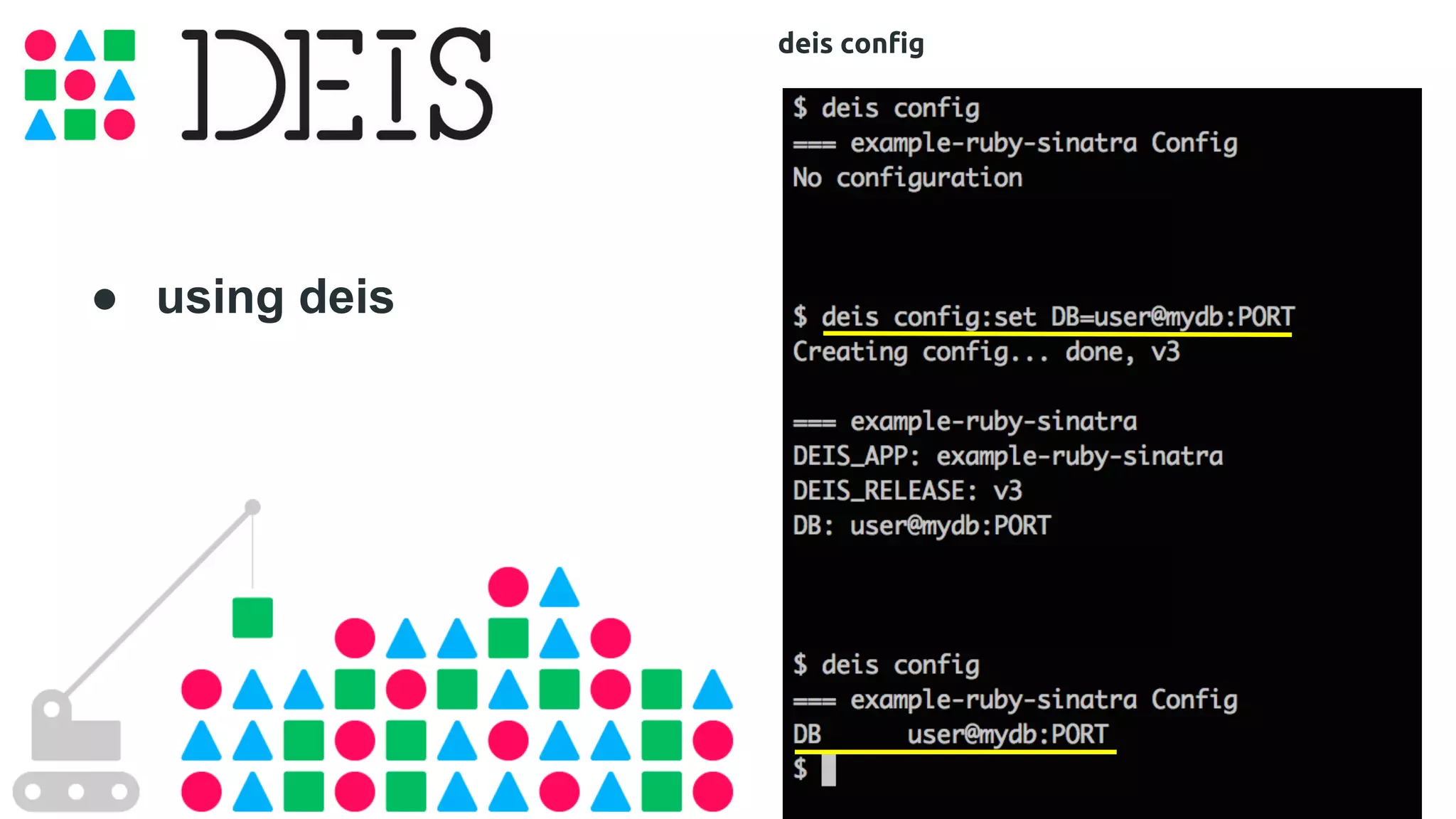
● using deis 
deis config
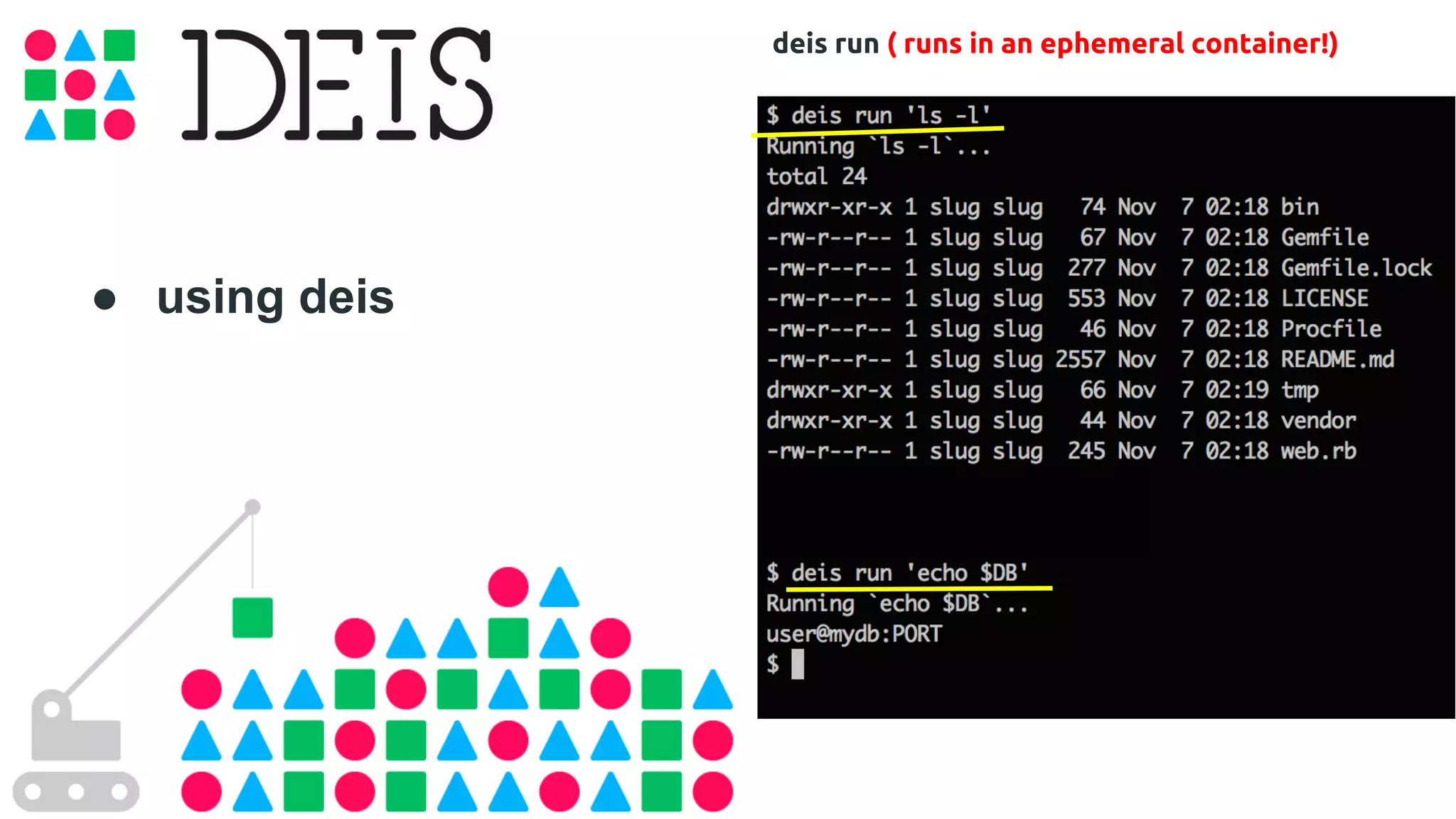
● using deis 
deis run ( runs in an ephemeral container!)
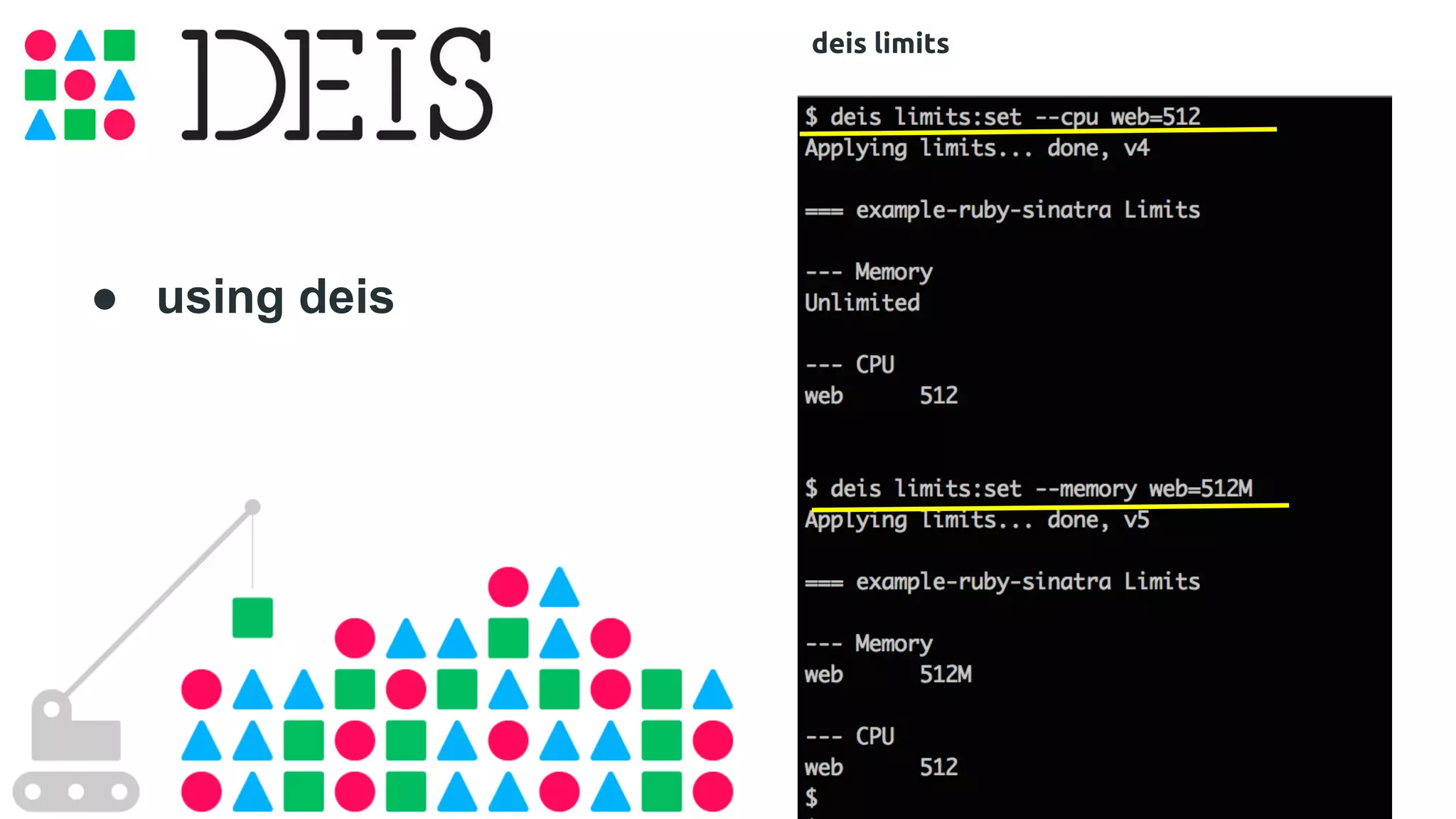
● using deis 
deis limits
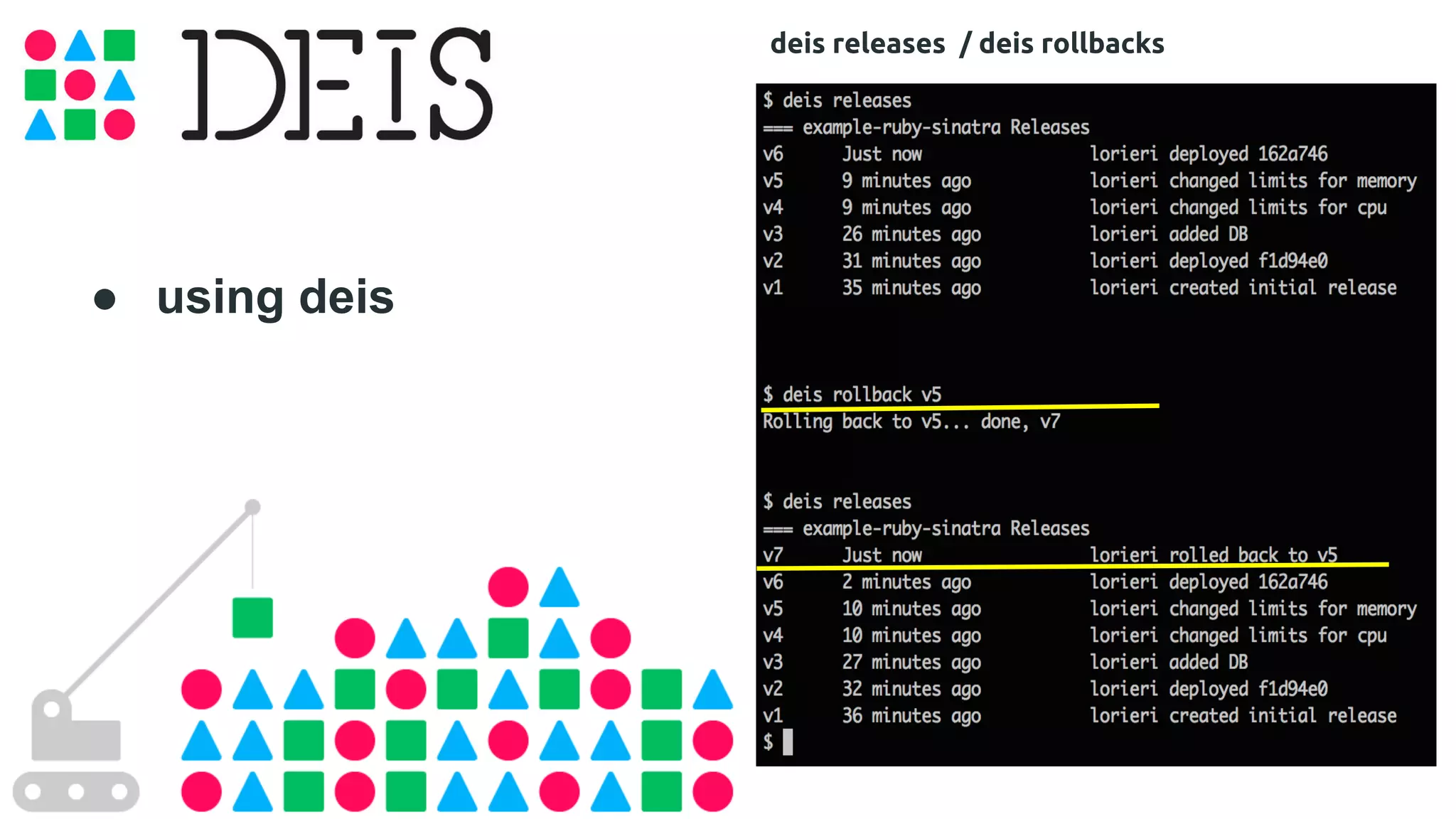
● using deis 
deis releases / deis rollbacks
● using deis 
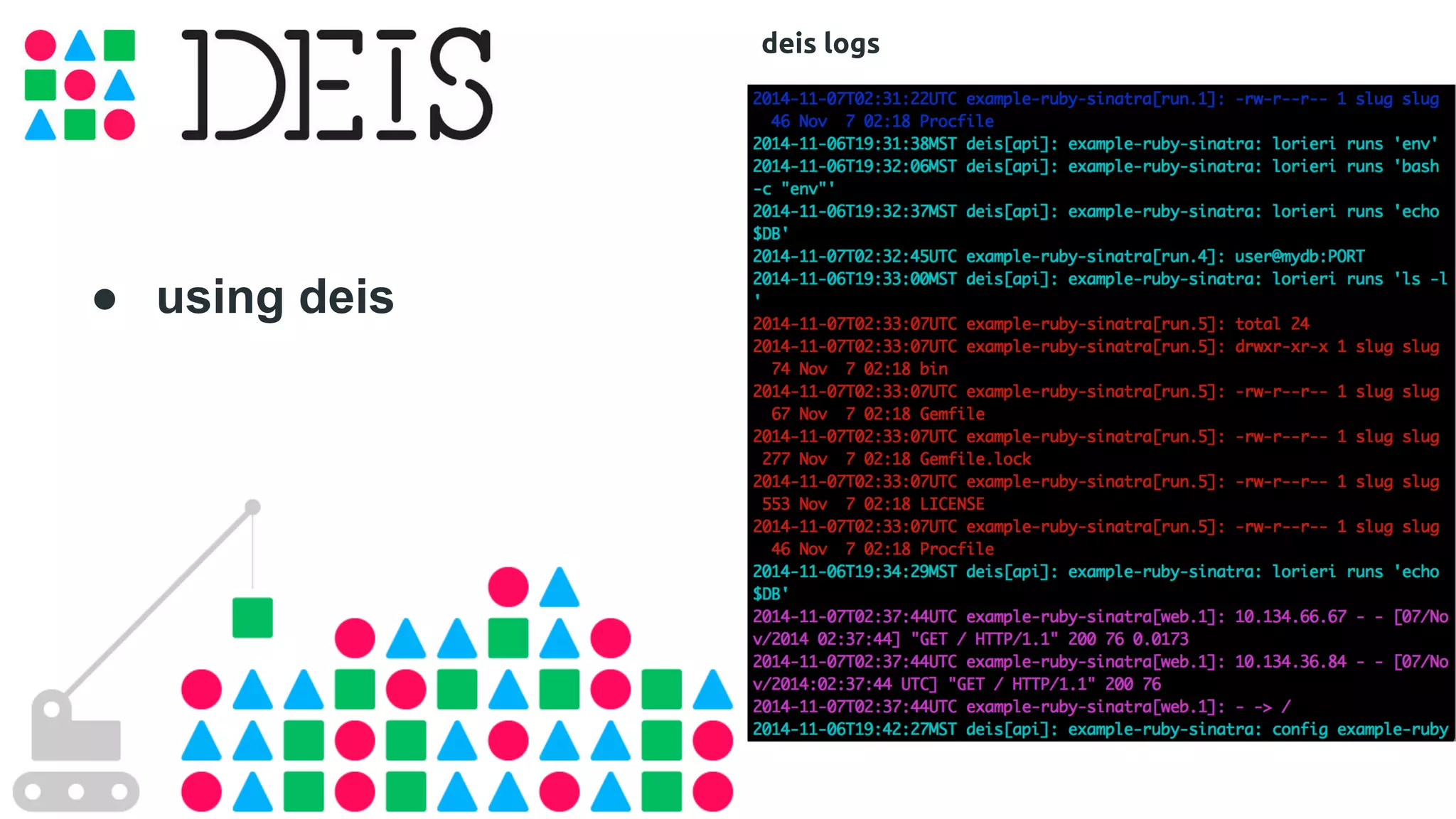
deis logs
● using deis 
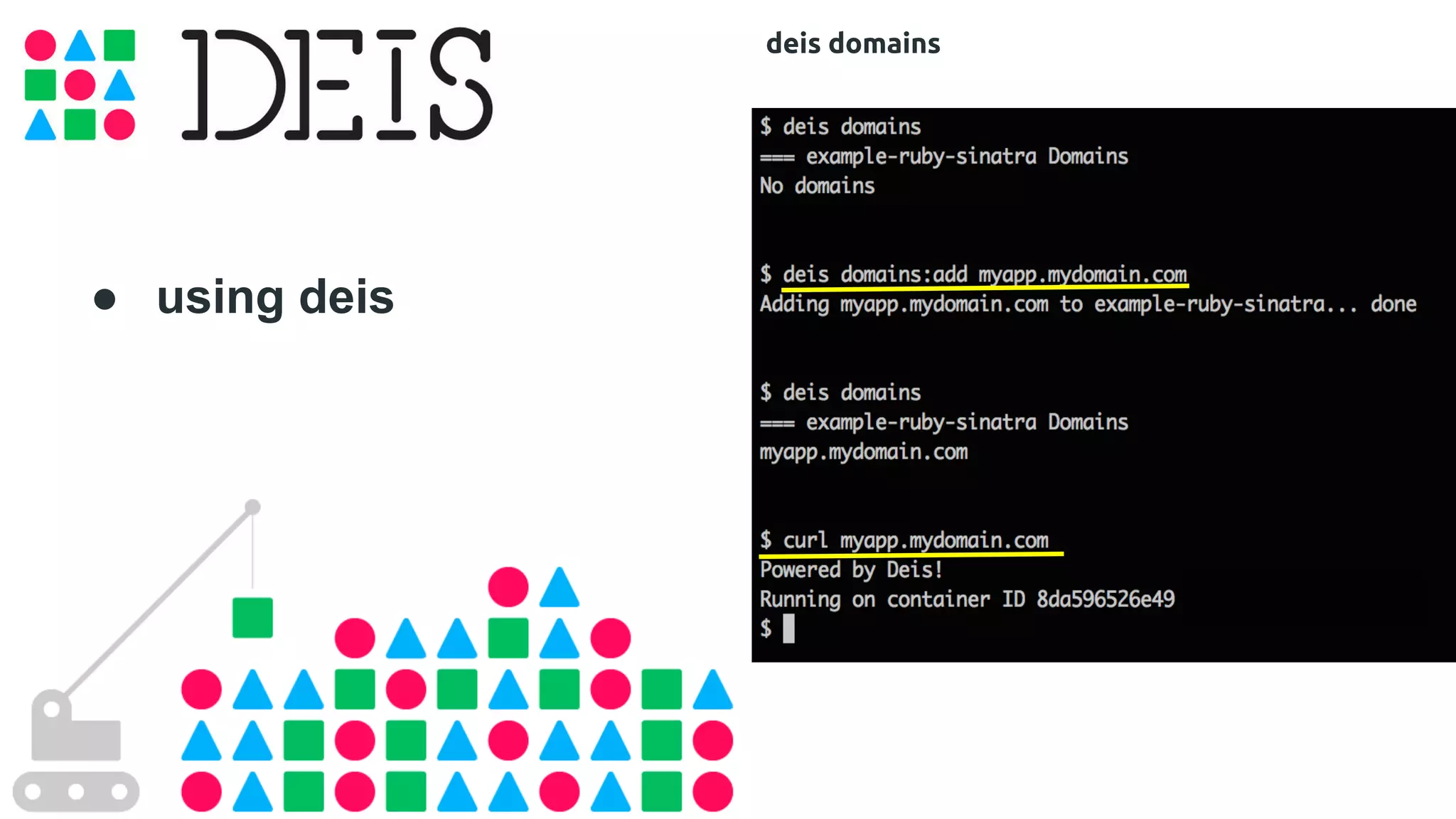
deis domains
Thanks! 
lorieri 
@againstty0 
ft. 
@rochacon 
flickr.com/time-to-look

Deis, a PaaS built with Docker, Docker Meetup Sao Paulo #3 @Wayra

  • 1.
    A PaaS builtwith Docker Meetup #3 @Wayra 18/Nov/2014
  • 2.
  • 3.
    Strong Philosophy: Shipping (Portability) flickr. com/wallyonwater54
  • 4.
    Strong Philosophy: Distribution Grabthar flickr.com/42311564@N00/
  • 5.
    Strong Philosophy: Scalability Samuel Mann flickr.com/21218849@N03/
  • 6.
    Strong Philosophy: TwelveFactor flickr.com/hannahtakespictures
  • 7.
    ● Rados Gateway ○ REST Objects (S3 e Swift) ● RBD ○ Block Storage ● CephFS ○ POSIX Sharing
  • 8.
    Confd Confd ConfdConfd Confd Etcd Fleet Systemd Systemd Systemd Systemd Systemd Flannel eth0 eth0 eth0 eth0 eth0 Node 1 Node 2 Node 3 Node 4 Node 5
  • 9.
  • 10.
    ● Fleet Distributed “Services” [Unit] Description=deis-controller Requires=deis-store-volume.service After=deis-store-volume.service [Service] EnvironmentFile=/etc/environment TimeoutStartSec=20m ExecStartPre=/bin/sh -c "IMAGE=`/run/deis/bin/get_image /deis/controller` && docker history $IMAGE >/dev/null || docker pull $IMAGE" ExecStartPre=/bin/sh -c "docker inspect deis-controller >/dev/null && docker rm -f deis-controller || true" ExecStart=/bin/sh -c "IMAGE=`/run/deis/bin/get_image /deis/controller` && docker run --name deis-controller --rm -p 8000:8000 -e EXTERNAL_PORT=8000 -e HOST=$COREOS_PRIVATE_IPV4 -v /var/run/fleet.sock:/var/run/fleet.sock -v /var/lib/deis/store:/data $IMAGE" ExecStopPost=-/usr/bin/docker rm -f deis-controller Restart=on-failure RestartSec=5 [Install] WantedBy=multi-user.target
  • 11.
    WWHD (What WouldHeroku Do) ● Limitations
  • 12.
    $ deisctl configplatform set domain=mylocalpaas.com $ deisctl install platform $ deisctl start platform ● Installation
  • 13.
    $ pip installdeis $ deis register http://mylocalpaas.com $ deis keys:add ● Install client
  • 14.
    ● Simpler deploy $ mkdir myapp ; cd myapp $ deis create myapp $ deis pull rochacon/ifconfigme Creating build... done, v2 $ curl myapp.mylocalpaas.com 192.168.20.219
  • 15.
    ● Docker deploy Instead of “docker build” # create the app $ deis create myapp # push it $ git push deis master -----> Building Docker image -----> Pushing image to private registry -----> Launching... done, myapp:v1 deployed to Deis http://myapp.mylocalpaas.com # use it $ curl http://myapp.mylocalpaas.com Hello
  • 16.
    ● Scale it $ deis scale cmd=5 Scaling processes... but first, coffee! ..o done in 25s === myapp Processes --- cmd: cmd.1 up (v13) cmd.2 up (v13) cmd.3 up (v13) cmd.4 up (v13) cmd.5 up (v13)
  • 18.
    ● Heroku App Available Buildpacks: ● Ruby ● Nodejs ● Java ● Gradle ● Grails ● Play ● Python ● Clojure ● PHP ● Go ● Meteorite ● Perl ● Scala ● Dart ● Nginx ● Apache
  • 19.
    ● using deis deis config
  • 20.
    ● using deis deis run ( runs in an ephemeral container!)
  • 21.
    ● using deis deis limits
  • 22.
    ● using deis deis releases / deis rollbacks
  • 23.
    ● using deis deis logs
  • 24.
    ● using deis deis domains
  • 25.
    Thanks! lorieri @againstty0 ft. @rochacon flickr.com/time-to-look