11 April 2019
CRF – Skopje/Ohrid
DATA AND USERS –
Labuan IBFC’s Experience in
Implementation of ROC
Systems
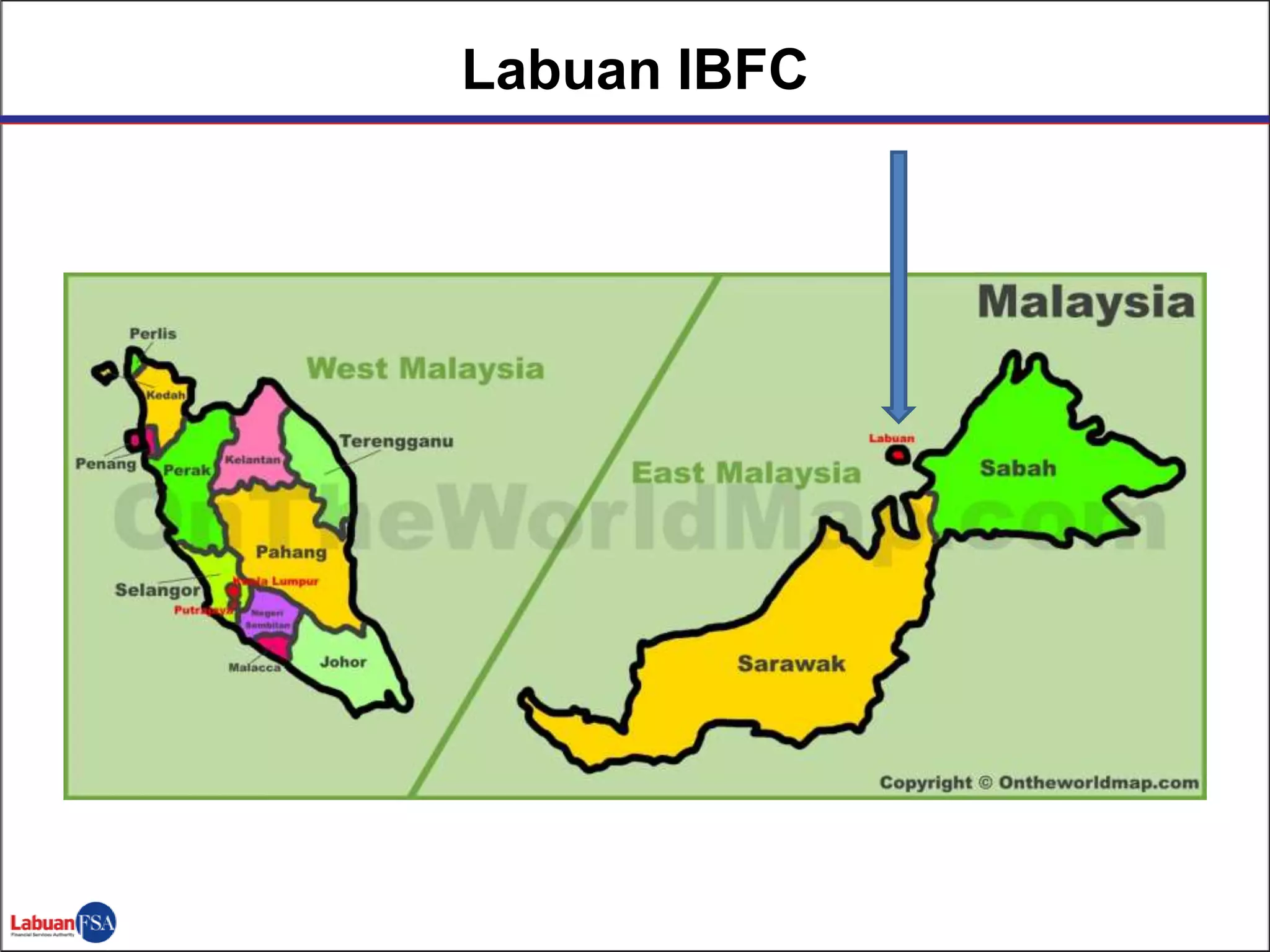
Labuan IBFC
Agenda
 Evolution of E-Filing for Labuan IBFC
 User Engagement Strategies
 Key Takeaways in Implementation of ROC
system
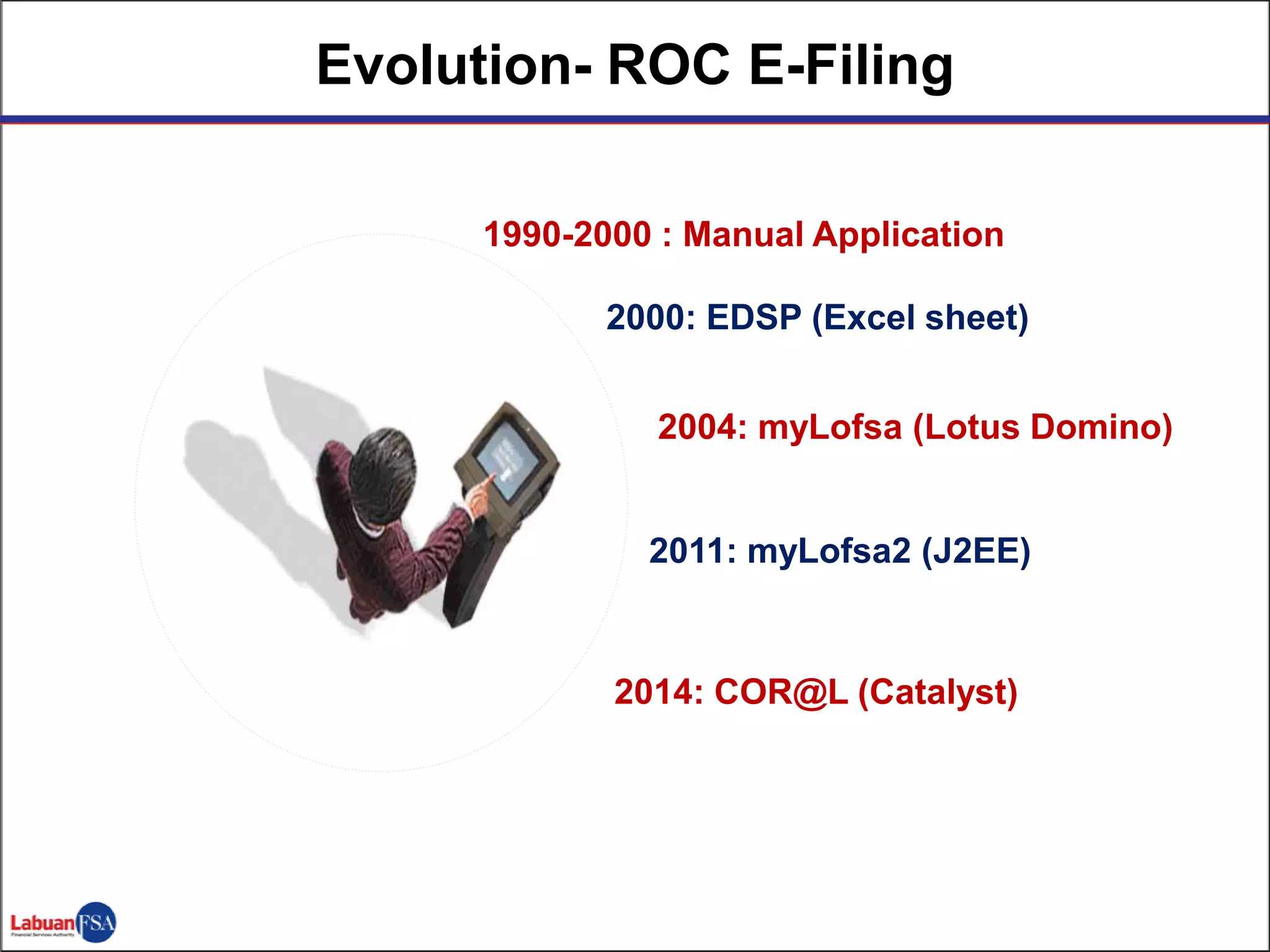
Evolution- ROC E-Filing
1990-2000 : Manual Application
2000: EDSP (Excel sheet)
2004: myLofsa (Lotus Domino)
2011: myLofsa2 (J2EE)
2014: COR@L (Catalyst)
 COR@L – Corporate Online Registry @ Labuan FSA
 online system that promotes convenience and security
to the user with real-time access
 consists of 6 registers/ modules
 launched in June 2014
 Two methods of payment system
 FPX
 Deposit account (disable)
 External main users:
 Trust companies
 Auditors
 Liquidators
 Third parties
Overview of COR@L System
Engagement Strategies
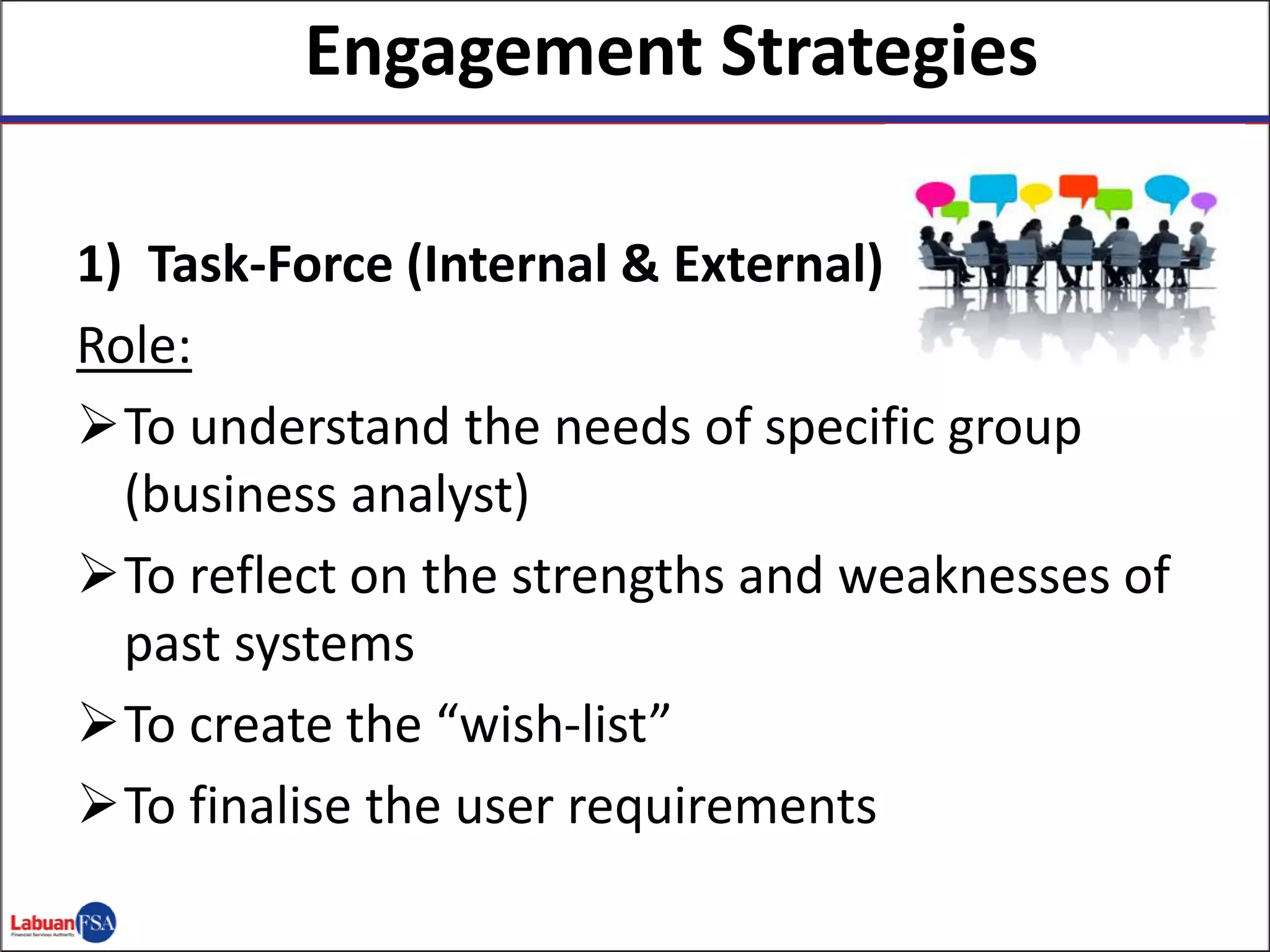
1) Task-Force (Internal & External)
Role:
To understand the needs of specific group
(business analyst)
To reflect on the strengths and weaknesses of
past systems
To create the “wish-list”
To finalise the user requirements
2) Effective Communication Channels
 Weekly project updates with vendor/taskforce
Why?
- Tracking of project status (project managers)
- Avenue to discuss project issues/concerns
 Periodical dialogue session with end-users
Why?
- Establish clear line of communication to gather
feedbacks (dedicated email)
- Transparent on the stage of rectification of system’s
issues
- Buy-in from stakeholders
(1) Migration of historical data and filings from previous
system and from hard copy of archived documents –
integrity of data;
(2) Inability of ROC to generate certain reports - requires
ICT’s assistance for reports to be produced;
(3) The system is unable to reconcile with the Group
Finance’s system; and
(4) System support for reported issues/incidents in
COR@L system
2
Result from Communications –
Concerns on the Existing System
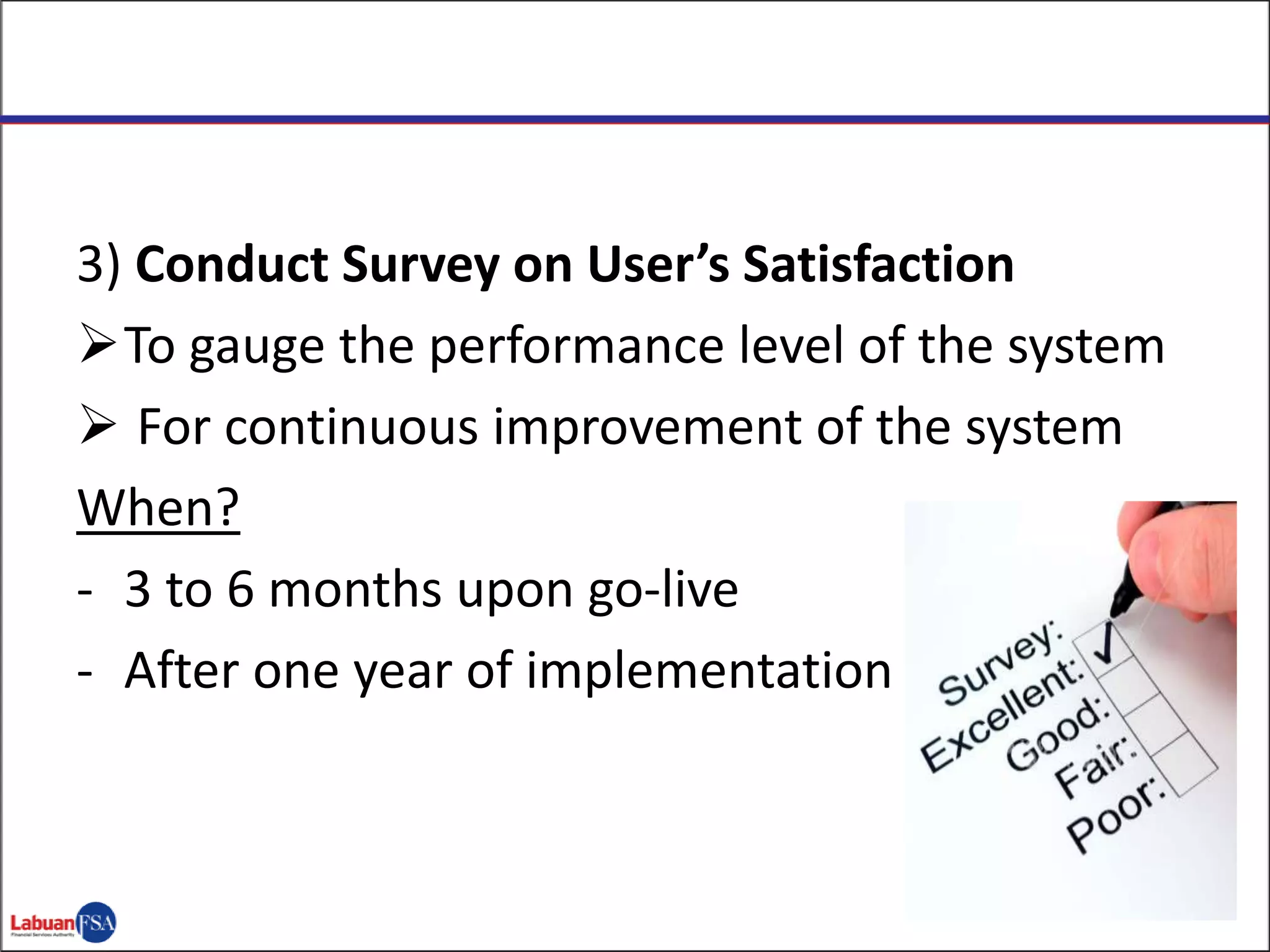
3) Conduct Survey on User’s Satisfaction
To gauge the performance level of the system
 For continuous improvement of the system
When?
- 3 to 6 months upon go-live
- After one year of implementation
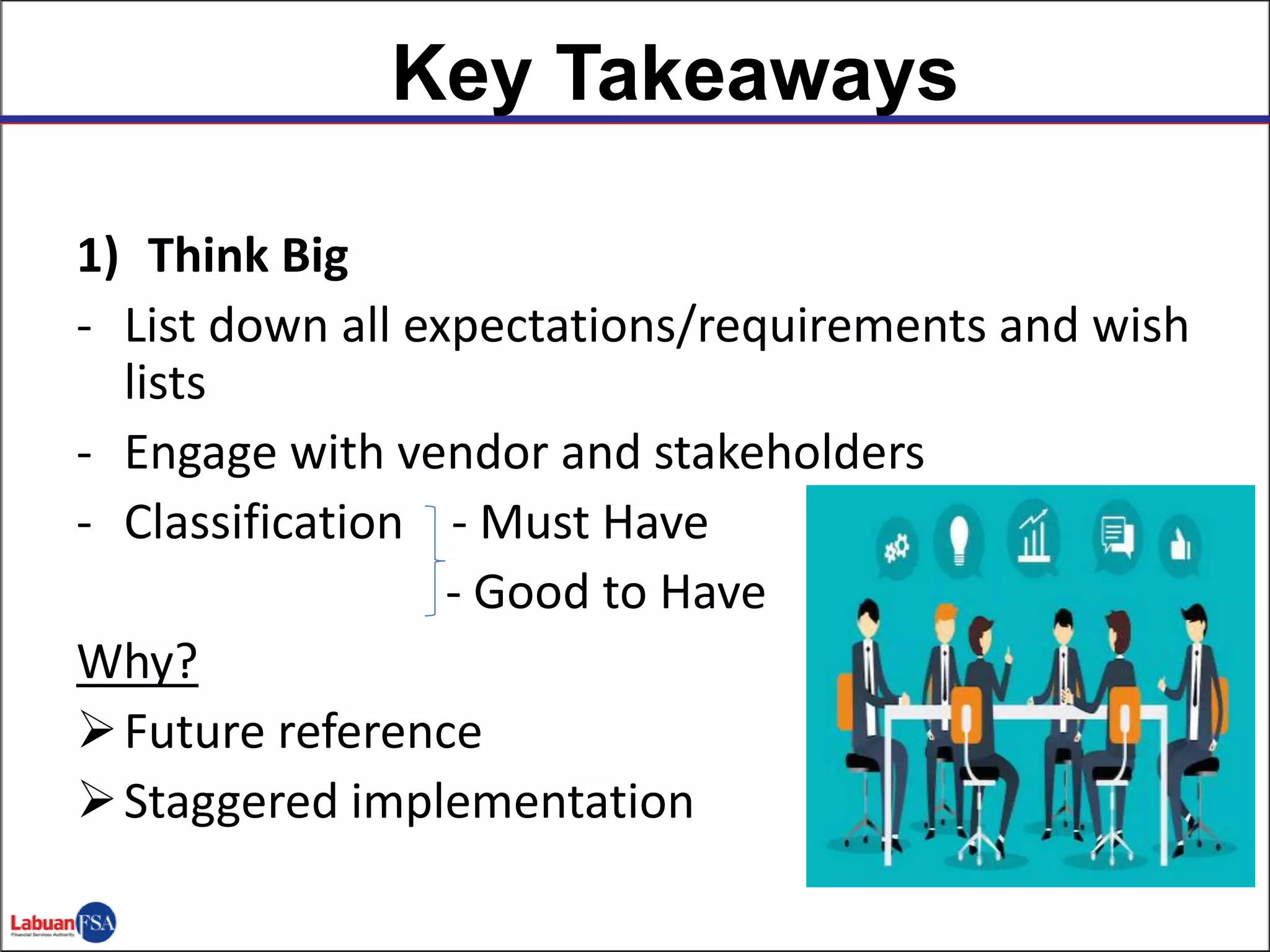
1) Think Big
- List down all expectations/requirements and wish
lists
- Engage with vendor and stakeholders
- Classification - Must Have
- Good to Have
Why?
Future reference
Staggered implementation
Key Takeaways
2) Engage! Engage! Engage!
 Listen to your system users
 Maintain good relationship with stakeholders
- system users
- Management
 To achieve versatile and user friendly system
3) Data Integrity
 Achieved operating system with credible data
How?
- Data migration is a crucial part of any new system
- Choose best approach depending on the size of
data
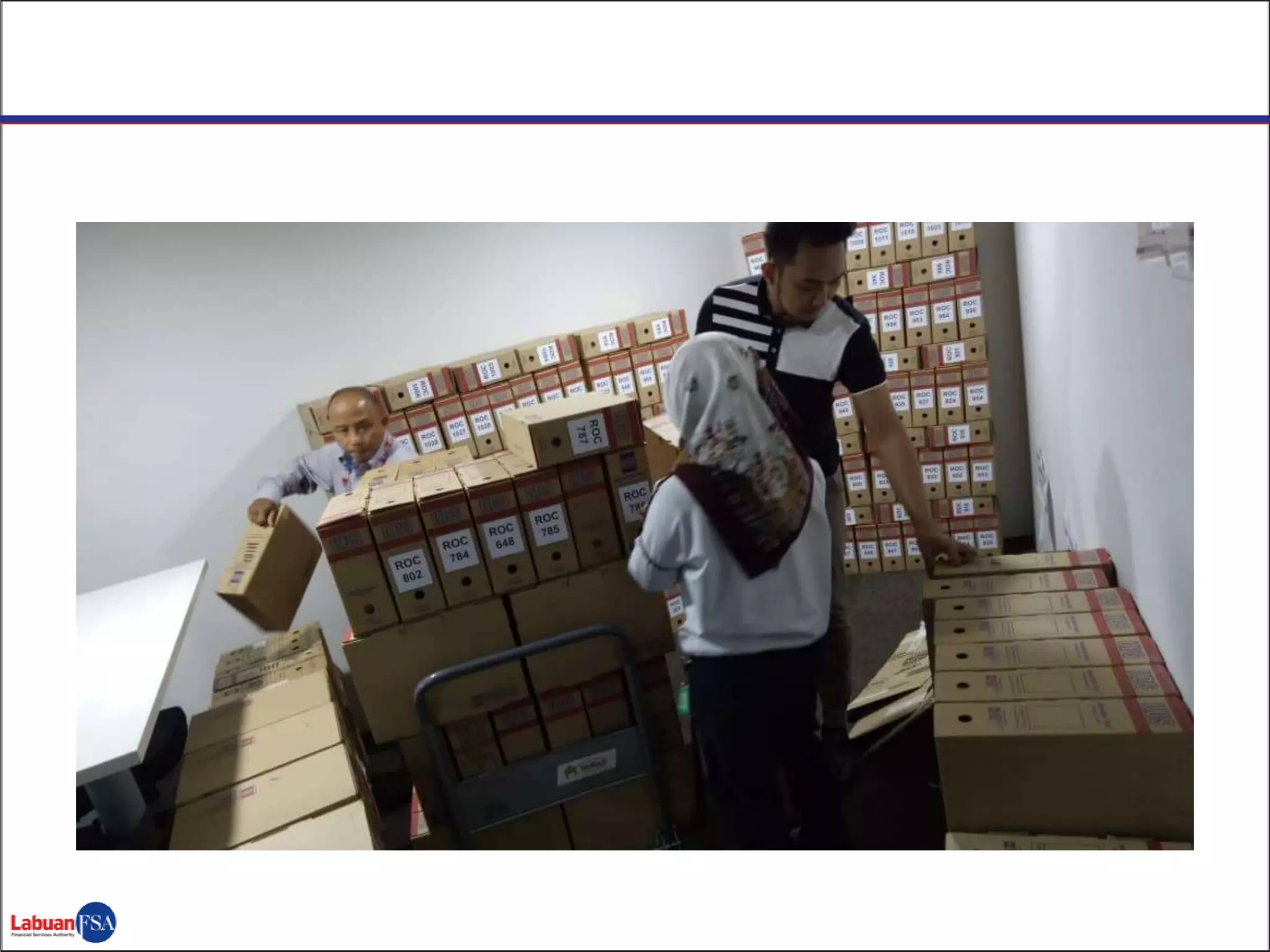
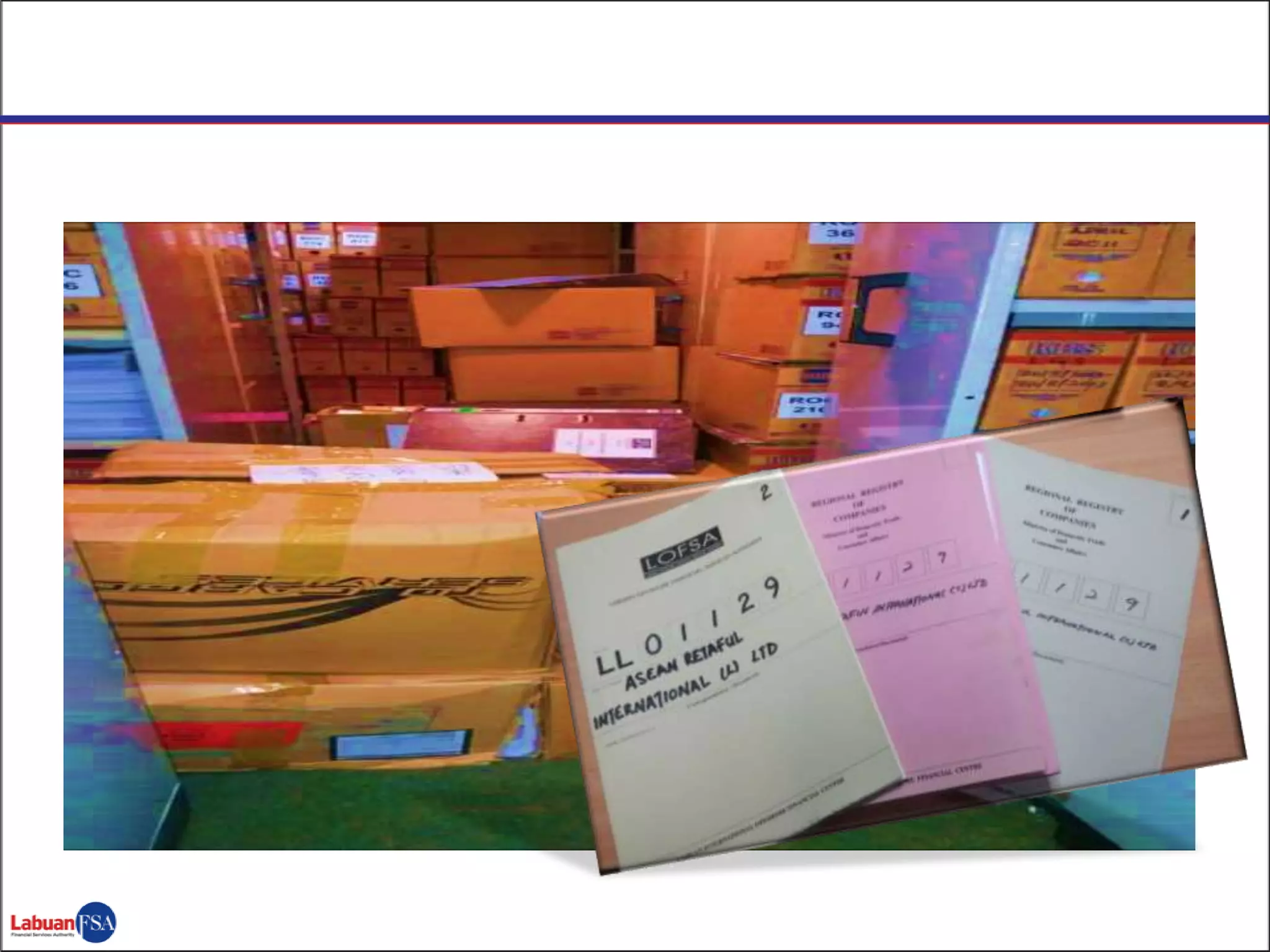
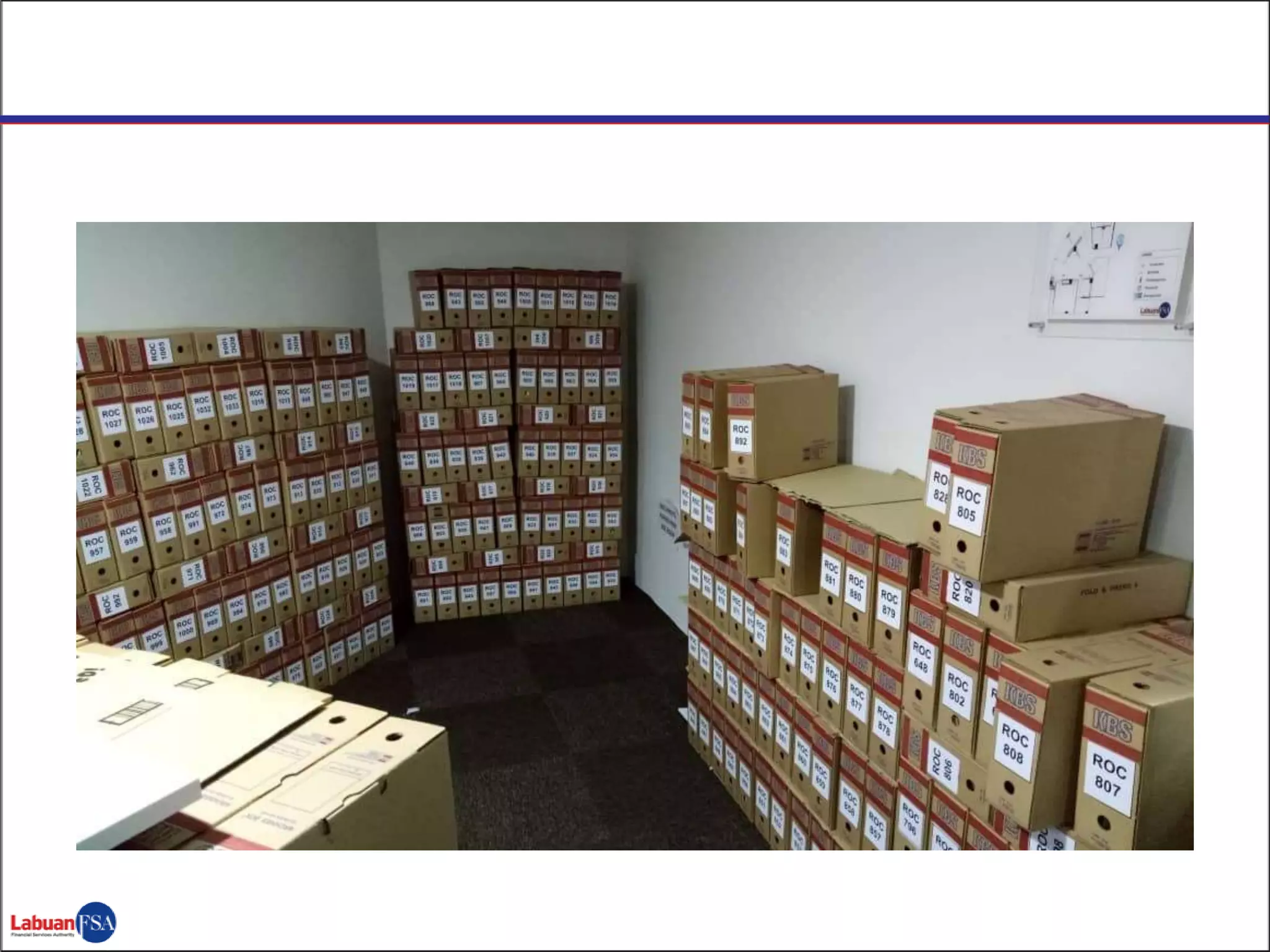
- Labuan IBFC – special project for data cleansing
where we employed contract staff for the
purpose
2
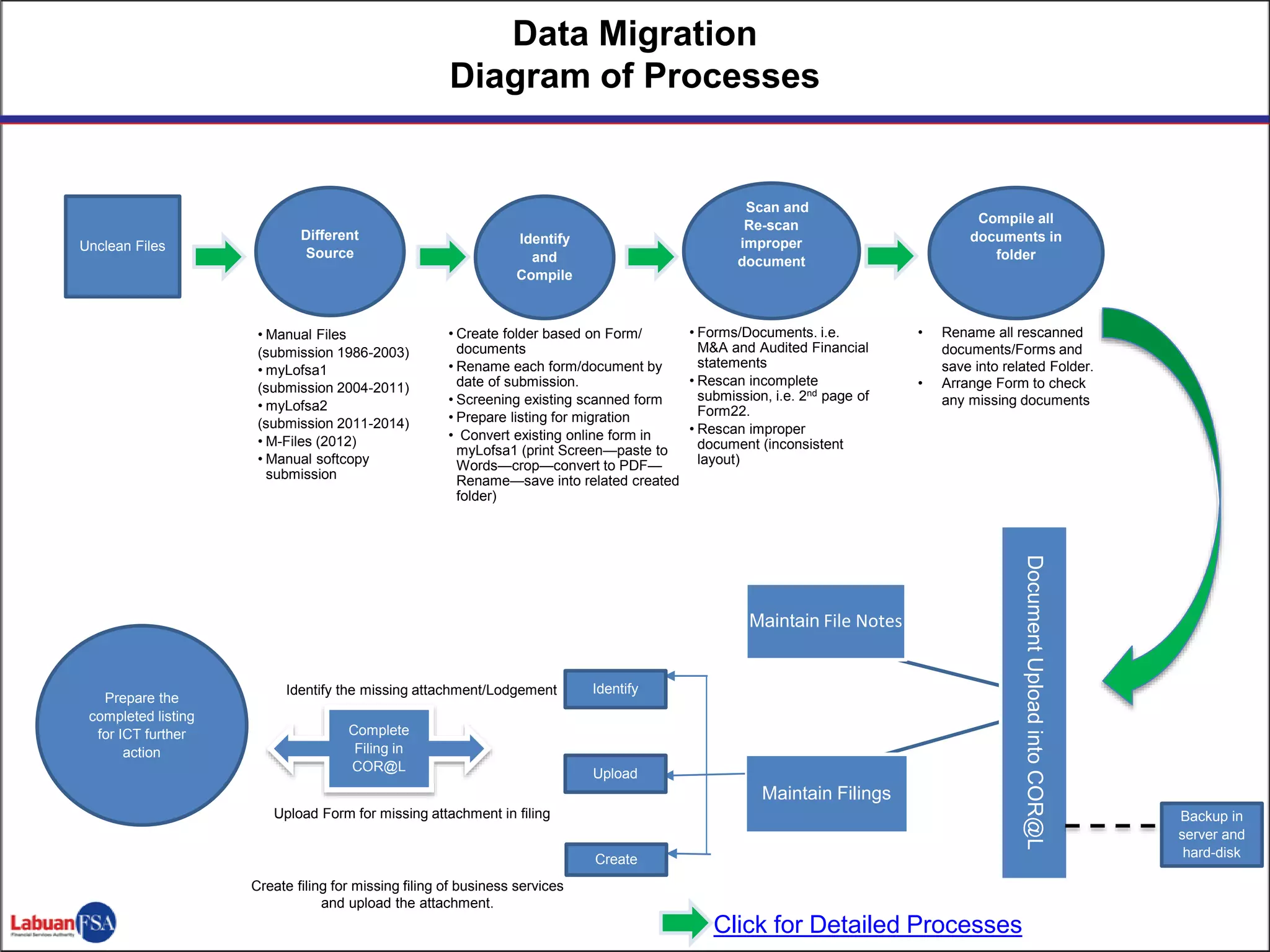
Data Migration
Diagram of Processes
Unclean Files
Compile all
documents in
folder
Different
Source
Identify
and
Compile
Scan and
Re-scan
improper
document
DocumentUploadintoCOR@L
Maintain File Notes
Maintain Filings
Identify
Upload
Create
Complete
Filing in
COR@L
Prepare the
completed listing
for ICT further
action
• Manual Files
(submission 1986-2003)
• myLofsa1
(submission 2004-2011)
• myLofsa2
(submission 2011-2014)
• M-Files (2012)
• Manual softcopy
submission
• Create folder based on Form/
documents
• Rename each form/document by
date of submission.
• Screening existing scanned form
• Prepare listing for migration
• Convert existing online form in
myLofsa1 (print Screen—paste to
Words—crop—convert to PDF—
Rename—save into related created
folder)
• Forms/Documents. i.e.
M&A and Audited Financial
statements
• Rescan incomplete
submission, i.e. 2nd page of
Form22.
• Rescan improper
document (inconsistent
layout)
• Rename all rescanned
documents/Forms and
save into related Folder.
• Arrange Form to check
any missing documents
Identify the missing attachment/Lodgement
Upload Form for missing attachment in filing
Create filing for missing filing of business services
and upload the attachment.
Backup in
server and
hard-disk
Click for Detailed Processes
THANK YOU
www.labuanfsa.gov.my
www.lfsacoral.gov.my

Data and Users. The Experience of the IBFC in Labuan.

  • 1.
    11 April 2019 CRF– Skopje/Ohrid DATA AND USERS – Labuan IBFC’s Experience in Implementation of ROC Systems
  • 2.
  • 3.
    Agenda  Evolution ofE-Filing for Labuan IBFC  User Engagement Strategies  Key Takeaways in Implementation of ROC system
  • 4.
    Evolution- ROC E-Filing 1990-2000: Manual Application 2000: EDSP (Excel sheet) 2004: myLofsa (Lotus Domino) 2011: myLofsa2 (J2EE) 2014: COR@L (Catalyst)
  • 8.
     COR@L –Corporate Online Registry @ Labuan FSA  online system that promotes convenience and security to the user with real-time access  consists of 6 registers/ modules  launched in June 2014  Two methods of payment system  FPX  Deposit account (disable)  External main users:  Trust companies  Auditors  Liquidators  Third parties Overview of COR@L System
  • 9.
    Engagement Strategies 1) Task-Force(Internal & External) Role: To understand the needs of specific group (business analyst) To reflect on the strengths and weaknesses of past systems To create the “wish-list” To finalise the user requirements
  • 10.
    2) Effective CommunicationChannels  Weekly project updates with vendor/taskforce Why? - Tracking of project status (project managers) - Avenue to discuss project issues/concerns  Periodical dialogue session with end-users Why? - Establish clear line of communication to gather feedbacks (dedicated email) - Transparent on the stage of rectification of system’s issues - Buy-in from stakeholders
  • 11.
    (1) Migration ofhistorical data and filings from previous system and from hard copy of archived documents – integrity of data; (2) Inability of ROC to generate certain reports - requires ICT’s assistance for reports to be produced; (3) The system is unable to reconcile with the Group Finance’s system; and (4) System support for reported issues/incidents in COR@L system 2 Result from Communications – Concerns on the Existing System
  • 12.
    3) Conduct Surveyon User’s Satisfaction To gauge the performance level of the system  For continuous improvement of the system When? - 3 to 6 months upon go-live - After one year of implementation
  • 13.
    1) Think Big -List down all expectations/requirements and wish lists - Engage with vendor and stakeholders - Classification - Must Have - Good to Have Why? Future reference Staggered implementation Key Takeaways
  • 14.
    2) Engage! Engage!Engage!  Listen to your system users  Maintain good relationship with stakeholders - system users - Management  To achieve versatile and user friendly system
  • 15.
    3) Data Integrity Achieved operating system with credible data How? - Data migration is a crucial part of any new system - Choose best approach depending on the size of data - Labuan IBFC – special project for data cleansing where we employed contract staff for the purpose
  • 16.
    2 Data Migration Diagram ofProcesses Unclean Files Compile all documents in folder Different Source Identify and Compile Scan and Re-scan improper document DocumentUploadintoCOR@L Maintain File Notes Maintain Filings Identify Upload Create Complete Filing in COR@L Prepare the completed listing for ICT further action • Manual Files (submission 1986-2003) • myLofsa1 (submission 2004-2011) • myLofsa2 (submission 2011-2014) • M-Files (2012) • Manual softcopy submission • Create folder based on Form/ documents • Rename each form/document by date of submission. • Screening existing scanned form • Prepare listing for migration • Convert existing online form in myLofsa1 (print Screen—paste to Words—crop—convert to PDF— Rename—save into related created folder) • Forms/Documents. i.e. M&A and Audited Financial statements • Rescan incomplete submission, i.e. 2nd page of Form22. • Rescan improper document (inconsistent layout) • Rename all rescanned documents/Forms and save into related Folder. • Arrange Form to check any missing documents Identify the missing attachment/Lodgement Upload Form for missing attachment in filing Create filing for missing filing of business services and upload the attachment. Backup in server and hard-disk Click for Detailed Processes
  • 17.