Automate Custom
Solutions Deployment
on Office 365 and
Azure
Paolo Pialorsi
14 octobre 2017
#SPSParis
Merci pour votre soutien
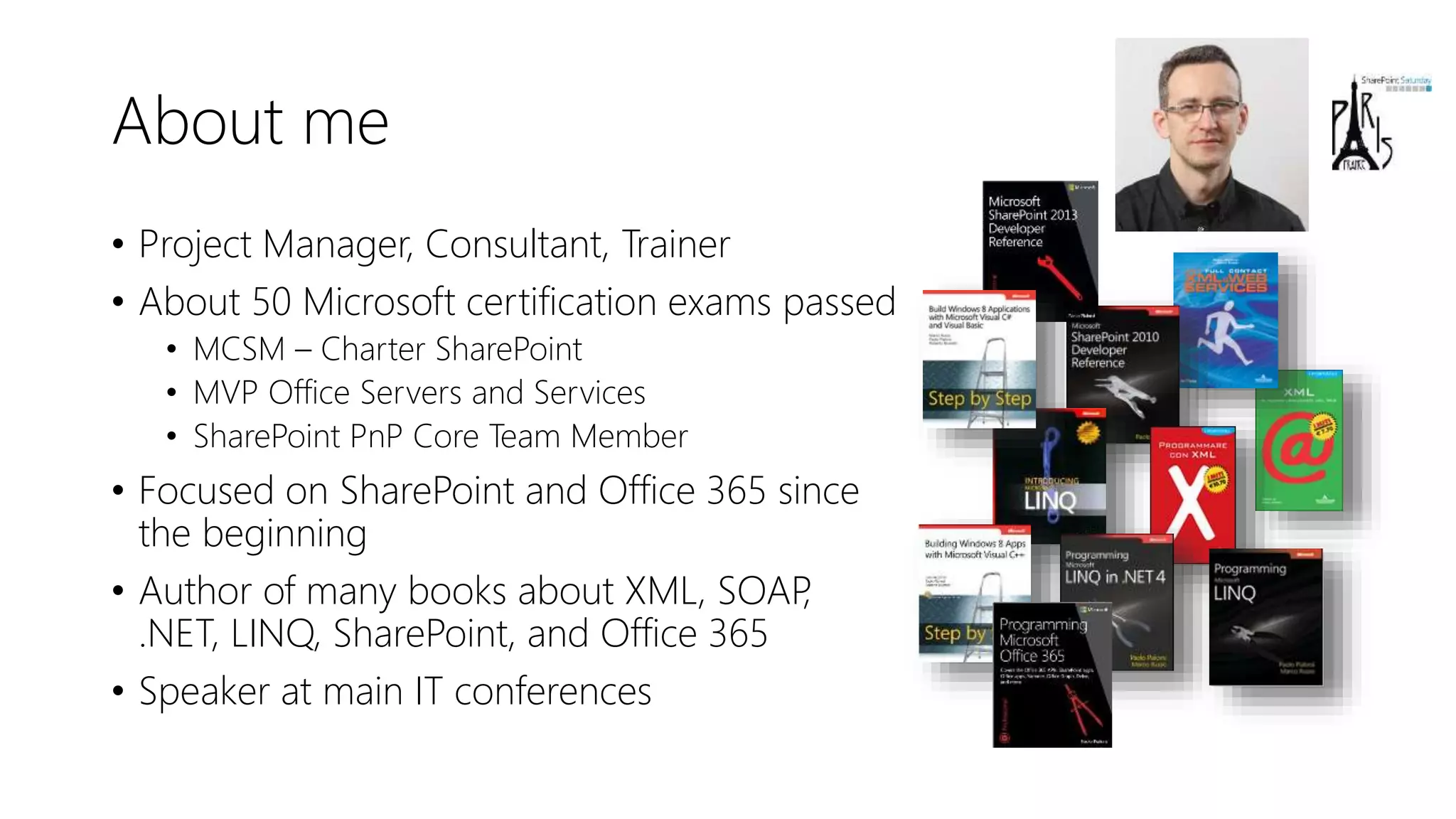
About me
• Project Manager, Consultant, Trainer
• About 50 Microsoft certification exams passed
• MCSM – Charter SharePoint
• MVP Office Servers and Services
• SharePoint PnP Core Team Member
• Focused on SharePoint and Office 365 since
the beginning
• Author of many books about XML, SOAP,
.NET, LINQ, SharePoint, and Office 365
• Speaker at main IT conferences
Agenda
• Set the context of automated deployment
• Authentication and Authorization
• Microsoft Graph
• Microsoft Azure Management API
• SharePoint PnP Provisioning
DEMO
Let’s set the context: PnP Partner Pack Setup Wizard
https://youtu.be/D98jqzPkfj0
Goals of the sample project
• Create SPO Site Collections
• Generate on the fly an X.509 certificate
• Configure Azure AD Application
• Configure X.509 certificate for App-Only with SPO
• Configure custom settings for the Application
• Configure custom permissions to consume Microsoft Graph and SPO
• Create an Azure Resource Group
• Create an Azure Blob Storage account
• Create an Azure App Service
• Configure custom settings for the App Service
• Build, package, and publish an ASP.NET Web Application
• Build, package, and publish a bunch of Web Jobs
Security
Authentication and Authorization
Requirements
• Demo application requires to be executed as local admin
• To create the X.509 certificate
• You need Tenant Global Admin account for the Office 365
• Valid Azure Subscription backing the Office 365 tenant
• You need Admin account for target Azure Subscription
AuthN & AuthZ
• Two applications registered in the target tenant
• One Azure AD multi-tenant native application
• The main application, which manages the Azure AD resources
• One Office 365 application
• The one that corresponds to the PnP Partner Pack in our scenario
• ADAL 3.x for AuthN & AuthZ logic
DEMO
Security Infrastructure and Applications Configuration
Working with SPO
Site Collection creation
• We use PnP Core Library and Tenant class
• From Microsoft.Online.SharePoint.TenantAdministration
• Based on PnP extension methods
• SiteExists
• DeleteSiteCollectionFromRecycleBin
• CreateSiteCollection
• We use PnP Provisioning Engine to provision artifacts
PnP Provisioning Engine
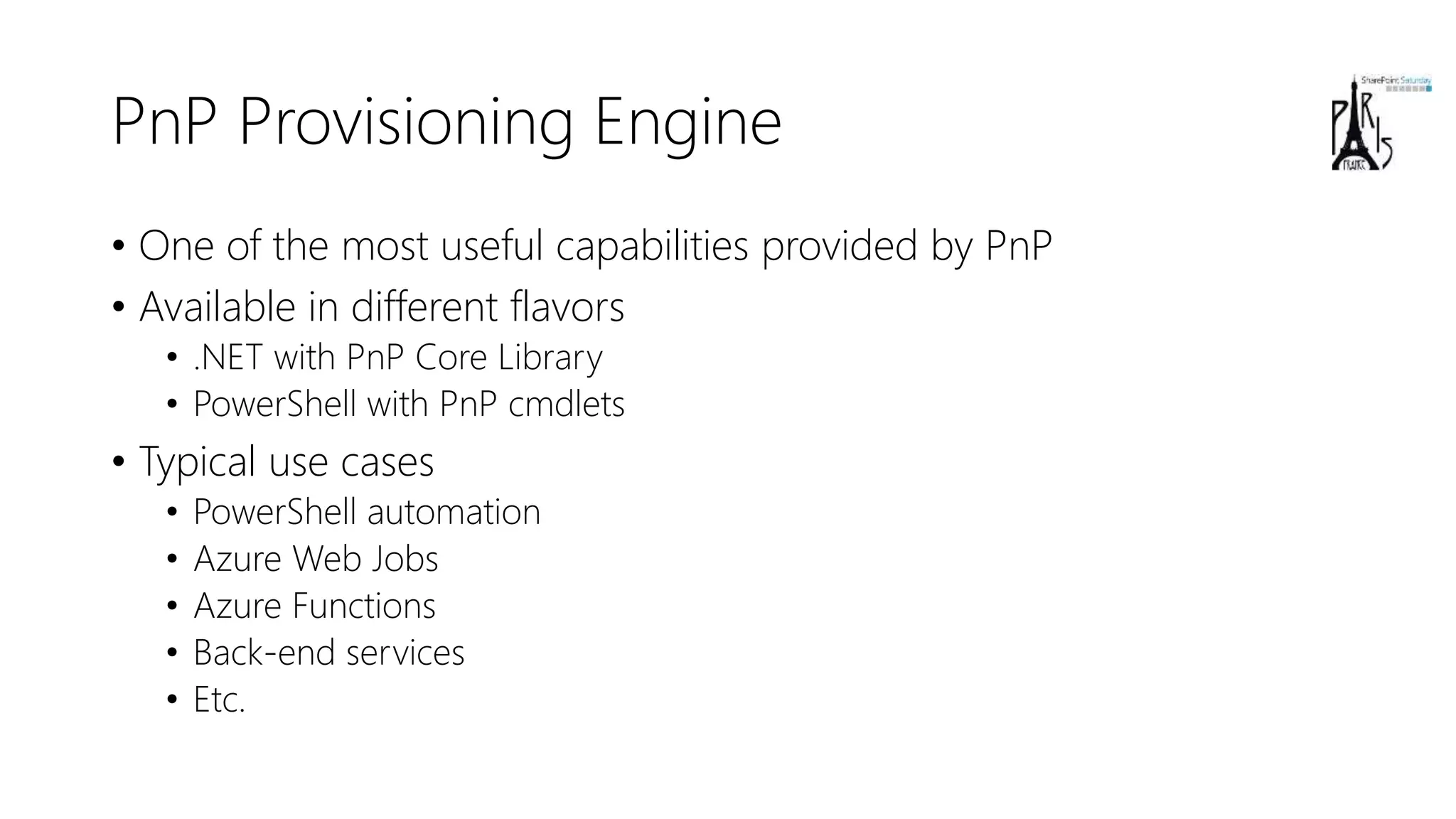
• One of the most useful capabilities provided by PnP
• Available in different flavors
• .NET with PnP Core Library
• PowerShell with PnP cmdlets
• Typical use cases
• PowerShell automation
• Azure Web Jobs
• Azure Functions
• Back-end services
• Etc.
PnP Provisioning Engine: main capabilities
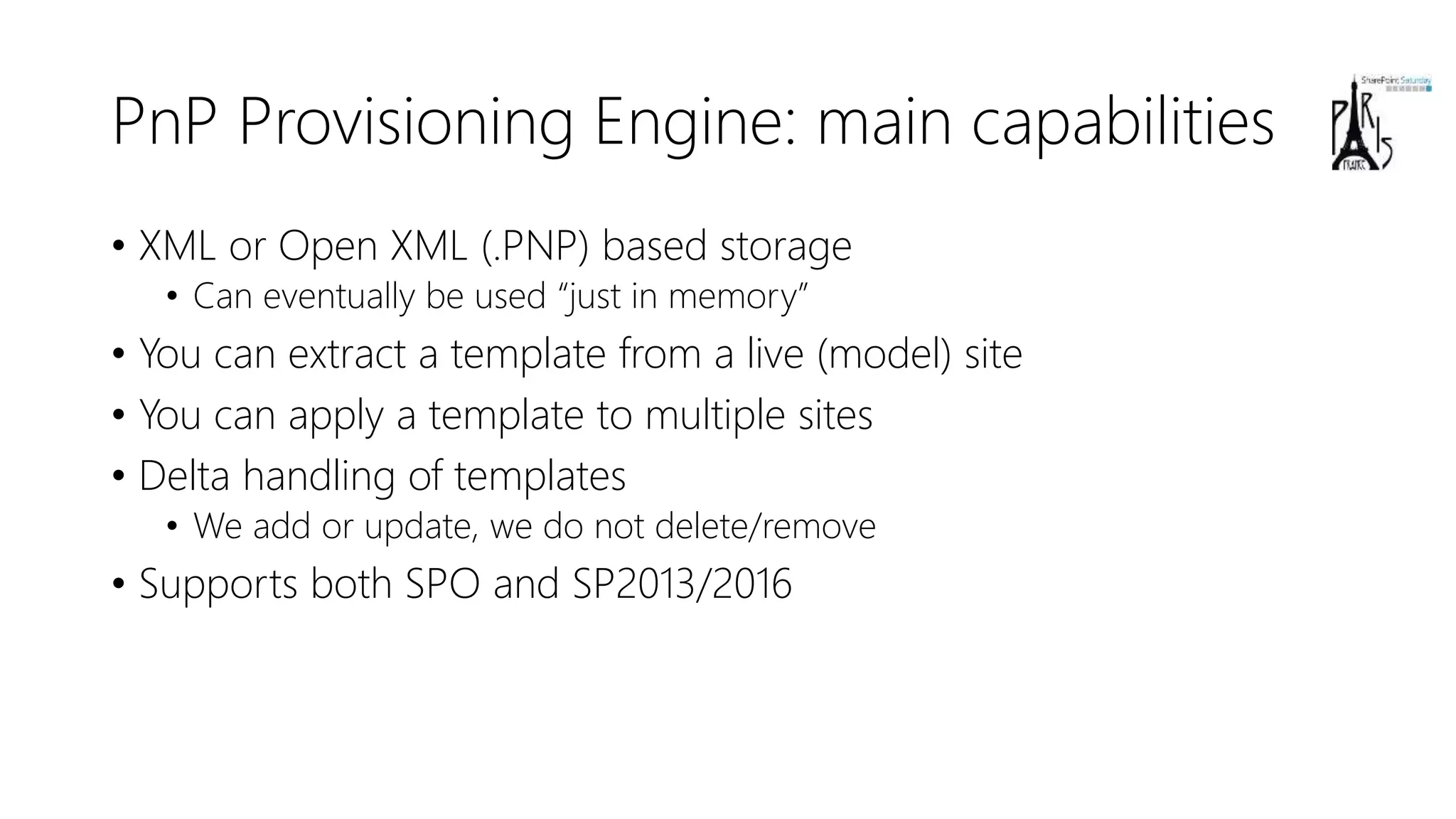
• XML or Open XML (.PNP) based storage
• Can eventually be used “just in memory”
• You can extract a template from a live (model) site
• You can apply a template to multiple sites
• Delta handling of templates
• We add or update, we do not delete/remove
• Supports both SPO and SP2013/2016
Main Features
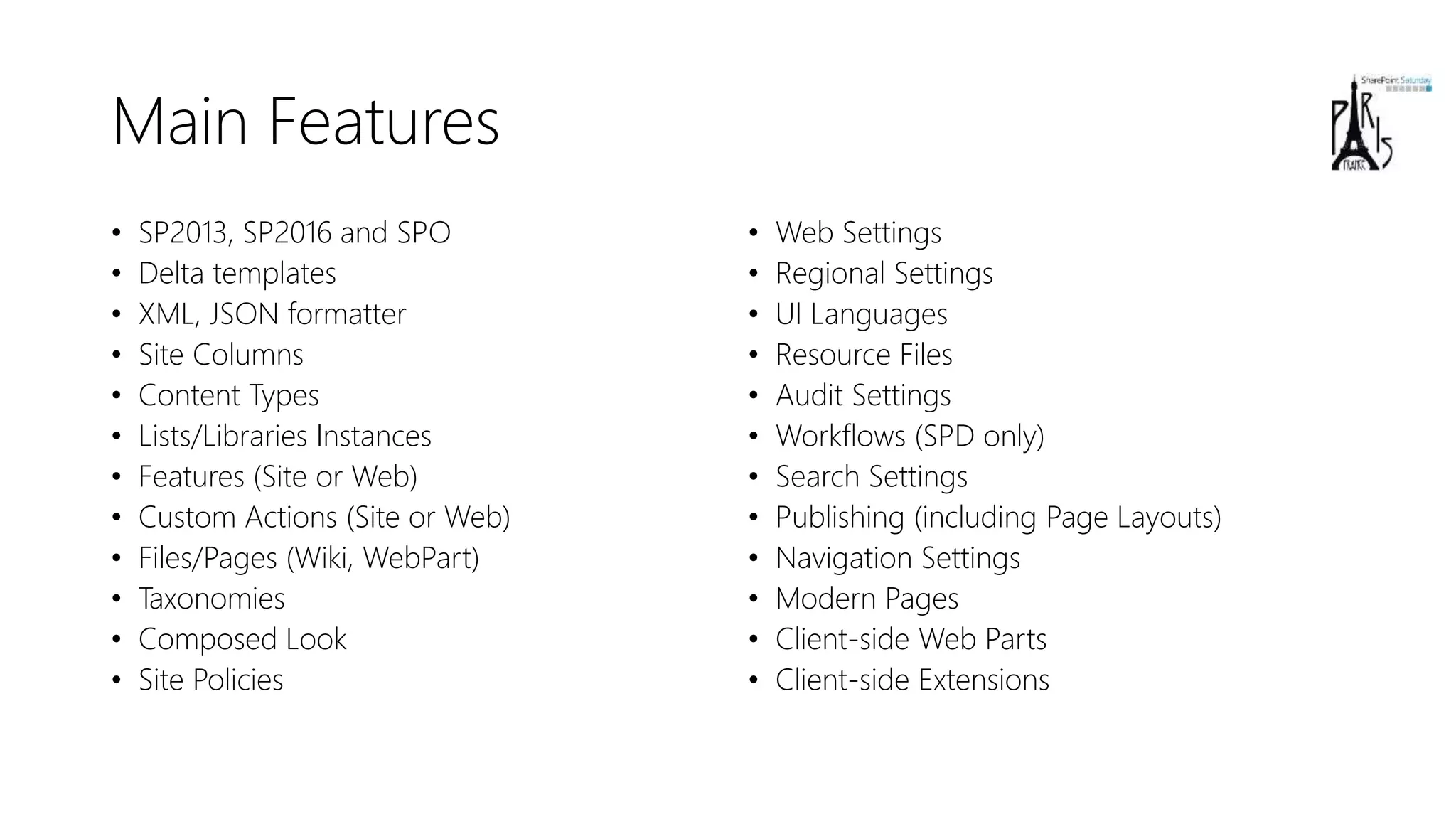
• SP2013, SP2016 and SPO
• Delta templates
• XML, JSON formatter
• Site Columns
• Content Types
• Lists/Libraries Instances
• Features (Site or Web)
• Custom Actions (Site or Web)
• Files/Pages (Wiki, WebPart)
• Taxonomies
• Composed Look
• Site Policies
• Web Settings
• Regional Settings
• UI Languages
• Resource Files
• Audit Settings
• Workflows (SPD only)
• Search Settings
• Publishing (including Page Layouts)
• Navigation Settings
• Modern Pages
• Client-side Web Parts
• Client-side Extensions
DEMO
SPO Site Collection creation and Artifacts provisioning
Working with Azure AD
Azure AD Application Registration
• We register the application with a custom manifest file
• Including custom permissions for other APIs
• We create on the fly the shared secret
• We configure all the URLs
• POST against Graph beta endpoint
• https://graph.microsoft.com/beta/applications
• Response will be the just created application
DEMO
Azure AD Application registration
Working with Azure
Azure Management API
• Allows managing resources on Azure
• REST based API
• https://management.azure.com/
• Using Azure AD and OAuth 2.0 for authorization
• There are endpoints for almost everything  …
• You need a target subscription
• And you can browse for them through API
• You need to register to manage specific resources
• Can be done still using the API …
• There are different versions, depending on the target endpoint
Creating a Resource Group
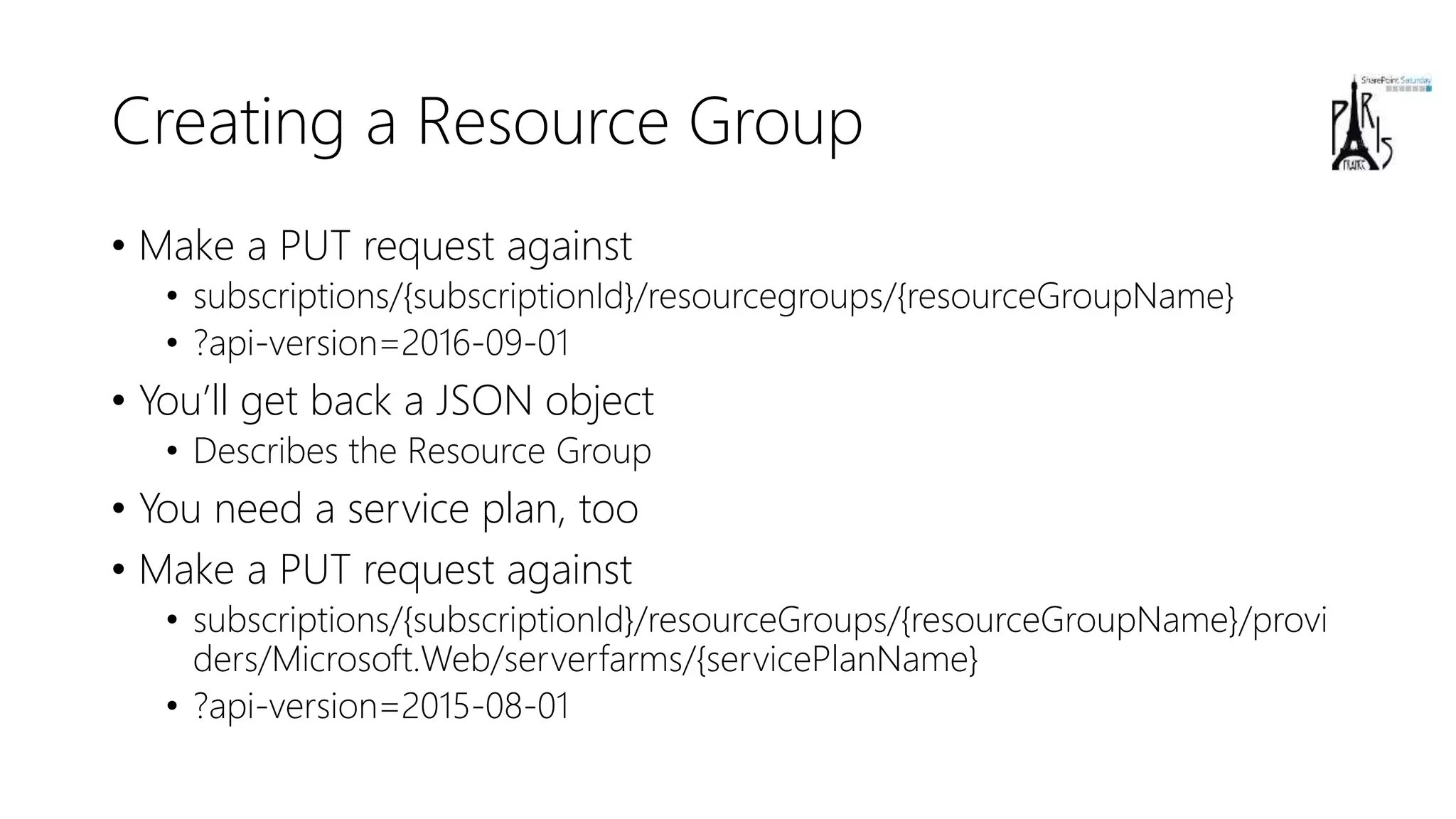
• Make a PUT request against
• subscriptions/{subscriptionId}/resourcegroups/{resourceGroupName}
• ?api-version=2016-09-01
• You’ll get back a JSON object
• Describes the Resource Group
• You need a service plan, too
• Make a PUT request against
• subscriptions/{subscriptionId}/resourceGroups/{resourceGroupName}/provi
ders/Microsoft.Web/serverfarms/{servicePlanName}
• ?api-version=2015-08-01
Creating a Blob Storage Account
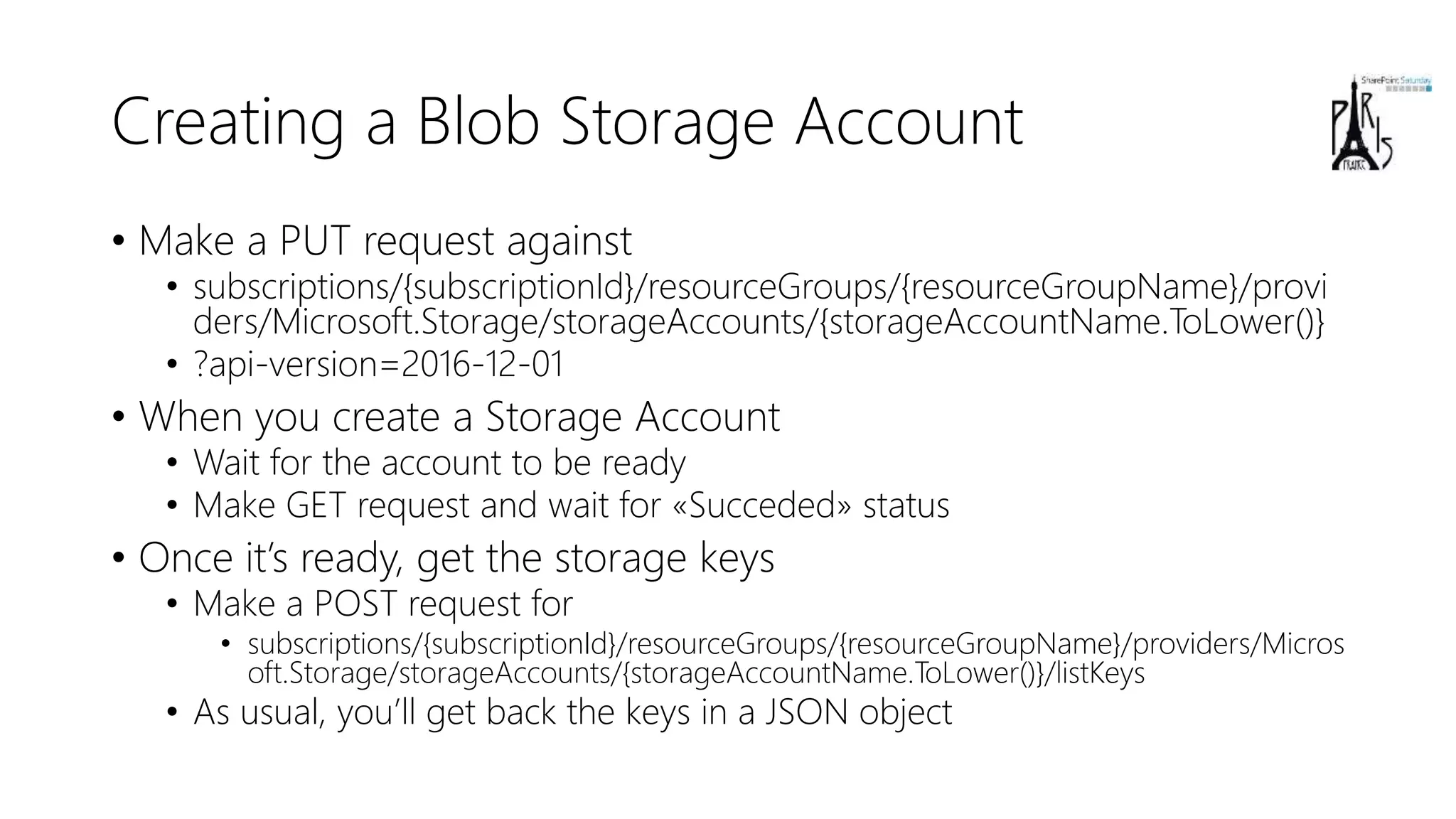
• Make a PUT request against
• subscriptions/{subscriptionId}/resourceGroups/{resourceGroupName}/provi
ders/Microsoft.Storage/storageAccounts/{storageAccountName.ToLower()}
• ?api-version=2016-12-01
• When you create a Storage Account
• Wait for the account to be ready
• Make GET request and wait for «Succeded» status
• Once it’s ready, get the storage keys
• Make a POST request for
• subscriptions/{subscriptionId}/resourceGroups/{resourceGroupName}/providers/Micros
oft.Storage/storageAccounts/{storageAccountName.ToLower()}/listKeys
• As usual, you’ll get back the keys in a JSON object
DEMO
Creating the Blob Storage Account
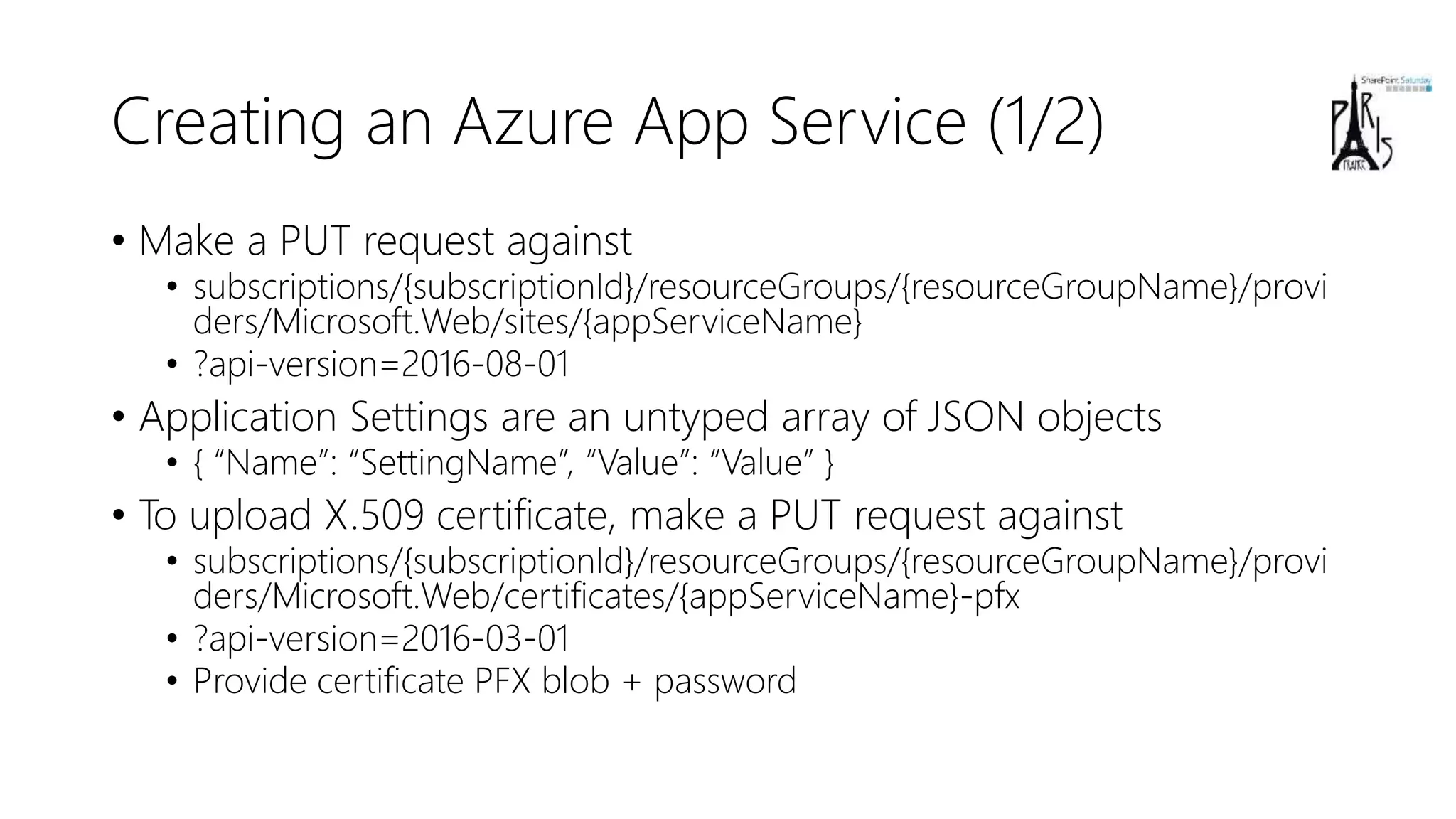
Creating an Azure App Service (1/2)
• Make a PUT request against
• subscriptions/{subscriptionId}/resourceGroups/{resourceGroupName}/provi
ders/Microsoft.Web/sites/{appServiceName}
• ?api-version=2016-08-01
• Application Settings are an untyped array of JSON objects
• { “Name”: “SettingName”, “Value”: “Value” }
• To upload X.509 certificate, make a PUT request against
• subscriptions/{subscriptionId}/resourceGroups/{resourceGroupName}/provi
ders/Microsoft.Web/certificates/{appServiceName}-pfx
• ?api-version=2016-03-01
• Provide certificate PFX blob + password
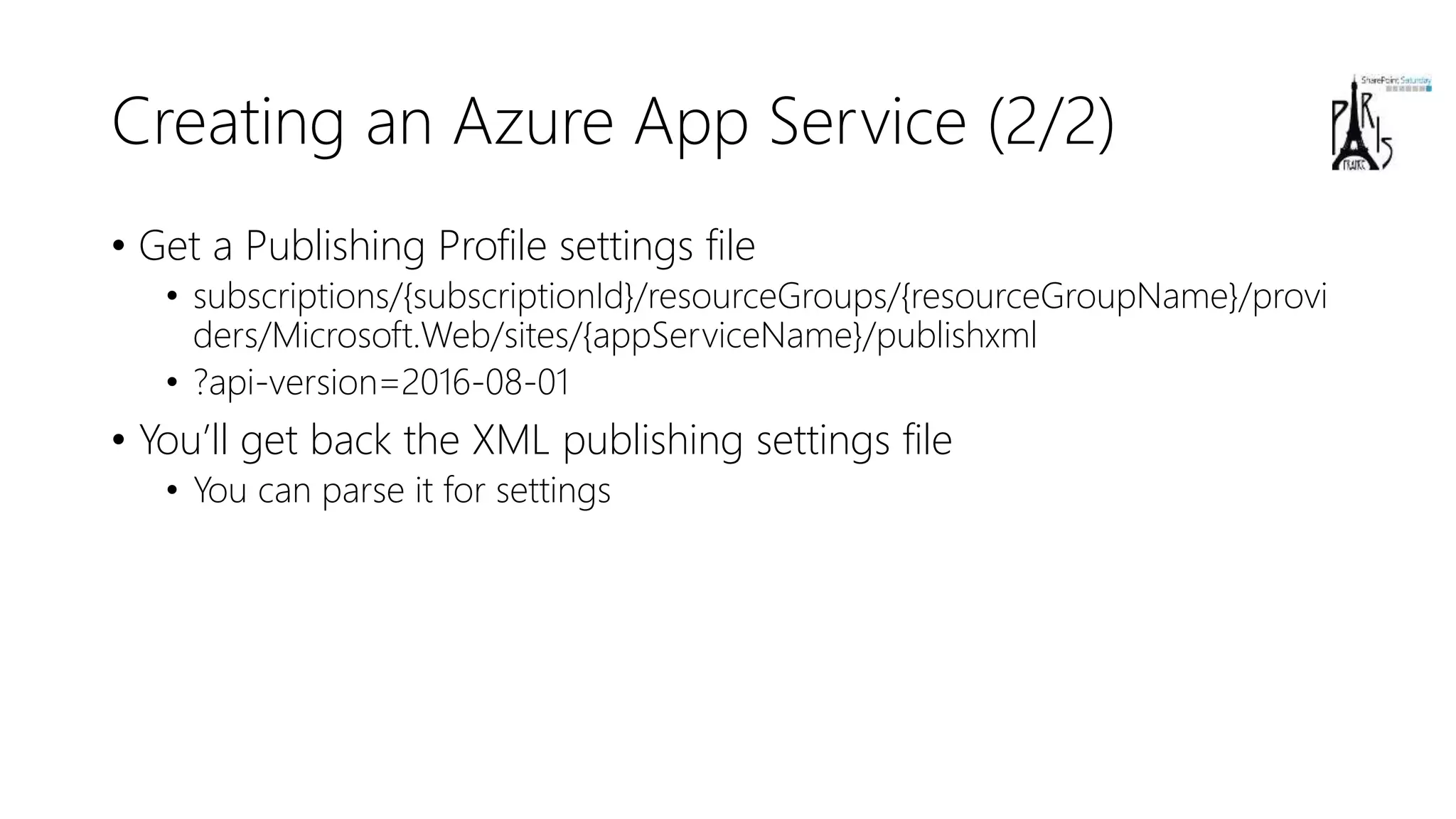
Creating an Azure App Service (2/2)
• Get a Publishing Profile settings file
• subscriptions/{subscriptionId}/resourceGroups/{resourceGroupName}/provi
ders/Microsoft.Web/sites/{appServiceName}/publishxml
• ?api-version=2016-08-01
• You’ll get back the XML publishing settings file
• You can parse it for settings
DEMO
Creating the Azure App Service
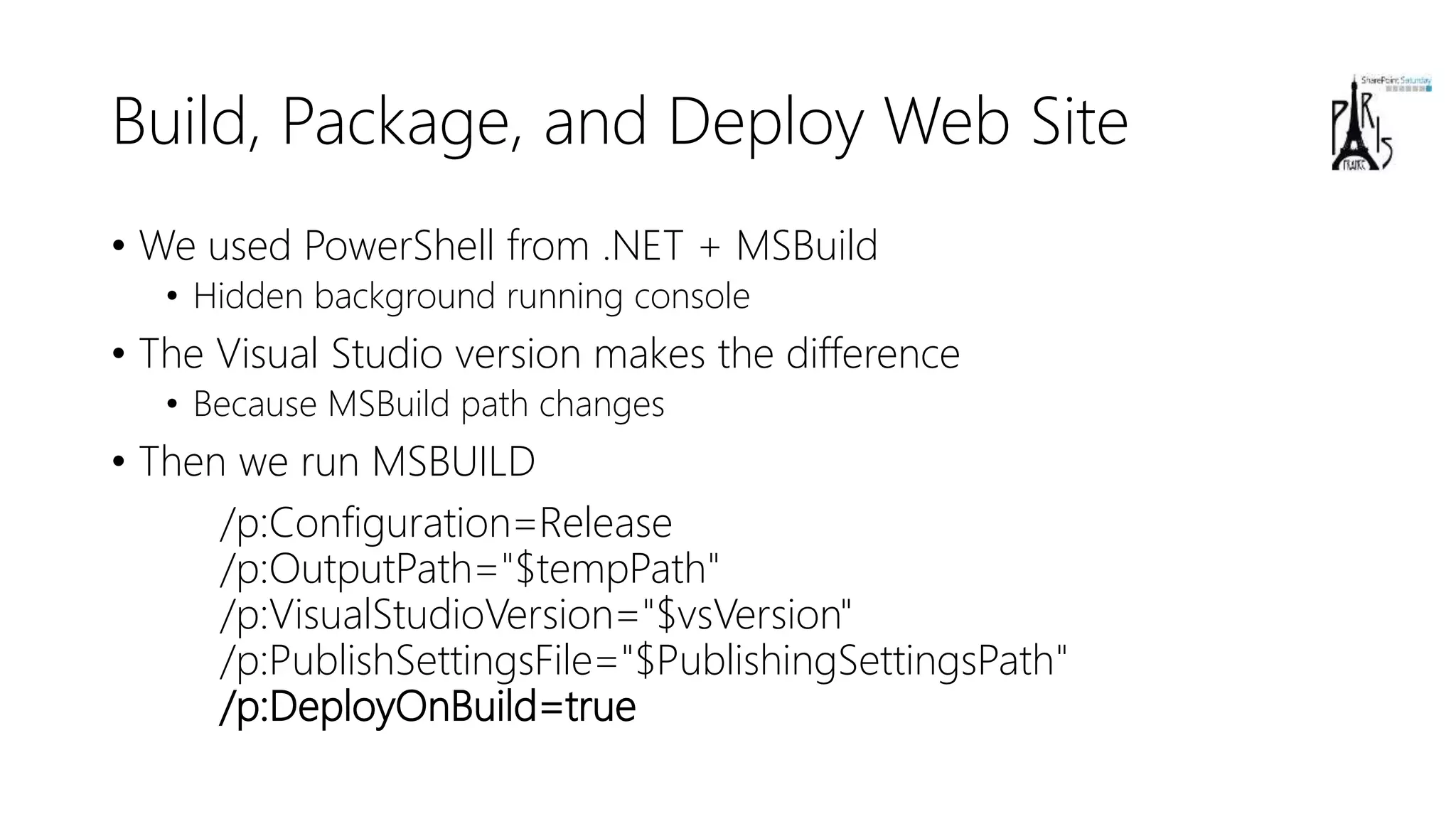
Build, Package, and Deploy Web Site
• We used PowerShell from .NET + MSBuild
• Hidden background running console
• The Visual Studio version makes the difference
• Because MSBuild path changes
• Then we run MSBUILD
/p:Configuration=Release
/p:OutputPath="$tempPath"
/p:VisualStudioVersion="$vsVersion"
/p:PublishSettingsFile="$PublishingSettingsPath"
/p:DeployOnBuild=true
Build, Package, and Deploy Web Jobs
• We used PowerShell from .NET + MSBuild
• Hidden background running console
• The Visual Studio version makes the difference (as like as before)
• Because MSBuild path changes
• Then we create a ZIP file with the build output
• And we upload the ZIP toward SCM of the App Service
• https://{appServiceName}.scm.azurewebsites.net/api/zip/site/wwwroot/App
_Data/jobs/{jobType.ToString().ToLower()}/{jobName}/
• Basic Authentication with publishing profile settings credentials
DEMO
Build, Package, and Deploy on Azure
Useful Links
• https://github.com/SharePoint/PnP-Partner-Pack
• https://www.youtube.com/watch?v=D98jqzPkfj0
• https://docs.microsoft.com/en-us/rest/api/apimanagement/
• https://msdn.microsoft.com/en-us/pnp_articles/pnp-provisioning-
engine-and-the-core-library
• https://msdn.microsoft.com/en-us/pnp_articles/introducing-the-
pnp-provisioning-engine
Q&A
Thank you!
Thank you, for your for #SPSParis

D2 - Automate Custom Solutions Deployment on Office 365 and Azure - Paolo Pialorsi

  • 1.
    Automate Custom Solutions Deployment onOffice 365 and Azure Paolo Pialorsi 14 octobre 2017 #SPSParis
  • 2.
  • 4.
    About me • ProjectManager, Consultant, Trainer • About 50 Microsoft certification exams passed • MCSM – Charter SharePoint • MVP Office Servers and Services • SharePoint PnP Core Team Member • Focused on SharePoint and Office 365 since the beginning • Author of many books about XML, SOAP, .NET, LINQ, SharePoint, and Office 365 • Speaker at main IT conferences
  • 5.
    Agenda • Set thecontext of automated deployment • Authentication and Authorization • Microsoft Graph • Microsoft Azure Management API • SharePoint PnP Provisioning
  • 6.
    DEMO Let’s set thecontext: PnP Partner Pack Setup Wizard https://youtu.be/D98jqzPkfj0
  • 7.
    Goals of thesample project • Create SPO Site Collections • Generate on the fly an X.509 certificate • Configure Azure AD Application • Configure X.509 certificate for App-Only with SPO • Configure custom settings for the Application • Configure custom permissions to consume Microsoft Graph and SPO • Create an Azure Resource Group • Create an Azure Blob Storage account • Create an Azure App Service • Configure custom settings for the App Service • Build, package, and publish an ASP.NET Web Application • Build, package, and publish a bunch of Web Jobs
  • 8.
  • 9.
    Requirements • Demo applicationrequires to be executed as local admin • To create the X.509 certificate • You need Tenant Global Admin account for the Office 365 • Valid Azure Subscription backing the Office 365 tenant • You need Admin account for target Azure Subscription
  • 10.
    AuthN & AuthZ •Two applications registered in the target tenant • One Azure AD multi-tenant native application • The main application, which manages the Azure AD resources • One Office 365 application • The one that corresponds to the PnP Partner Pack in our scenario • ADAL 3.x for AuthN & AuthZ logic
  • 11.
    DEMO Security Infrastructure andApplications Configuration
  • 12.
  • 13.
    Site Collection creation •We use PnP Core Library and Tenant class • From Microsoft.Online.SharePoint.TenantAdministration • Based on PnP extension methods • SiteExists • DeleteSiteCollectionFromRecycleBin • CreateSiteCollection • We use PnP Provisioning Engine to provision artifacts
  • 14.
    PnP Provisioning Engine •One of the most useful capabilities provided by PnP • Available in different flavors • .NET with PnP Core Library • PowerShell with PnP cmdlets • Typical use cases • PowerShell automation • Azure Web Jobs • Azure Functions • Back-end services • Etc.
  • 15.
    PnP Provisioning Engine:main capabilities • XML or Open XML (.PNP) based storage • Can eventually be used “just in memory” • You can extract a template from a live (model) site • You can apply a template to multiple sites • Delta handling of templates • We add or update, we do not delete/remove • Supports both SPO and SP2013/2016
  • 16.
    Main Features • SP2013,SP2016 and SPO • Delta templates • XML, JSON formatter • Site Columns • Content Types • Lists/Libraries Instances • Features (Site or Web) • Custom Actions (Site or Web) • Files/Pages (Wiki, WebPart) • Taxonomies • Composed Look • Site Policies • Web Settings • Regional Settings • UI Languages • Resource Files • Audit Settings • Workflows (SPD only) • Search Settings • Publishing (including Page Layouts) • Navigation Settings • Modern Pages • Client-side Web Parts • Client-side Extensions
  • 17.
    DEMO SPO Site Collectioncreation and Artifacts provisioning
  • 18.
  • 19.
    Azure AD ApplicationRegistration • We register the application with a custom manifest file • Including custom permissions for other APIs • We create on the fly the shared secret • We configure all the URLs • POST against Graph beta endpoint • https://graph.microsoft.com/beta/applications • Response will be the just created application
  • 20.
  • 21.
  • 22.
    Azure Management API •Allows managing resources on Azure • REST based API • https://management.azure.com/ • Using Azure AD and OAuth 2.0 for authorization • There are endpoints for almost everything  … • You need a target subscription • And you can browse for them through API • You need to register to manage specific resources • Can be done still using the API … • There are different versions, depending on the target endpoint
  • 23.
    Creating a ResourceGroup • Make a PUT request against • subscriptions/{subscriptionId}/resourcegroups/{resourceGroupName} • ?api-version=2016-09-01 • You’ll get back a JSON object • Describes the Resource Group • You need a service plan, too • Make a PUT request against • subscriptions/{subscriptionId}/resourceGroups/{resourceGroupName}/provi ders/Microsoft.Web/serverfarms/{servicePlanName} • ?api-version=2015-08-01
  • 24.
    Creating a BlobStorage Account • Make a PUT request against • subscriptions/{subscriptionId}/resourceGroups/{resourceGroupName}/provi ders/Microsoft.Storage/storageAccounts/{storageAccountName.ToLower()} • ?api-version=2016-12-01 • When you create a Storage Account • Wait for the account to be ready • Make GET request and wait for «Succeded» status • Once it’s ready, get the storage keys • Make a POST request for • subscriptions/{subscriptionId}/resourceGroups/{resourceGroupName}/providers/Micros oft.Storage/storageAccounts/{storageAccountName.ToLower()}/listKeys • As usual, you’ll get back the keys in a JSON object
  • 25.
    DEMO Creating the BlobStorage Account
  • 26.
    Creating an AzureApp Service (1/2) • Make a PUT request against • subscriptions/{subscriptionId}/resourceGroups/{resourceGroupName}/provi ders/Microsoft.Web/sites/{appServiceName} • ?api-version=2016-08-01 • Application Settings are an untyped array of JSON objects • { “Name”: “SettingName”, “Value”: “Value” } • To upload X.509 certificate, make a PUT request against • subscriptions/{subscriptionId}/resourceGroups/{resourceGroupName}/provi ders/Microsoft.Web/certificates/{appServiceName}-pfx • ?api-version=2016-03-01 • Provide certificate PFX blob + password
  • 27.
    Creating an AzureApp Service (2/2) • Get a Publishing Profile settings file • subscriptions/{subscriptionId}/resourceGroups/{resourceGroupName}/provi ders/Microsoft.Web/sites/{appServiceName}/publishxml • ?api-version=2016-08-01 • You’ll get back the XML publishing settings file • You can parse it for settings
  • 28.
  • 29.
    Build, Package, andDeploy Web Site • We used PowerShell from .NET + MSBuild • Hidden background running console • The Visual Studio version makes the difference • Because MSBuild path changes • Then we run MSBUILD /p:Configuration=Release /p:OutputPath="$tempPath" /p:VisualStudioVersion="$vsVersion" /p:PublishSettingsFile="$PublishingSettingsPath" /p:DeployOnBuild=true
  • 30.
    Build, Package, andDeploy Web Jobs • We used PowerShell from .NET + MSBuild • Hidden background running console • The Visual Studio version makes the difference (as like as before) • Because MSBuild path changes • Then we create a ZIP file with the build output • And we upload the ZIP toward SCM of the App Service • https://{appServiceName}.scm.azurewebsites.net/api/zip/site/wwwroot/App _Data/jobs/{jobType.ToString().ToLower()}/{jobName}/ • Basic Authentication with publishing profile settings credentials
  • 31.
    DEMO Build, Package, andDeploy on Azure
  • 32.
    Useful Links • https://github.com/SharePoint/PnP-Partner-Pack •https://www.youtube.com/watch?v=D98jqzPkfj0 • https://docs.microsoft.com/en-us/rest/api/apimanagement/ • https://msdn.microsoft.com/en-us/pnp_articles/pnp-provisioning- engine-and-the-core-library • https://msdn.microsoft.com/en-us/pnp_articles/introducing-the- pnp-provisioning-engine
  • 33.
  • 34.
  • 35.
    Thank you, foryour for #SPSParis