Presented by
Mike Clower
The opinions expressed today
are not necessarily that of the
Fargo Police Department or any
rationally thinking person.
Although they should be.
Step 1
Understand Internet Practices—
Past, Present and (to the extent possible) the
Future
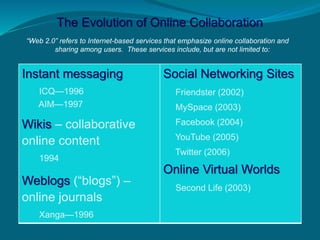
The Evolution of Online Collaboration
“Web 2.0” refers to Internet-based services that emphasize online collaboration and
sharing among users. These services include, but are not limited to:
Instant messaging
ICQ—1996
AIM—1997
Wikis – collaborative
online content
1994
Weblogs (“blogs”) –
online journals
Xanga—1996
Social Networking Sites
Friendster (2002)
MySpace (2003)
Facebook (2004)
YouTube (2005)
Twitter (2006)
Online Virtual Worlds
Second Life (2003)
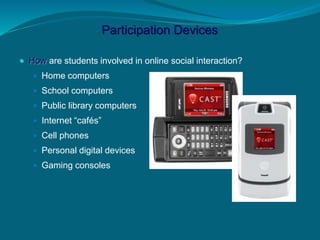
Participation Devices
 How are students involved in online social interaction?
 Home computers
 School computers
 Public library computers
 Internet “cafés”
 Cell phones
 Personal digital devices
 Gaming consoles
Virtual Communities & Social Networking
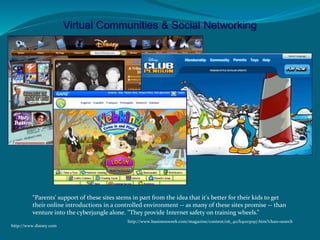
“Parents' support of these sites stems in part from the idea that it's better for their kids to get
their online introductions in a controlled environment -- as many of these sites promise -- than
venture into the cyberjungle alone. "They provide Internet safety on training wheels.”
http://www.businessweek.com/magazine/content/06_40/b4003097.htm?chan=search
http://www.disney.com
Step 2
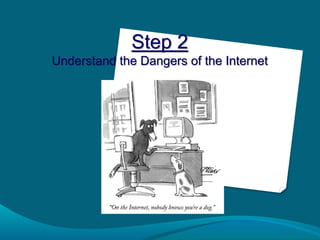
Understand the Dangers of the Internet
Elementary (3-6)
http://www.staysafe.org/parents/kids/activities/internet_safety_quiz.html
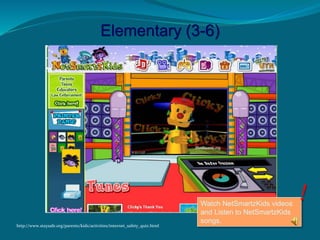
Watch NetSmartzKids videos
and Listen to NetSmartzKids
songs.
Elementary (3-6)
http://www.staysafe.org/parents/kids/activities/internet_safety_quiz.html
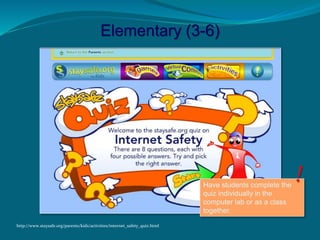
Have students complete the
quiz individually in the
computer lab or as a class
together.
Elementary (3-6)
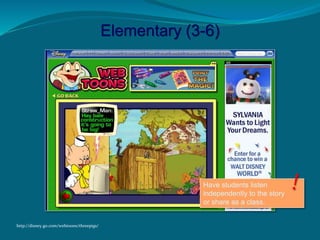
http://disney.go.com/webtoons/threepigs/
Have students listen
independently to the story
or share as a class.
Elementary (3-6)
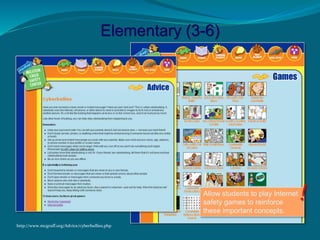
http://www.mcgruff.org/Advice/cyberbullies.php
Allow students to play Internet
safety games to reinforce
these important concepts.
Elementary (3-6)
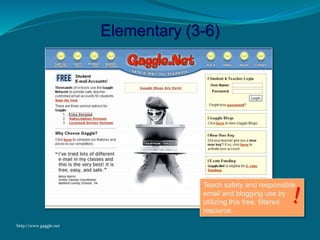
http://www.gaggle.net
Teach safety and responsible
email and blogging use by
utilizing this free, filtered
resource.
Why is it important to monitor
what information is being put
on the web by teens?
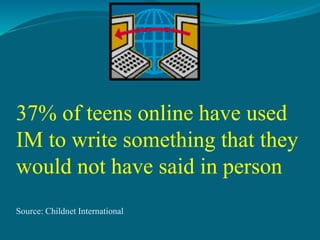
37% of teens online have used
IM to write something that they
would not have said in person
Source: Childnet International
Tips from NetSmartz
 2. Keep computer in common room.
 3. Discuss the importance of telling you or a trusted
adult if something makes them feel uncomfortable or
confused.
 4. Communicate.
-Prepare yourself in advance.
-Talk and be open.
-Keep cool.
 5. Be informed.
-Learn about the internet.
-Ask to see places they visit.
-Learn chatroom lingo.
-Know what access the child has.
Chat room, IM, text, email, …
 6. Buy blocking or filtering software.
Some of these block sites known to
contain objectionable material, prevent
users from entering info such as name,
address, or phone number. They will
also prevent users from entering chat
rooms and restricts email usage.
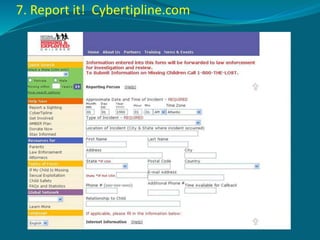
7. Report it! Cybertipline.com
Who can parents call for help?
National Center for Missing and
Exploited Children
 24 Hour hotline
1-800-THE-LOST
 CyberTipLine:
www.cybertipline.com
***Always dial 9-1-1 in case of an
emergency

Cybersafeelementary