1CSWB 110 HTML / XHTMLTutorial 1.1 and 1.2 up to lists
2History of the Internet 1969 Advanced Research Projects Agency Network (ARPANET) Begins
1989-90 the World Wide Web (WWW) Begins
1993 Mosaic is Released
1994 Netscape is Released
1995 Internet Explorer is Released3Development of the Word Wide WebTimothy Berners-Leeat the CERN nuclear research facility near Geneva, Switzerland, in 1989.He developed a system of interconnected hypertextdocuments that allowed their users to easily navigate from one topic to anotherHTML- language of the WebHTTP –  protocol to send and receive Web pages
4HyperTextDocumentsAn entire collection of linked documents is referred to as a Web site.  The hypertext documents within a Web site are known as Webpages.A Web page can contain text, graphics, audio, video.These are separate files that also reside with the html file
5Web Servers and Web BrowsersA Webpage is stored on a Web server The browser or clientdisplays the Web page The Web page is written in the HTMLlanguageThey communicate with the HTTPprotocol
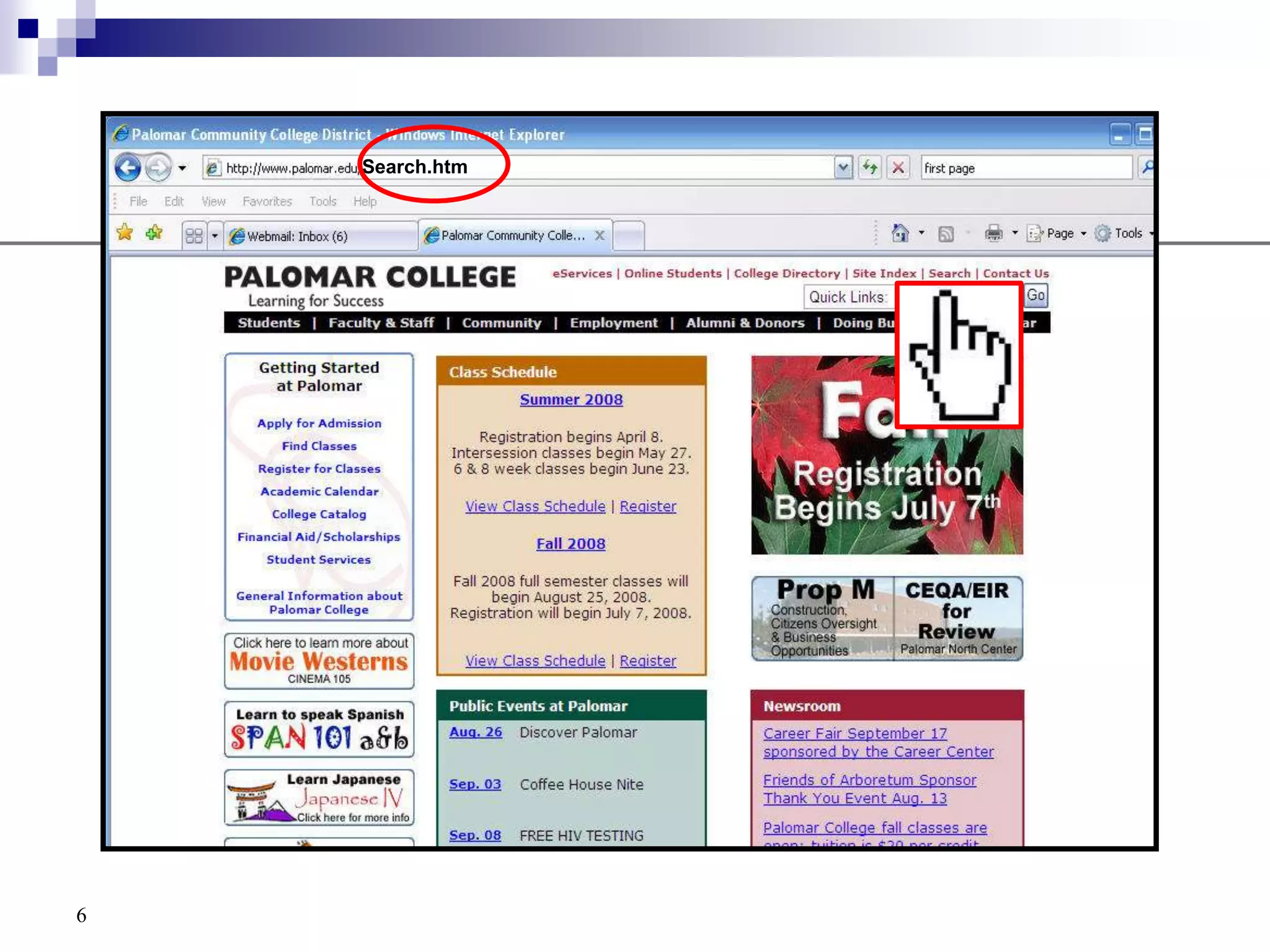
6Search.htm
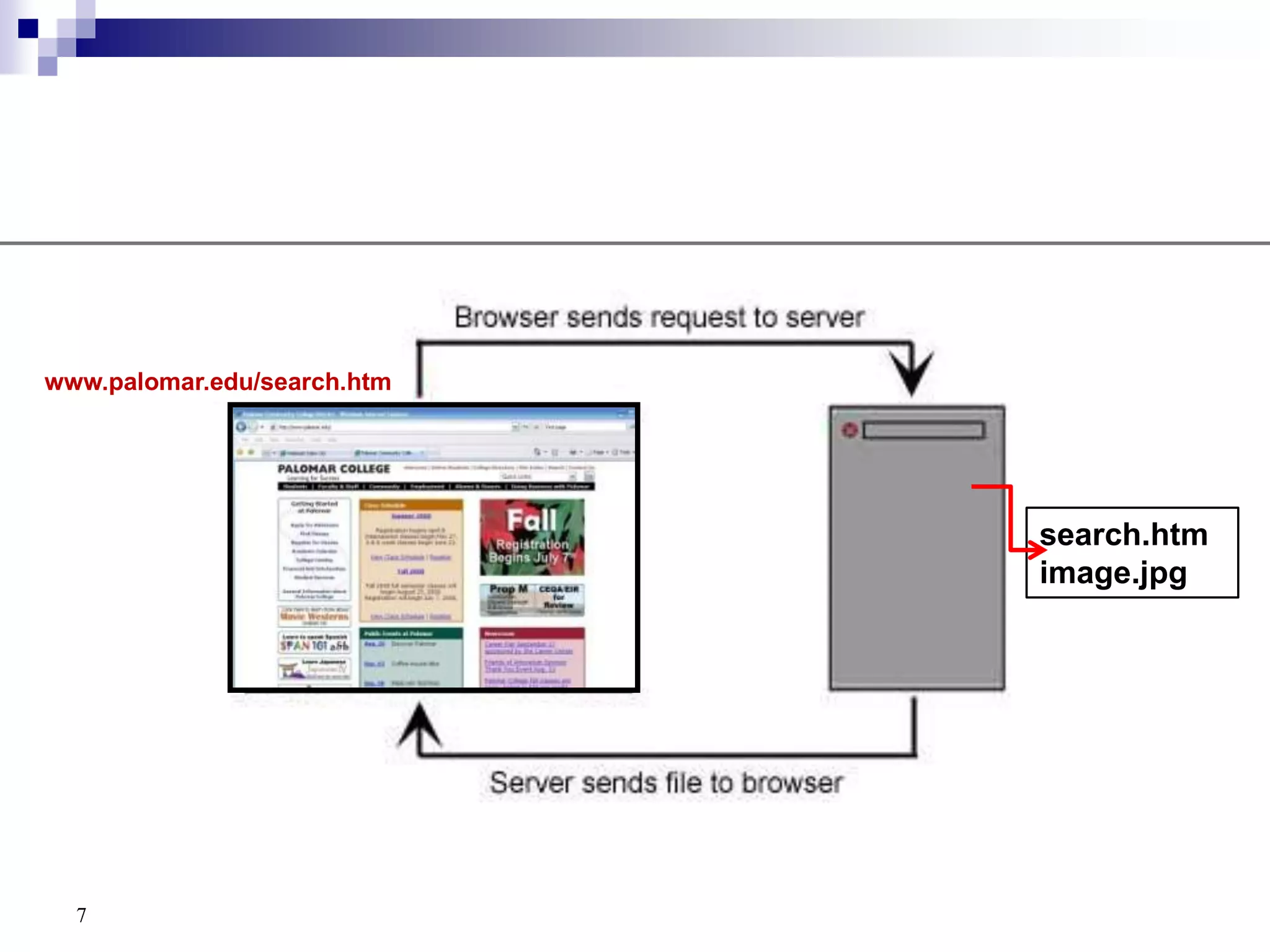
7www.palomar.edu/search.htmsearch.htmimage.jpg
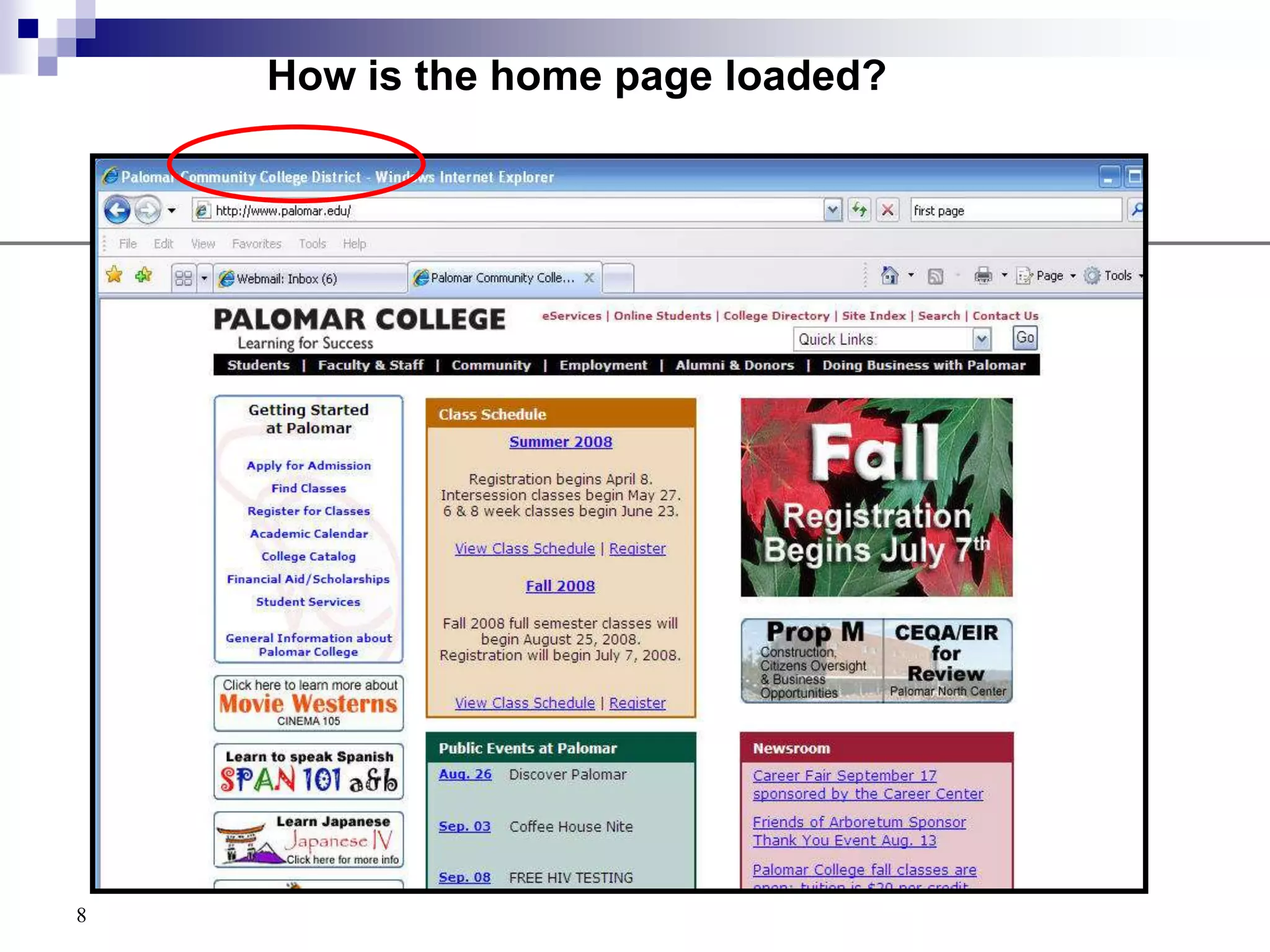
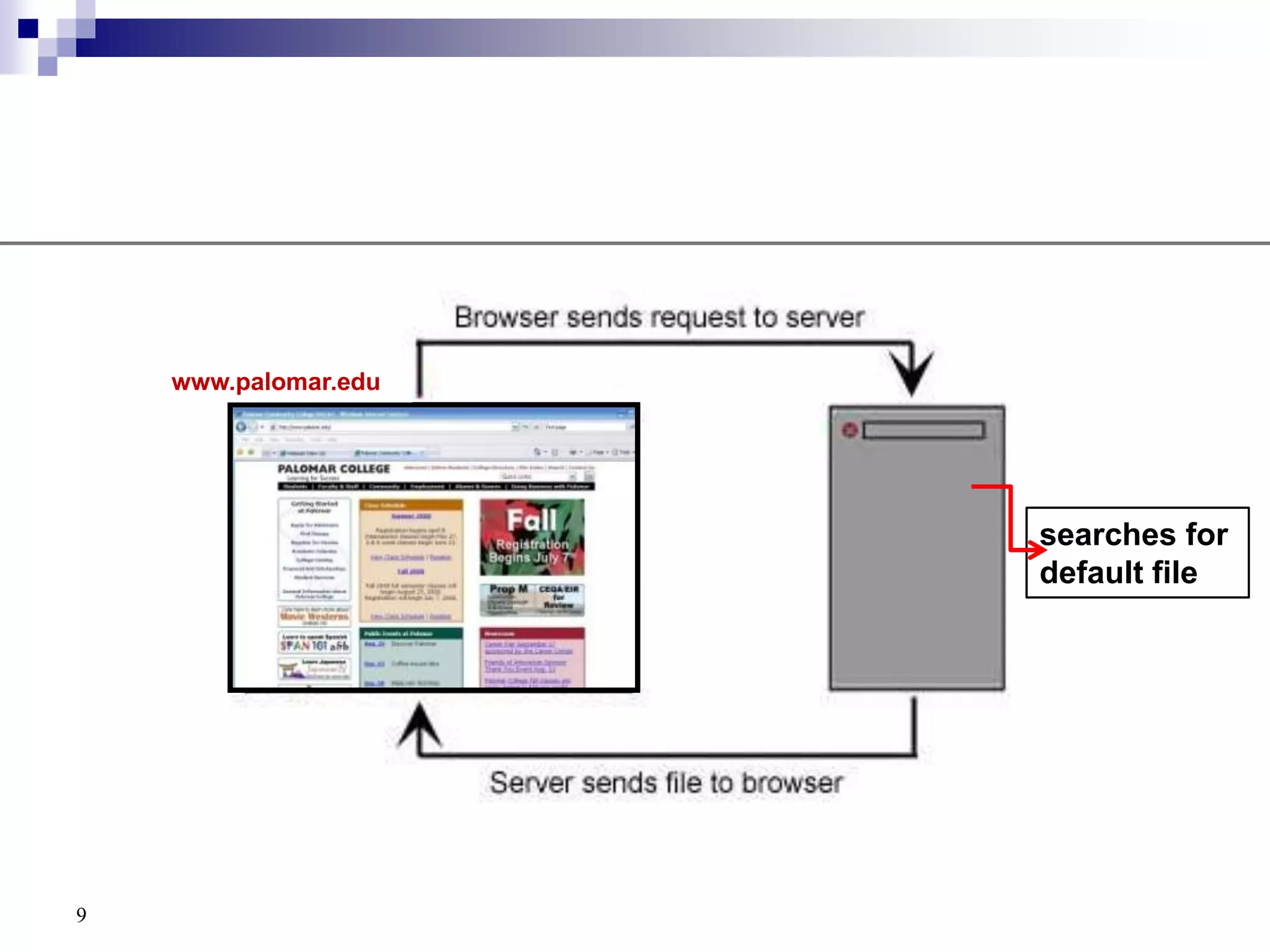
8How is the home page loaded?
9www.palomar.edusearches for default file
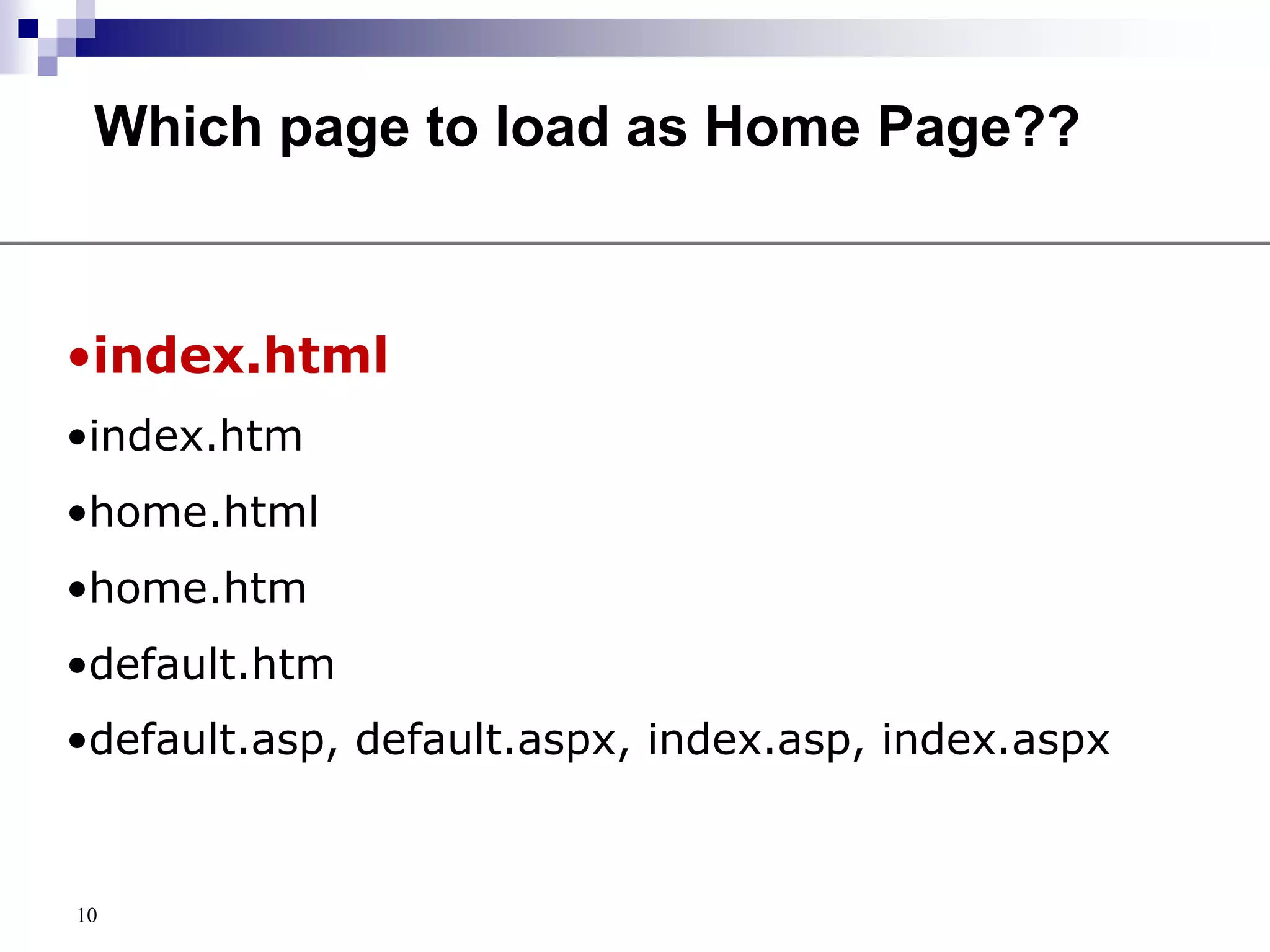
10Which page to load as Home Page??index.html
index.htm
home.html
home.htm
default.htm
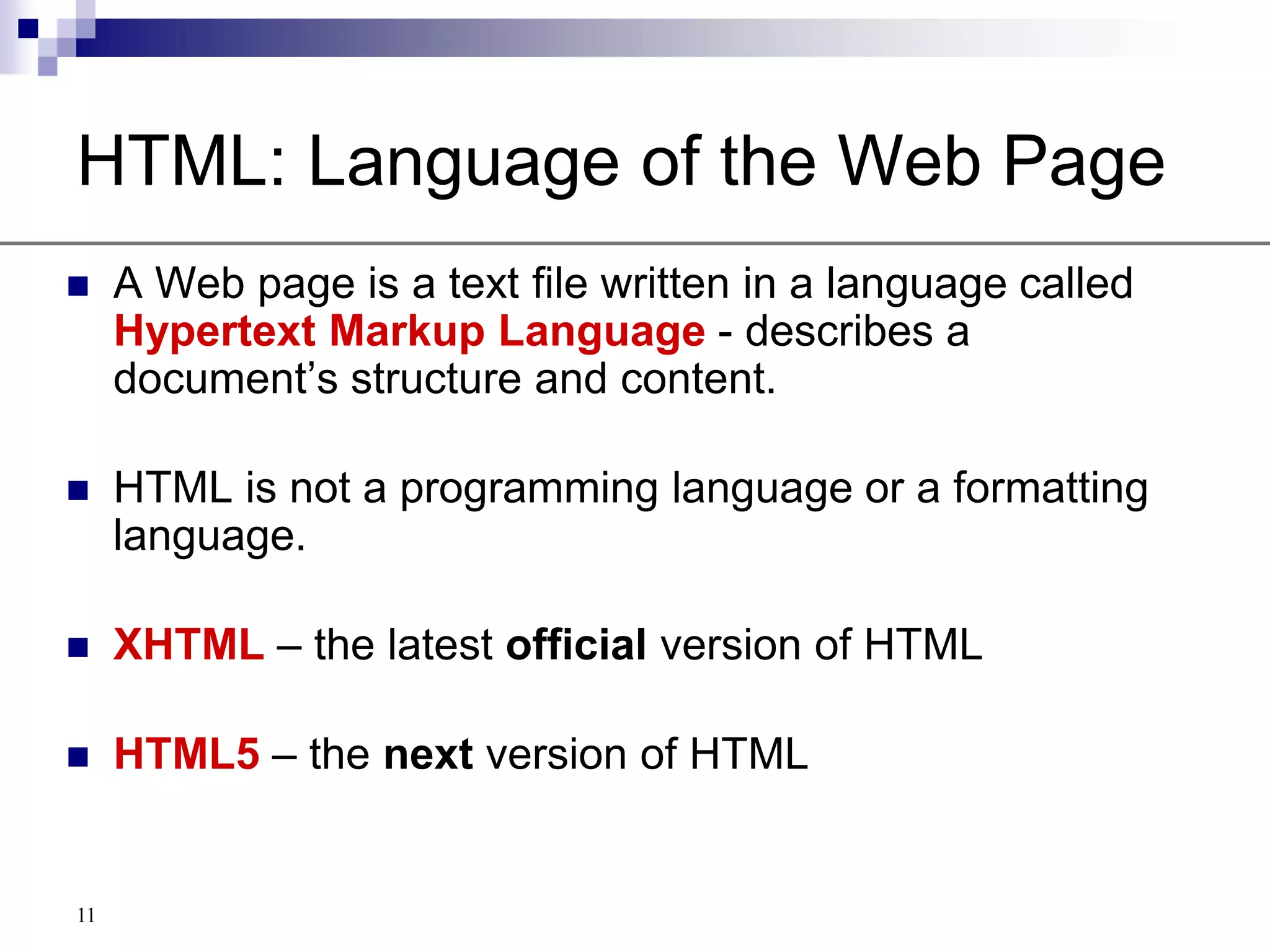
default.asp, default.aspx, index.asp, index.aspx11HTML: Language of the Web PageA Web page is a text file written in a language called Hypertext Markup Language - describes a document’s structure and content.HTML is not a programming language or a formatting language.XHTML – the latest official version of HTMLHTML5– the next version of HTML
Goal of XHTMLPortabilityAccessibilityStandardization12
How was this accomplishedSeparation of content from presentation by using Cascading Style Sheets (CSS)CSS replaces many HTML attributes13
14Tools for Creating HTML DocumentsHTML Editor – CoffeecupText editor – notepadVisual creator – Dreamweaver,  SharePoint DesignerConverter – MSWord
The HTML LanguageElements ( or tags)AttributesValues (of the attributes)15
Characterisitcs of HTML5Open platformAdapts to any deviceNative support for more powerful applications16
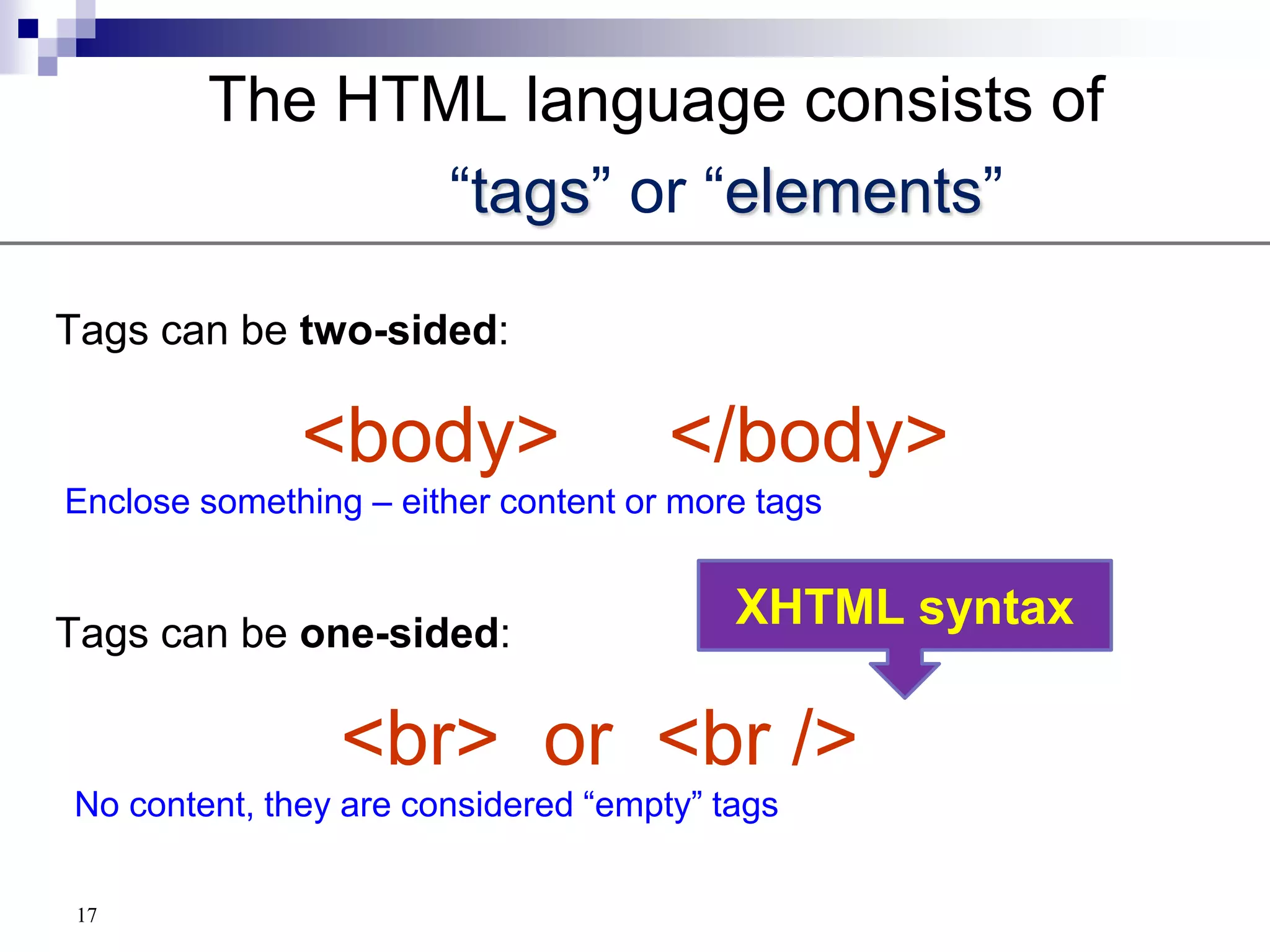
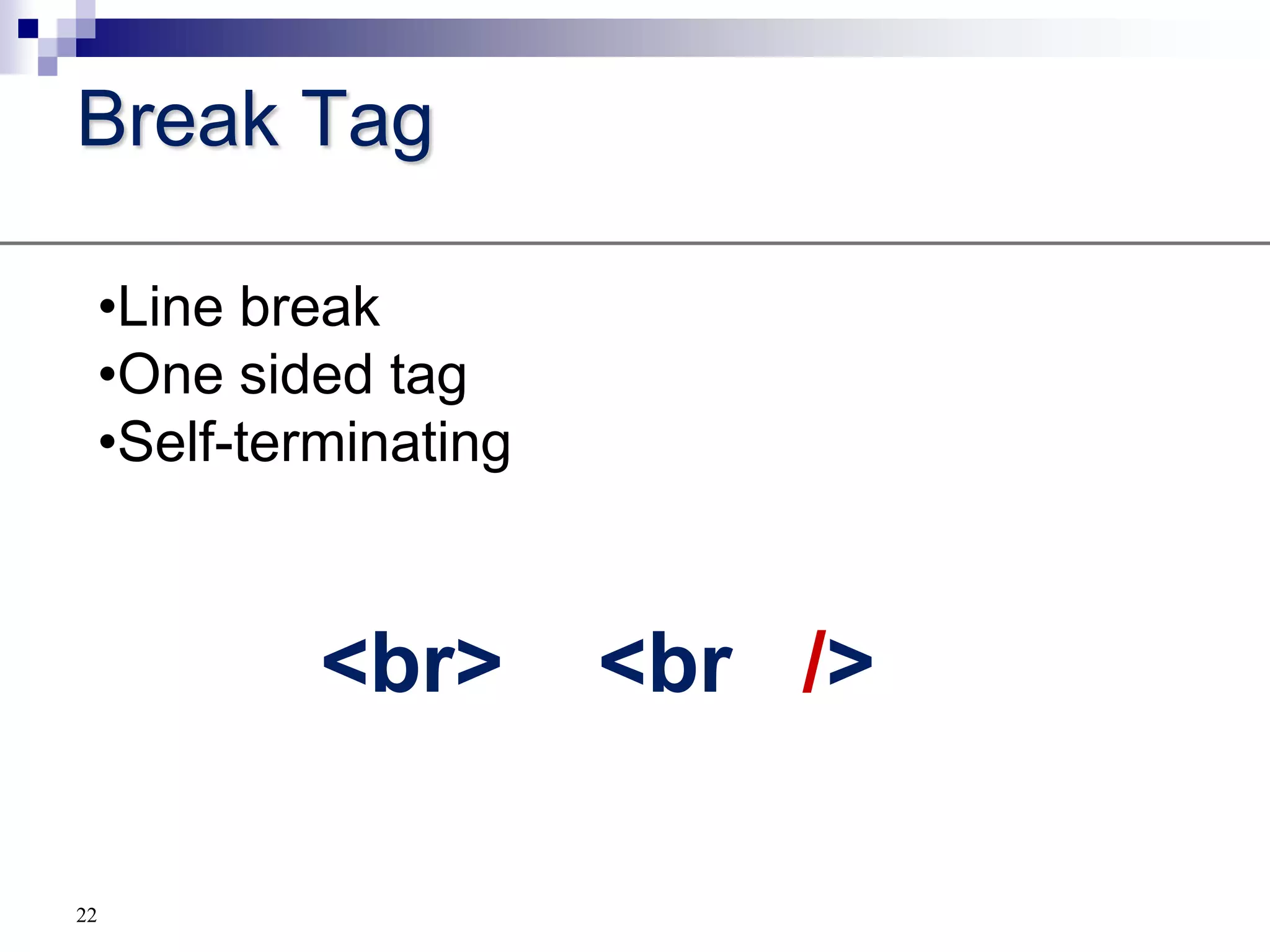
   The HTML language consists of “tags” or “elements”Tags can be two-sided:<body>     </body> Enclose something – either content or more tagsTags can be one-sided:<br>  or  <br/>  No content, they are considered “empty” tags17XHTML syntax
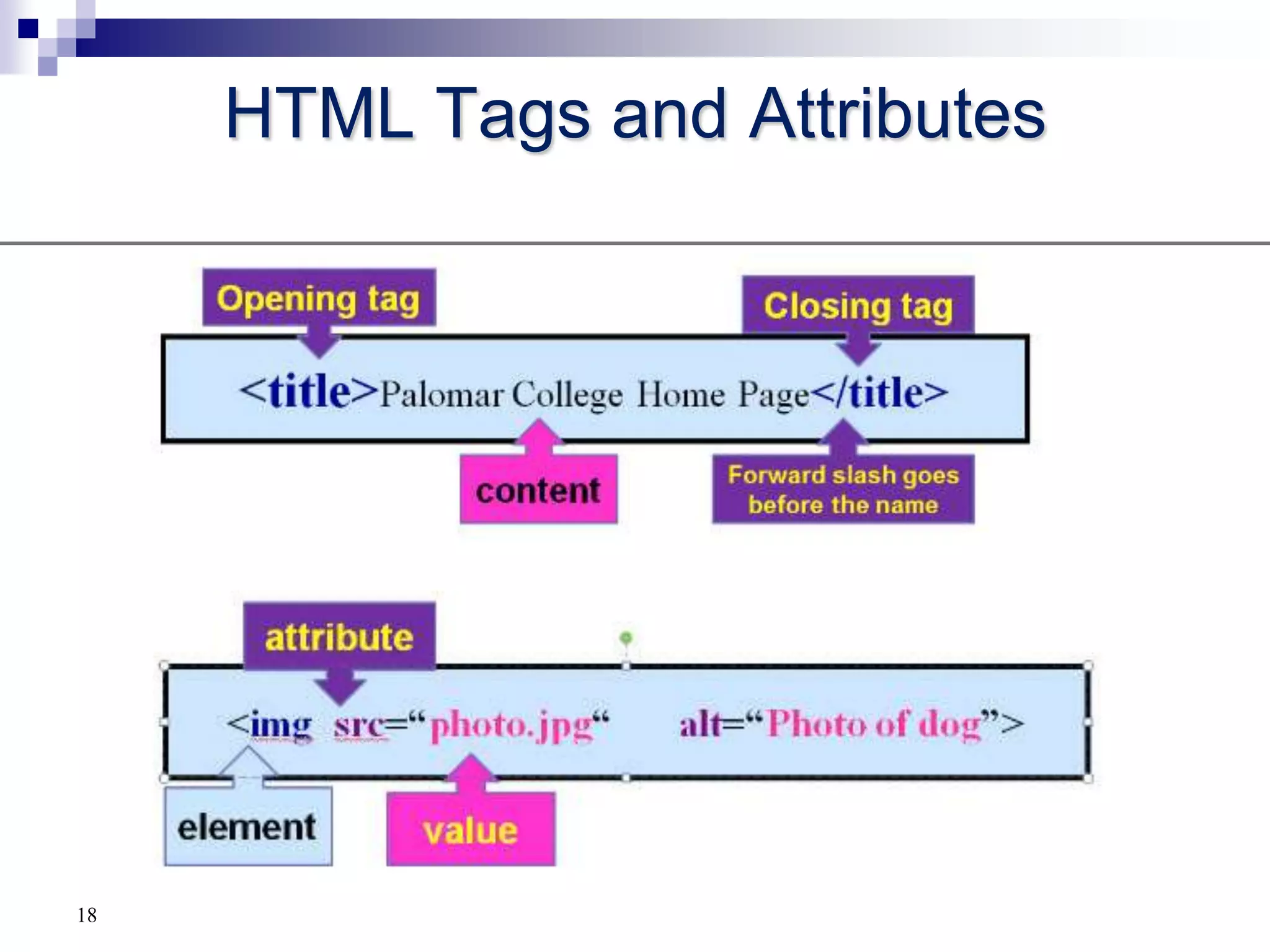
HTML Tags and Attributes18
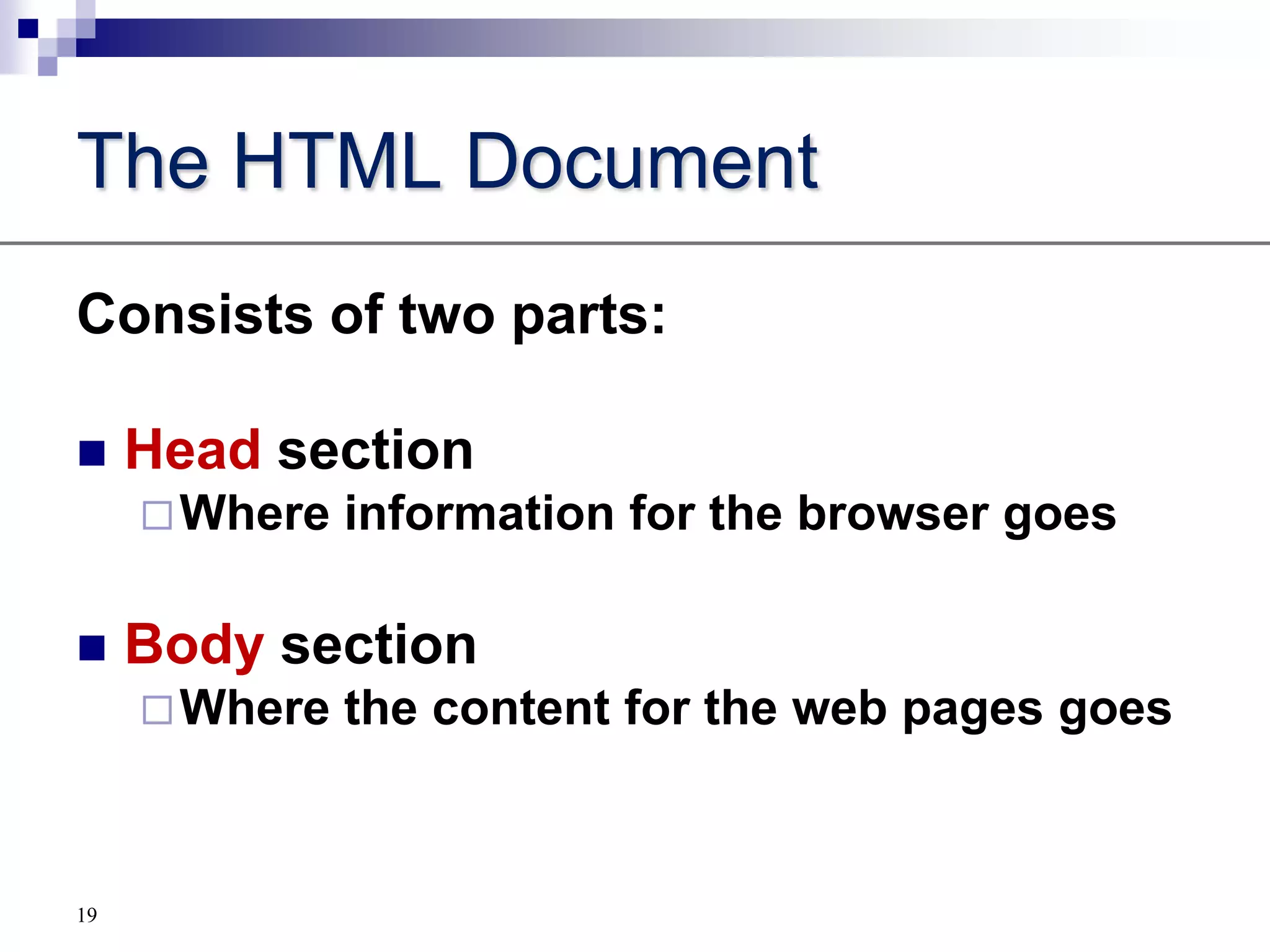
The HTML DocumentConsists of two parts:Head sectionWhere information for the browser goesBody sectionWhere the content for the web pages goes19

CSWB 110 Tutorial1 Part A

  • 1.
    1CSWB 110 HTML/ XHTMLTutorial 1.1 and 1.2 up to lists
  • 2.
    2History of theInternet 1969 Advanced Research Projects Agency Network (ARPANET) Begins
  • 3.
    1989-90 the WorldWide Web (WWW) Begins
  • 4.
  • 5.
  • 6.
    1995 Internet Exploreris Released3Development of the Word Wide WebTimothy Berners-Leeat the CERN nuclear research facility near Geneva, Switzerland, in 1989.He developed a system of interconnected hypertextdocuments that allowed their users to easily navigate from one topic to anotherHTML- language of the WebHTTP – protocol to send and receive Web pages
  • 7.
    4HyperTextDocumentsAn entire collectionof linked documents is referred to as a Web site. The hypertext documents within a Web site are known as Webpages.A Web page can contain text, graphics, audio, video.These are separate files that also reside with the html file
  • 8.
    5Web Servers andWeb BrowsersA Webpage is stored on a Web server The browser or clientdisplays the Web page The Web page is written in the HTMLlanguageThey communicate with the HTTPprotocol
  • 9.
  • 10.
  • 11.
    8How is thehome page loaded?
  • 12.
  • 13.
    10Which page toload as Home Page??index.html
  • 14.
  • 15.
  • 16.
  • 17.
  • 18.
    default.asp, default.aspx, index.asp,index.aspx11HTML: Language of the Web PageA Web page is a text file written in a language called Hypertext Markup Language - describes a document’s structure and content.HTML is not a programming language or a formatting language.XHTML – the latest official version of HTMLHTML5– the next version of HTML
  • 19.
  • 20.
    How was thisaccomplishedSeparation of content from presentation by using Cascading Style Sheets (CSS)CSS replaces many HTML attributes13
  • 21.
    14Tools for CreatingHTML DocumentsHTML Editor – CoffeecupText editor – notepadVisual creator – Dreamweaver, SharePoint DesignerConverter – MSWord
  • 22.
    The HTML LanguageElements( or tags)AttributesValues (of the attributes)15
  • 23.
    Characterisitcs of HTML5OpenplatformAdapts to any deviceNative support for more powerful applications16
  • 24.
    The HTML language consists of “tags” or “elements”Tags can be two-sided:<body> </body> Enclose something – either content or more tagsTags can be one-sided:<br> or <br/> No content, they are considered “empty” tags17XHTML syntax
  • 25.
    HTML Tags andAttributes18
  • 26.
    The HTML DocumentConsistsof two parts:Head sectionWhere information for the browser goesBody sectionWhere the content for the web pages goes19
  • 27.
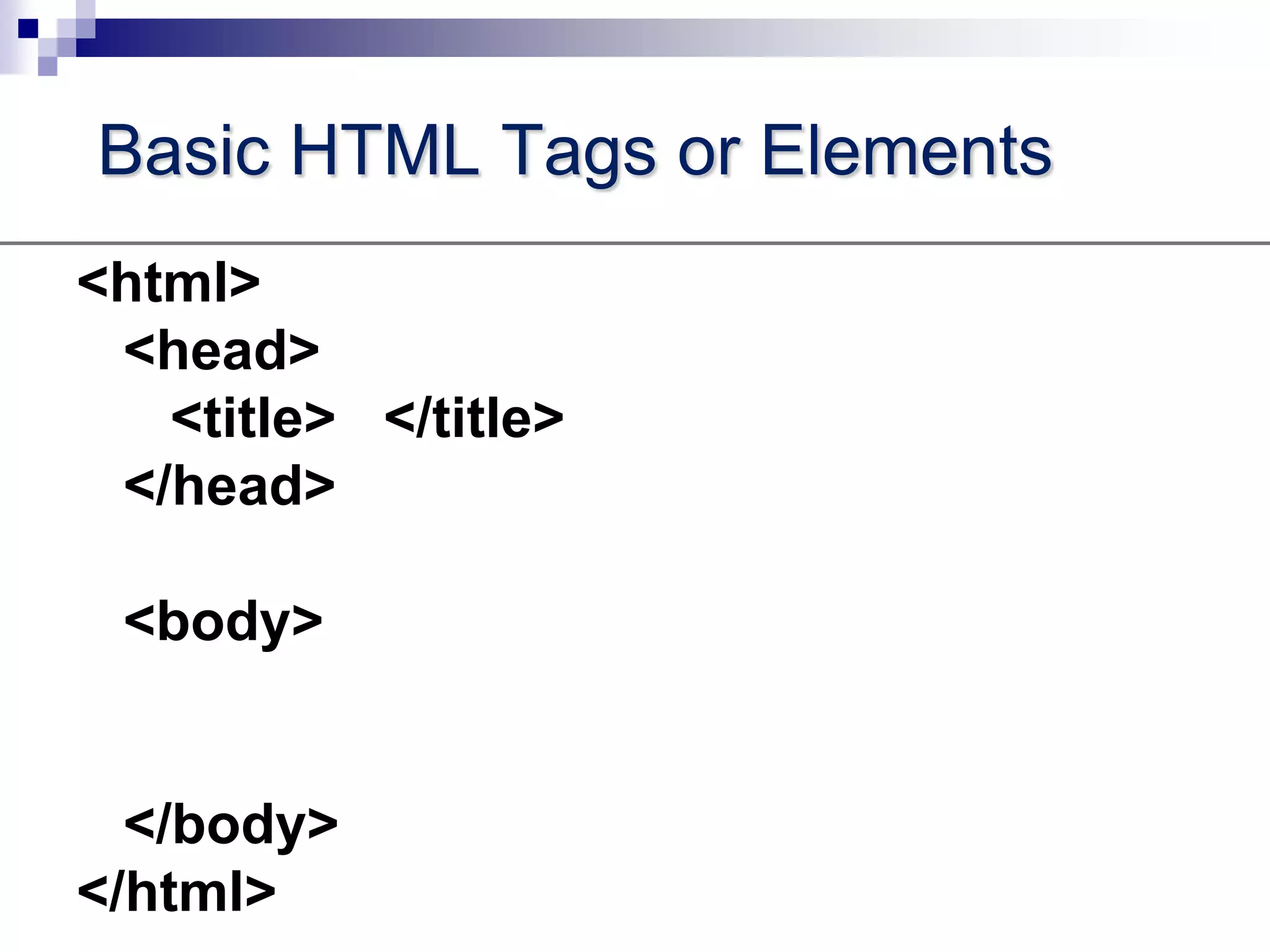
    Basic HTML Tagsor Elements<html> <head> <title> </title> </head> <body> </body></html>
  • 28.
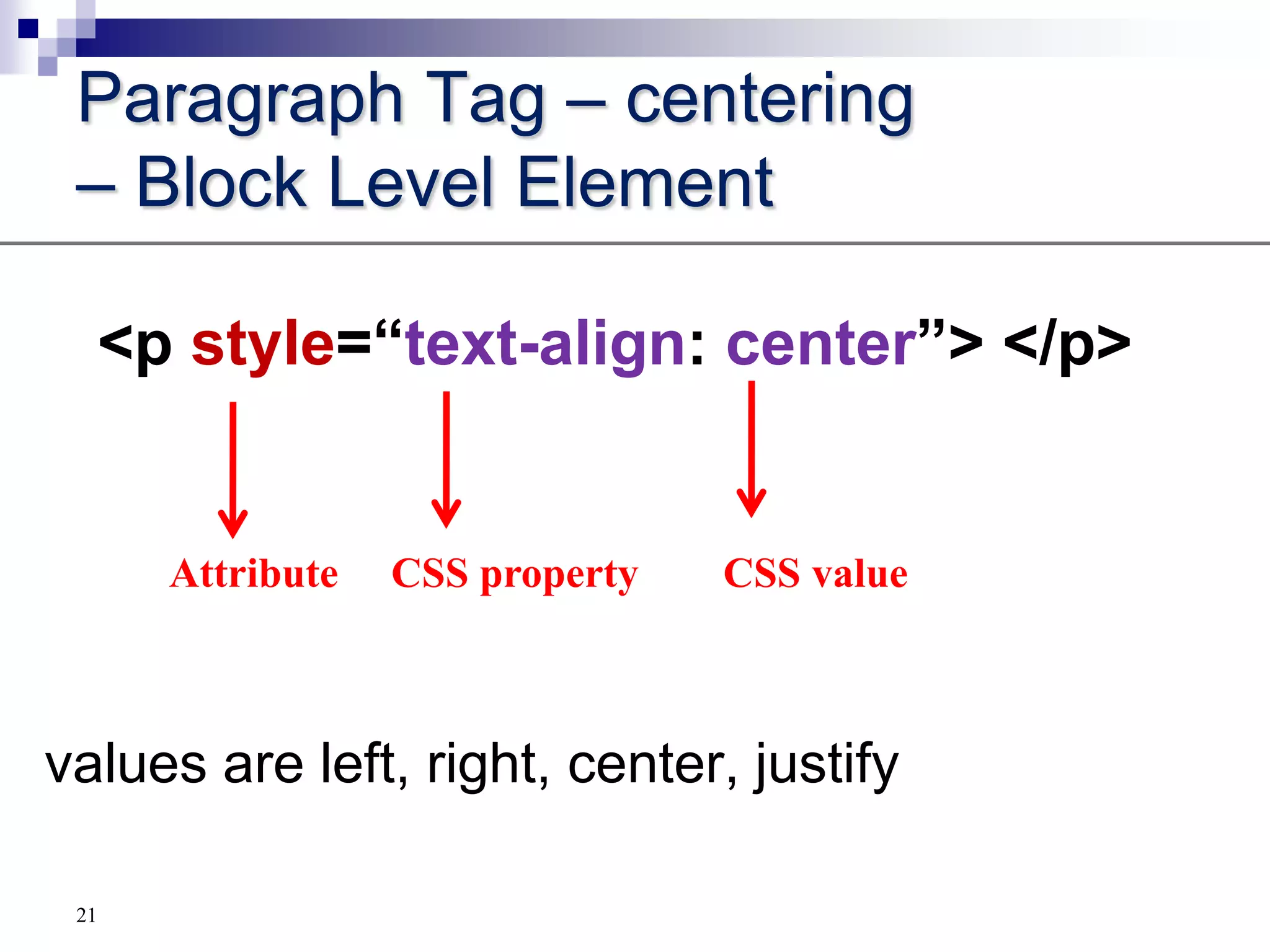
    Paragraph Tag –centering – Block Level Element<p style=“text-align: center”> </p>values are left, right, center, justify Attribute CSS property CSS value21
  • 29.
  • 30.
  • 31.
  • 32.
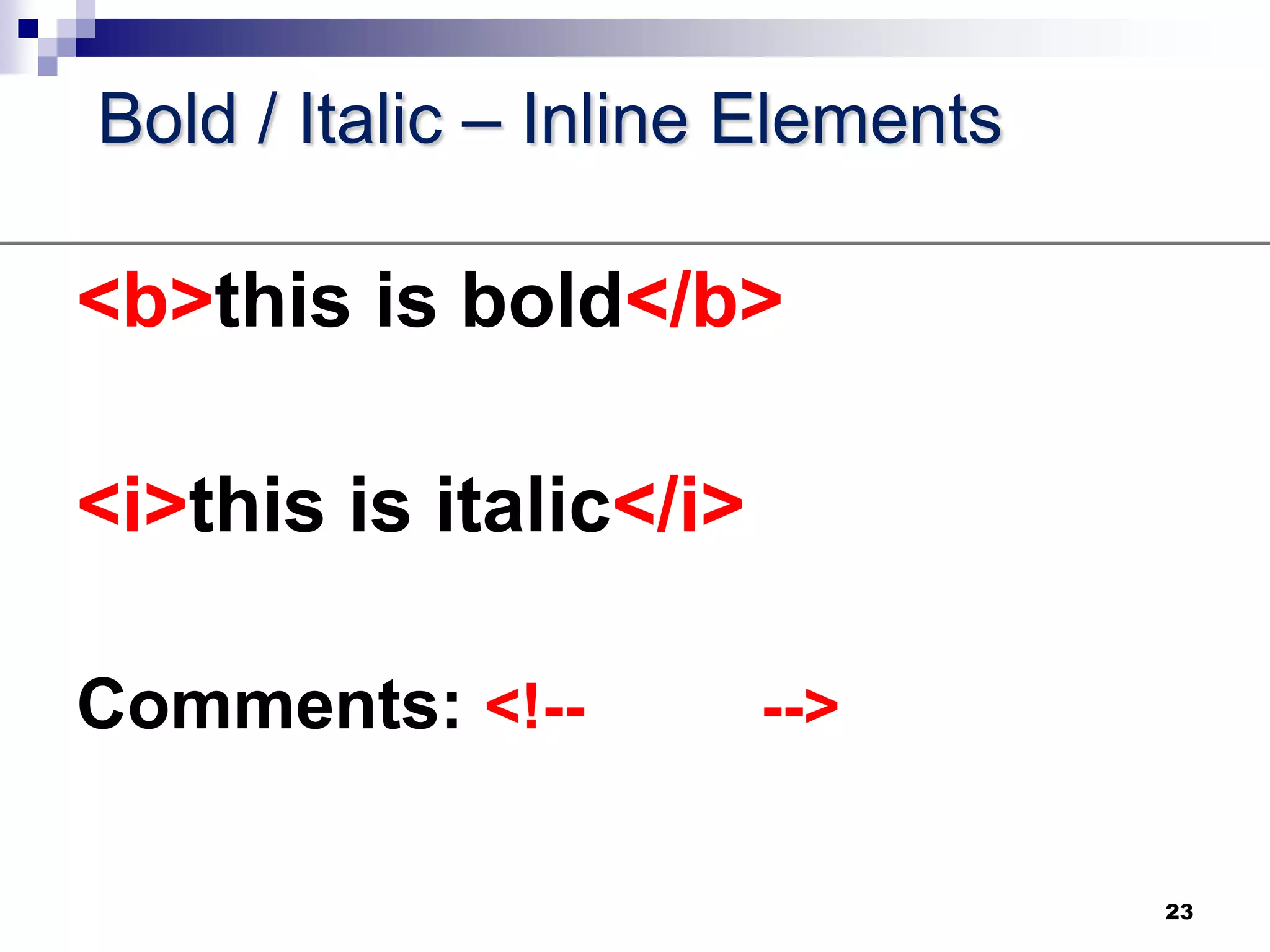
    Bold / Italic– Inline Elements<b>this is bold</b><i>this is italic</i>Comments: <!-- -->23
  • 33.
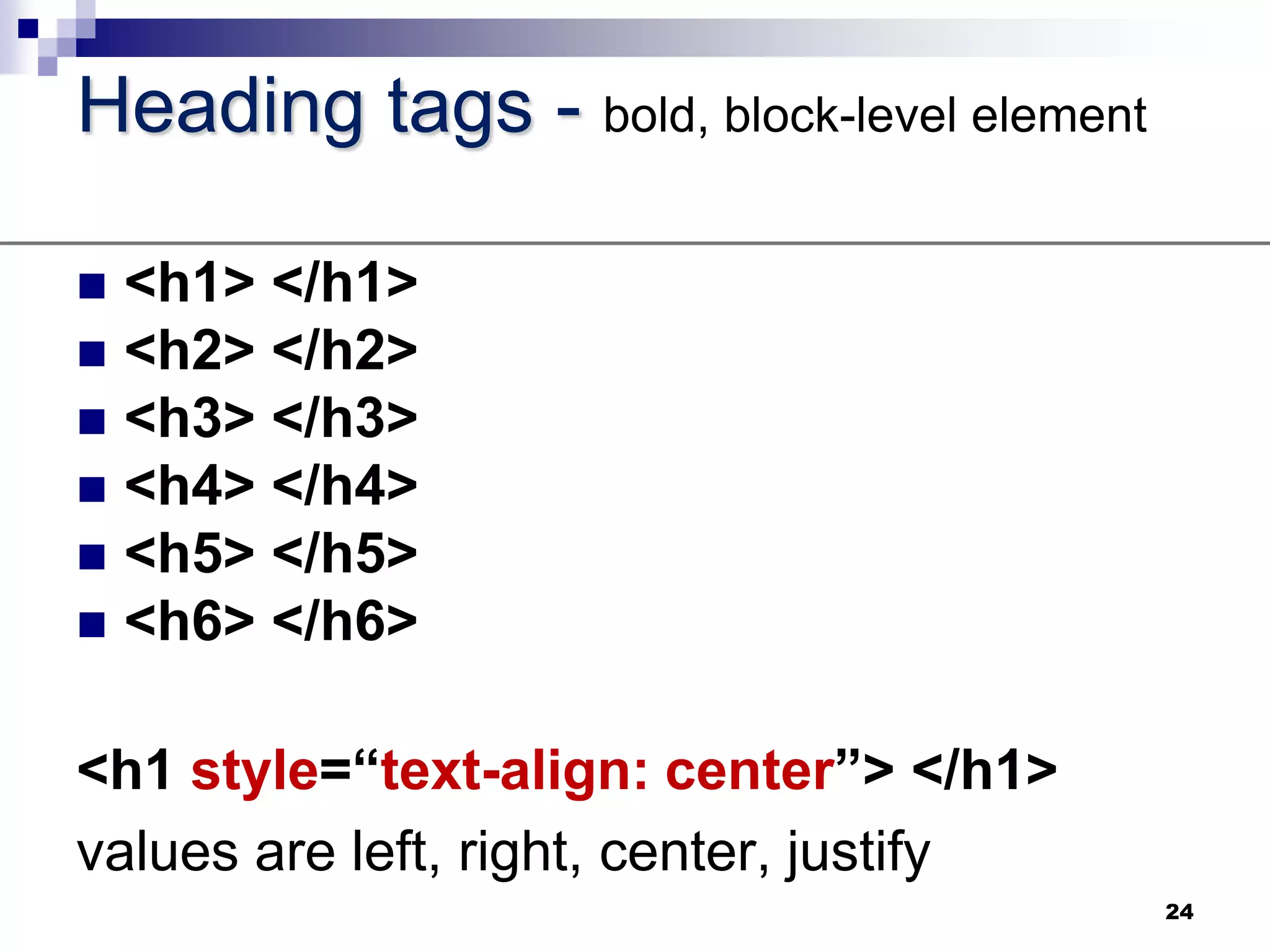
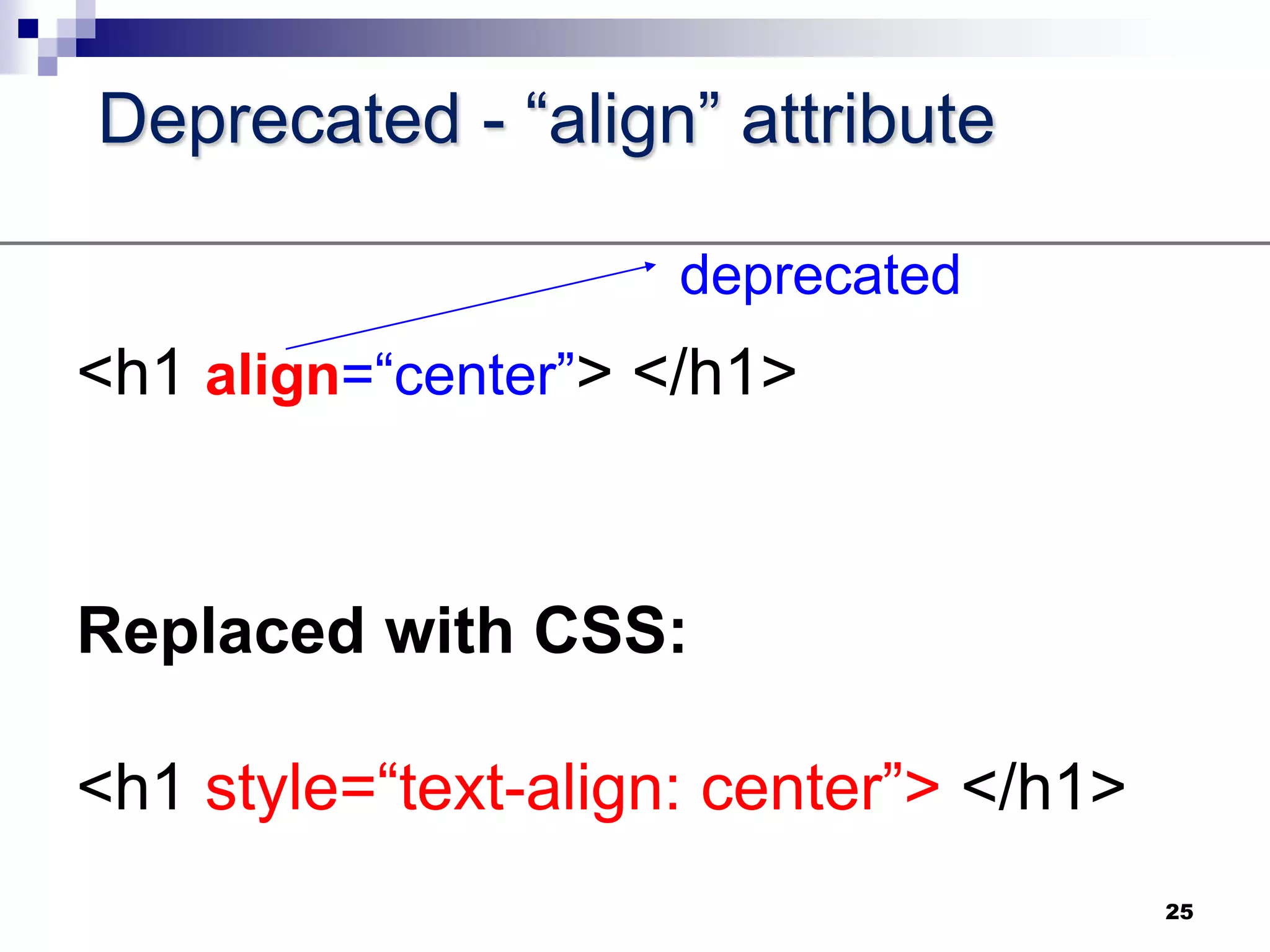
    Heading tags -bold, block-level element<h1> </h1><h2> </h2><h3> </h3><h4> </h4><h5> </h5><h6> </h6><h1 style=“text-align: center”> </h1>values are left, right, center, justify24
  • 34.
    Deprecated - “align”attribute<h1 align=“center”> </h1>Replaced with CSS:<h1 style=“text-align: center”> </h1>25deprecated
  • 35.
    Now start learningto write HTML by using the elements we have just covered!26